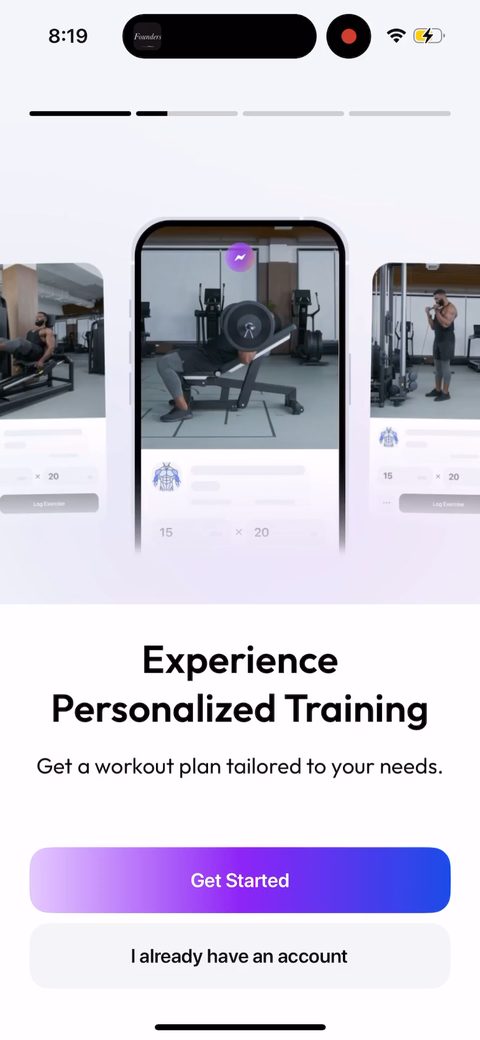
1234The intro is a chat mockup of Zing texting you about burning 1000 calories. They show the product as a conversation before asking for anything, so you get the AI-coach idea in one screen. Note 'I already have an account' is the only other option here, no forced signup to start.56Health-data consent gated before the quiz starts. They have to ask because the whole flow pulls from Apple Health, but front-loading a legal consent screen is a drop-off risk. I'd test softening the copy so it reads less like a terms wall.78Pick your coach from four personas with real personalities (John tough love, Sarah sass, Jennifer warm, Chris efficient). It's a small choice that sets the AI's voice and makes the whole thing feel built for you. Picking an avatar is also a cheap micro-commitment two screens in.910Asks your name and reuses it later. It shows up on the commit screen ('I, Jacob, commit...') and the plan. Cheap zero-party data that makes the downstream screens feel personal.11Primary goal question, weight loss vs muscle gain. This is the fork everything keys off, the plan name, the paywall headline ('Muscle Gain plan'), the copy. Good to ask it early.1213Single-select on obstacles (lack of consistency, plateaus, no accountability, stress). Most people have more than one of these. I'd make it multi-select, both for better data and because checking a few boxes raises investment.14151617Apple Health access asked mid-flow. Granting it lets them skip a bunch of typing on the next screens, so the ask pays for itself. Pulling real workout and weight data also makes the plan feel grounded.18Loading screen showing 'connecting to Apple Health, analyzing your profile, integrating with Zing'. The work is fast, but stepping it out reinforces that they're doing something custom for you.19Age, height, and current weight pre-filled from Apple Health, you just confirm. Way less friction than typing it all, and it makes the data feel accurate instead of guessed. This is the payoff for the health permission two screens back.2021Target weight picker with an 'Easy win: you'll gain at least 0% of muscle' callout. The 0% is a bug, the personalized number didn't populate, which undercuts the whole point of the message. Worth fixing since this is exactly the kind of detail that builds or breaks trust.2223Body-scan screen teasing muscle mass and body fat tracking. This seeds the add-on they sell later as the Pro Training Kit. Planting the feature here so the upsell at the end feels like something you already wanted.24Multi-select on which areas to train (shoulders, arms, back, chest, legs, etc). Good use of multi-select here, and tapping several body parts is more investment than a single choice.25262728293031'96% of Zing users say Zing Vision is their favorite feature' dropped into the quiz next to a body-scan render. Social proof used mid-flow to build value for a specific feature before you've seen it. Smart placement.323334Workout frequency with a 'smart schedule' default that 'dynamically adapts'. Framing the adaptive option as the smart one nudges you toward letting the AI decide, which is the product's whole pitch.3536Session length with named tiers (Burst 20, Boost 30, Typical 40, Power 50, Endurance 60). Naming the options instead of just listing minutes makes the choice feel like a personality pick, not a settings menu.37Workout preview plus the notification opt-in, framed as 'choose a time to receive your workout preview'. Tying the permission to a concrete benefit (your workout, at your time) beats a generic 'enable notifications'. Skip is available, which keeps it from feeling forced.38'Tweaking your muscle gain plan' loading bars stacked with a testimonial from Albert Flores and 'trusted by 598,425 users'. The loading screen doubles as social proof, so the wait time does double duty.3940Same loading screen finishing out with '4.8 on App Store from 23k reviews' and the laurels. They're stacking testimonial, user count, and star rating right before the summary and paywall, peaking trust at the moment of the ask.41'It's all about you' summary echoing back goal, age, fitness level, weight, injuries, intensity. Mirroring the captured answers makes the plan feel earned rather than generic. This is the personalization continuity paying off right before the price.42First-workout preview before any paywall: the Gain Muscle plan with level, location, duration, and an 'explore your first workout' card. Showing the actual built plan is real value before the ask, which is the right order.434445Tap-and-hold to commit, first person with your name in it ('I, Jacob, commit to pushing my limits'). A physical micro-commitment right before the paywall, which nudges buy-in up. The hold-to-commit UX is a proven mechanic here.4647484950Paywall fires after the quiz and commit. Annual is the default at $5/month, and the free trial is a toggle that's off by default. Defaulting to paid-no-trial sends a high-intent purchase signal to the ad networks and filters for people who'll actually pay.51Full three-tier view: 12 months at $5/mo (best value), 3 months, 1 month at $18.99. The monthly anchor makes annual look cheap. Note the trial is still off by default and 'Body Scan is not included', setting up the add-on sale later.52Hit the X and you get a gift box, 'just one last thing, we have a gift for you'. Most people never buy on the first paywall, so an exit-intent second offer picks up some of them.5354The 'gift' is a 50% off summer sale, $79.99 struck through to $39.99/year. Segmented discount for people who bounced off the first wall. Apple restricts discount offers, so framing it as a limited-time sale is the workaround.55Same sale, but now the 7-day trial is toggled ON by default. After you declined the paid-first offer, they flip to trial-on to lower the barrier. Reasonable read of intent: this user needs to try before paying.5657A purchase-failed screen with retry. Worth noting it's handled inline so a payment hiccup doesn't dump the user out of the flow. Recovering a failed charge here is cheap revenue most apps drop.58Straight into 'your first workout is waiting' after the paywall. They don't drop you on a blank dashboard, they point you at the first rep. Good activation handoff.596061626364656667Calendar permission to schedule workouts onto your real calendar. Tying a workout to a calendar slot raises the odds you actually do it, which is good for retention. Ambitious ask this early though, I'd watch the grant rate.686970717273Activity streak starts at 0 with 'restart your activity streak, time to get your activity back on track'. Streak framing to pull you back into the habit loop. Reads a little odd on day one when there's nothing to restart yet.747576Add-on paywall for the Pro Training Kit (AI Body Scan plus Nutrition Guide), $59.99 struck to $29.99 one-time. This is the body scan they teased back in the quiz, now sold as a separate purchase on top of the subscription. Two revenue lines from one user.777879808182Challenges with badges plus 'build your team, invite friends to complete this challenge'. The invite is a growth loop: if a slice of users invite a friend, CAC drops by that much. Wrapping it in a monthly challenge gives a reason to send the invite now.8384Account creation finally appears, post-paywall, as 'Don't lose your progress, sign in or create an account to safely store your plan'. Deferring signup until after value and loss-aversion framing ('don't lose your progress') beats asking upfront. The tradeoff is anonymous users you can't reach if they never create the account.85
Powered byBotsiAI/ML models to show the right paywall to each user to grow revenueLearn more →
 1
1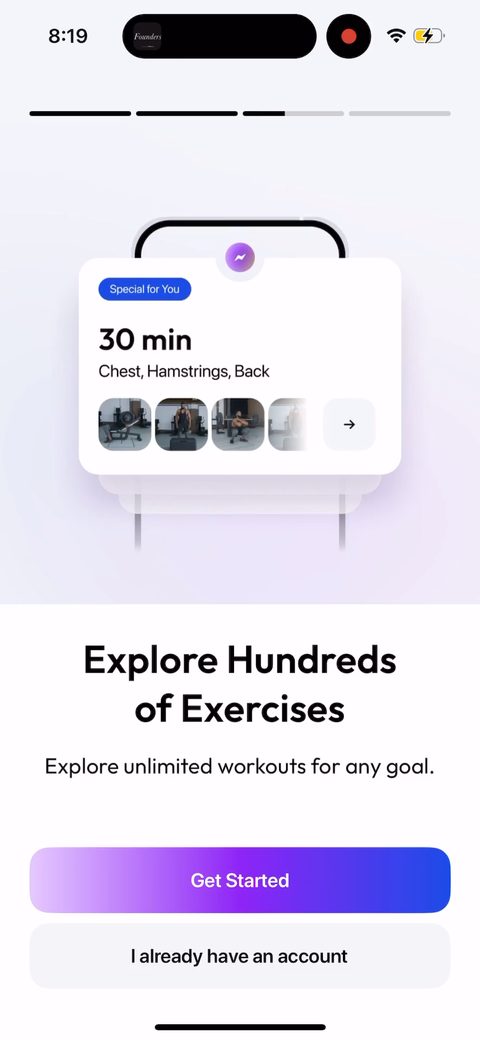 2
2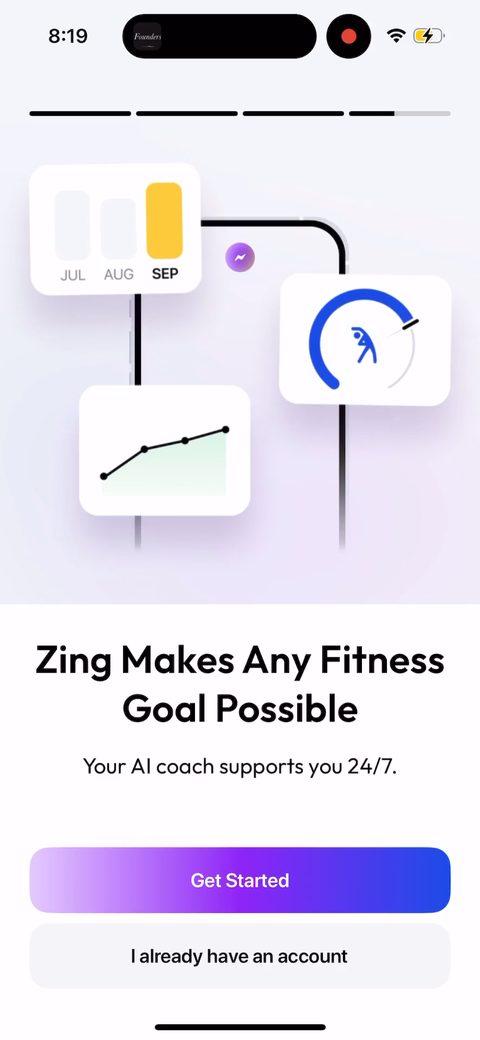 3
3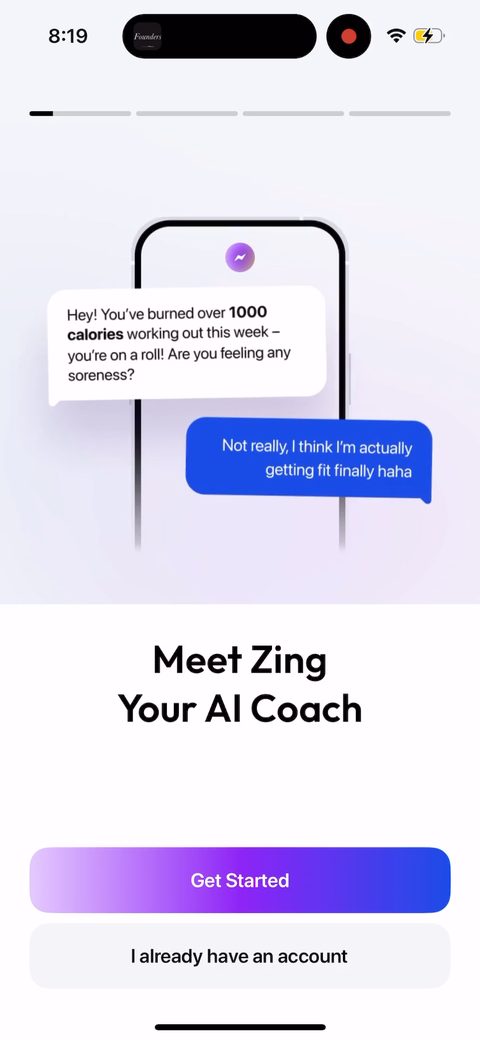 4
4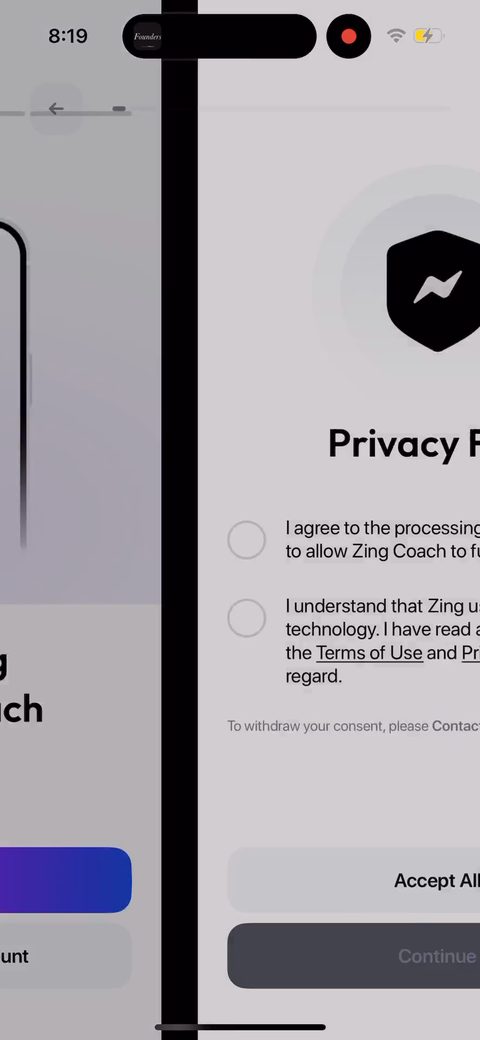 5
5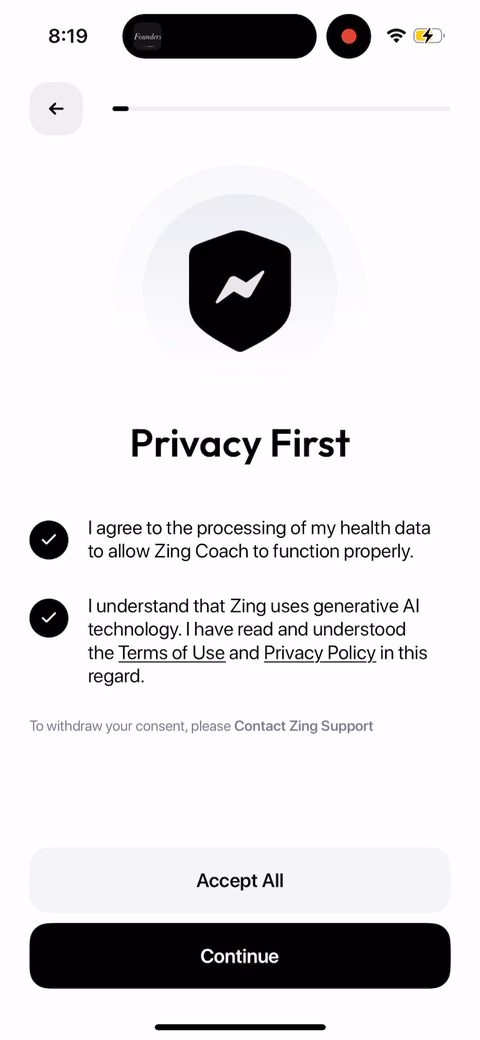 6
6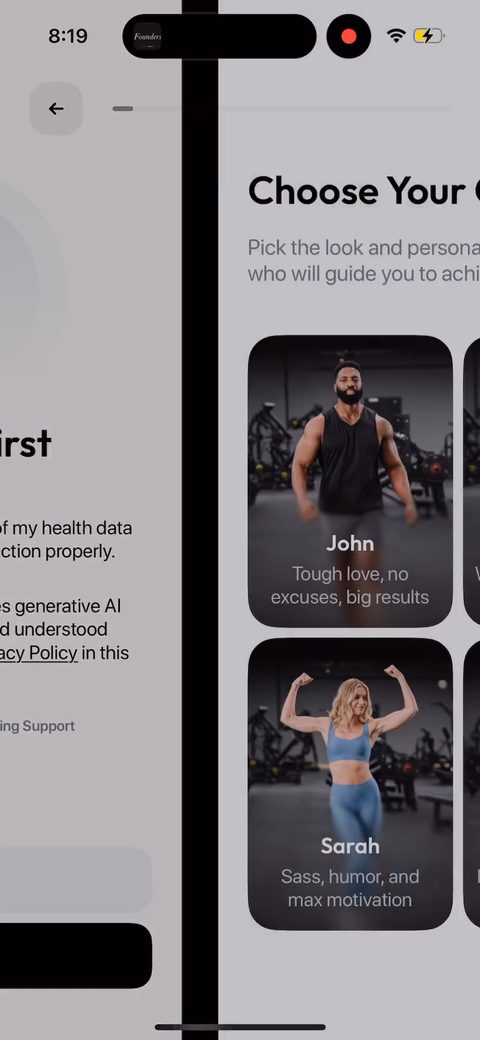 7
7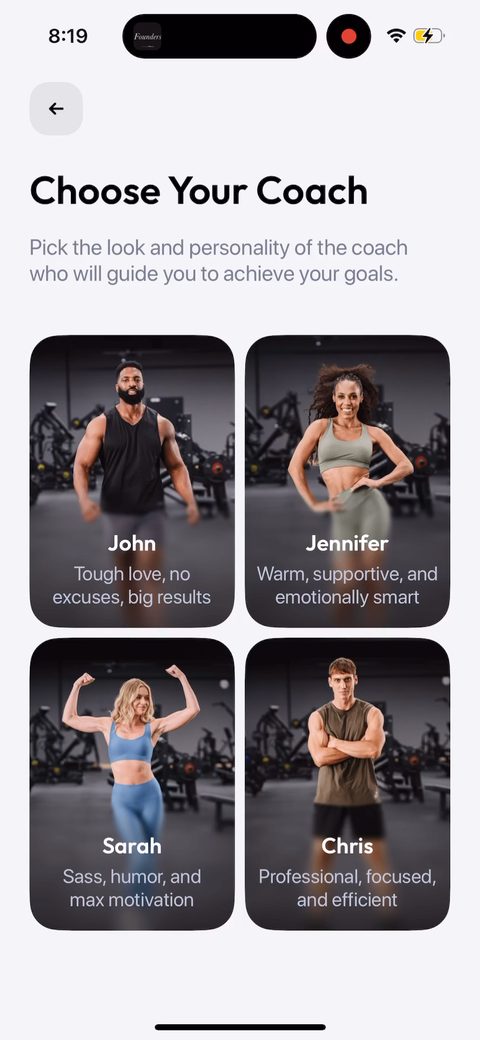 8
8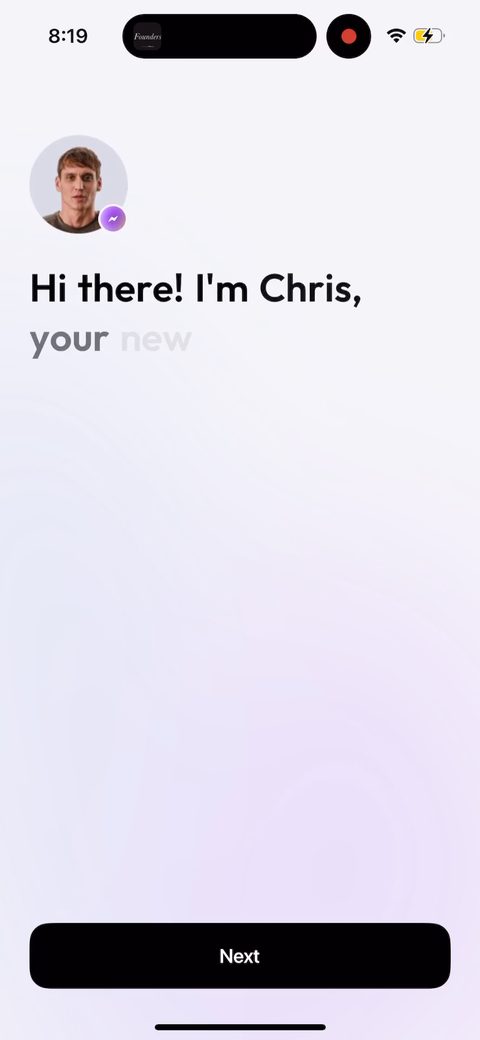 9
9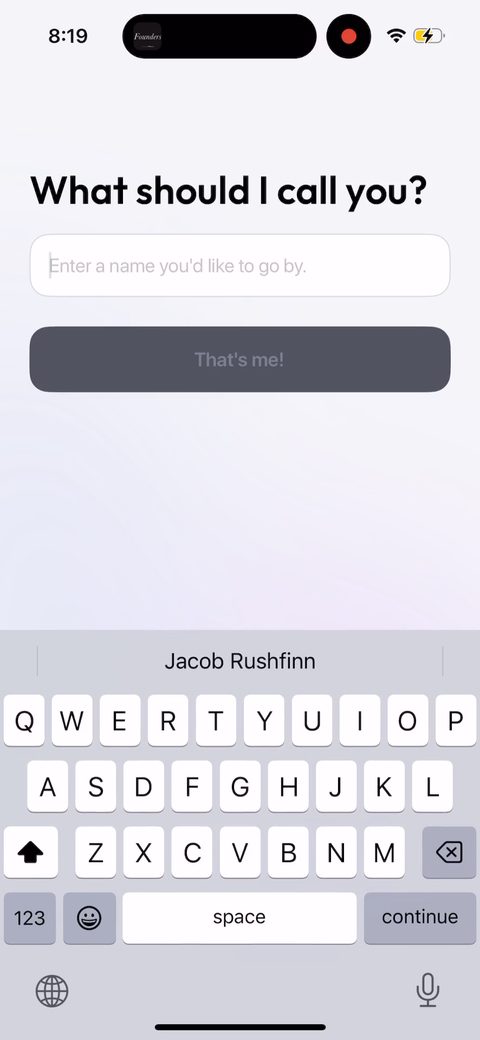 10
10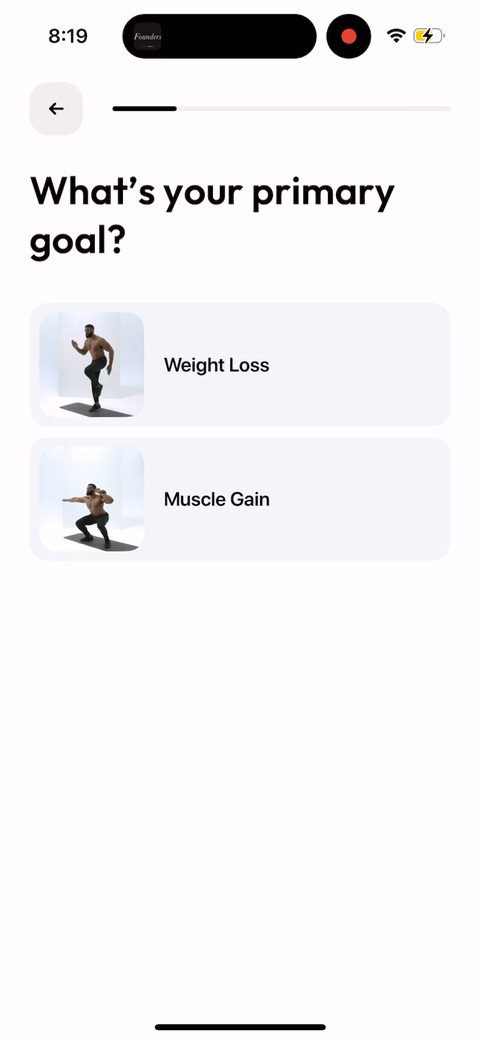 11
11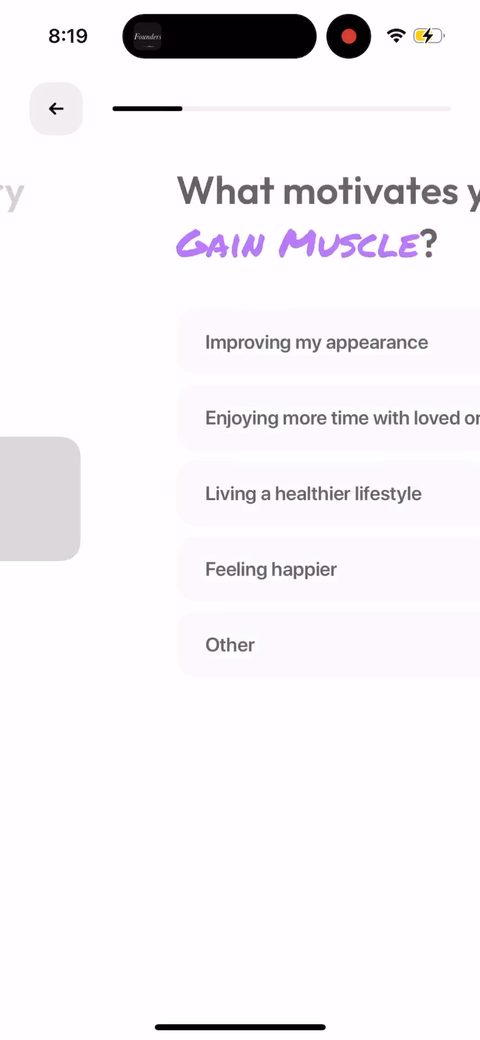 12
12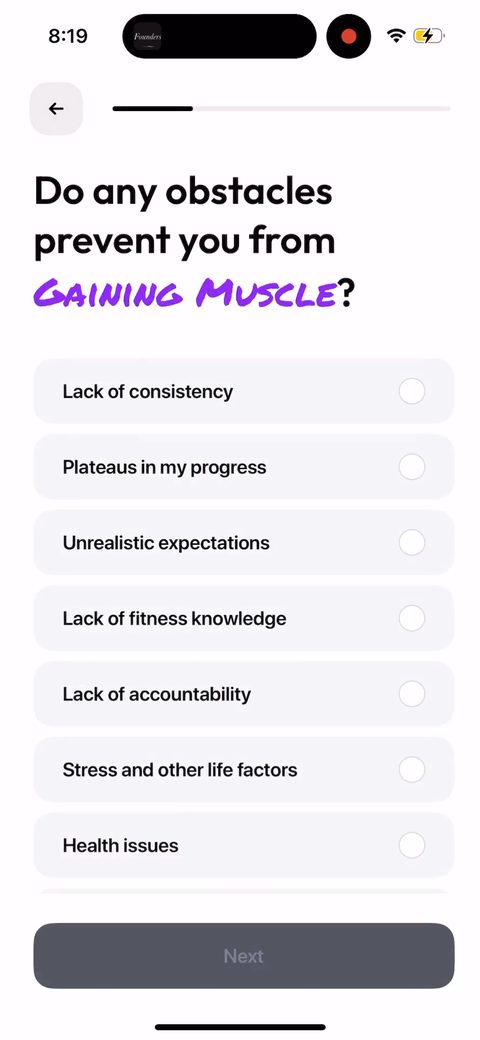 13
13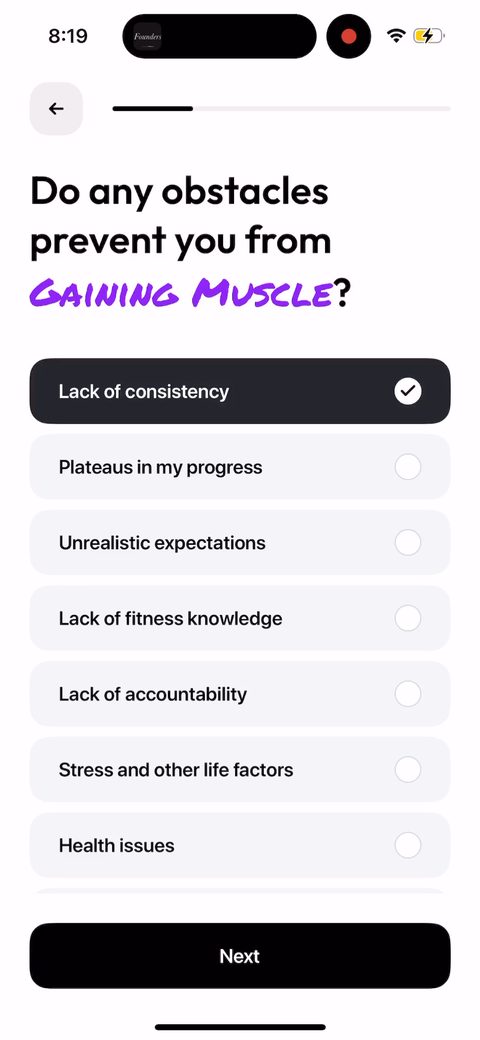 14
14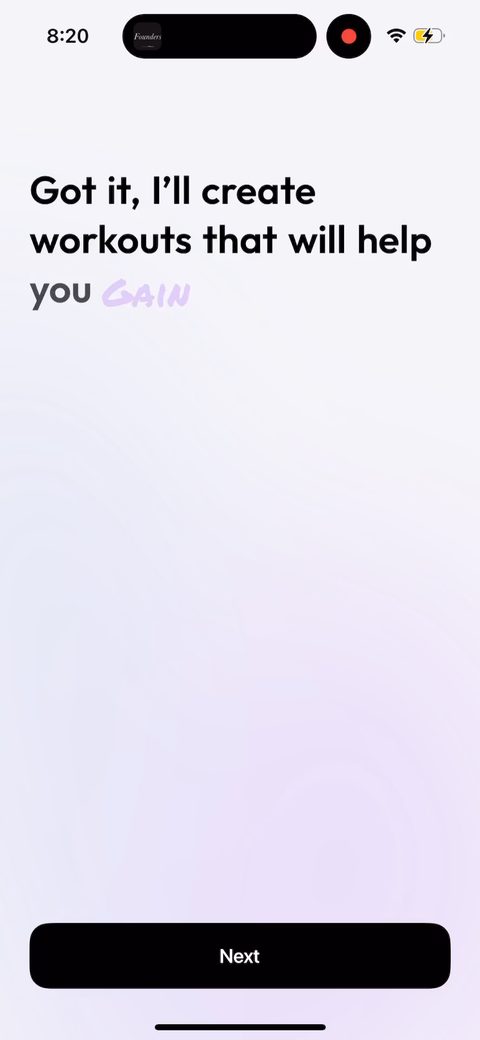 15
15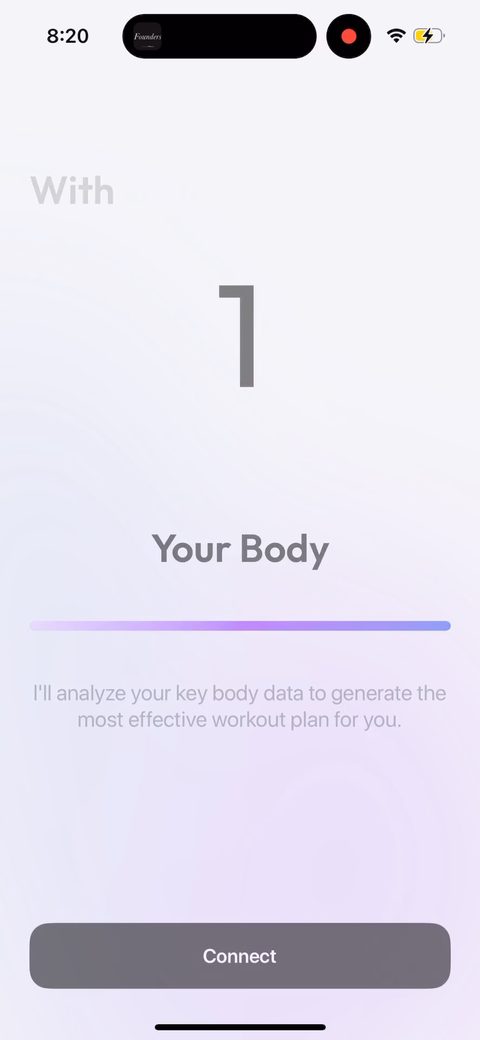 16
16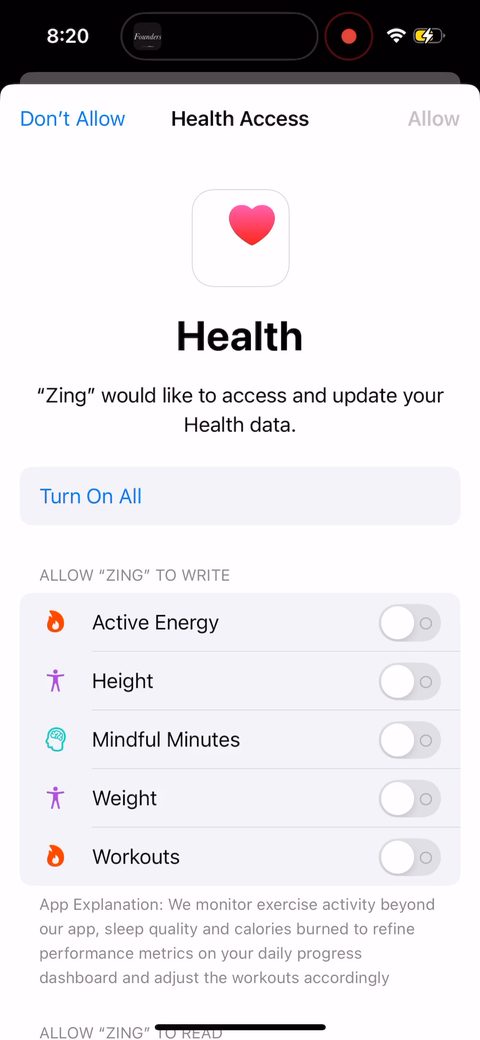 17
17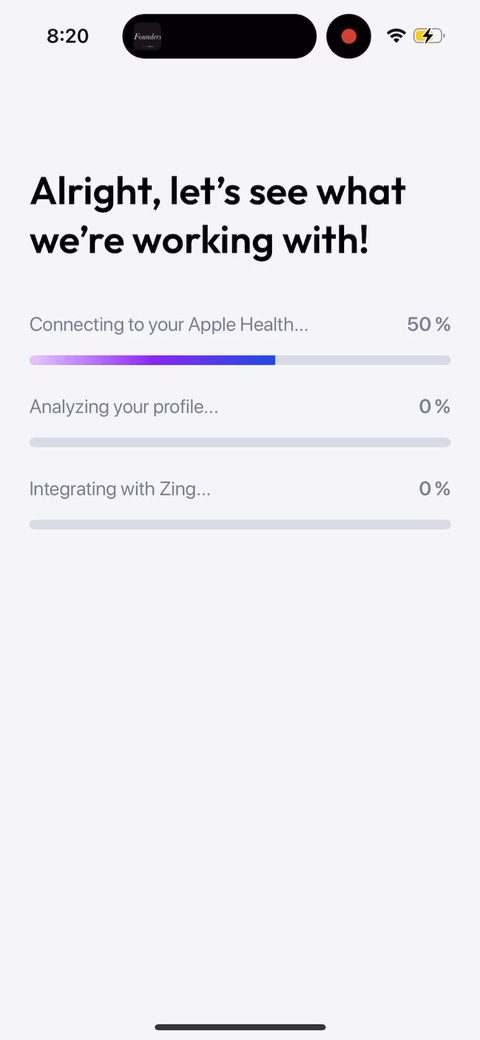 18
18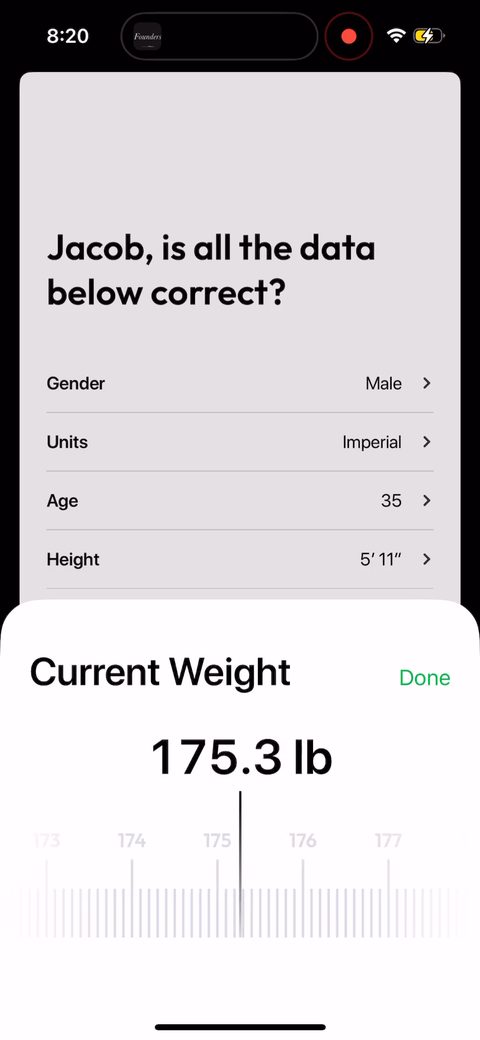 19
19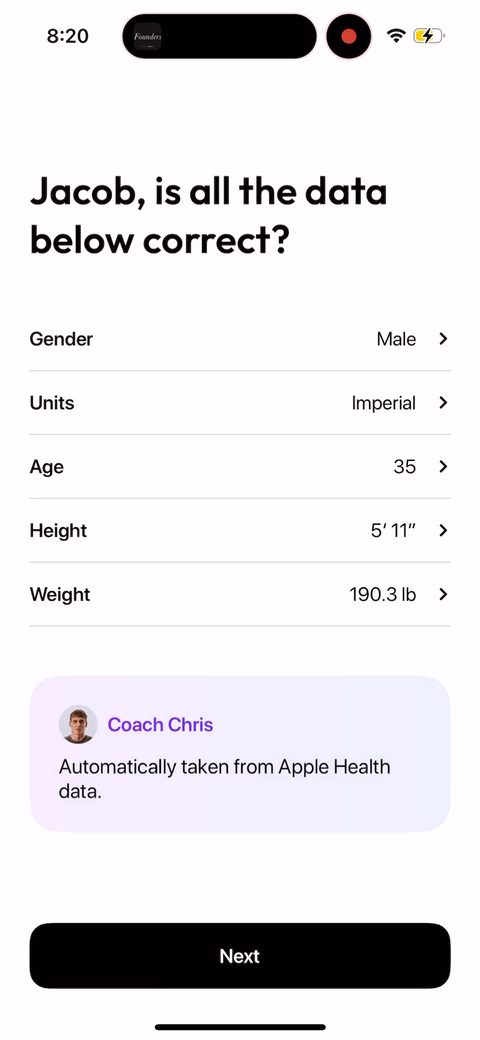 20
20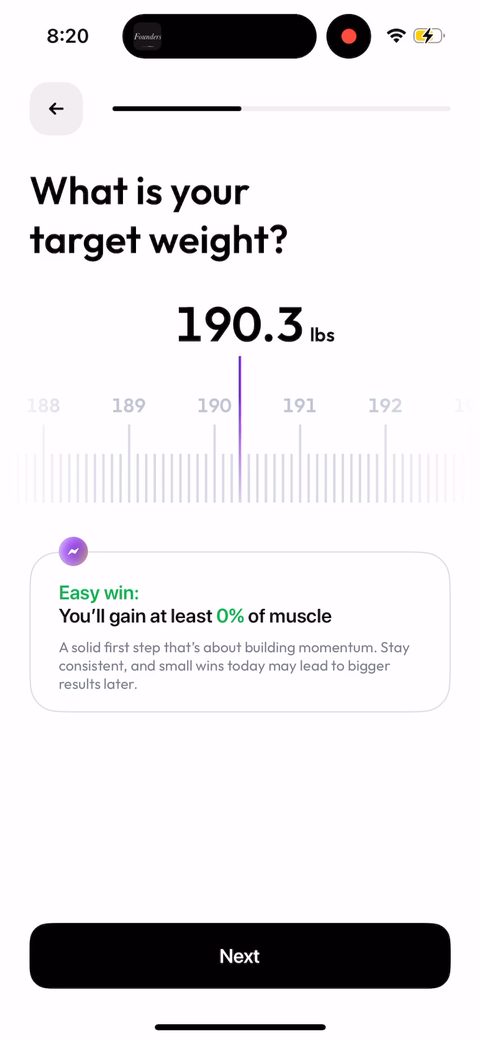 21
21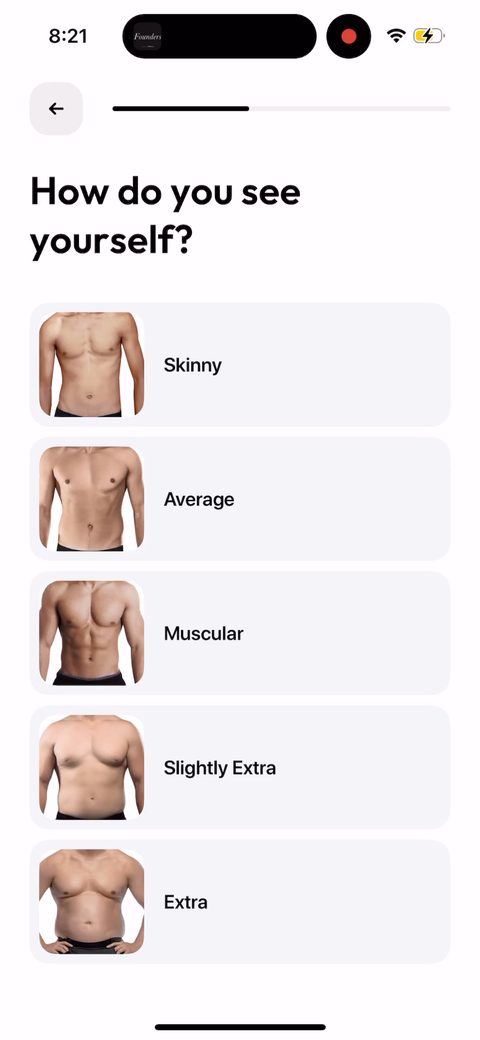 22
22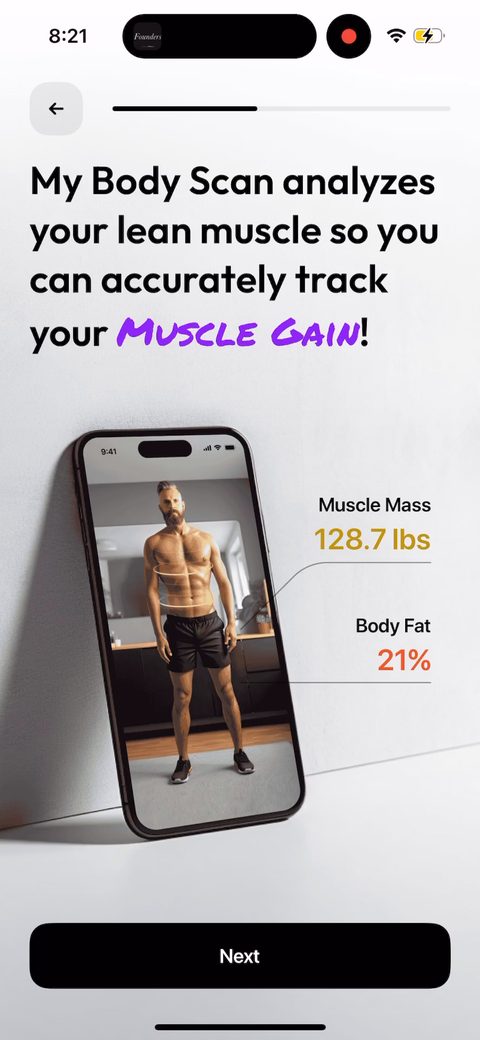 23
23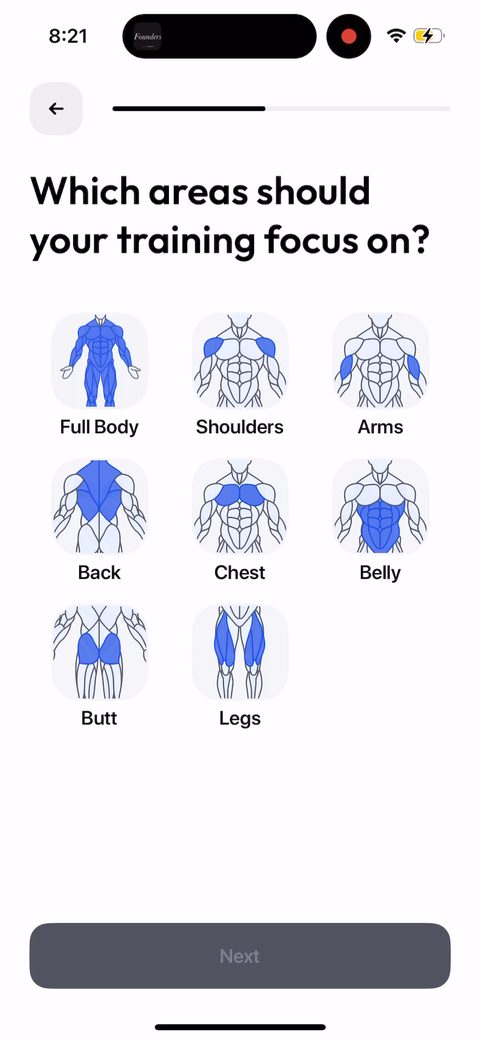 24
24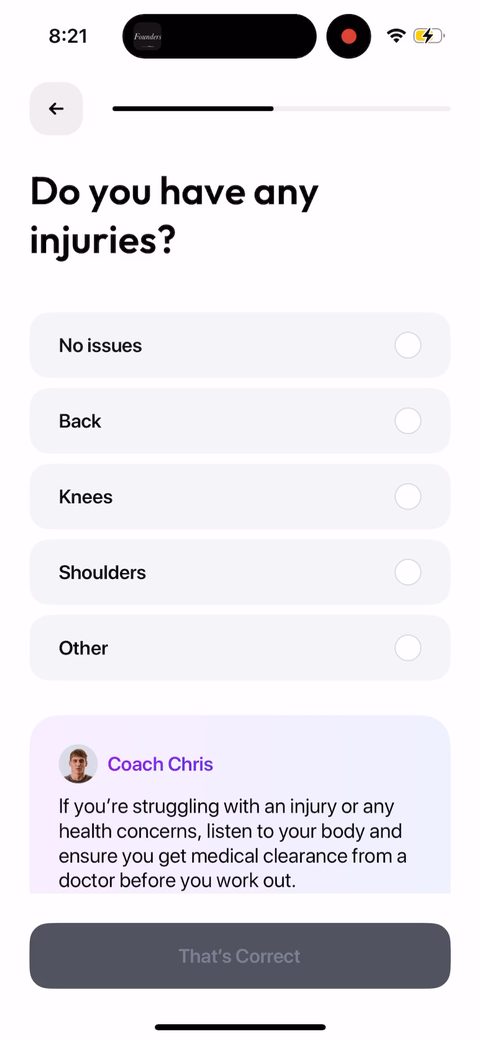 25
25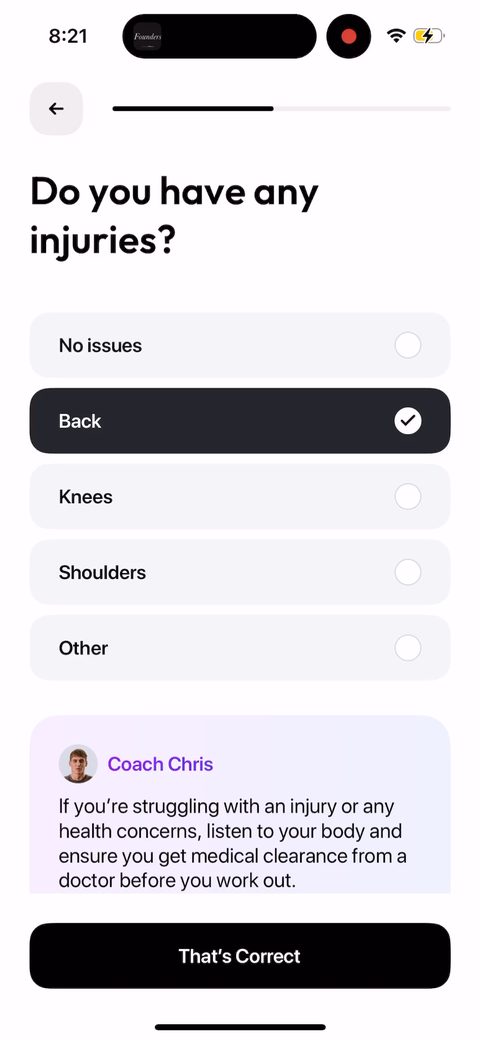 26
26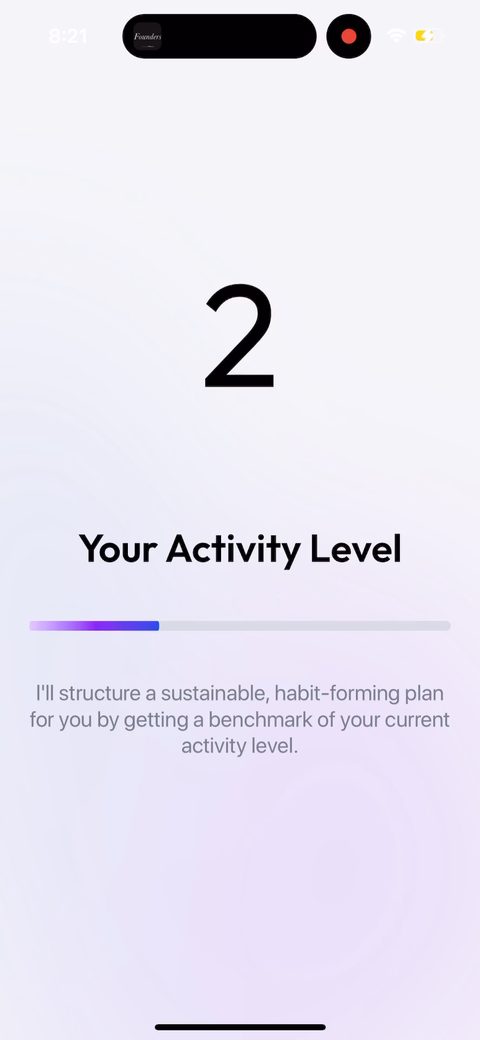 27
27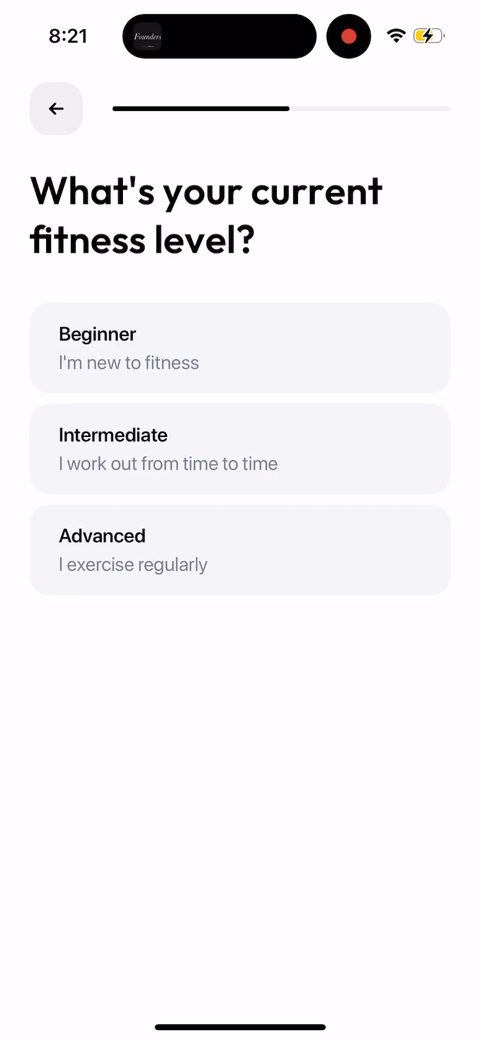 28
28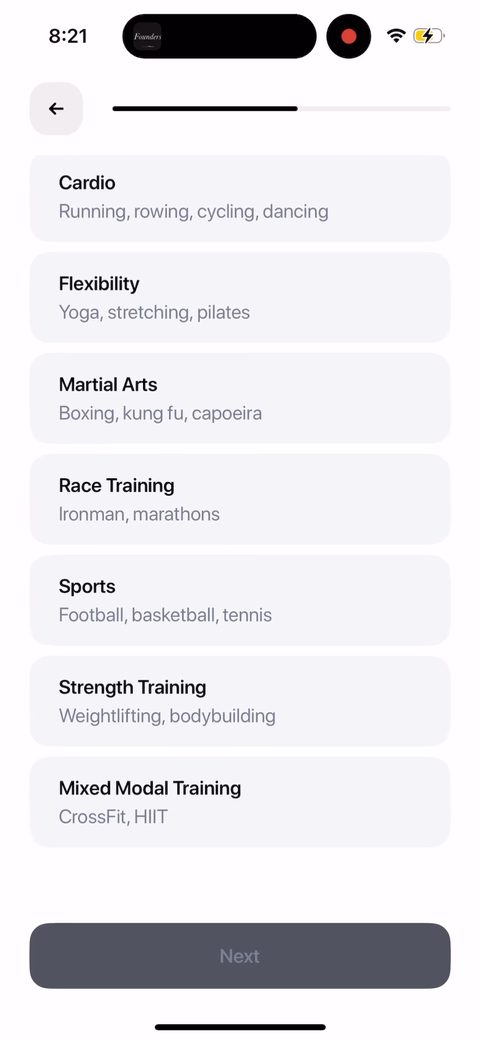 29
29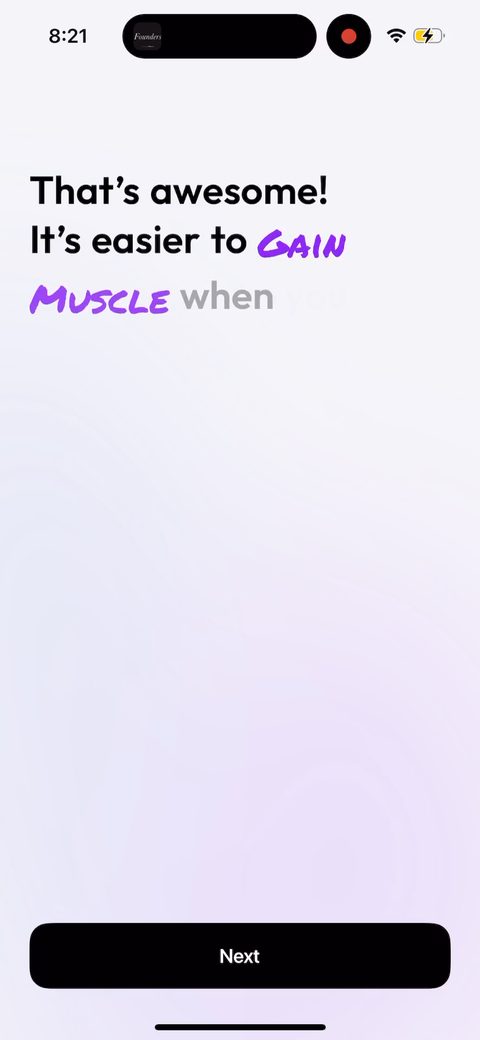 30
30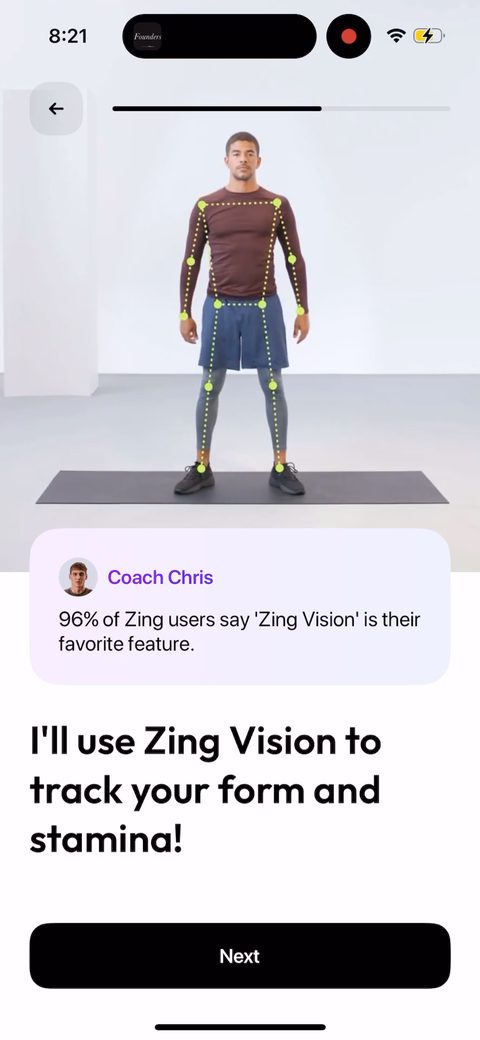 31
31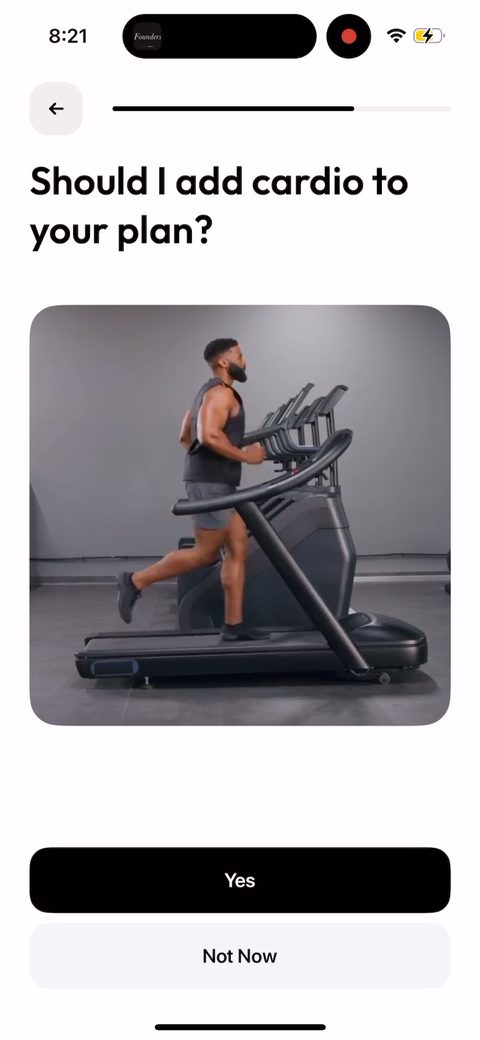 32
32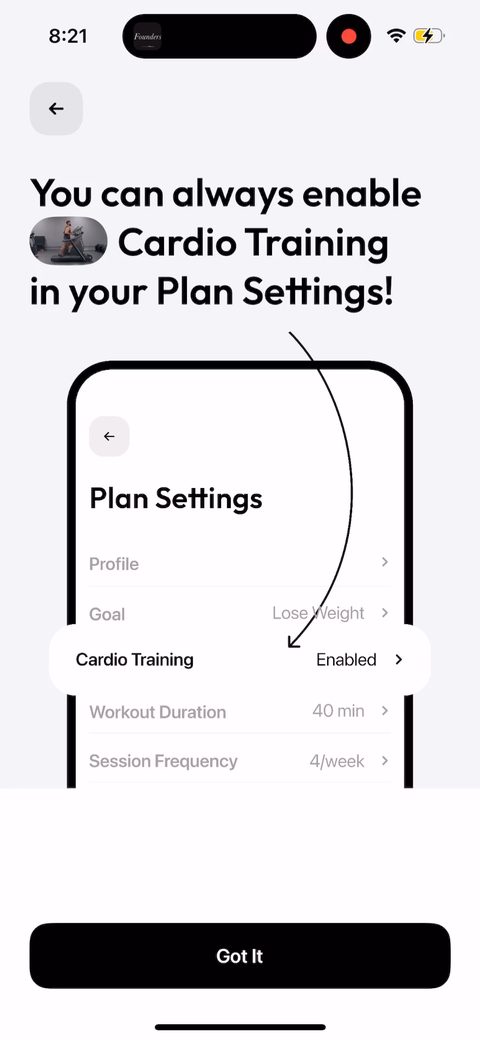 33
33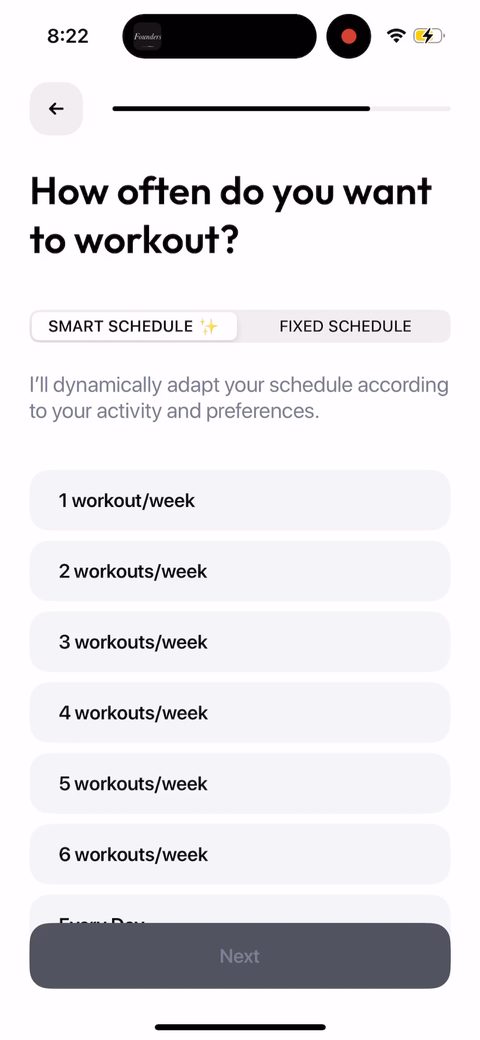 34
34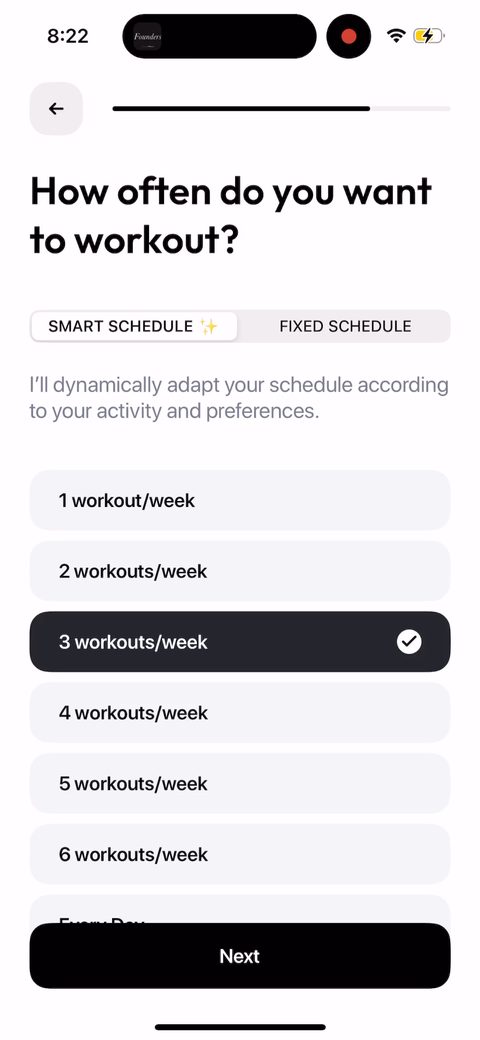 35
35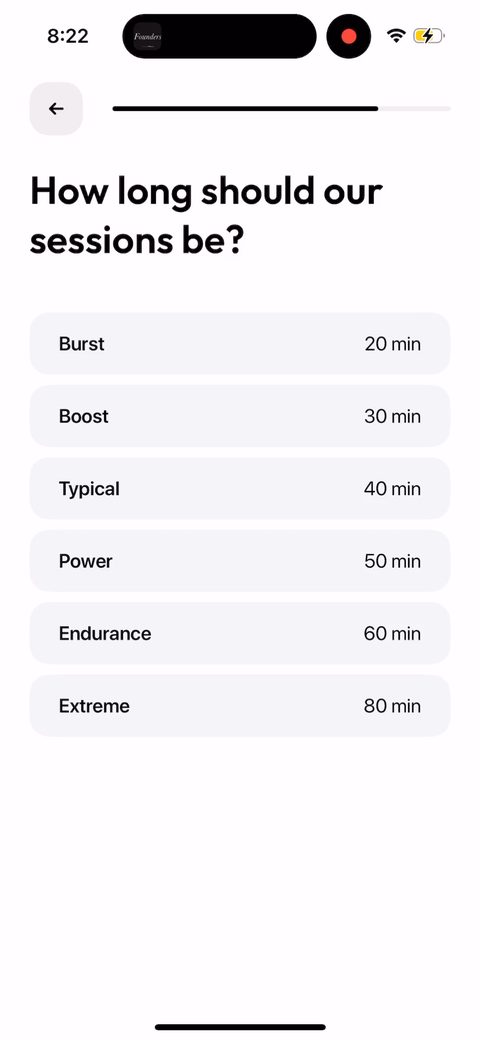 36
36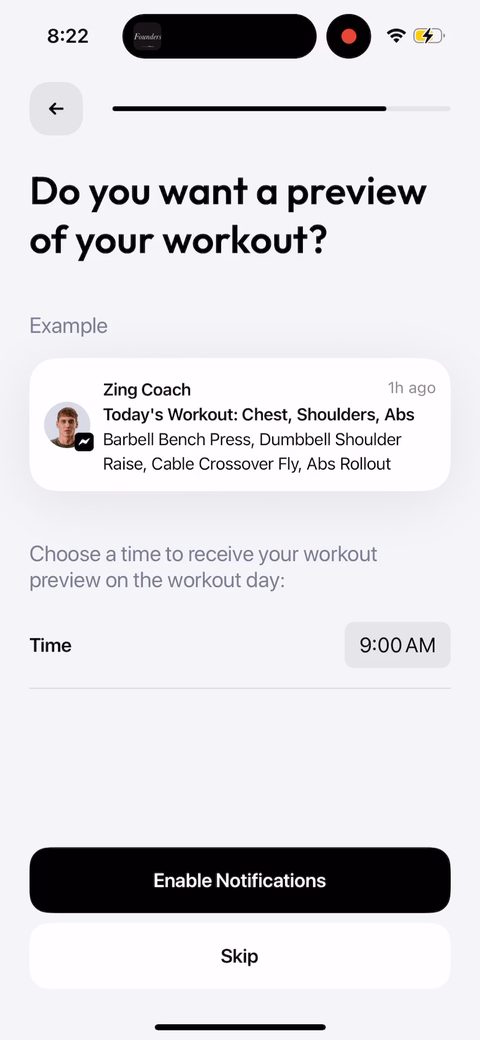 37
37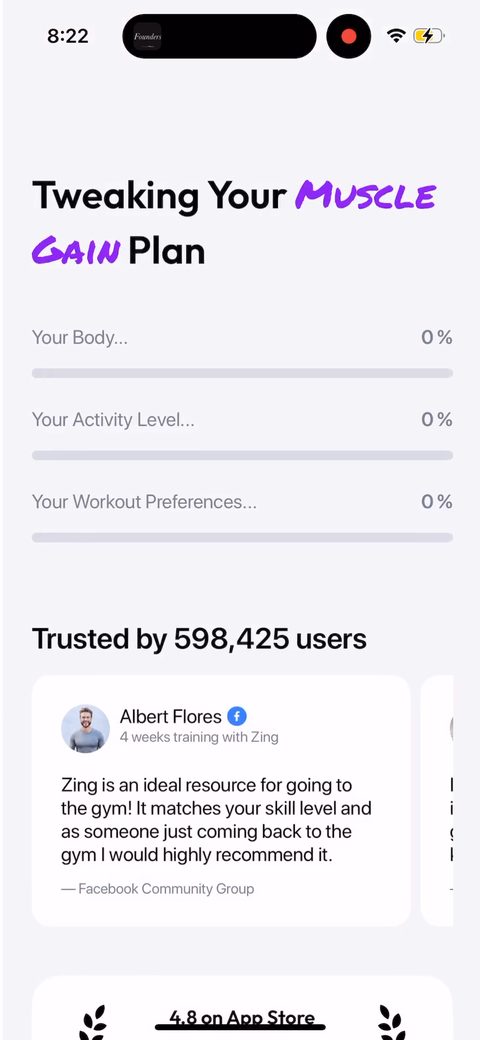 38
38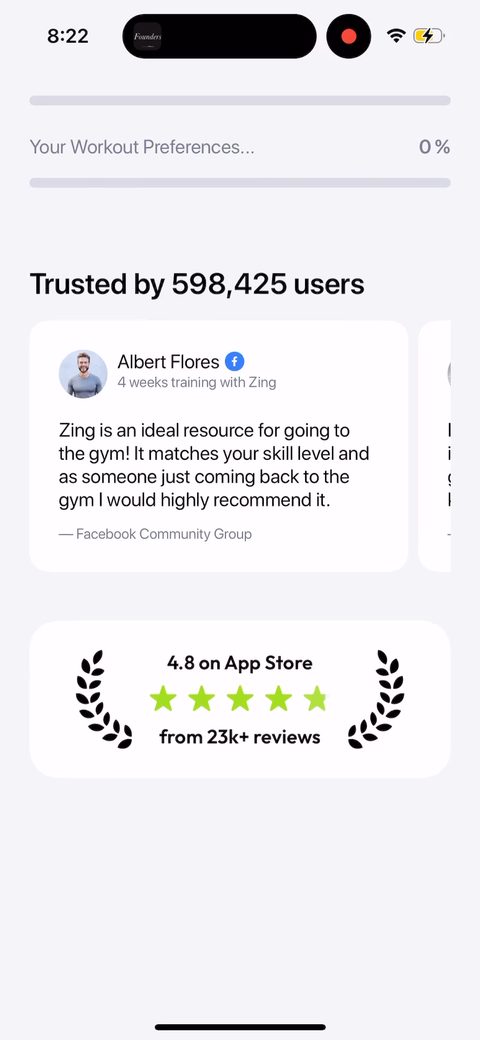 39
39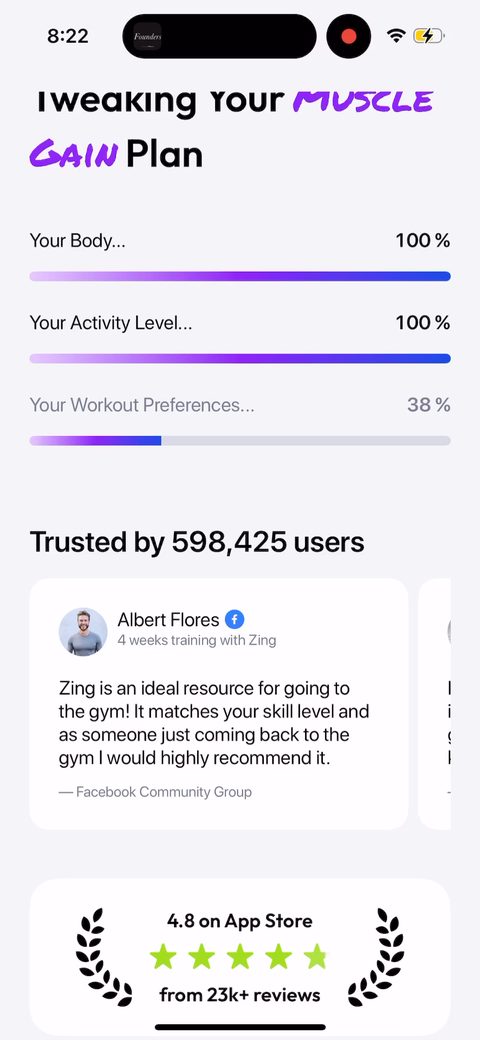 40
40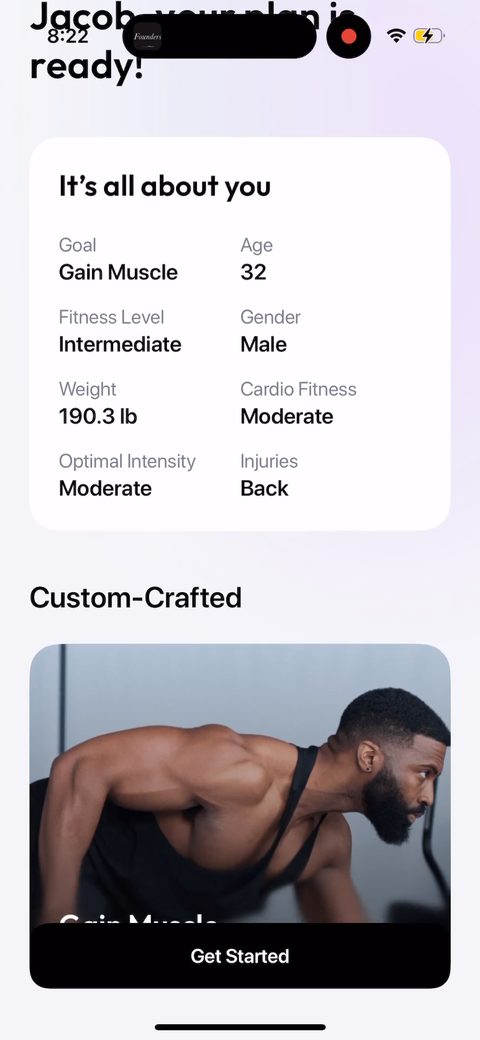 41
41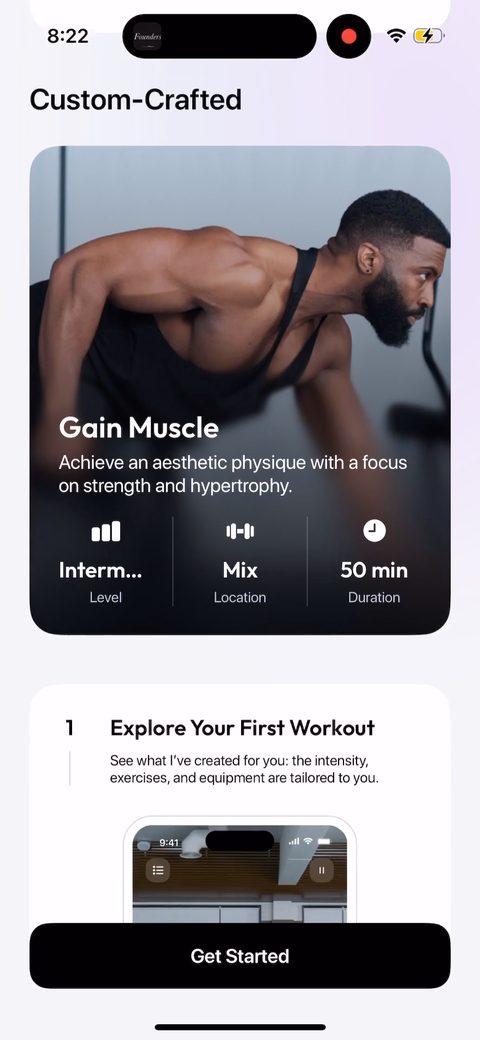 42
42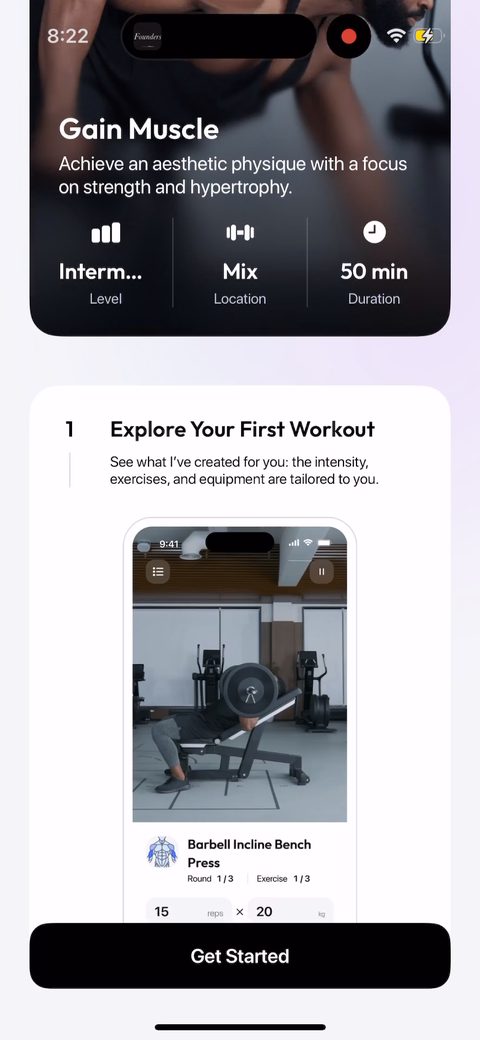 43
43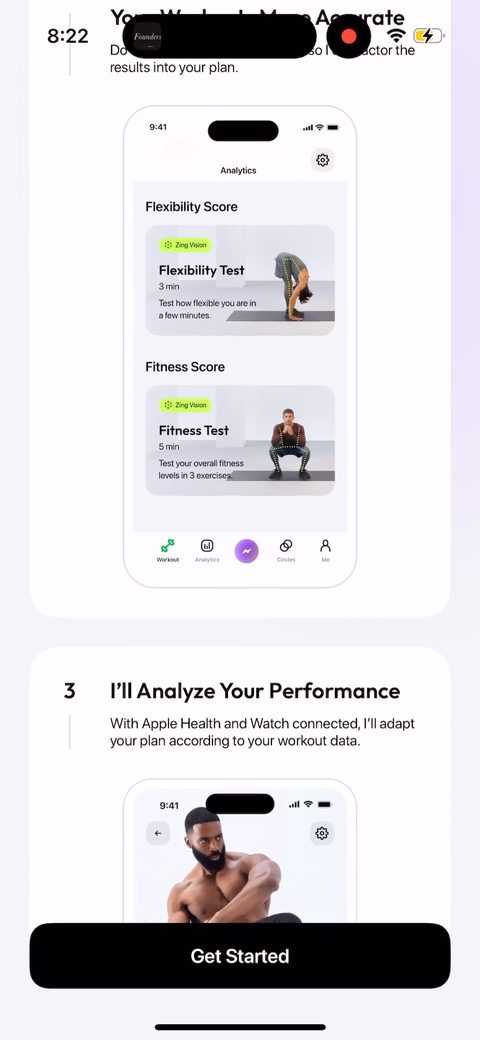 44
44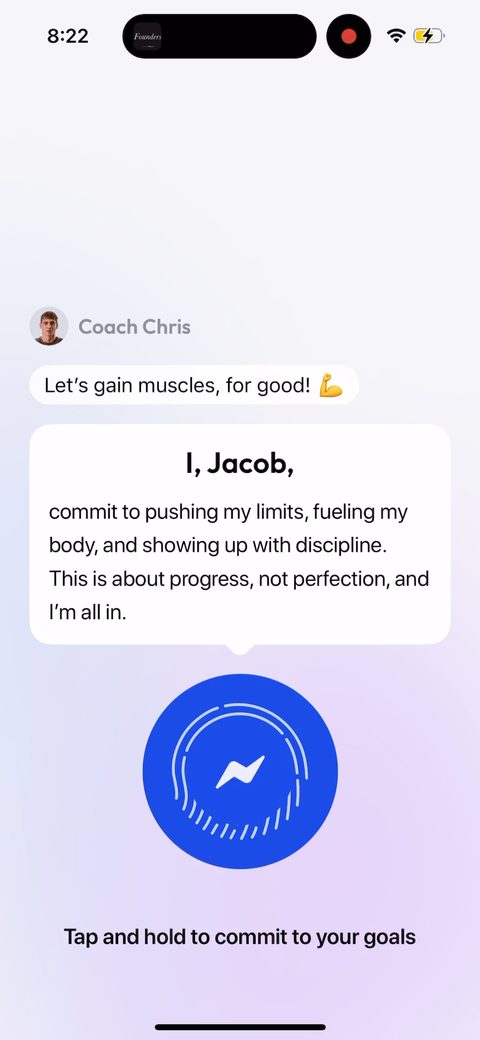 45
45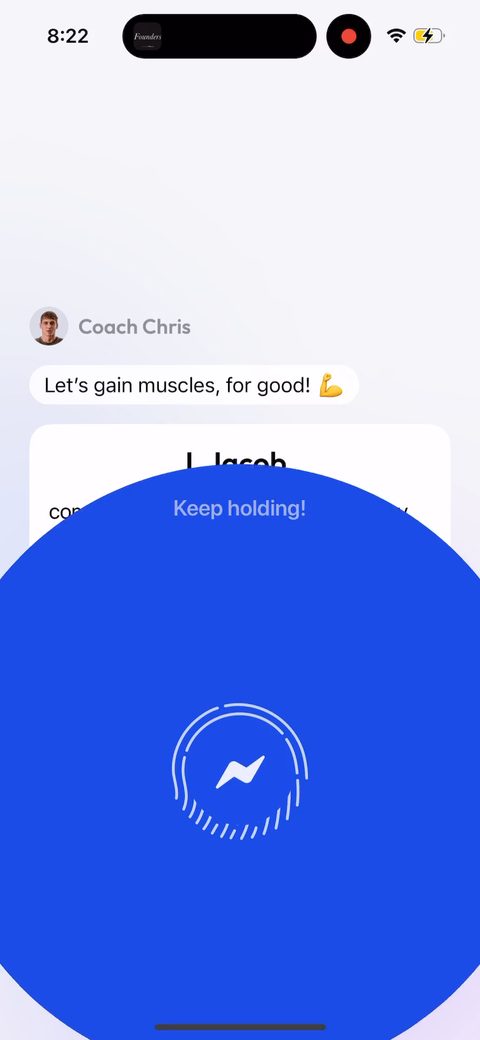 46
46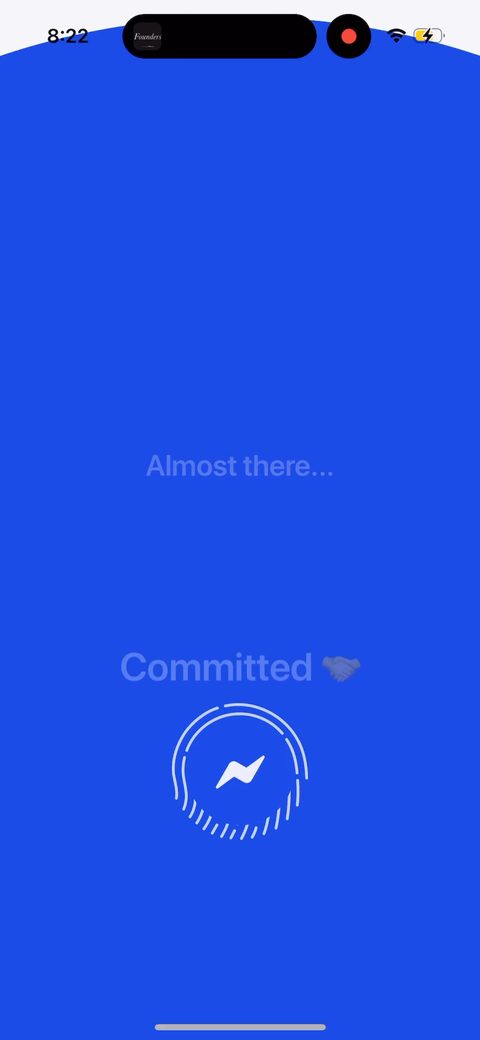 47
47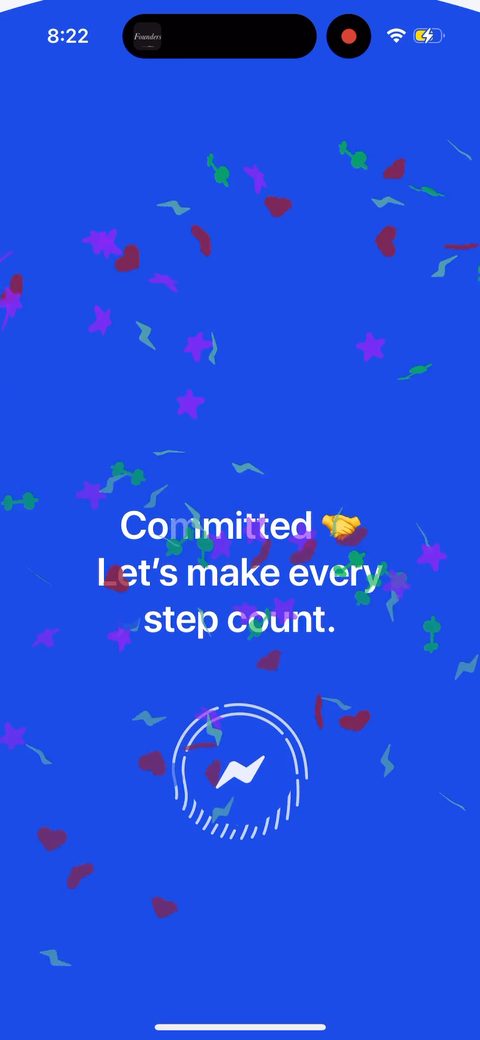 48
48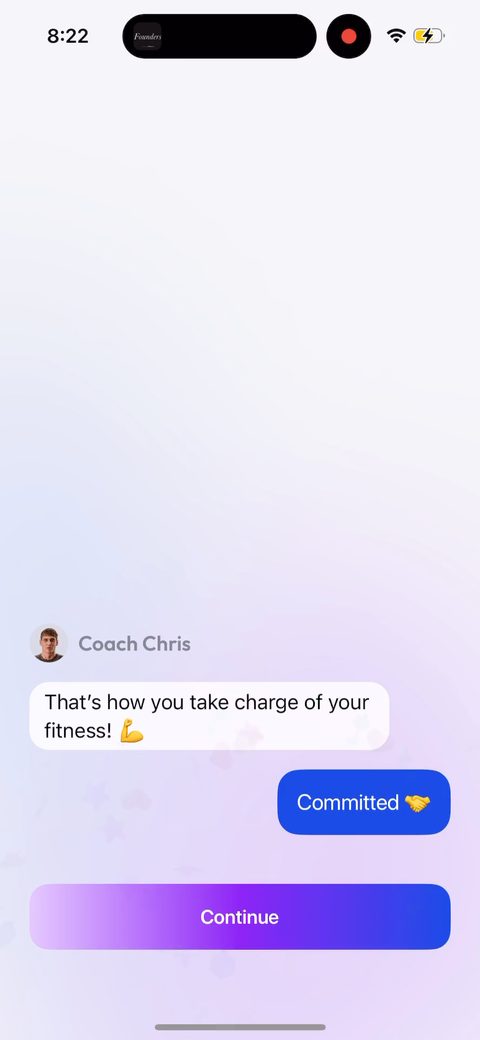 49
49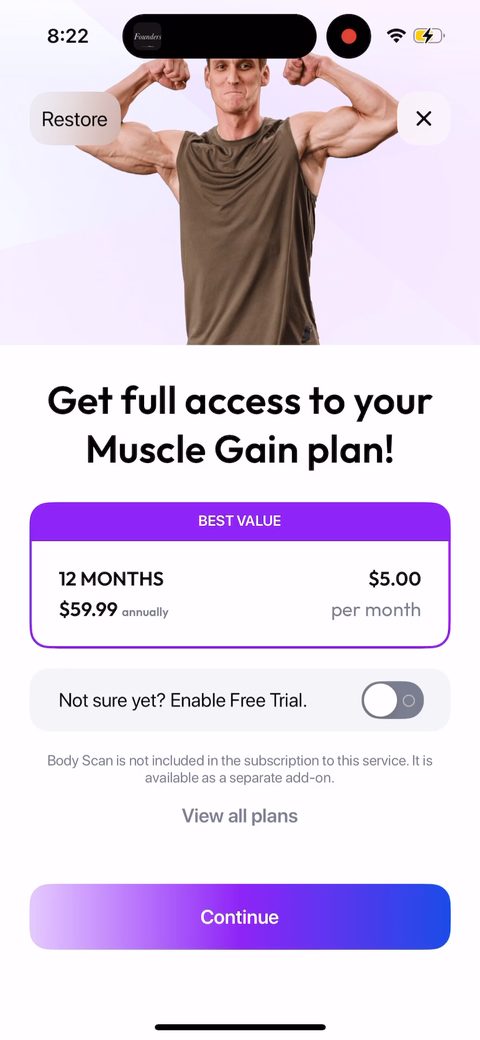 50
50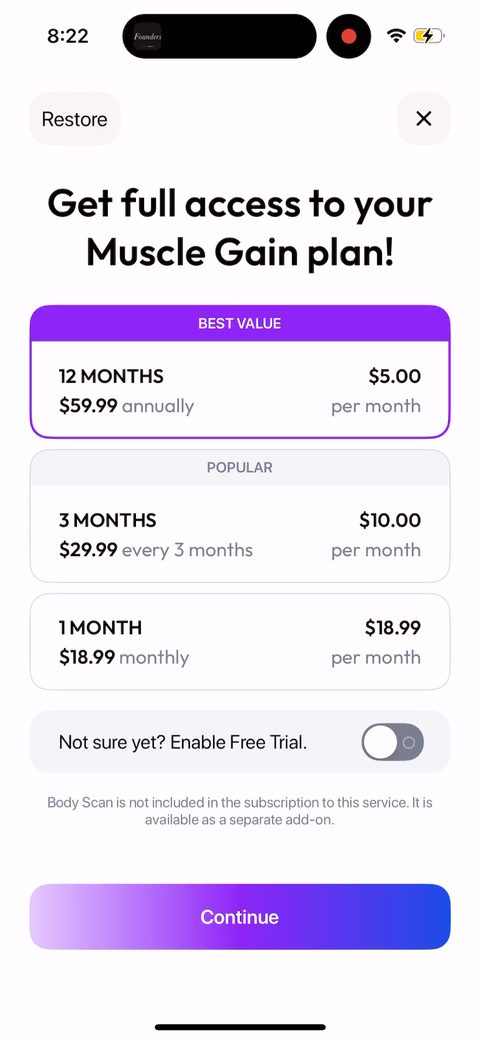 51
51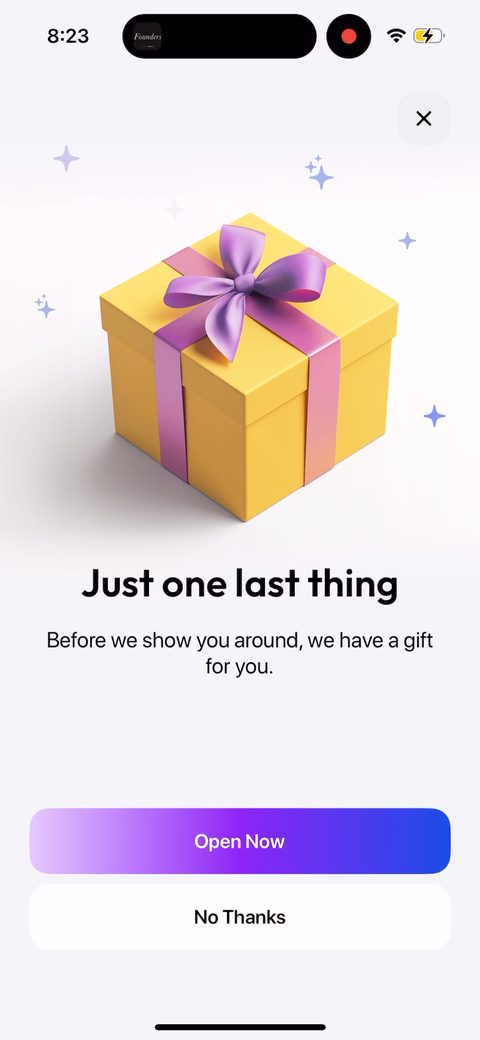 52
52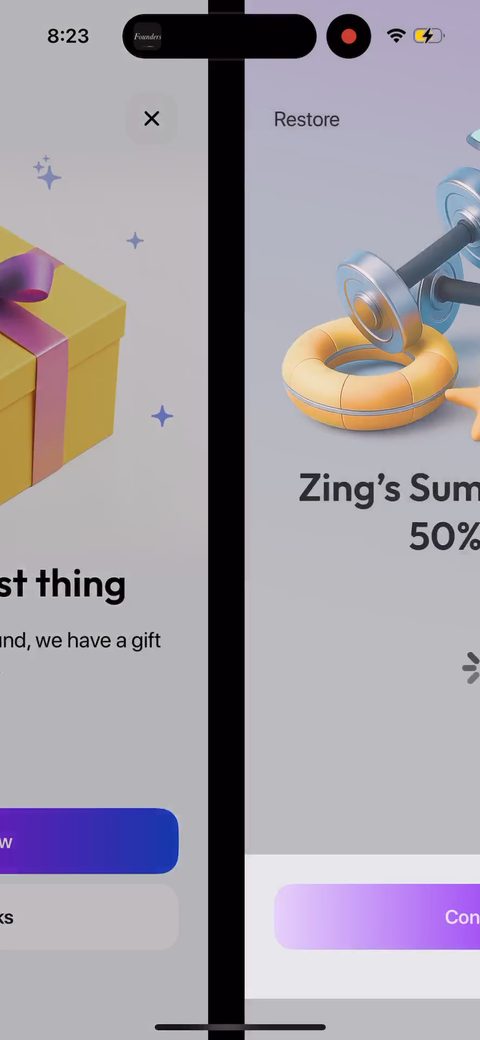 53
53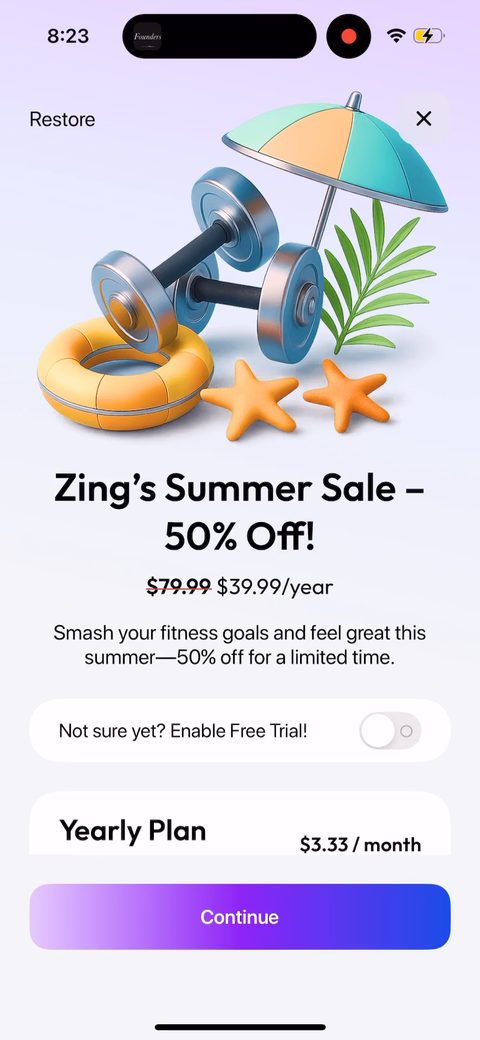 54
54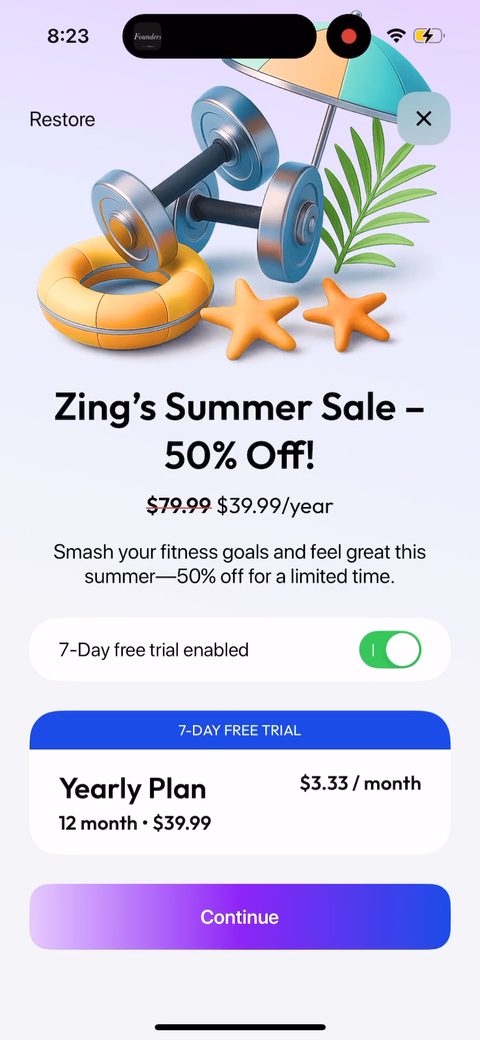 55
55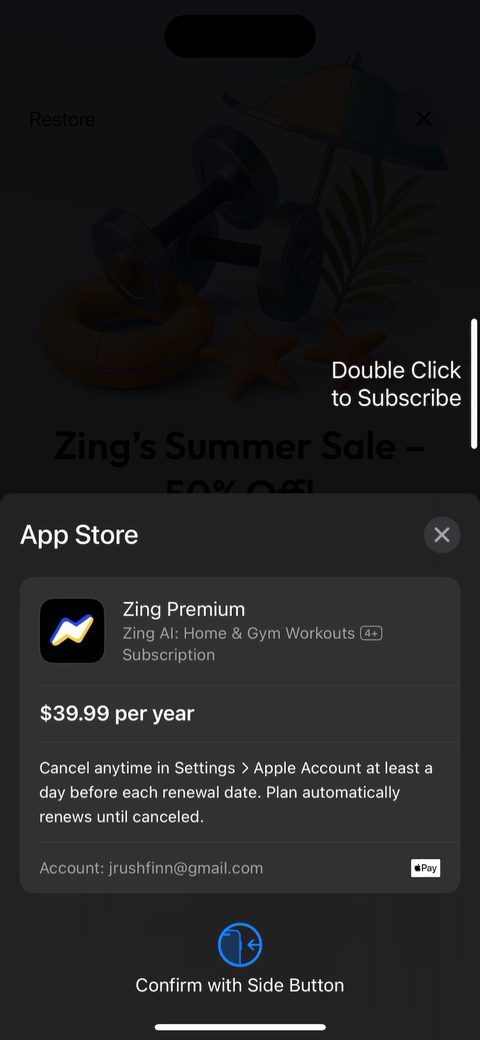 56
56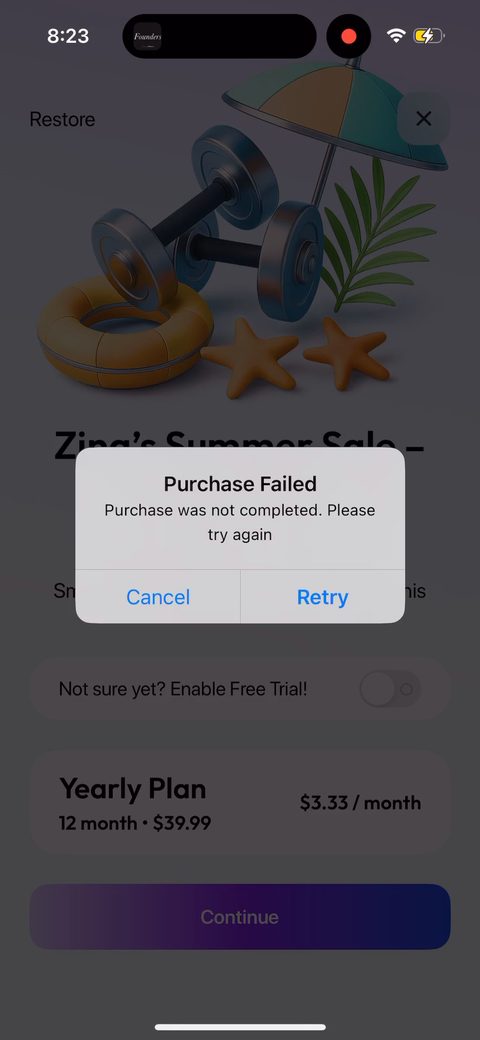 57
57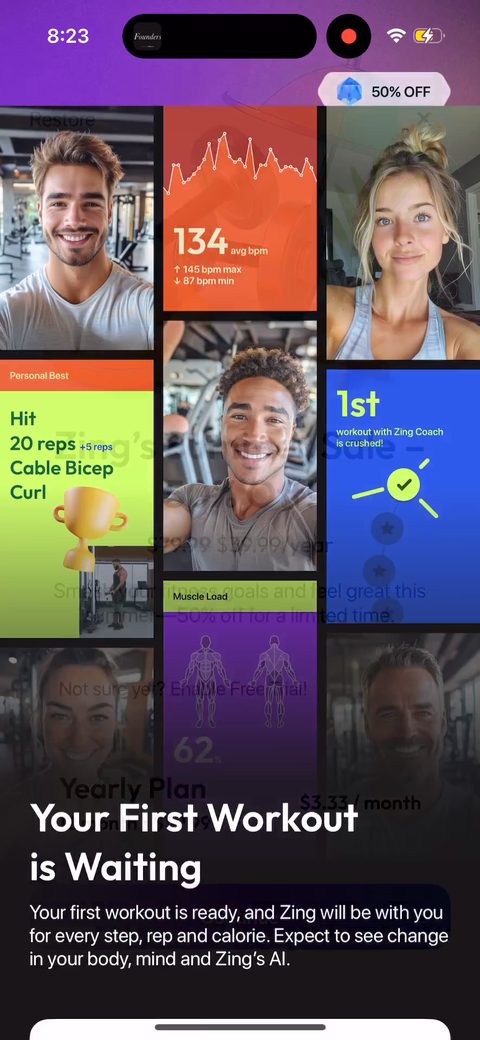 58
58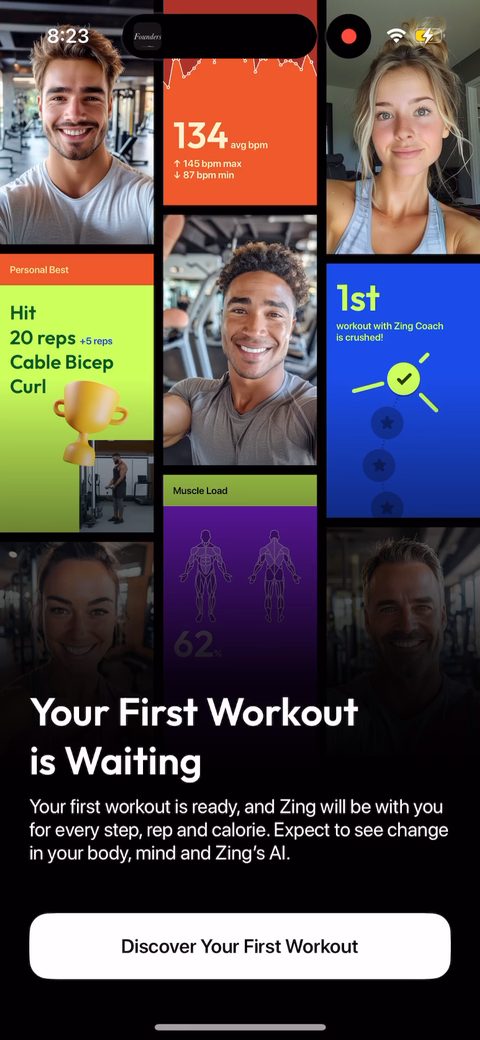 59
59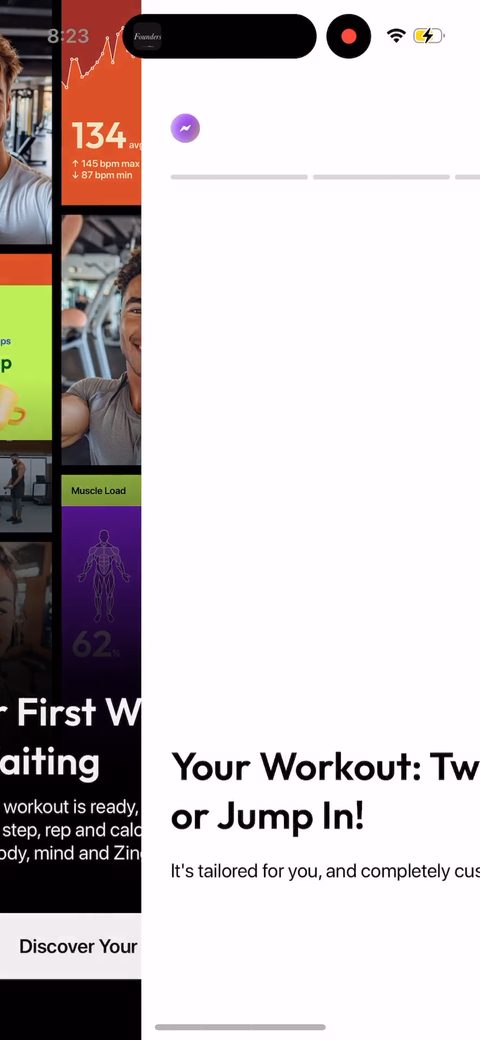 60
60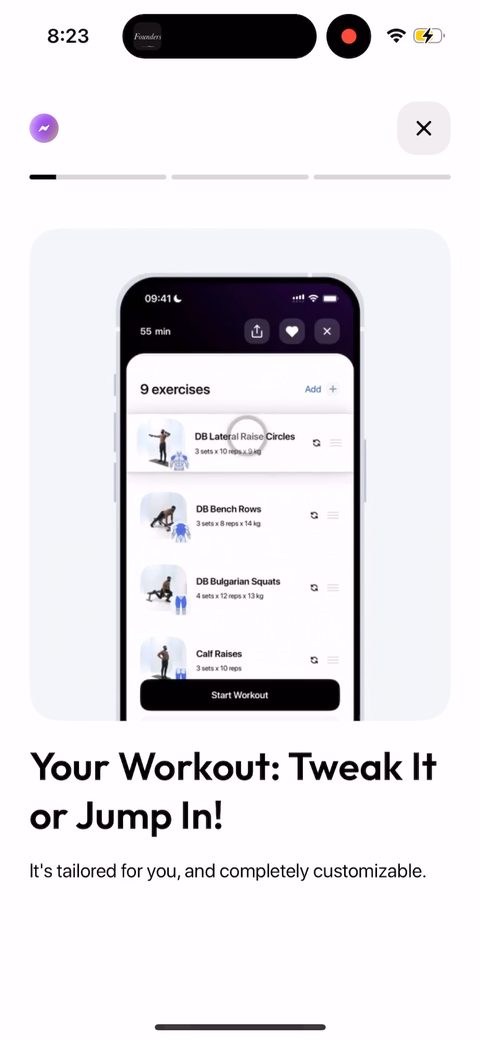 61
61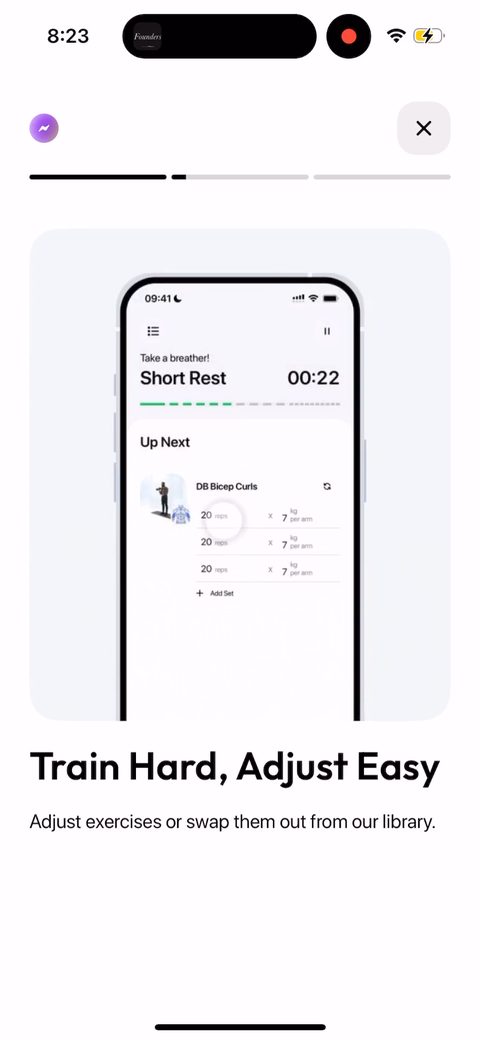 62
62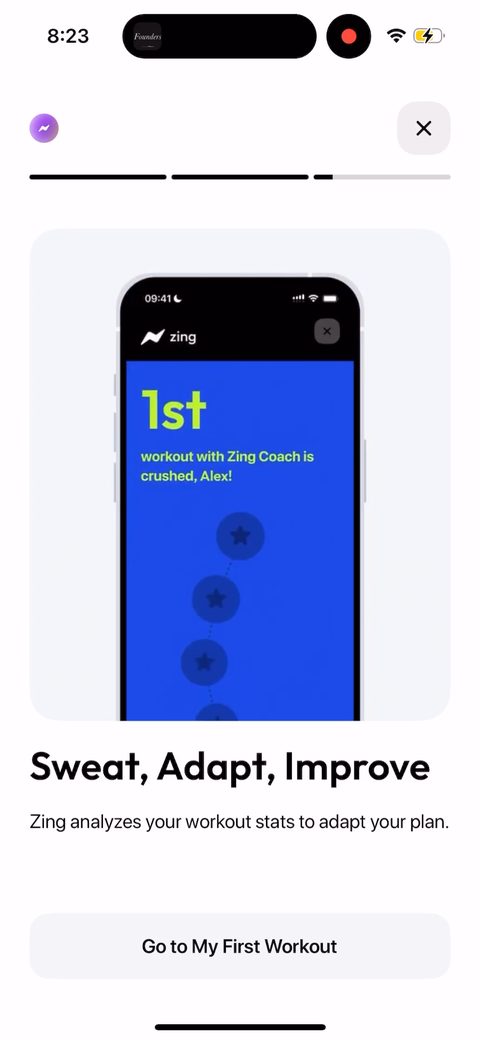 63
63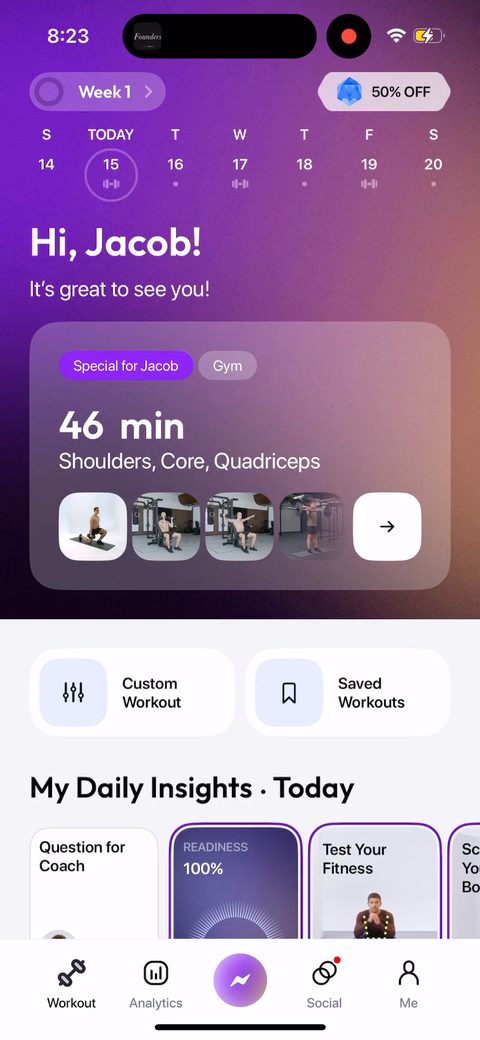 64
64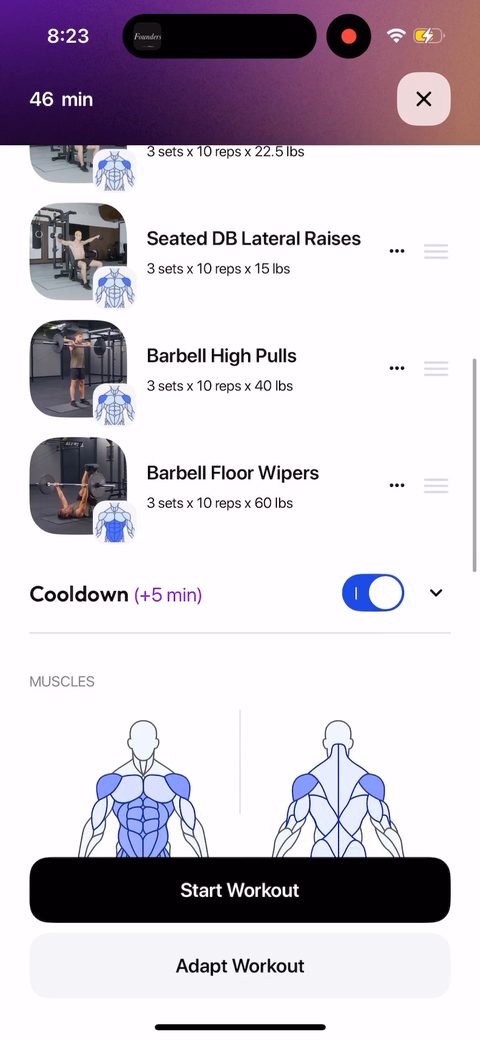 65
65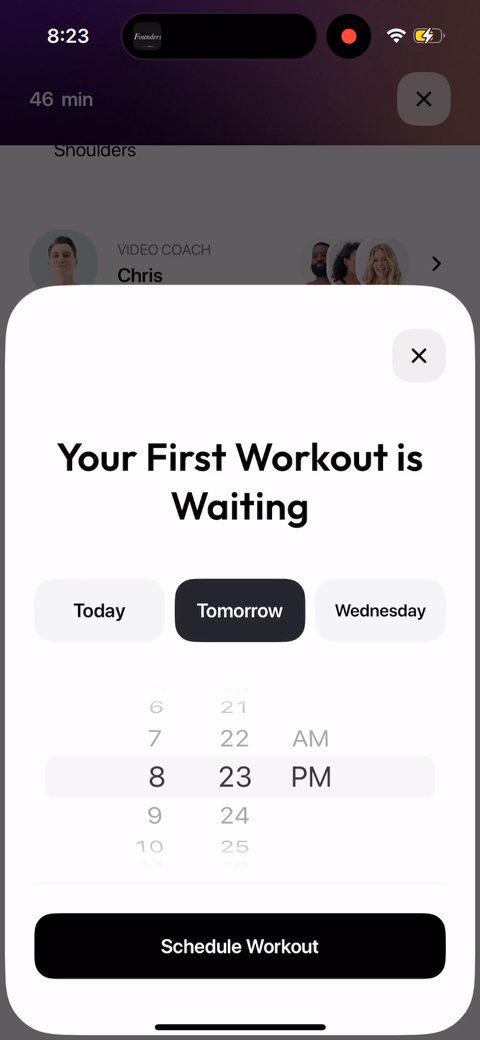 66
66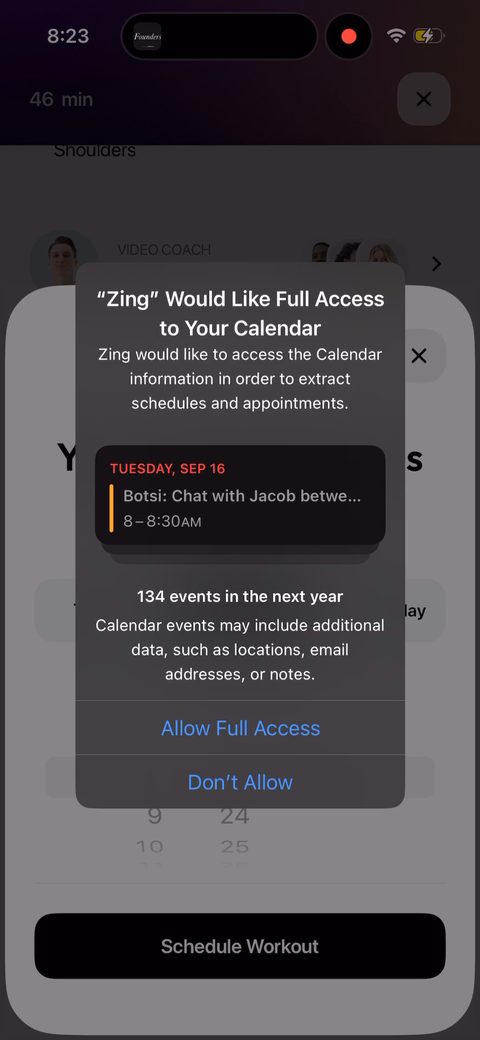 67
67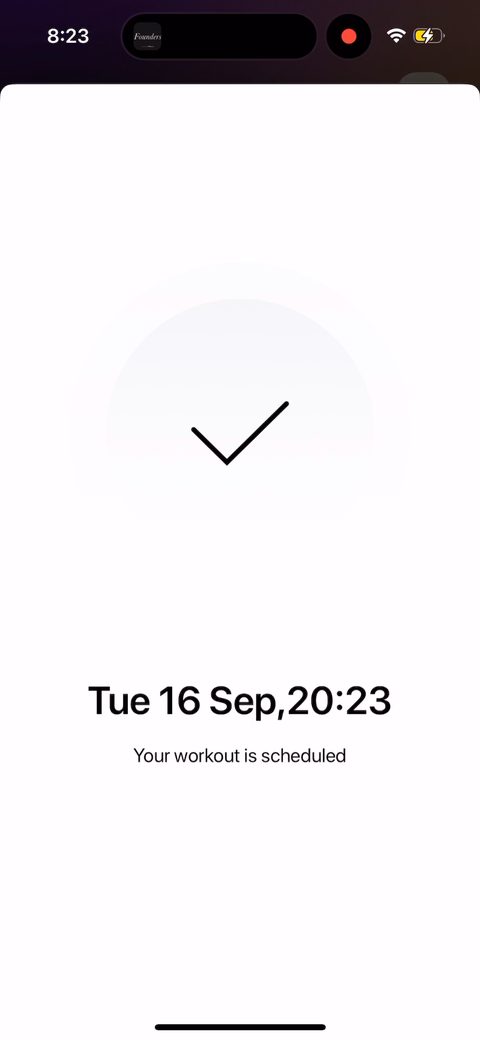 68
68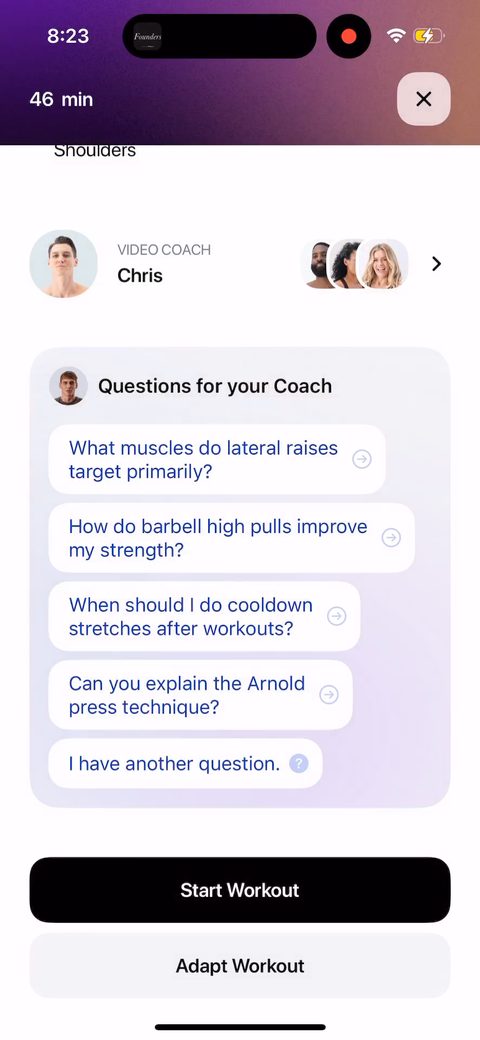 69
69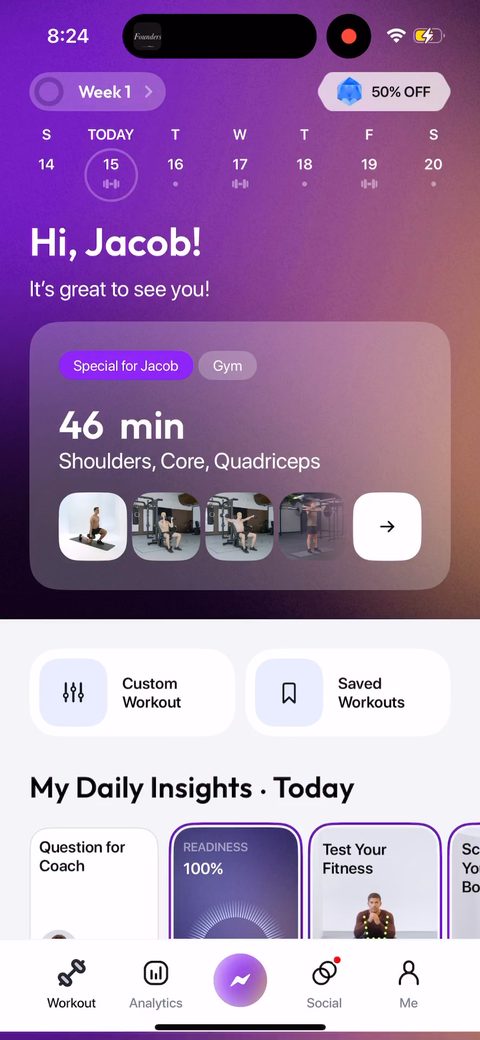 70
70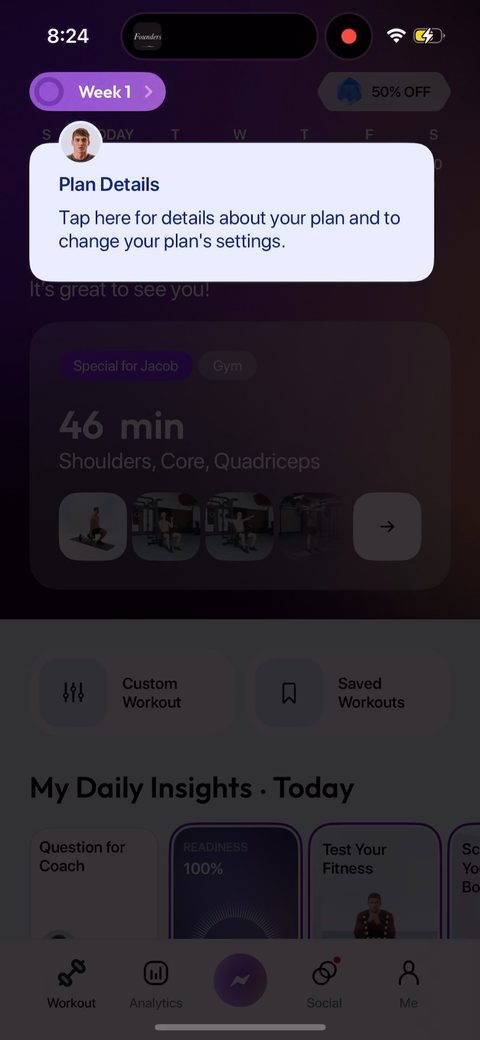 71
71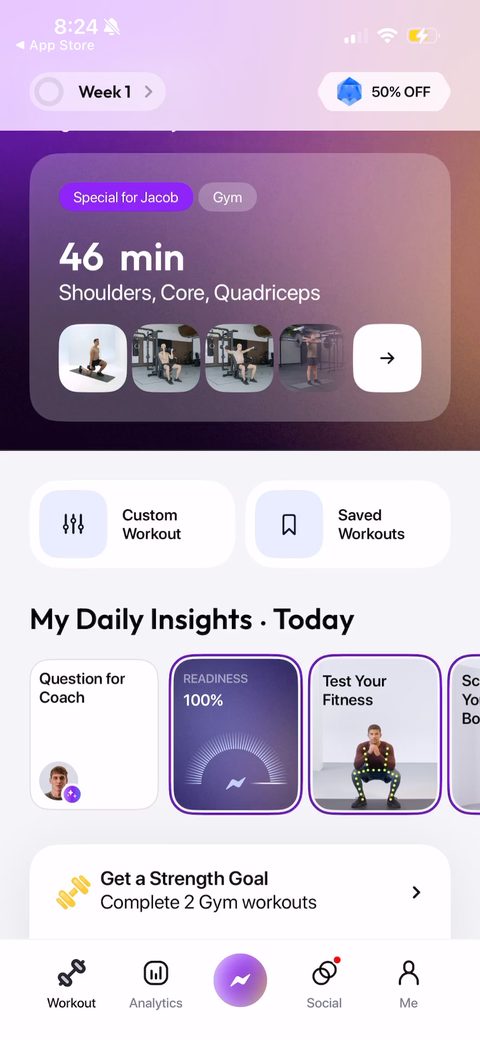 72
72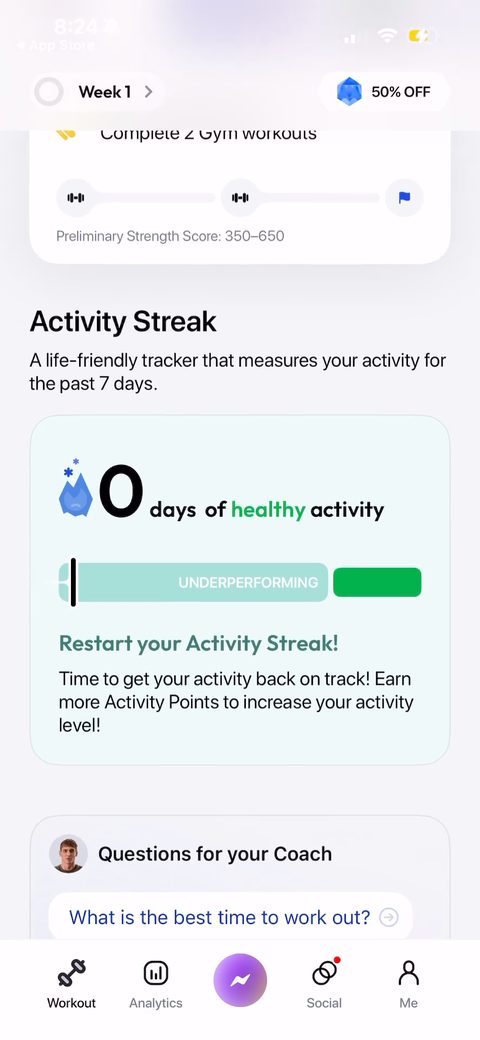 73
73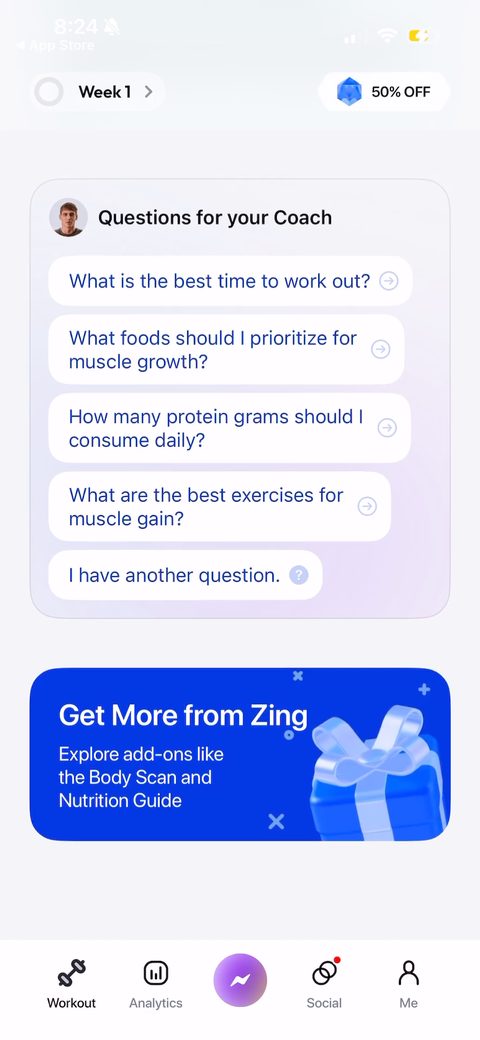 74
74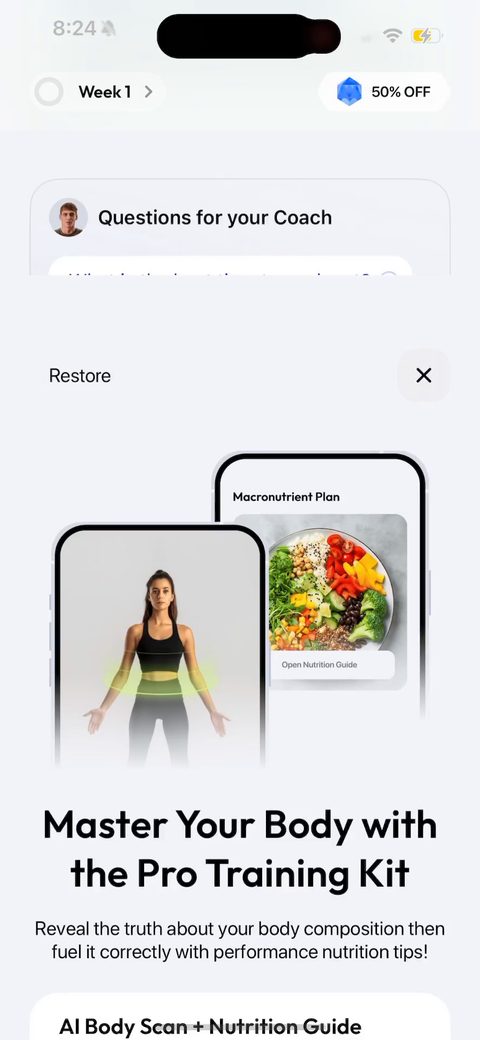 75
75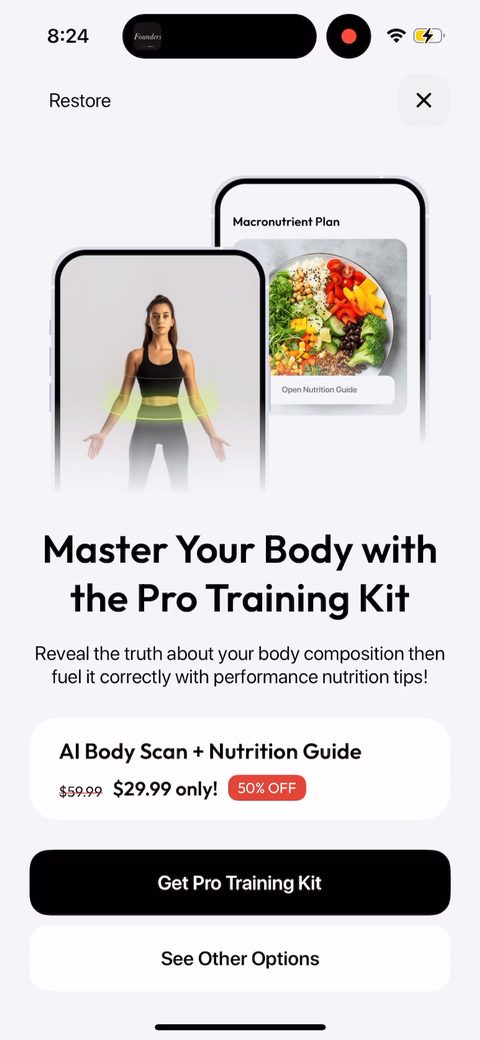 76
76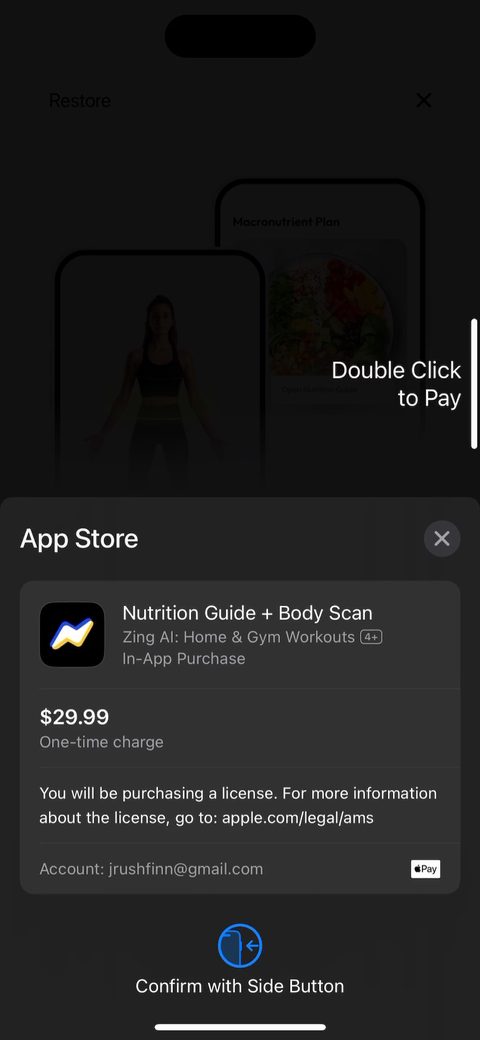 77
77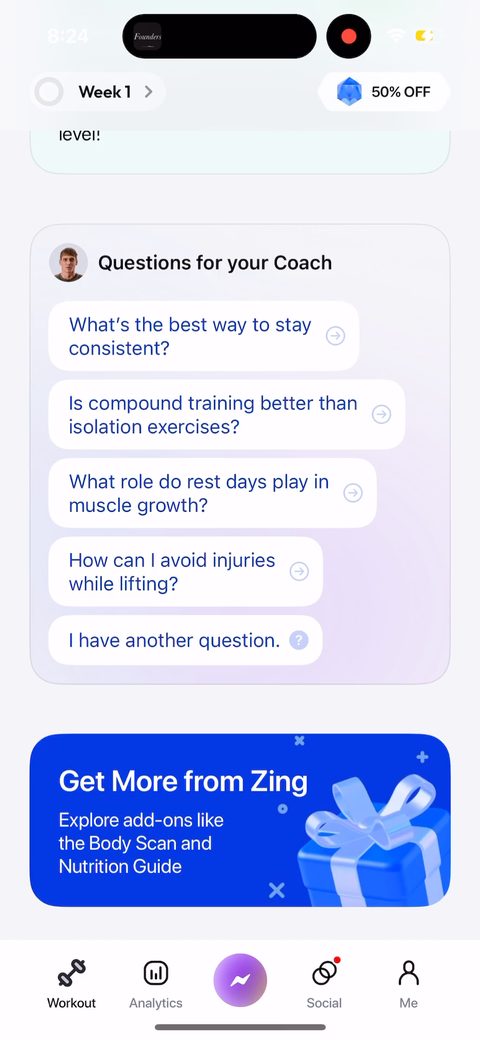 78
78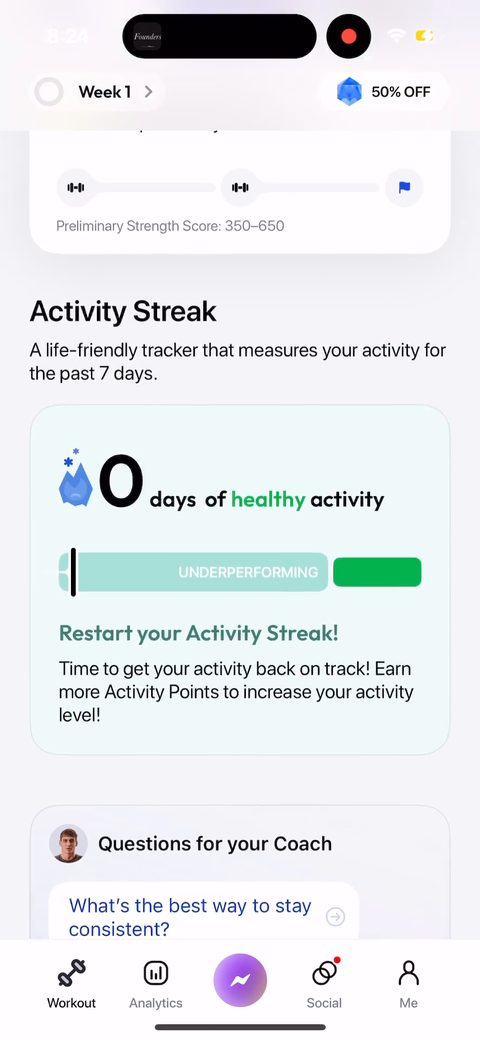 79
79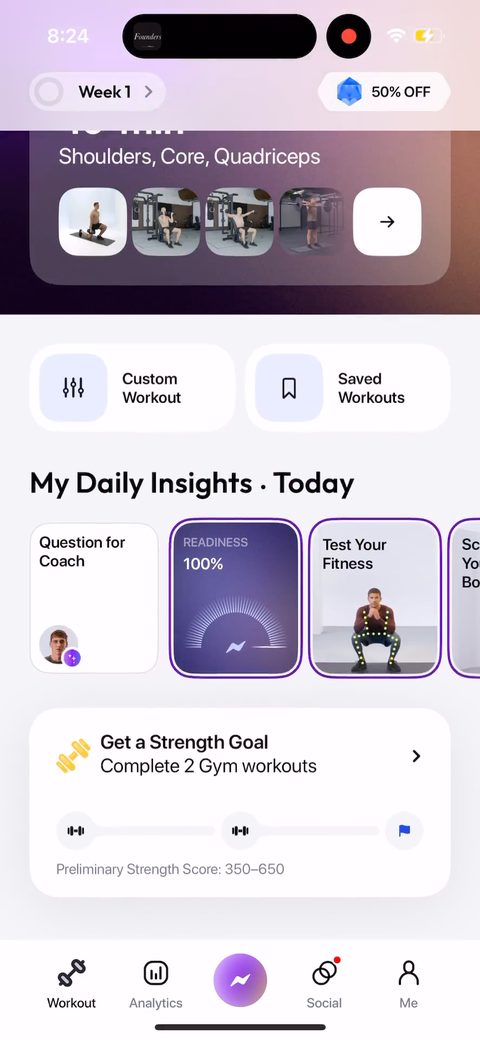 80
80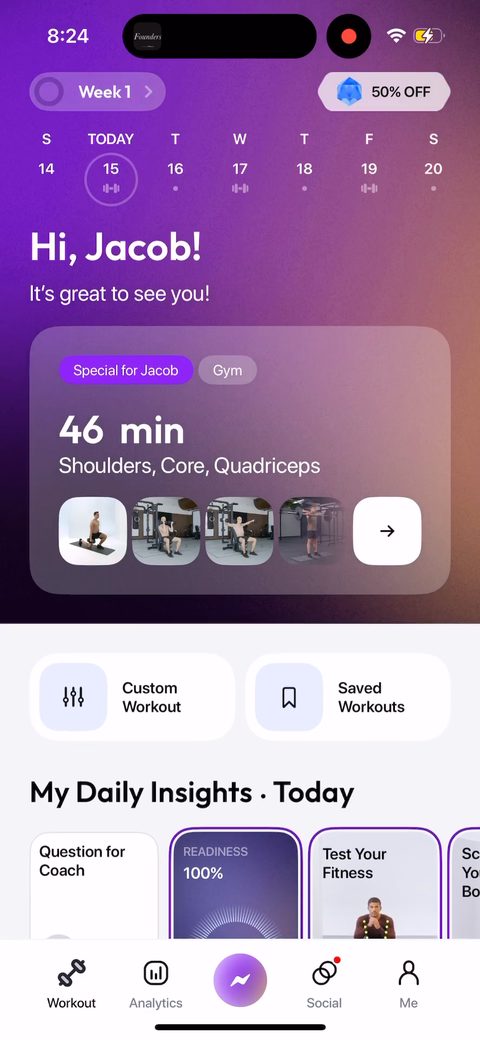 81
81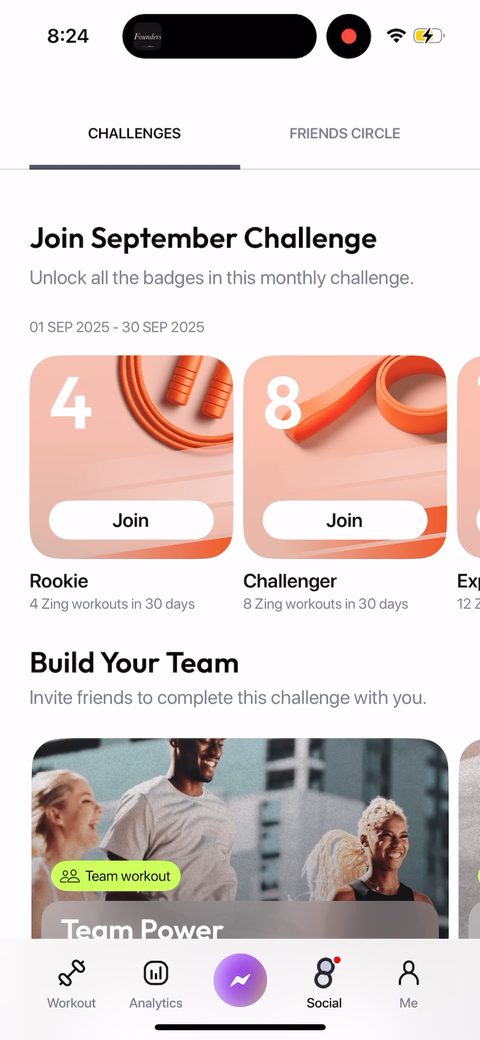 82
82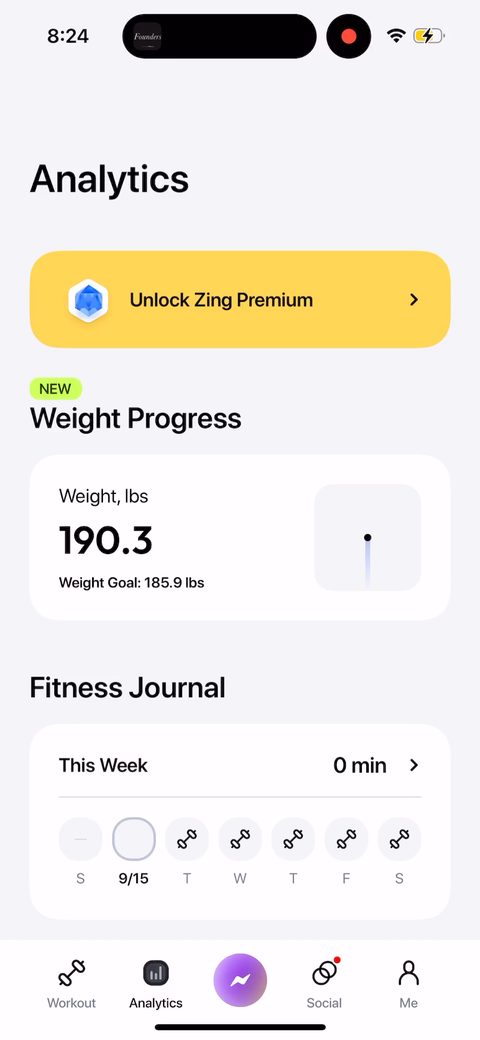 83
83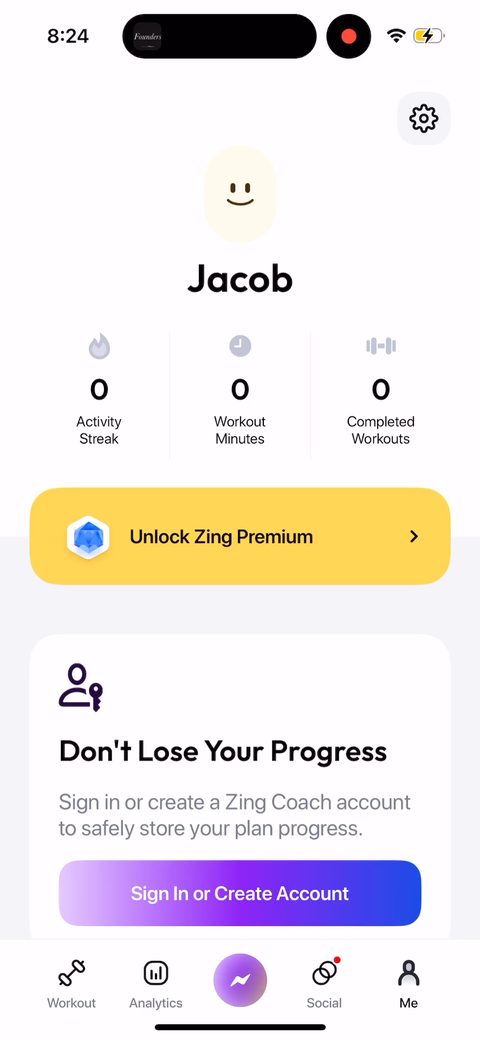 84
84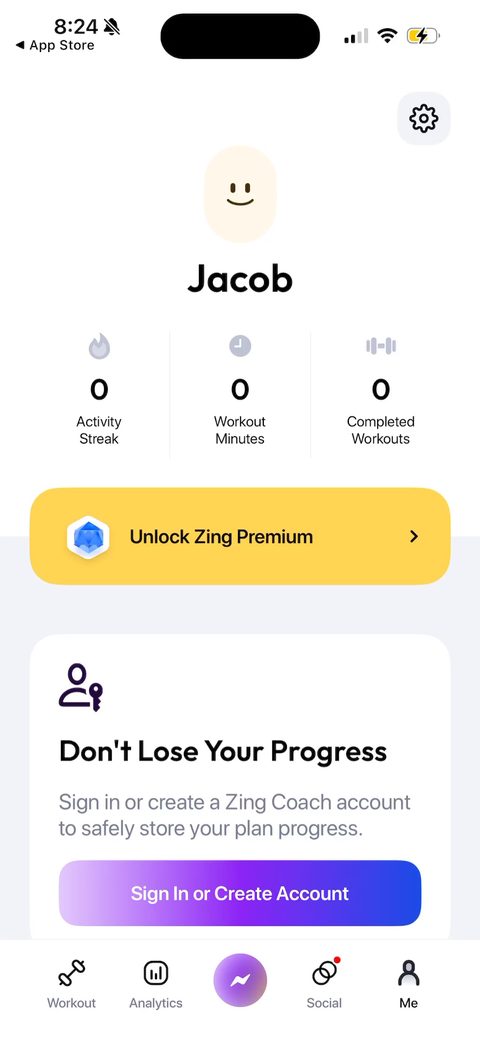 85
85