ProductivitySoft paywall · trial requiredpaywall: post signup pre valuequiz drivengoal settingsocial proof heavytutorial demoannual default with trialtestimonial heavyfeature listdiscount countdown timer
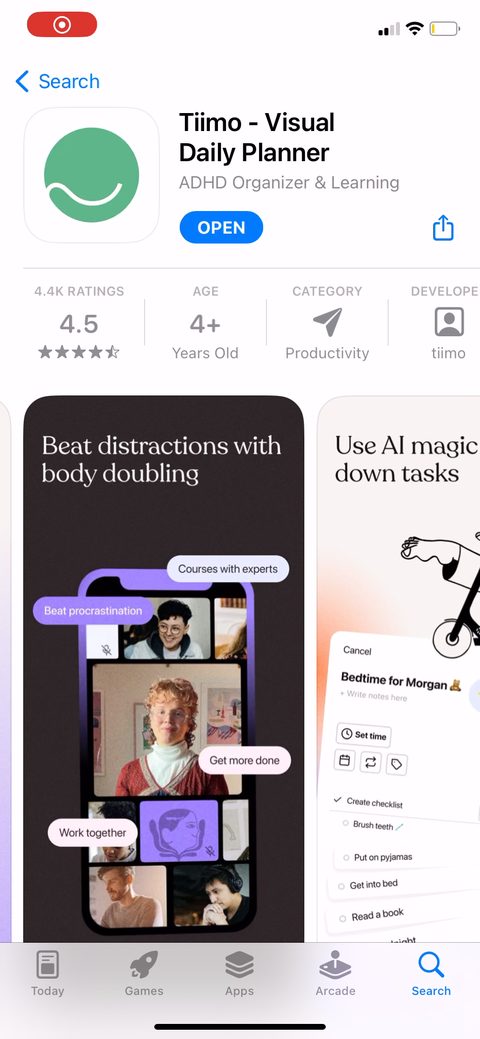
123Opens with "500,000 people worldwide" before asking anything. Social proof up top to borrow credibility and set the premium tone before the quiz. Log in is there for returning users so they don't get funneled through onboarding again.4Q1 is identity: "I am a visual thinker / I am neurodivergent / I think I am neurodivergent / Not sure." The "I think" and "Not sure" options widen the funnel so undiagnosed people don't bounce on the first question. Smart for an ADHD-positioned app where a lot of users are self-suspecting.56"I will use tiimo most for" as choose-all-that-apply. Good that it's multi-select, people use a planner for school and home and work at once. Feeds segmentation (parent vs student vs productivity) you could use to tailor copy later.78Goal capture: managing stress, structuring my day, building focus, sticking to routines, self care. Zero-party data on what they want. The miss is the paywall later is generic. Test echoing the goal they picked into the paywall bullets so the ask feels personalized.910Full-screen "Join 500,000 tiimo users around the globe" dropped between quiz questions. A social-proof beat to keep momentum and remind them they're in good company right before the signup ask.11"Sign up to get started" with Apple/email, before they've felt anything. Signup this early costs completion. They justify it with "keep your data safe, sync between devices." Worth testing pushing account creation past the first planned task so people invest before they commit.1213141516"Ready to start the journey: award winning planning, learning and accountability in one app." A value-prop transition that sits right before the paywall to prime the ask.1718Two tiers, Plan at $6 and Learn at $8, with Learn marked "SAVE 30%" and pre-selected. The cheaper tier shows greyed-out, struck-through features so Learn reads as the obvious pick for a small bump. Decoy structuring. Both are annual with a 7-day trial at $96/year, and 4.5 ratings plus Apple Editorial plus "25,000+ five-star reviews" are stacked right under the plans.192021Named testimonials on the paywall: "the app is like the accountability coach I needed 24/7." Specific benefit-led quotes from real users beat a row of generic stars for justifying the price.222324252627282930"Women led, made in Scandinavia" with restore and redeem-code at the bottom of the paywall. Values-driven trust signals that fit the premium positioning. Restore/redeem down here keeps the buy button clean above.31323334Post-paywall you land on a working dashboard with "Get started 0/5 steps completed," not a blank screen. They route you straight into activation instead of leaving you to figure it out.35A 6-step "New to planning?" guided checklist with a progress count. Goal gradient applied to activation: the visible 0/5 and step counter pull people toward the aha, which for a planner is one real task on the calendar.3637383940Notification prompt framed as "enable daily reminders, reminders help you make planning a daily habit" before the OS dialog. Permission tied to a concrete benefit instead of a cold system prompt, which lifts opt-in.414243"Finalise the sentence by adding the one thing you want to get done today." Gets them to create one real task with almost no effort. That's the activation event for a planner, first task scheduled, and it's low-friction by design.44454647484950515253Widget tutorial that leads with the why: "making tasks visible makes it more likely you'll get them done." The home-screen widget is the retention hook for this app (visible equals used), so teaching it early with a behavioral reason makes sense.54555657Paywall again after the activation steps. Re-showing once they've planned a task and felt some value is better-timed than the first cold view, since most people don't buy on first sight.58596061The profile tab carries a persistent upgrade card: "start 7 day free trial, cancel anytime, $96/year." A standing entry point so the free user always has a one-tap path to the paywall.626364656667686970717273"Tiimo Learn welcome offer" at 25% off with a 23:59:59 countdown, fired later in the app after the first paywall was passed. A time-boxed second offer to catch the people who said no once. The countdown is the urgency lever.7475767778798081"Question of the day" community feed you can answer and respond to. A daily engagement hook inside the free experience, giving a reason to open the app beyond your own task list.828384858687888990919293949596
Powered byBotsiAI/ML models to show the right paywall to each user to grow revenueLearn more →
 1
1 2
2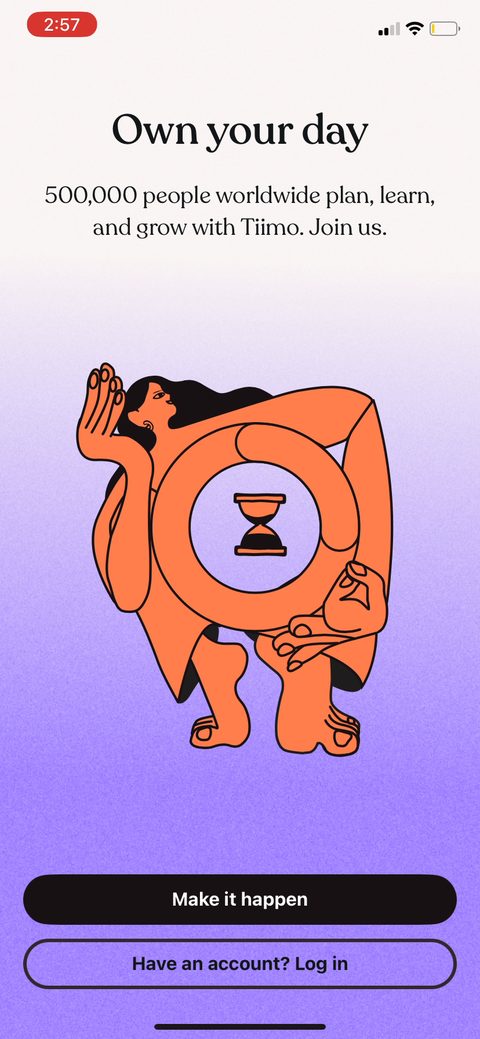 3
3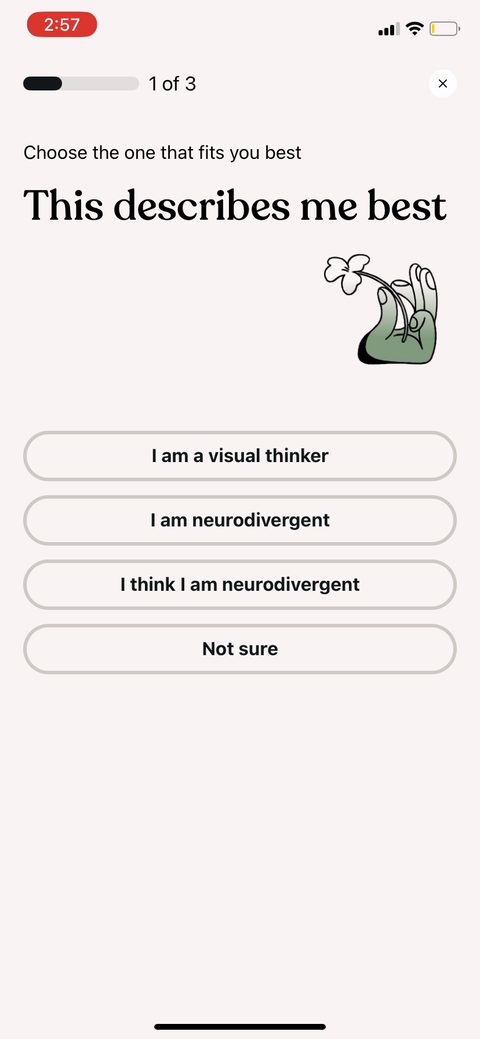 4
4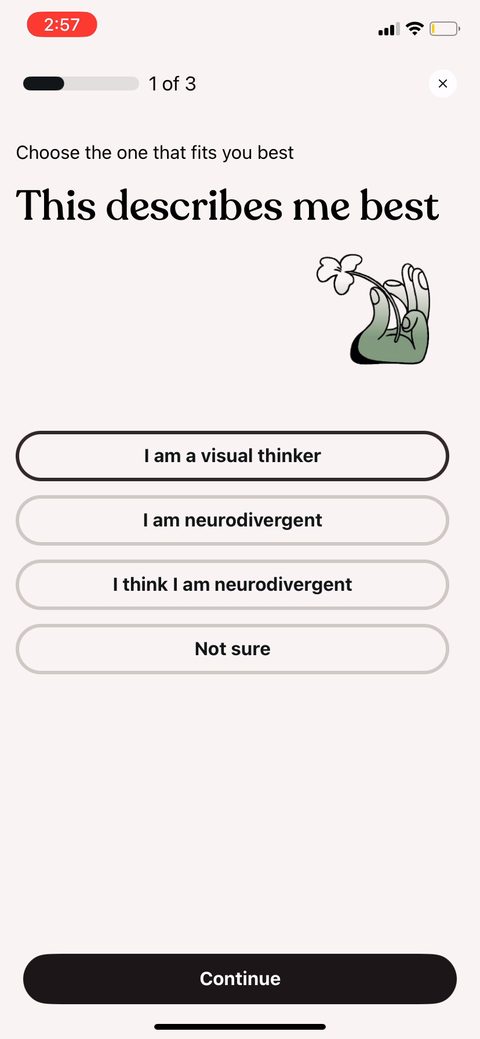 5
5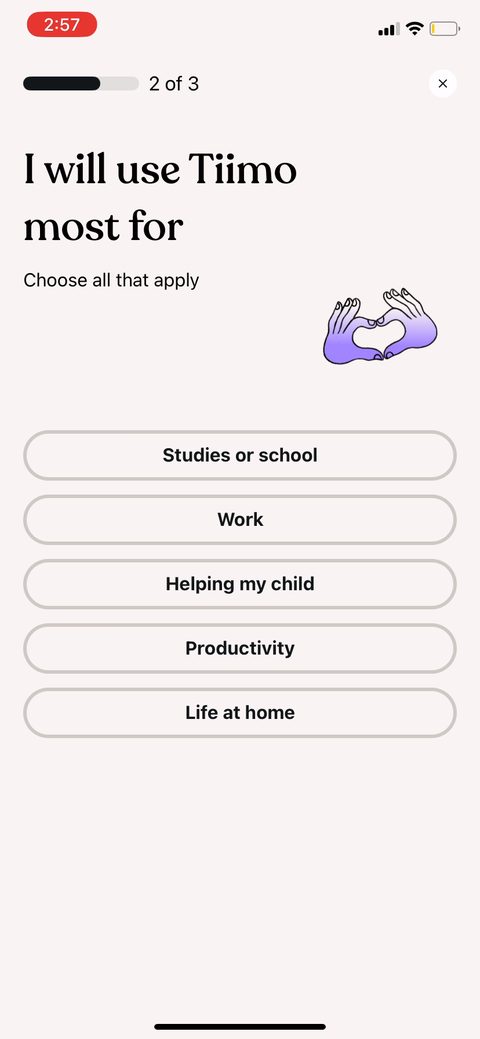 6
6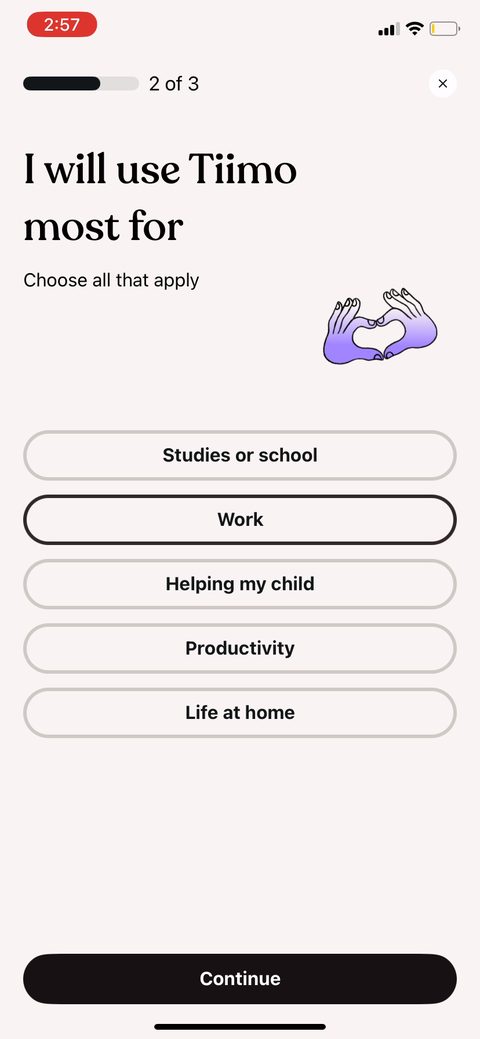 7
7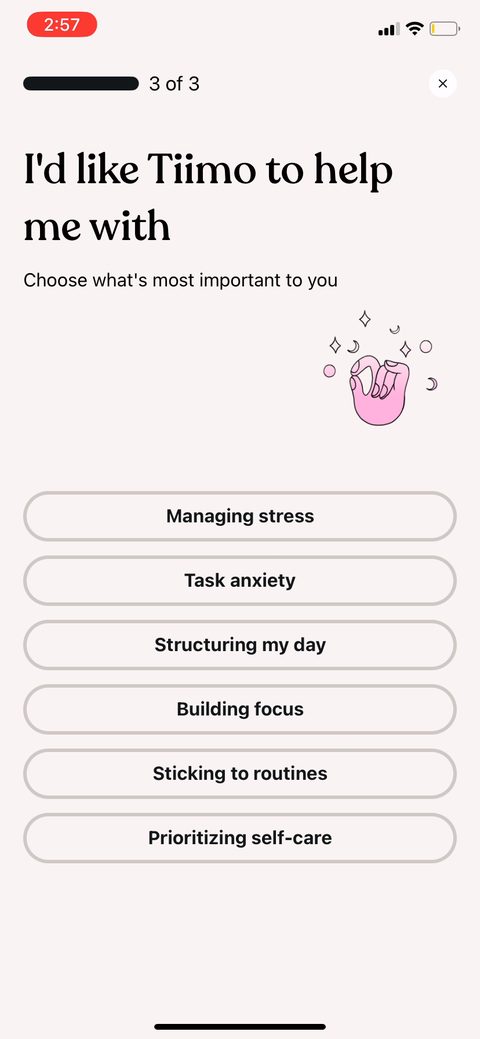 8
8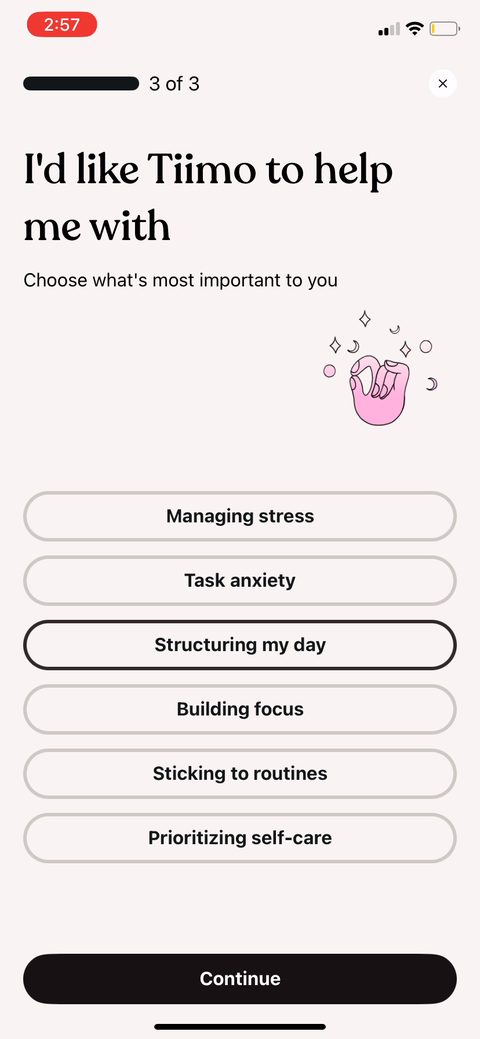 9
9 10
10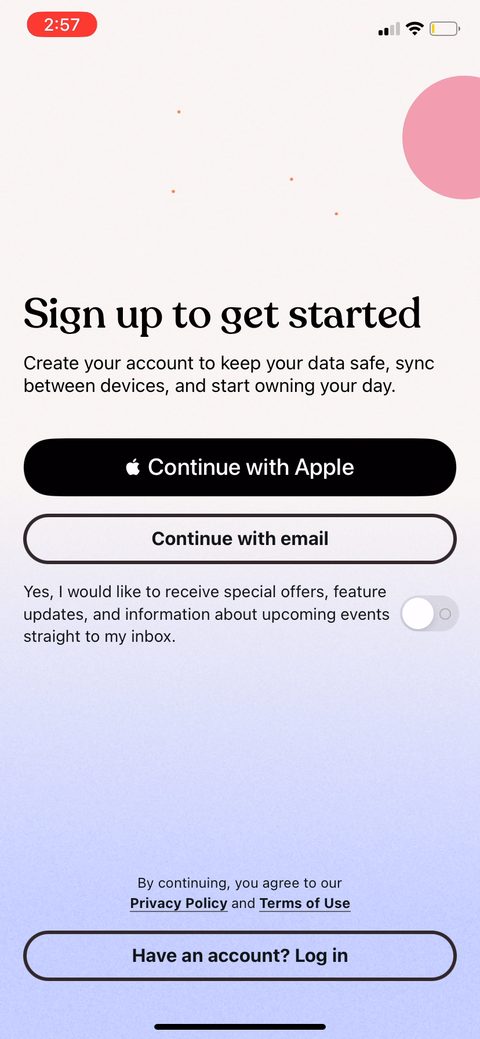 11
11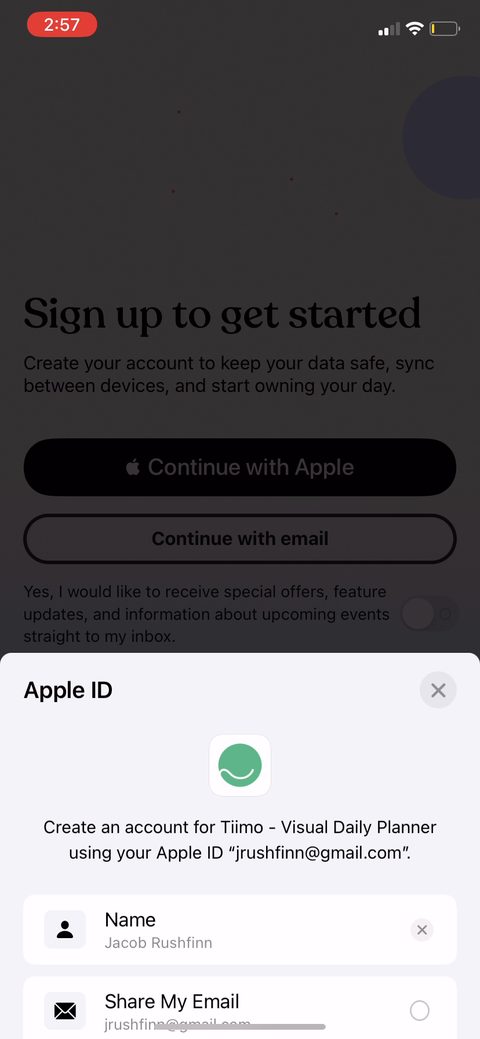 12
12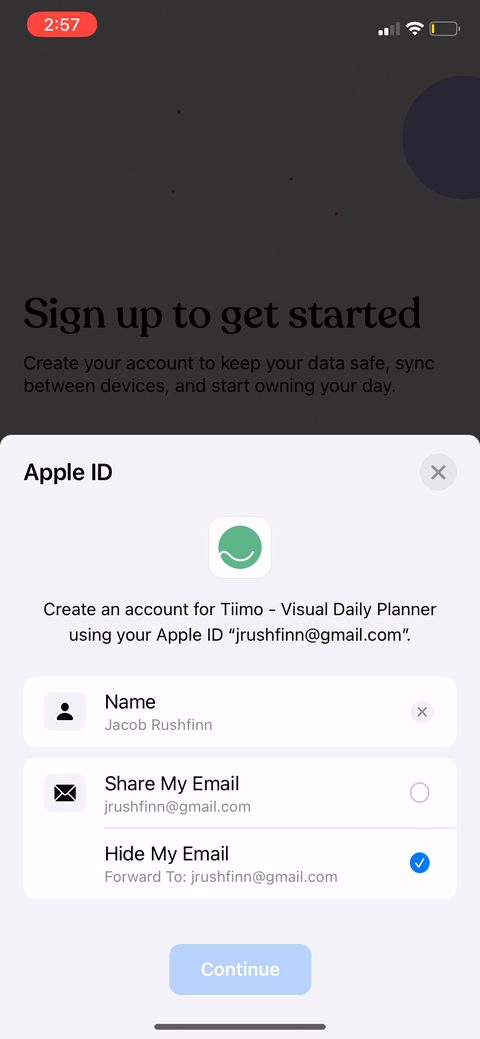 13
13 14
14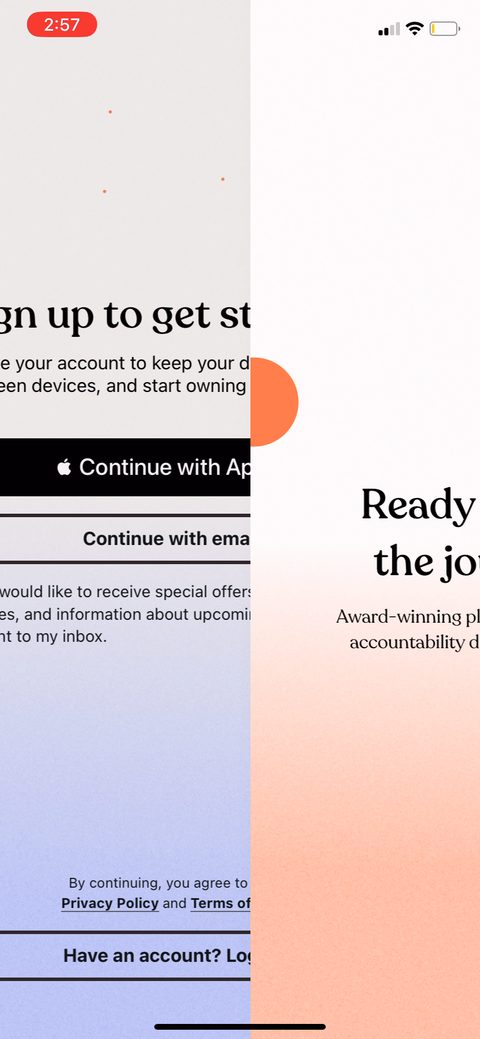 15
15 16
16 17
17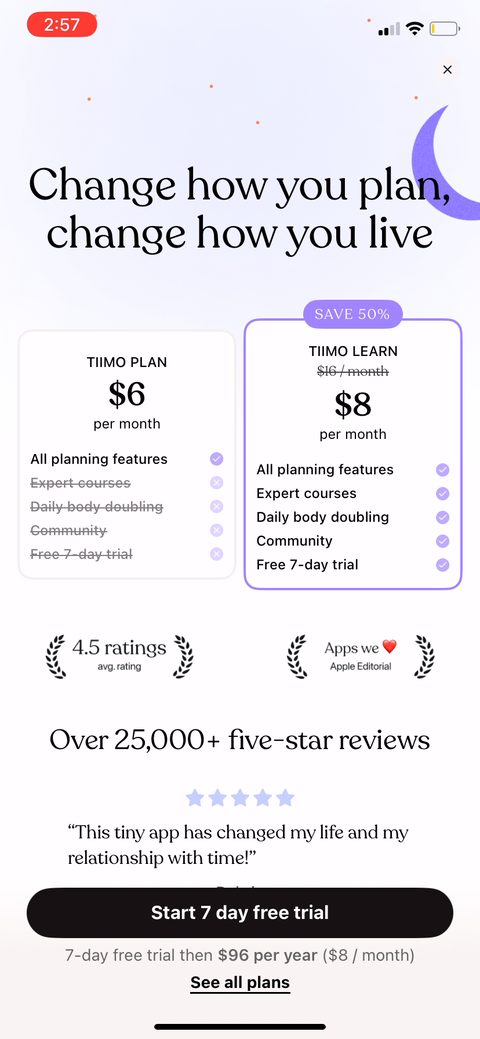 18
18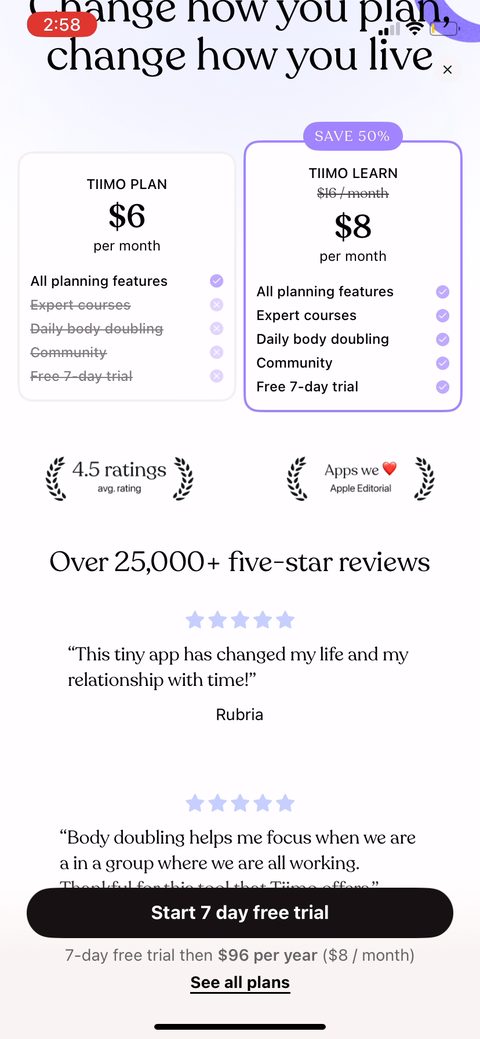 19
19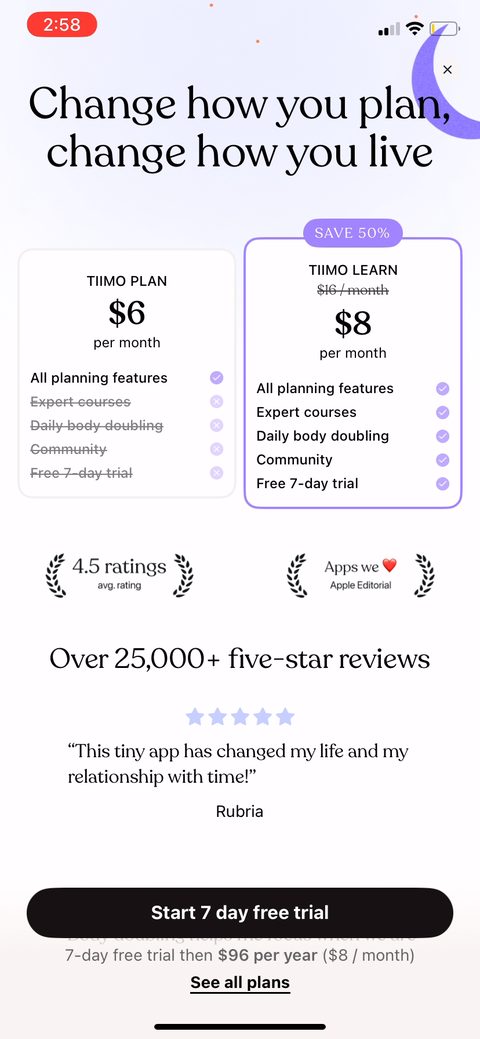 20
20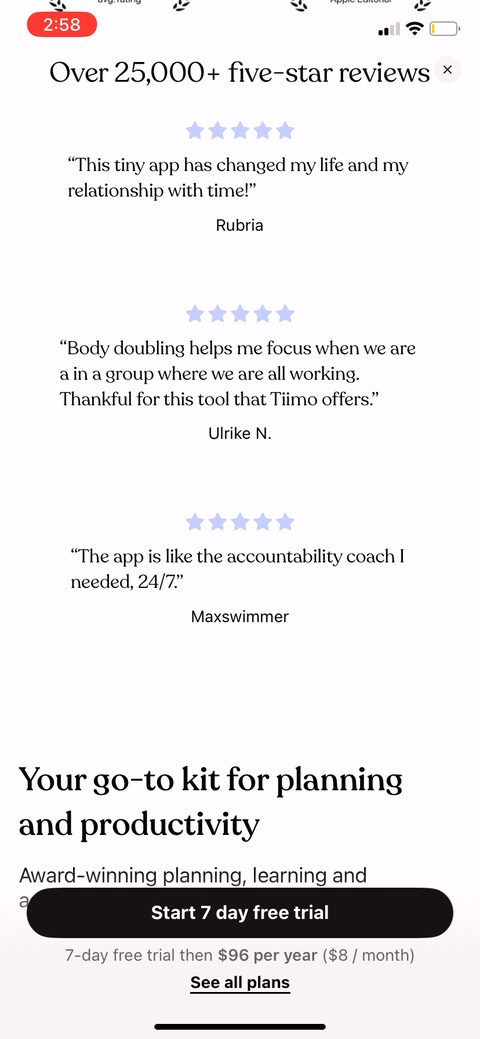 21
21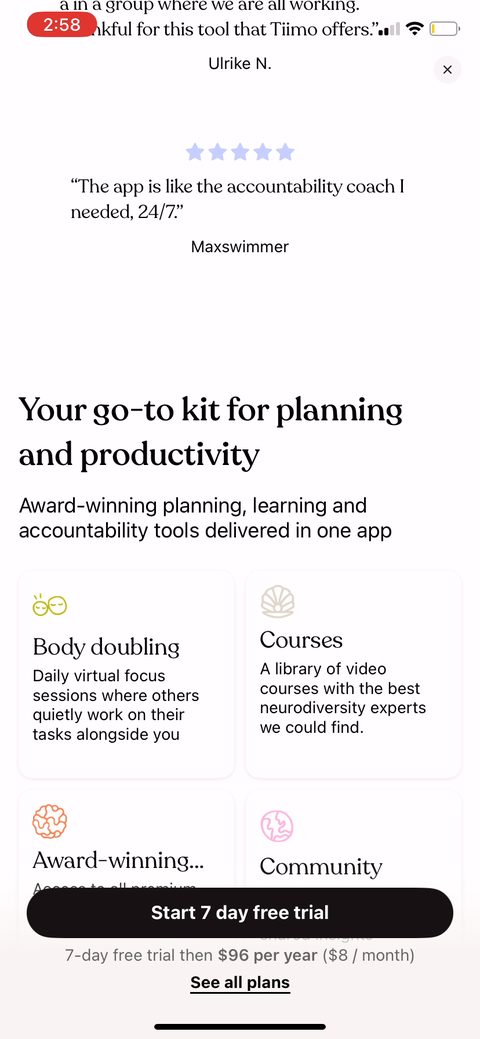 22
22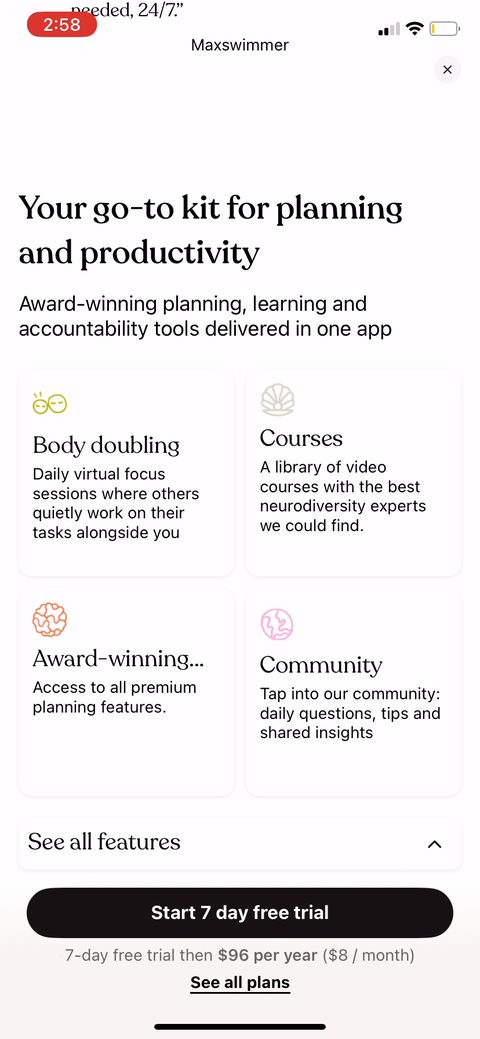 23
23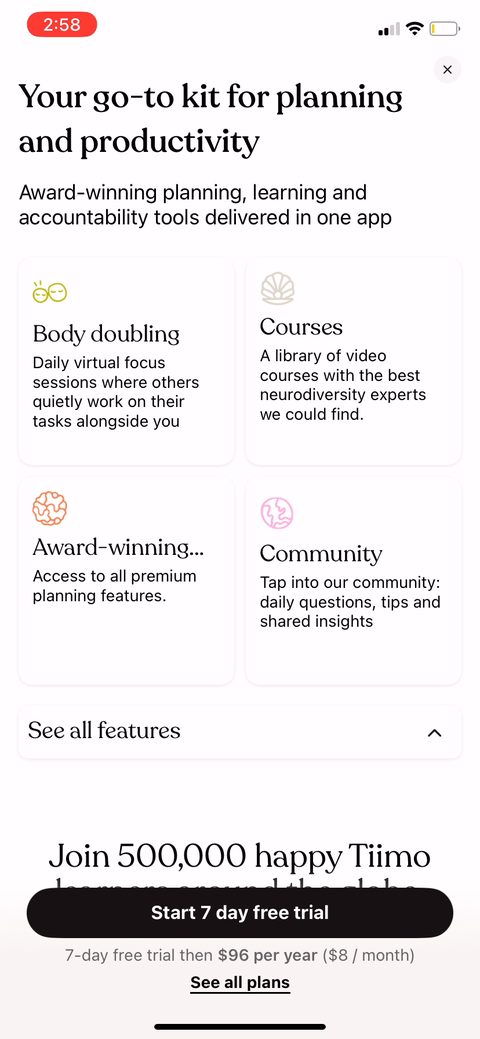 24
24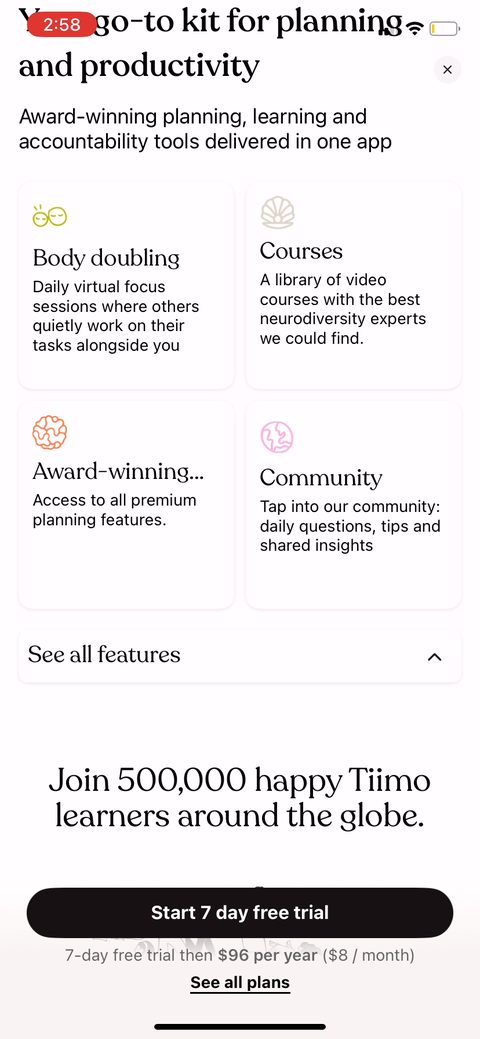 25
25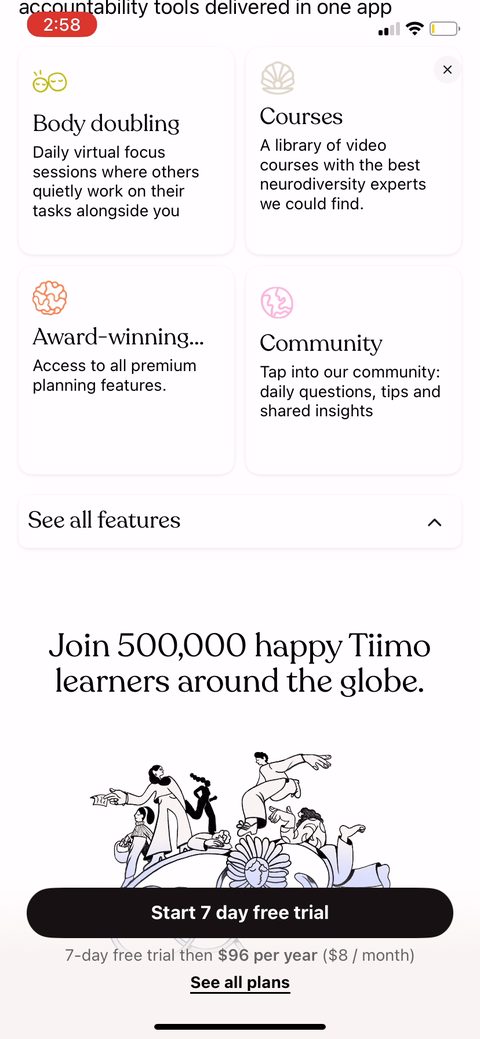 26
26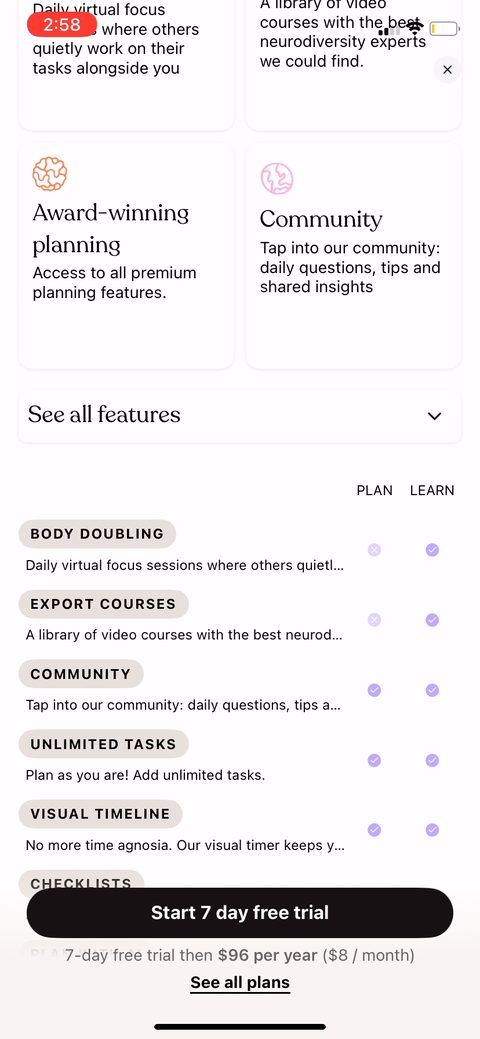 27
27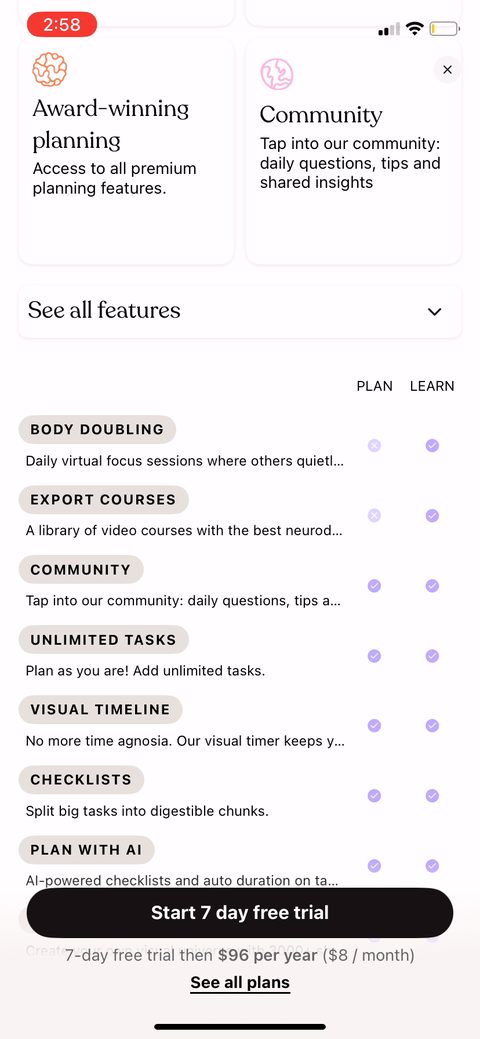 28
28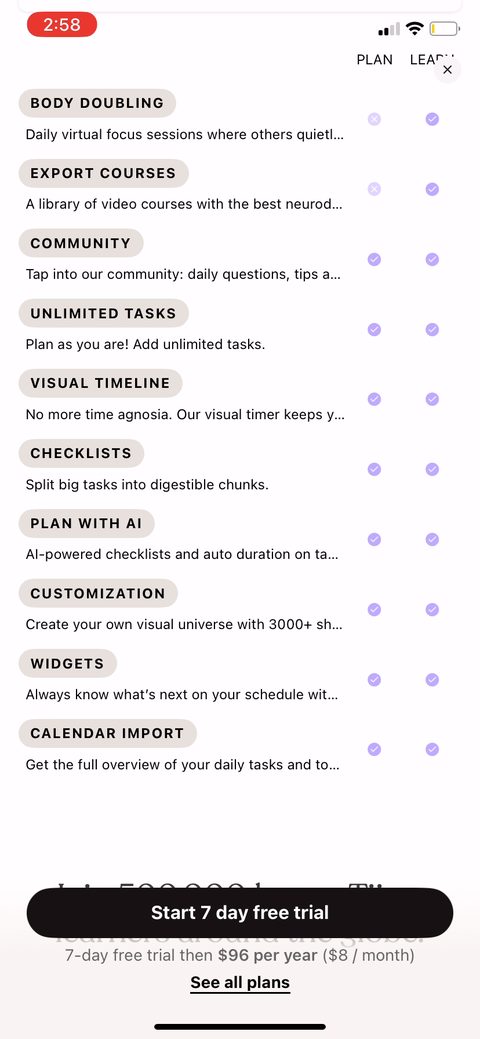 29
29 30
30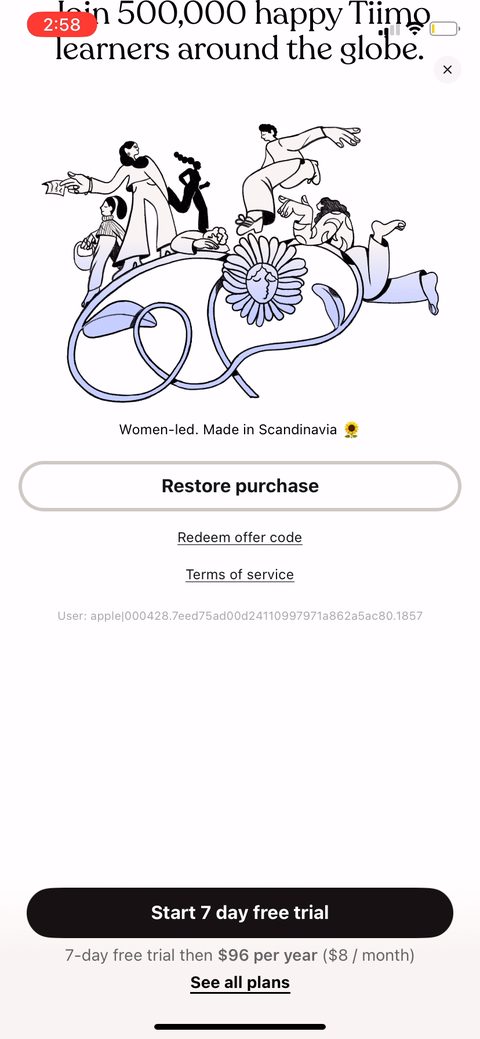 31
31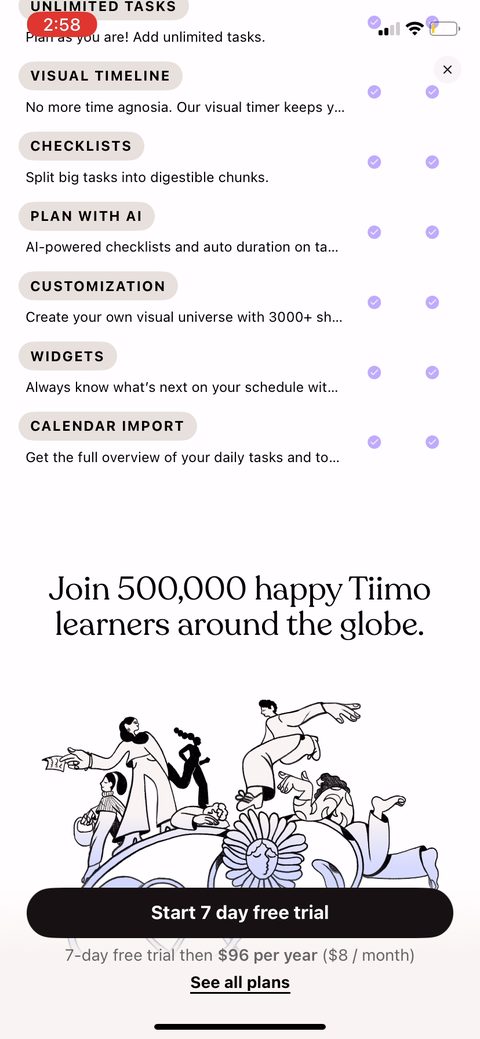 32
32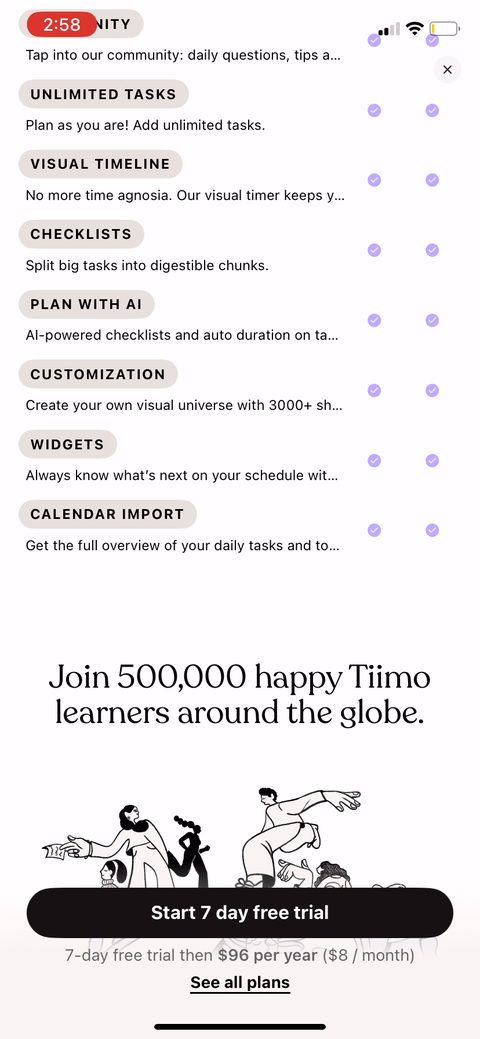 33
33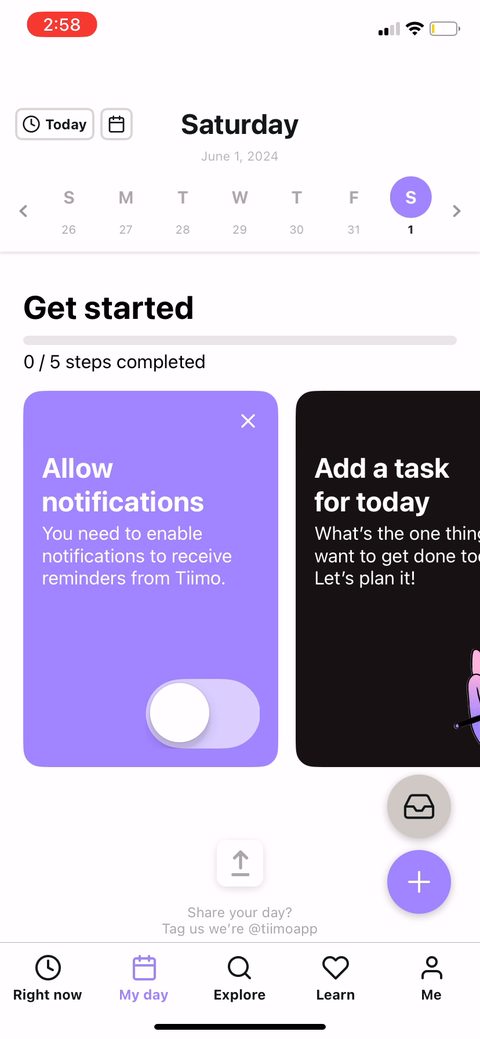 34
34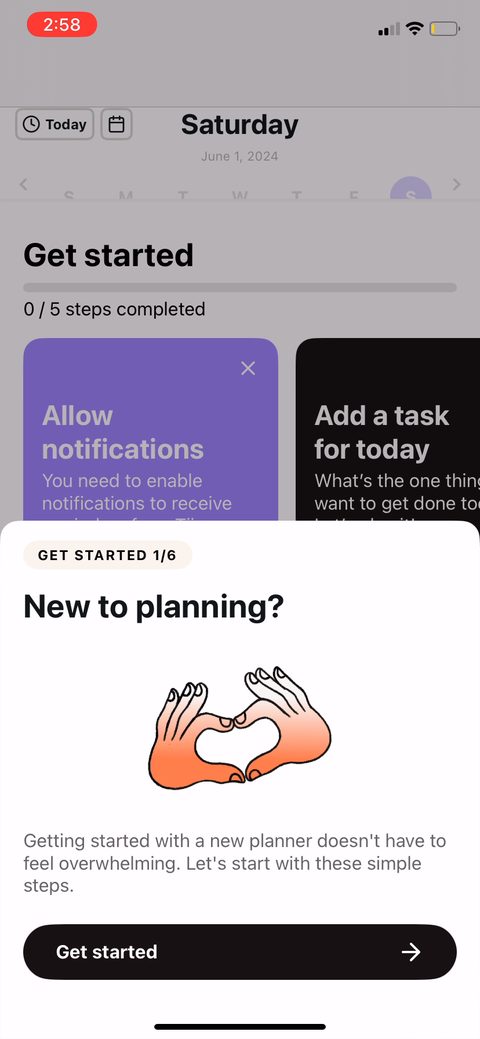 35
35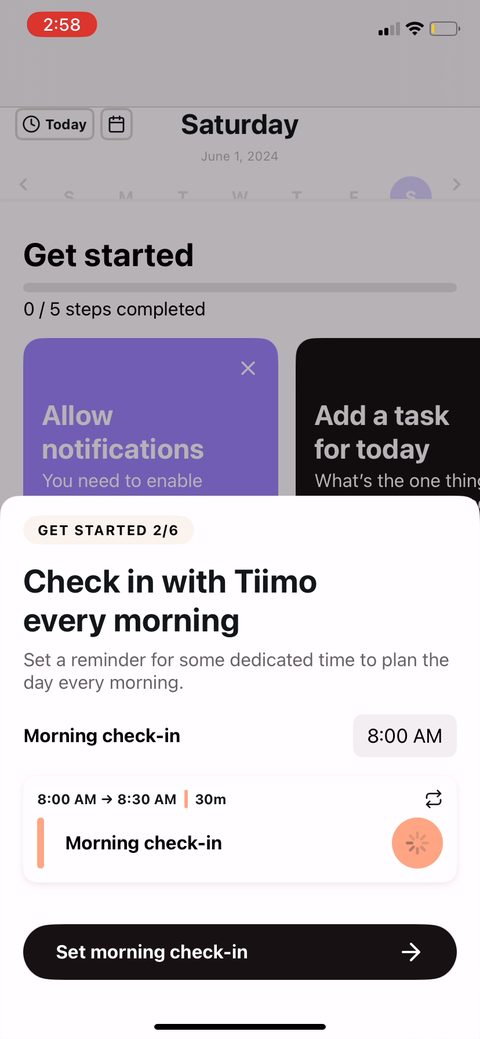 36
36 37
37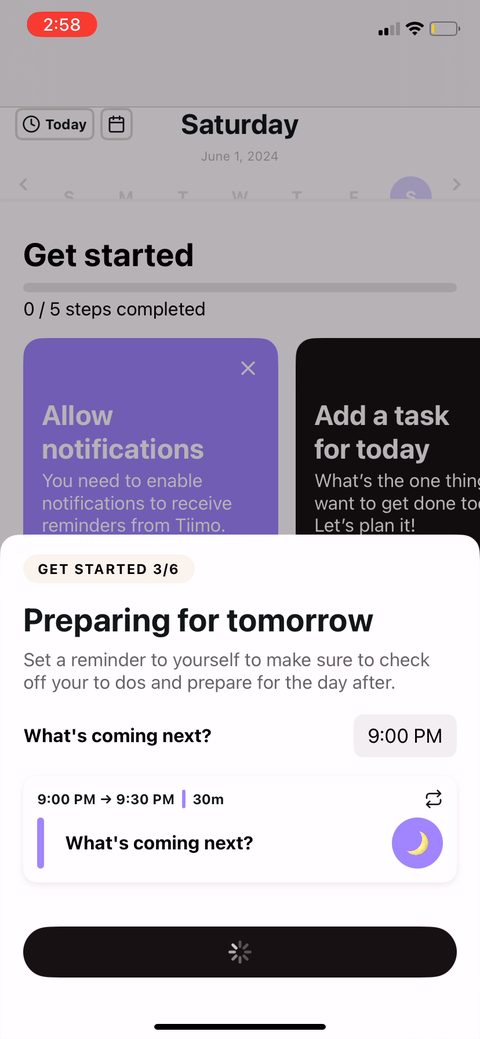 38
38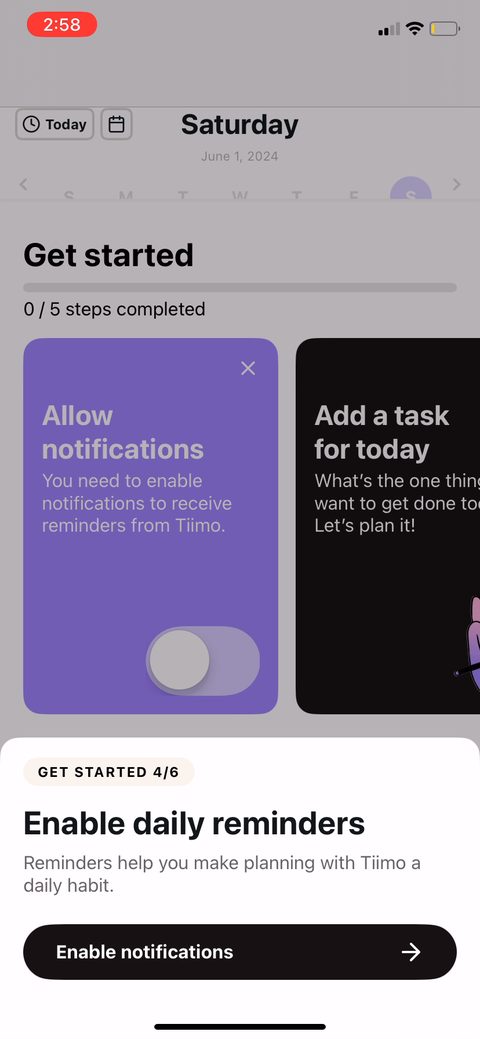 39
39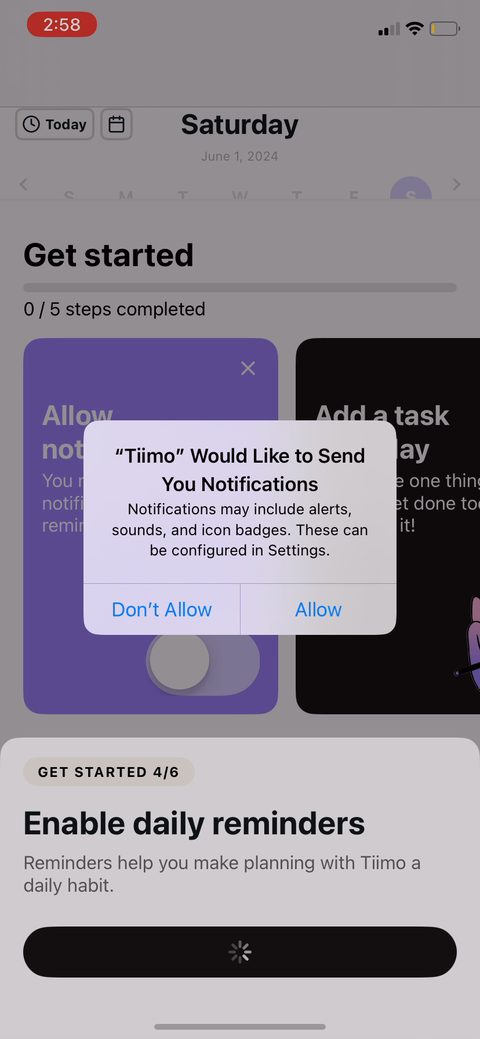 40
40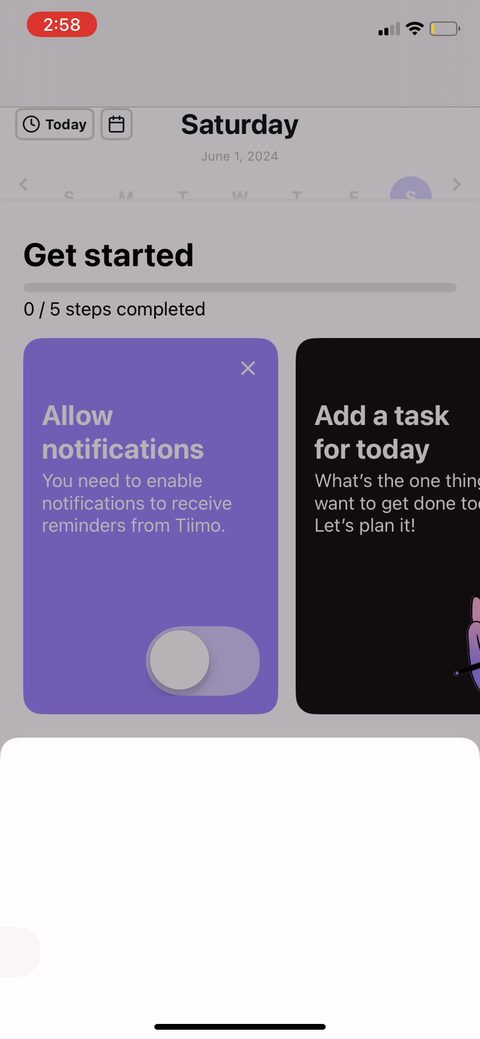 41
41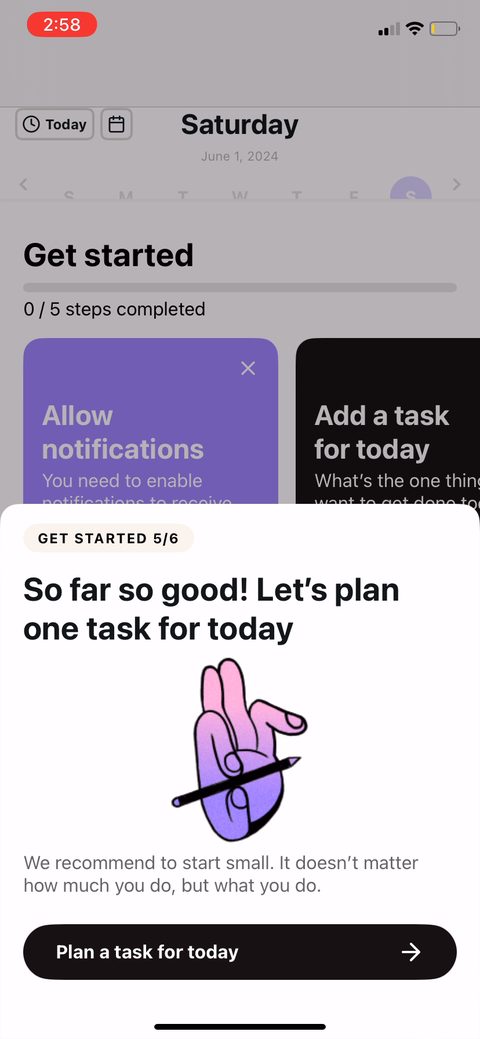 42
42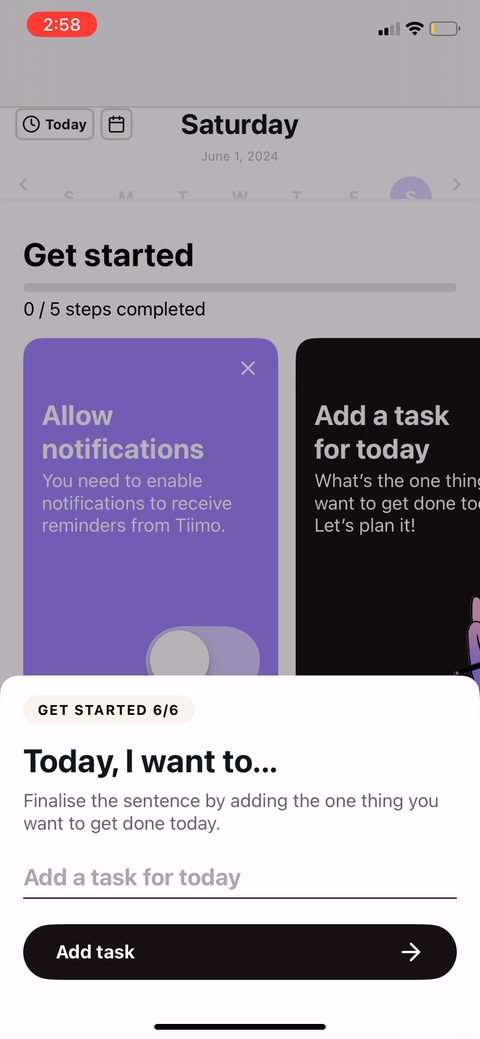 43
43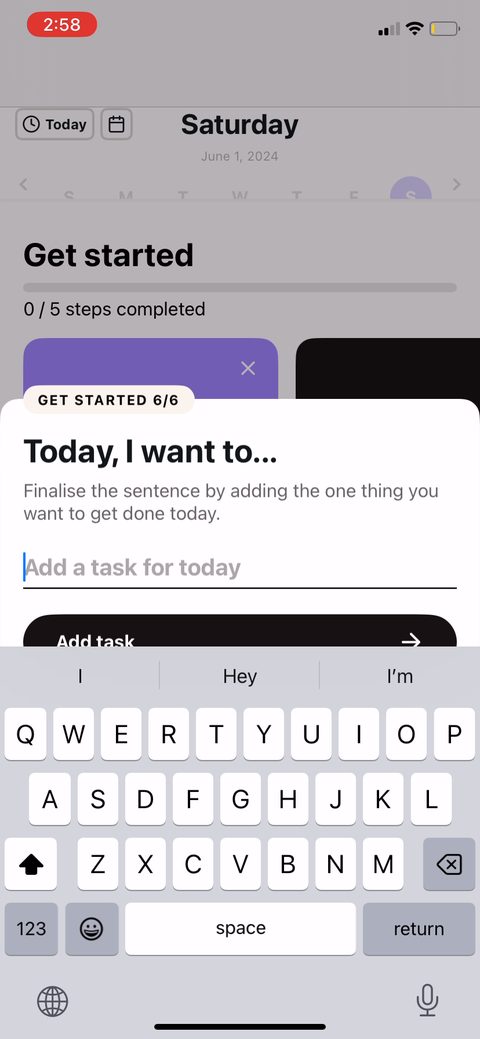 44
44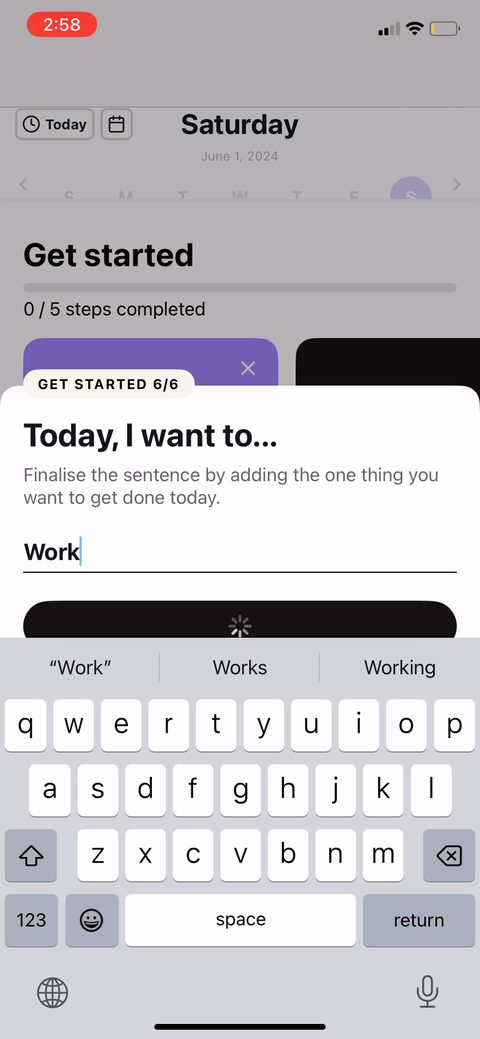 45
45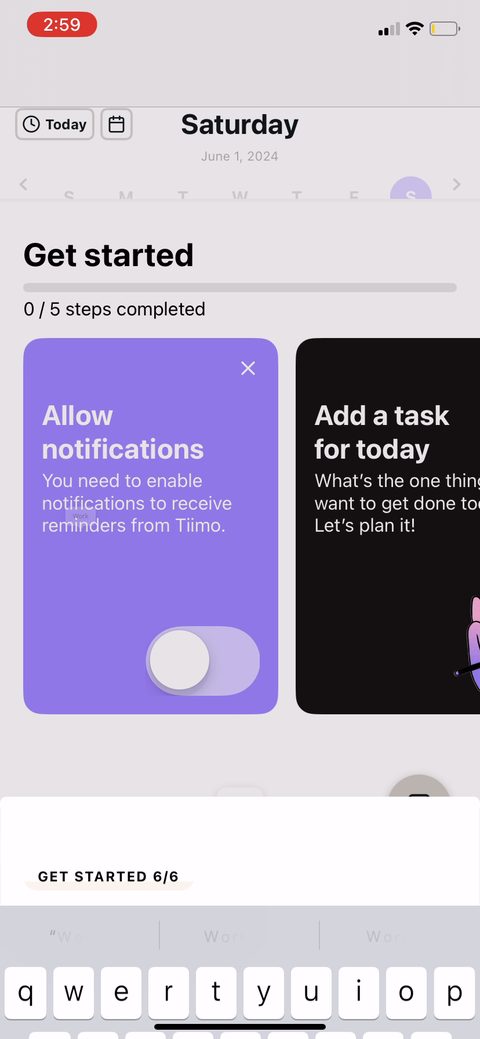 46
46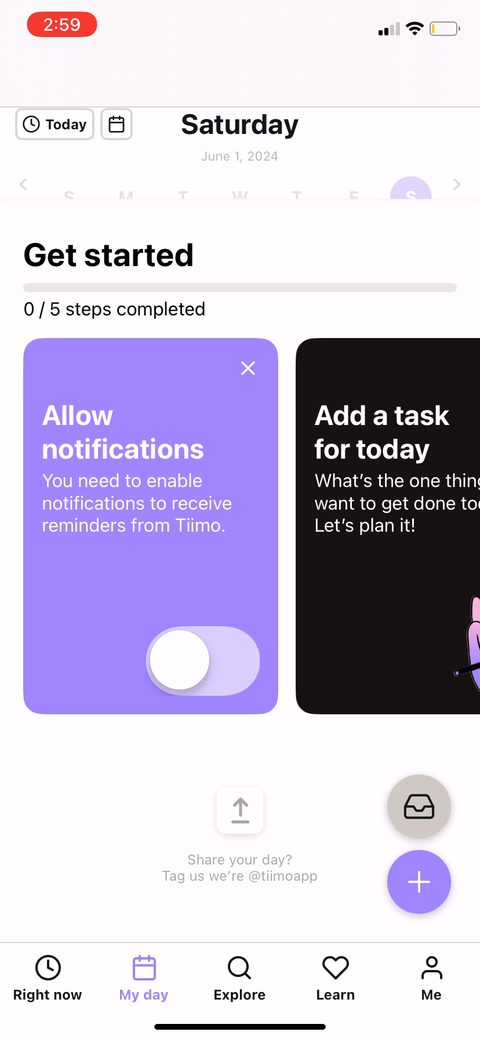 47
47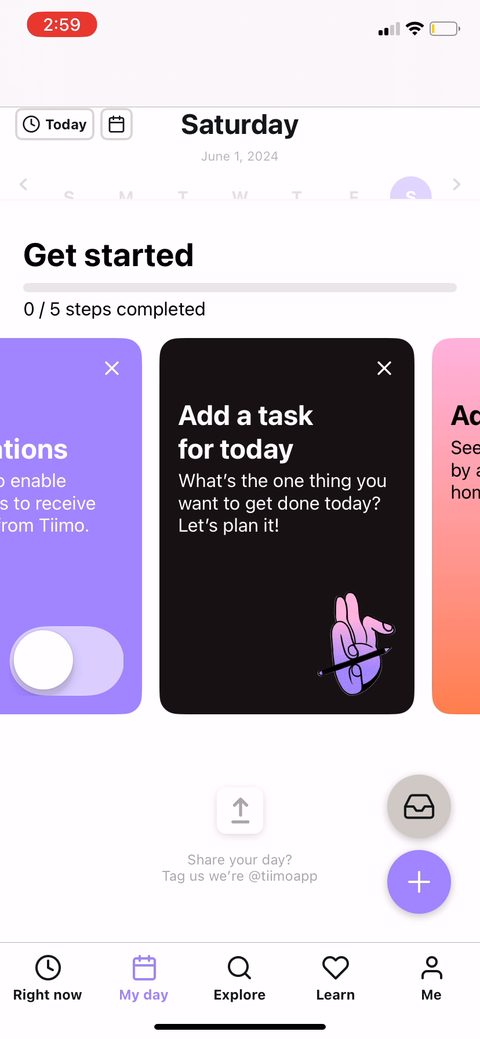 48
48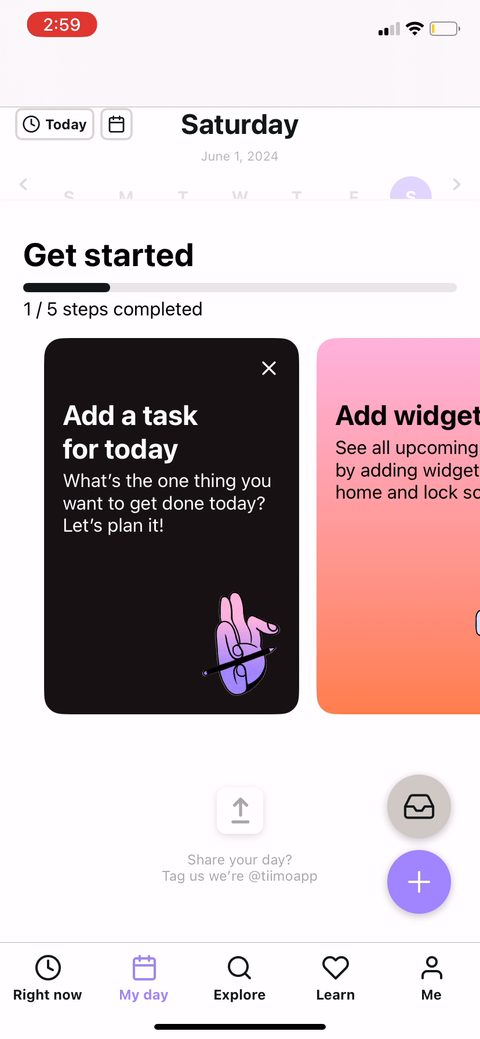 49
49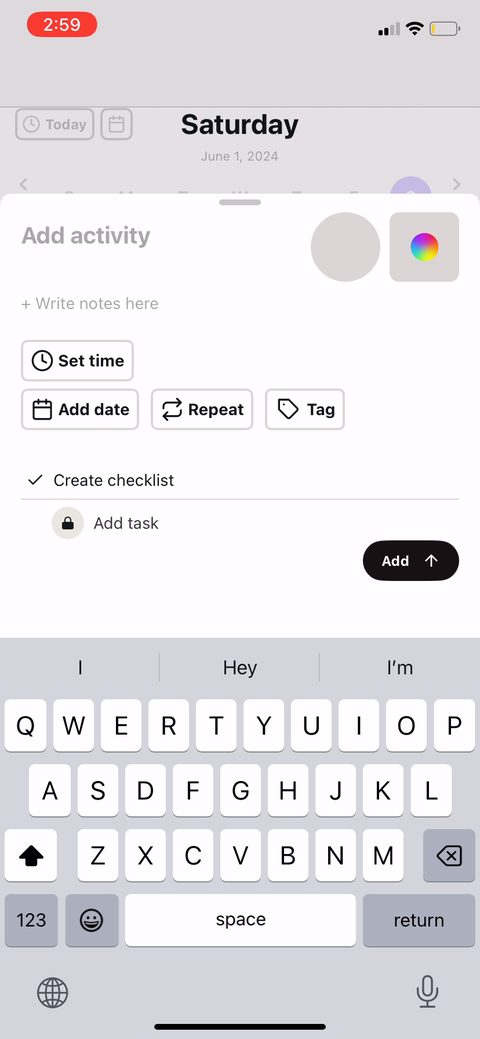 50
50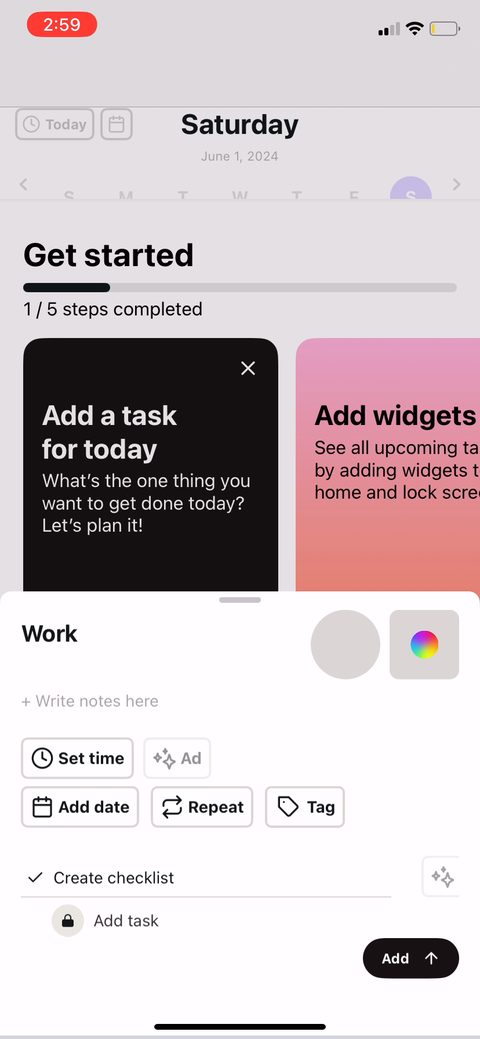 51
51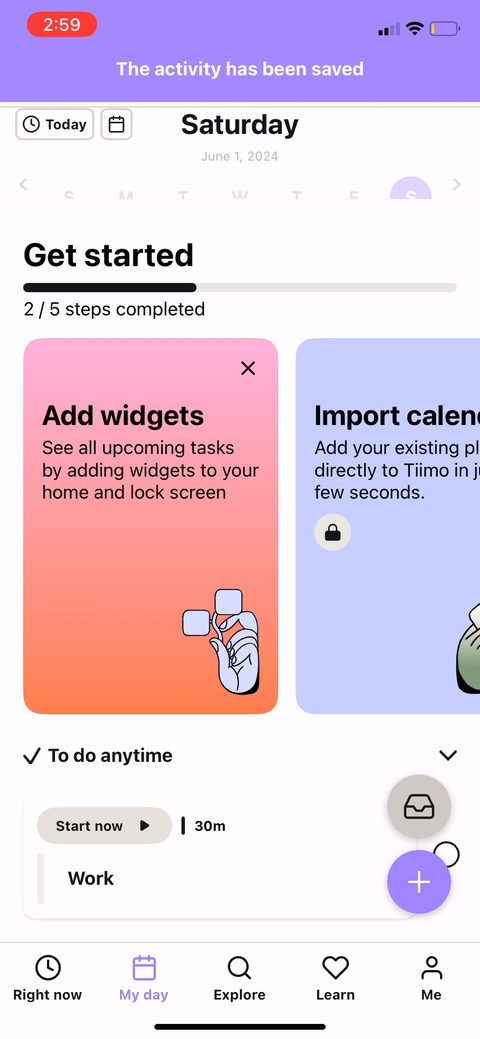 52
52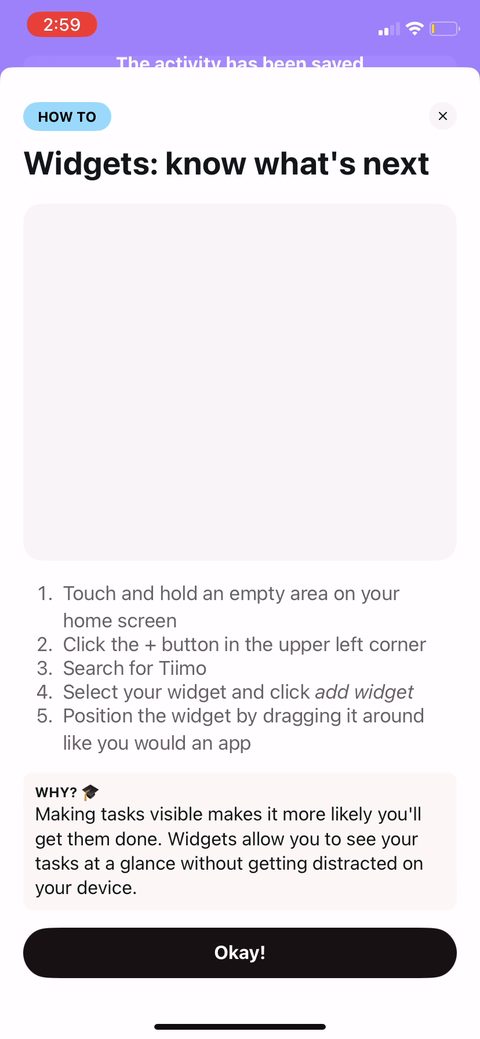 53
53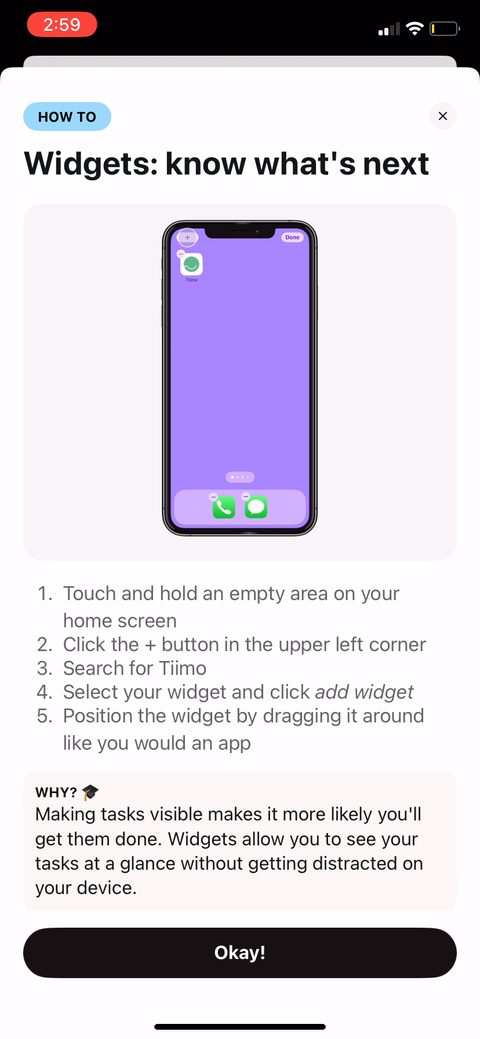 54
54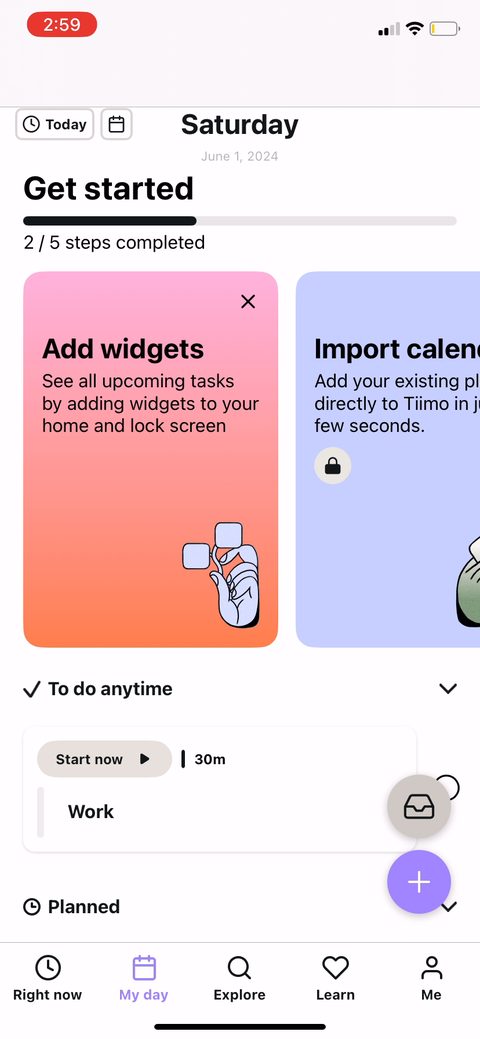 55
55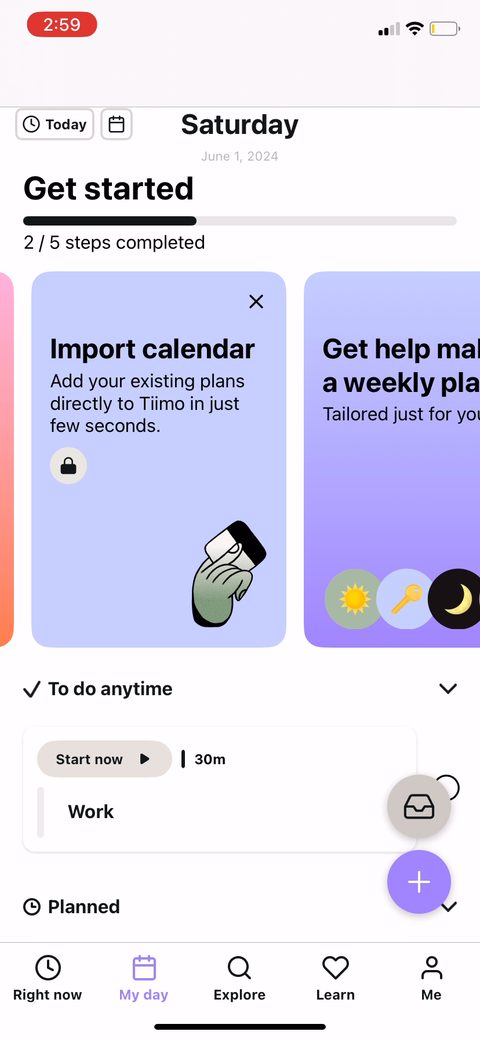 56
56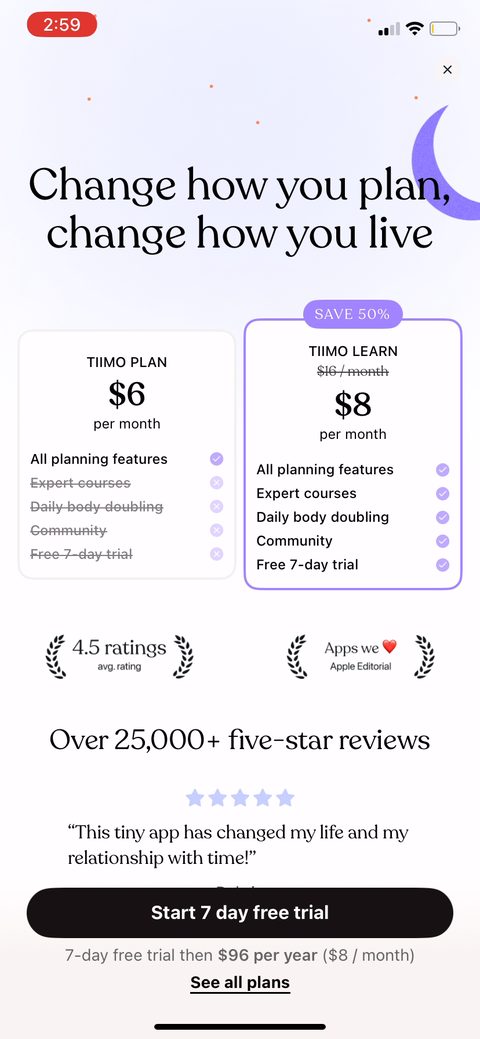 57
57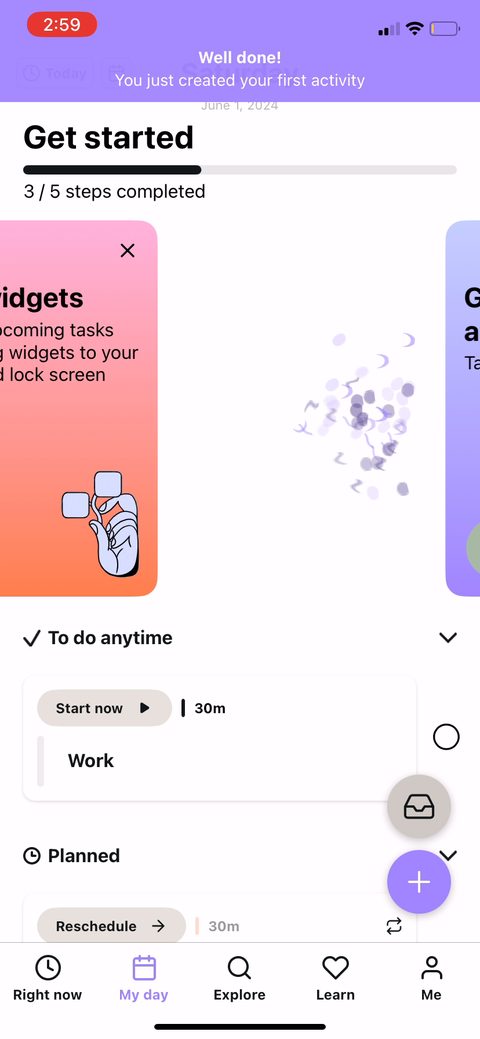 58
58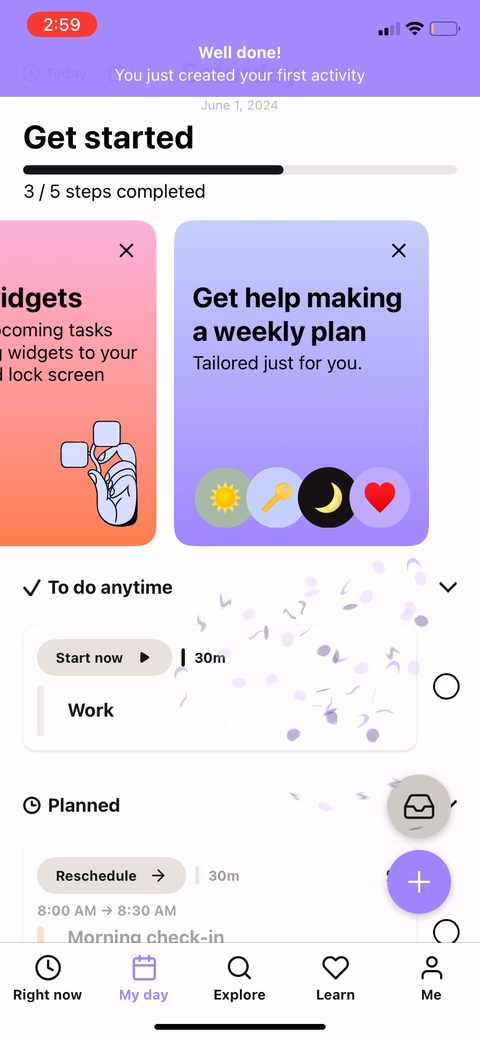 59
59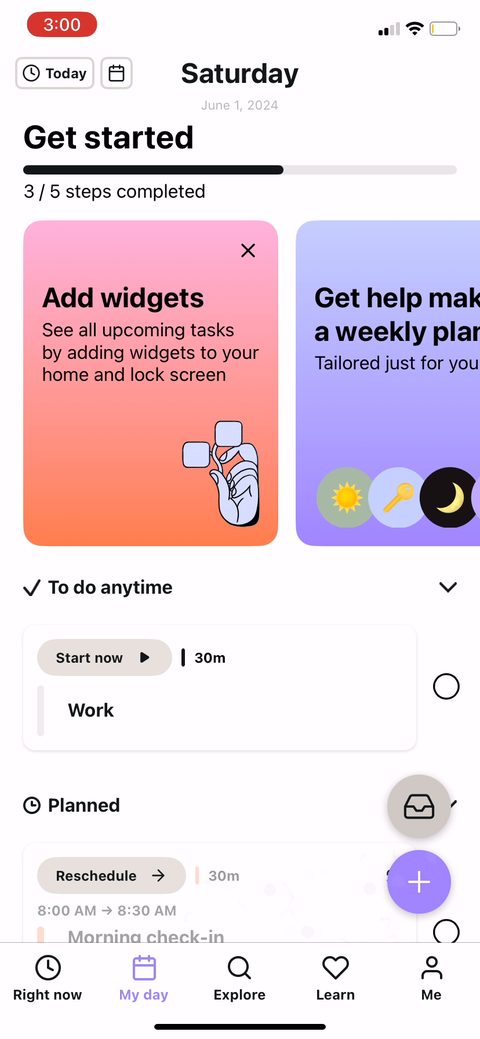 60
60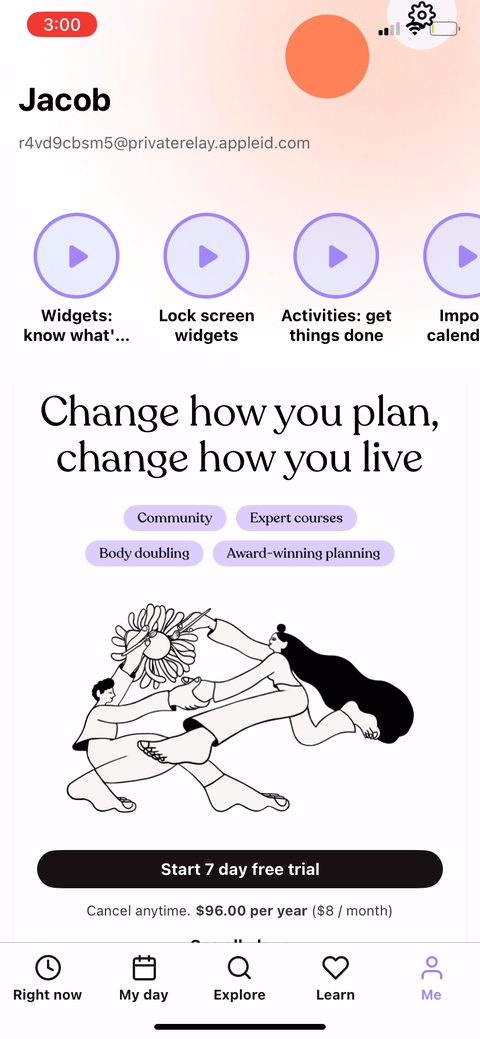 61
61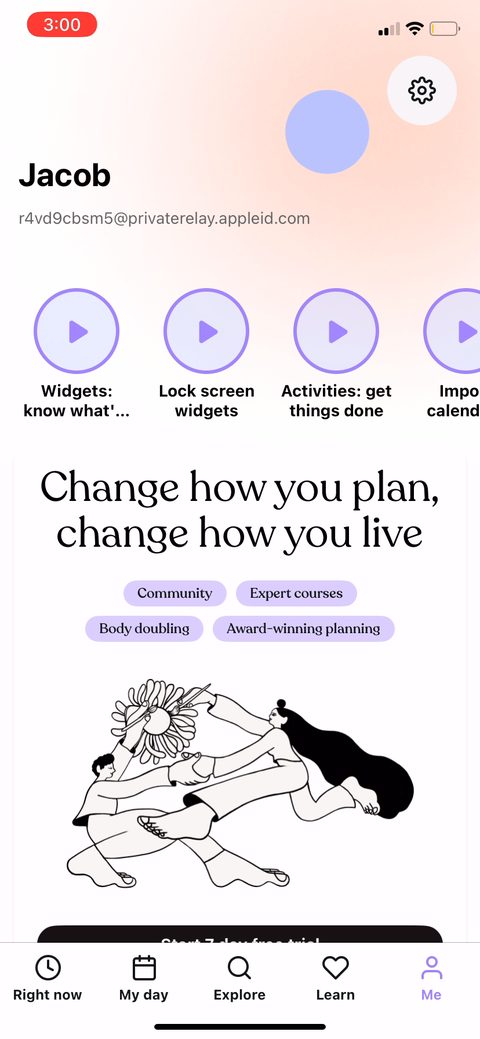 62
62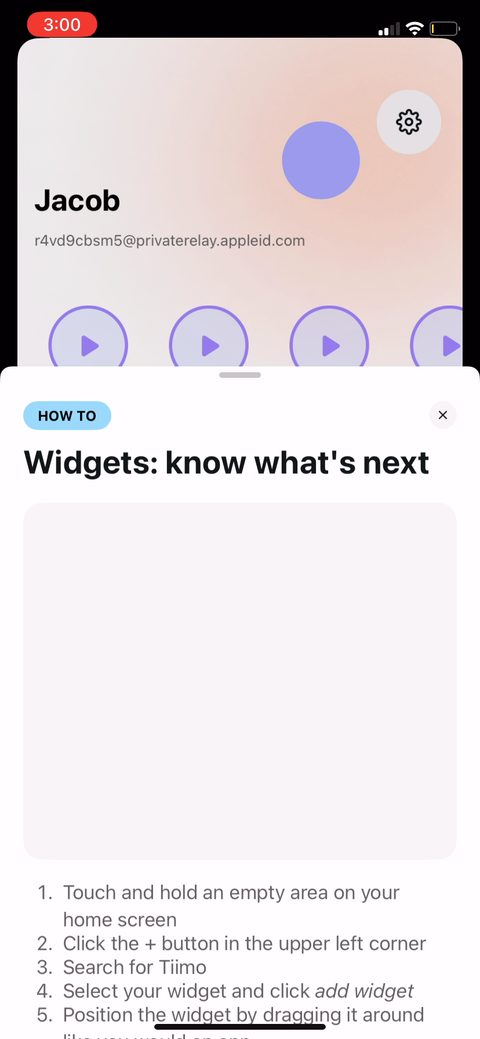 63
63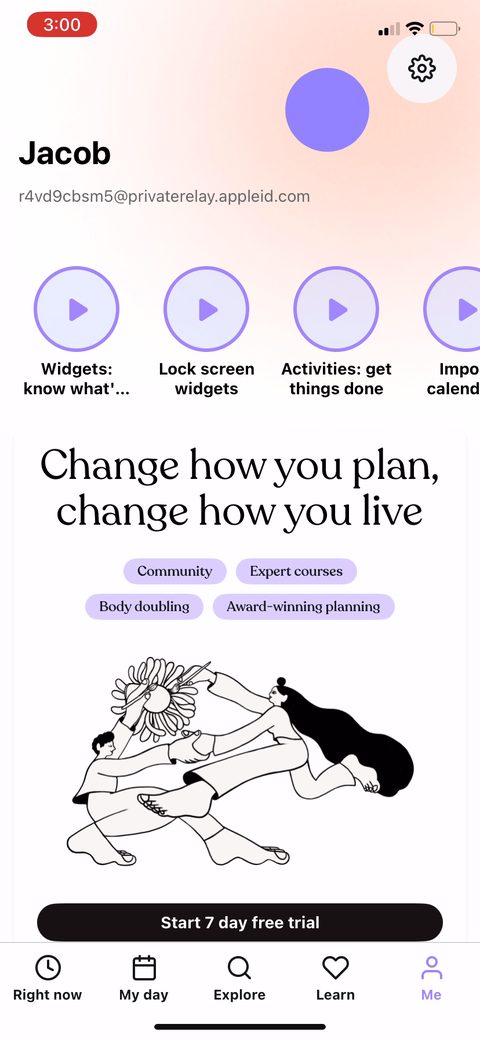 64
64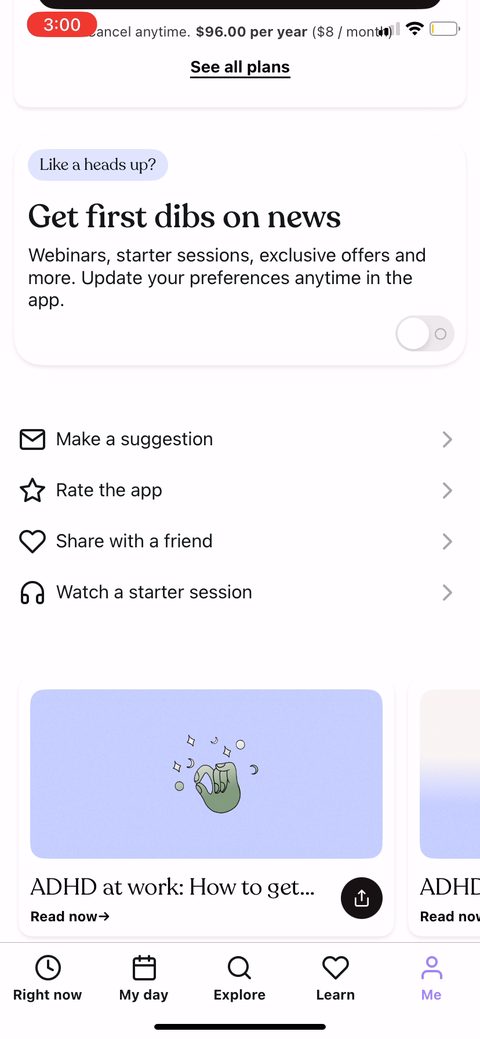 65
65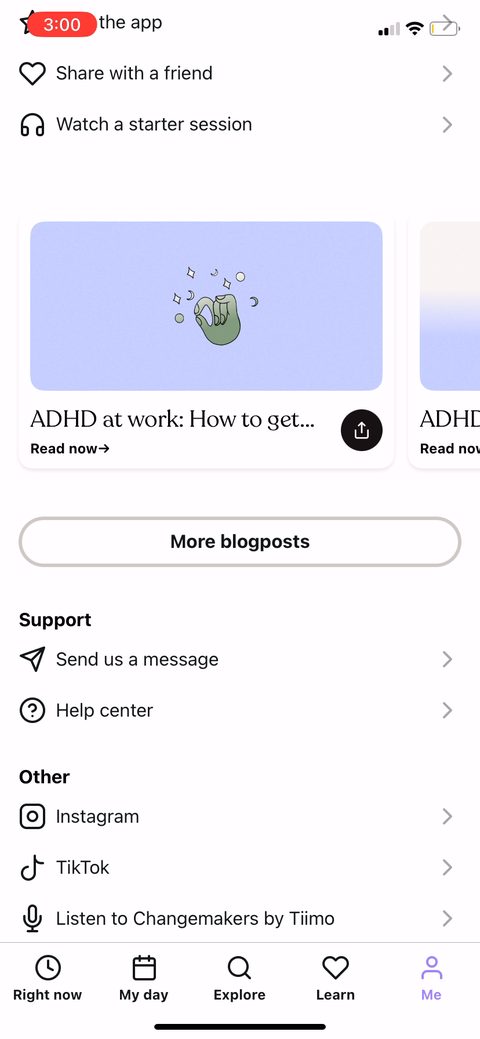 66
66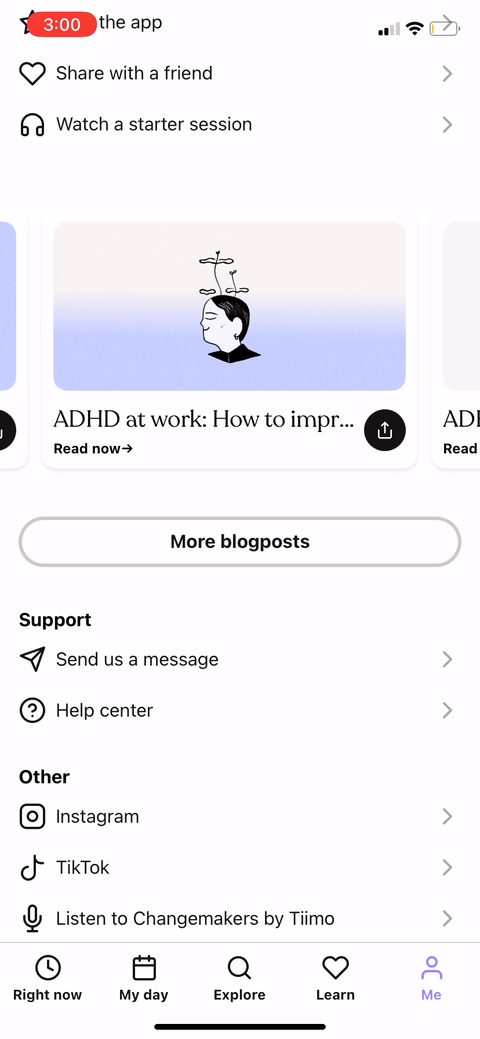 67
67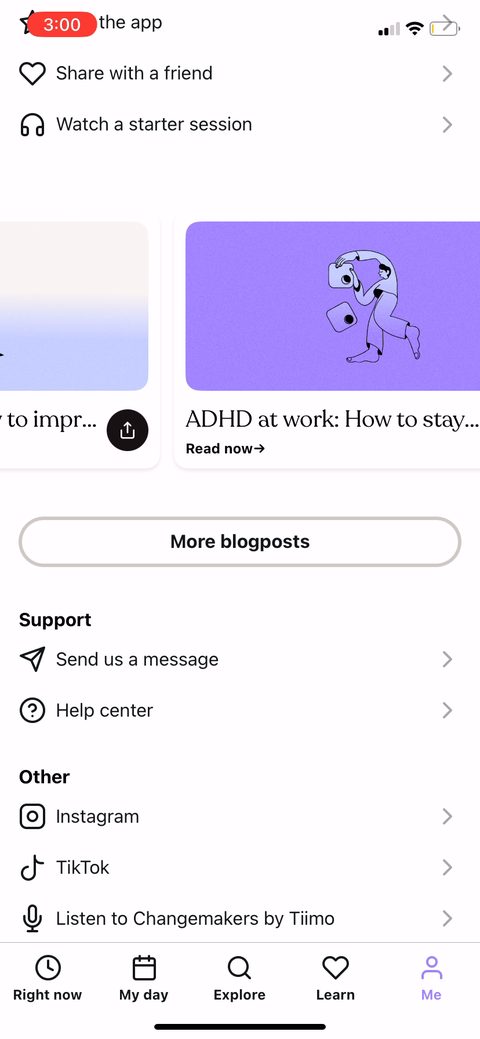 68
68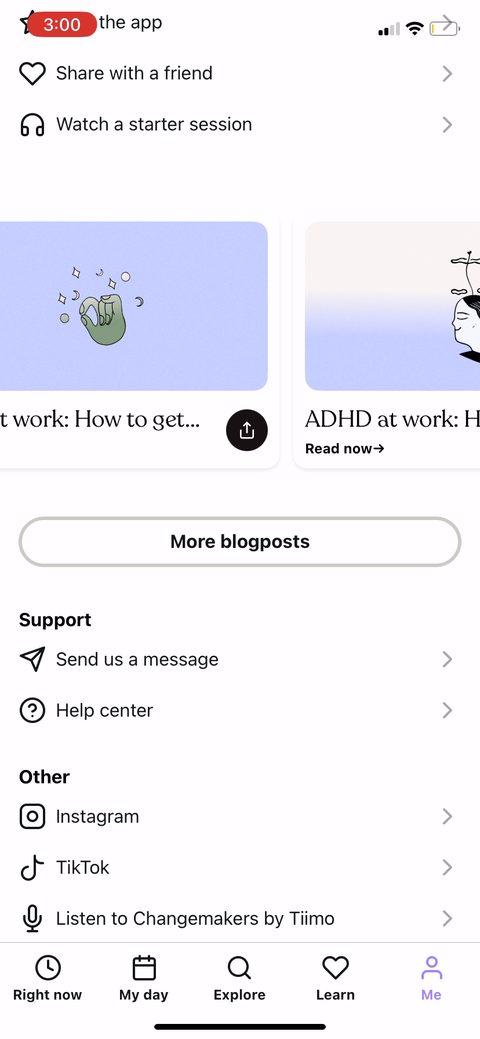 69
69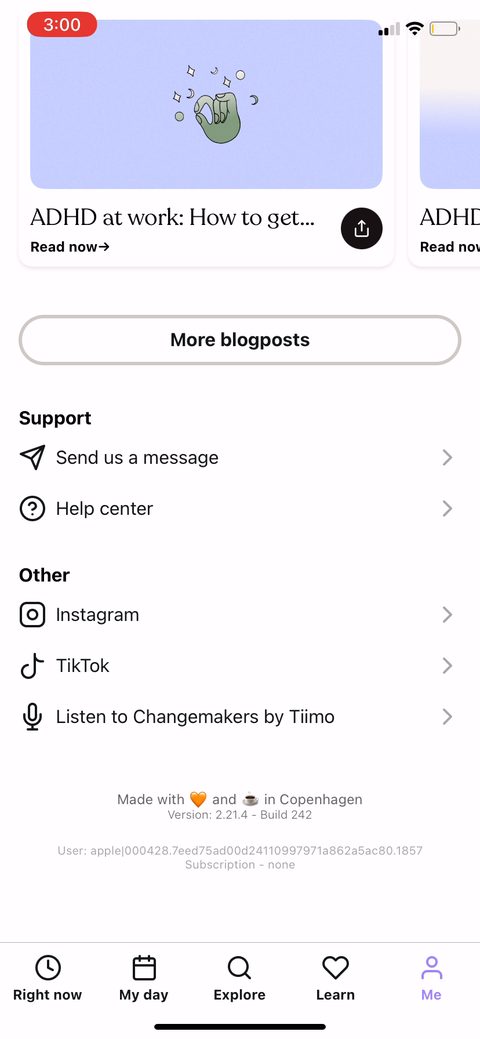 70
70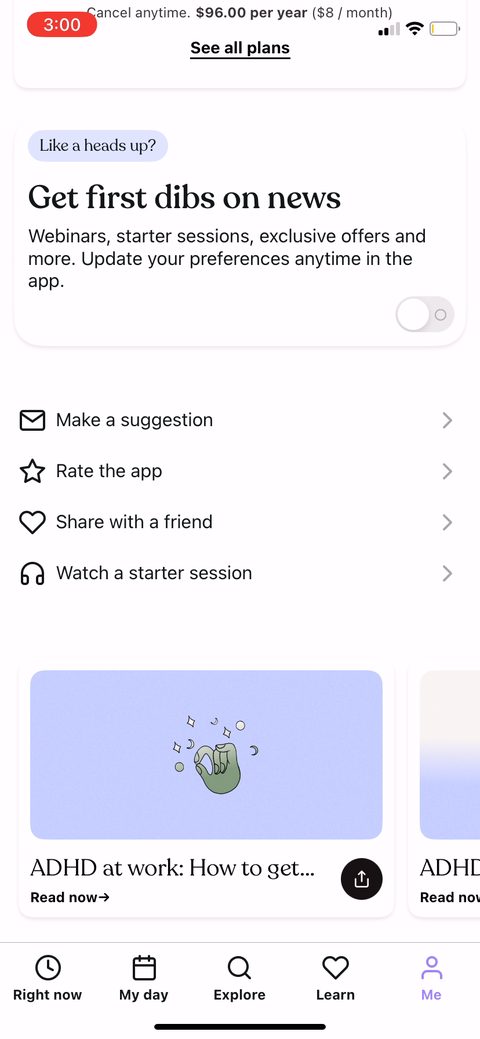 71
71 72
72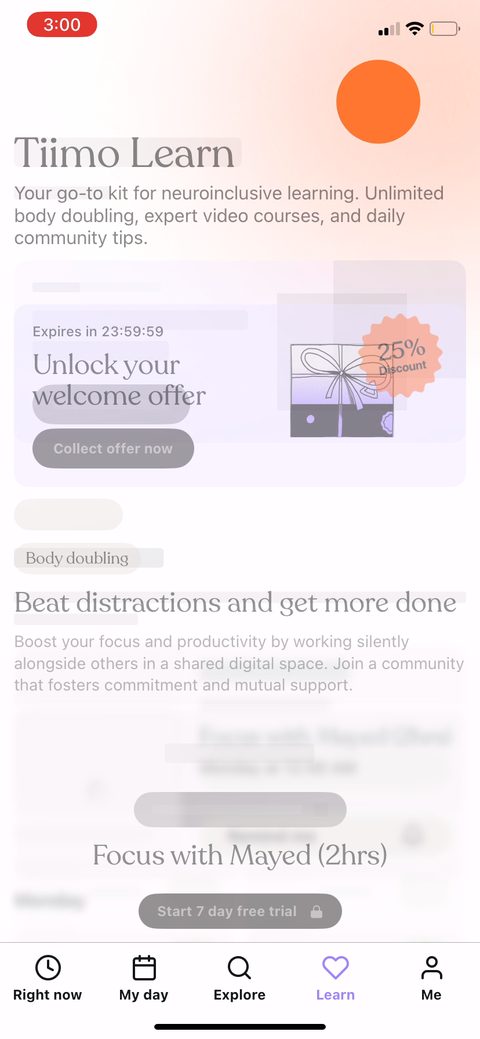 73
73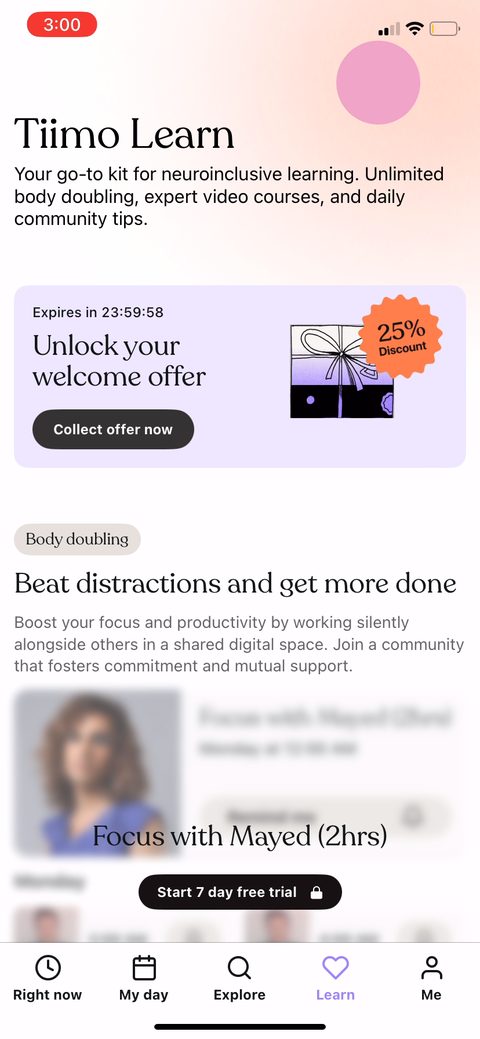 74
74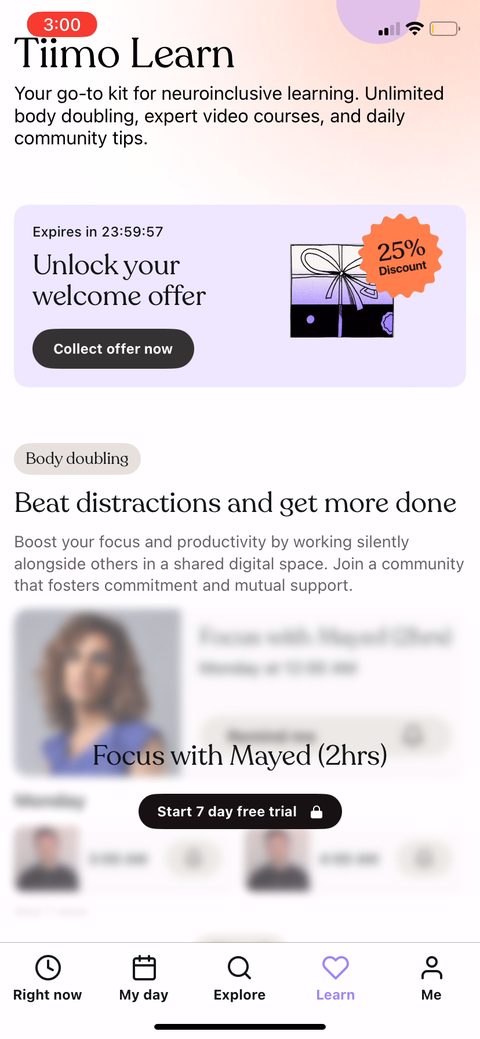 75
75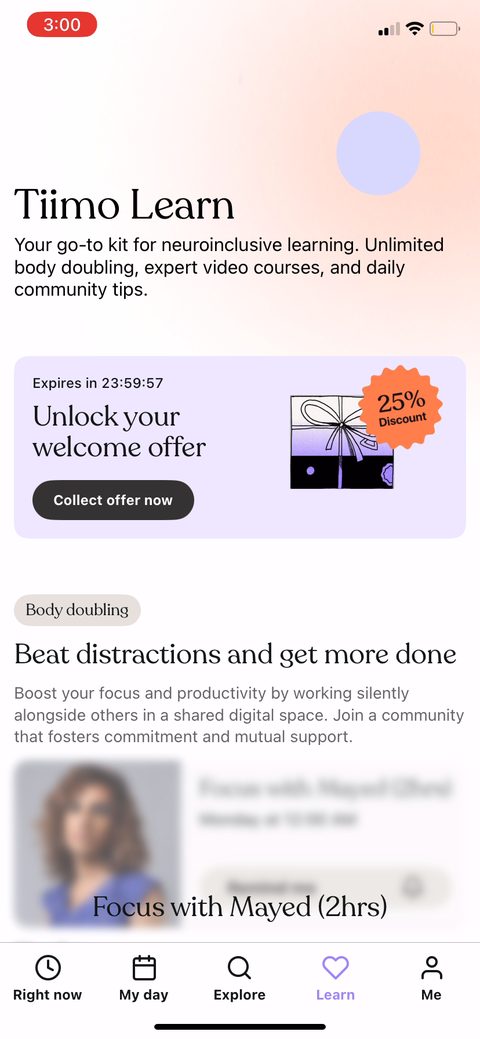 76
76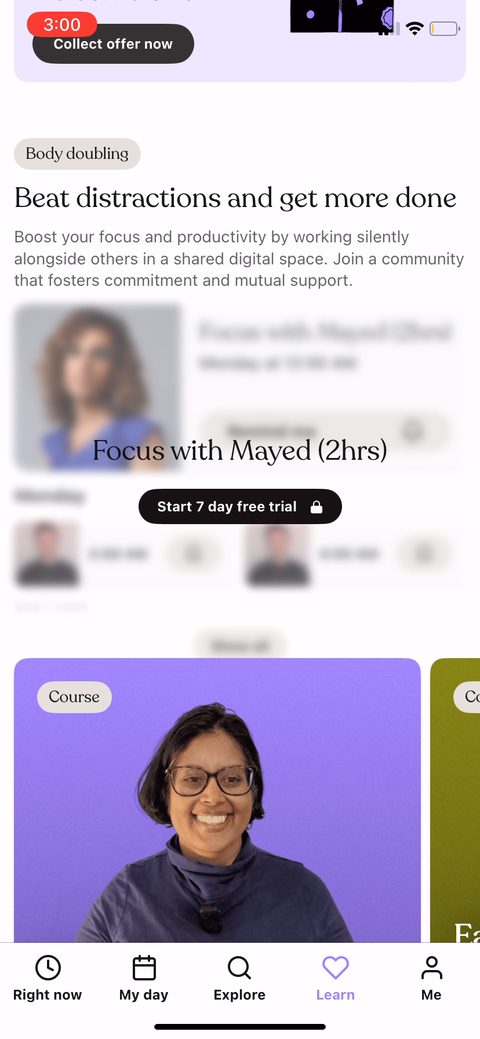 77
77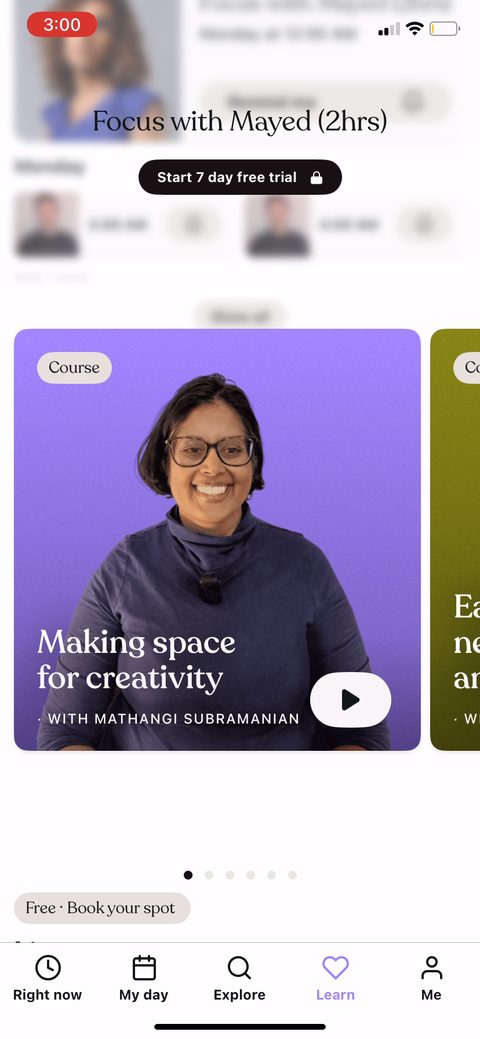 78
78 79
79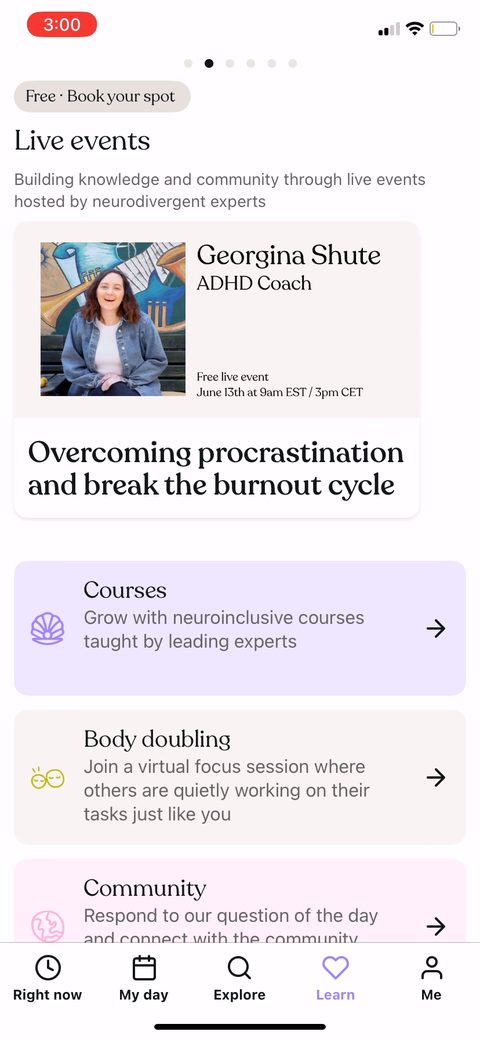 80
80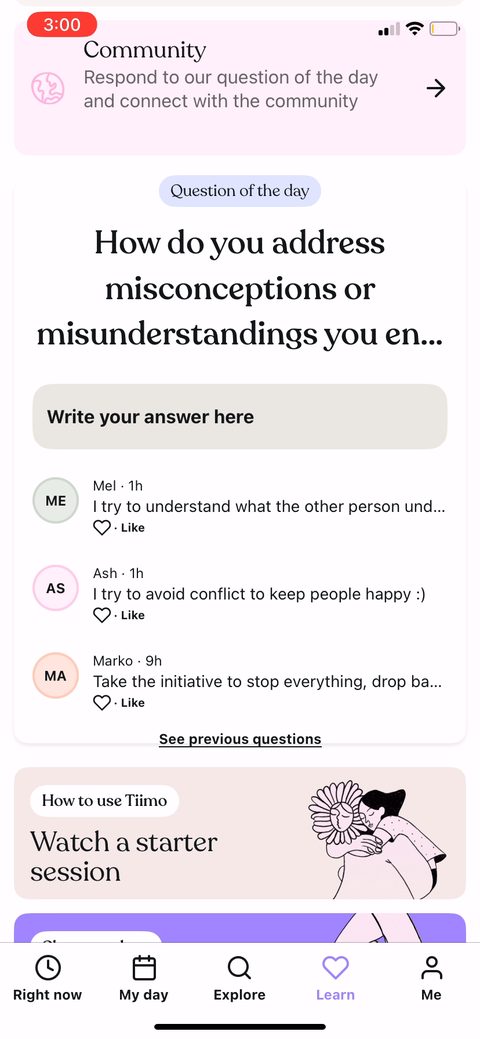 81
81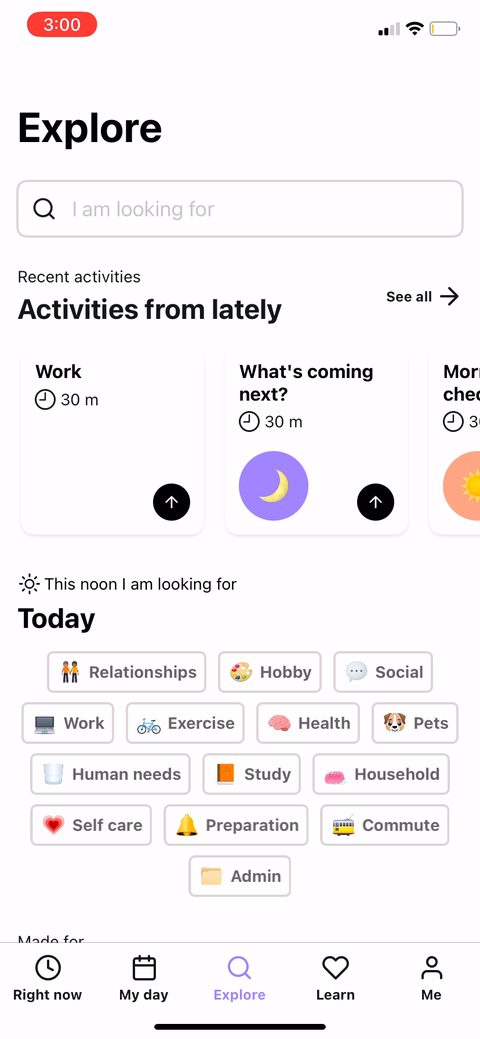 82
82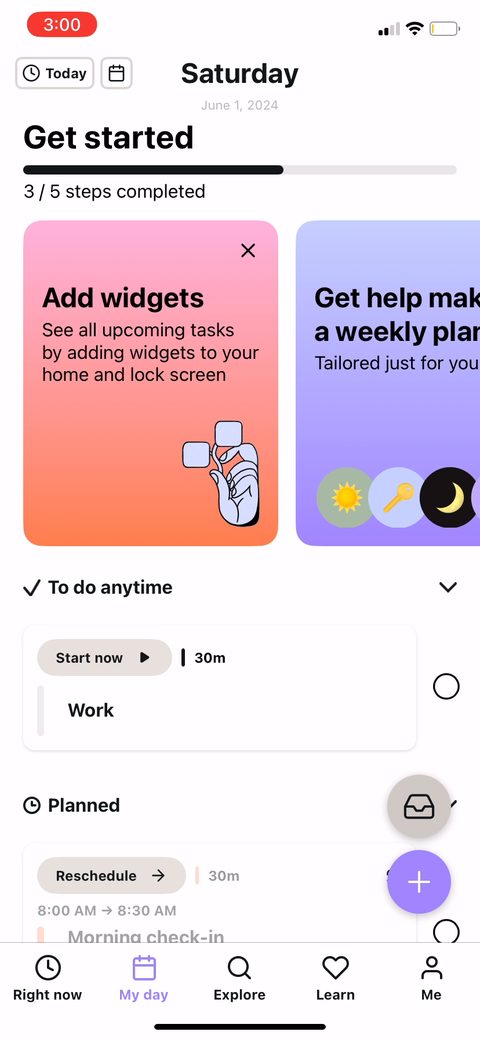 83
83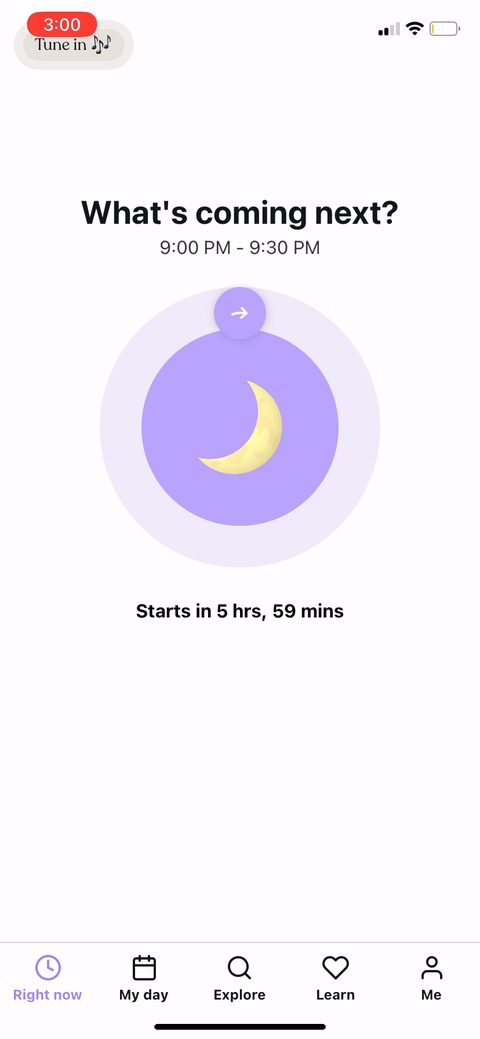 84
84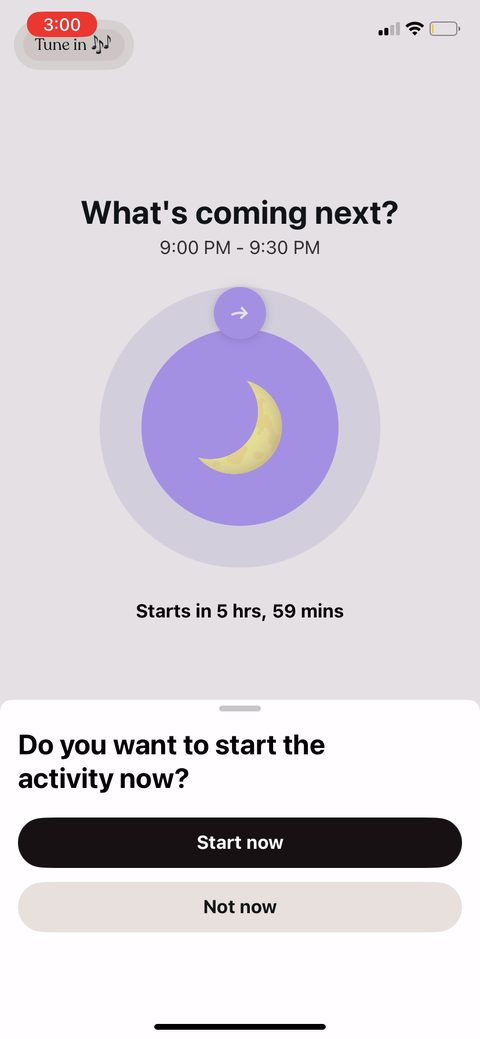 85
85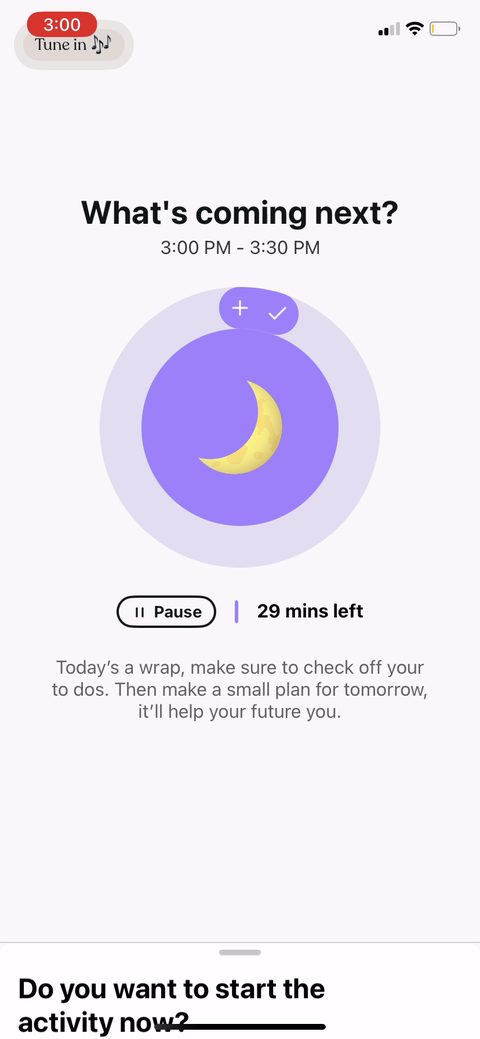 86
86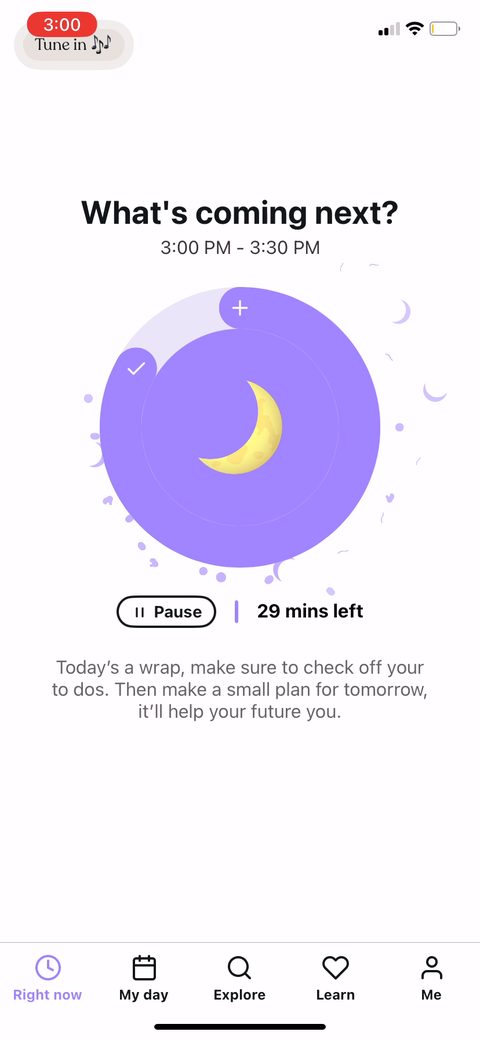 87
87 88
88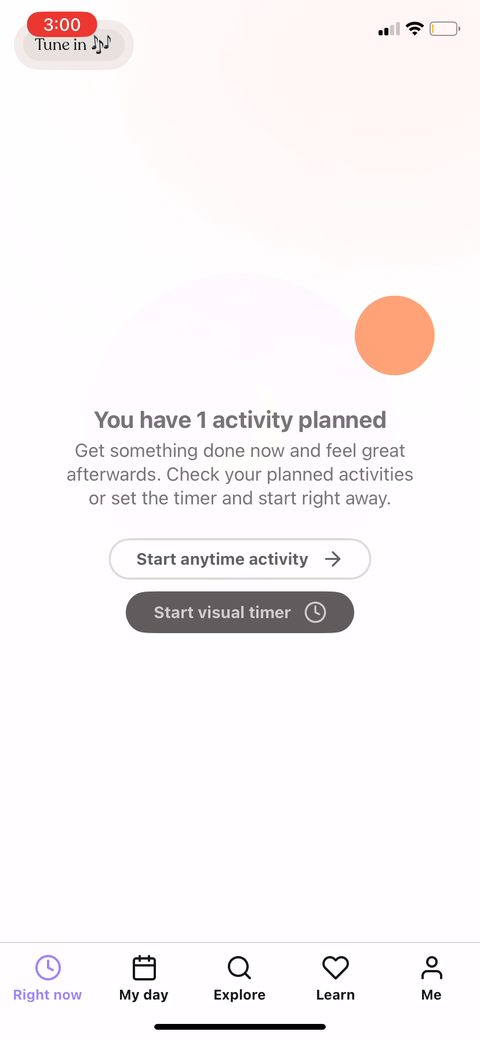 89
89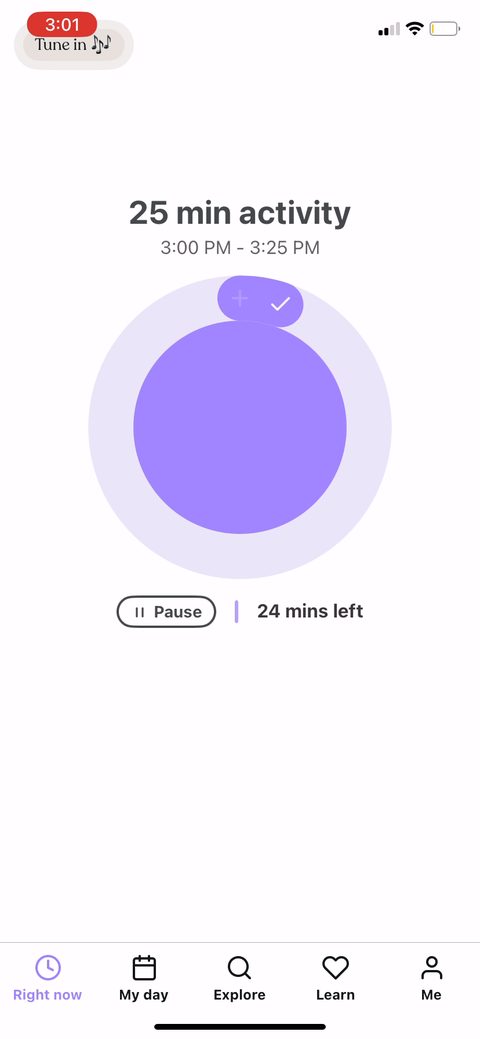 90
90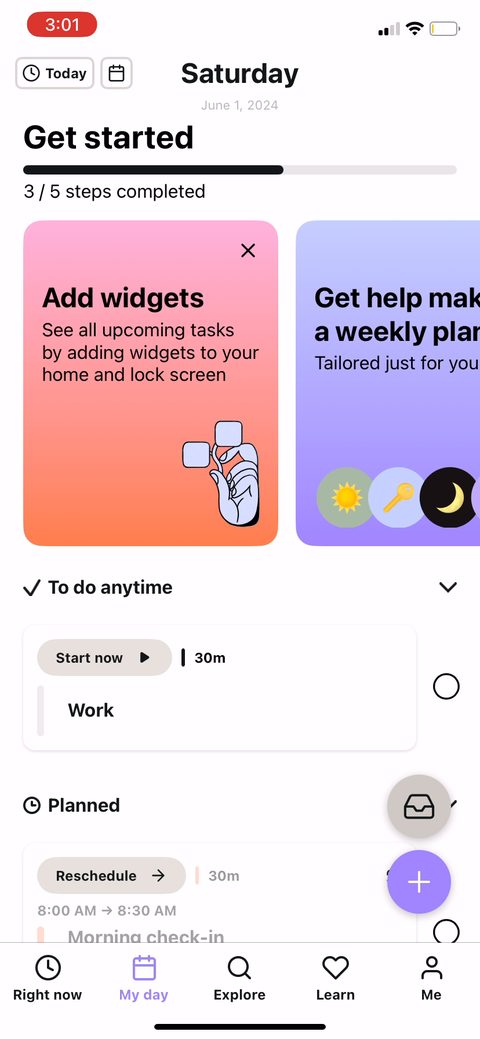 91
91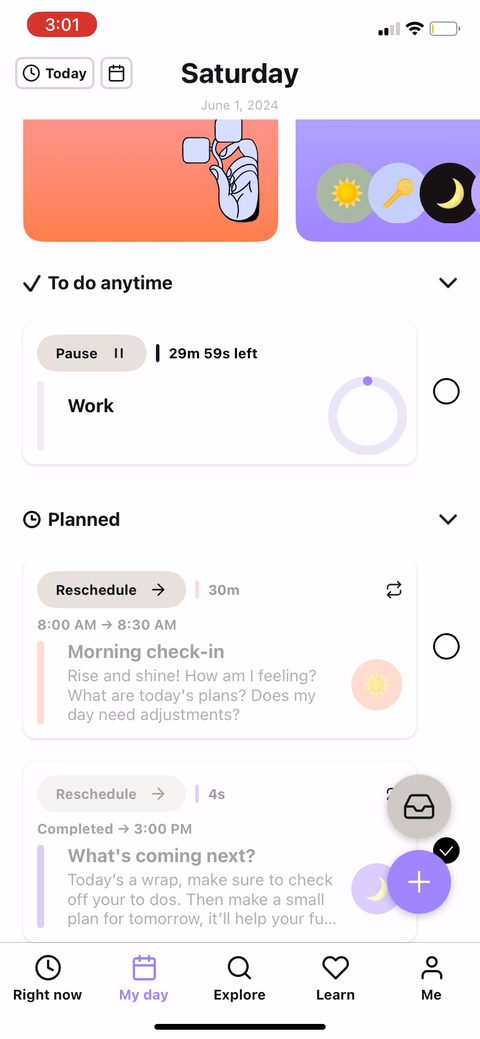 92
92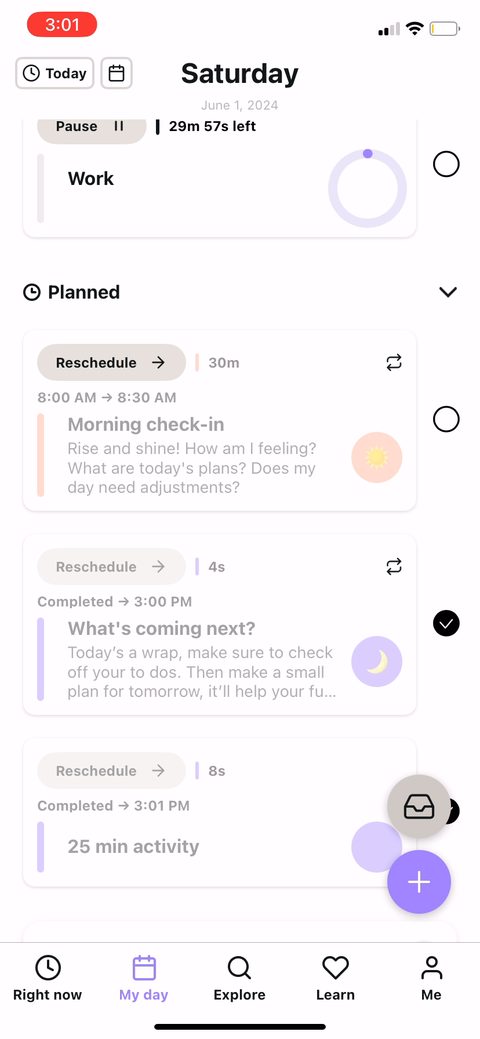 93
93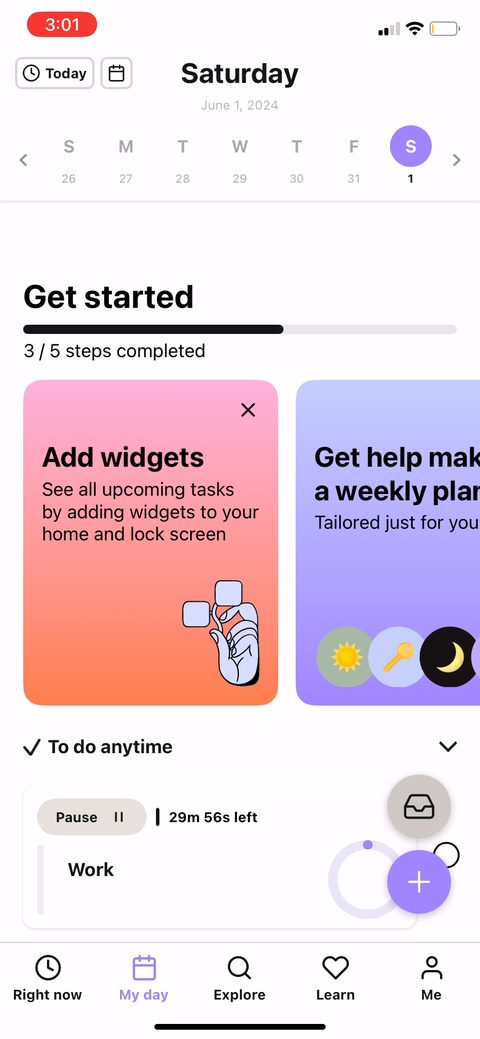 94
94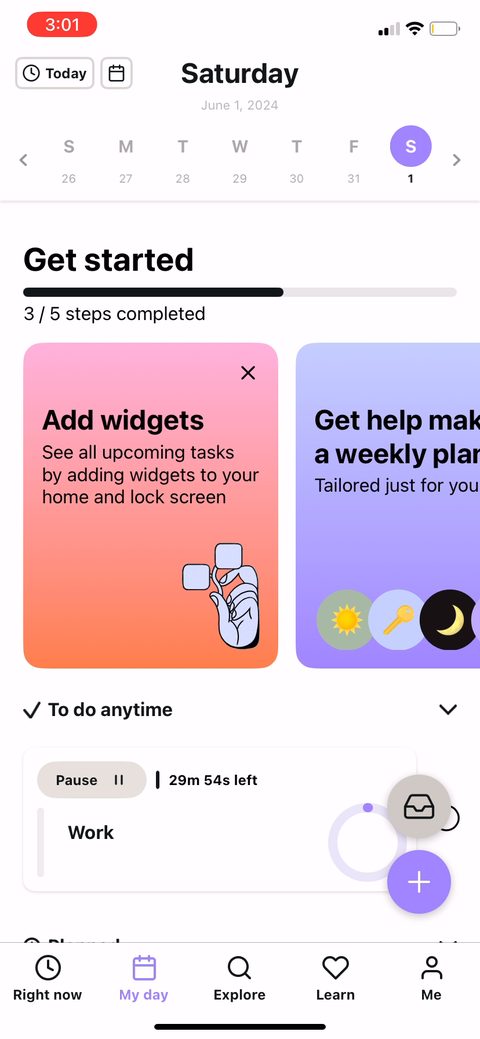 95
95 96
96