Sleeppaywall: post onboarding quizquiz drivengoal setting
1234567"What are your goals?" with single-select circles: fall asleep, calm my mind, relieve stress, reduce anxiety, improve focus, increase performance. Most people have a few of these going at once, so make it multi-select and capture more. Then echo the picks in the loading screen and home feed. This is the zero-party data the rest of the flow should personalize around.89"Great, you're in the right place." A reassurance beat right after the first question, framing the quiz as personalization so the next ten taps feel like setup for them, not data collection for you. Cheap to add and it helps with early drop.1011"How would you like to relax tonight": calming story, sleep meditation, soothing sounds, children's story. "Tonight" is the right word. It points at value they get in the next few hours, not someday, which lines up with intent being highest right now.121314"What sounds do you like the most": white noise, nature, water, ASMR. Straight content-matching. Whatever they pick should drive the first recommendations on the home screen so the personalization is visible, not just stored.1516"What's your biggest source of stress": work or school, money, relationships, health. Emotional framing for a sleep app, and it sets up content around the thing keeping them up. Probably should be multi-select, plenty of people have money and work both.1718Age, as single-tap buckets. Useful for segmentation and a cleaner purchase signal to the ad networks, and it's one tap so it doesn't cost much in drop. Just keep it from feeling like a form.19"Do you like Heather's voice," 1 of 4, with a real audio sample and thumbs up/down. You're sampling the actual product before paying, and each thumbs is a small micro-commitment. Smart to personalize the narrator, since voice is the whole experience for sleep stories.202122232425Notification permission fires right after they set a bedtime reminder time. Good sequencing: the OS prompt is attached to a specific benefit the user just opted into instead of a cold ask. Tie the copy back to the bedtime reminder and the allow rate goes up.26272829Personalization loading screen, "finding the best audio content for you," with a checklist: analyzing your answers, matching the library, creating your free trial. The work-being-done animation reinforces the value of all those questions, and slipping "creating your free trial" into the checklist makes the trial feel like a result of the personalization rather than a separate ask.3031"Restore Successful, premium subscription now active." This capture is a restore path, the tester already had a sub, so the actual paywall didn't fire here. Note the flow goes loading, then trial creation, then straight to content, so the paywall normally lands right after the quiz.32Home screen with "Start here: Why Slumber Works" (1 min) up top, then recommended-for-you content below. Good activation. They don't drop you into a blank library, they point you at one short first thing and surface picks that should map to the quiz answers. First session is when intent is highest, so getting them into a track fast matters.3334353637
Powered byBotsiAI/ML models to show the right paywall to each user to grow revenueLearn more →
 1
1 2
2 3
3 4
4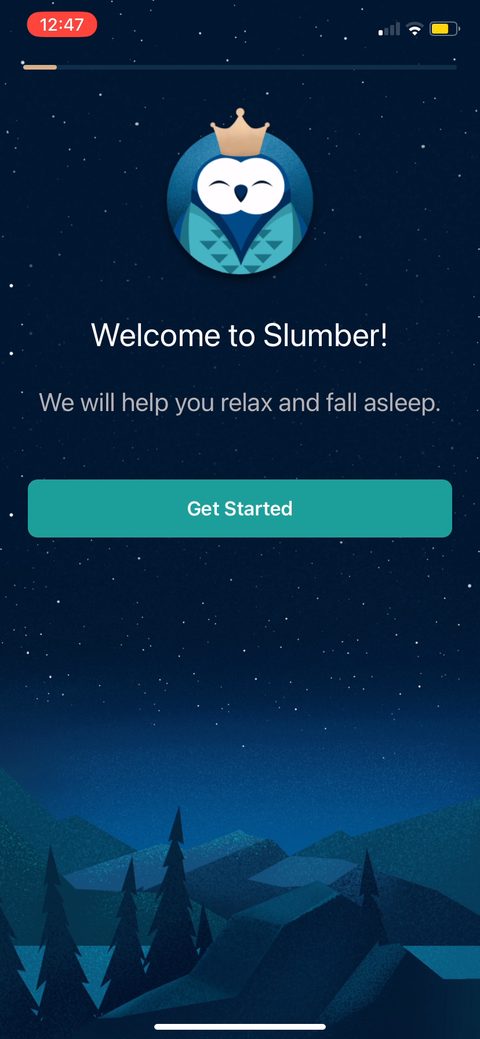 5
5 6
6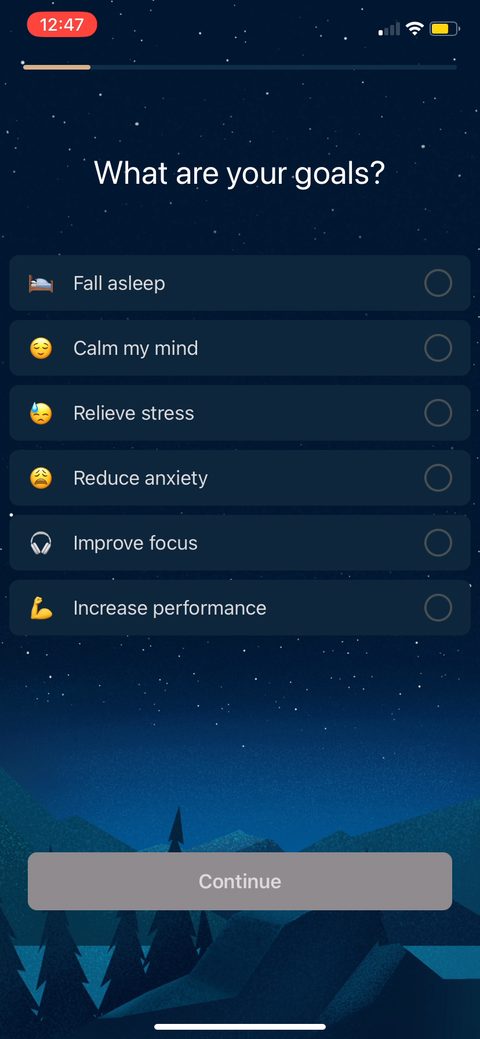 7
7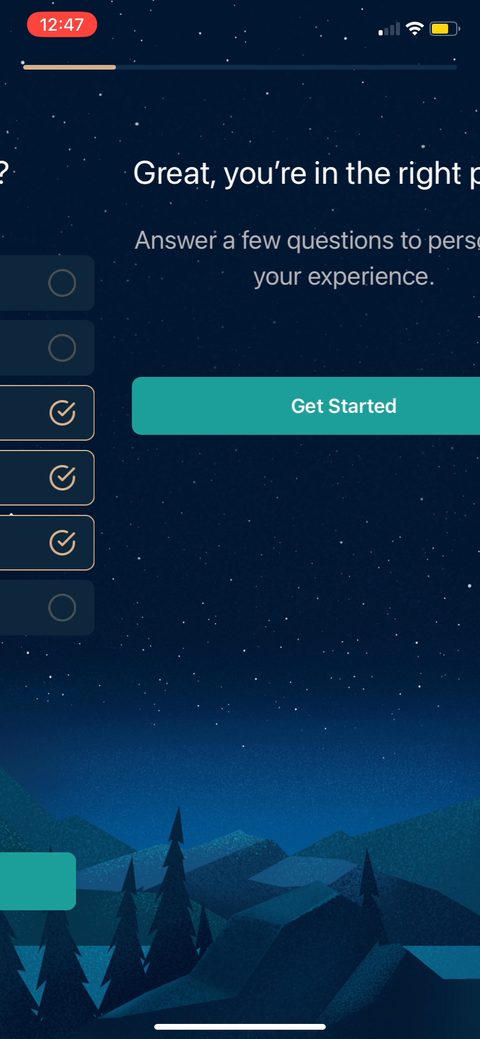 8
8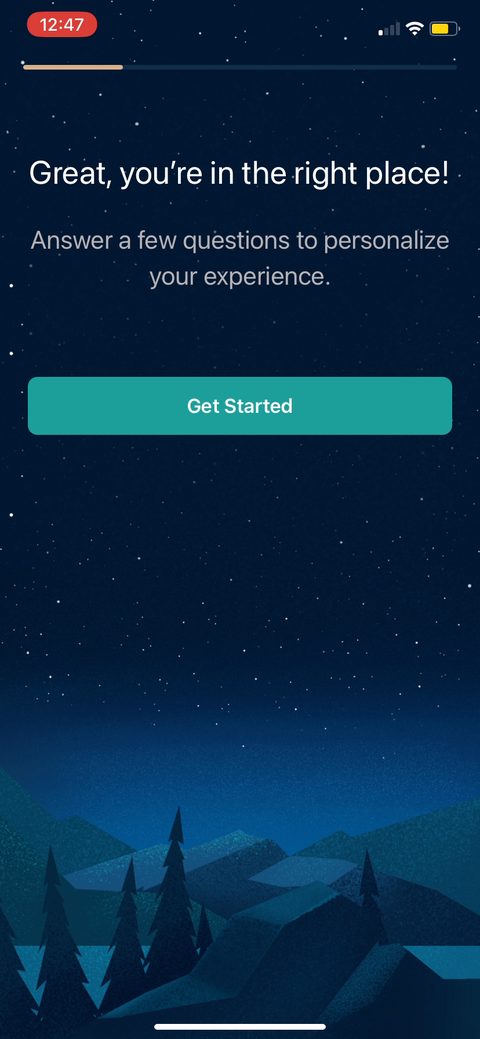 9
9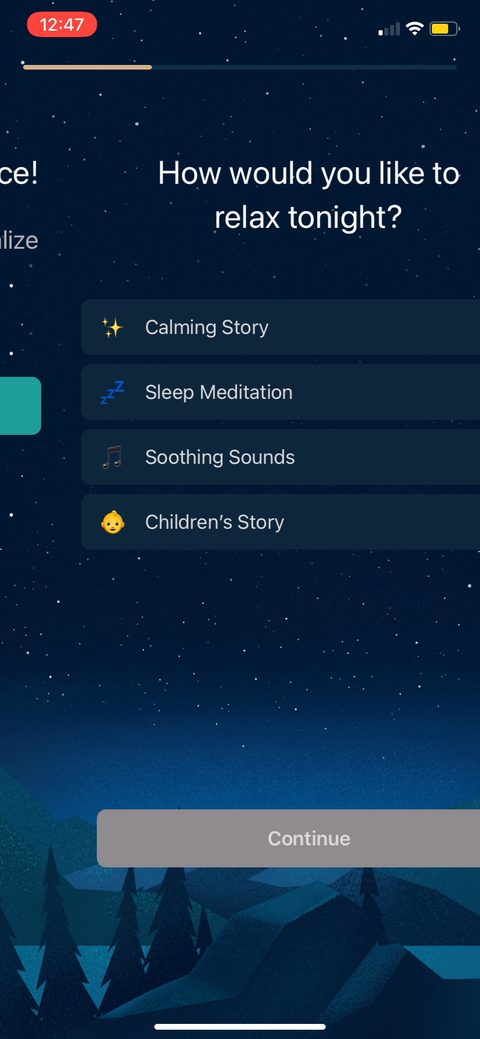 10
10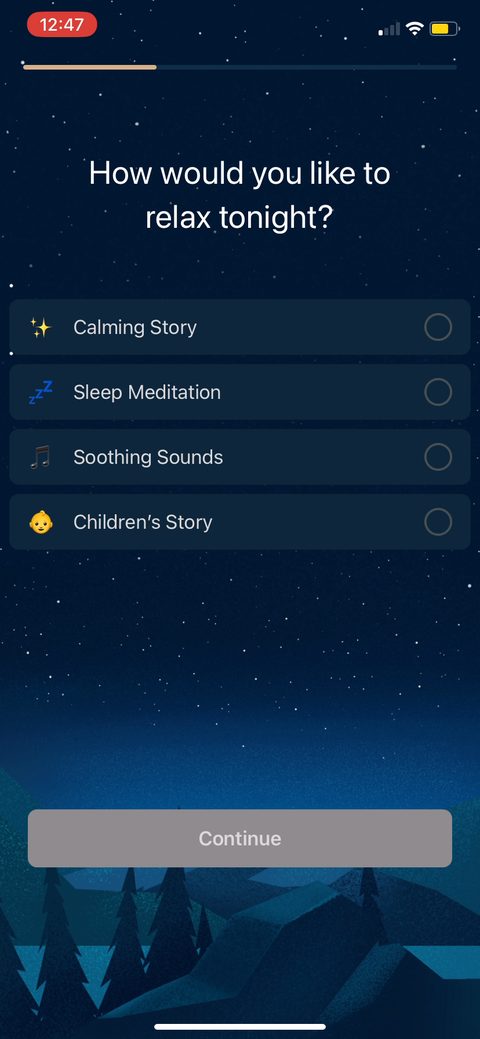 11
11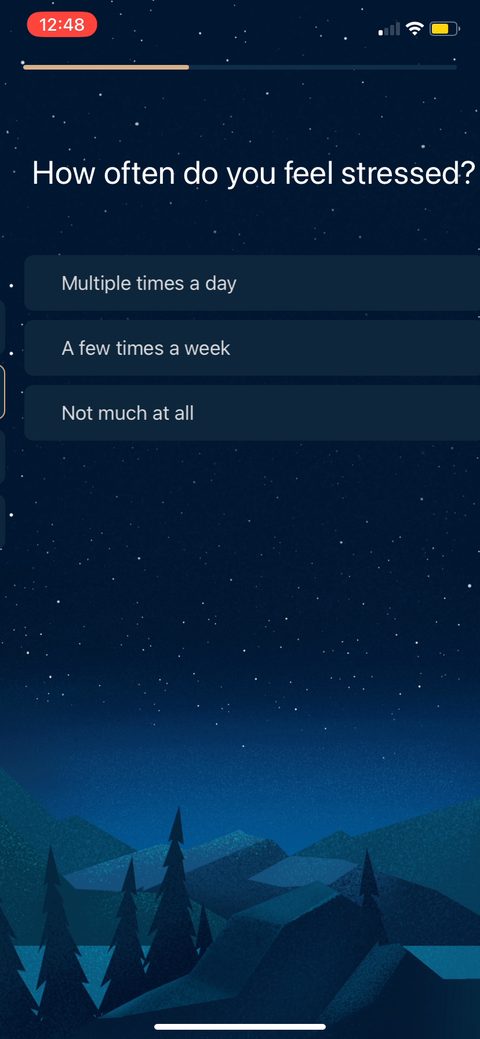 12
12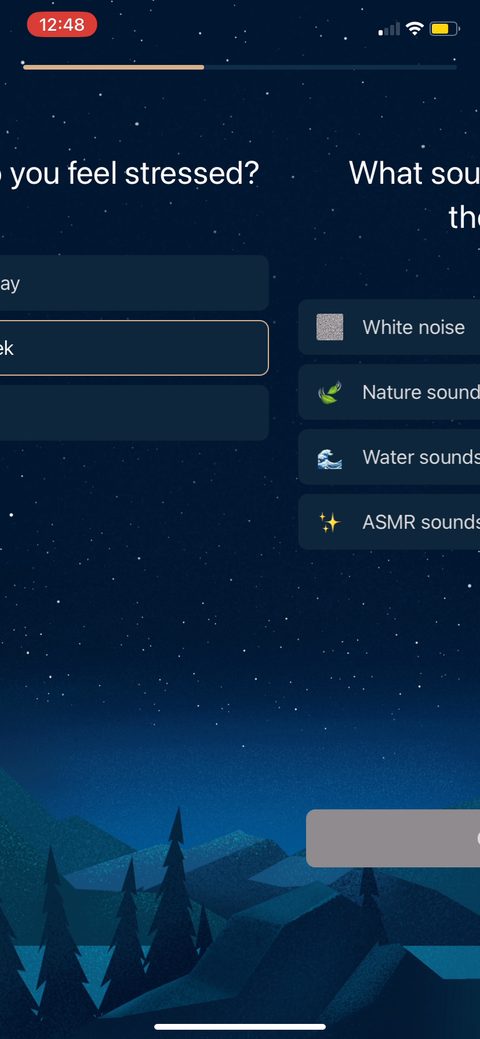 13
13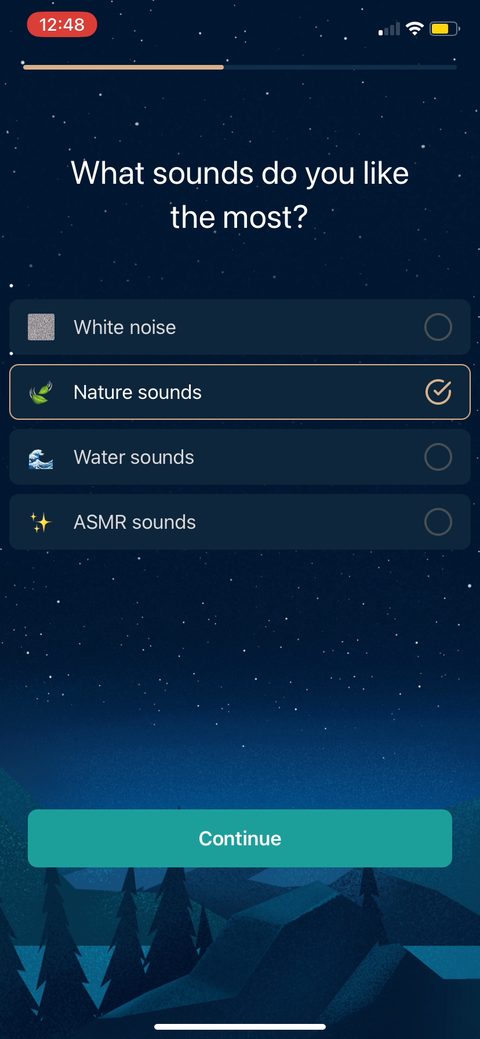 14
14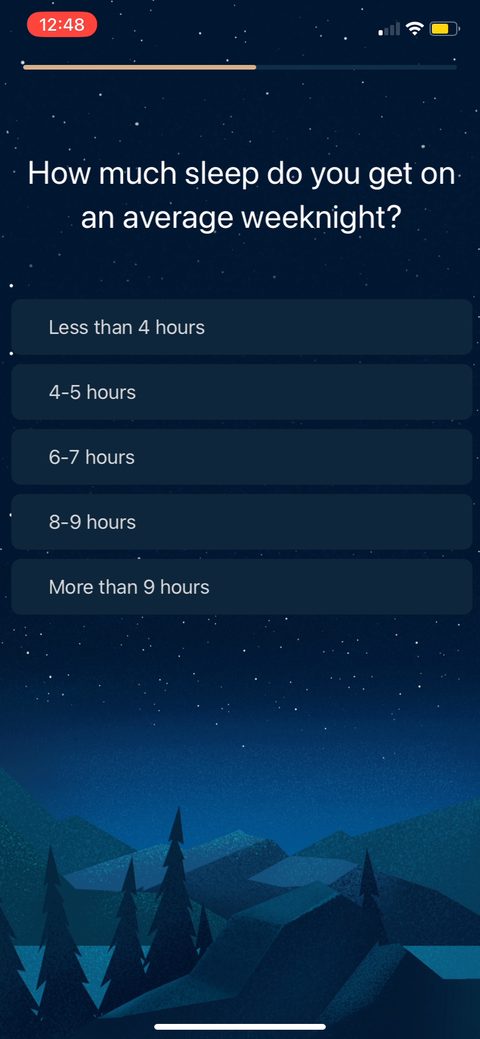 15
15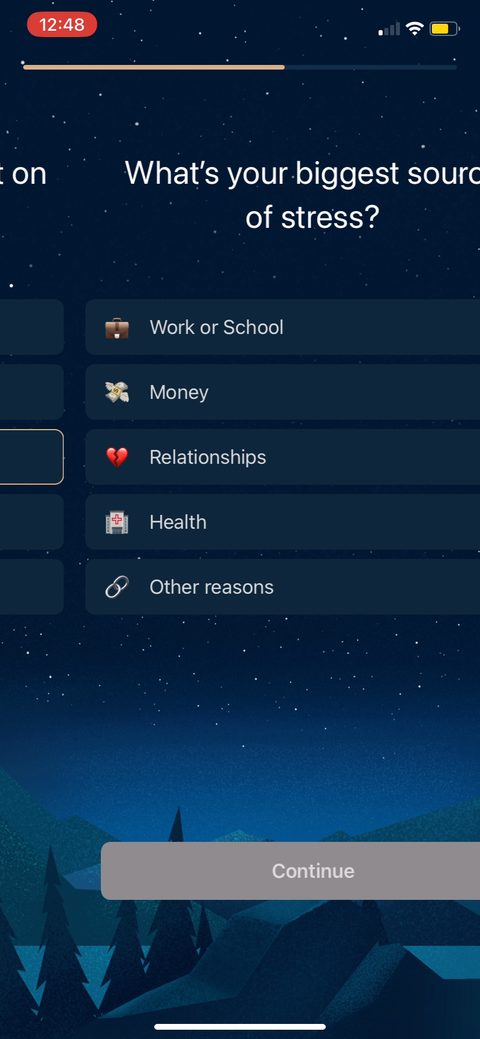 16
16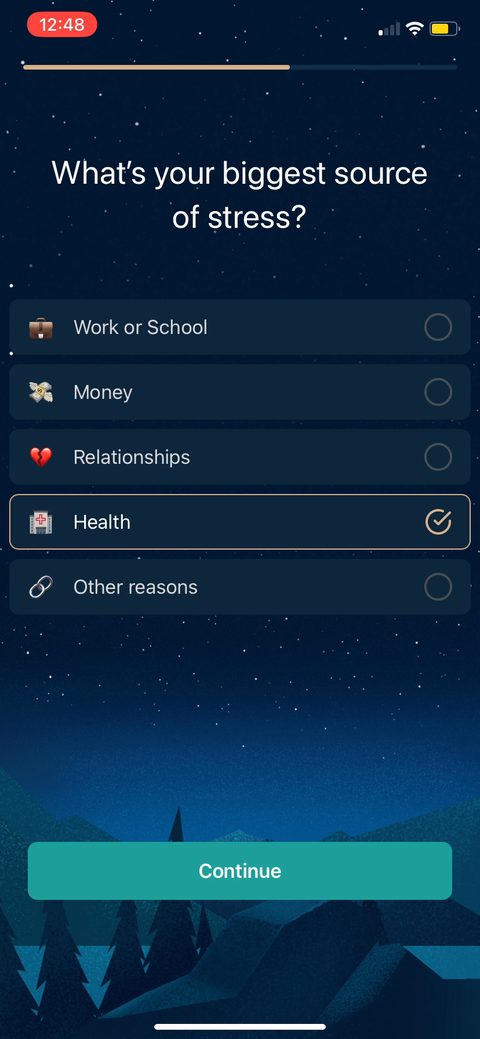 17
17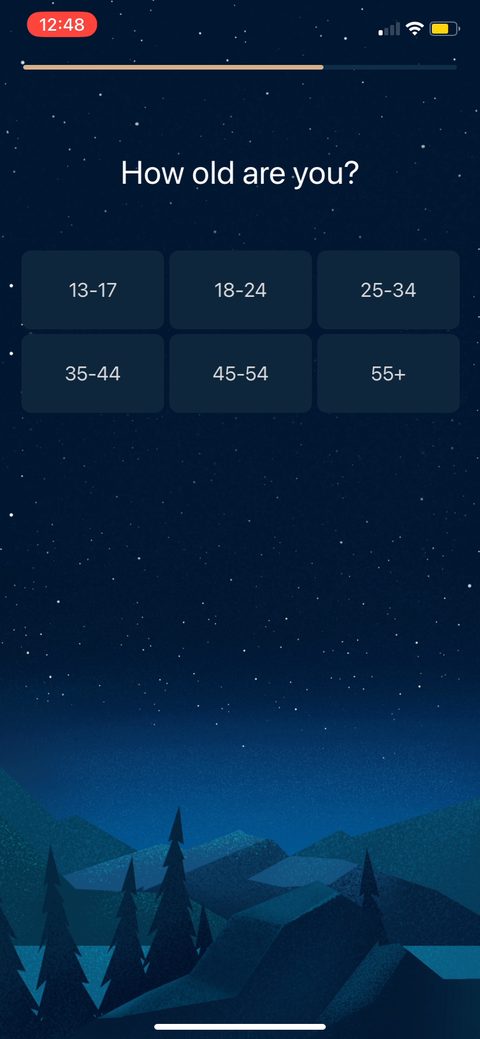 18
18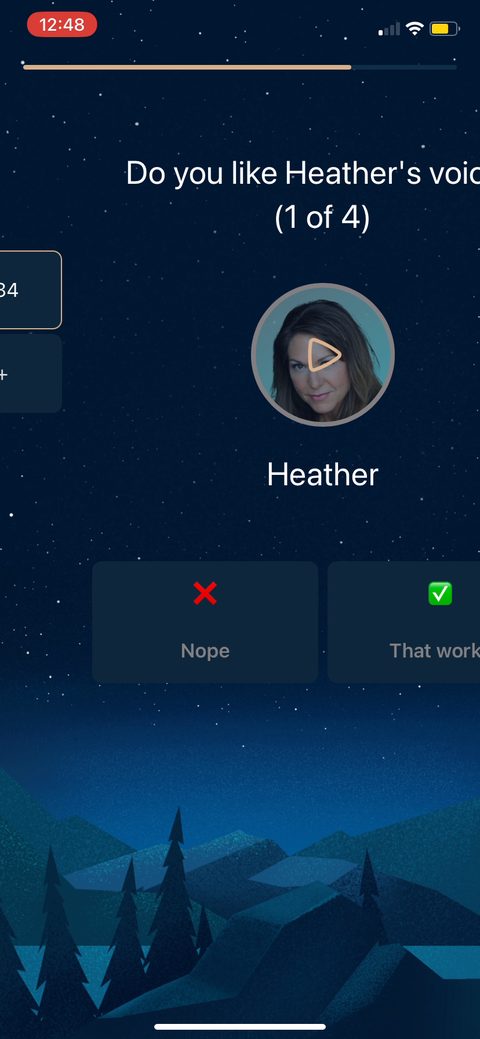 19
19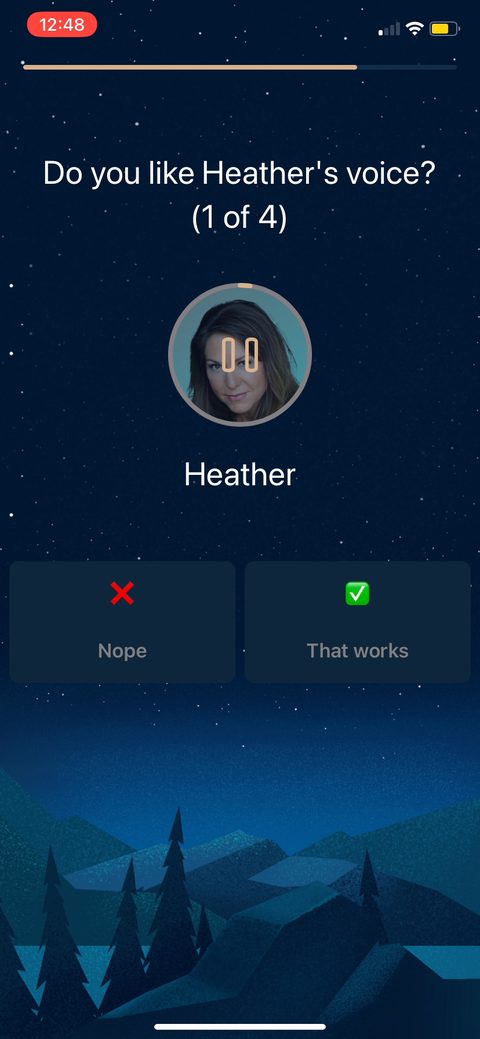 20
20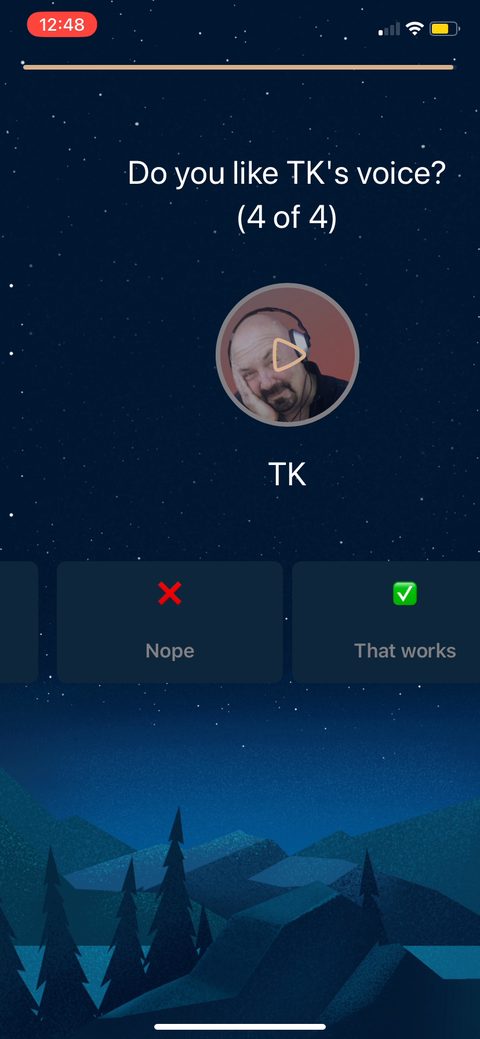 21
21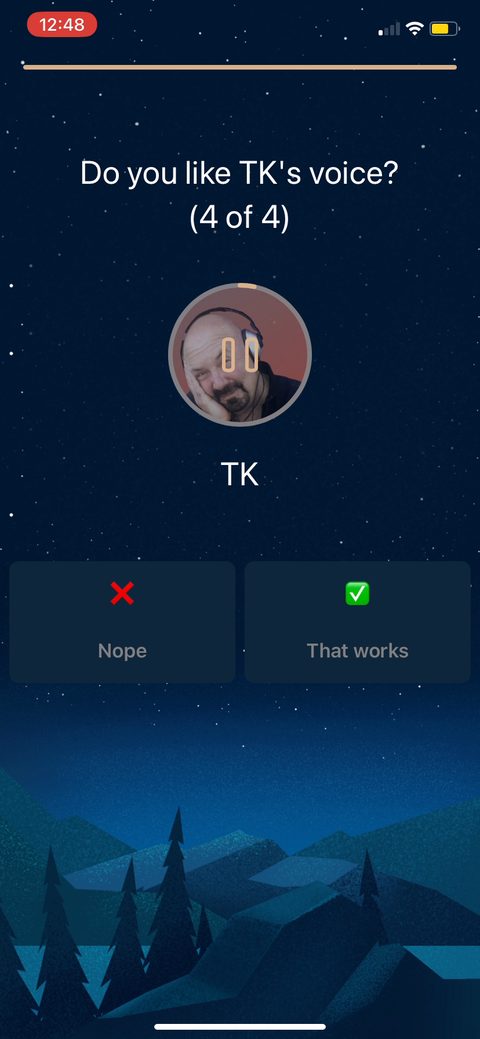 22
22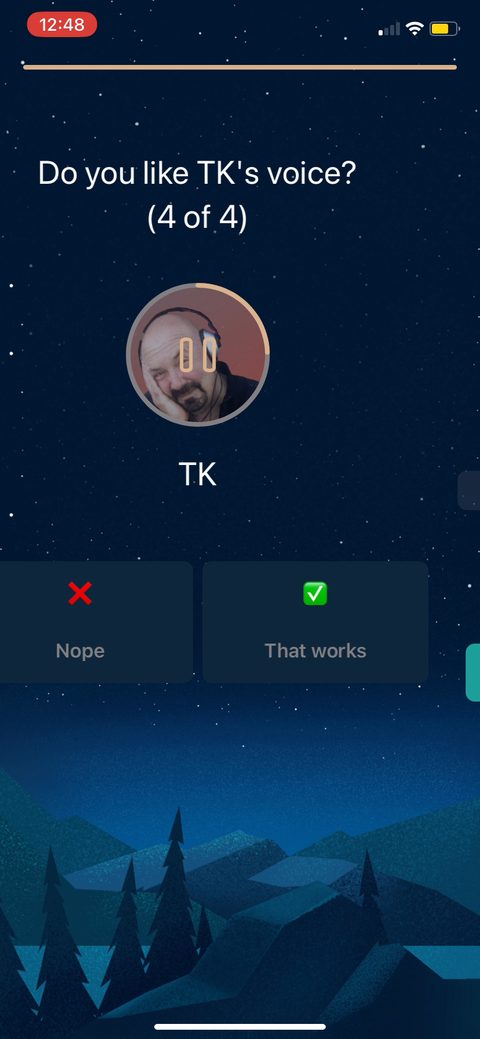 23
23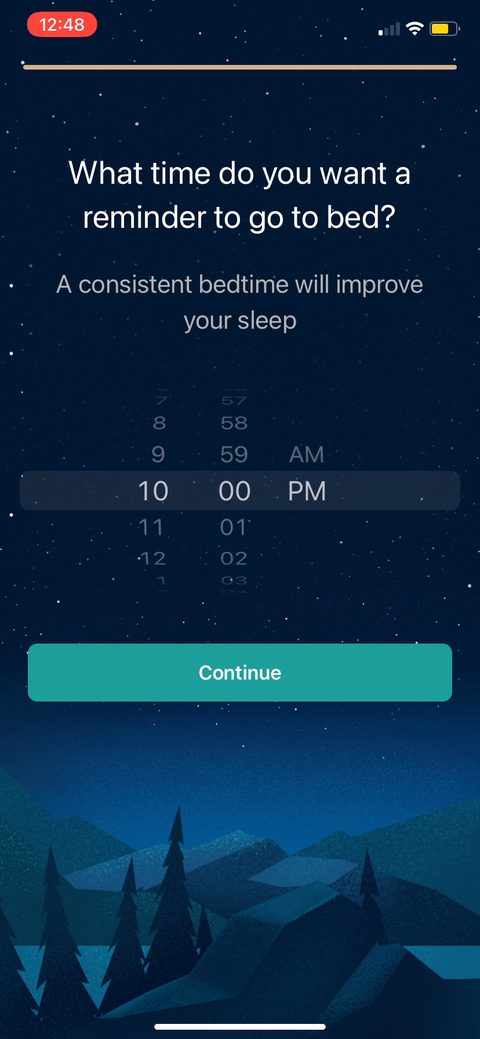 24
24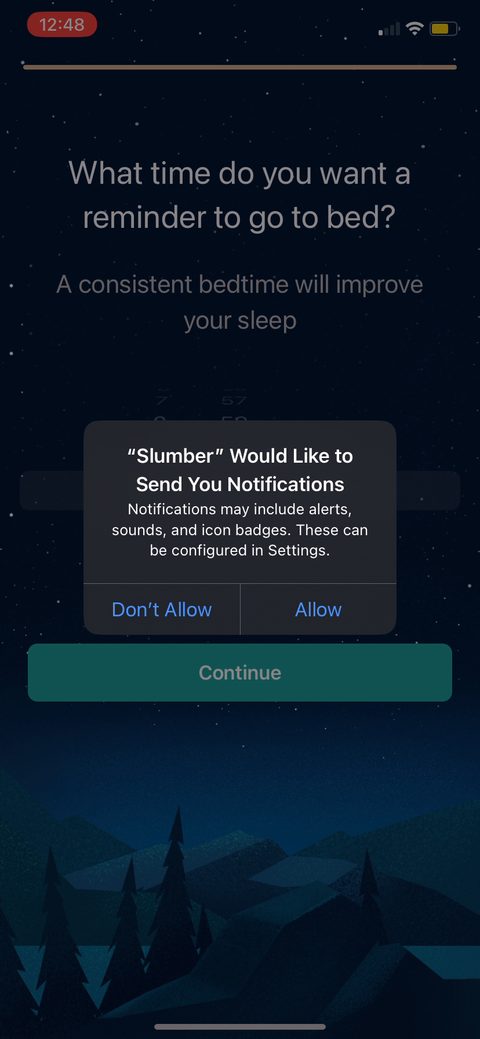 25
25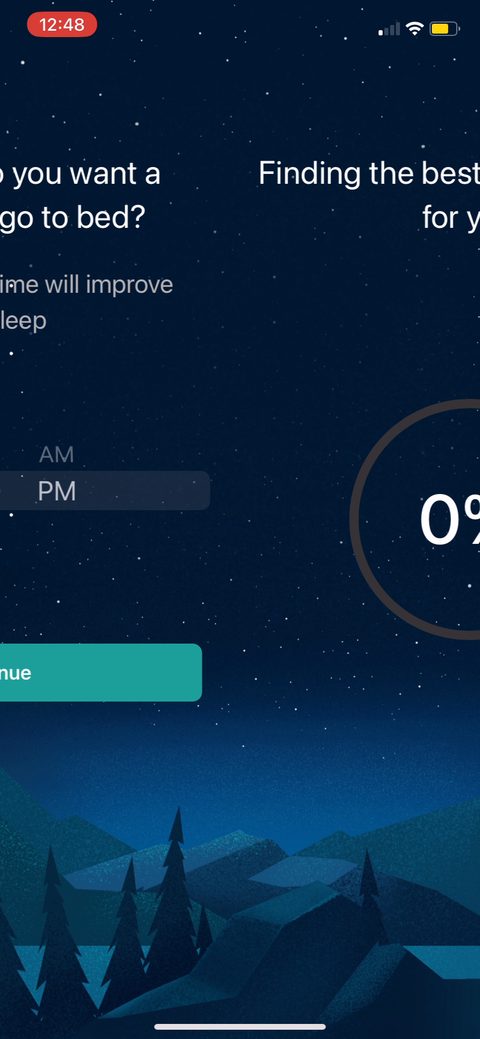 26
26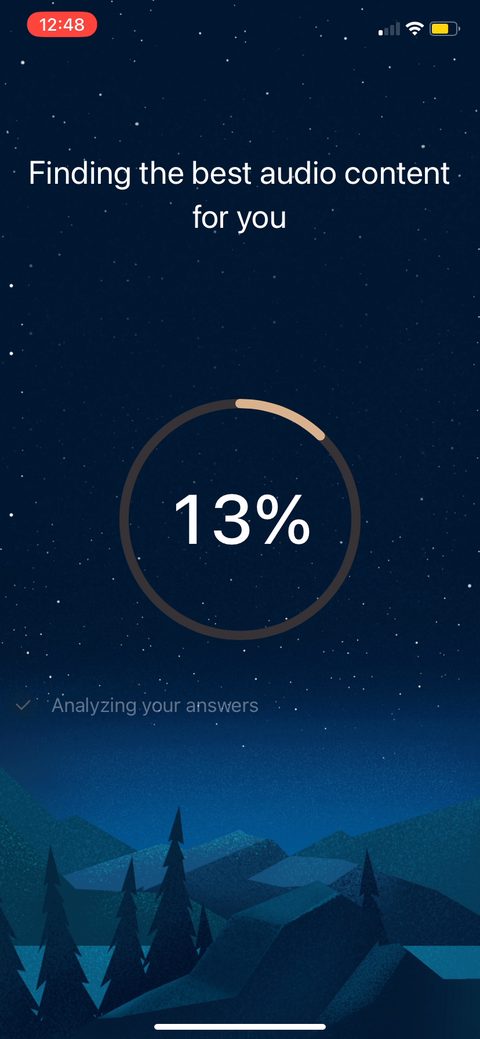 27
27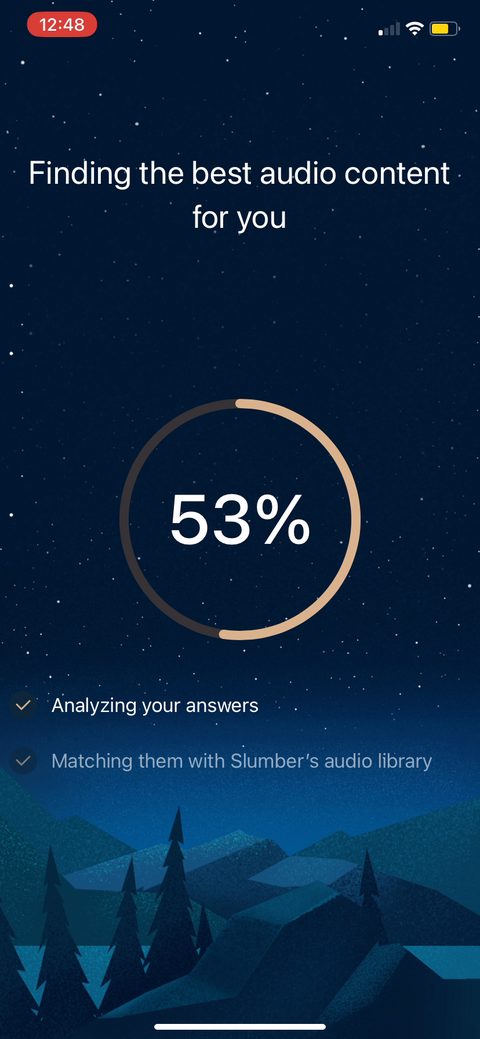 28
28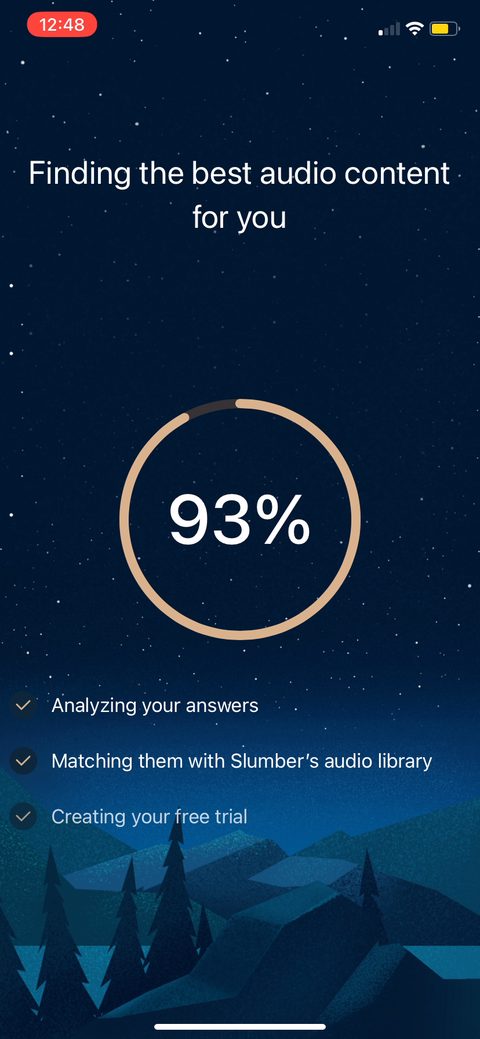 29
29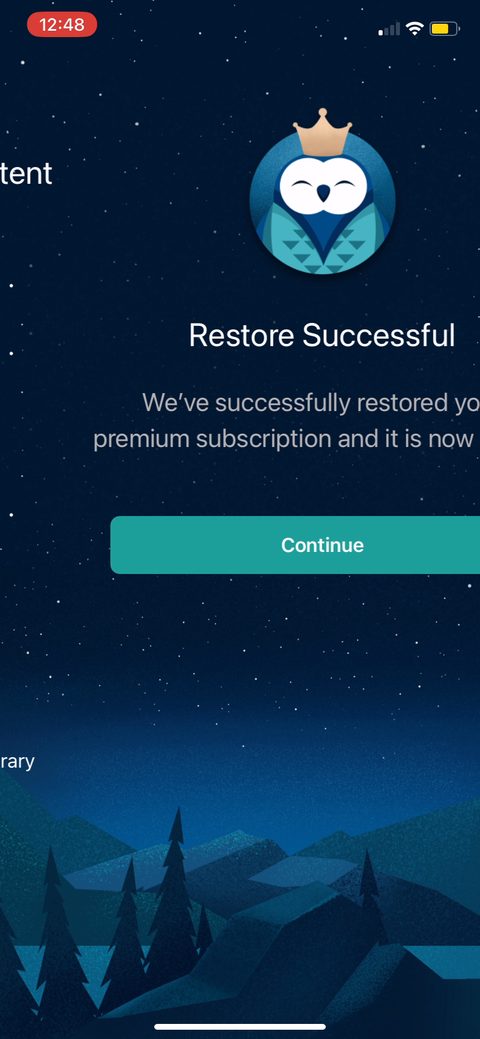 30
30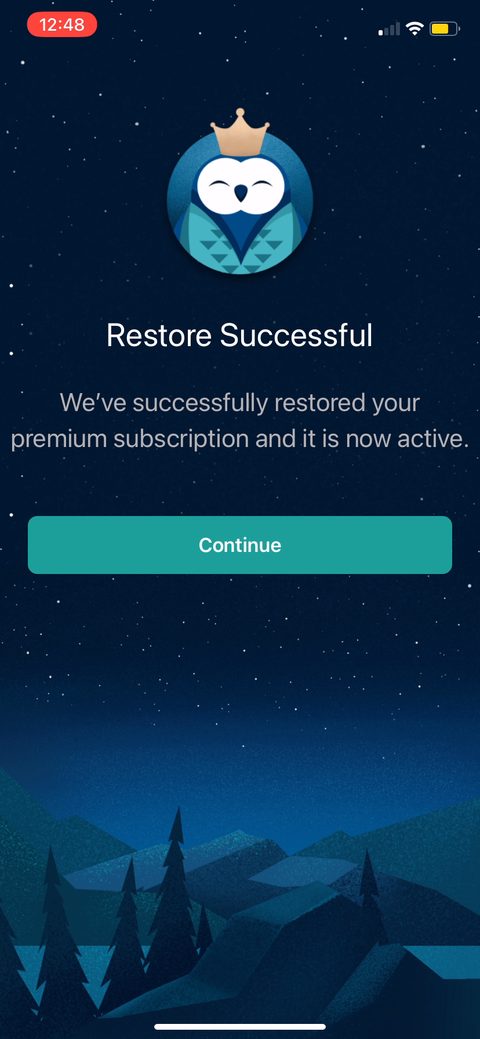 31
31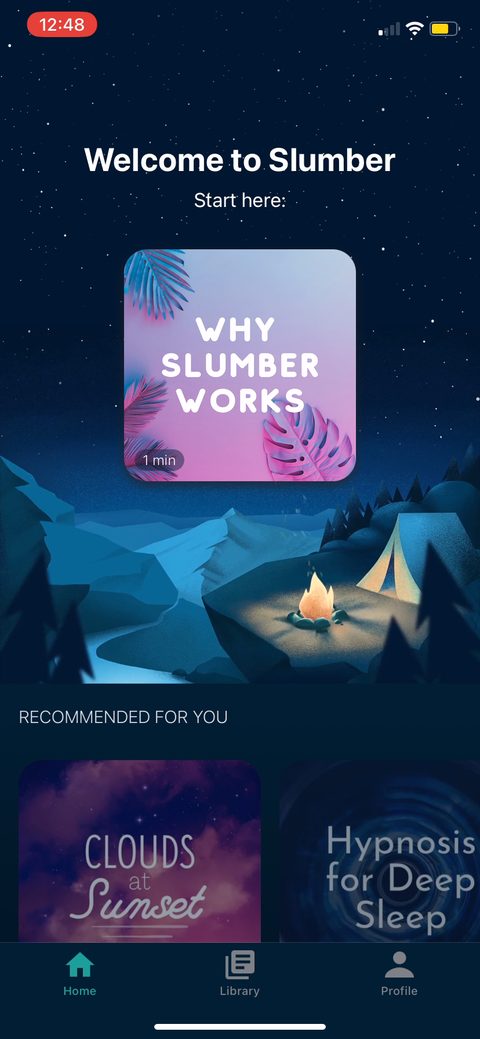 32
32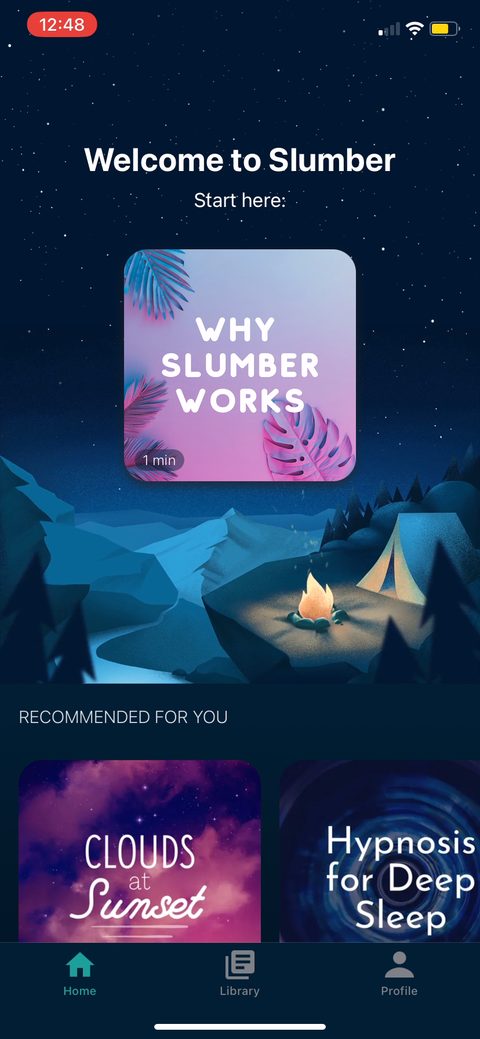 33
33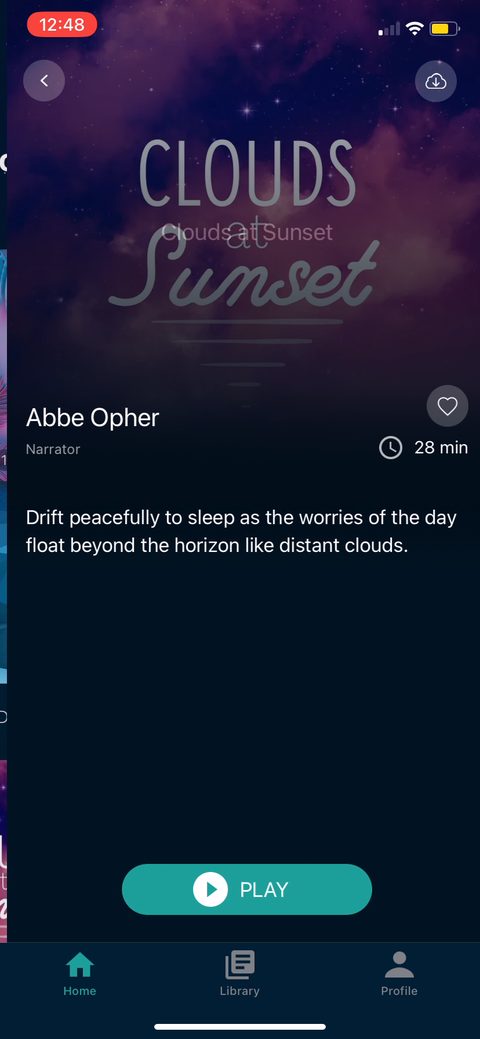 34
34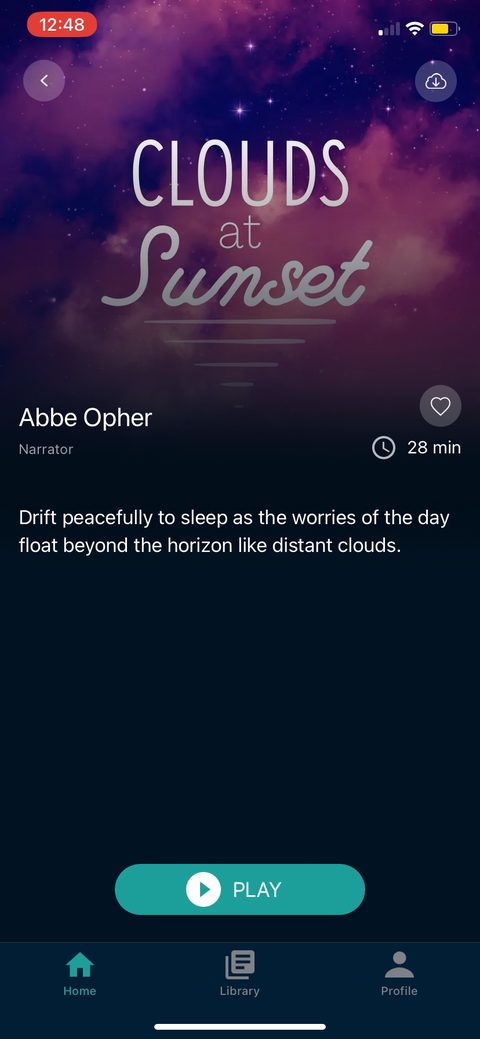 35
35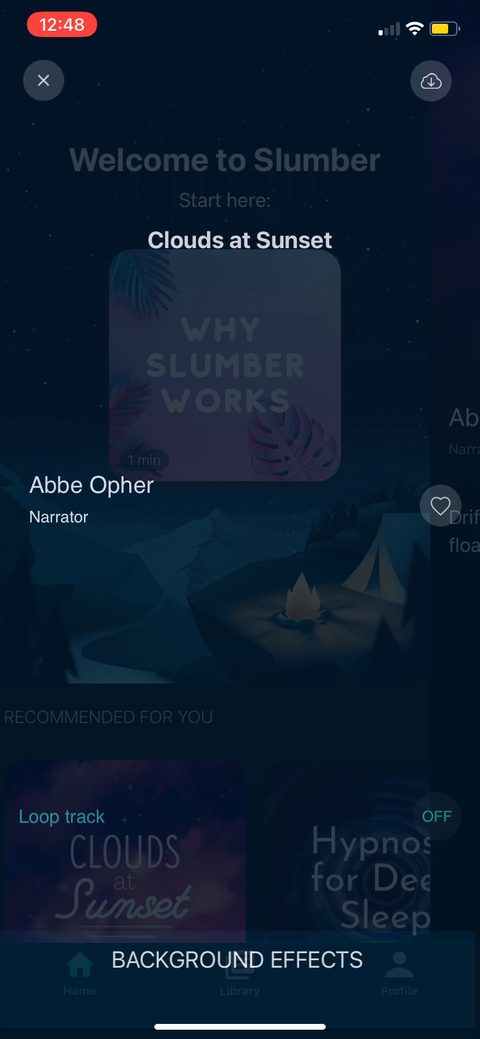 36
36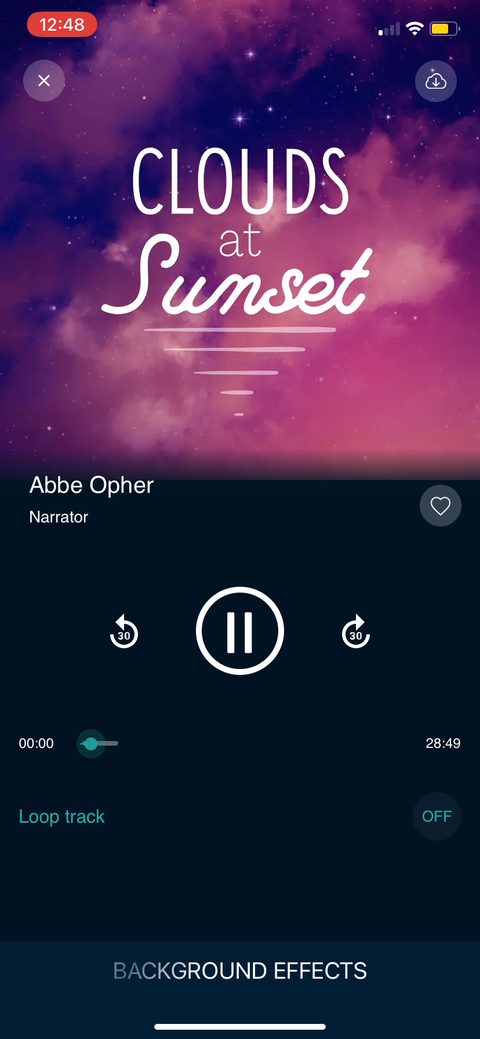 37
37