Education / KidsSoft paywall · trial optionalpaywall: after first usequiz driventutorial demosocial proof heavyannual default with trialfeature listpricing anchor strikethrough
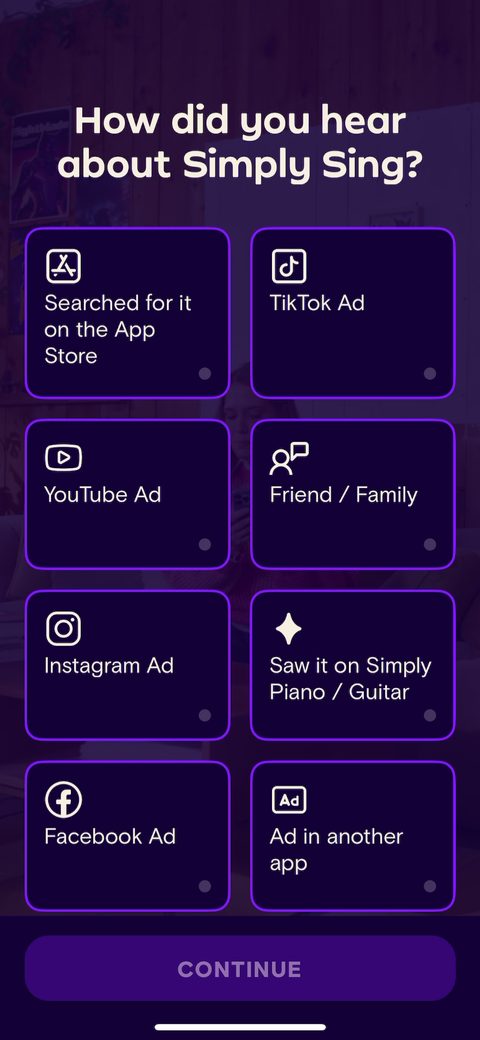
1First screen is HDYHAU, which is smart. It supplements attribution and feeds the ad networks, and notice 'Saw it on Simply Piano / Guitar' is an option. That's cross-sell intel from their own family of apps. They open with a low-stakes question that gets you tapping before they ask anything personal.34'How confident do you feel about your singing?' is the right opener for a learn-to-sing app. Singing is vulnerable. Naming the lack of confidence up front says they get the real fear, and the whole flow can now sell confidence as the outcome, not features.5Challenges question, multi-select done right ('you can choose more than one'). 'Singing off key', 'hitting high or low notes', 'finding songs that feel good'. These remove doubt and make you feel heard. Every answer is a problem the product can later promise to solve.67891011'How do you deal with these singing challenges' is a nice qualifying question. 'Nothing so far' versus 'warm ups or practicing vocal techniques' segments beginners from people already trying. You could use this to tailor the pitch later.1213141516'What brings you to Simply Sing' is the motivation question, and the options are benefits not tasks: 'expressing myself better', 'vocal confidence', 'getting to know my voice'. This is the aspirational framing Simply is known for. Sell the outcome of singing, not the lesson count.1718Genre picker capped at top 3 ('0/3 selected'). Constraining the choice keeps it fast and gives them clean zero-party data to seed recommendations. Forced ranking beats an open-ended list nobody finishes.1920The App Store 'App of the Day' card flashes here showing 4.7 from 262k ratings and 'Feel more confident with every song'. Social proof and press dropped mid-quiz while intent is high. (This frame is partly an app-switcher artifact from the capture, but the real screen surfaces the same proof.)2122232425262728Favorite artists, choose at least 3, and they tell you why: 'Your answers will help Simply Sing improve songs recommendations for you'. Explaining the ask is the Rosebud move. It makes the personalization feel like it's for me, not for them. Note this one is skippable, so it's investment without a hard gate.2930313233343536373839404142434445'How old are you' with the reason attached: 'your age can impact your vocal range'. Always pair a personal question with why you're asking. It lowers the friction of handing it over and ties straight into the vocal range test coming up.464748Account creation lands here, after the quiz and before the lessons, and it's skippable ('SKIP' top left). 'Save your preferences, create a free account with up to 5 free profiles' frames signup as a benefit, the family-plan angle. Email plus Apple and Facebook. Putting it this deep protects completion, and the family profiles are a clever retention and sharing hook.49Now the long autoplay video voiceover kicks in. 'Every singer has their own...' over a phone showing recommended songs. This is the audio-product-sold-with-audio move Jacob loves about Simply. A narrated, dynamic sequence that talks through the value while you watch, instead of static explainer cards.505154'Your vocal range, find yours' inside the video. They're teasing the interactive test before you take it, building curiosity for the aha moment. Show the value coming, then deliver it.555657'Some songs are out of your reach' with a real person straining to sing, labeled 'Adam / Bass'. This is loss aversion done warmly. They name the problem (your range) and immediately set up the fix (adapting songs to you). Benefit-led, emotional, on brand.5859'But that doesn't mean you can't sing them.' Right after the problem, the reassurance. The video is doing classic problem-then-promise copy, and doing it in motion so it actually lands.6061626364656667686970717273747576778083Activation home preview appears: 'Find your vocal range, sing any song comfortably' with a locked path and 'You're steps from unlocking your personal singing experience'. Goal gradient plus a visible lock. They show you the finished experience and how close you are, which is far better than dropping you on a blank dashboard.84868788899091929394'What's your vocal range? Let's find out in a few simple steps' with a 'Find my vocal range' CTA. This is the interactive centerpiece. A real diagnostic the user performs, not a quiz they tap through. High investment, and it produces a personalized result they couldn't get anywhere else.9596Step 1 of 4, 'Read this part in your natural voice' with a Winnie-the-Pooh passage. The 4-step progress dots up top are a goal gradient. Asking you to actually use your voice is a strong micro-commitment. You're singing, sort of, before they ever ask for money.97Speech recognition permission requested in context, right when the test needs it, with a clear reason: 'Simply Sing needs to recognize your speech in order to determine your vocal range.' This is how to ask for a permission. Tie it to the immediate task, not a generic 'allow access' up front.9899100101103104105'Hum the lowest note you can.' The test escalates from reading to humming to a high 'woo hoo' to shouting 'hey'. Each step raises engagement and makes the result feel earned. This is the kind of high-quality interactive moment that justifies a premium price later.106107109110111112113114115116117118119Nice detail: when the shout fails the mic, the copy stays encouraging. 'Seems like the ship couldn't hear you, give those hey hey hey's another powerful go. You've got this.' Playful framing keeps a potentially awkward task fun instead of frustrating.120121122123124125126127128129130The result: your range plotted on the soprano-to-bass scale, landed on 'Bass'. This is the payoff for all the quiz and test investment. Instant, personal, and something most singing apps make you guess. The aha moment.132133'Artists who share your voice type' shows Bob Dylan, Johnny Cash and others next to your 'Bass' result. Smart reuse of the data: it validates the result with recognizable names and quietly flatters you. Your range isn't a limitation, it's company you keep.134135Post-test activation home with a checklist: 'Analyze your voice', 'Try singing in your range', 'Adapt all songs to your range', and 'You're steps from unlocking your personal singing experience'. They guide you to the next task instead of dumping you home. The lock icon plus 'unlock' language is the upsell seeded into the activation flow.136'Ready to try it out? Let's sing.' They're about to give the first song free. This is the trust-builder. Let people feel real progress before the wall, and the price feels fair because they've already experienced the value.137The free first song, 'Ain't No Sunshine' by Bill Withers, with live lyrics and a progress bar (1/5). This is the measurable-progress moment Jacob credits Simply for. You sing, you see yourself advancing, you believe the product works. Define this first completed song as the activation event.138139140141143Guest-account nudge on the profile: 'Your preferences might not be saved, create a free account' plus 'Go Premium, unlock hundreds of songs and lessons' with lock-style framing. They reinforce the cost of staying a guest and plant the upgrade CTA right where you'll see it. 'Chat with us 24/7' adds a support signal that lowers purchase anxiety.144Paywall fires after the free song, not before. 12 months at $7.49/month is the default with '7-day free trial' and 'Save 50%', anchored against $89.99 billed annually, next to a $14.99 month decoy. Annual-default-with-trial sends high-quality purchase signals and the monthly is priced to make annual the obvious pick. Benefits as bullets: 'Every song adjusted to your voice', 'feedback to land every note'. There's a close X, so it's a soft wall.145Second state of the paywall with the 1-month plan selected, CTA flips to 'Continue with Premium' (no trial language on monthly). Letting people toggle plans and watching the CTA change is a small interactive touch. My test: the annual is so clearly the better deal that I'd want to see whether a cheaper, shorter first commitment converts the try-it-out crowd better, since trial leakage is the risk on a yearly default.146
Powered byBotsiAI/ML models to show the right paywall to each user to grow revenueLearn more →
 1
1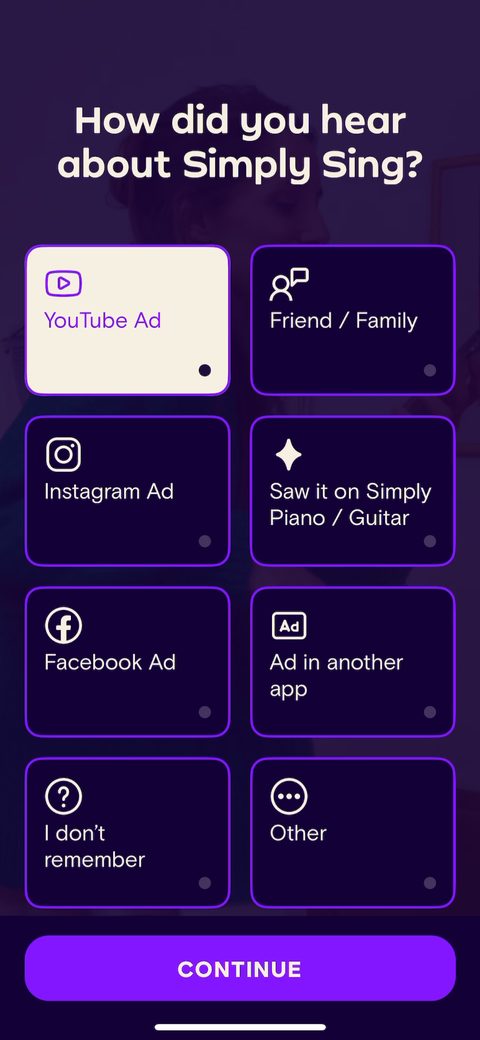 3
3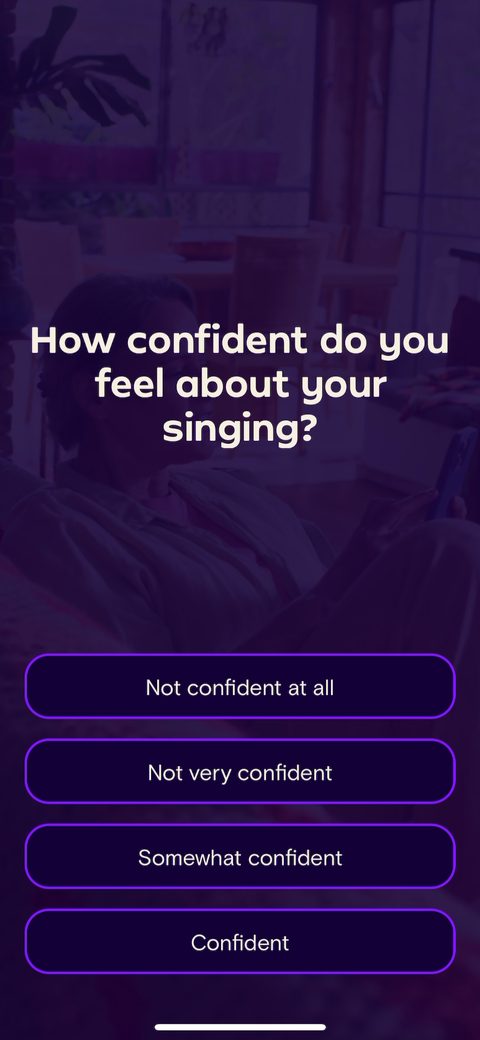 4
4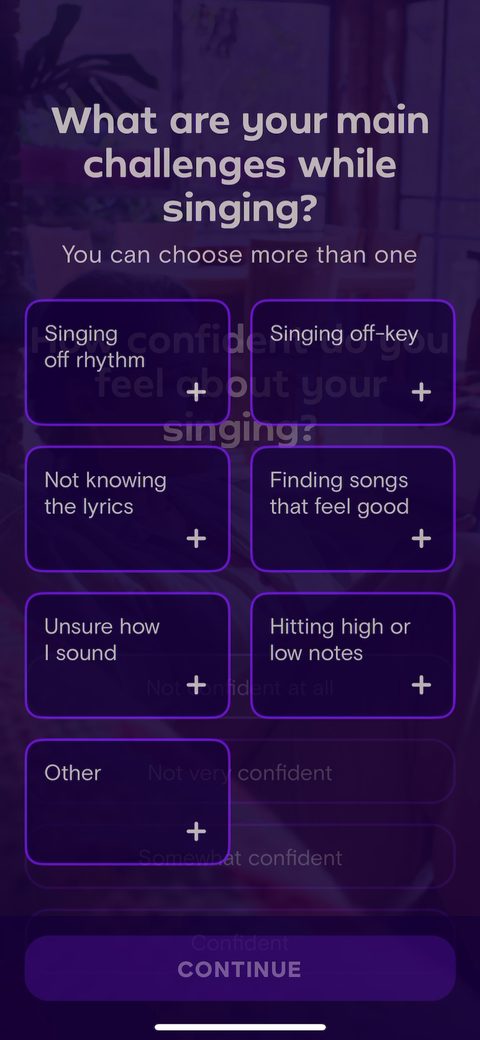 5
5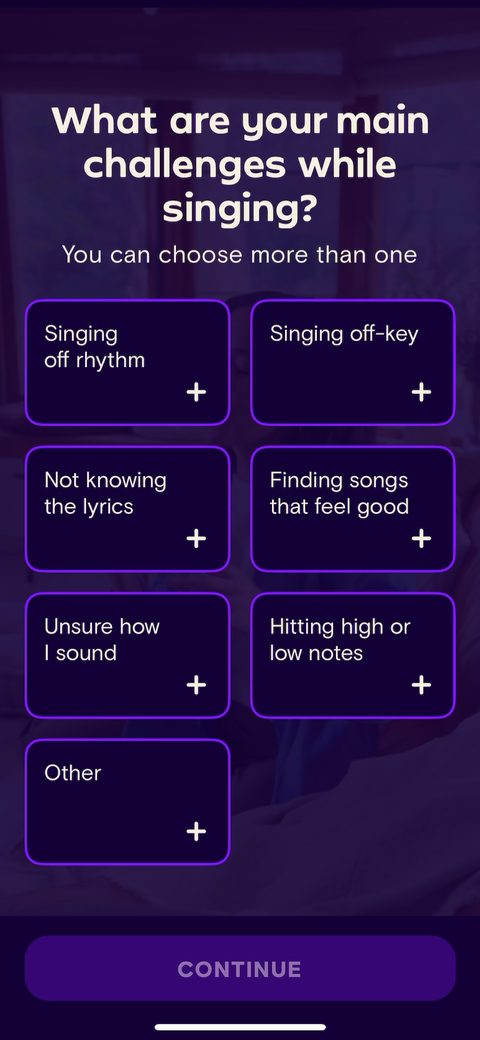 6
6 7
7 8
8 9
9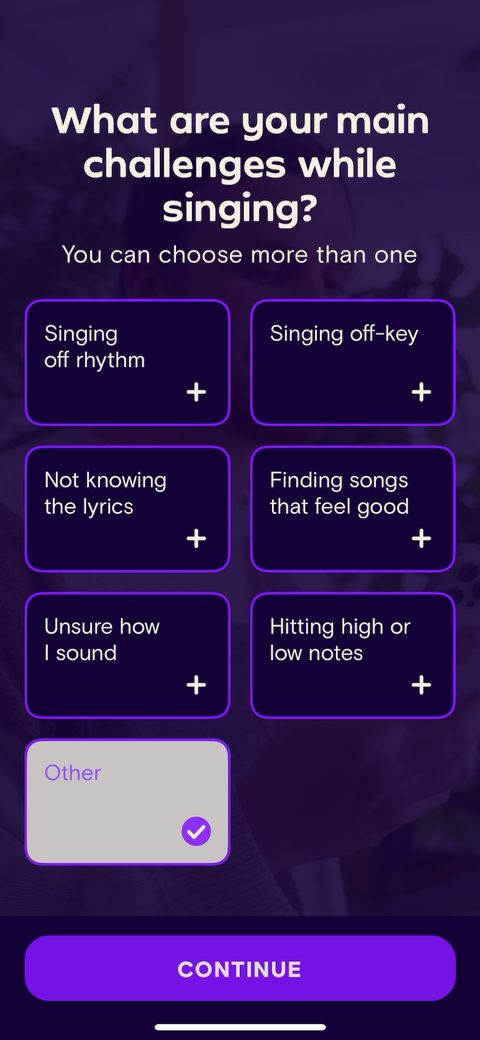 10
10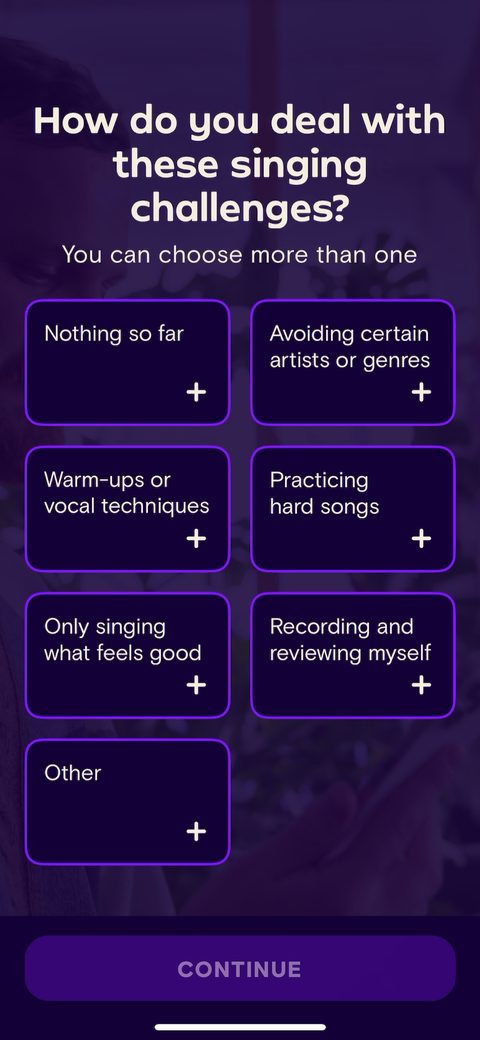 11
11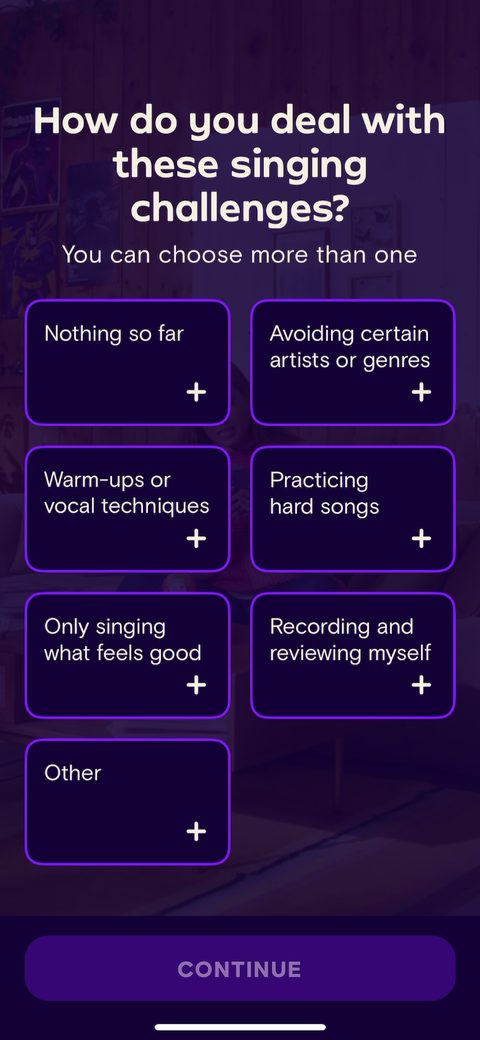 12
12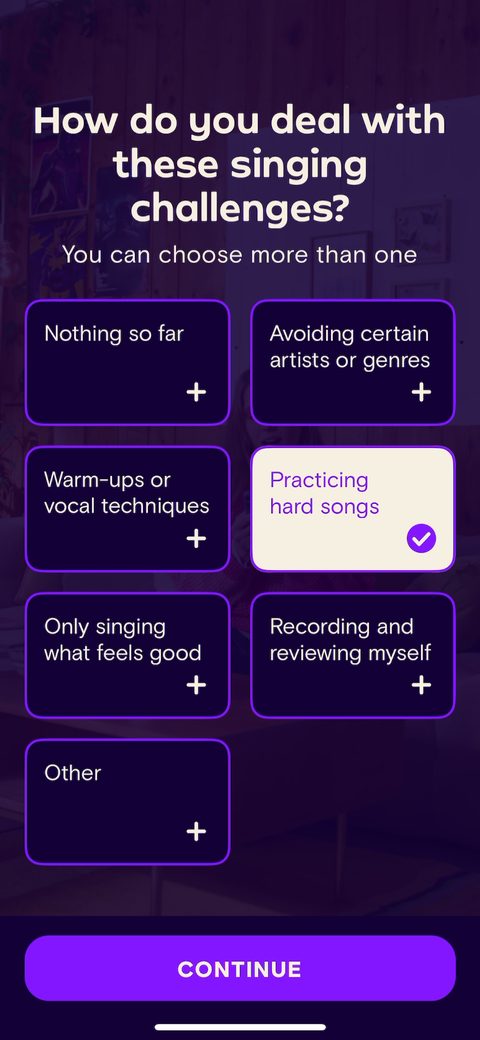 13
13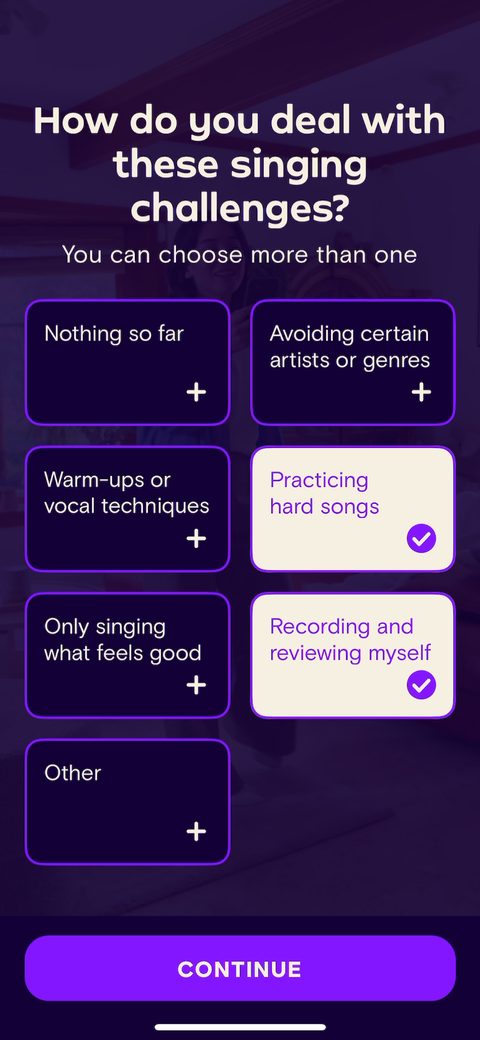 14
14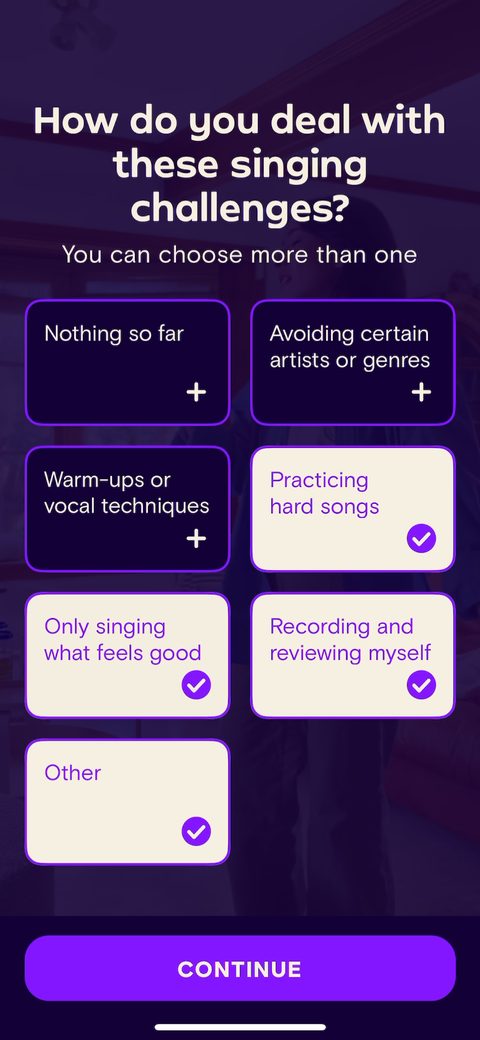 15
15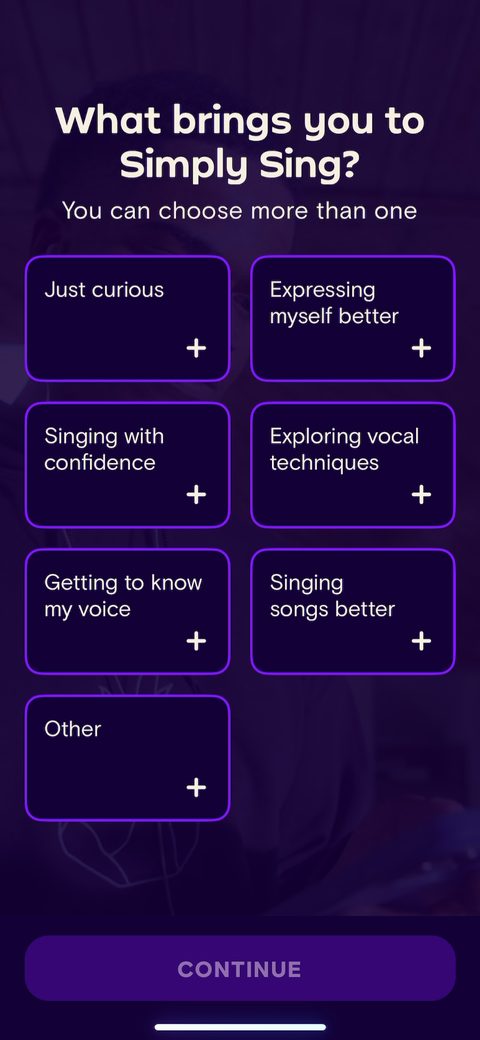 16
16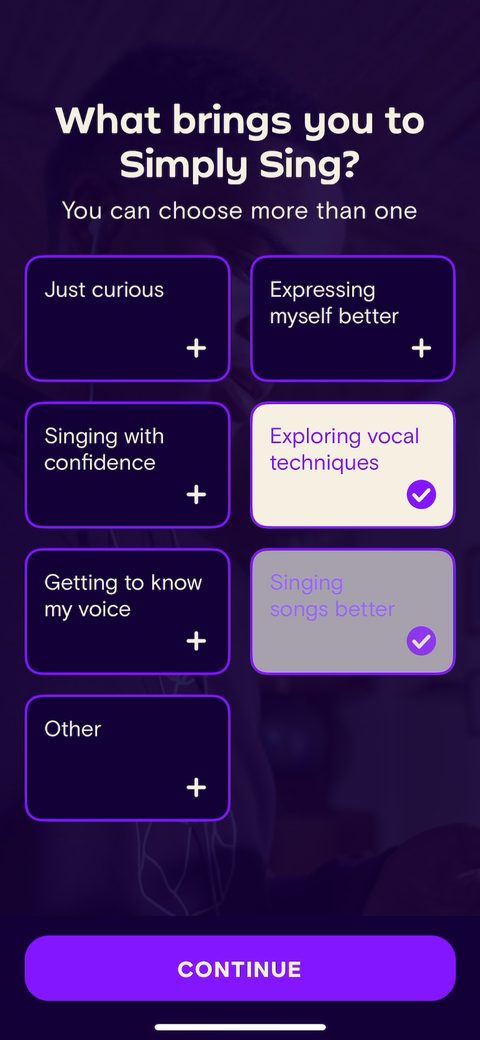 17
17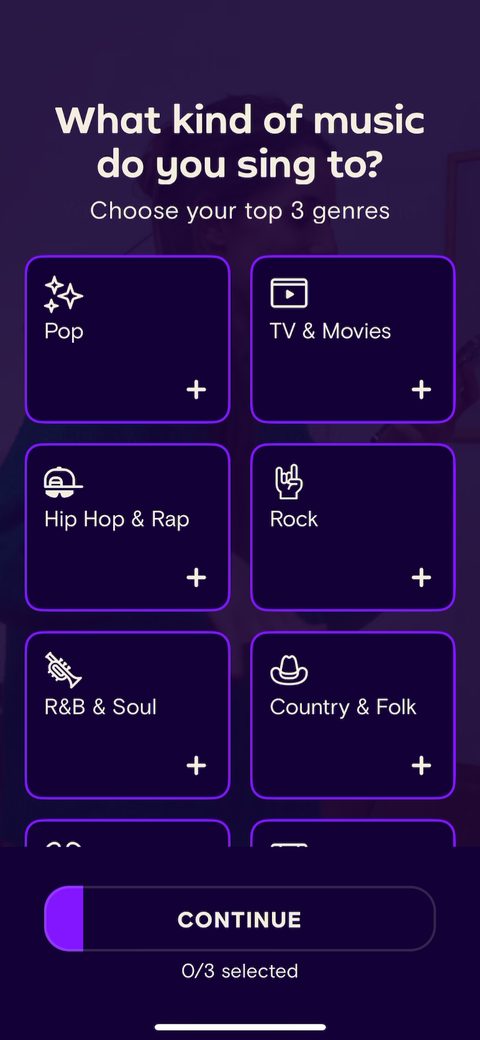 18
18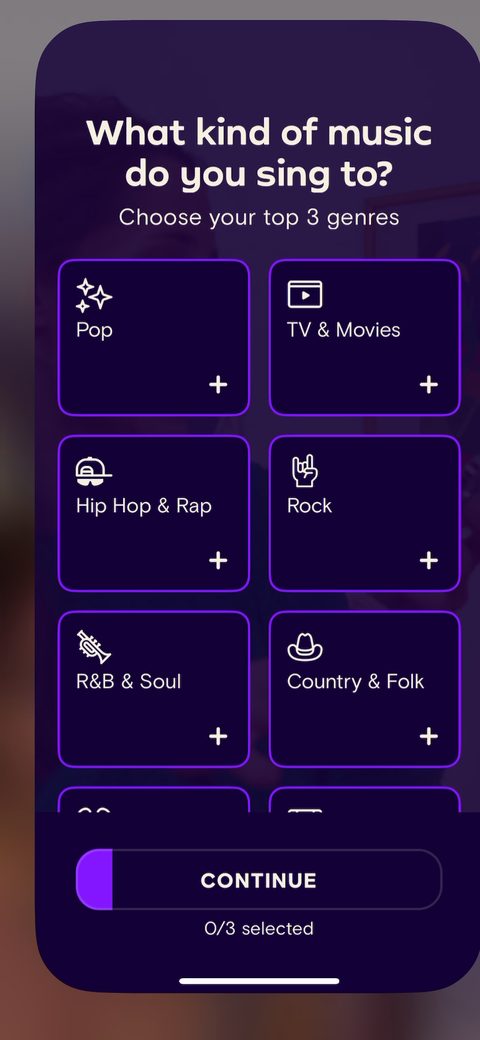 19
19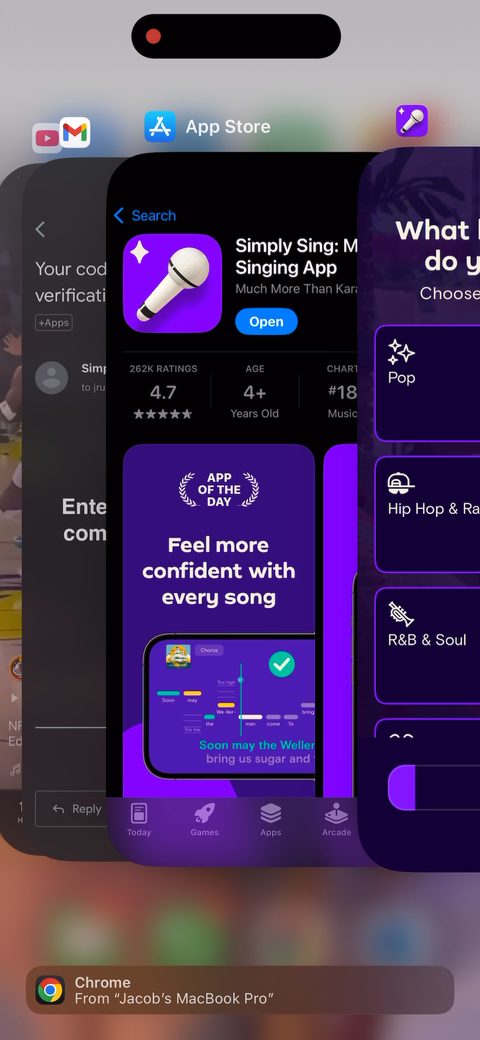 20
20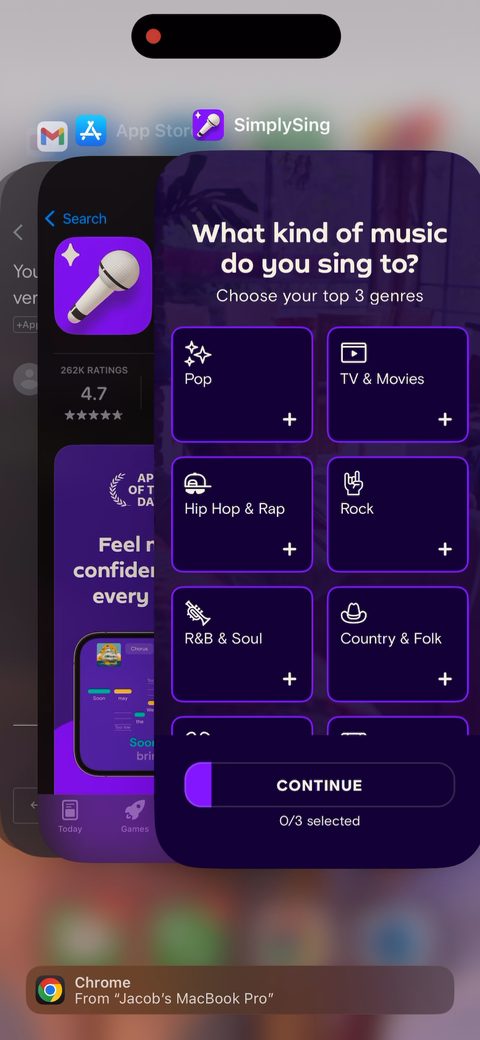 21
21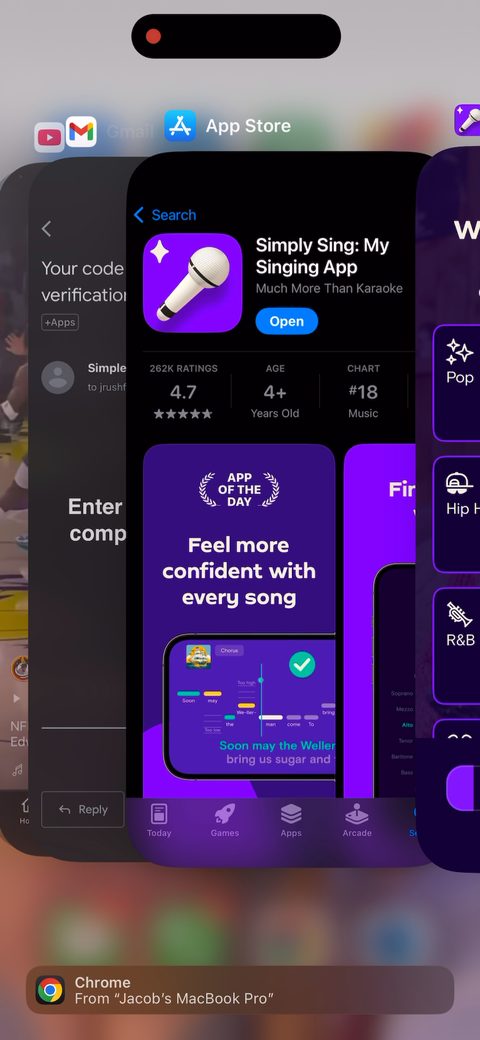 22
22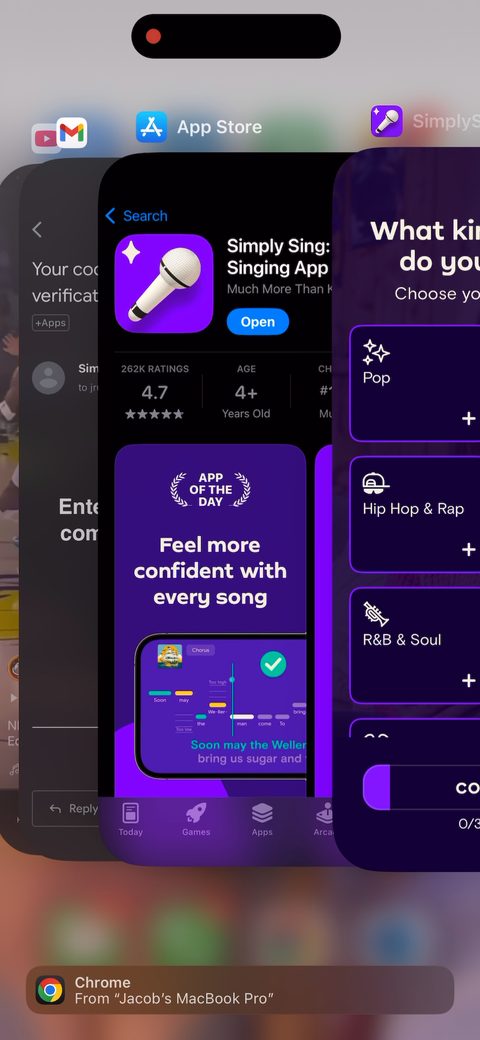 23
23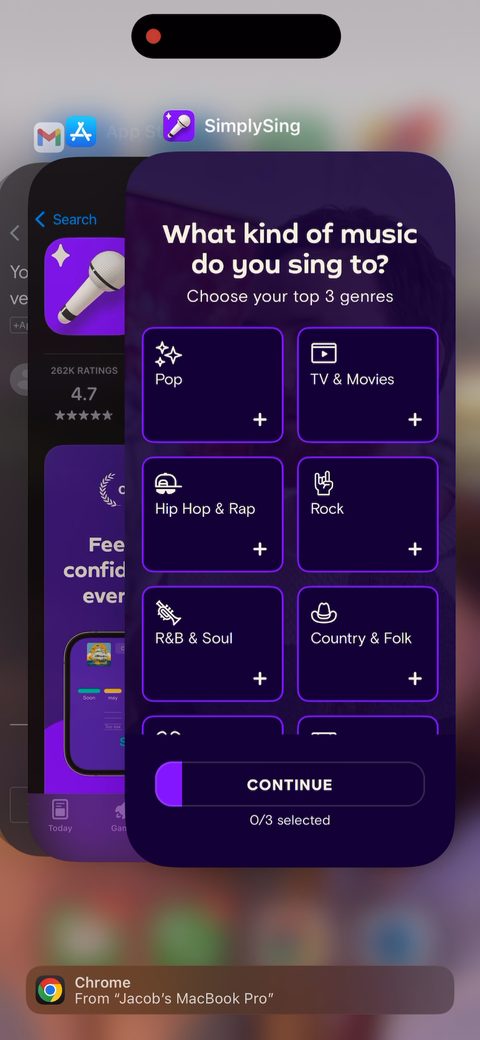 24
24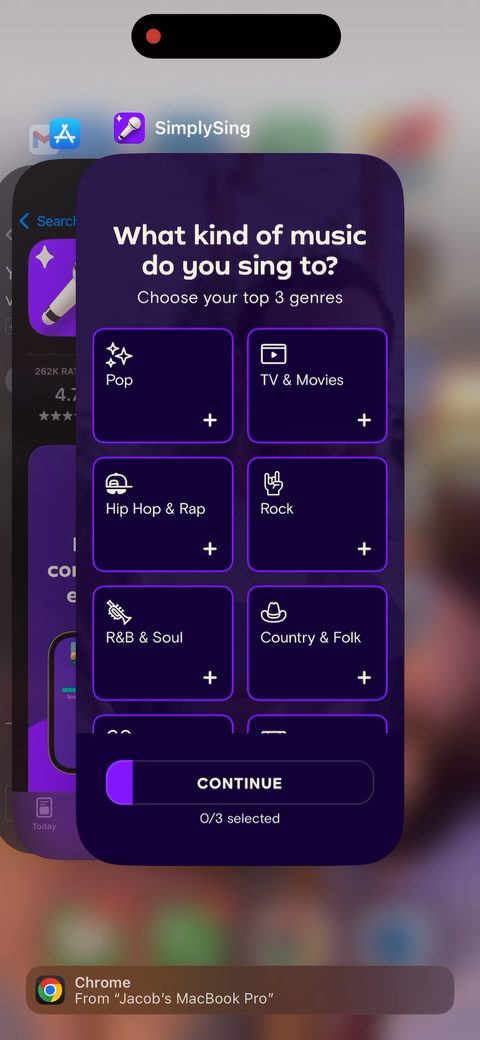 25
25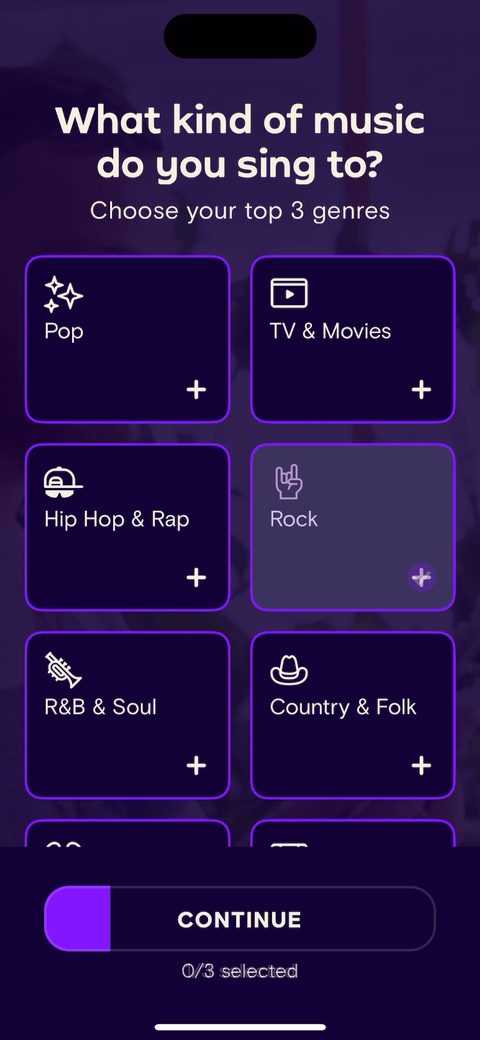 26
26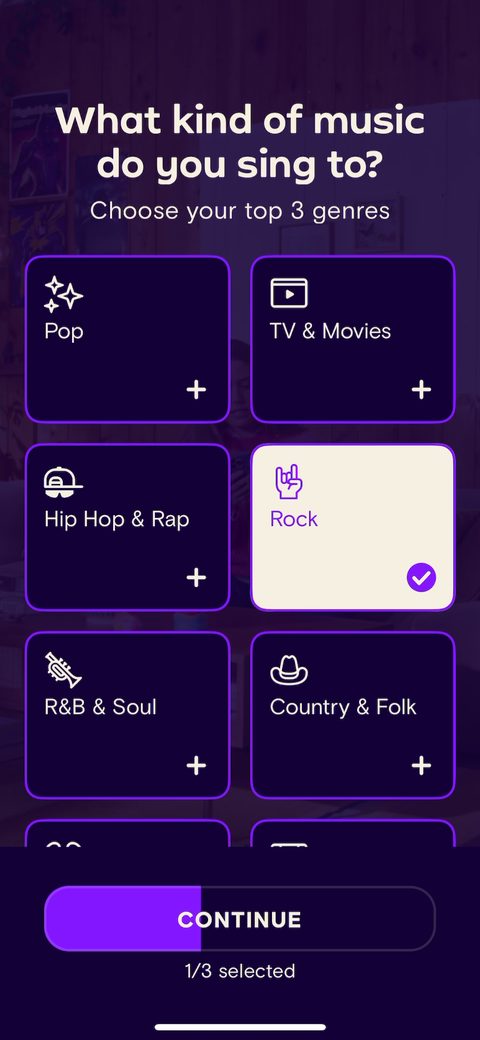 27
27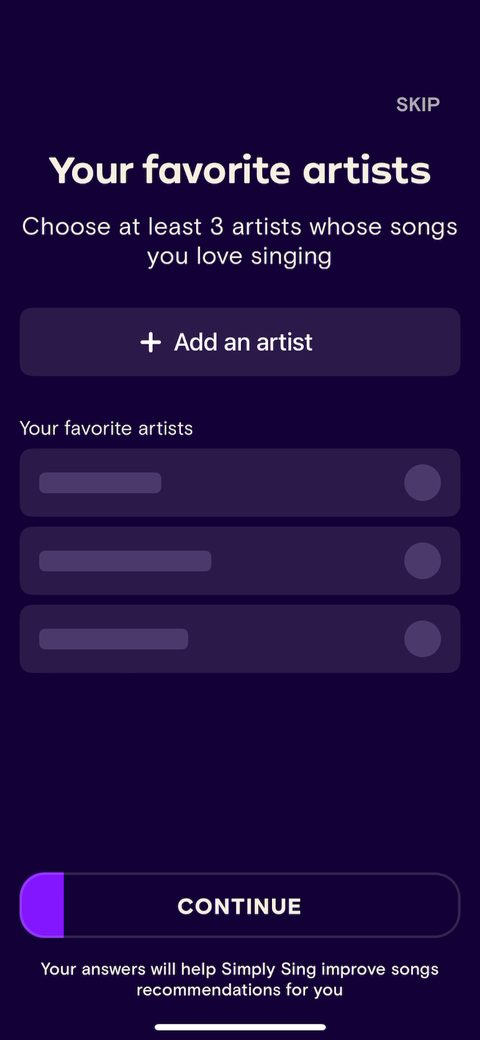 28
28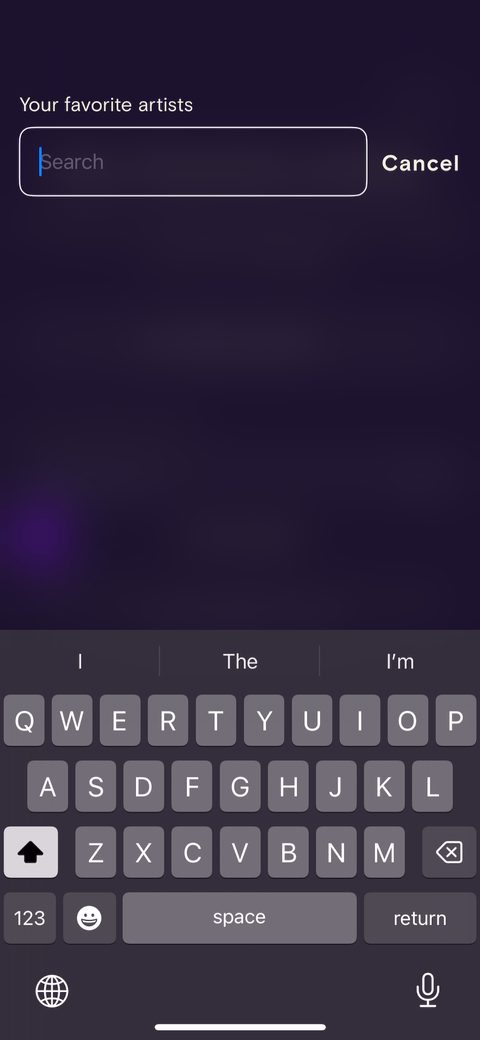 29
29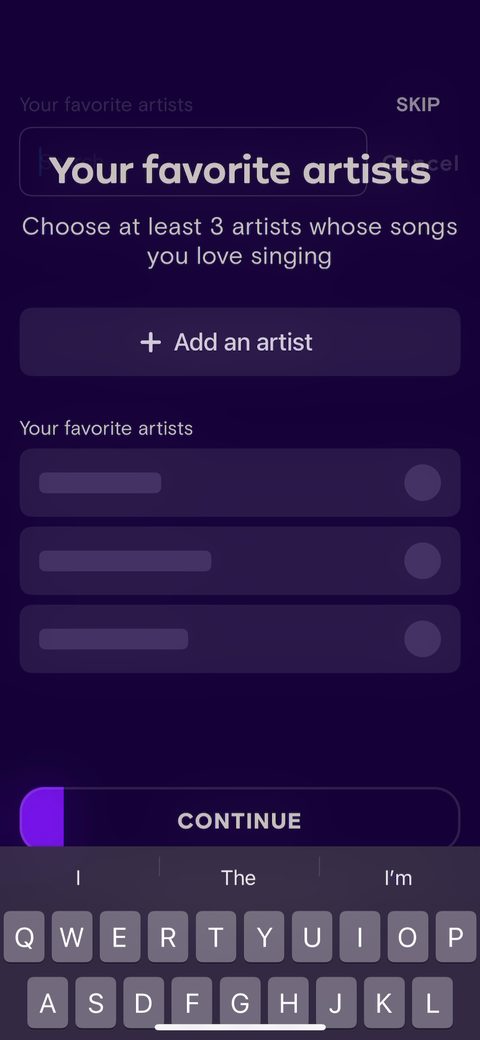 30
30 31
31 32
32 33
33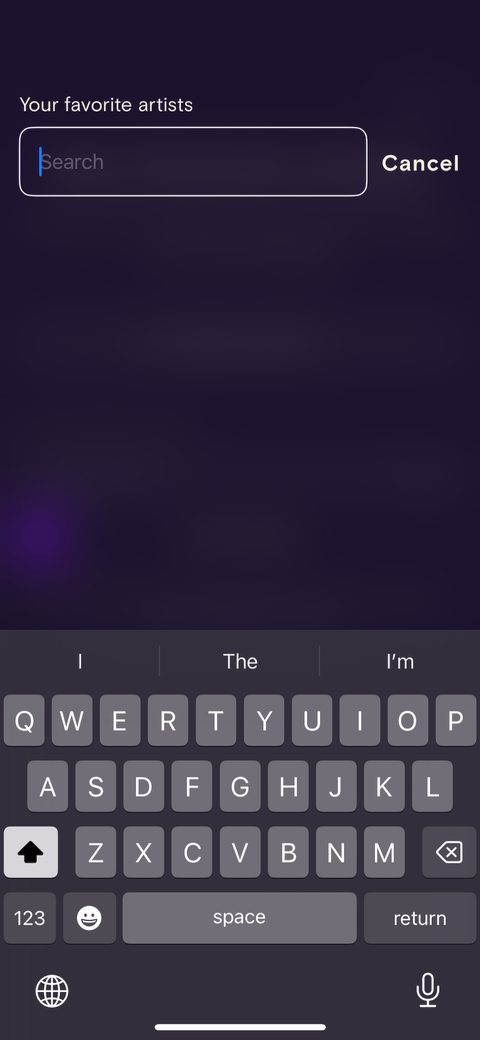 34
34 35
35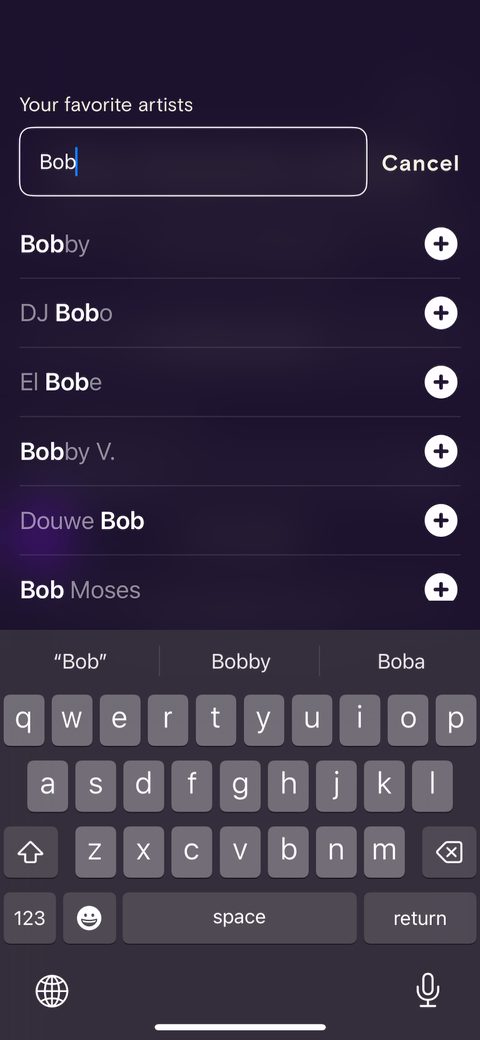 36
36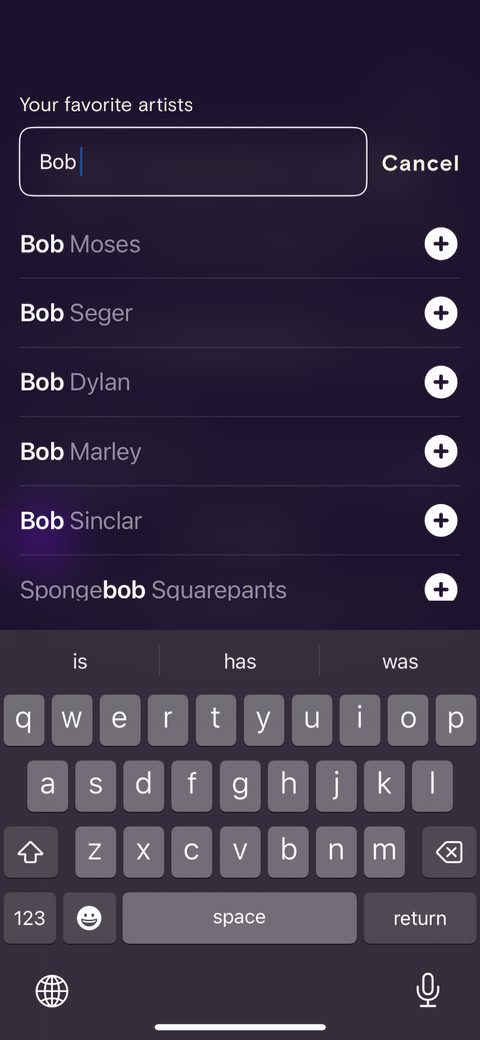 37
37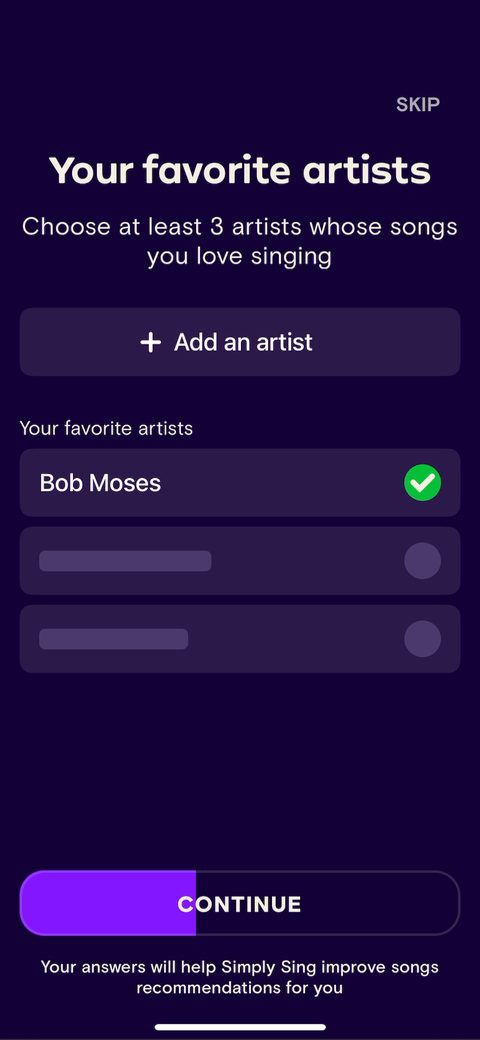 38
38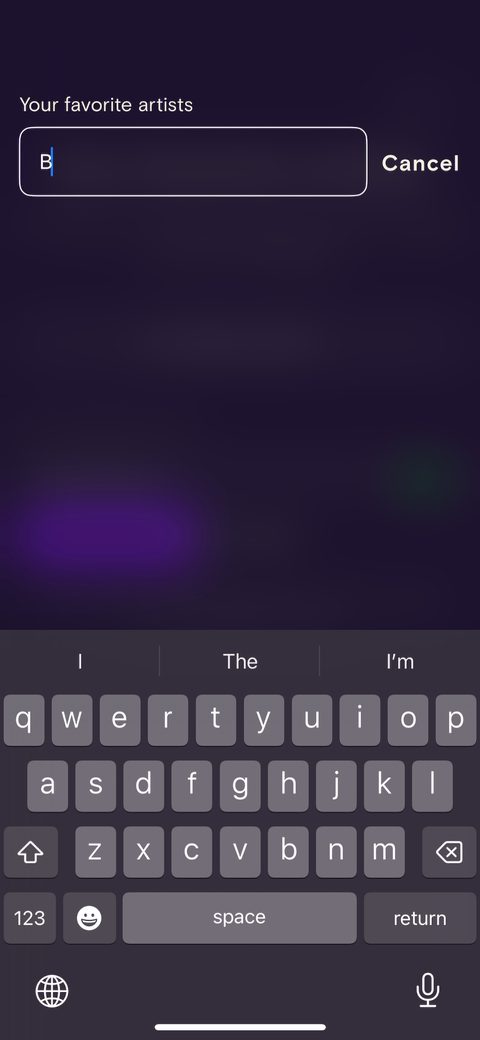 39
39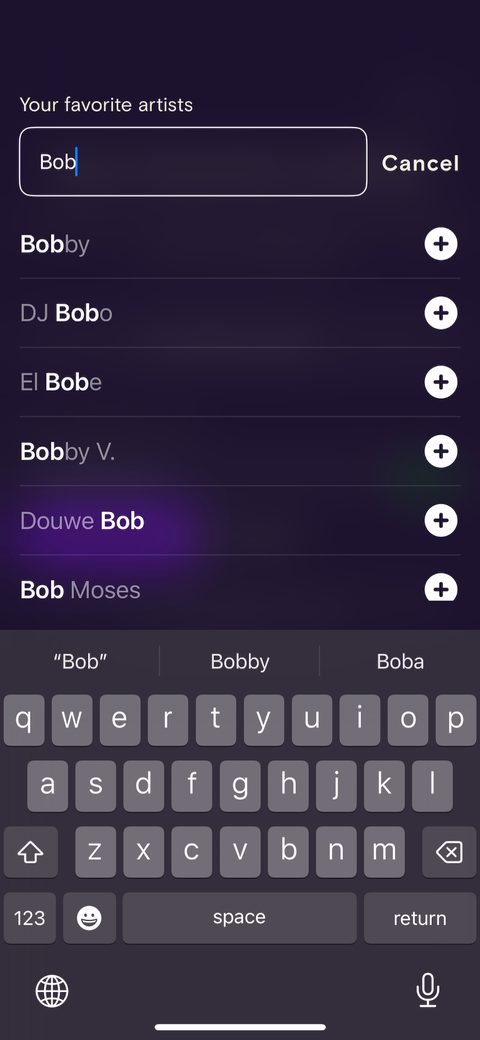 40
40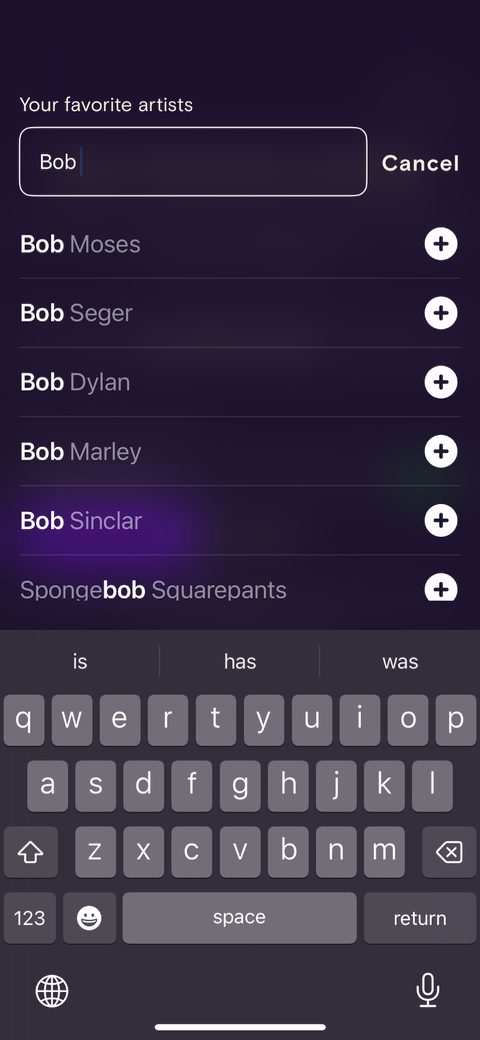 41
41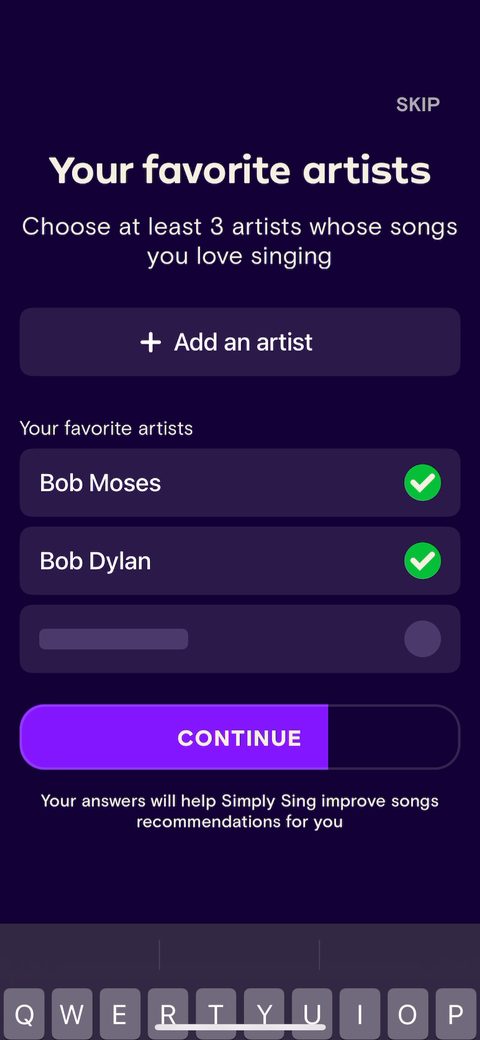 42
42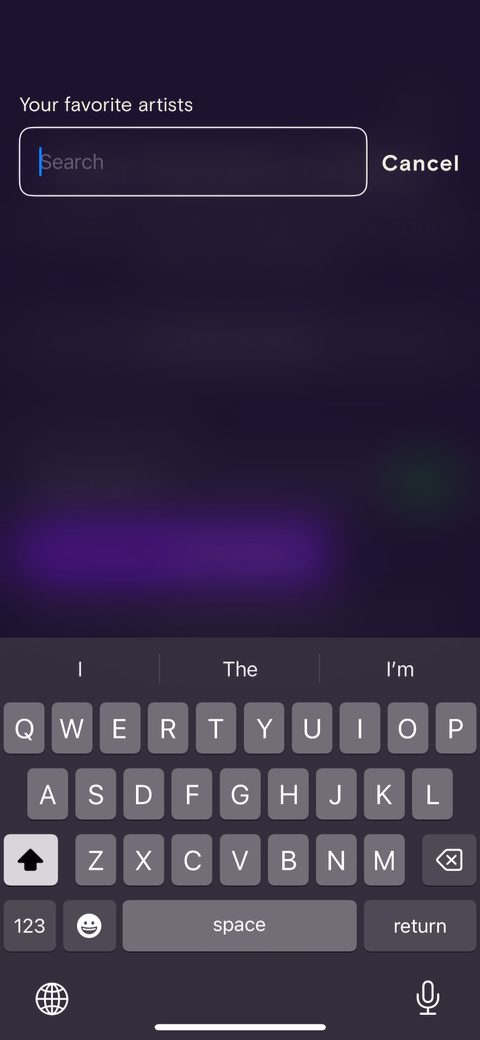 43
43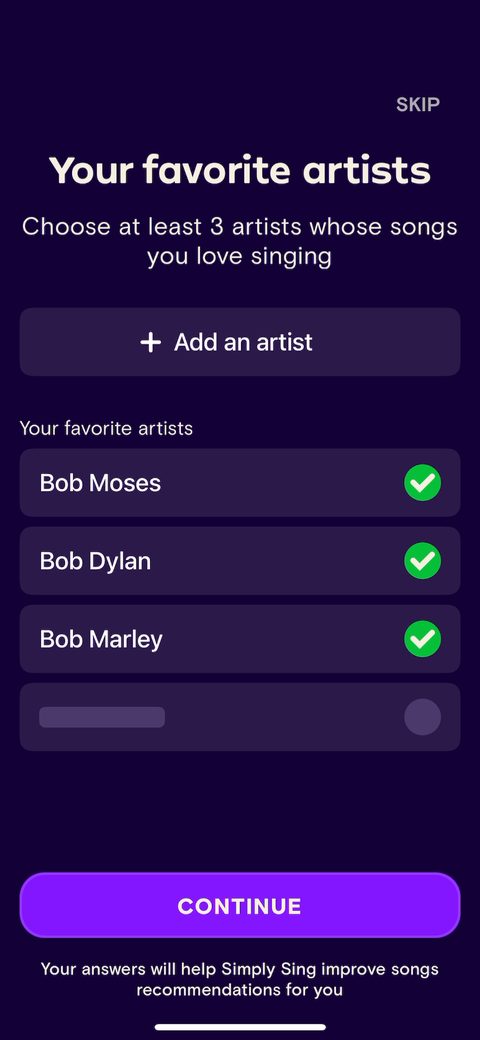 44
44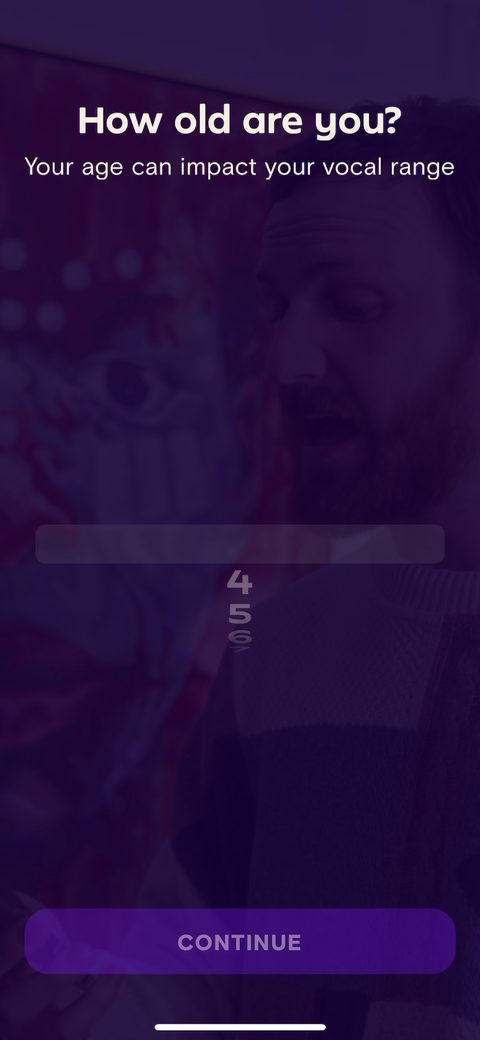 45
45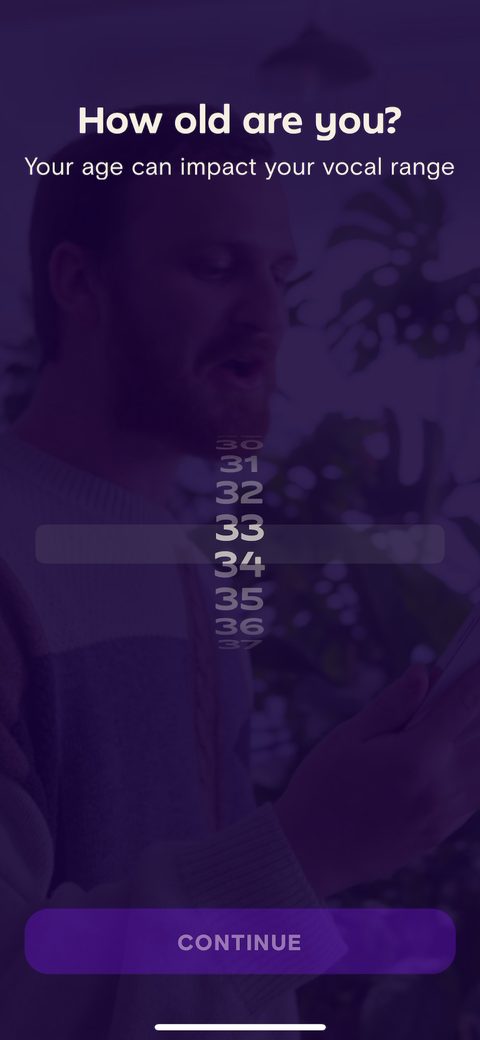 46
46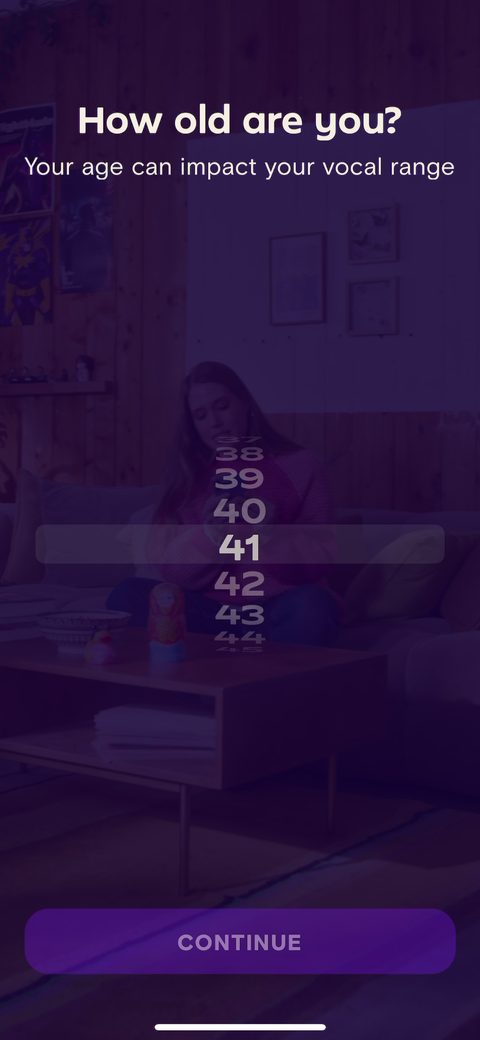 47
47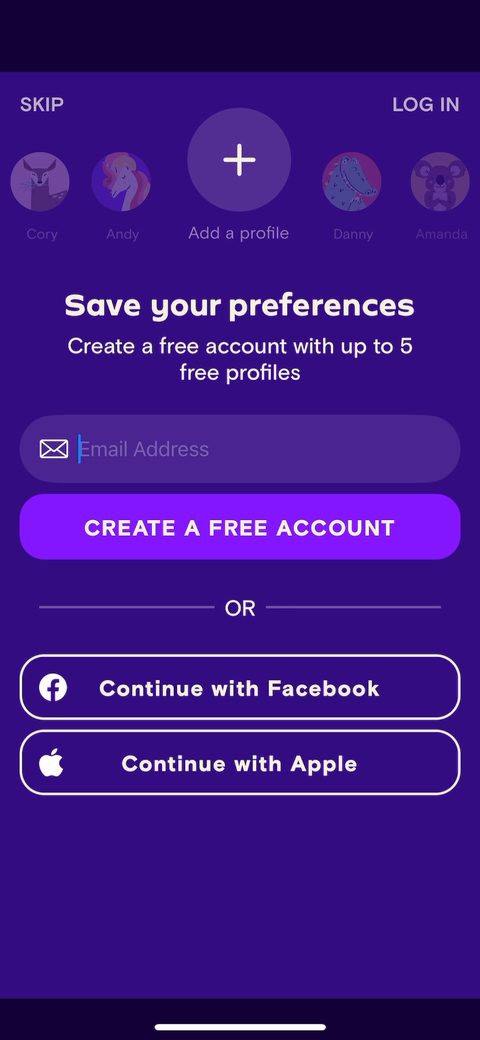 48
48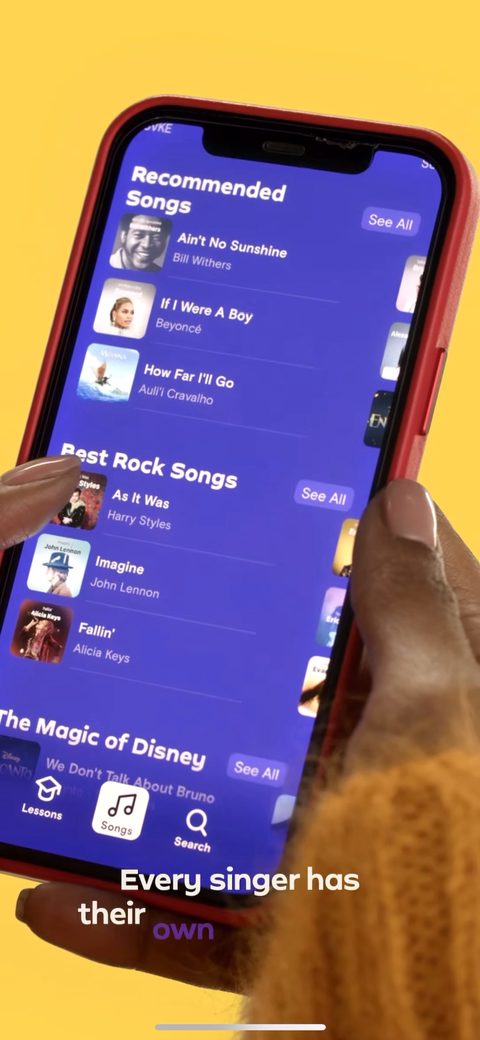 49
49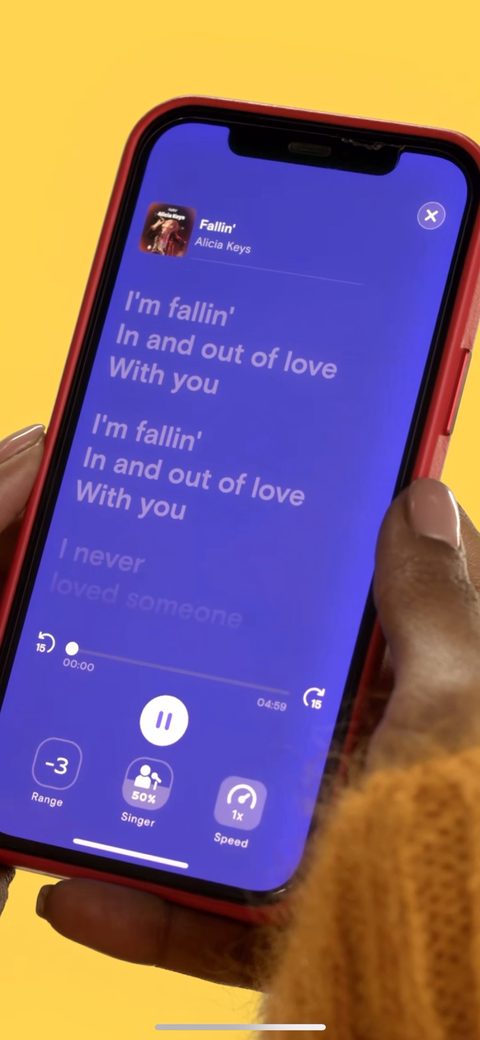 50
50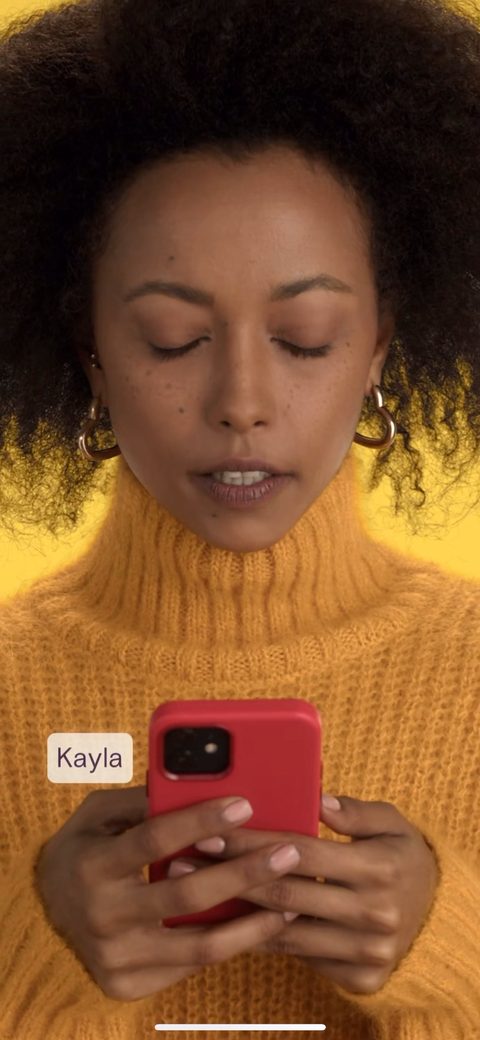 51
51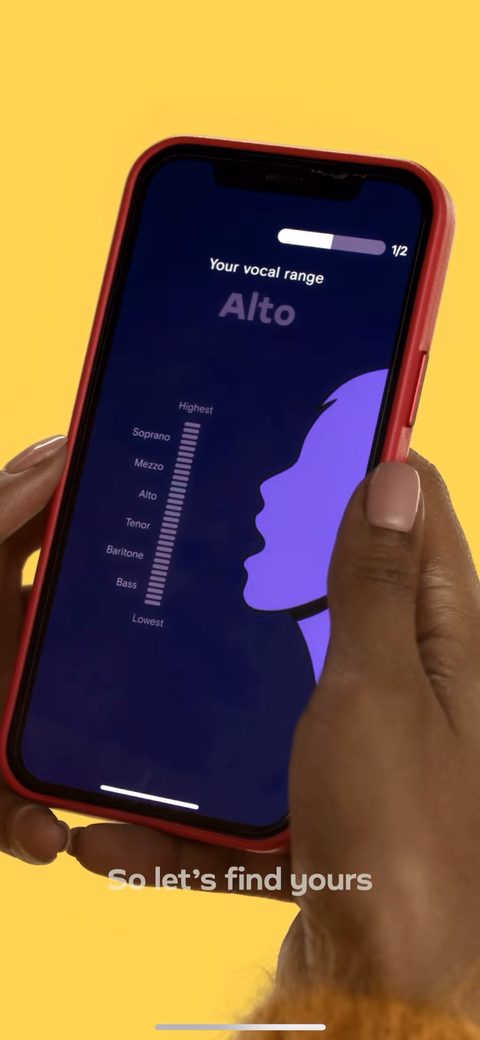 54
54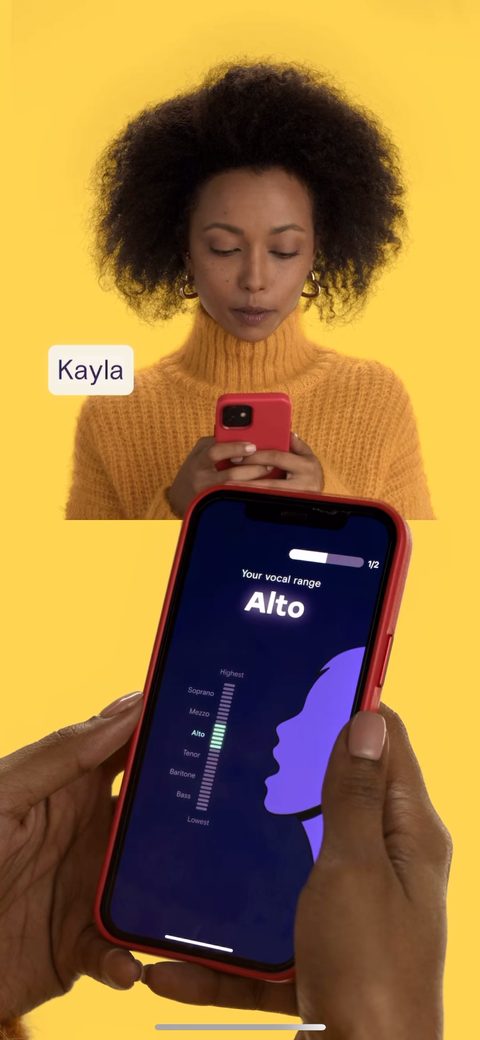 55
55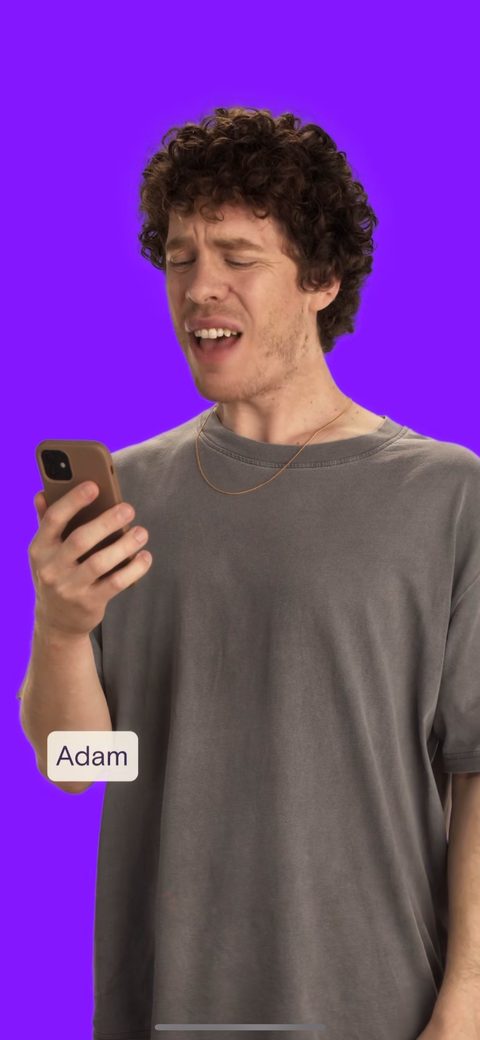 56
56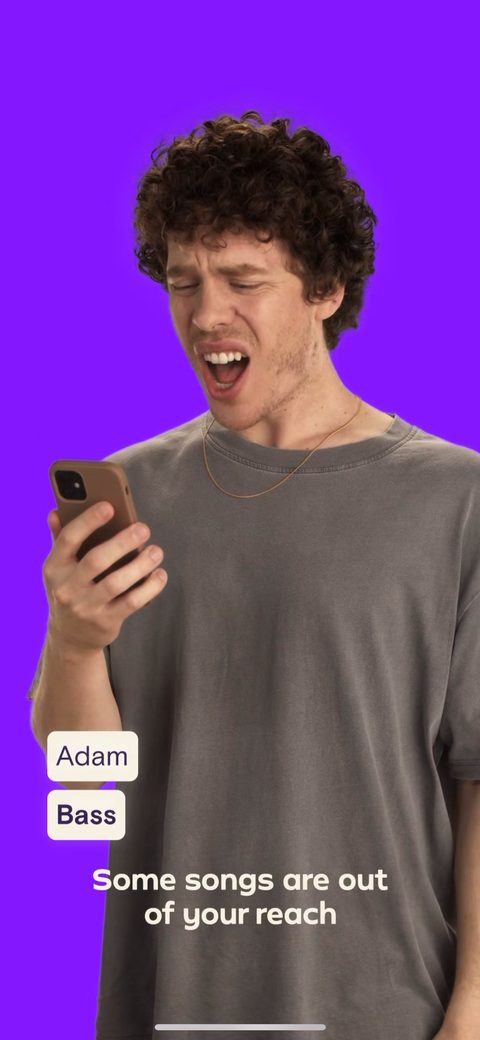 57
57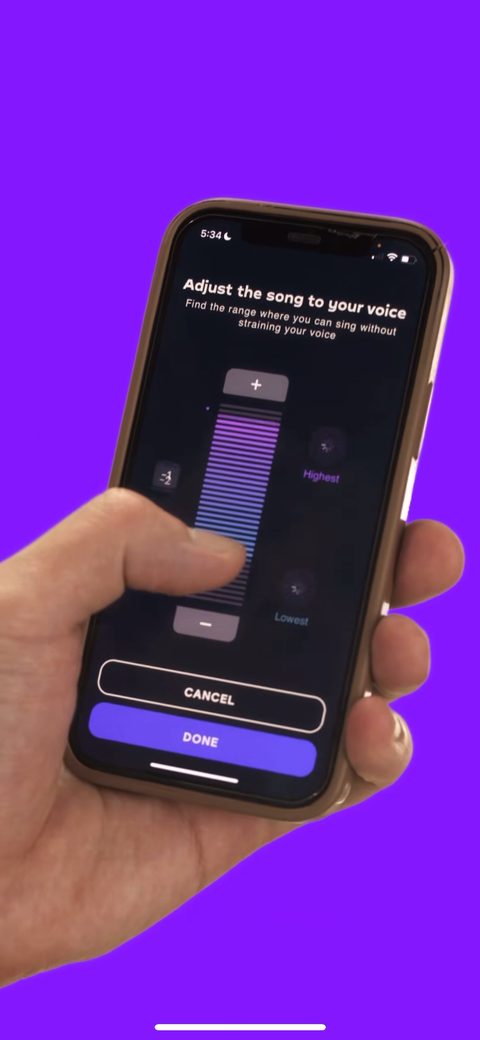 58
58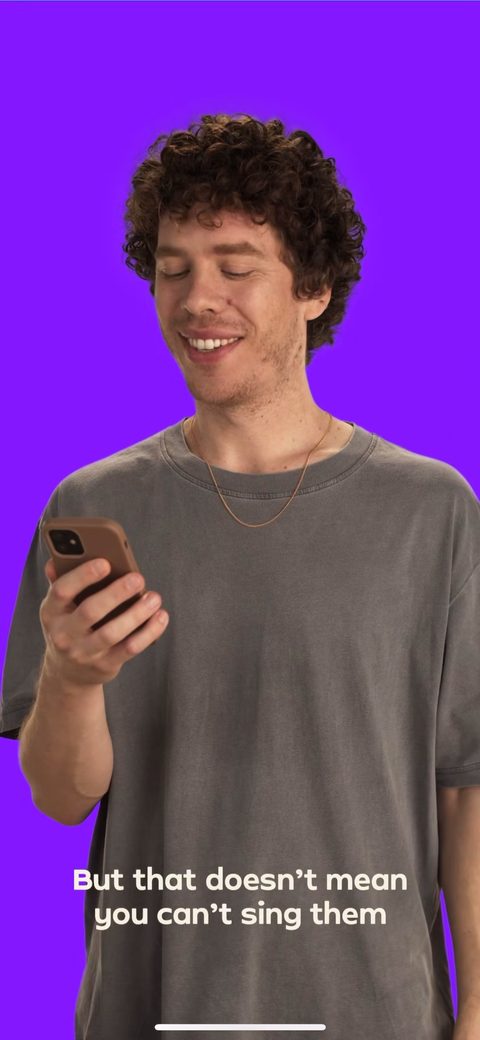 59
59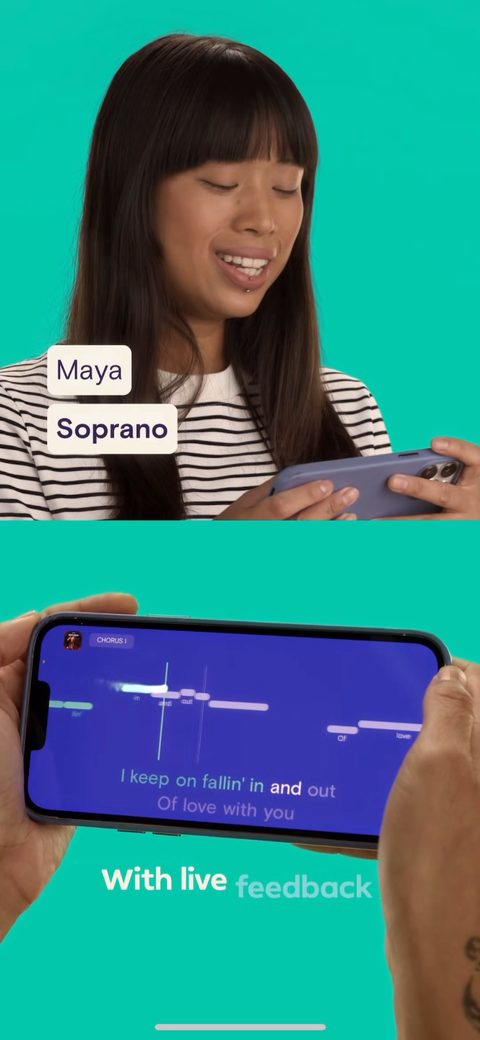 60
60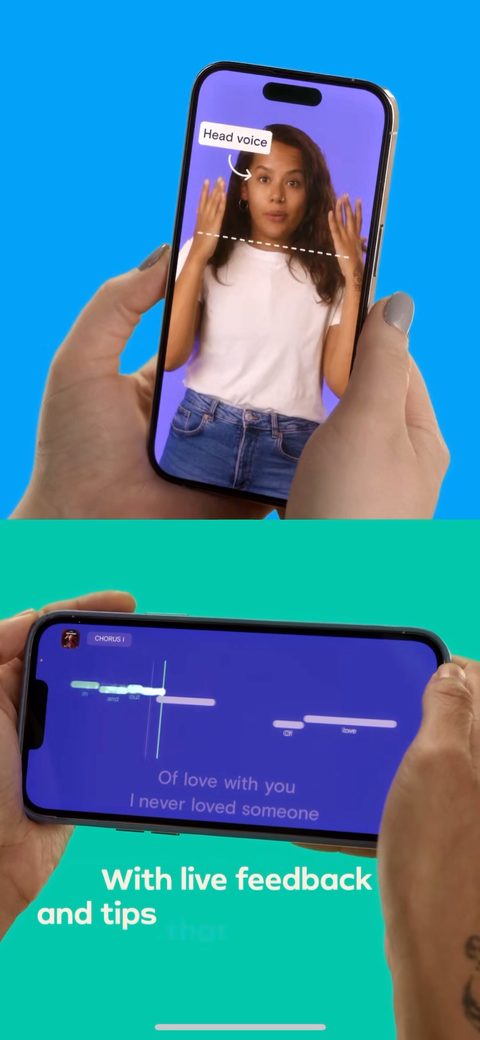 61
61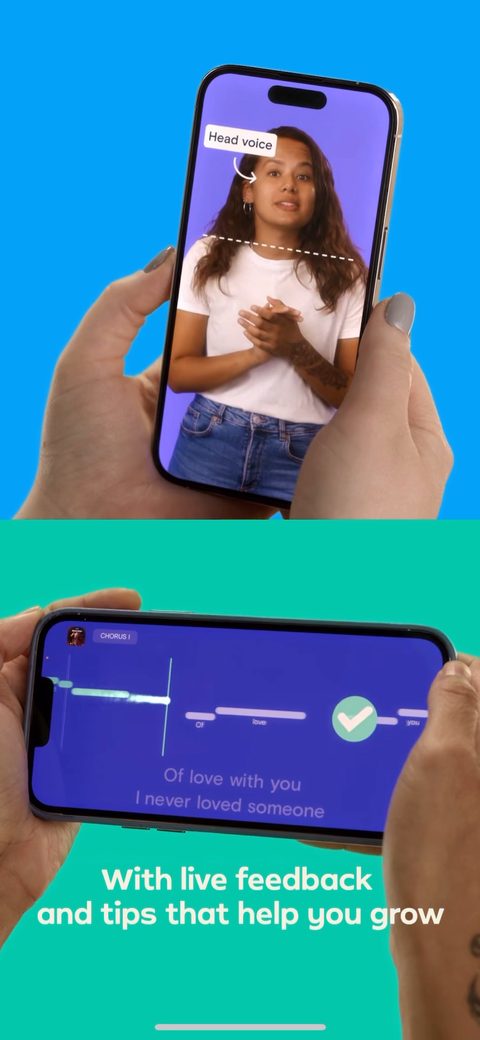 62
62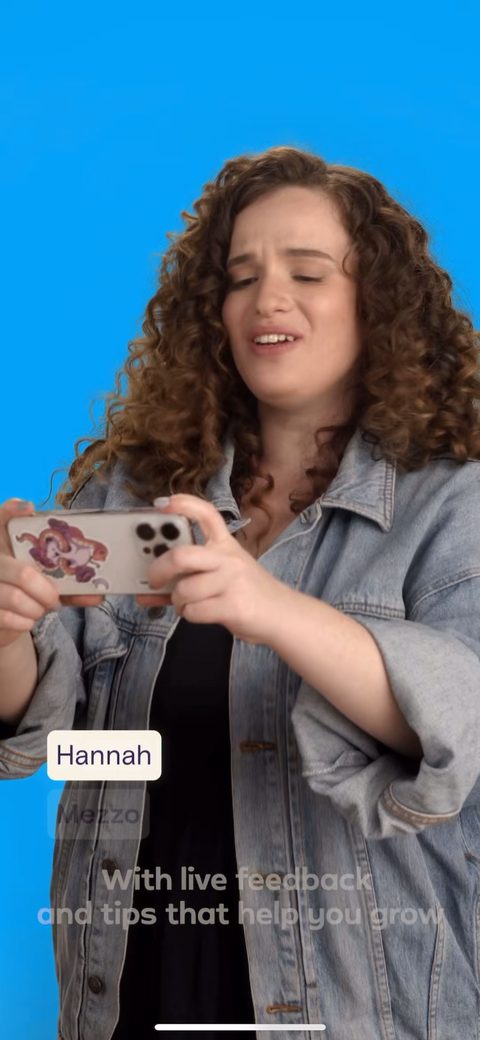 63
63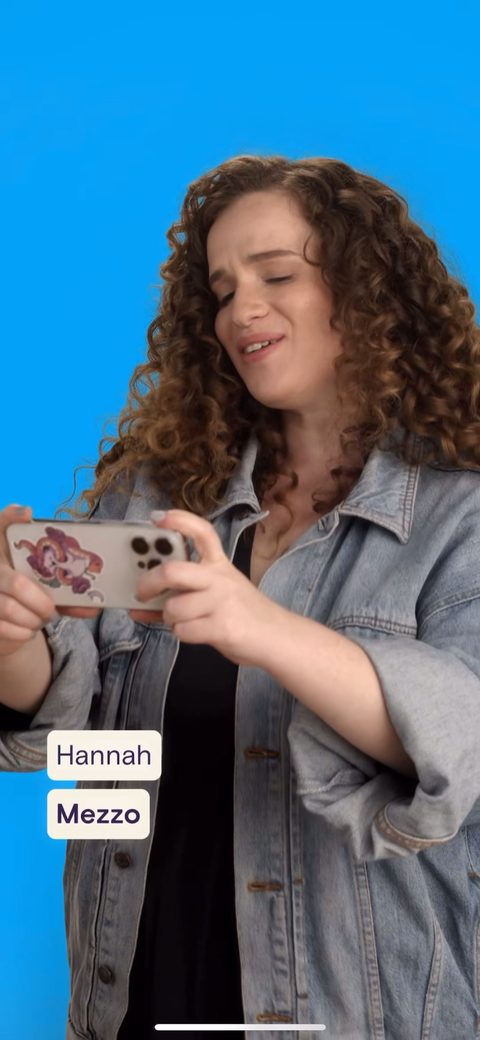 64
64 65
65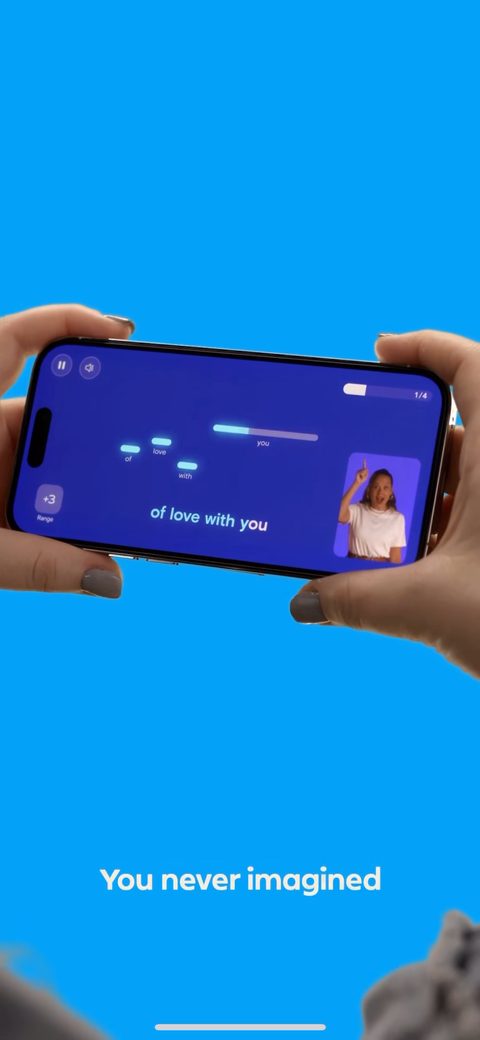 66
66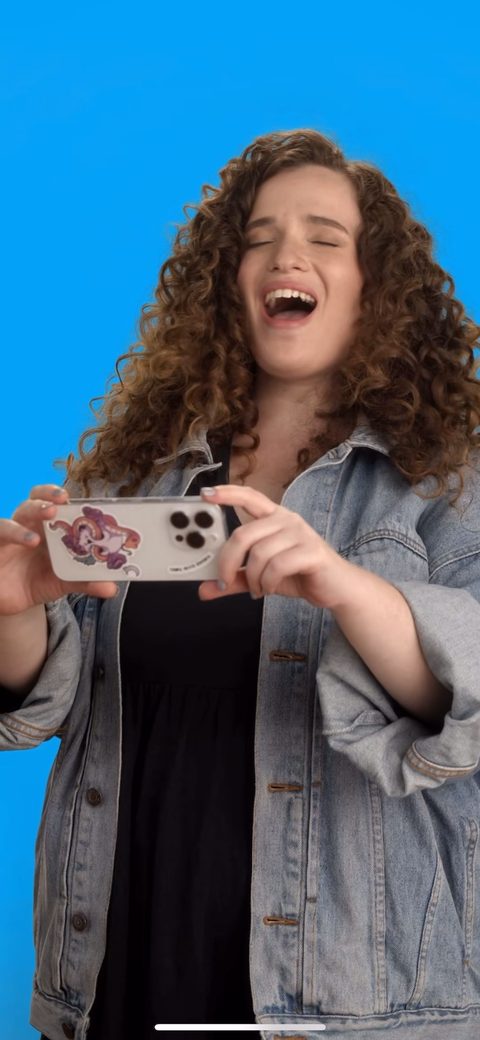 67
67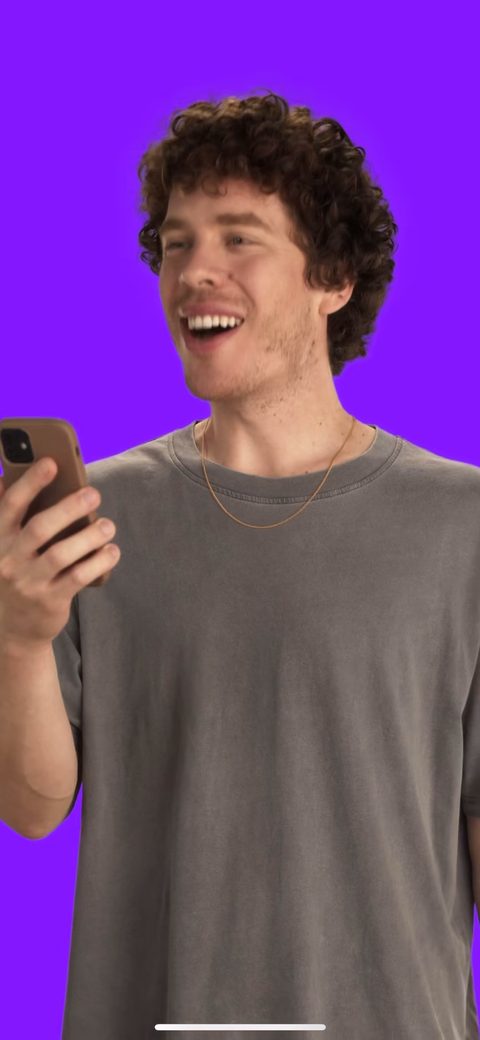 68
68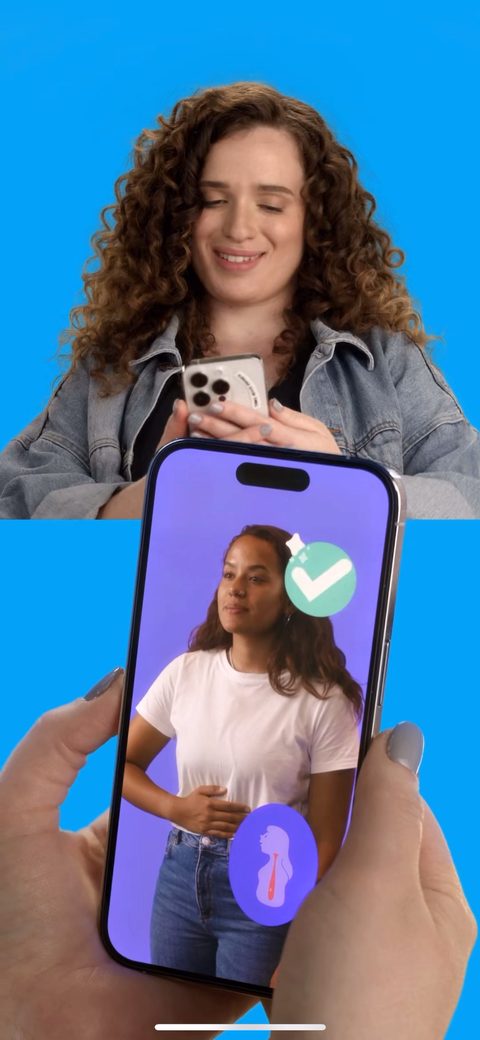 69
69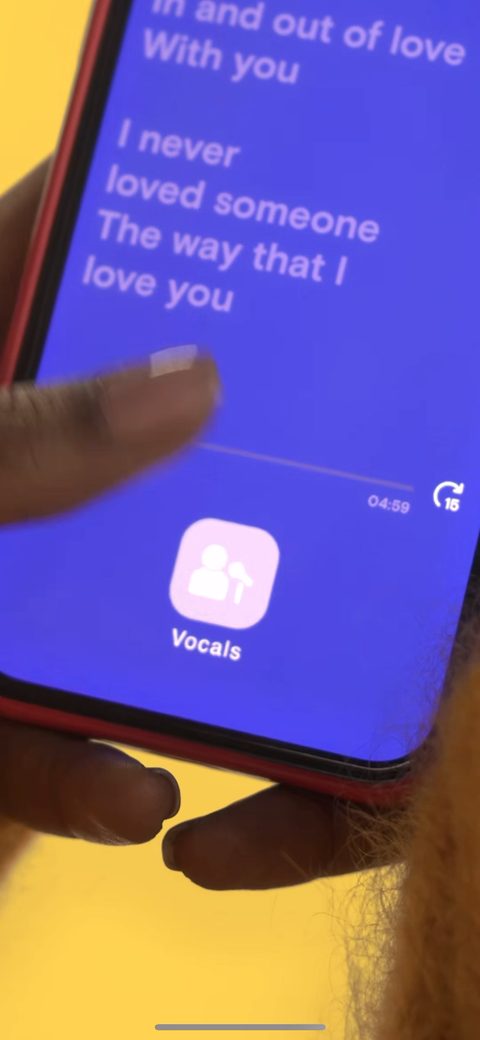 70
70 71
71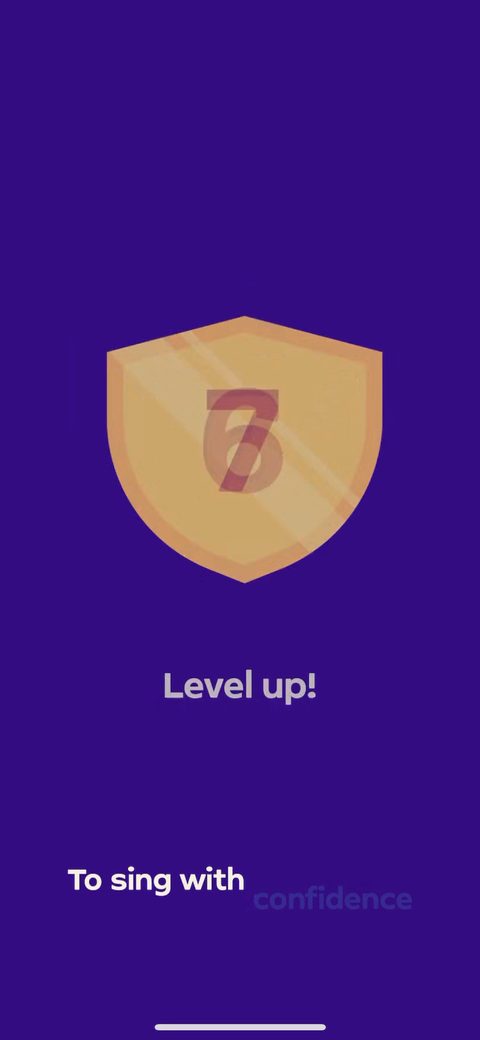 72
72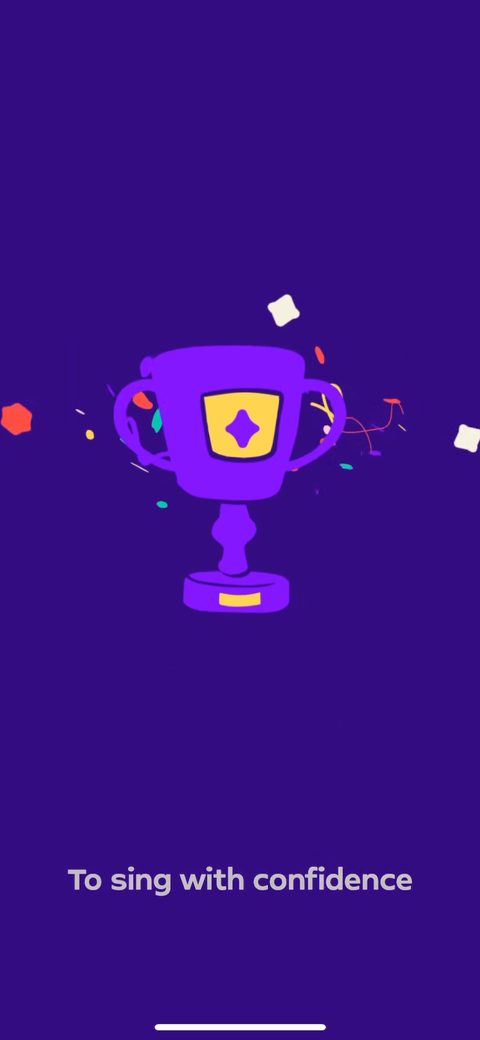 73
73 74
74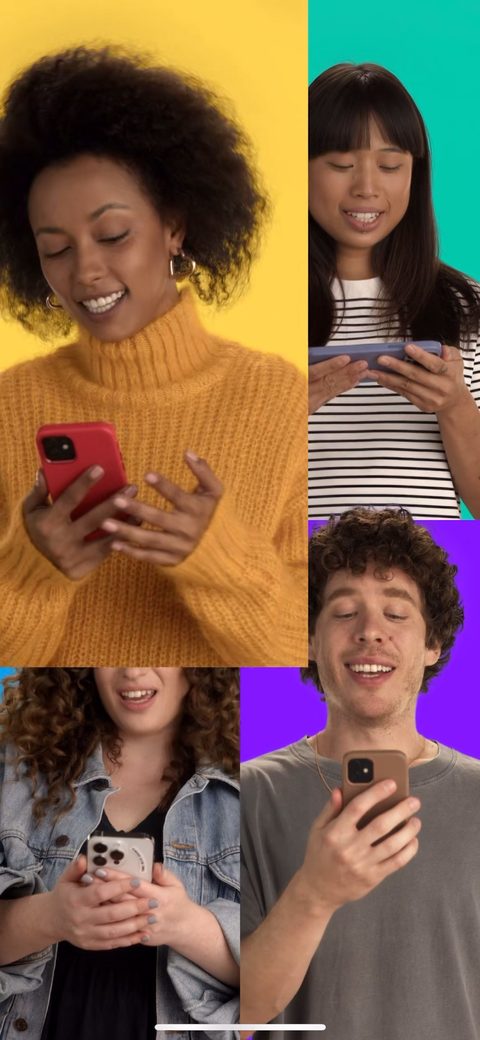 75
75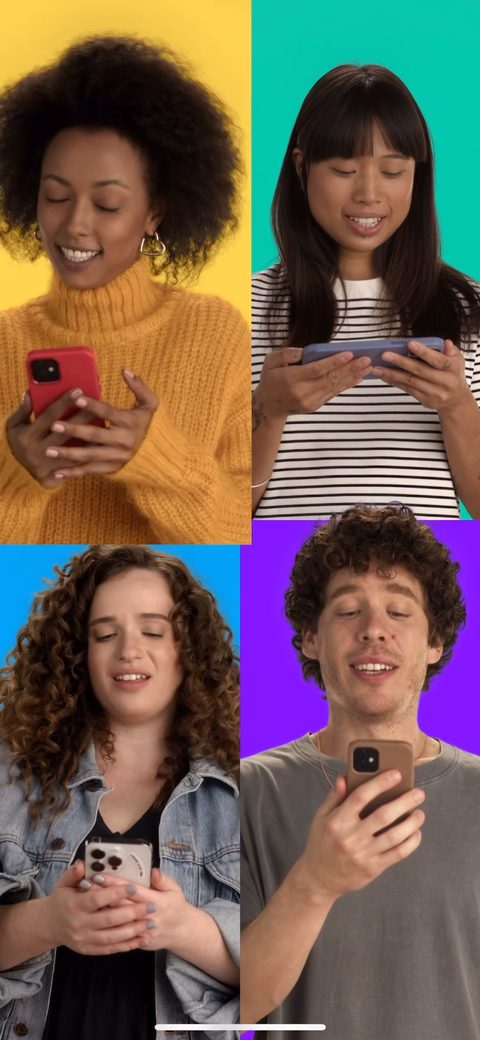 76
76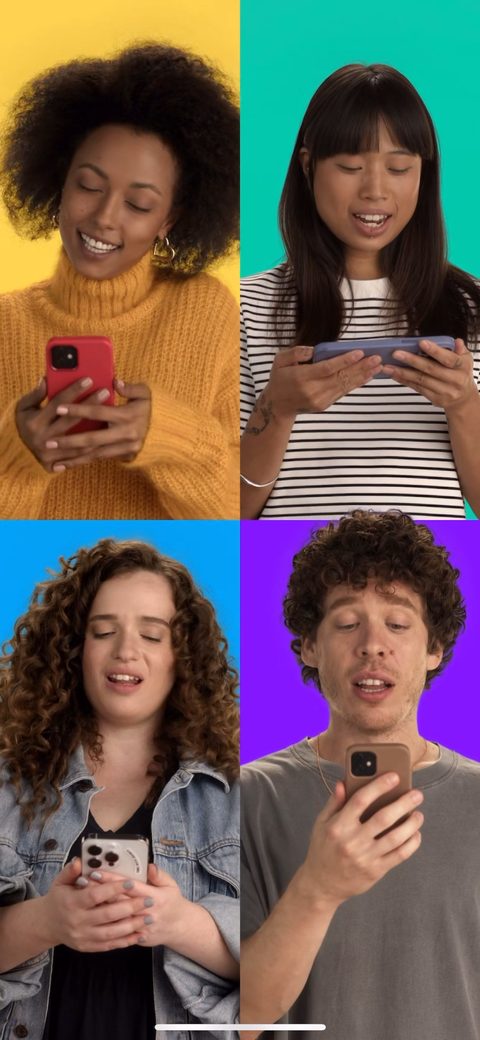 77
77 80
80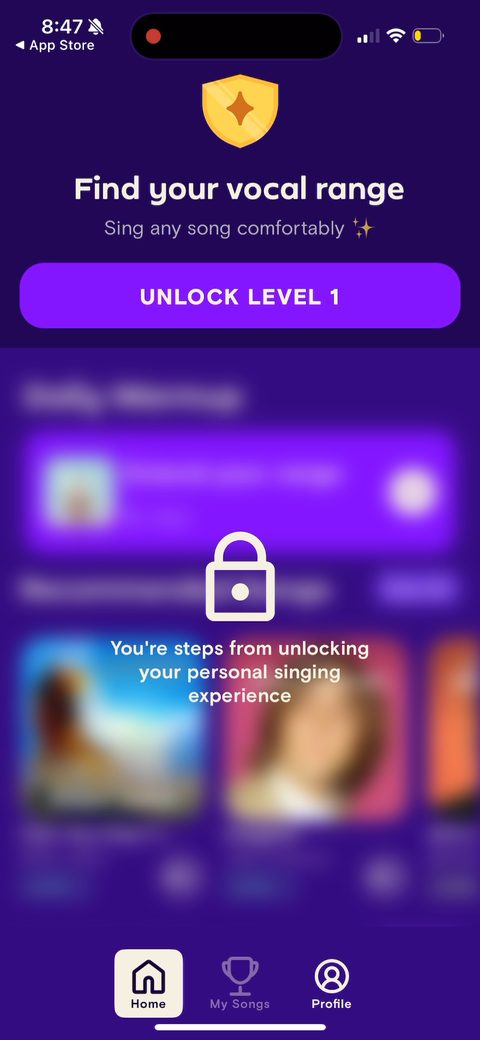 83
83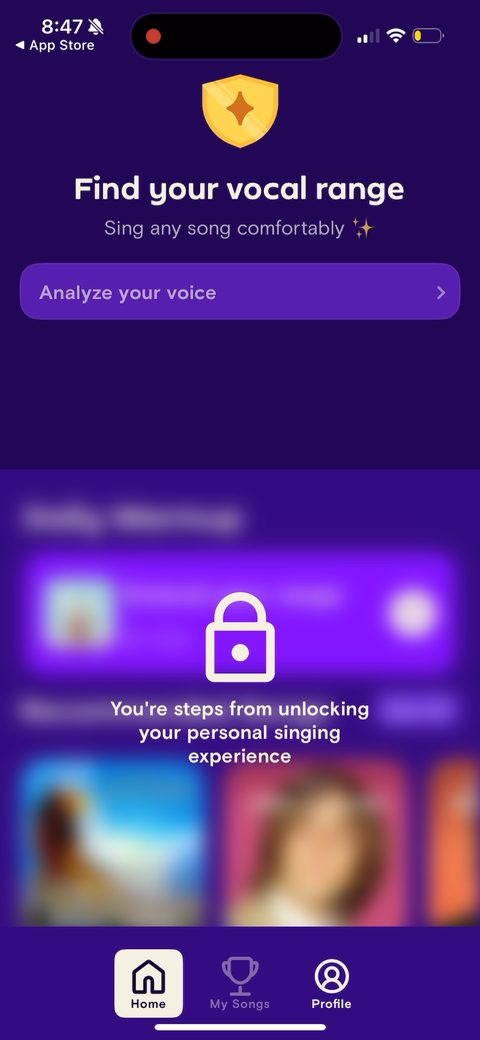 84
84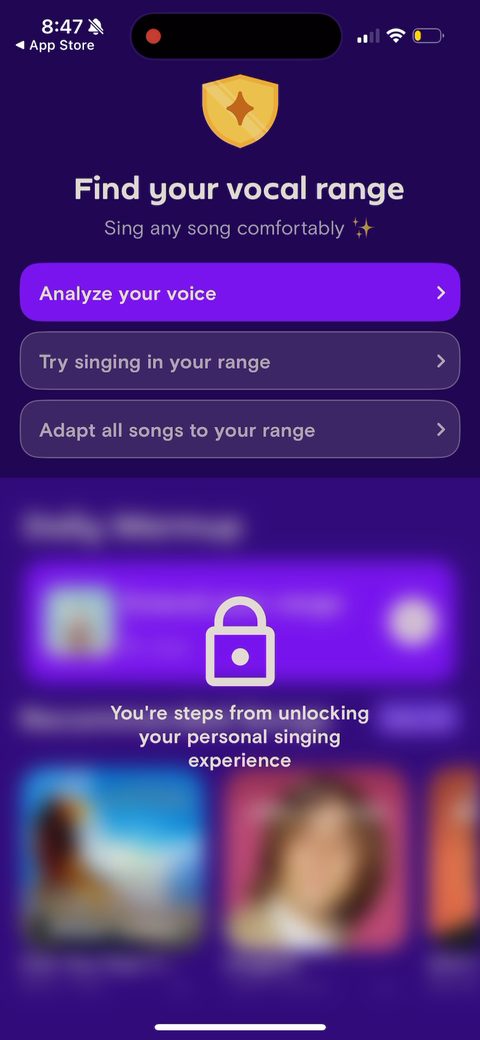 86
86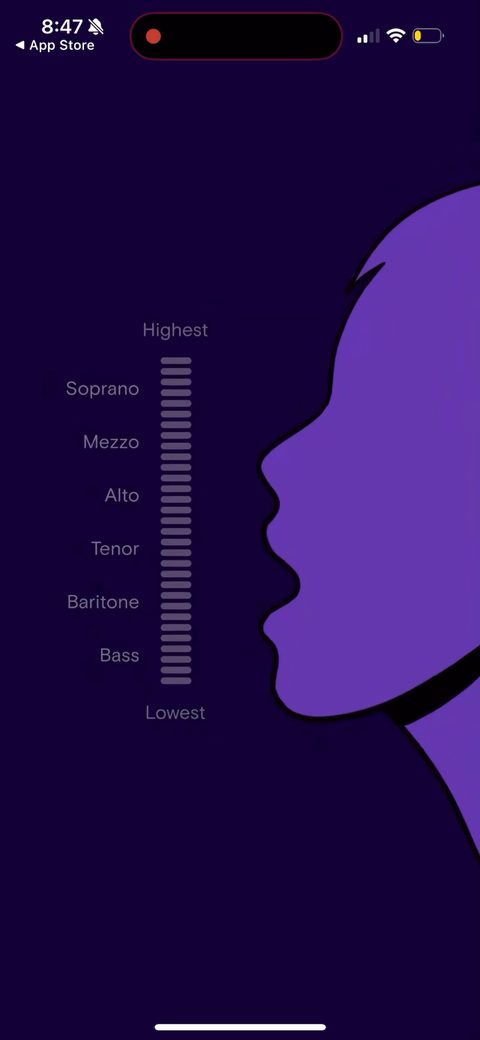 87
87 88
88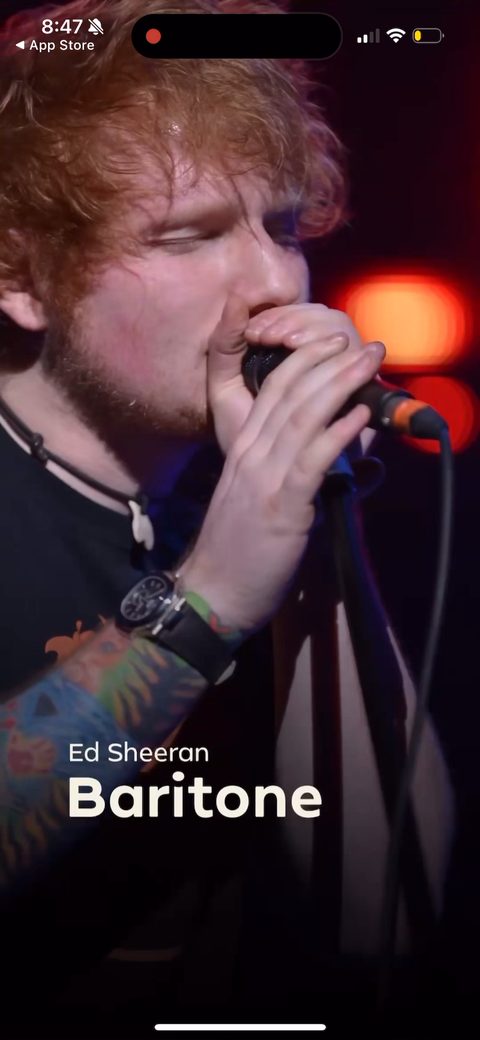 89
89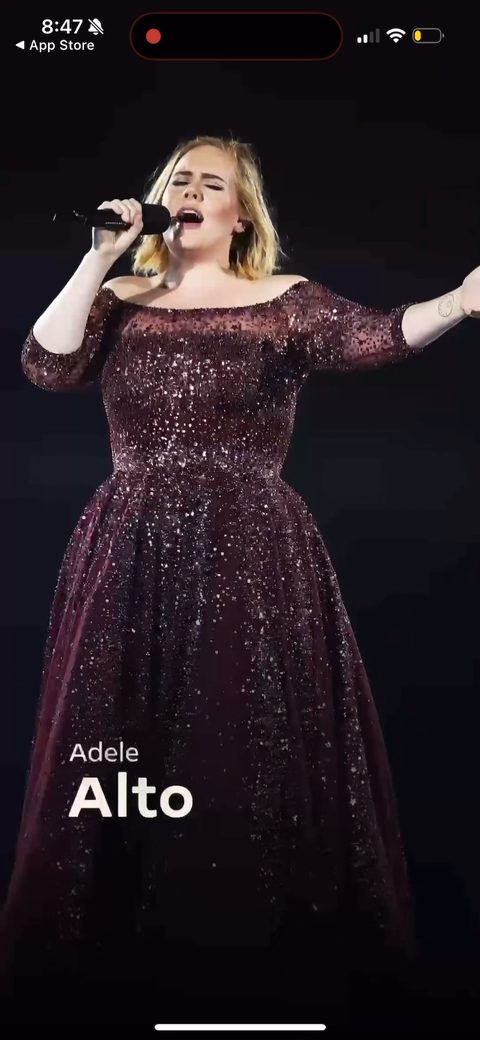 90
90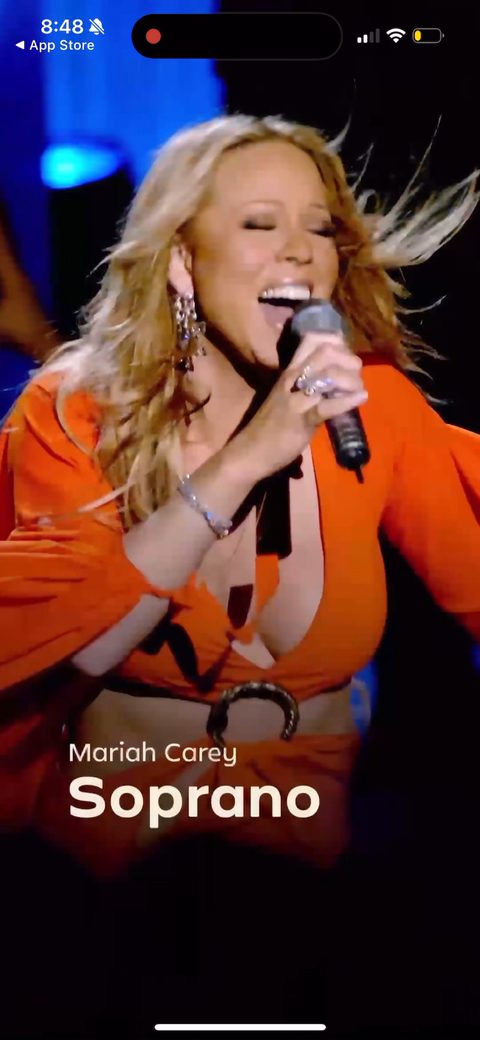 91
91 92
92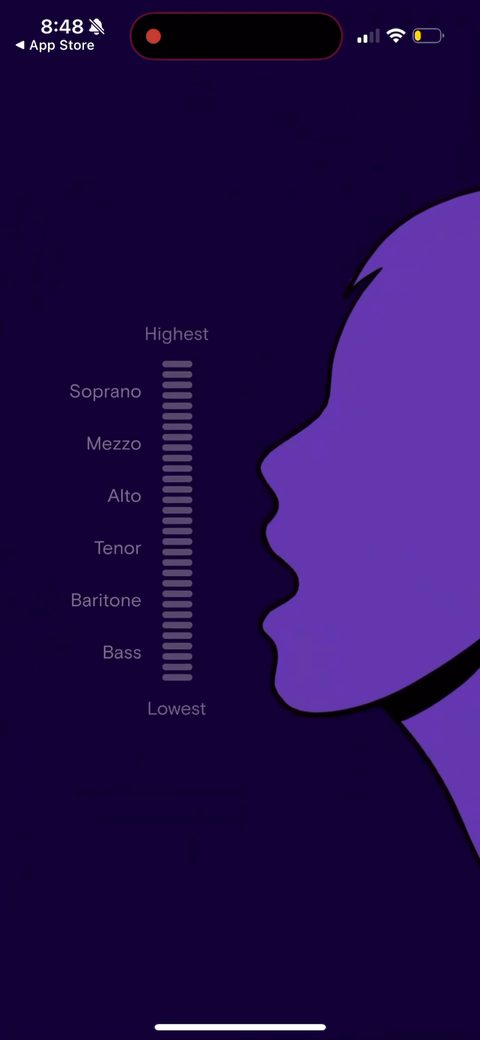 93
93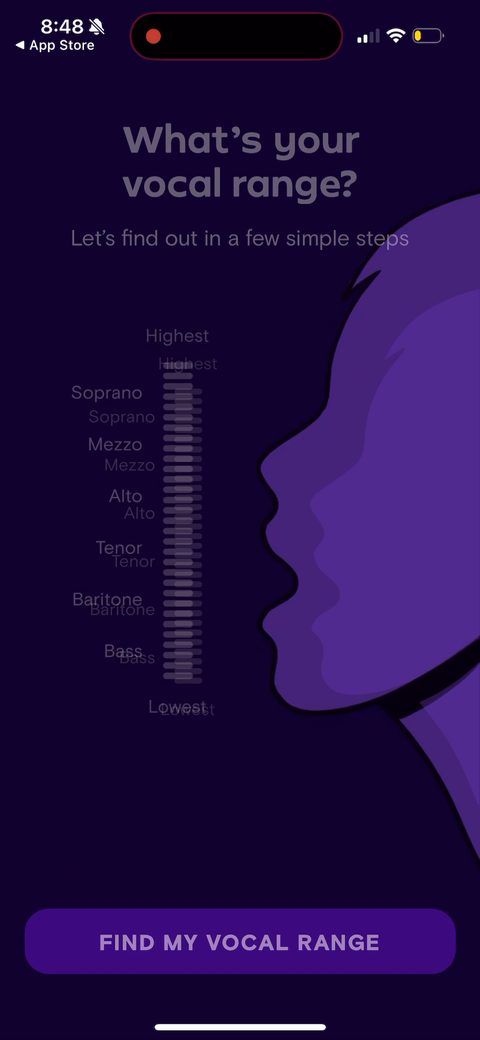 94
94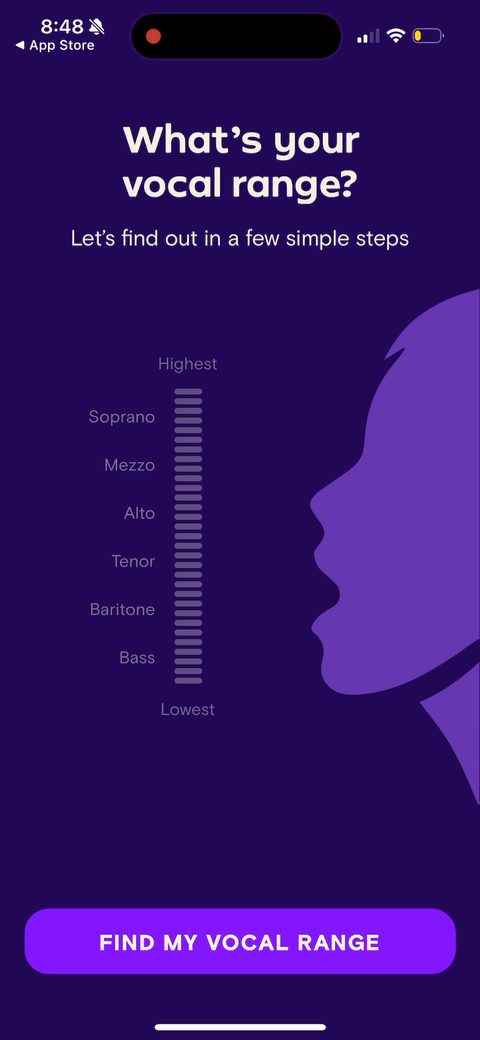 95
95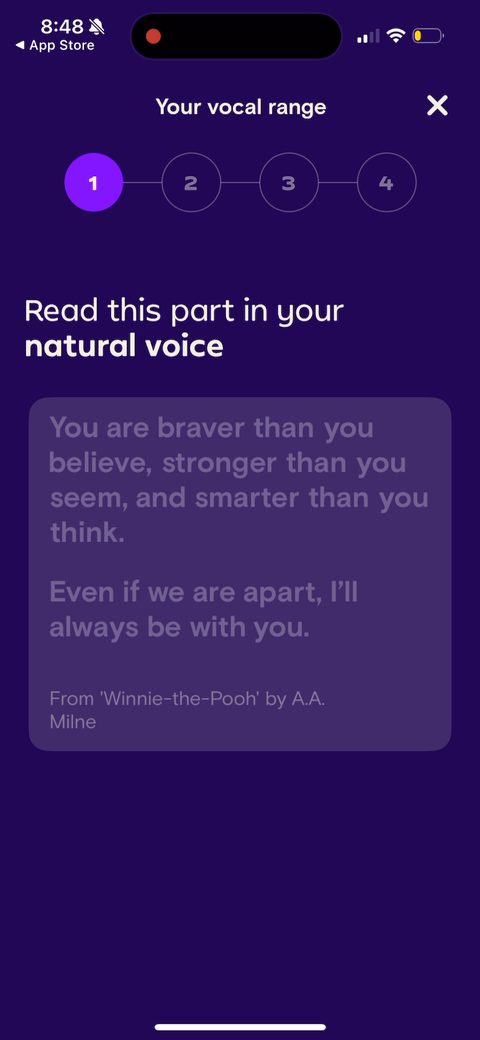 96
96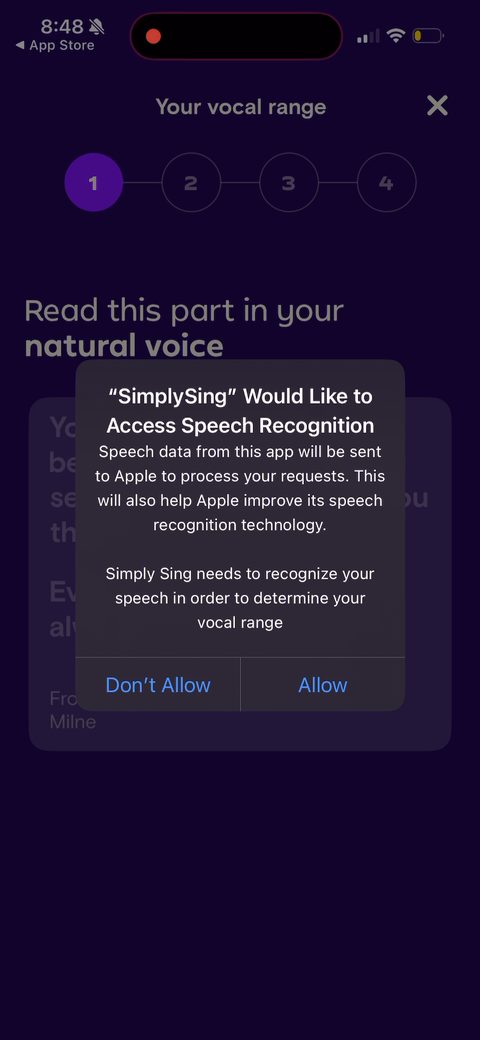 97
97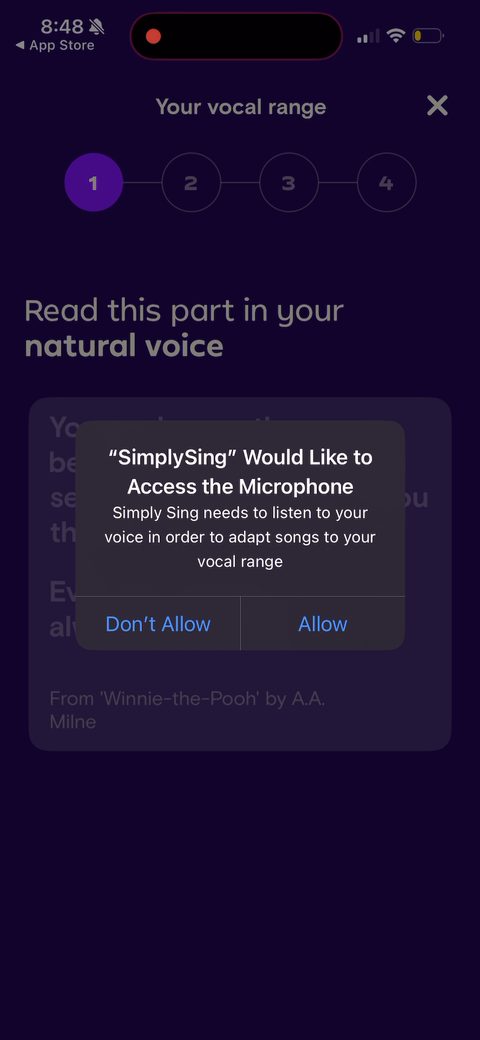 98
98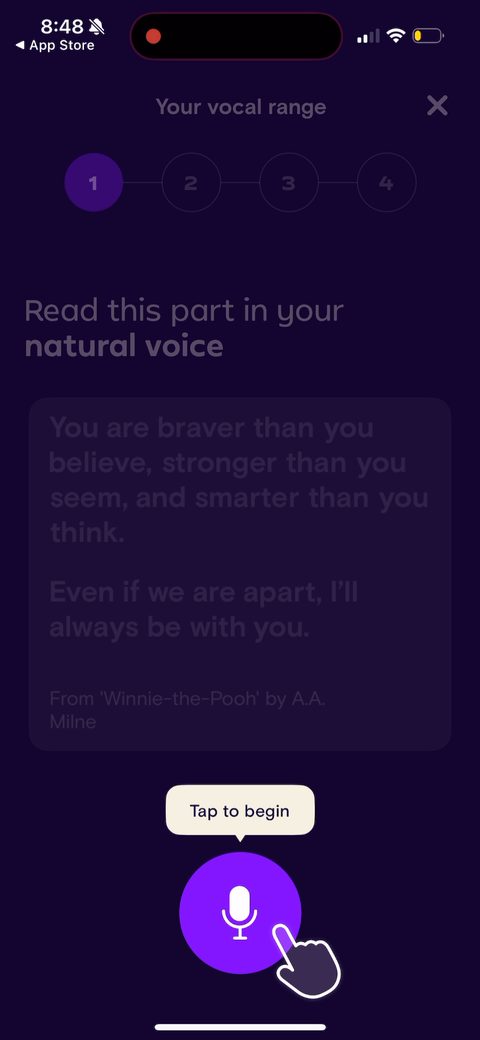 99
99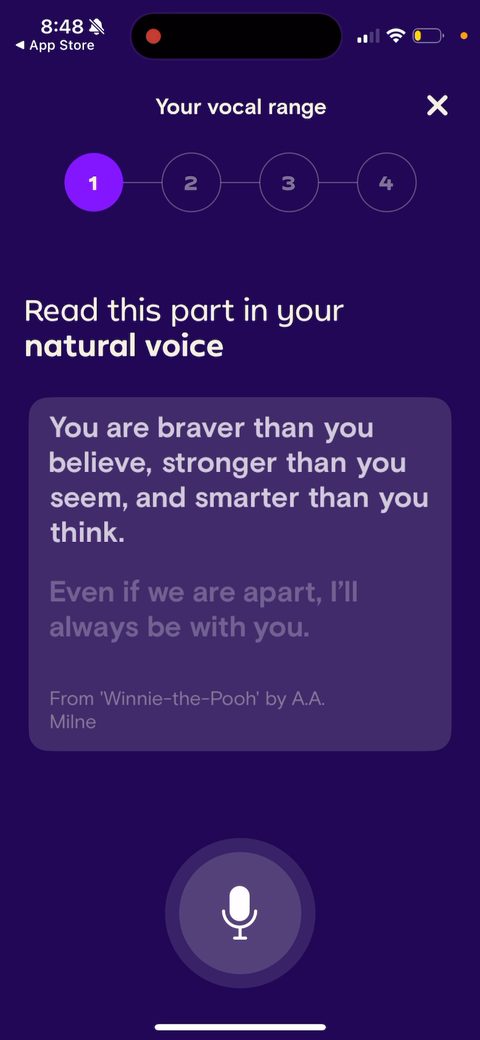 100
100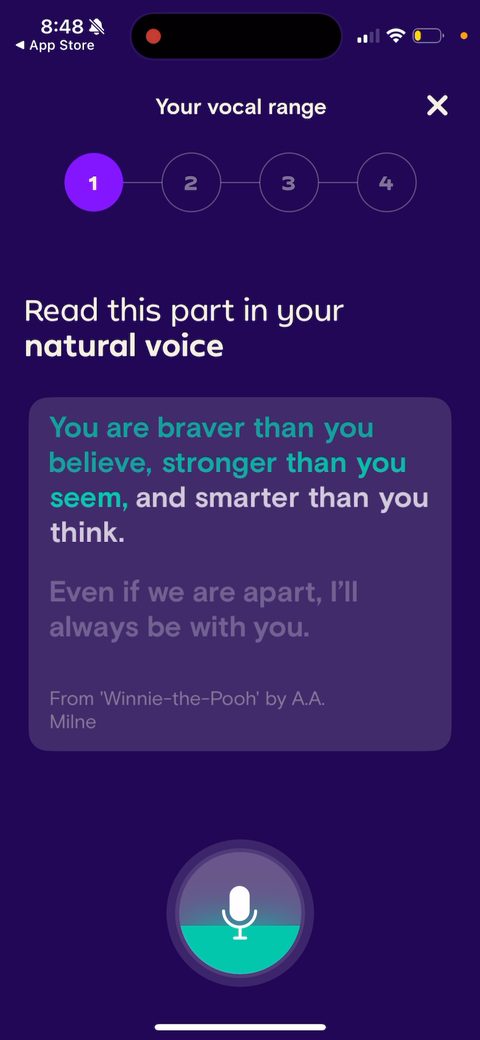 101
101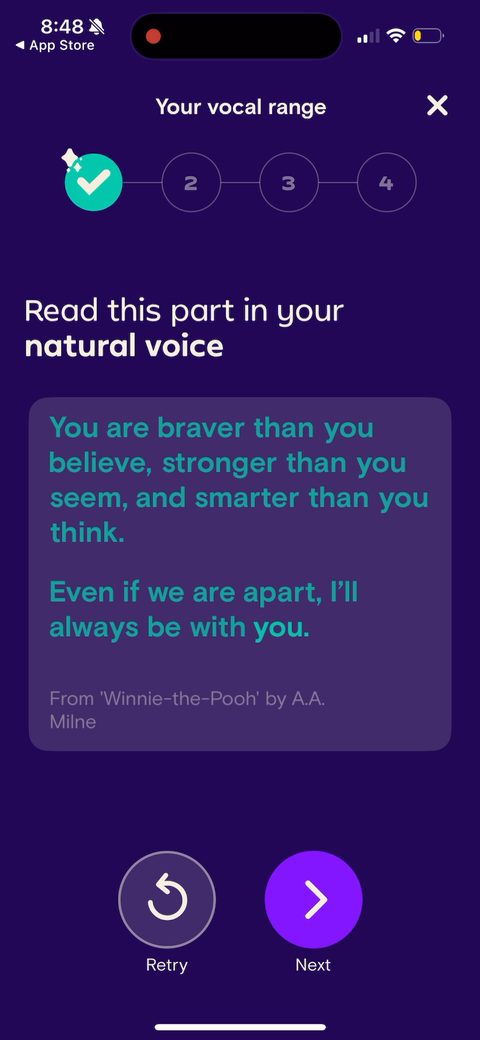 103
103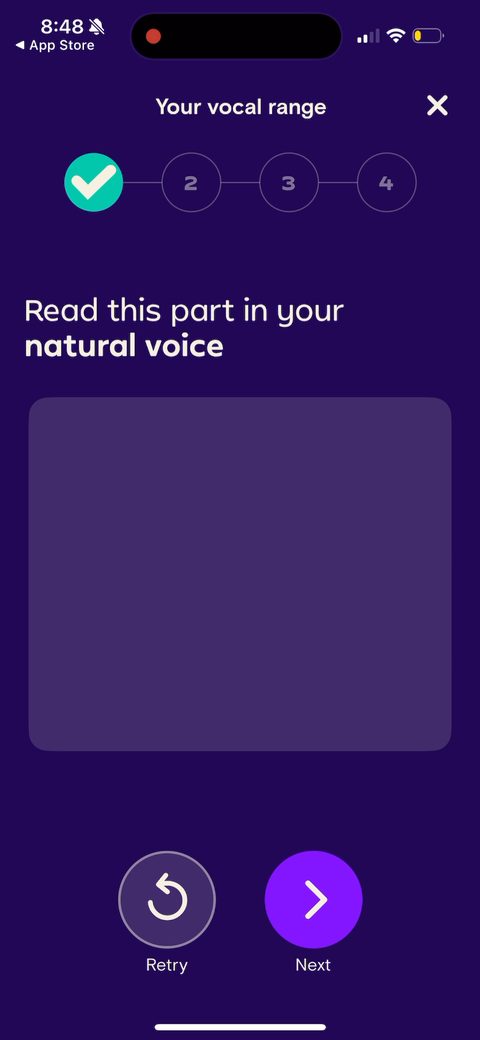 104
104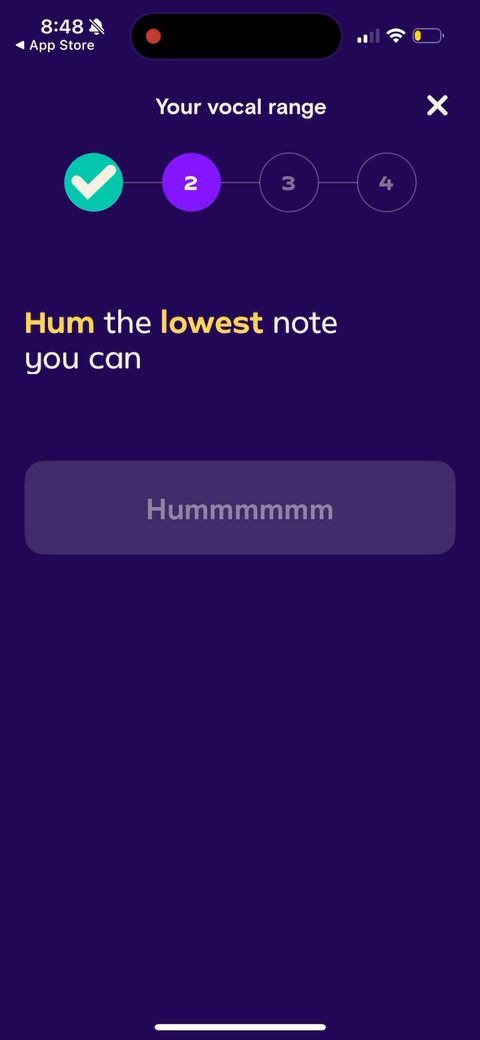 105
105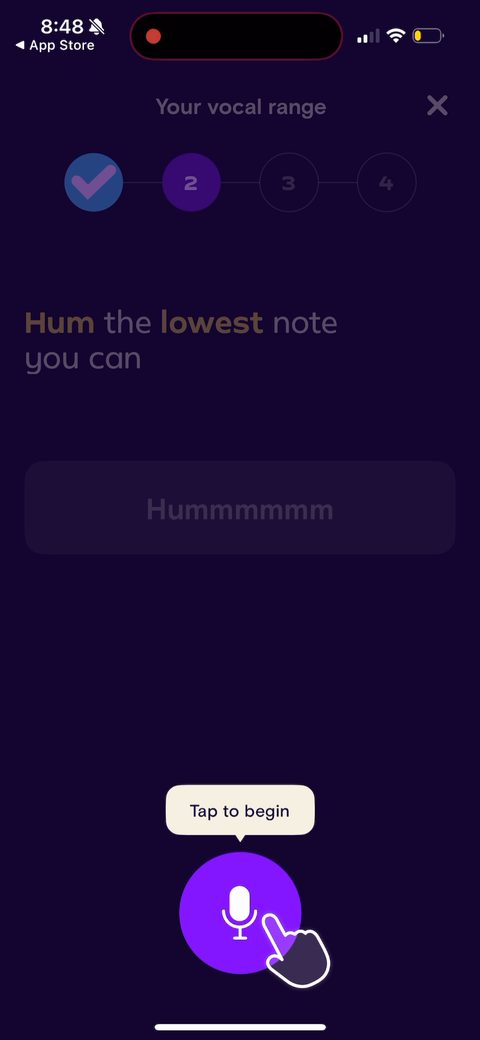 106
106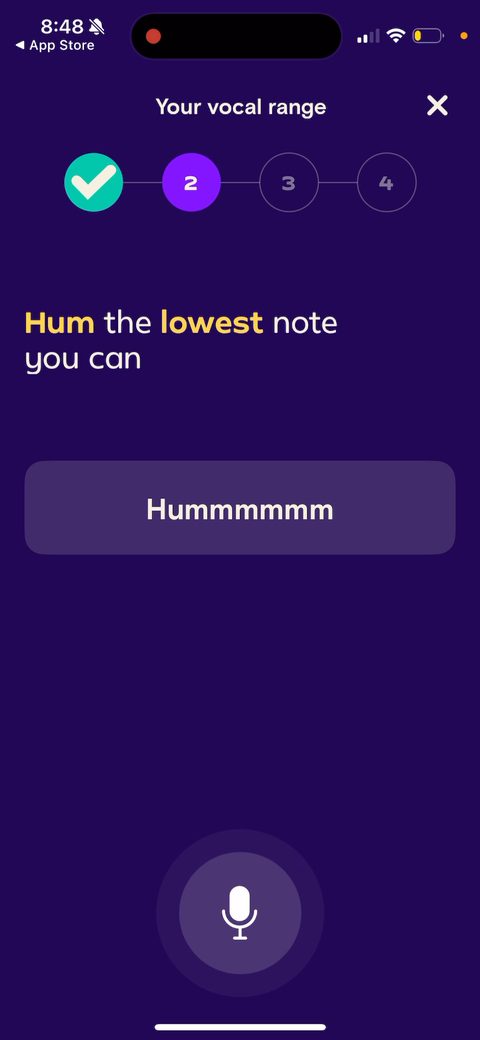 107
107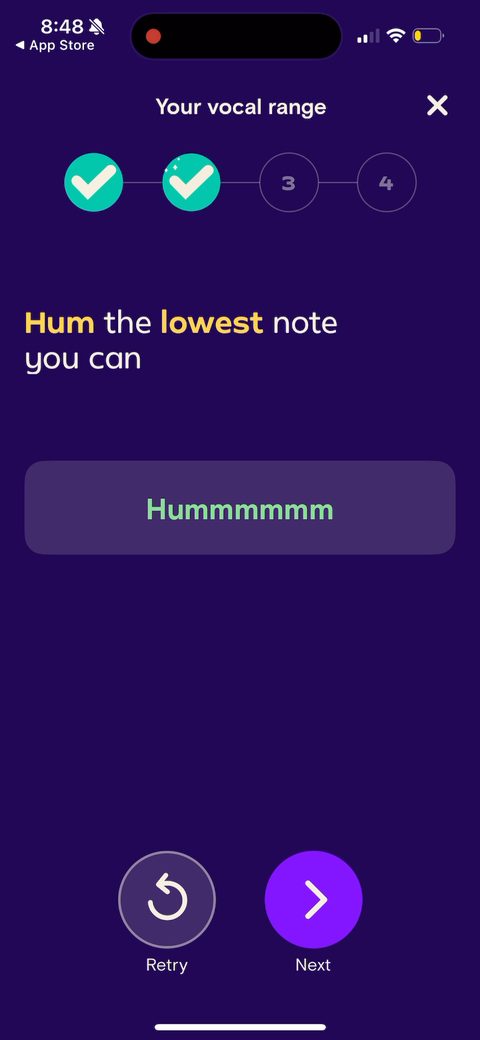 109
109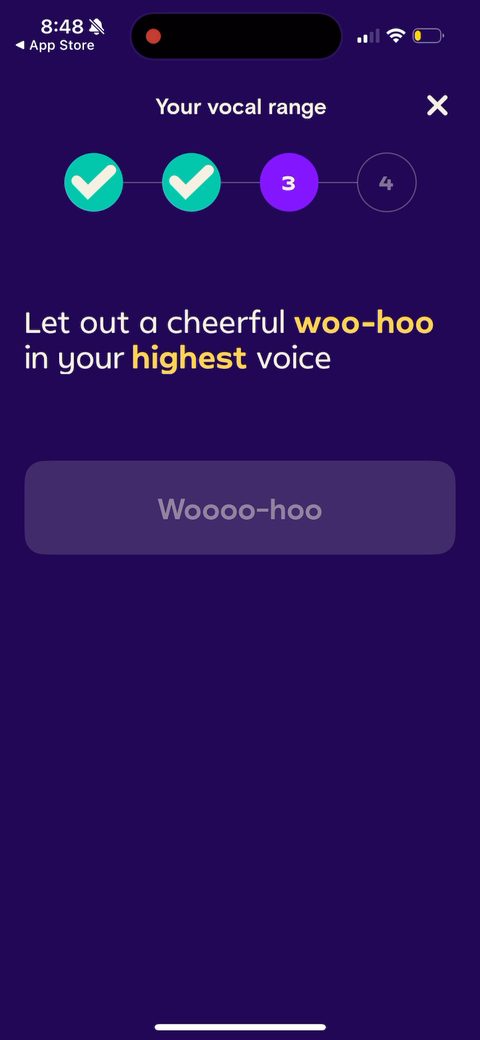 110
110 111
111 112
112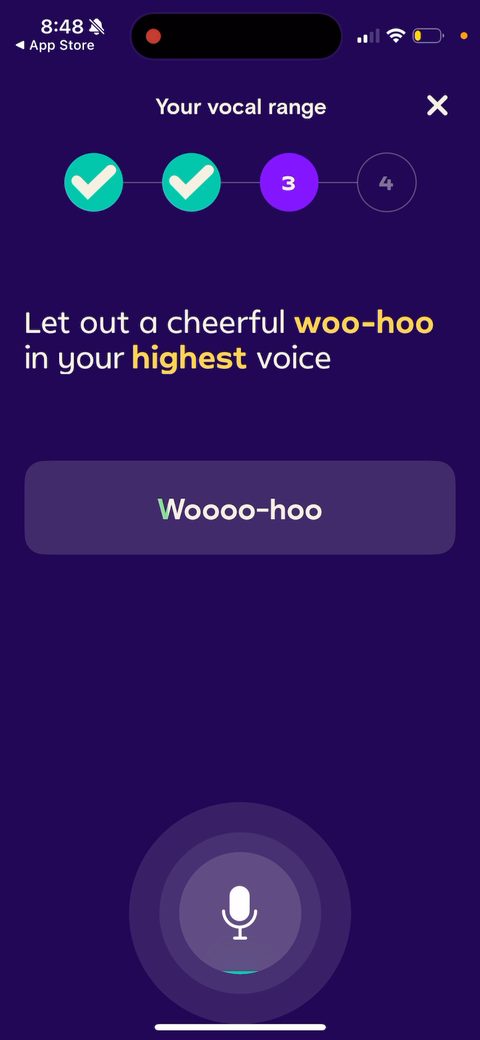 113
113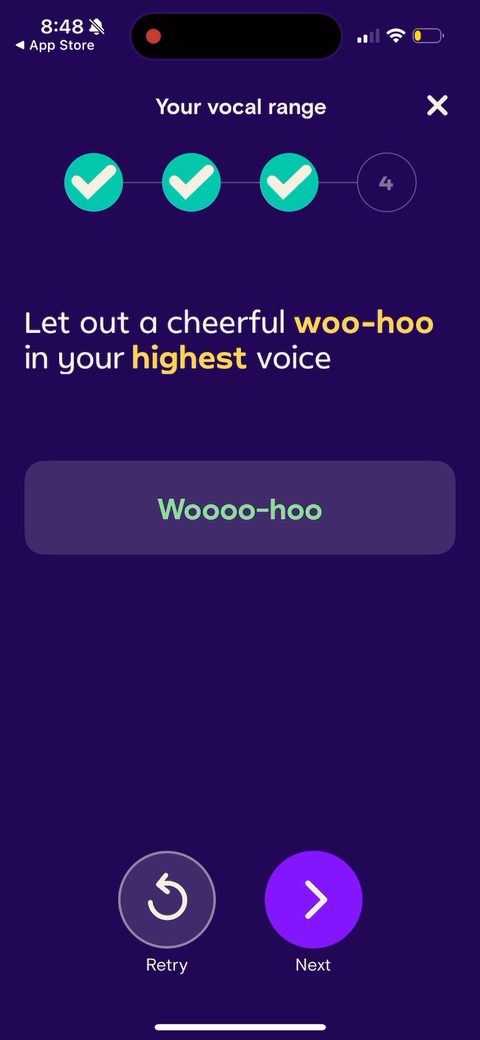 114
114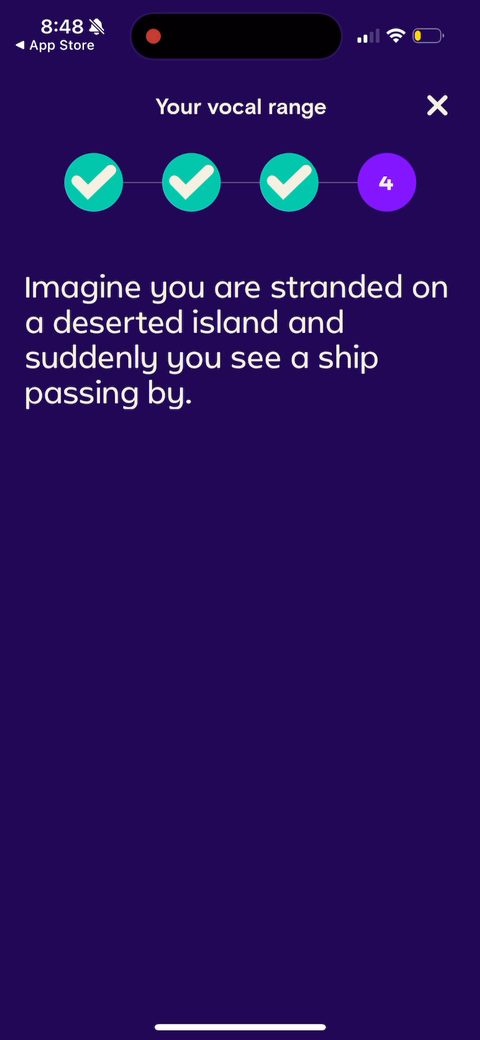 115
115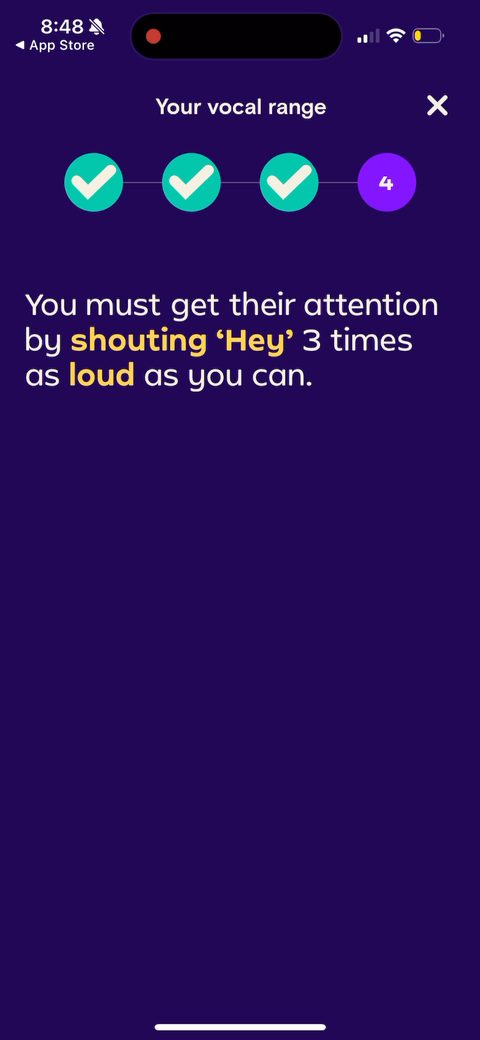 116
116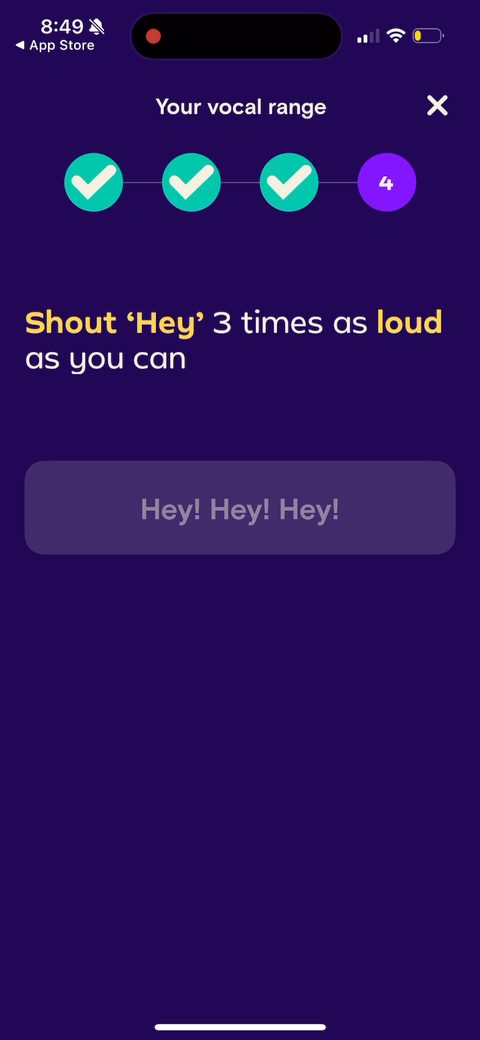 117
117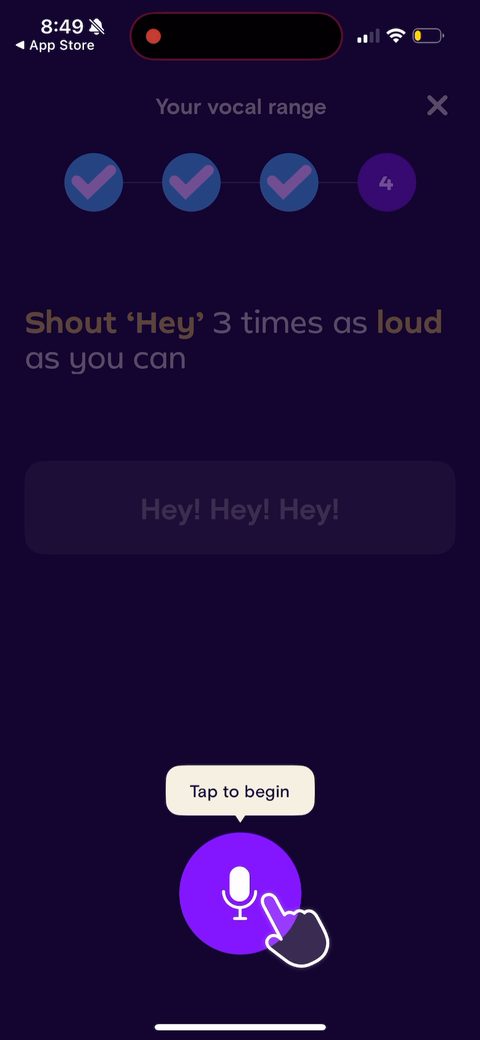 118
118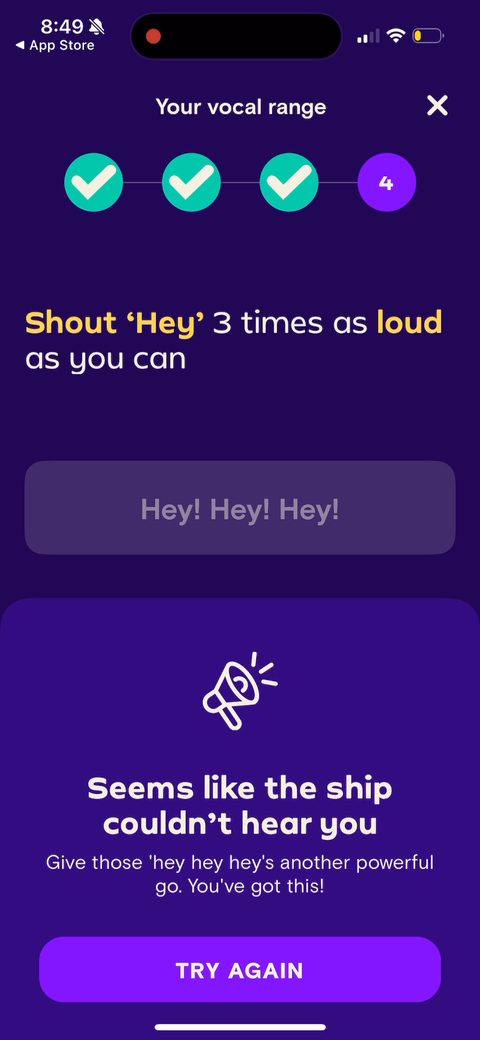 119
119 120
120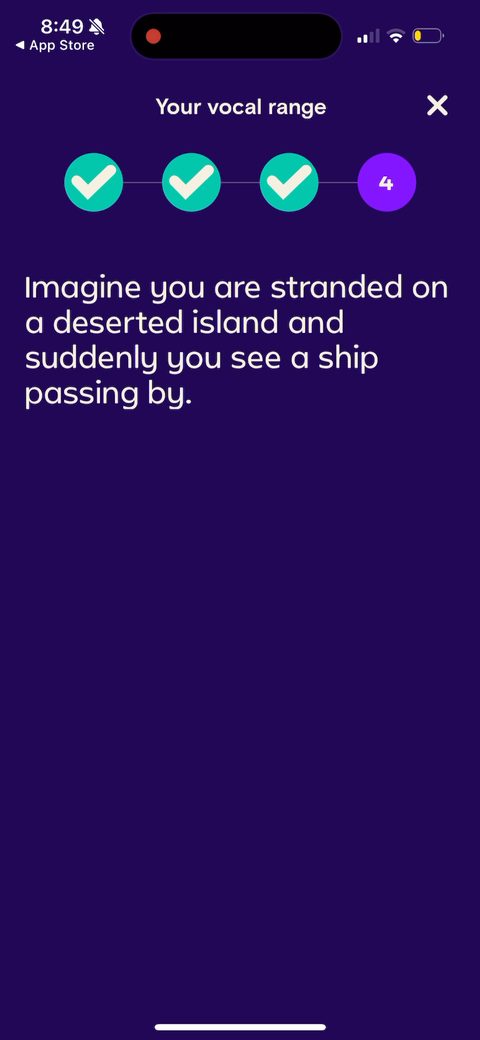 121
121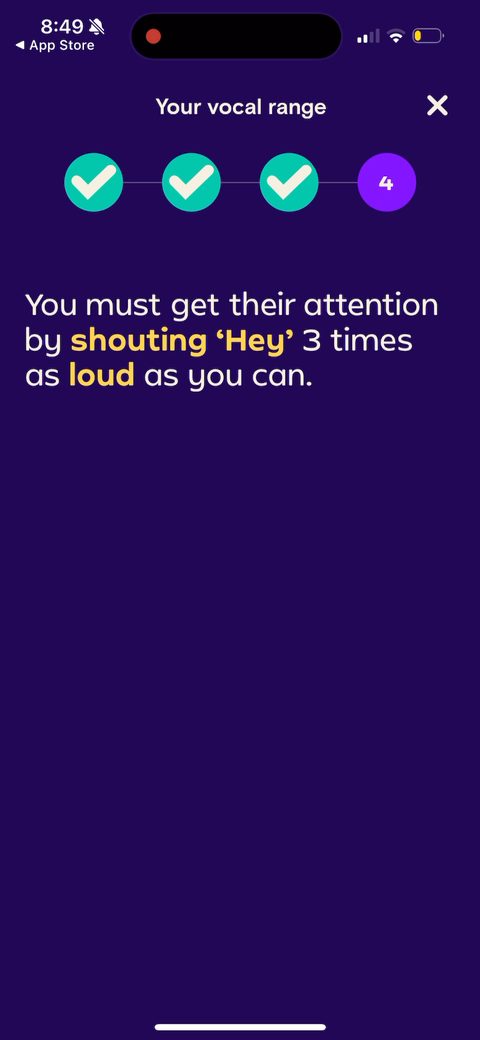 122
122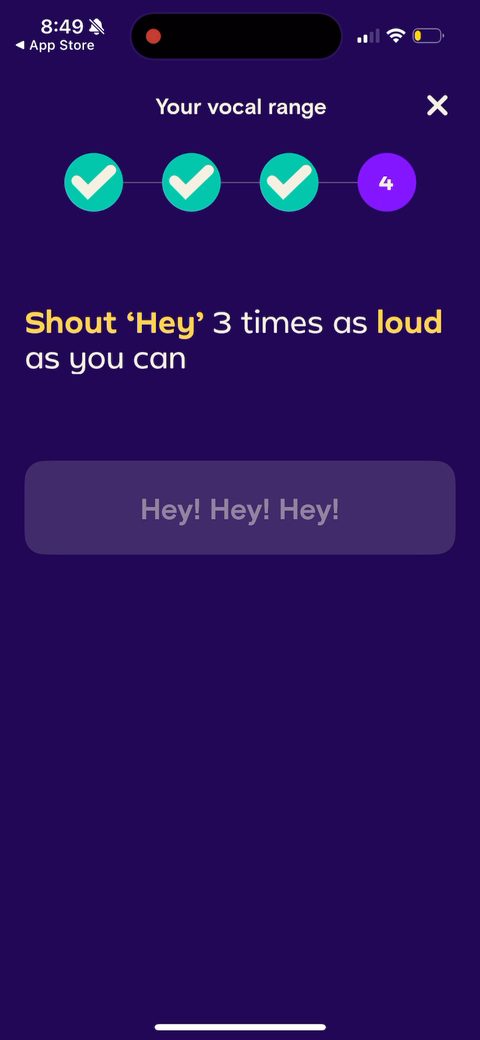 123
123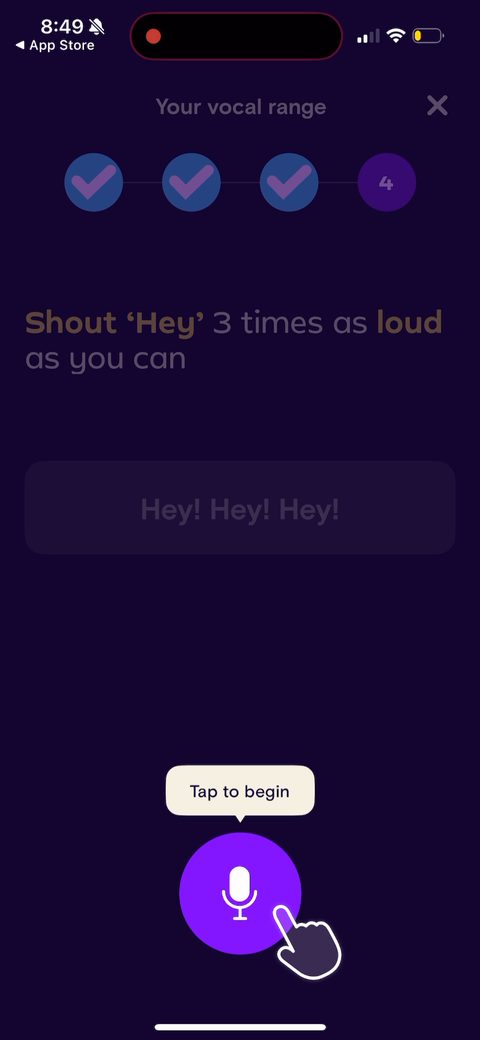 124
124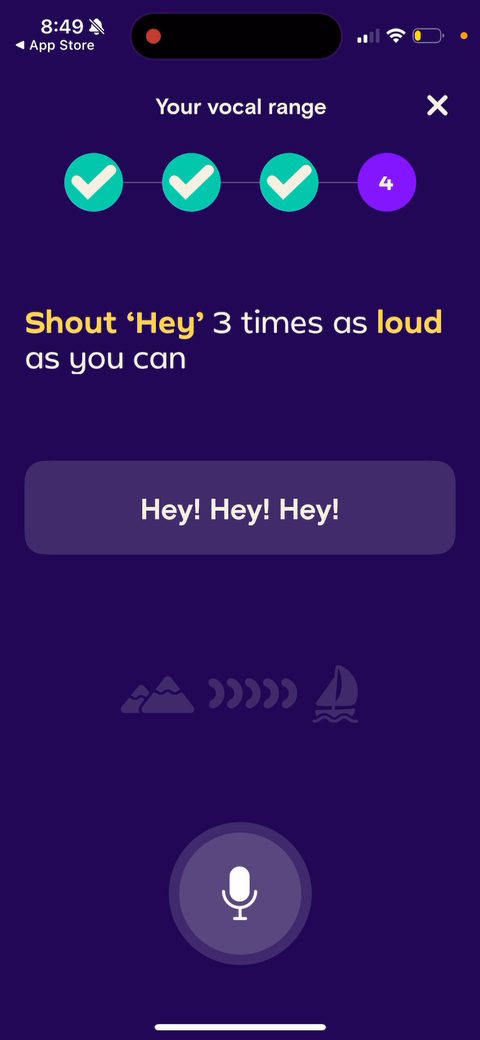 125
125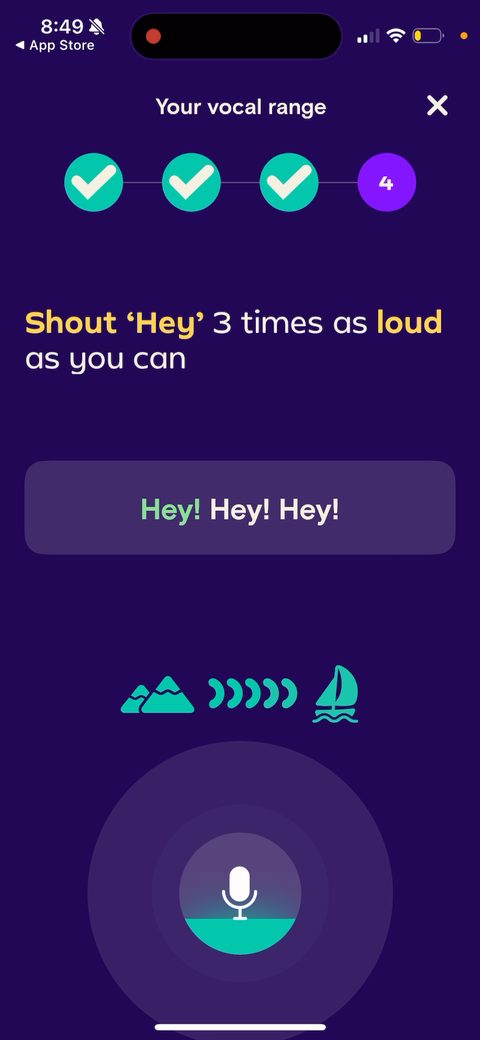 126
126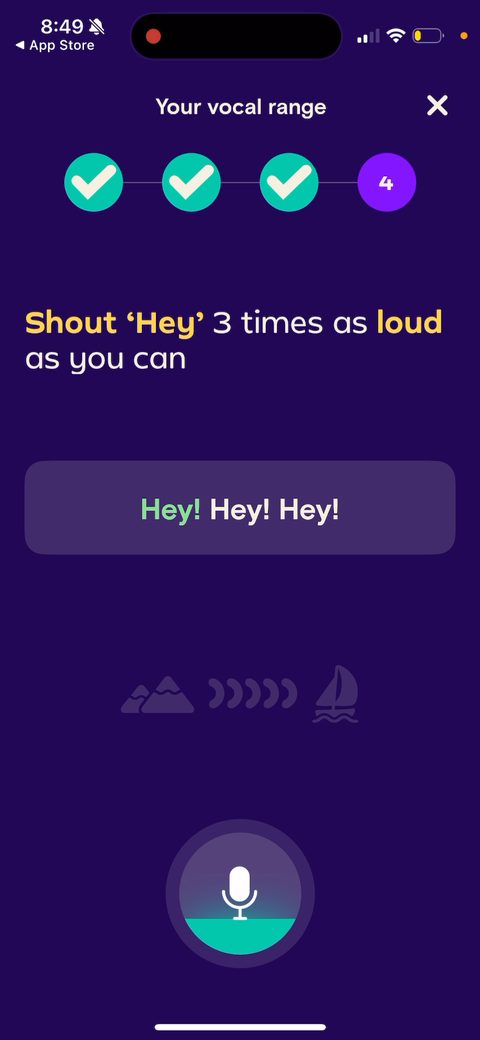 127
127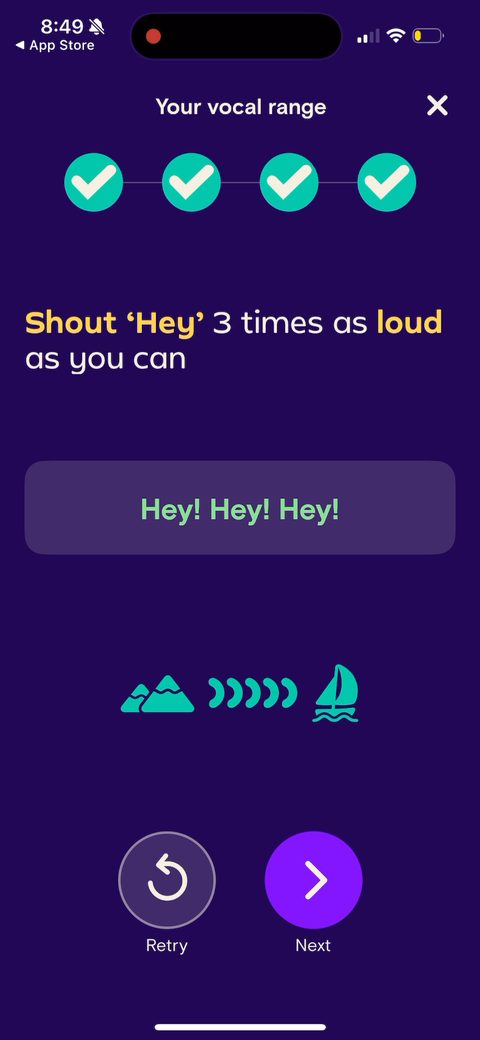 128
128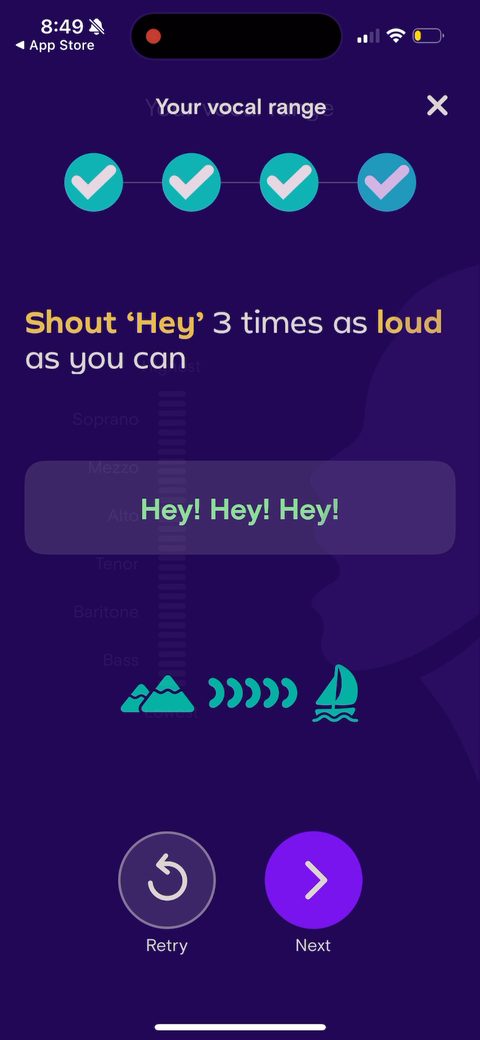 129
129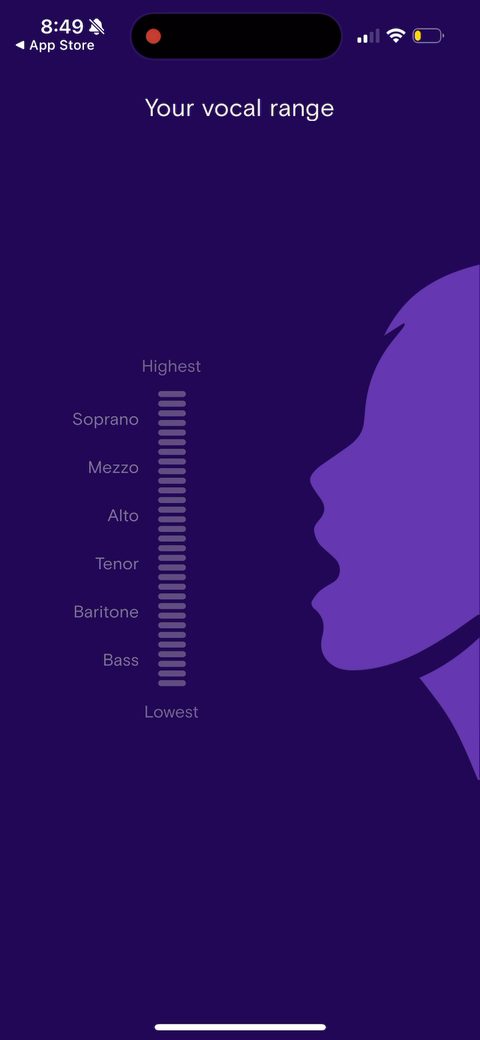 130
130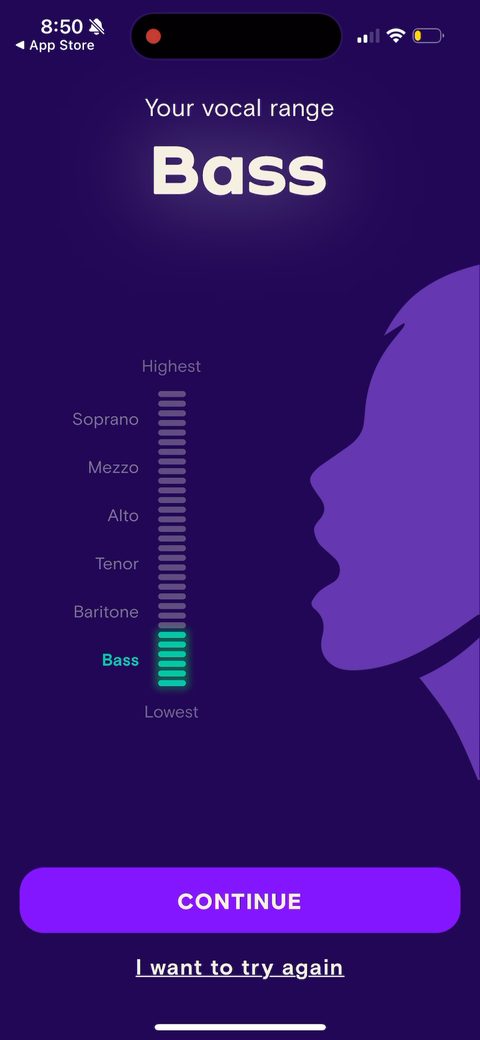 132
132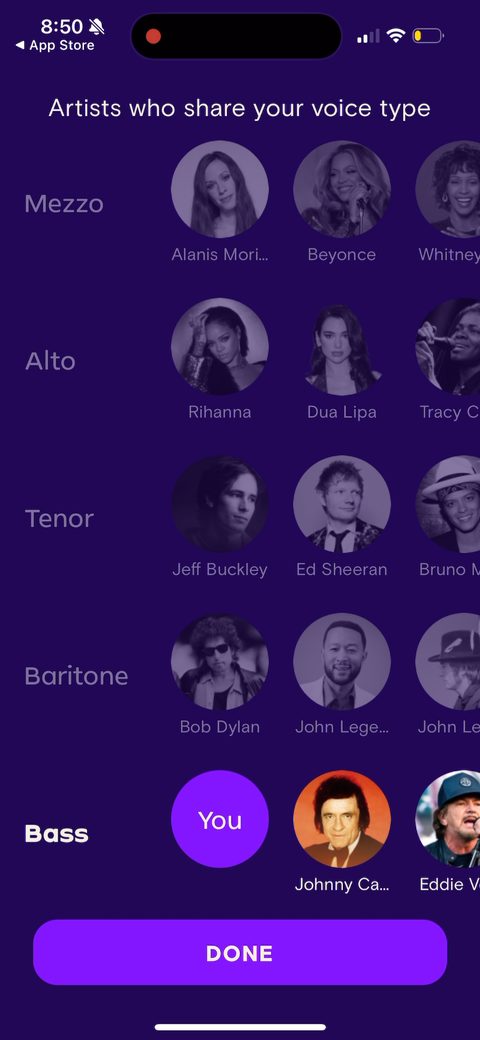 133
133 134
134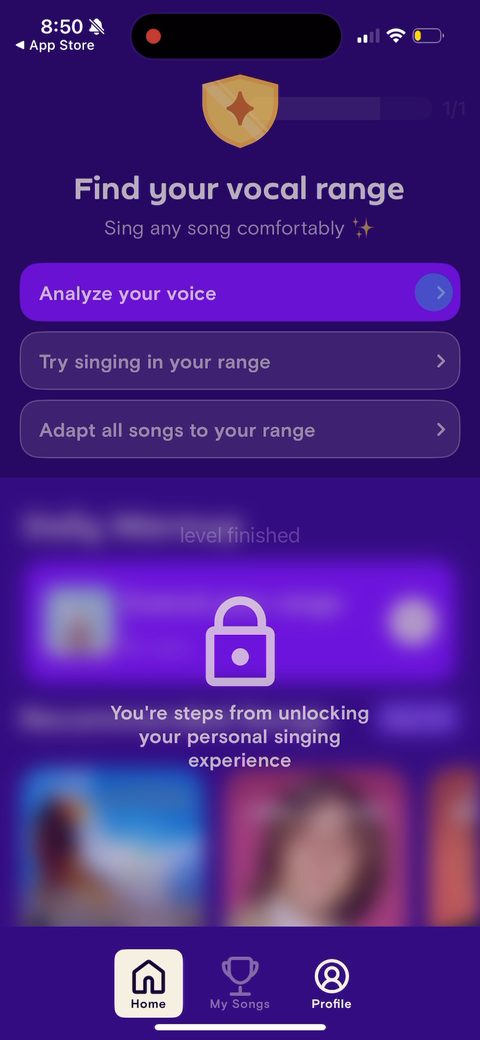 135
135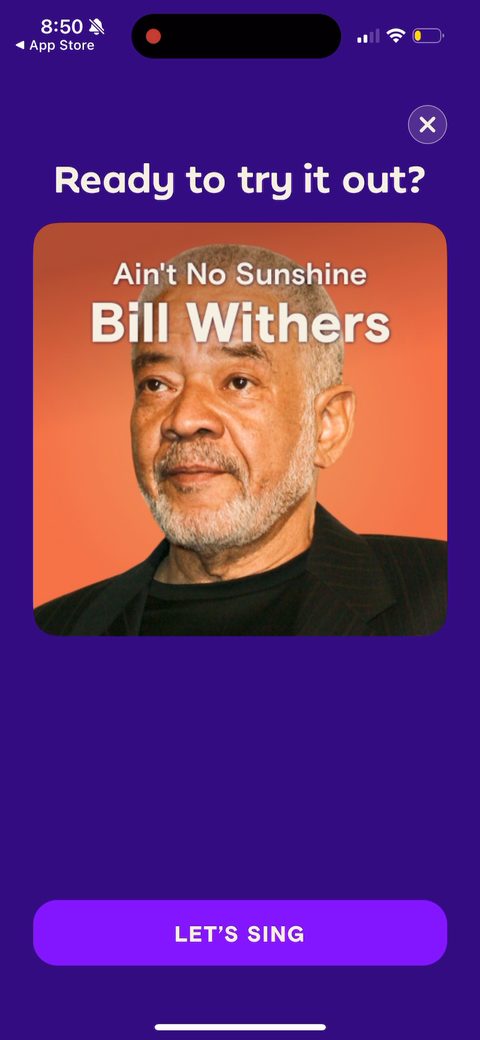 136
136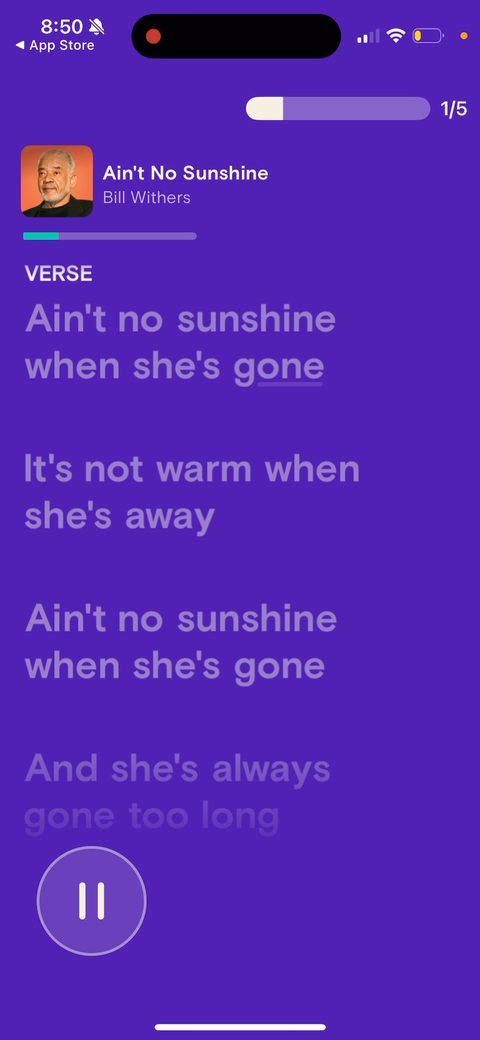 137
137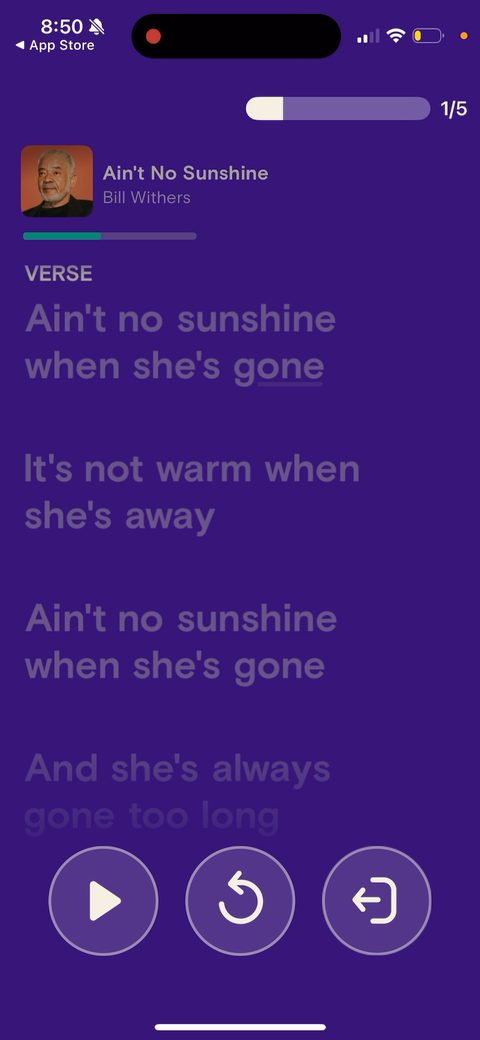 138
138 139
139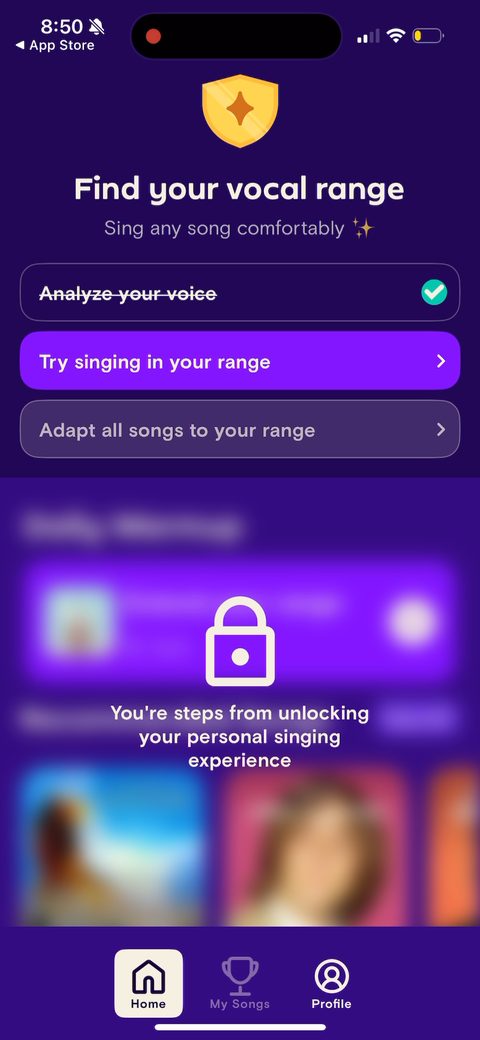 140
140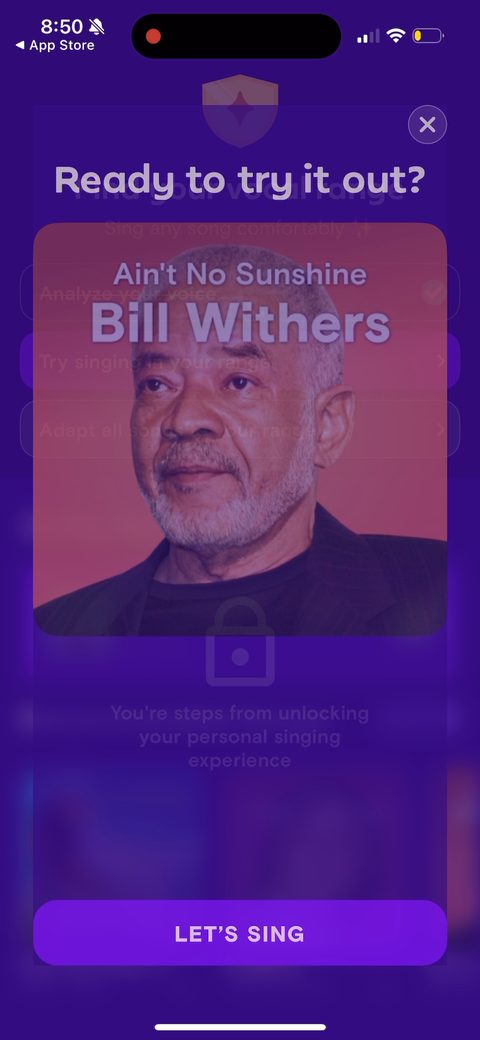 141
141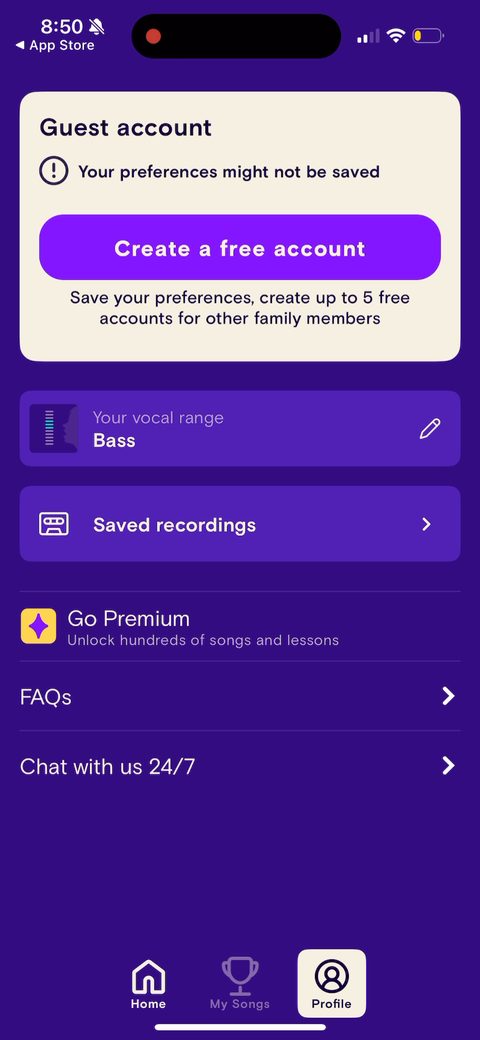 143
143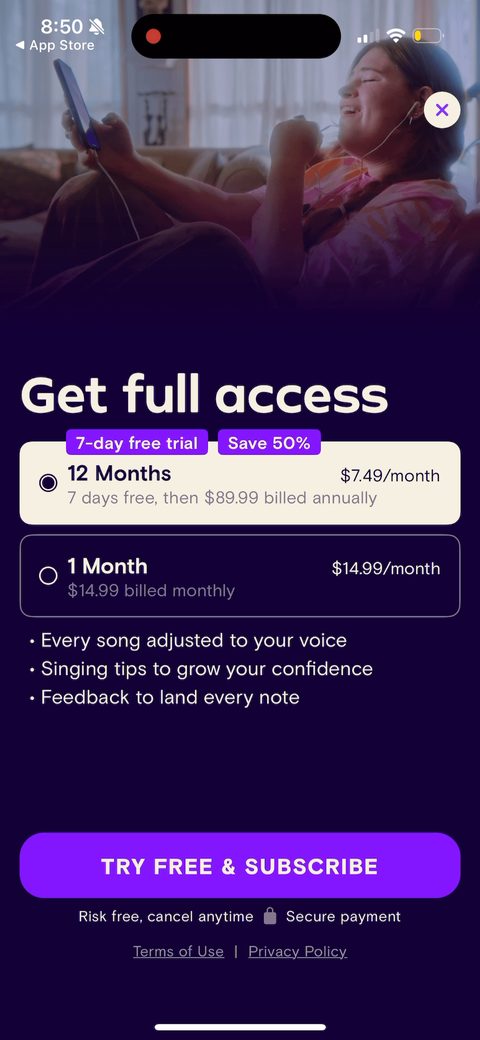 144
144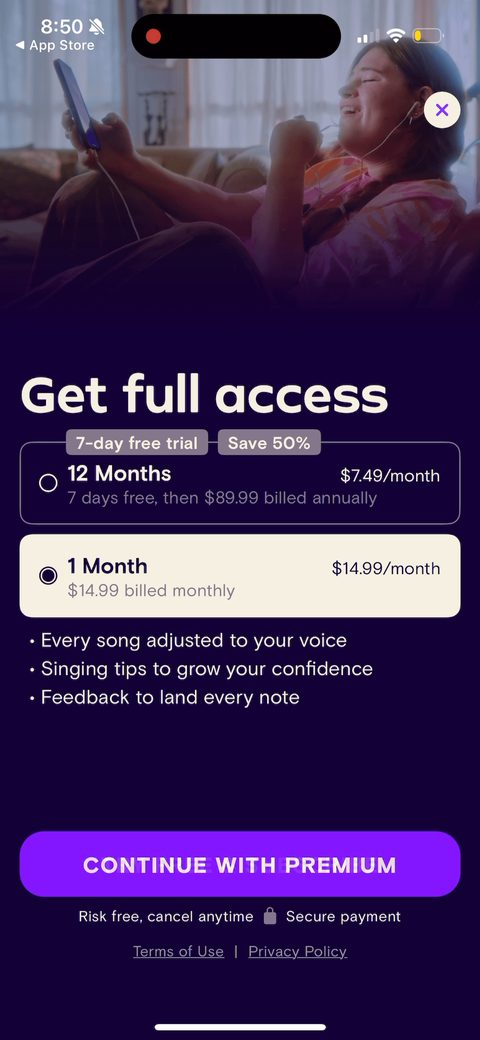 145
145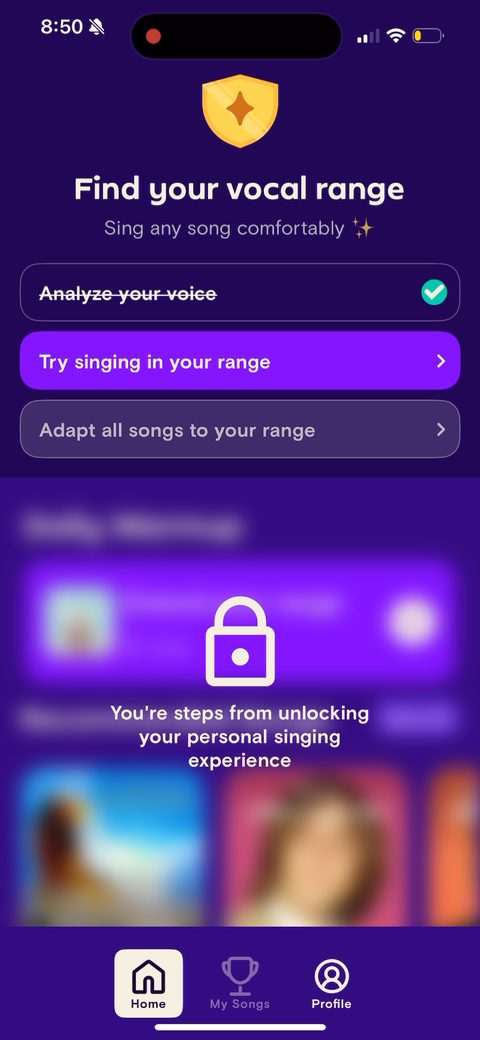 146
146