Photo / VideoSoft paywall · trial optionalpaywall: post onboarding quizminimal fast trackquiz driventutorial demopermissions firstannual default with trialthree tier comparisonfeature listpricing anchor strikethrough
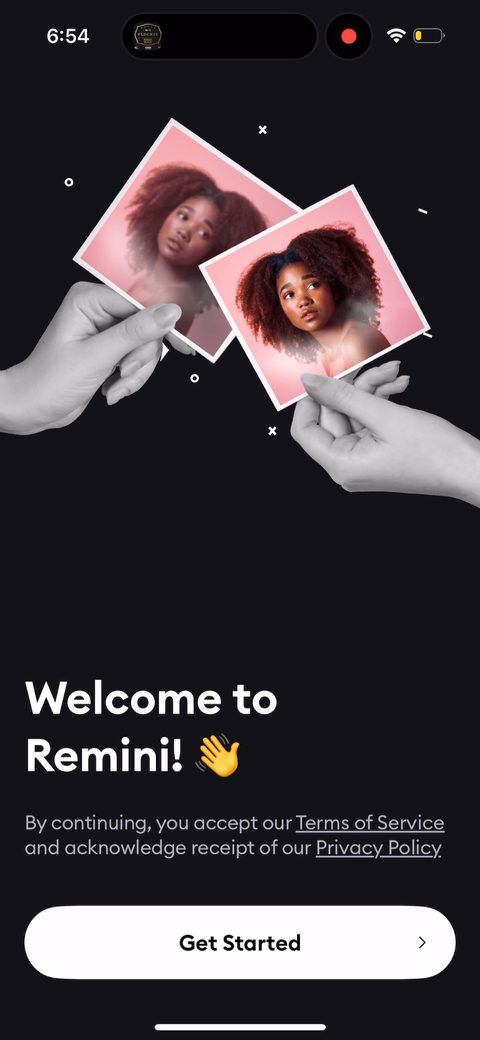
12Consent wall before you've felt anything. 'Accept all and continue' vs 'Customize preferences.' This is GDPR/ATT housekeeping they're legally stuck with, but stacking it this early, before any value, is friction. They make the easy path one tap and bury the alternative, which is the right call when you can't remove the screen.34Biometric/face-data consent framed as a feature, not a warning: 'we'll extract information about faces from your photos.' For an AI face-enhancer this is unavoidable, and putting it up front is honest, but it's a heavy ask before the user has seen a single result. The reason it survives here is intent. People came to fix their photos, so they'll tap through.5Photo-access pre-prompt before the real iOS dialog. 'to continue Remini needs access to your photos.' Priming the system permission with your own screen first is standard and smart: it lets you explain the benefit so the OS prompt isn't a cold surprise, which protects your grant rate.6789One personalization question. 'What's your gender?', with the honest justification right under it: 'We only use this information to suggest the best presets for you.' This is exactly the AI-app playbook: one or two quick questions tied to a why, not a 50-screen quiz. The zero-party data feeds preset selection so the value feels personal later.1011'What brings you here?' is the intent capture that should drive the whole session. Generate AI Photos, Enhance, Custom AI Edits, Duo photos, 90s Anime Filter. Ask what they want, then show exactly that. The thumbnails double as a value preview, so the question is also selling. I'd want to confirm the rest of the flow actually personalizes off this answer rather than collecting it and forgetting it.12131415161718'Custom AI Edits. Make any change in your photos' with a 'Try This Now' CTA on a real result. This is the get-to-value move: show the magic on a photo instead of explaining it in a carousel. Experiencing the outcome beats telling. The question is whether 'Try This Now' actually lets them edit before the wall, or just teases. Letting them feel one real result first is what justifies the price.1920Social proof as a live counter. 'Millions of people are generating images right now. Ready to join them?' Bandwagon framing right before the paywall, positioning the purchase as joining something in motion rather than starting cold. Good placement; this is the sentiment peak to push them over.212223Loading screen doing emotional work: 'Getting ready… Processing preferences… Getting AI model ready… Fine-tuning filters.' This reinforces that the app is doing personalized work for you off the gender + intent answers. Manufactured wait, sure, but it raises the perceived value of the questions you just answered right before the price reveal.2425Paywall #1 fires here, post-quiz, against a face mid-enhancement so the value is on screen behind the price. Weekly is structured as the trial default ('1 week free trial, then $9.99/week'). Exactly right for AI apps where people want to try, not commit to a long trial that leaks revenue. Yearly is offered as the value anchor ($1.54/week). The 'Not sure yet? Enable free trial' toggle is a clever low-commitment on-ramp for the undecided.26'Other plans' opens a Pro vs Lite comparison with the yearly tagged '89% OFF' and a per-week price ($0.67/week) to anchor against the weekly. Lite is positioned by what you lose. 'won't be able to enhance videos, won't have access on desktop', which is the right way to make Pro feel worth it. This is the strategic plan structuring / decoy play: give the price-sensitive a cheaper door instead of losing them.2728Post-paywall they drop you straight into the first real task. 'Custom AI Edits: directly ask Remini for any edits… Upload an image.' This is onboarding extending past the wall: no blank home screen, a clear first action toward the aha moment. Exactly what most apps get wrong by dumping users into a dashboard. Defining 'first successful enhance' as the activation event here would be the metric to watch.29303132333435363738394041Second-offer paywall, and it's the 'design your subscription' / pick-your-price free week. 'We'd love for everyone to experience the magic of Remini no matter their budget, so for your first week you're free to pick the price.' $0.00 / $0.99 / $9.99 with $0.00 pre-selected as 'most popular.' This is brilliant for the 90%+ who didn't convert the first time: it reframes a free week as the user's generous choice, lowers the wall to zero, and still renews at $9.99/week. Reciprocity plus a foot in the door.42The pick-your-price offer carries into the Lite tier too ('Unlock only photo enhancement, no video, no Desktop') at $5.99/week renew. They're running the same budget-framing segmented across tiers, so the price-sensitive user always has a cheaper yes. Treating Lite as a separate product rather than discounting Pro keeps the high-quality purchase signal intact for the main plan.43444546474849
Powered byBotsiAI/ML models to show the right paywall to each user to grow revenueLearn more →
 1
1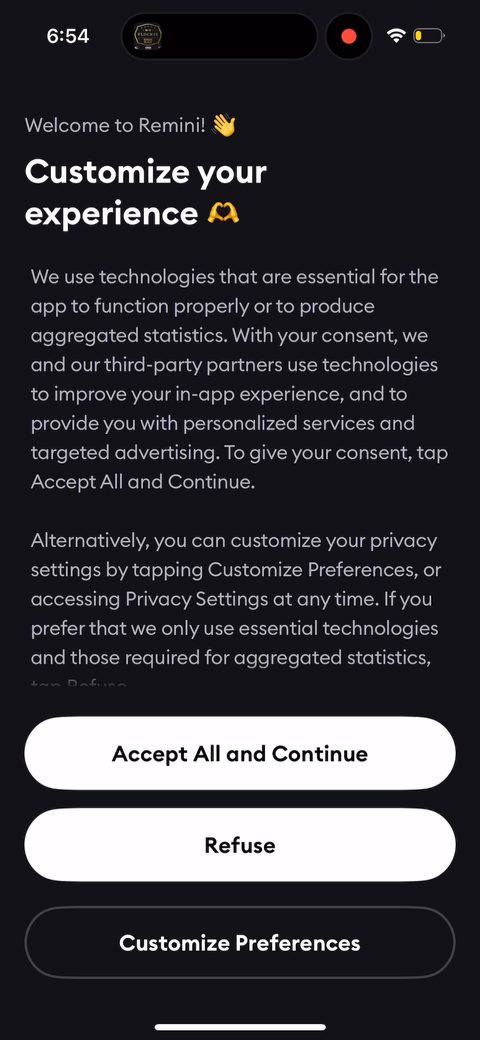 2
2 3
3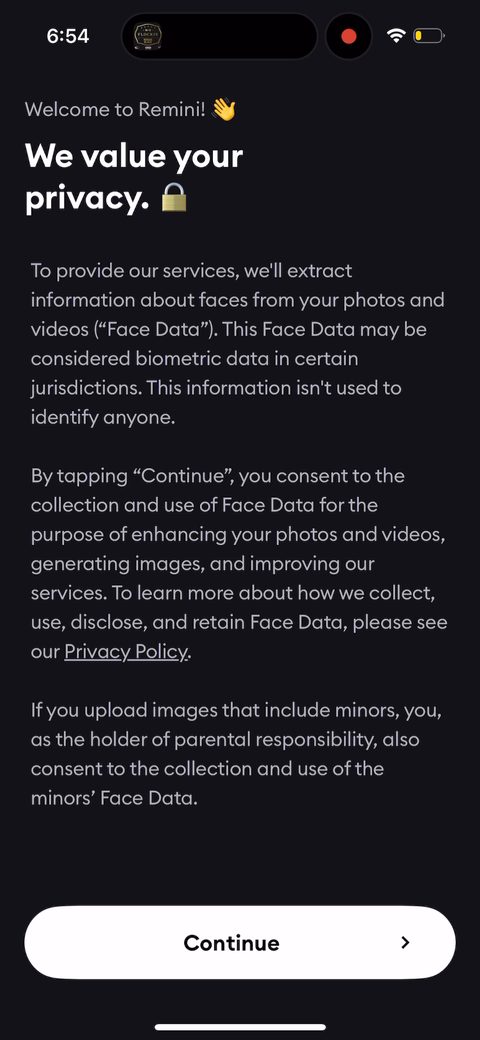 4
4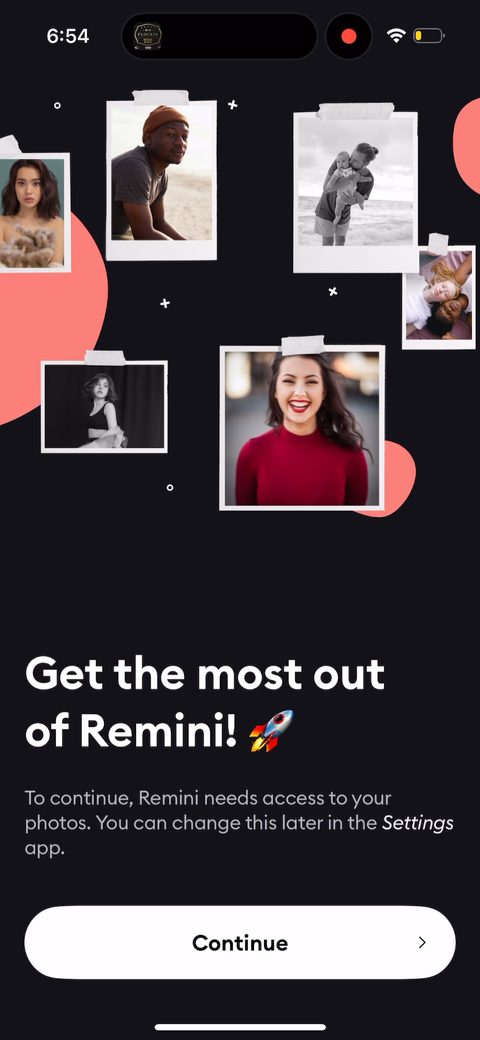 5
5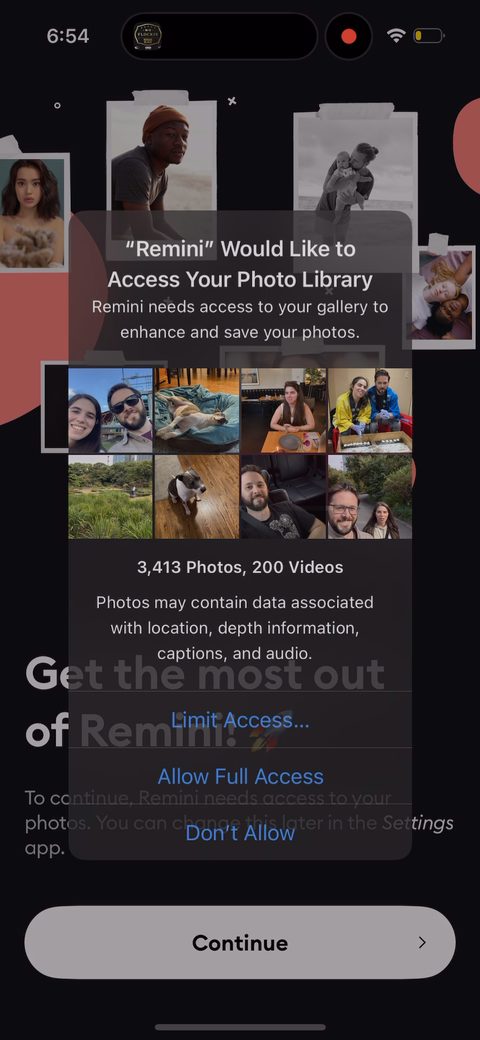 6
6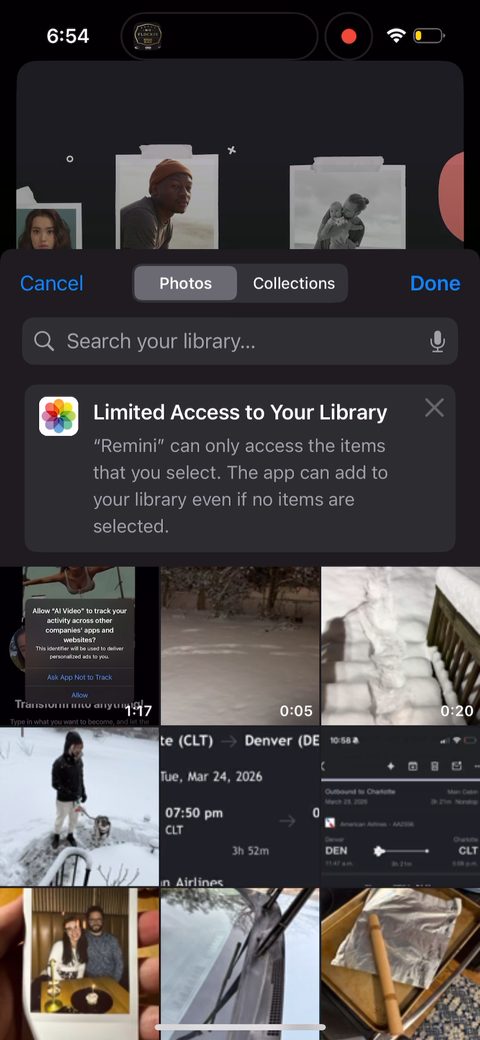 7
7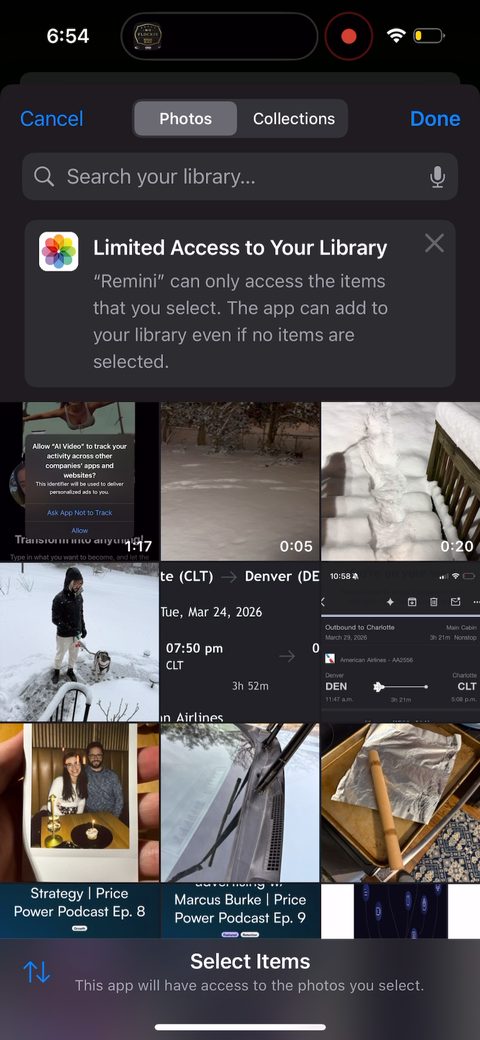 8
8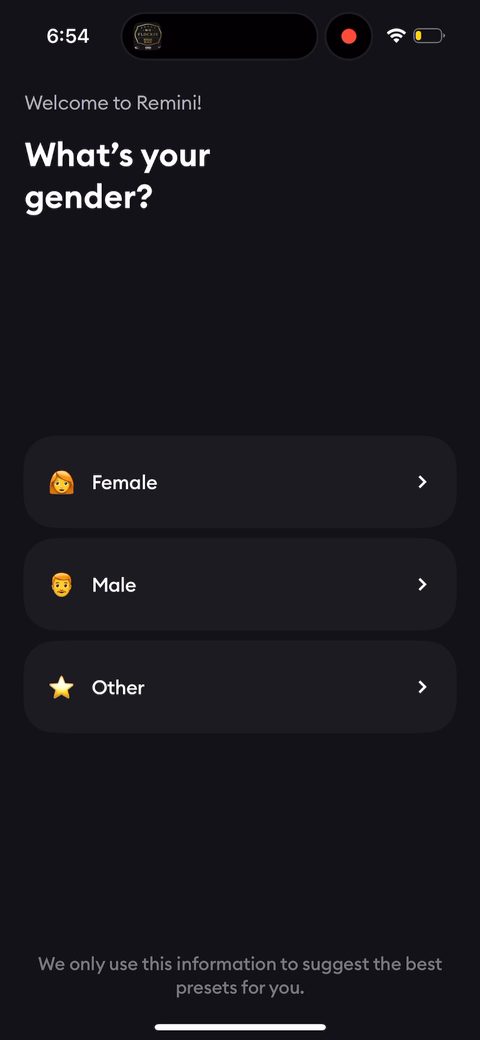 9
9 10
10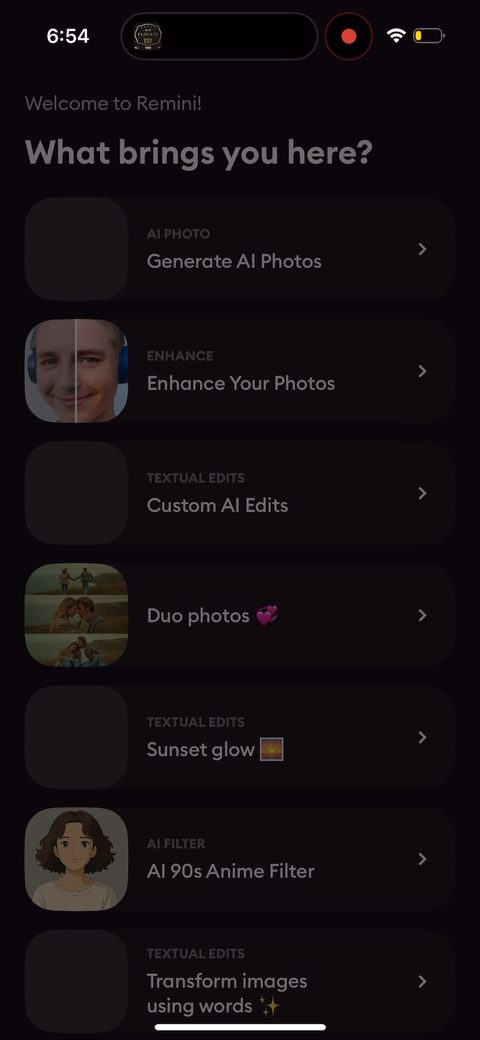 11
11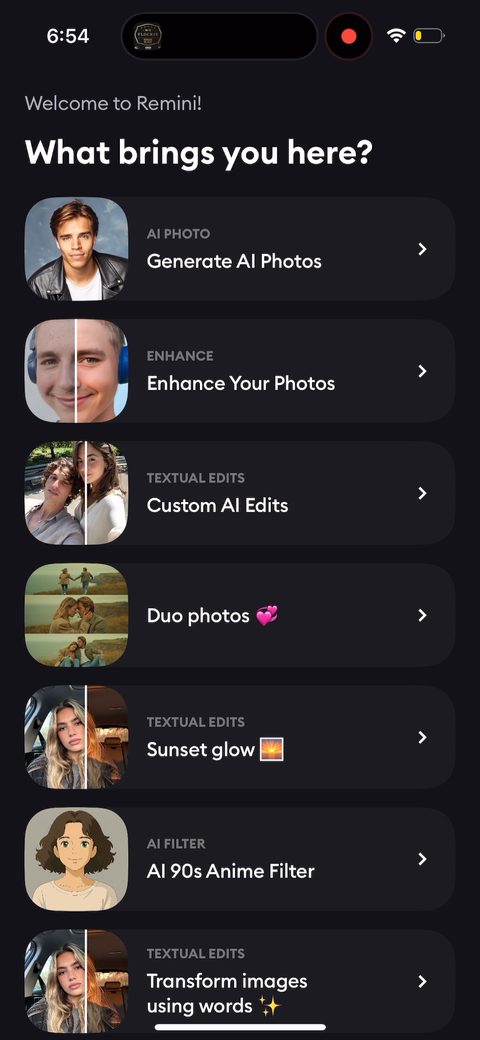 12
12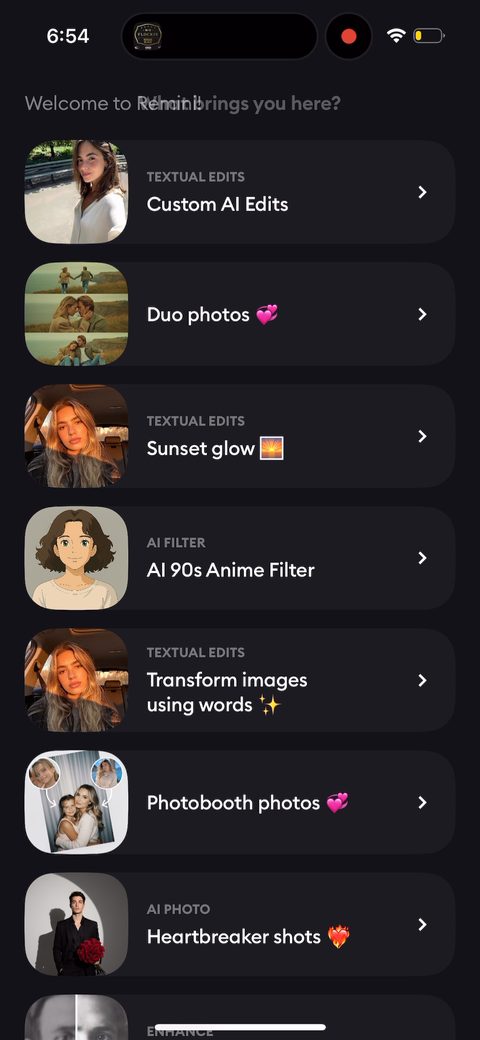 13
13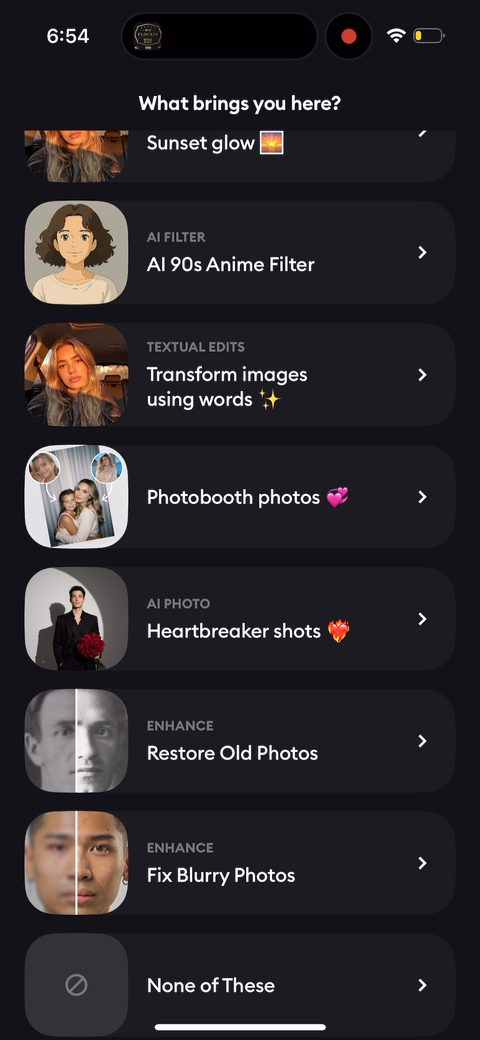 14
14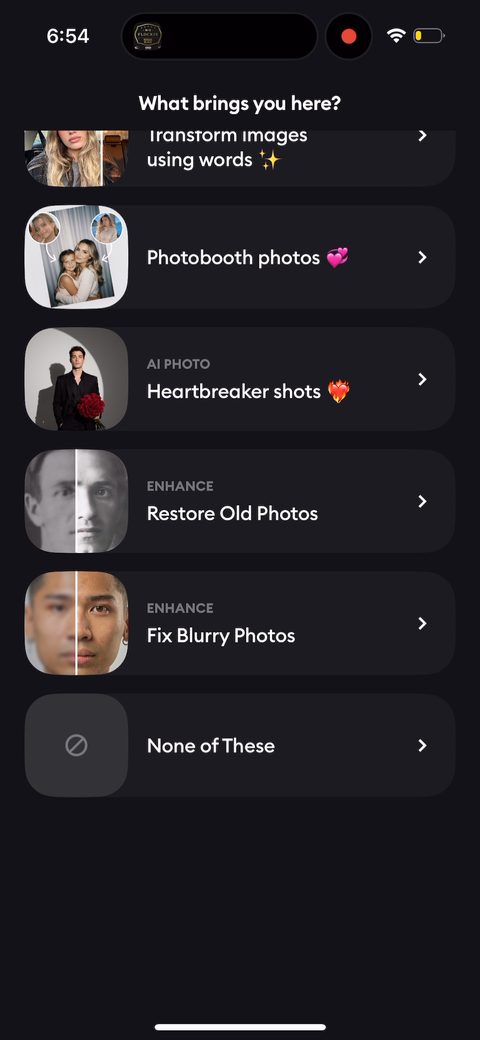 15
15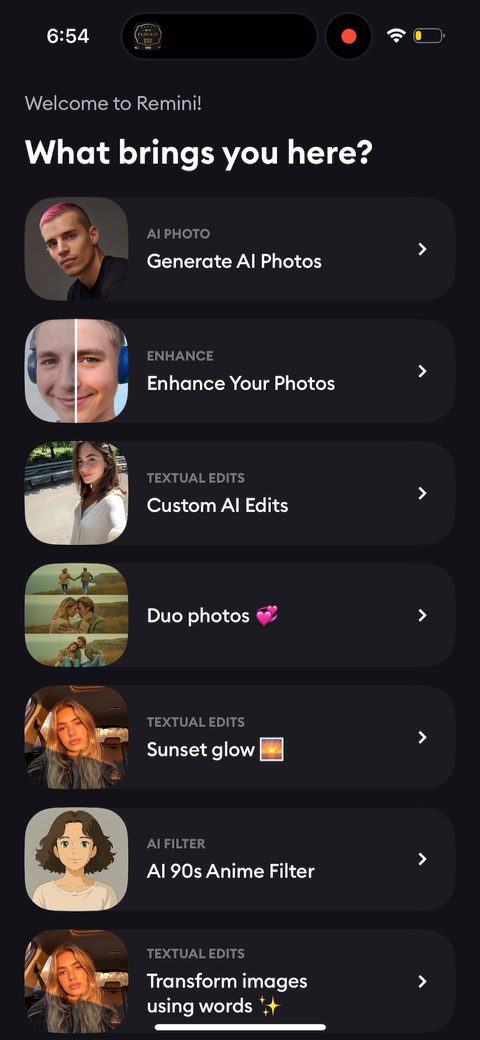 16
16 17
17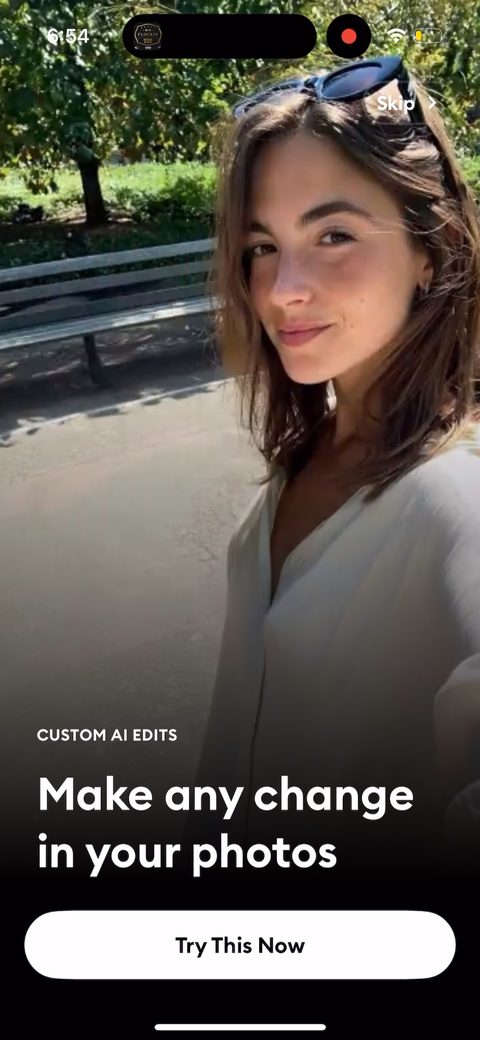 18
18 19
19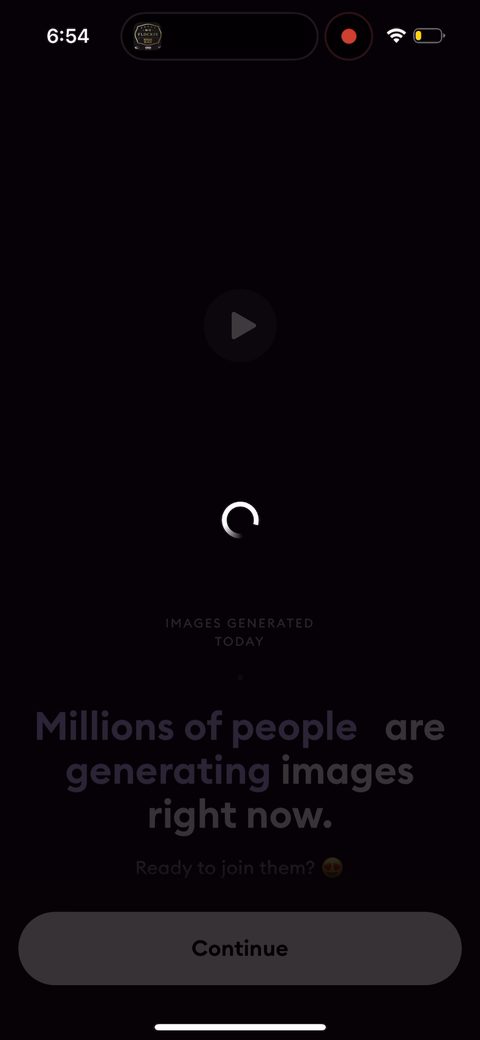 20
20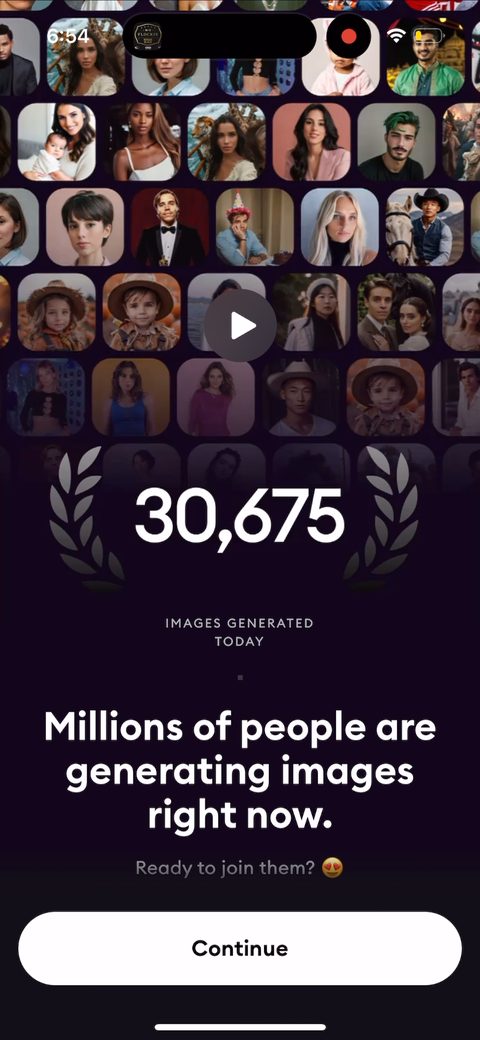 21
21 22
22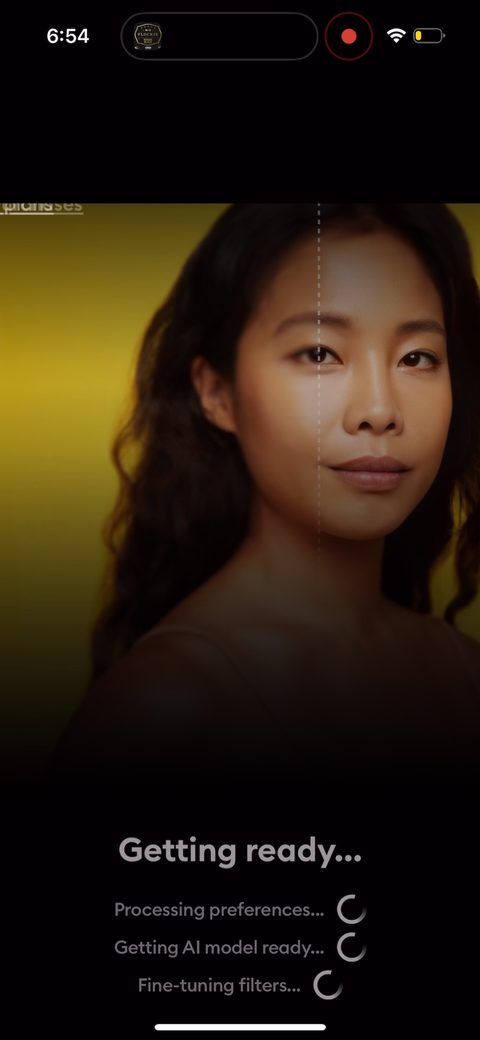 23
23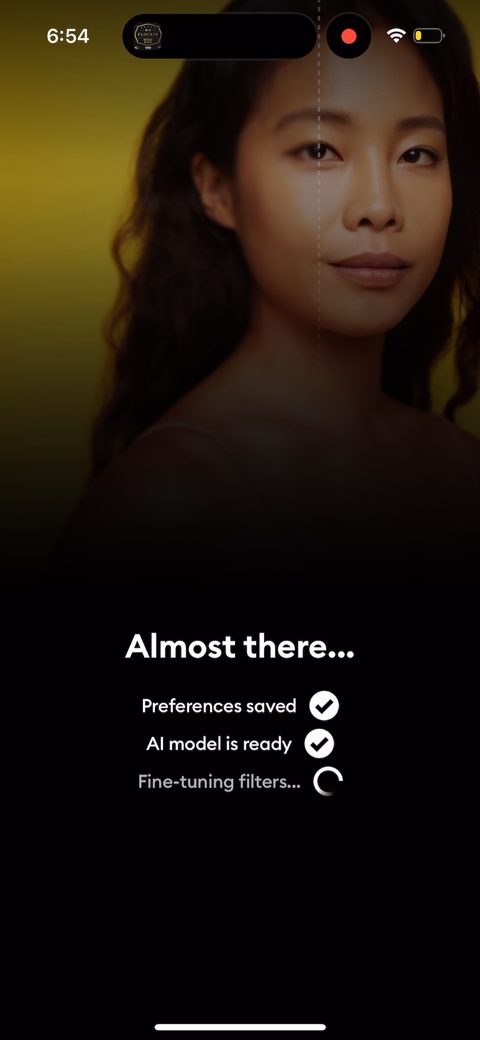 24
24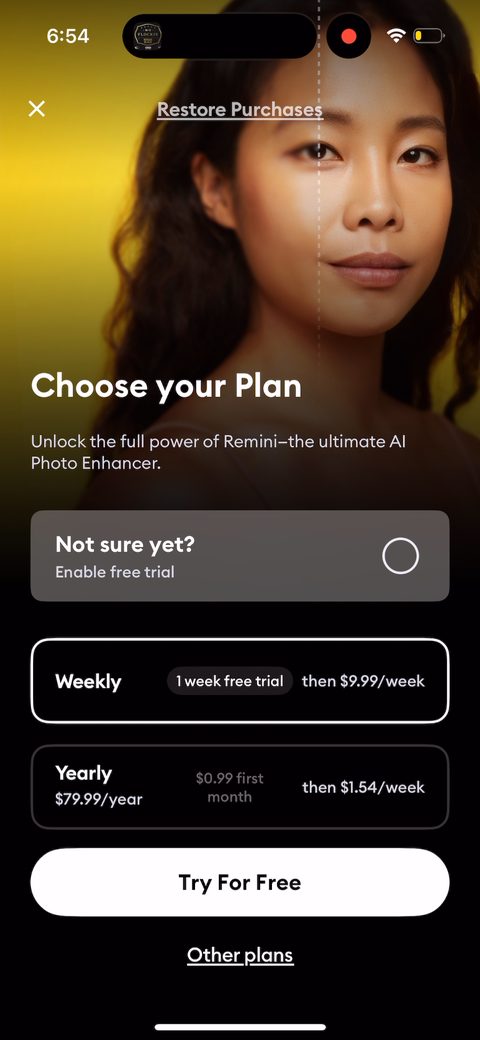 25
25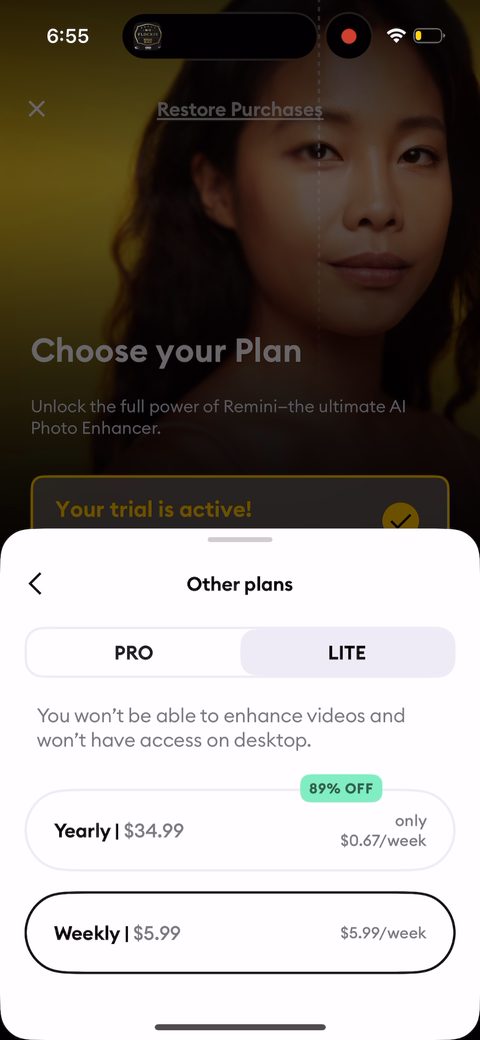 26
26 27
27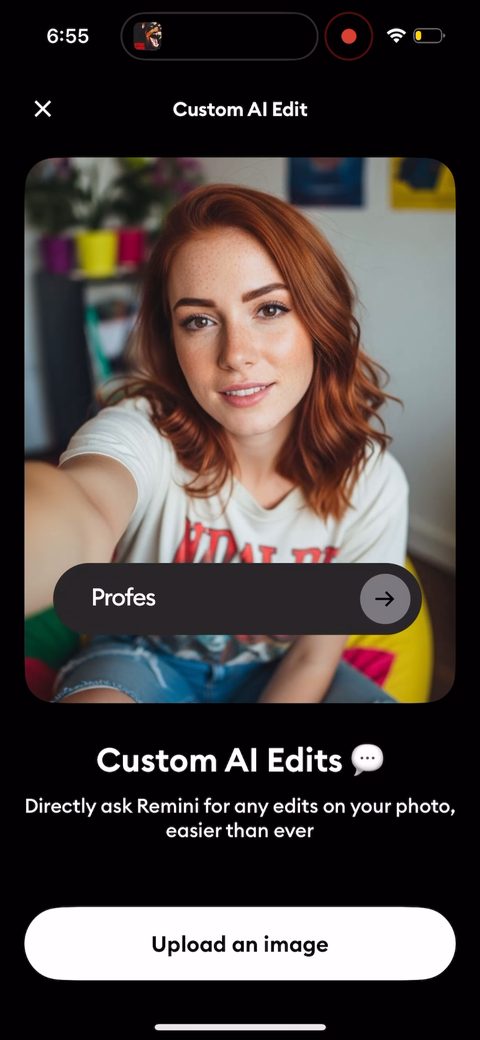 28
28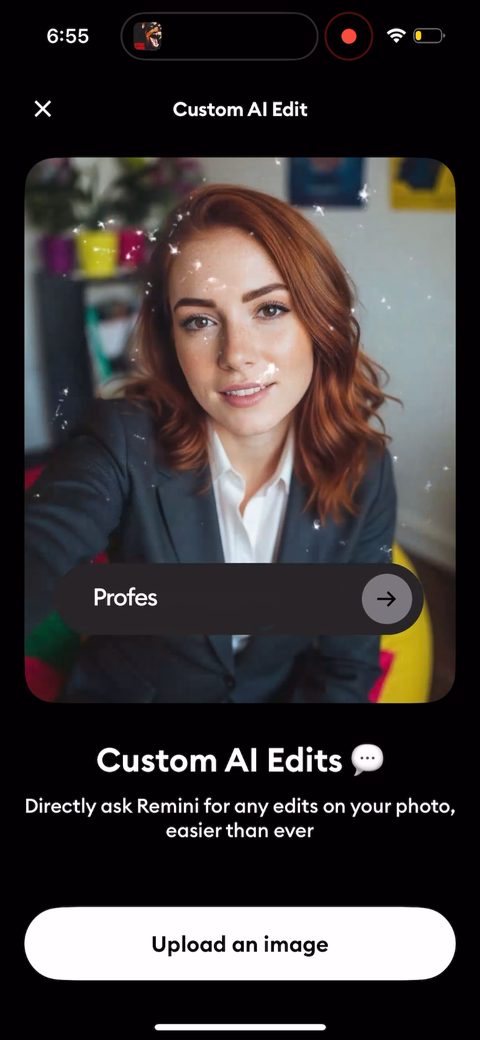 29
29 30
30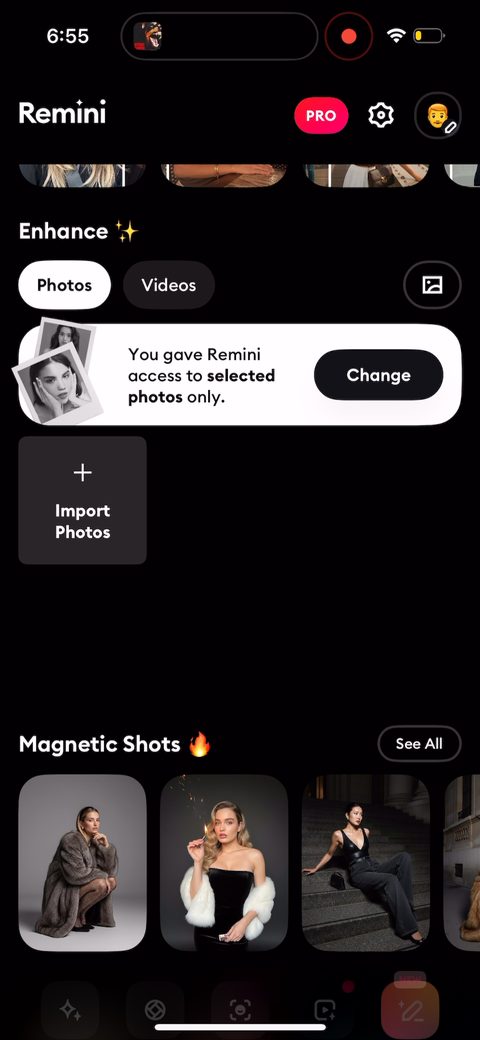 31
31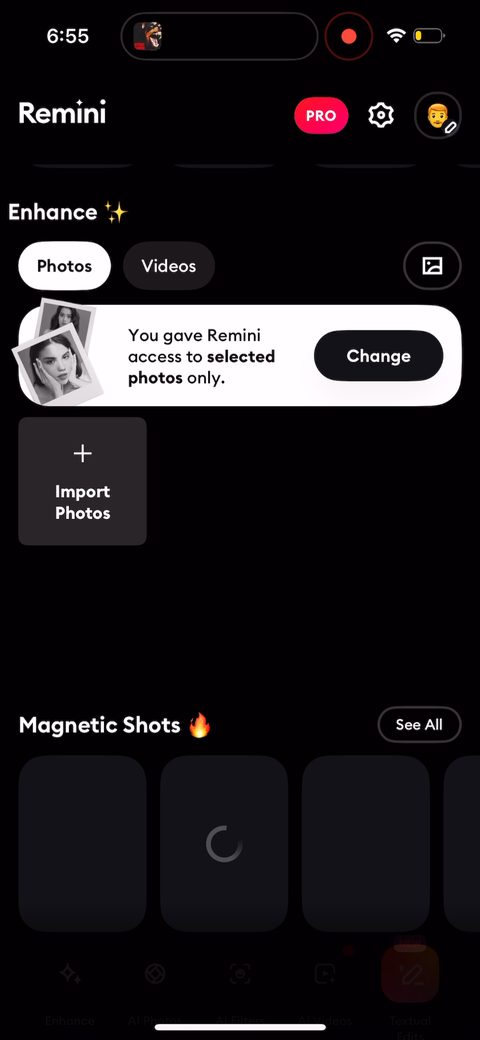 32
32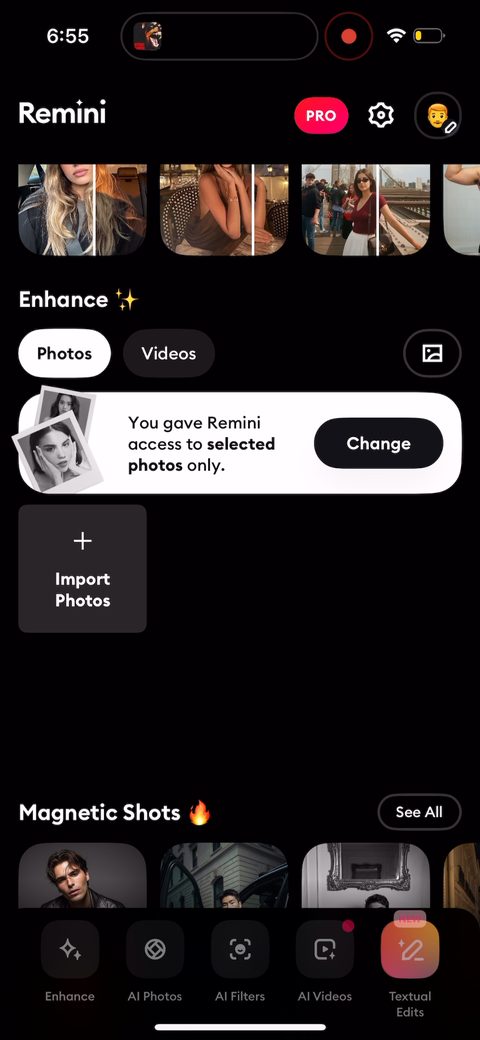 33
33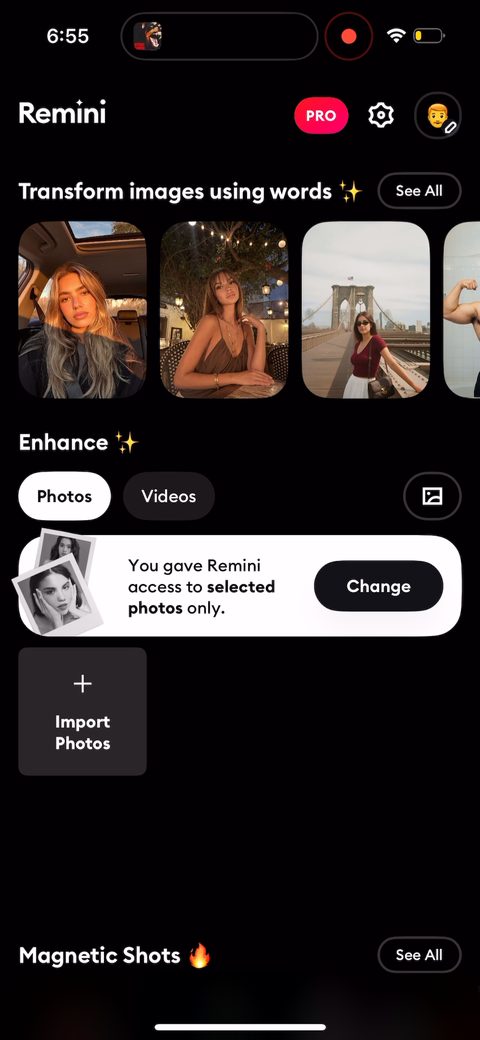 34
34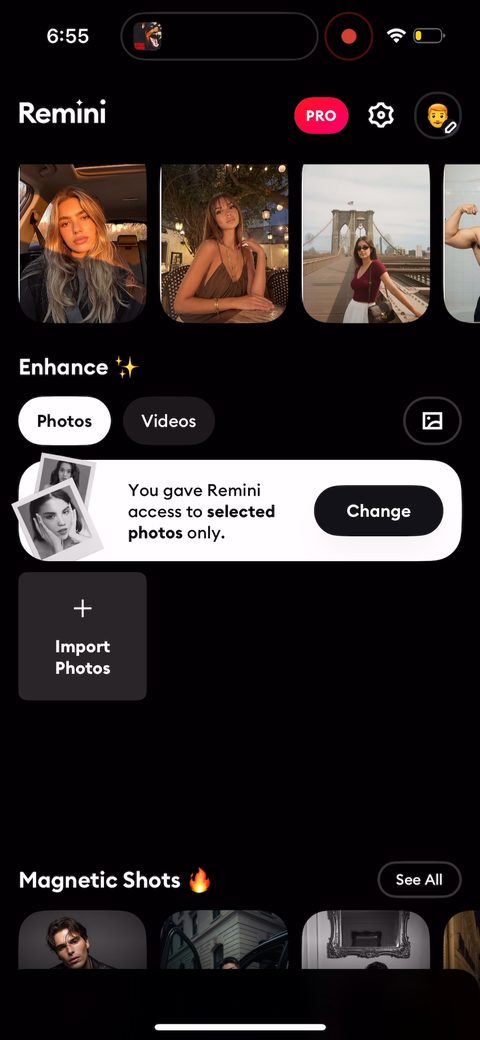 35
35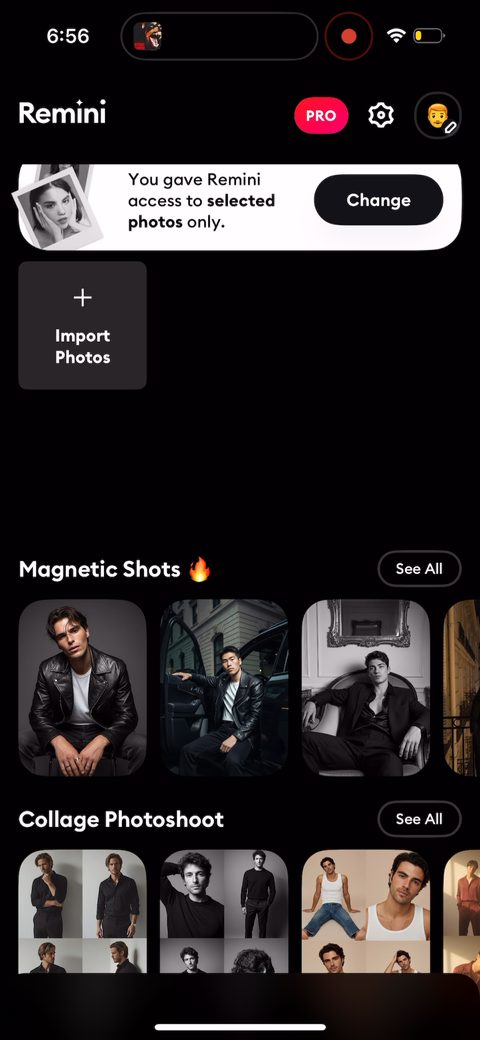 36
36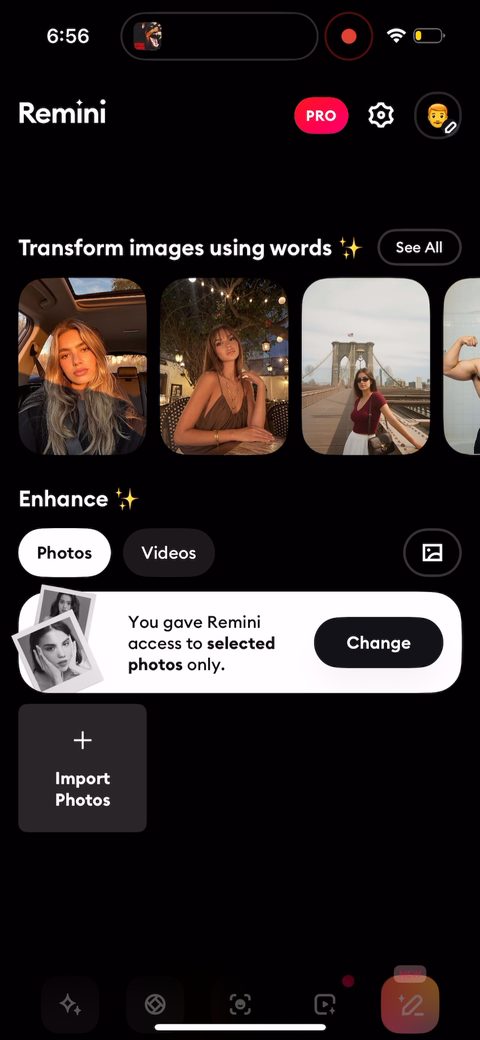 37
37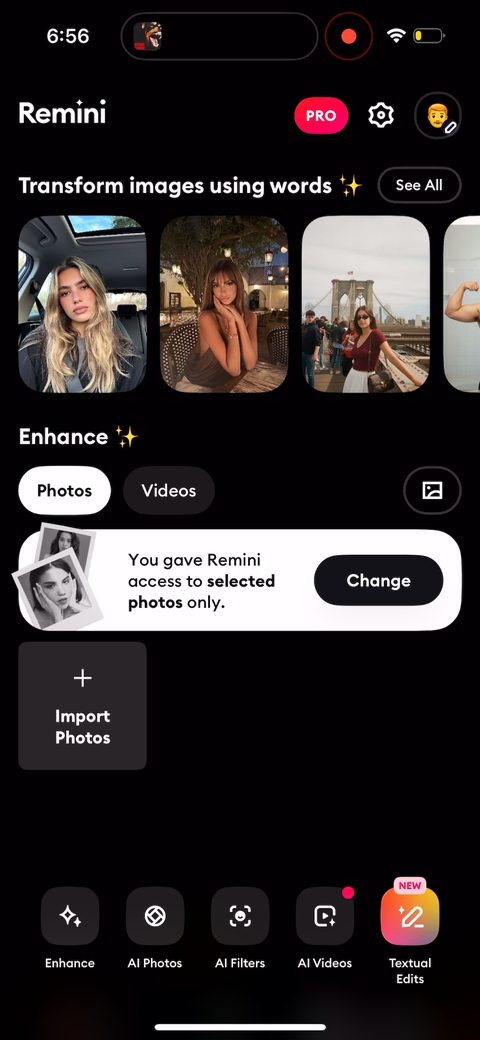 38
38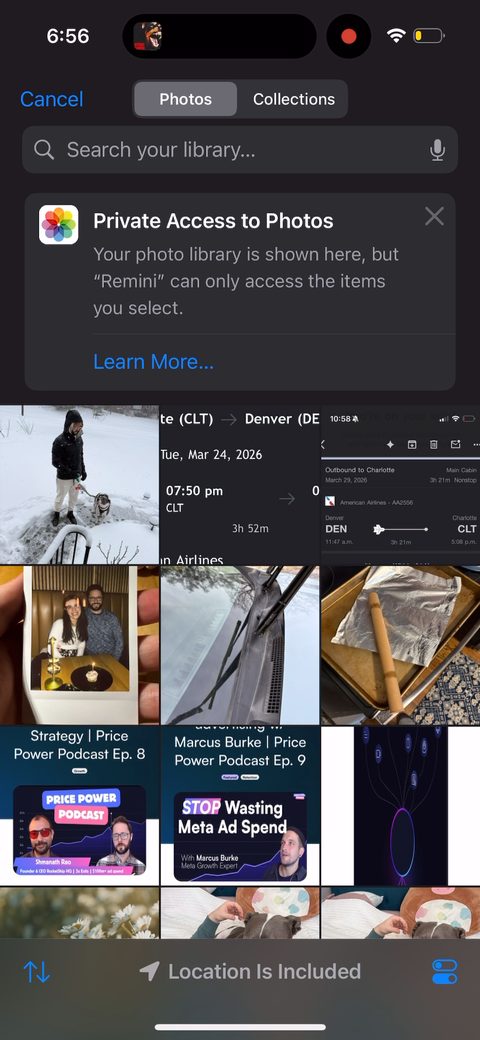 39
39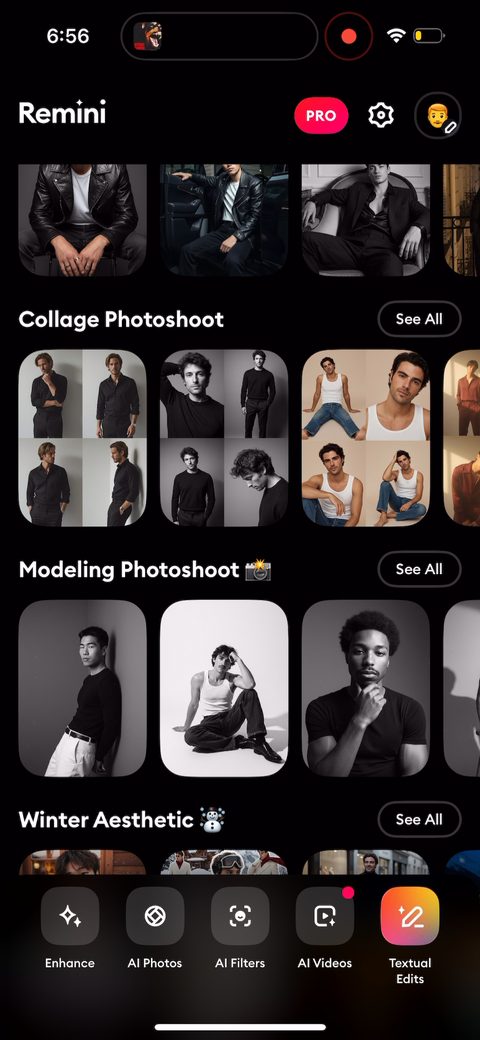 40
40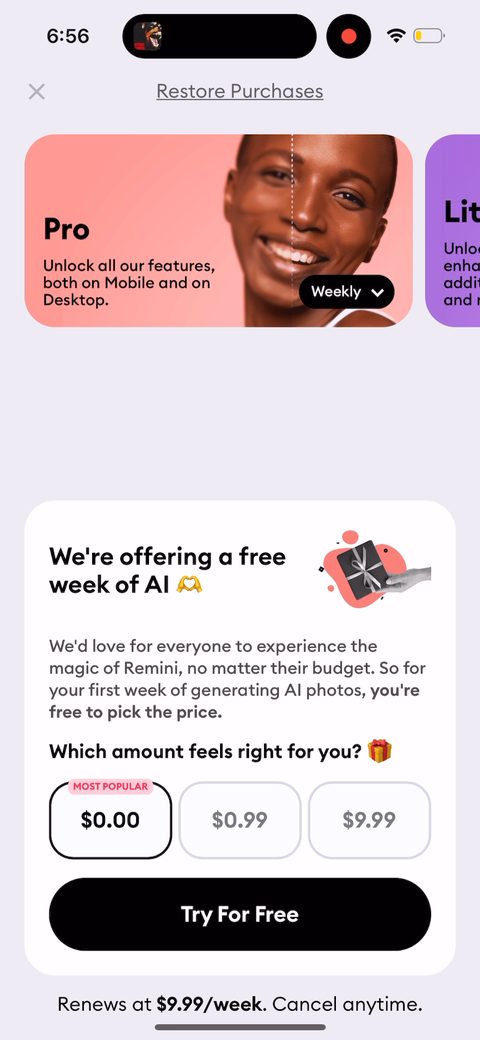 41
41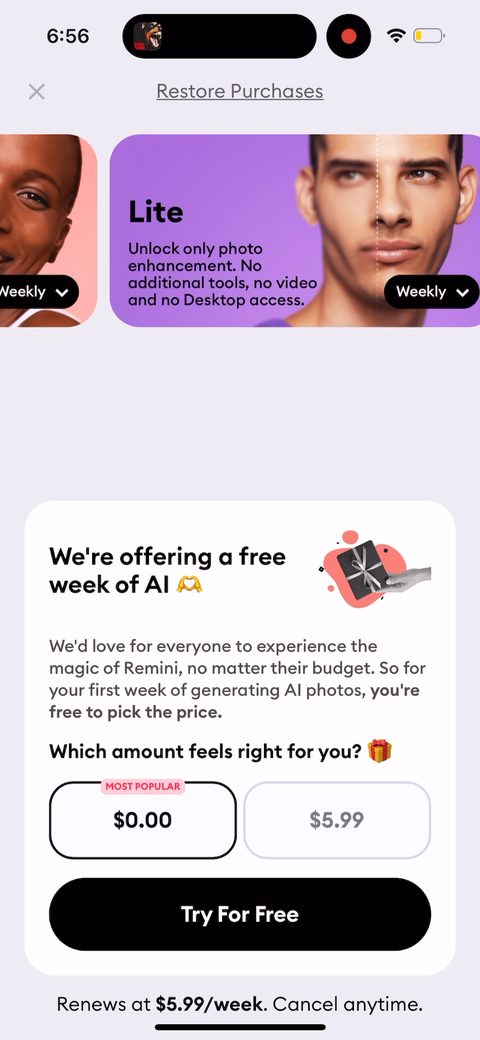 42
42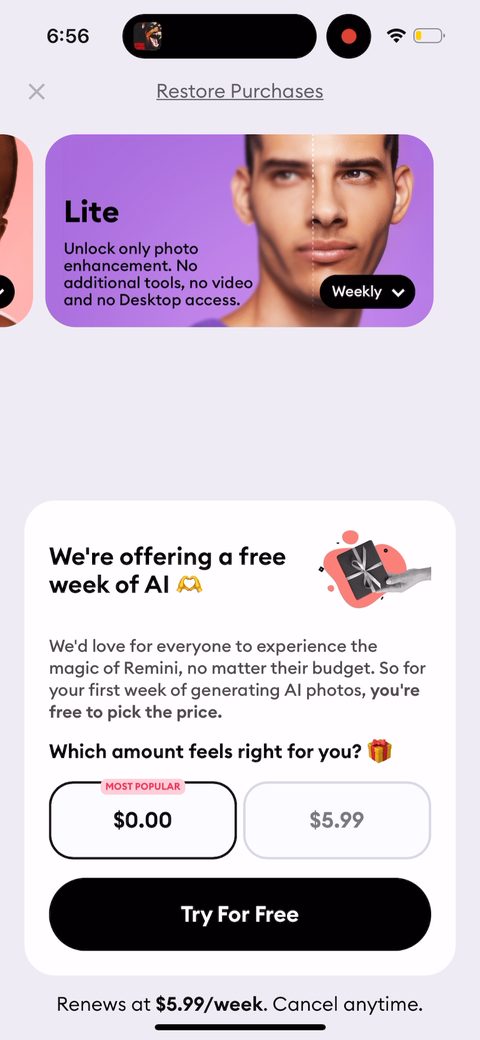 43
43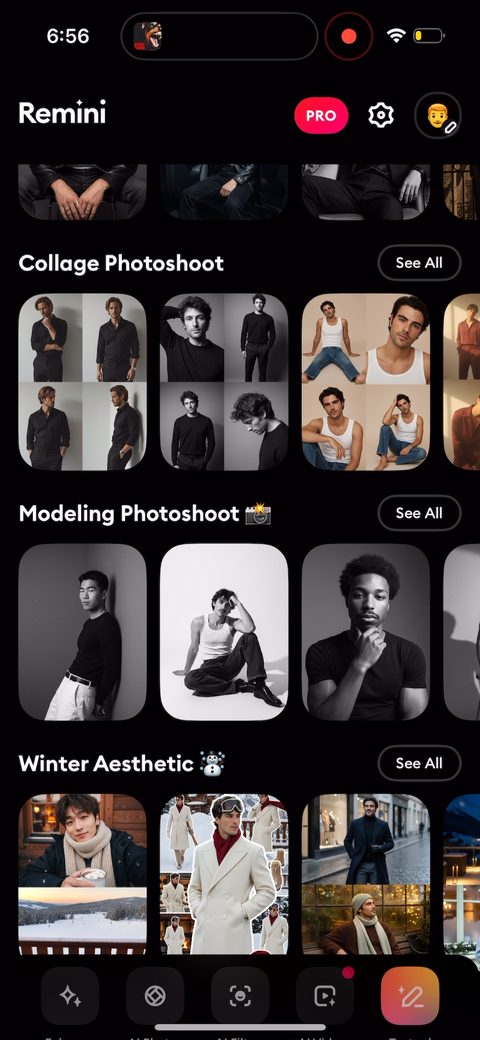 44
44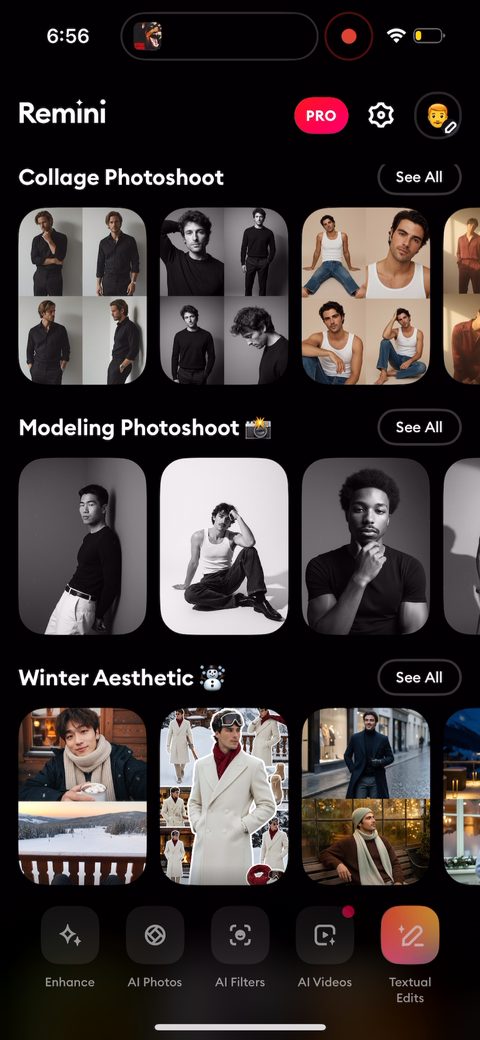 45
45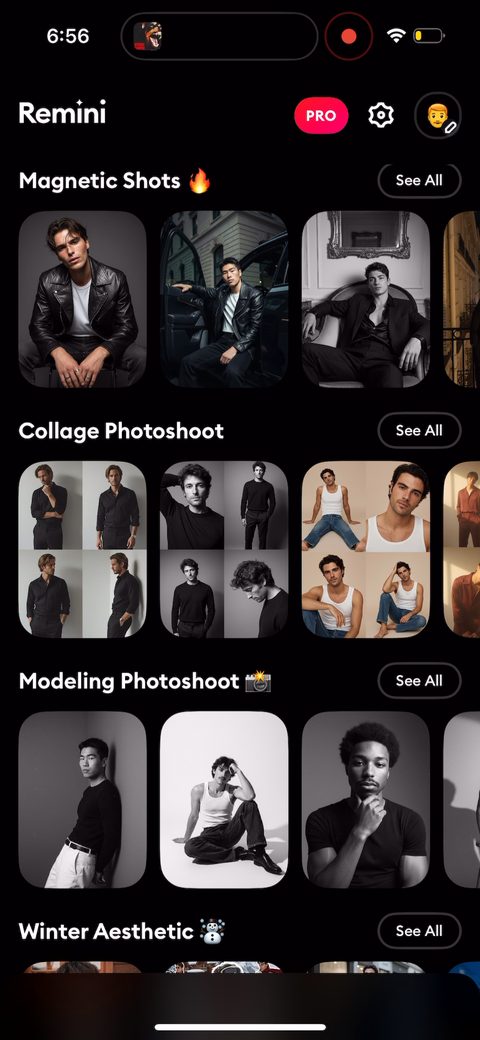 46
46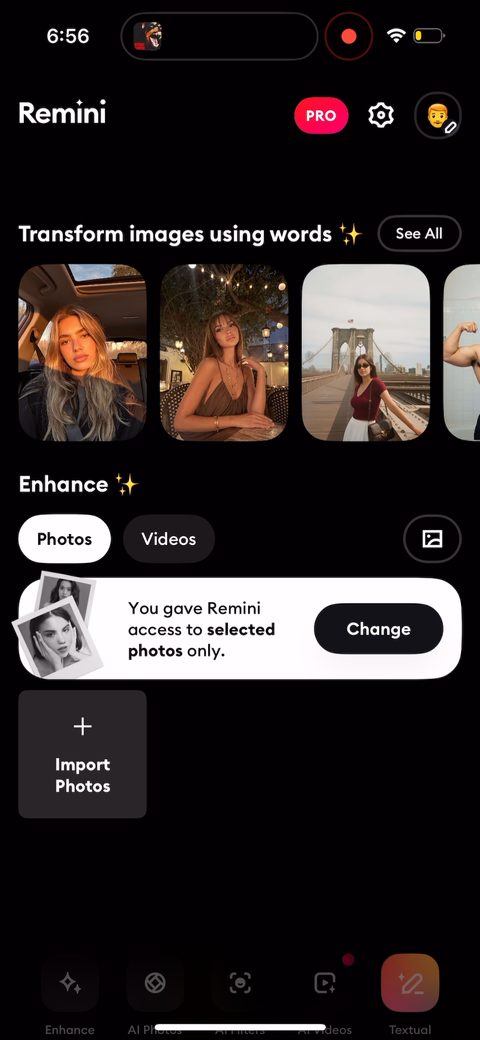 47
47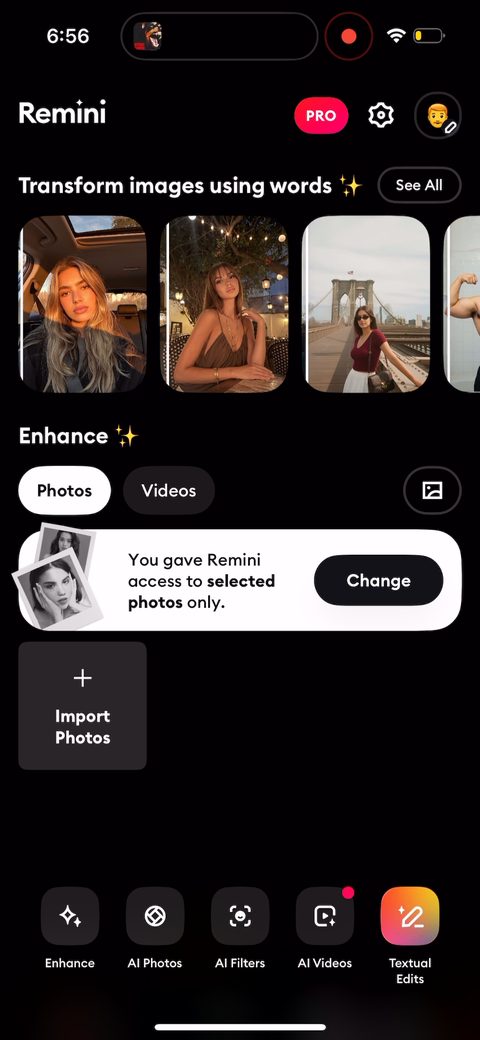 48
48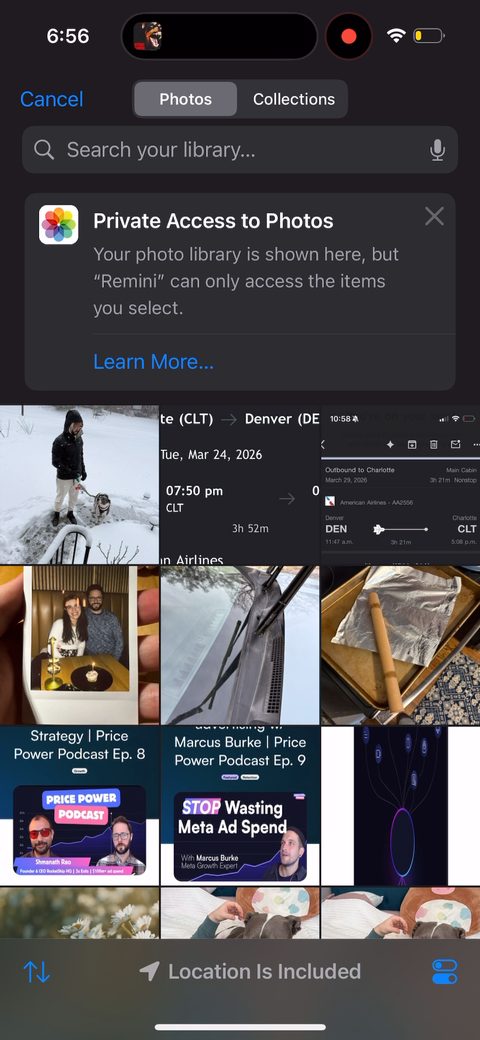 49
49