Education / KidsSoft paywall · trial requiredpaywall: post onboarding quizvalue prop carouselquiz driventutorial demoannual default with trialfeature list
1234Smart framing for a kids app: the buyer is the parent, so the pitch is 'become the best teacher your child will ever have' plus 'research backed.' Sells the parent's role, not just the child's outcome.5'Children learn 19x better from educational apps when using them with a grownup.' A specific stat that justifies the co-play model and quietly asks for the parent's time and buy-in up front.6Borrowed authority: laurels, 'crafted by education experts,' and 'from the company helping 75+ million students and 1.7 million educators.' A new app leaning on a sibling brand (Teaching.com) to feel proven.78Asks the child's age first. Zero-party data that segments the rest of the flow and feeds the 'right fit' check a few screens later.910111213'Check all that apply to Jacob' on reading-readiness skills. Multi-select is the right call, a kid can have a few of these. These answers actually route the flow into the placement and the 'might not be a fit' branch, so it's not throwaway data.1415'Setting up profile: what Jacob can achieve in his first 10 lessons' over a rising curve from Learning Letters to Blending Letters, with the kid's name on it. Shows progress before a single lesson exists, which builds value ahead of the paywall.17'Jacob is all set! But... Reading.com lessons might not be the right fit until he has more reading readiness.' Honest, and risky. It can build trust, but it also tells a ready-to-buy parent the product isn't for them yet. I'd test drop-off here against what it does to refunds.181920Email gate framed as saving the child's progress, not signup: 'Save Jacob's profile and learning progress,' plus a benefit list (summaries, printables, tips) and 'we never share or sell.' Asking after the personalization graph is the right order, they've felt some value first.2123242529303132333435Paywall. Yearly is the default with a SAVE badge, both plans carry a 7-day trial, and the CTA is 'Redeem your free week.' 'Give Jacob the gift of reading' keeps the parent-as-buyer frame and the feature list (99 lessons, 60 books) anchors the price. Close X is here and there's a second wall later, so this is the first ask, not the only one.363738Notification permission right after the paywall, using the plain system prompt with no benefit framing. I'd put a custom pre-prompt first ('we'll remind you when it's time for Jacob's next lesson') to lift the allow rate.394042'Grownup required' gate: enter three numbers in order. Standard kids-app age gate that keeps the child out of purchase and settings, and it doubles as a check that a parent is actually present.43444547484950Offers a placement assessment so a kid with some skills can start at a later lesson. Keeps advanced kids from being bored, and it's another small commitment that invests the parent in the program.5152535455565758596061626364656667686970'Are you sure you want to skip? Understanding sound sliders is a crucial part of our curriculum.' Soft-blocks skipping the training video by reframing it as important. Nudges the parent to finish the tutorial.717273747576777879808182838485868788'Grownup training complete, you're ready for lesson 1.' Pays off the long training section and hands the parent one clear next step instead of dropping them on a blank home screen.899091Second paywall, same plans as the first. Most parents don't buy on the first wall, so re-showing it after they've sunk time into the grownup training is a reasonable second ask.9293949596979899100101102103104
Powered byBotsiAI/ML models to show the right paywall to each user to grow revenueLearn more →
 1
1 2
2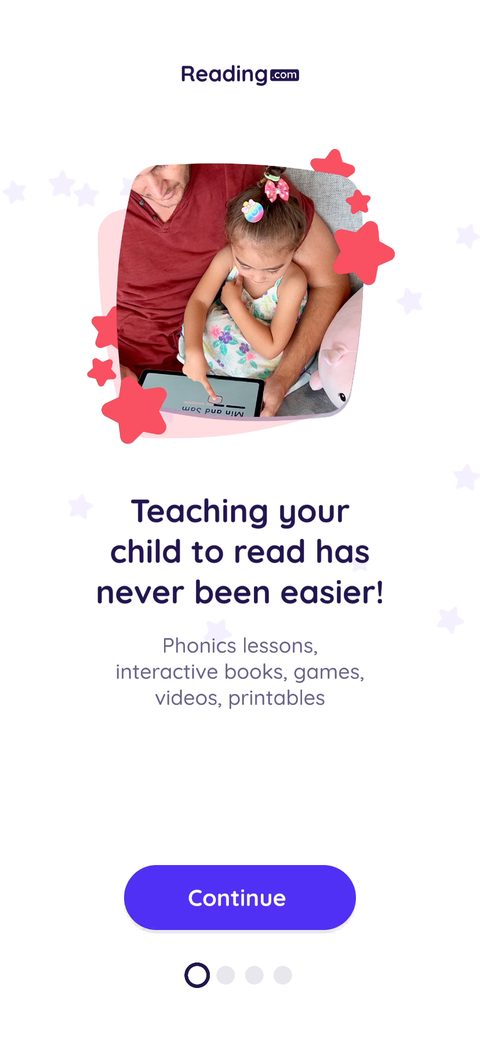 3
3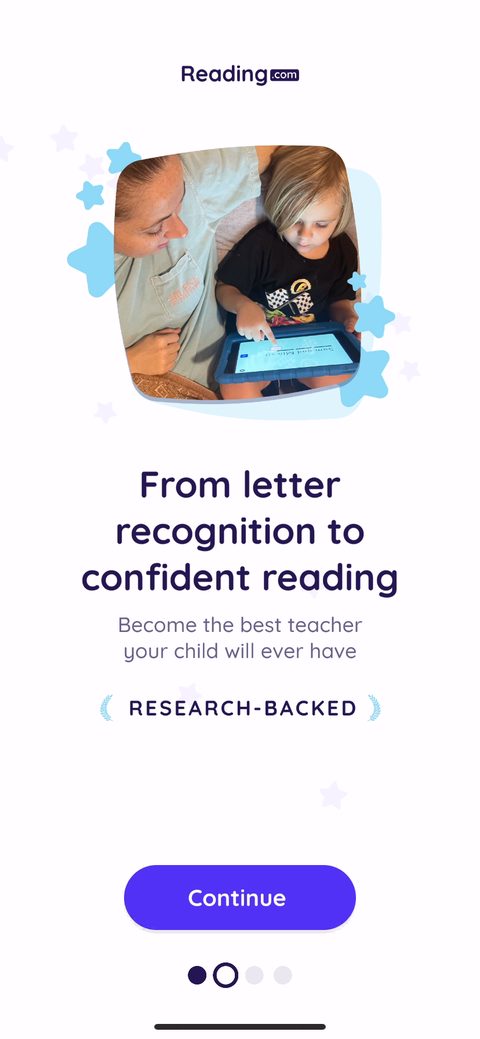 4
4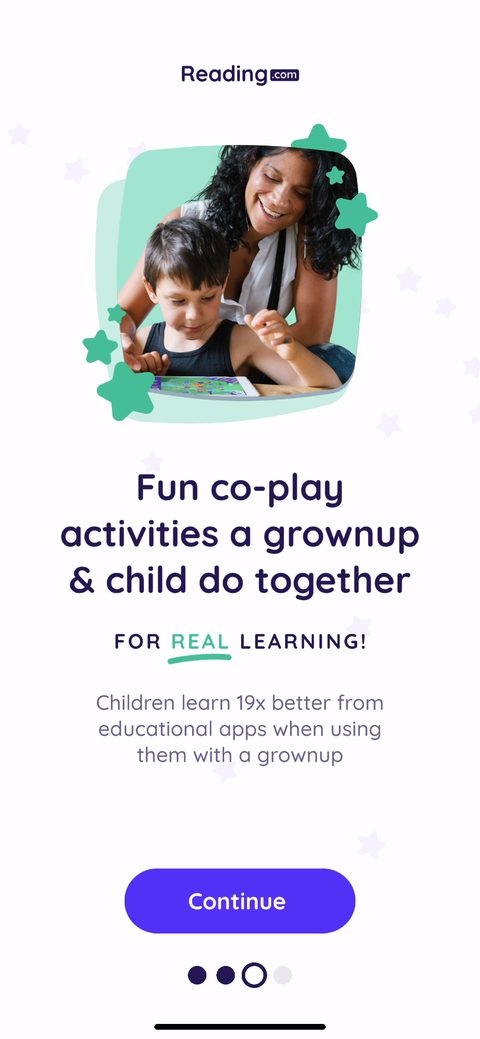 5
5 6
6 7
7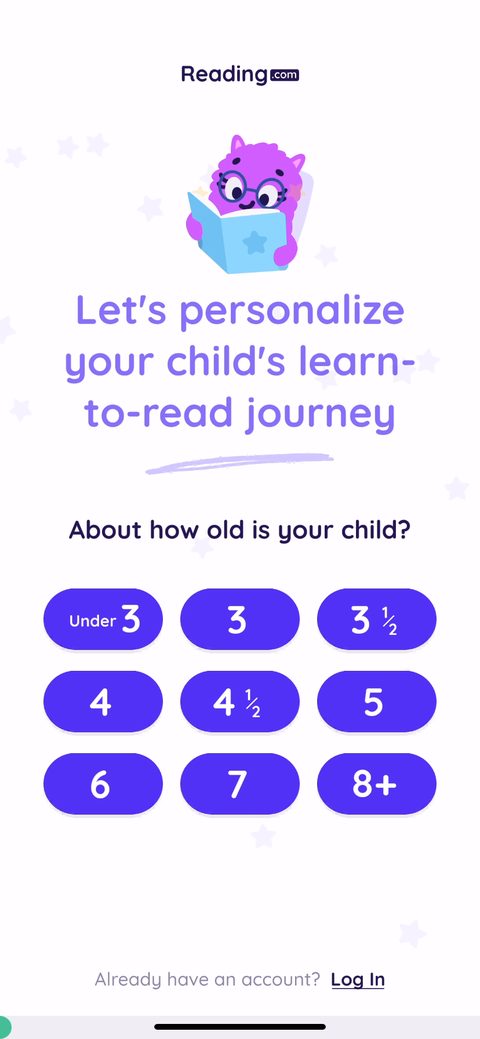 8
8 9
9 10
10 11
11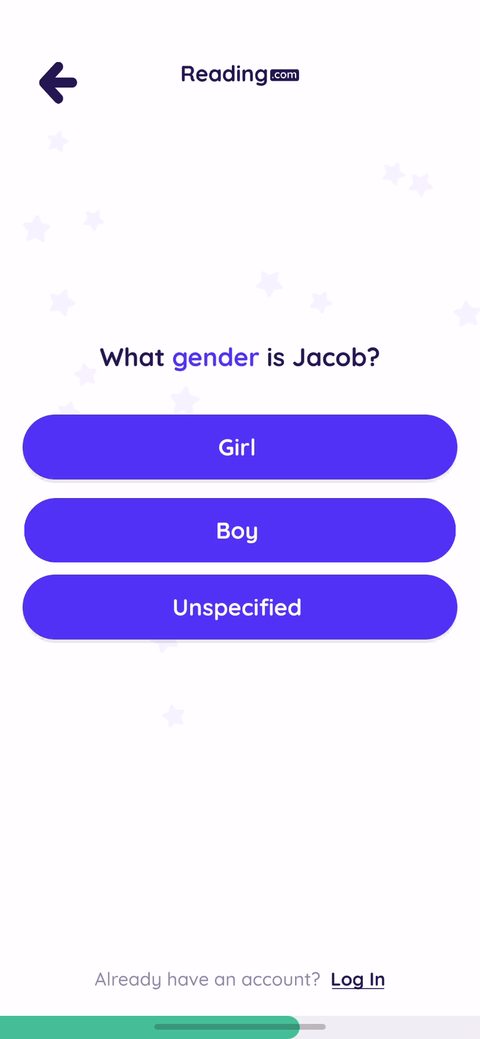 12
12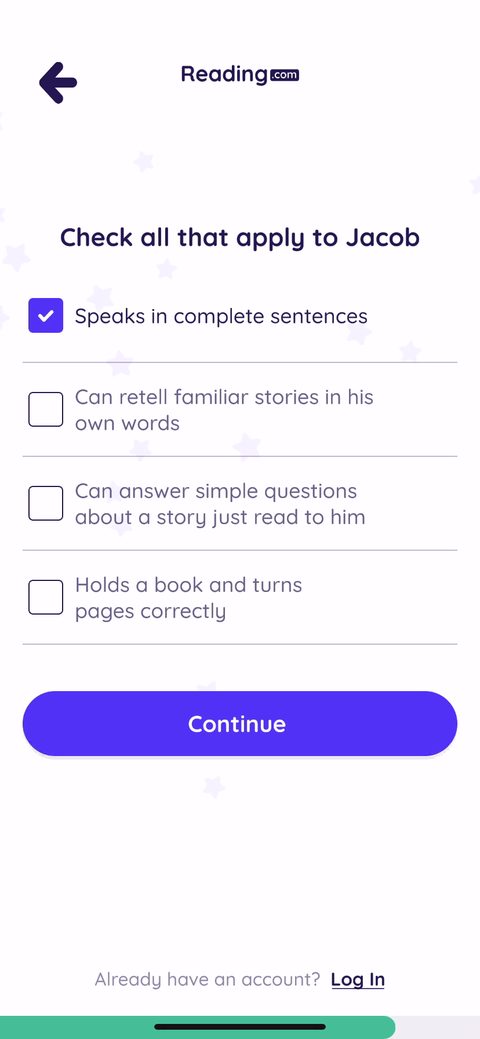 13
13 14
14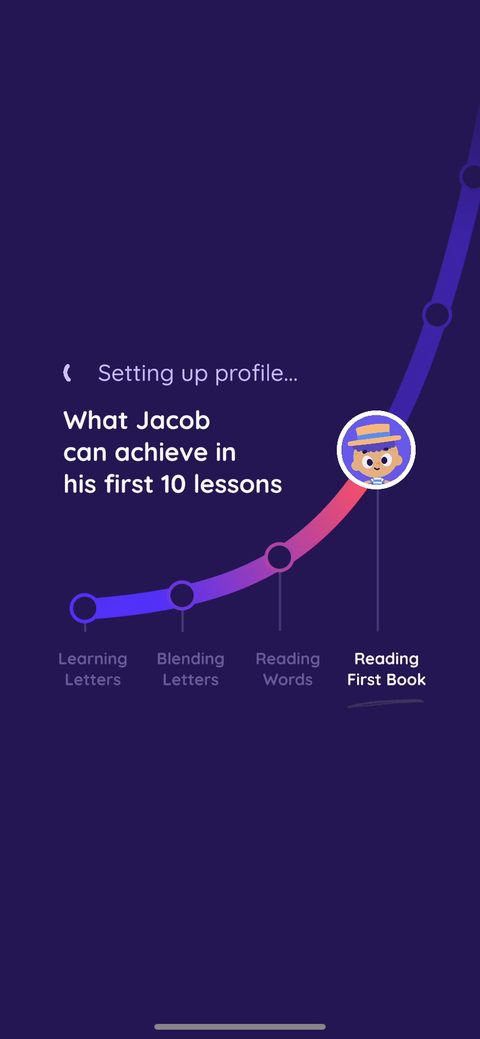 15
15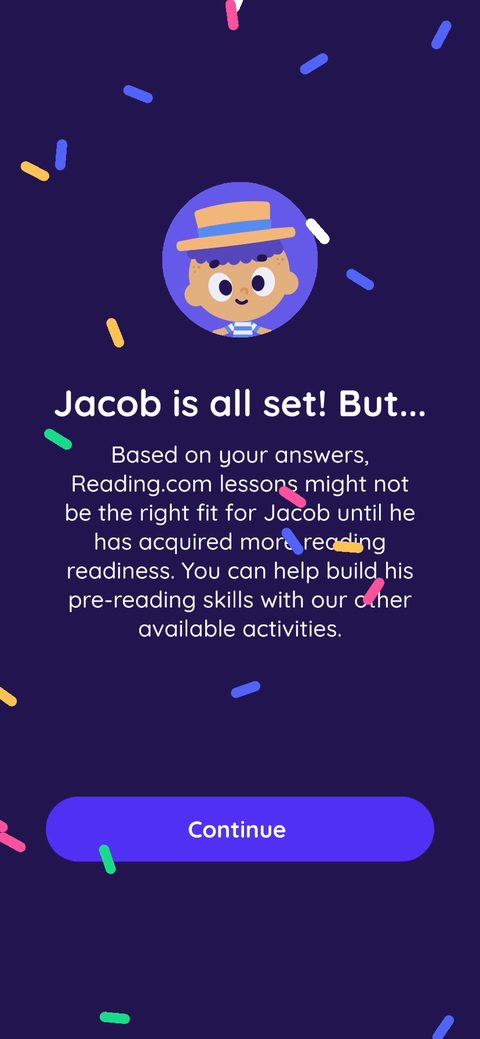 17
17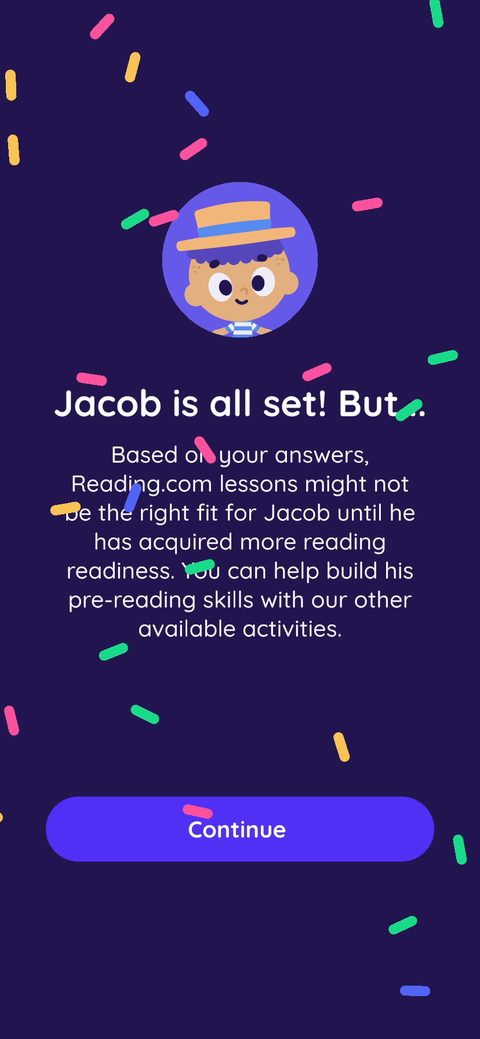 18
18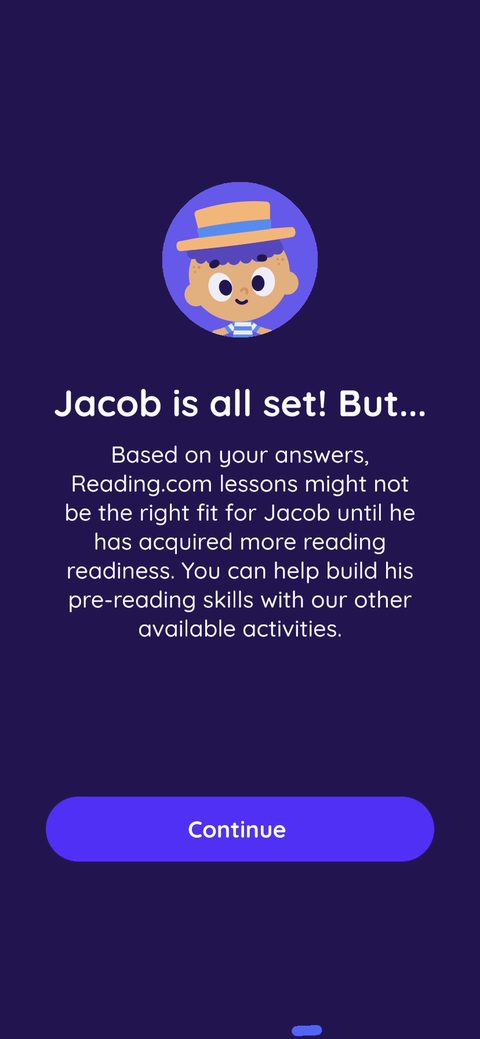 19
19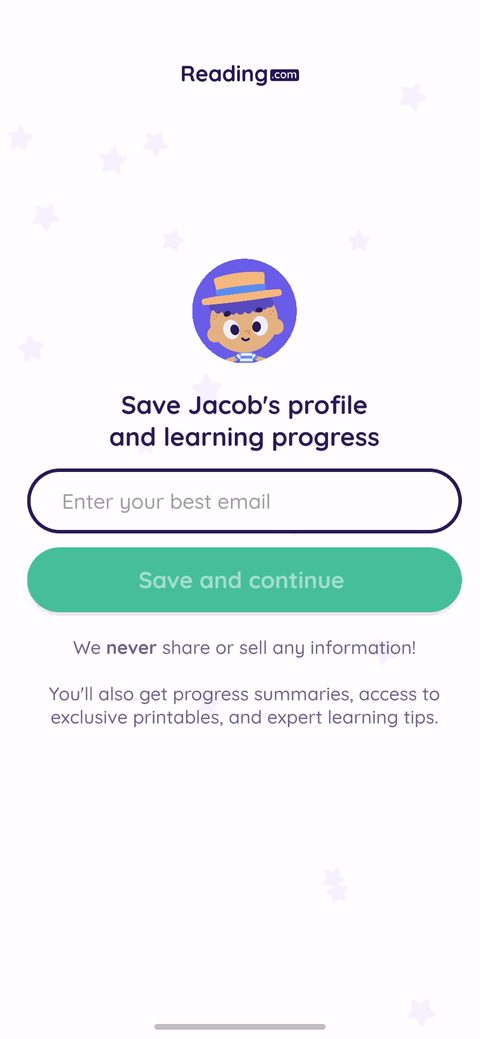 20
20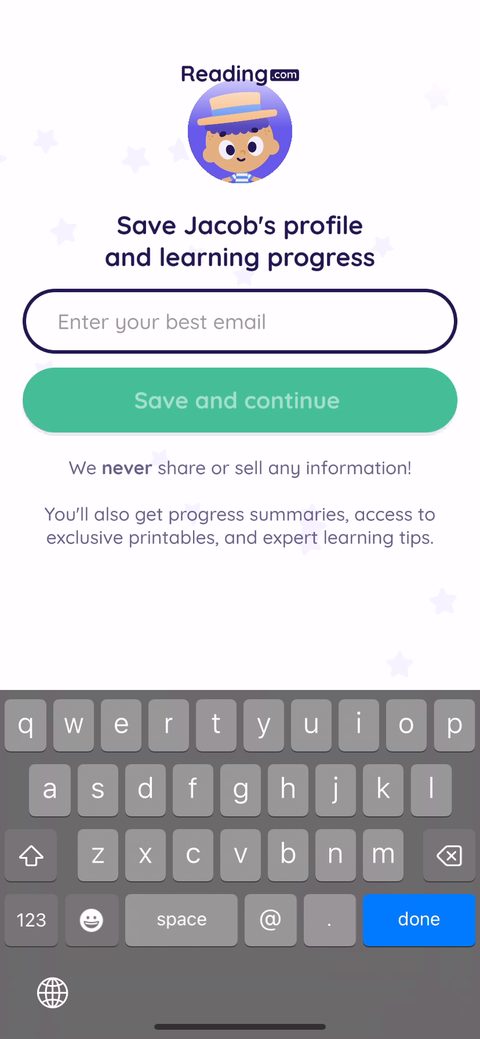 21
21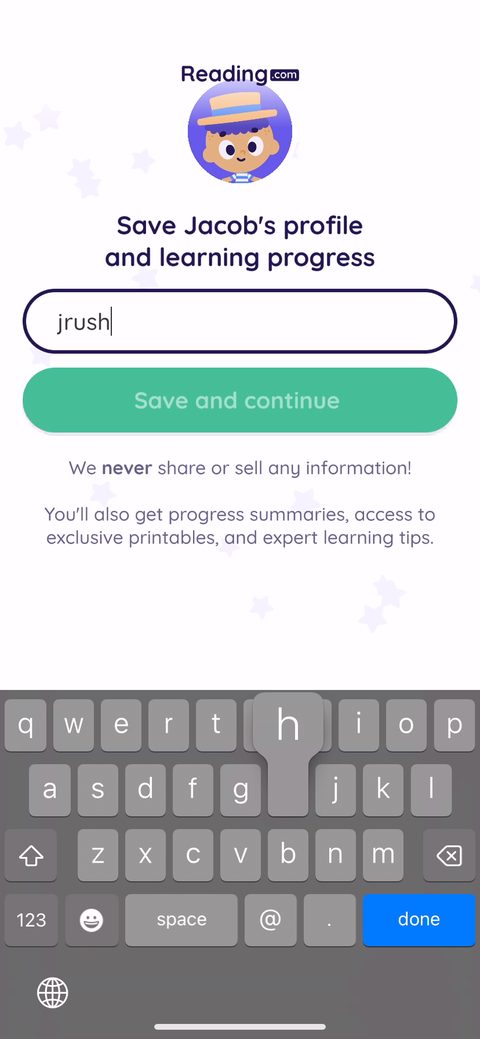 23
23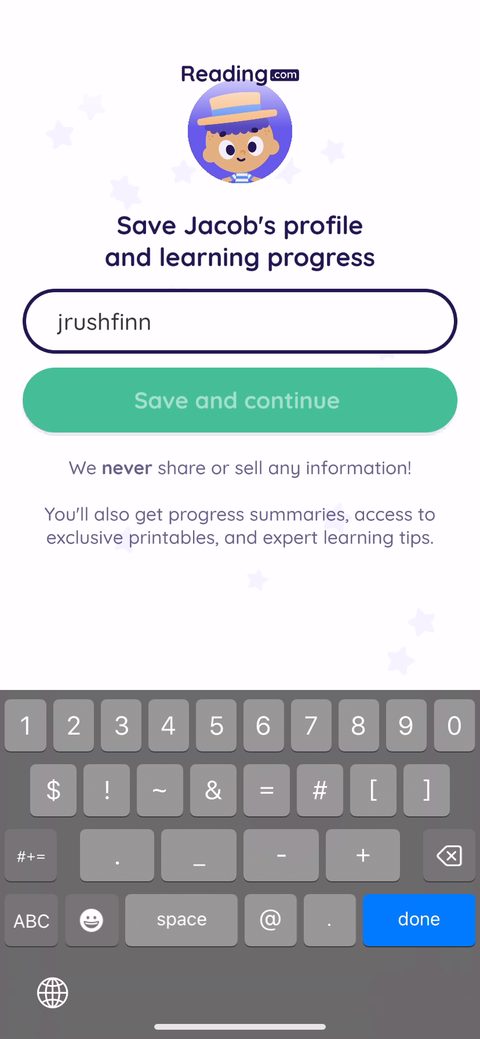 24
24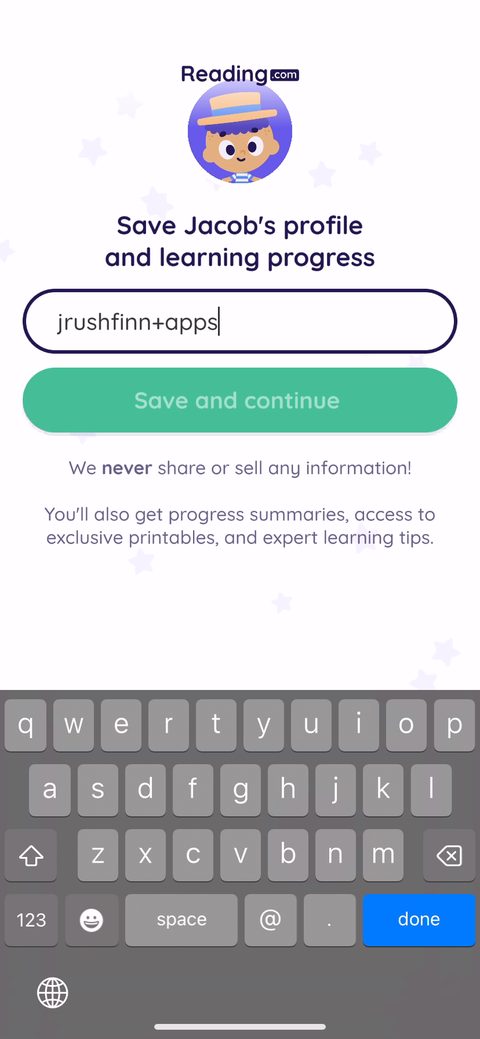 25
25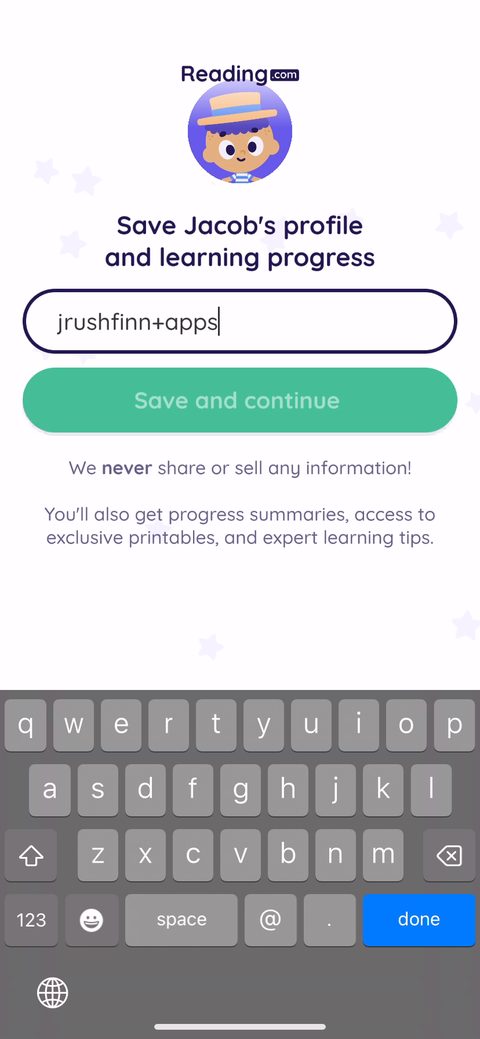 29
29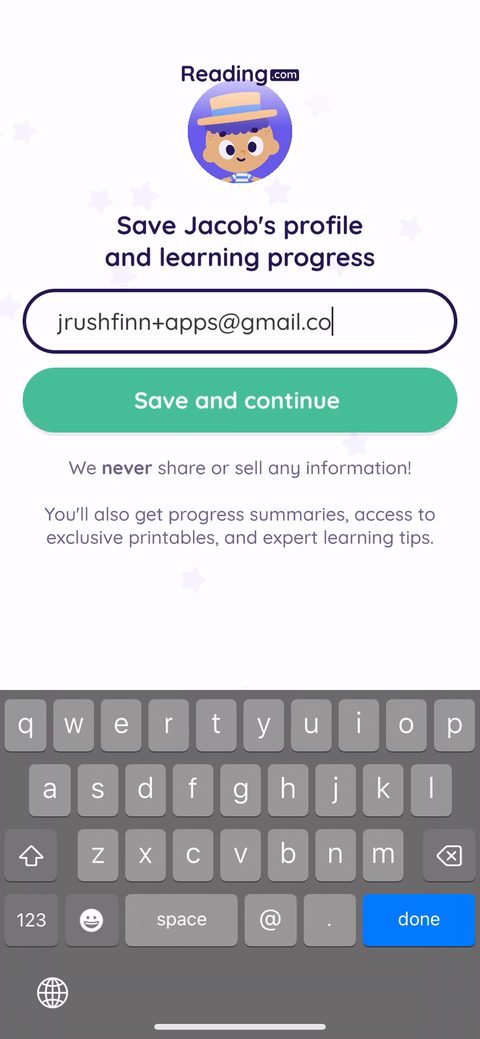 30
30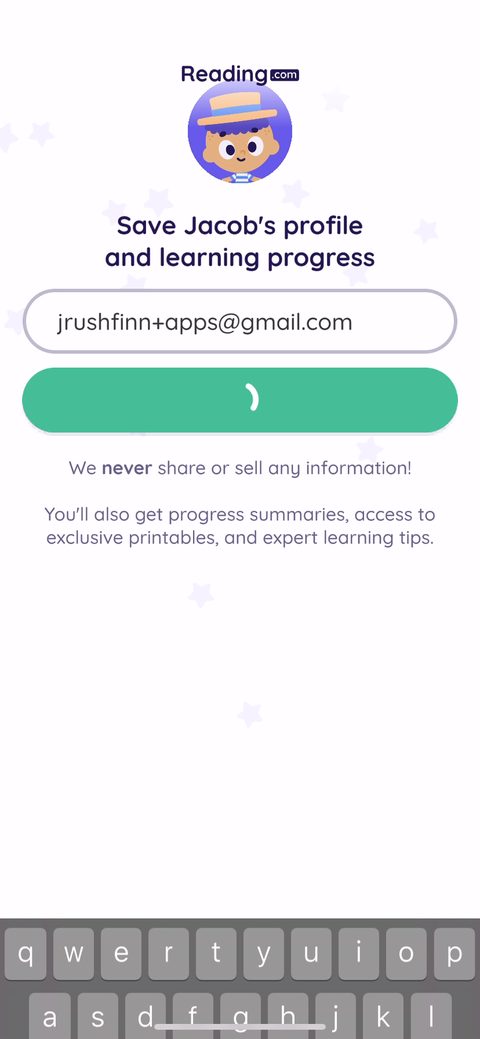 31
31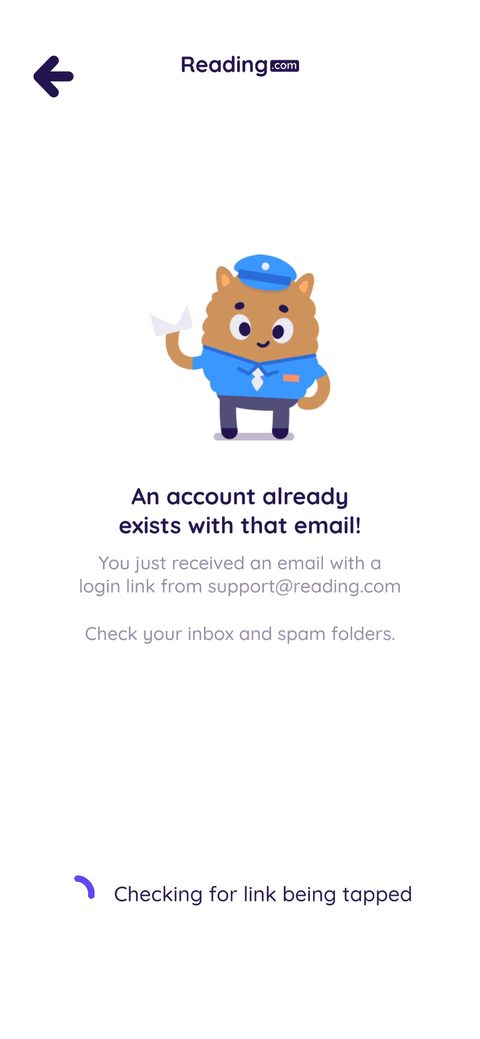 32
32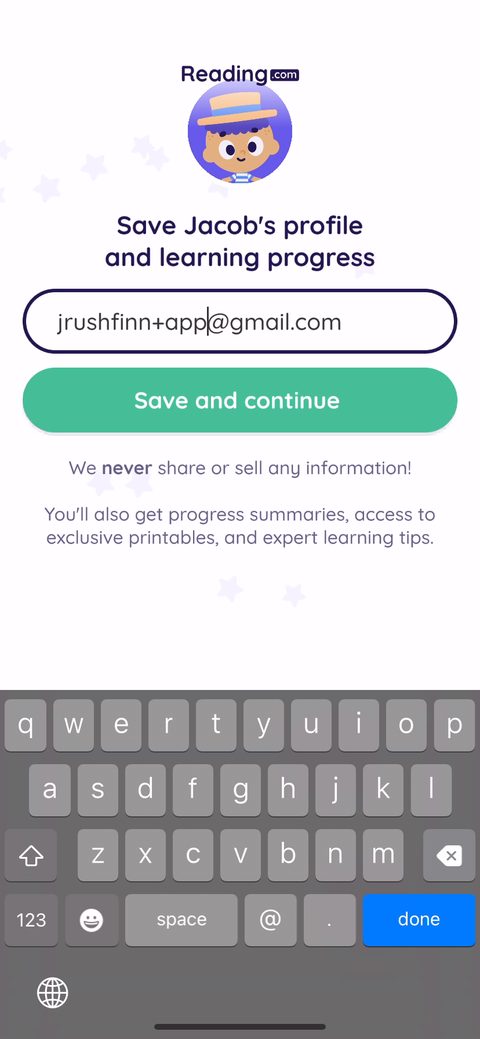 33
33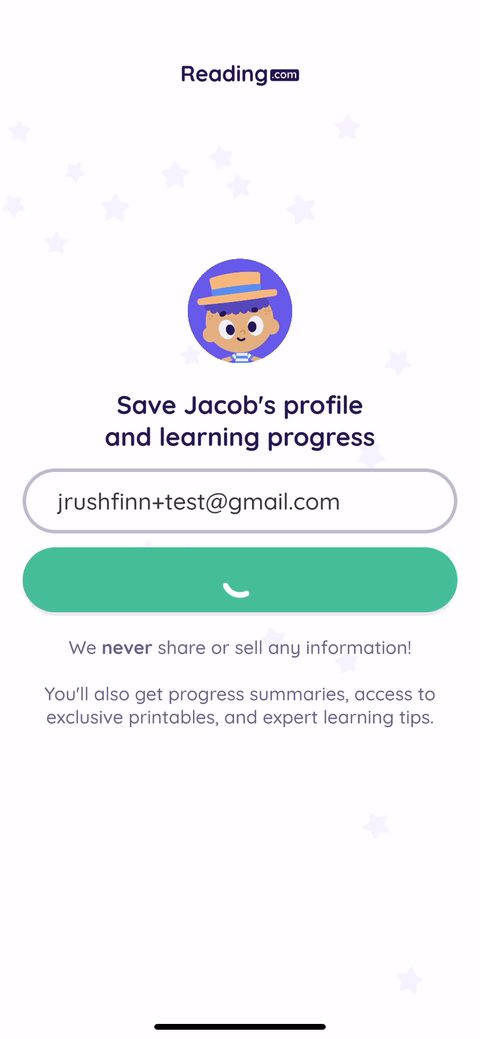 34
34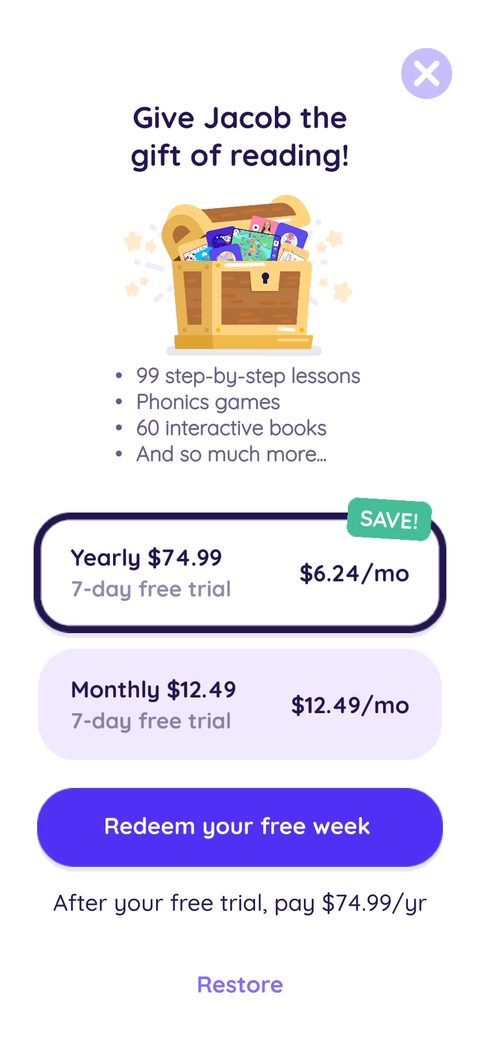 35
35 36
36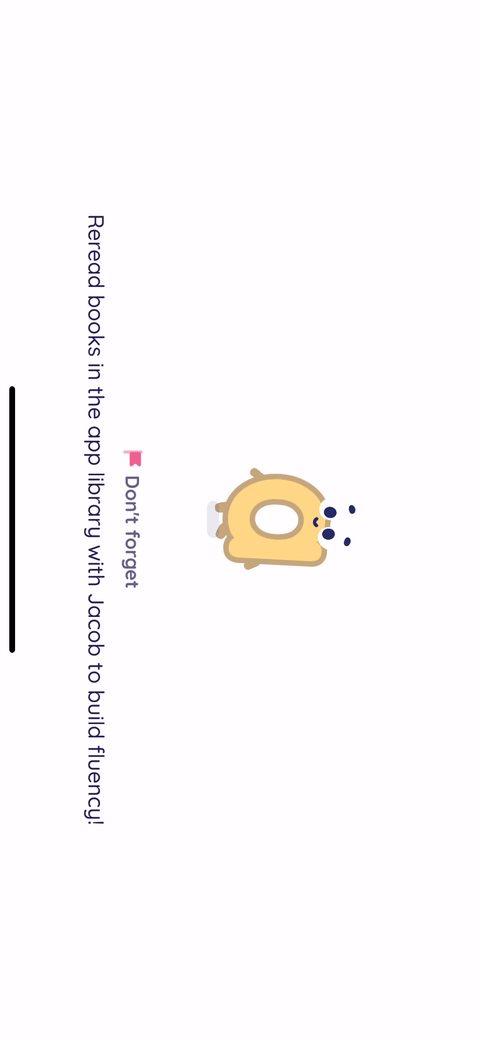 37
37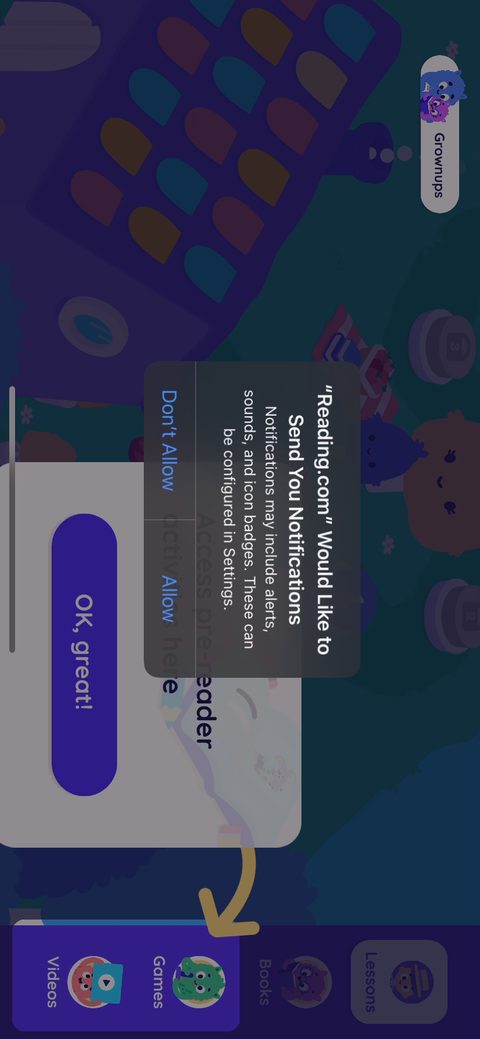 38
38 39
39 40
40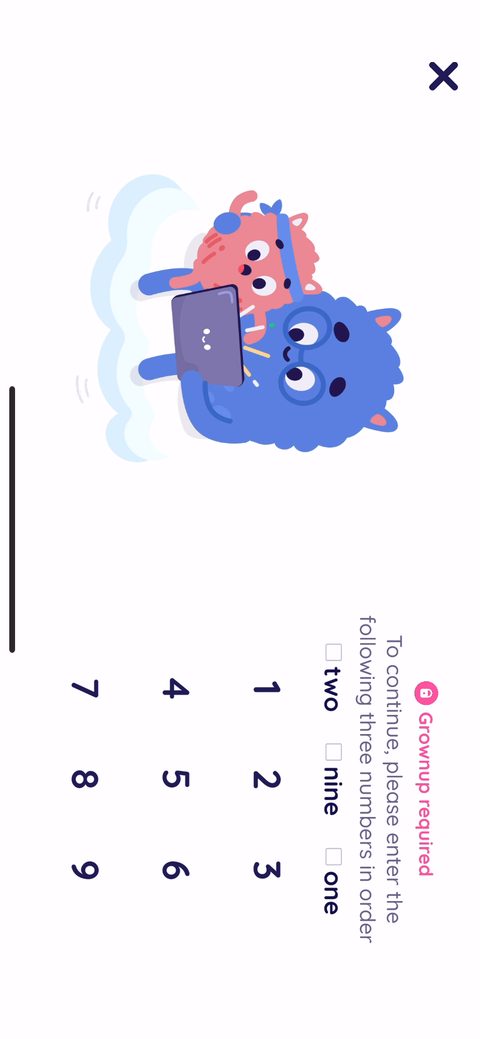 42
42 43
43 44
44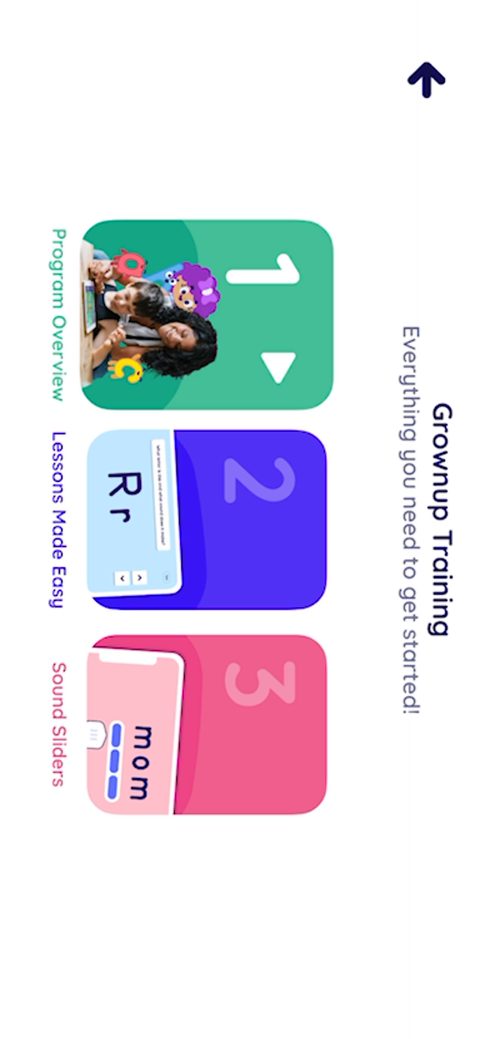 45
45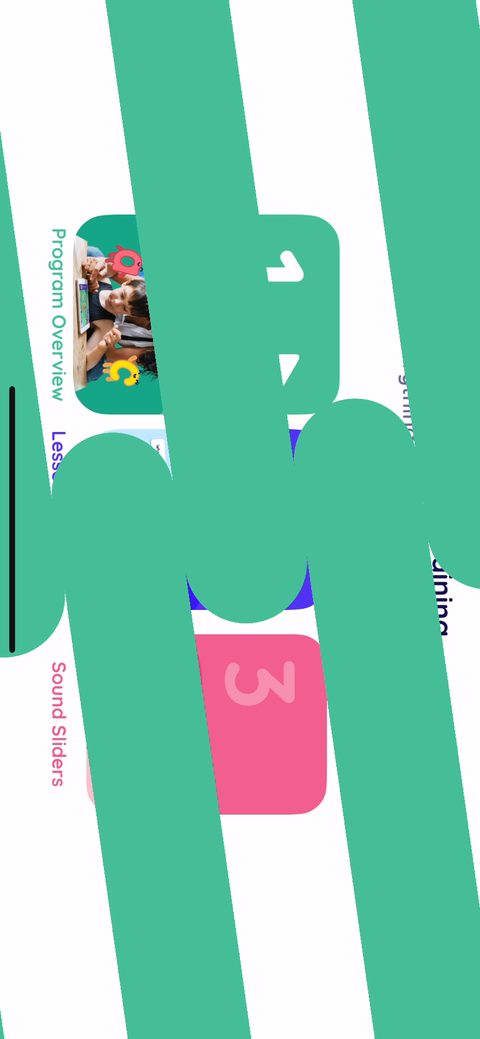 47
47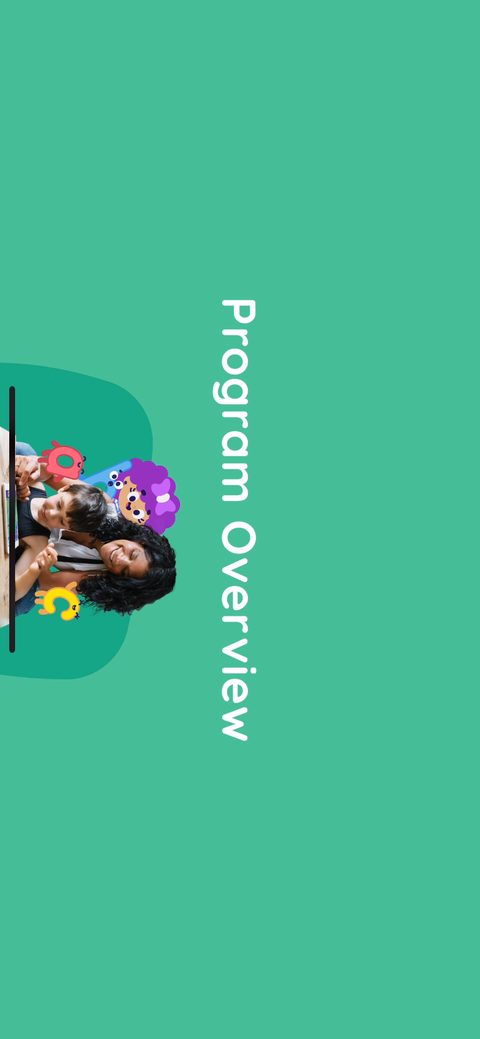 48
48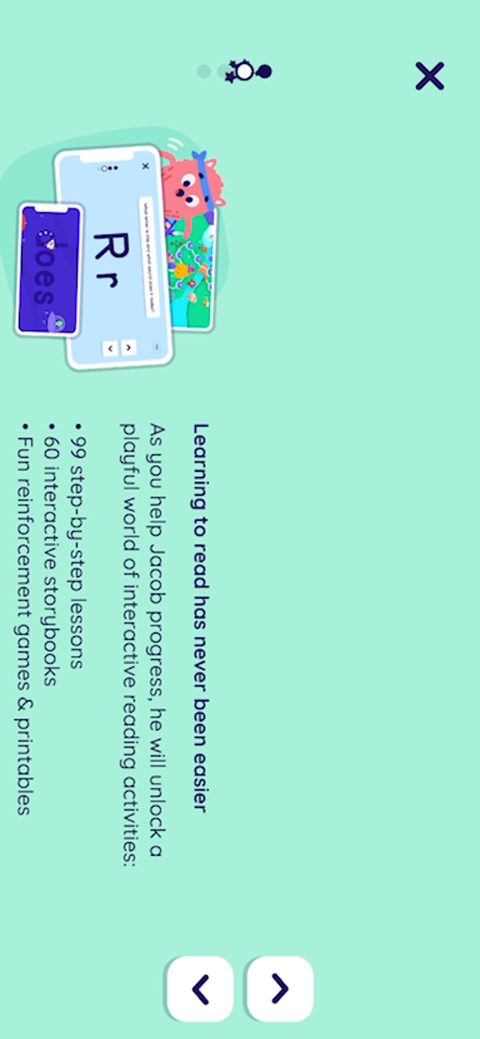 49
49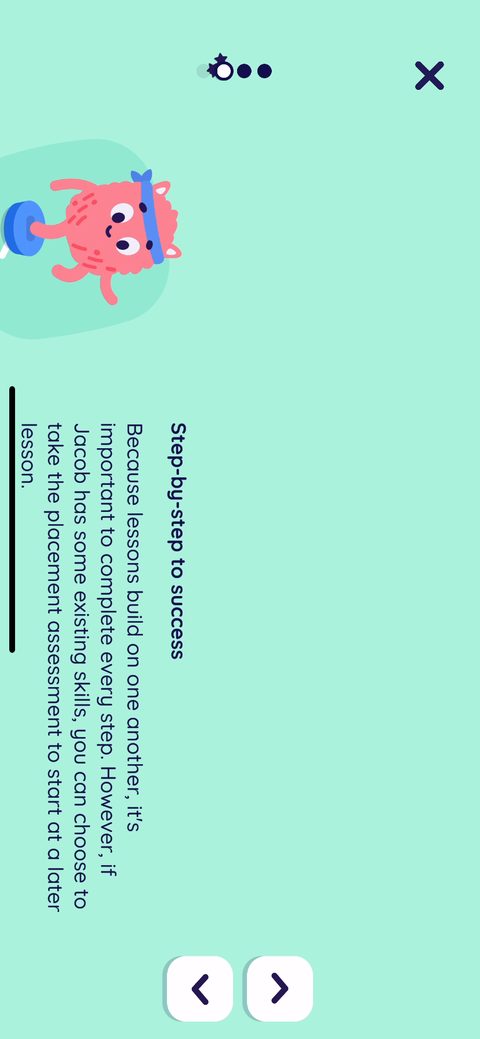 50
50 51
51 52
52 53
53 54
54 55
55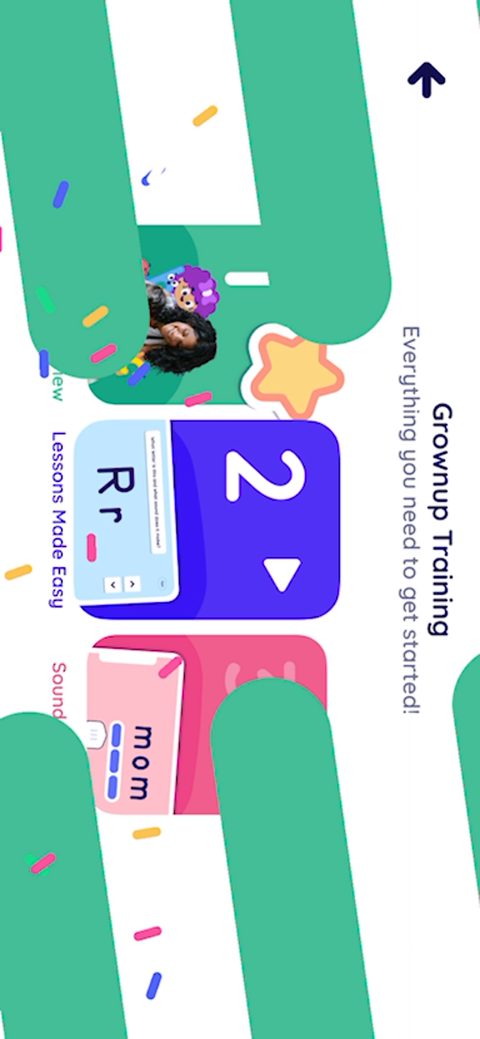 56
56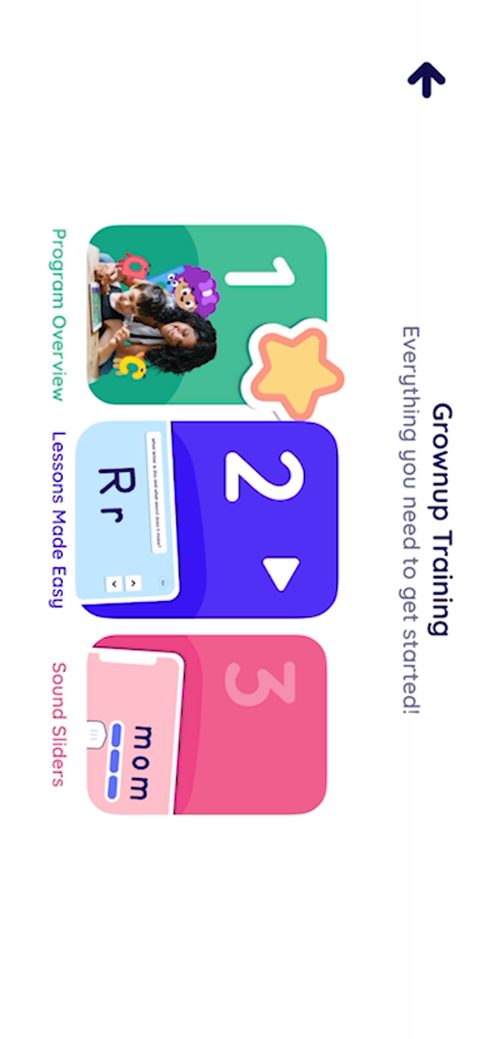 57
57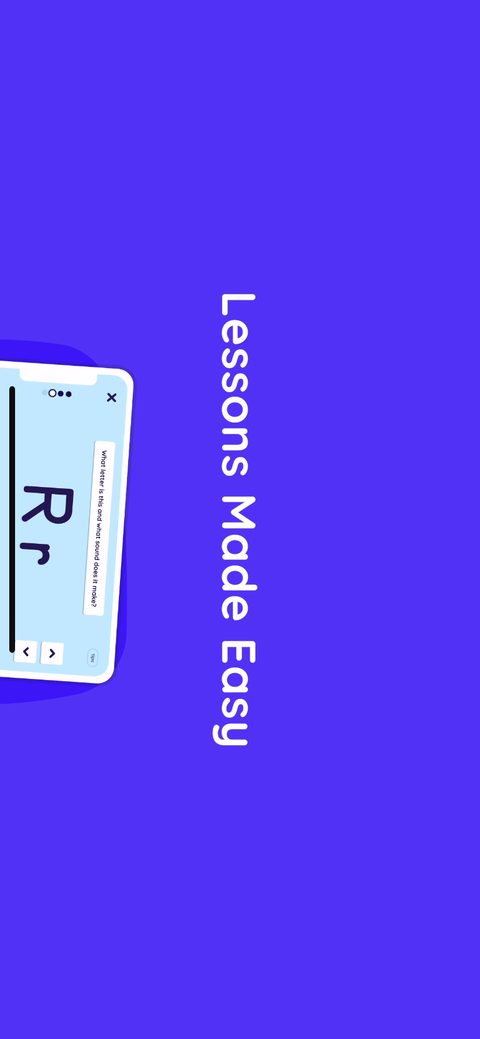 58
58 59
59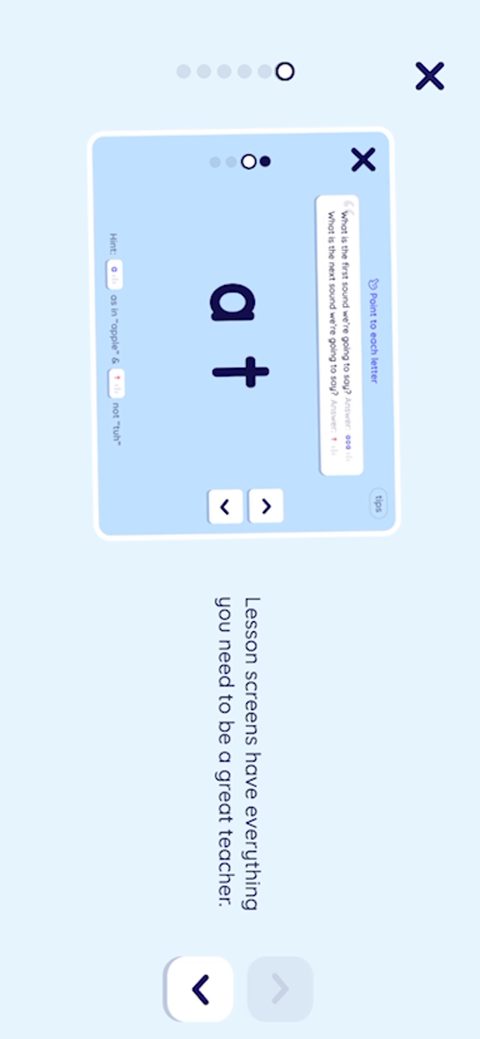 60
60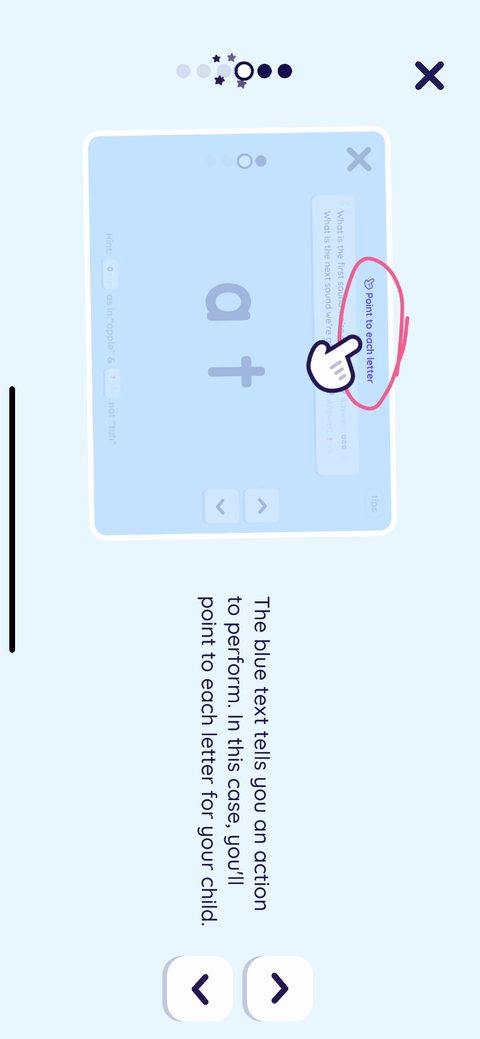 61
61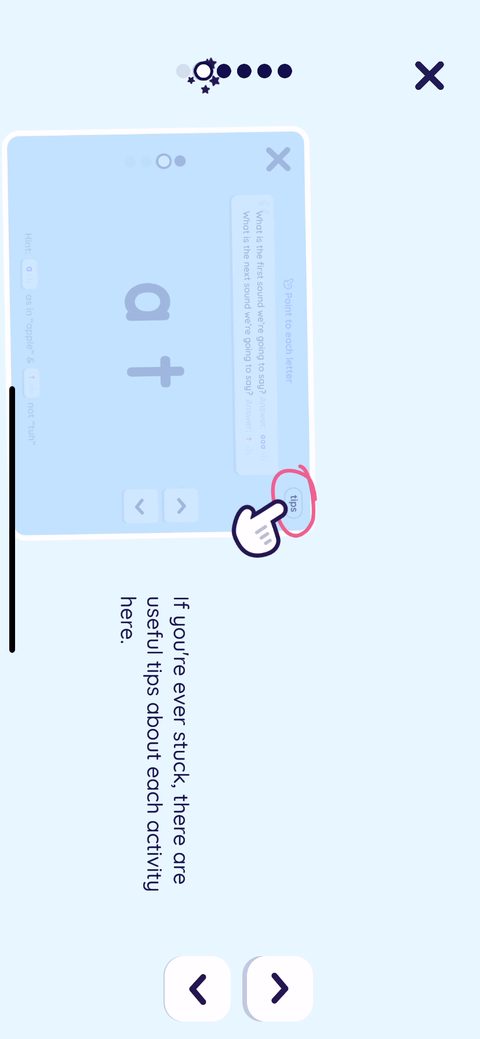 62
62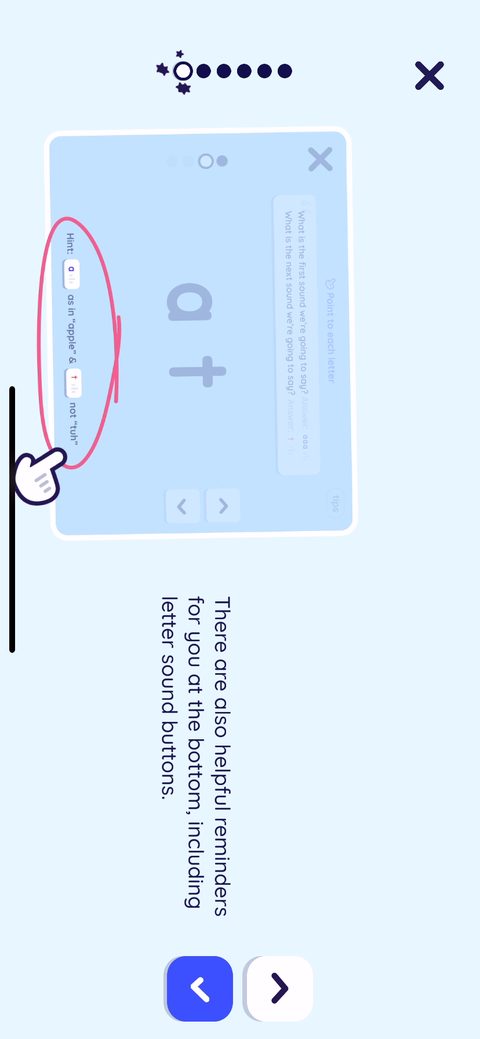 63
63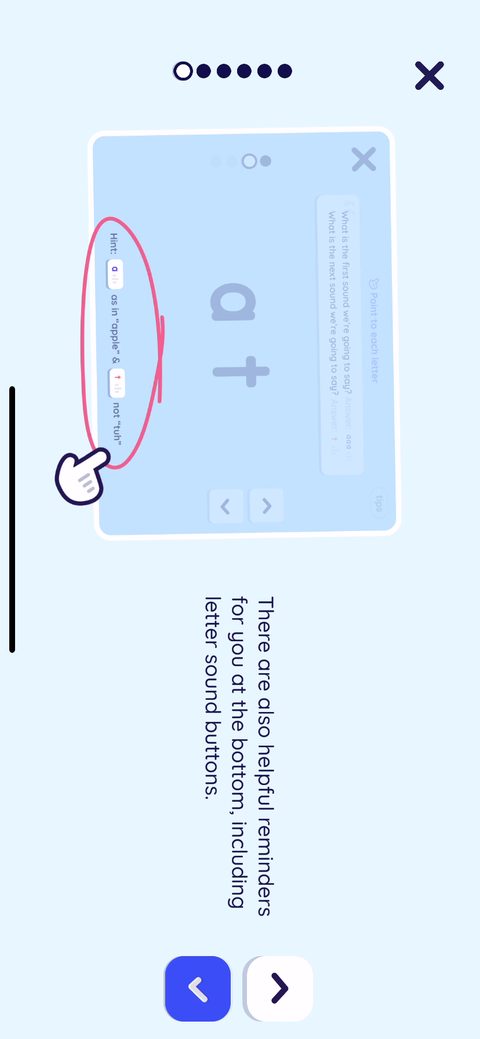 64
64 65
65 66
66 67
67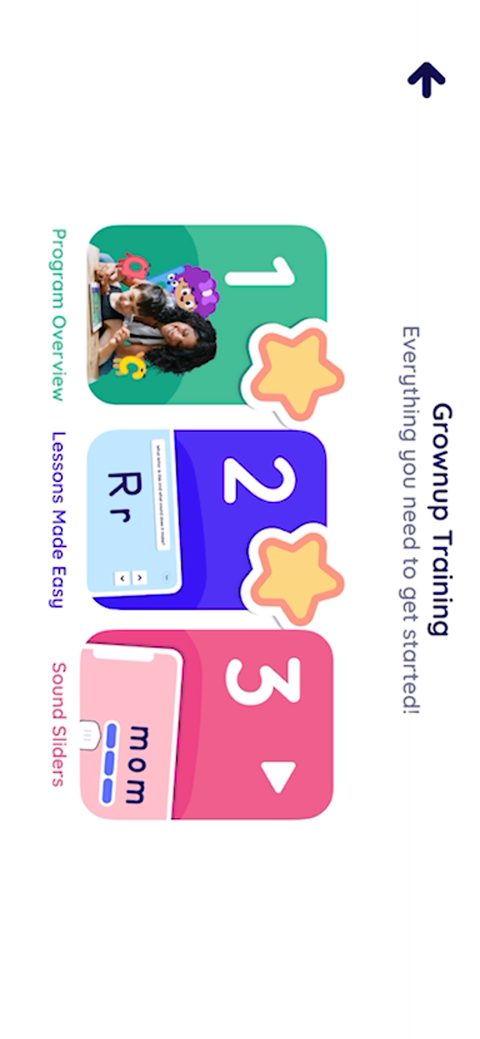 68
68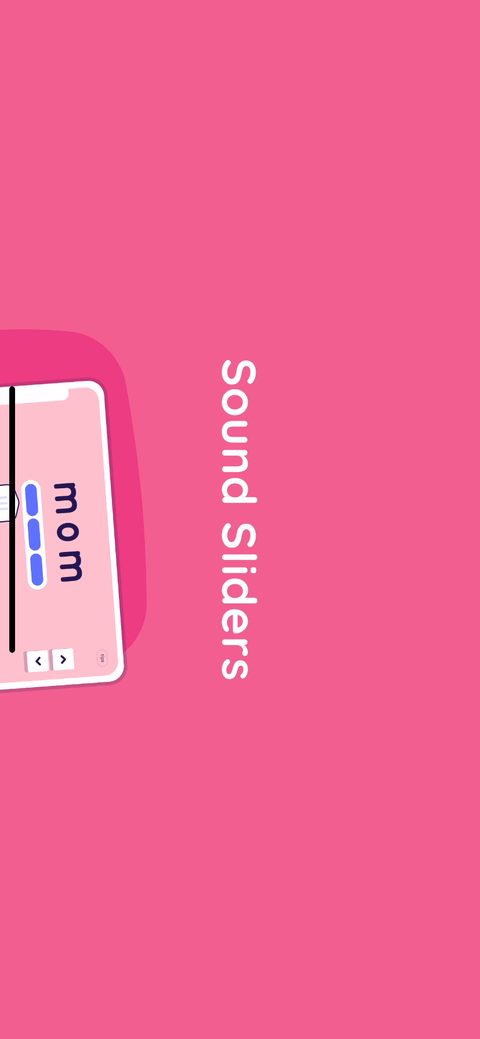 69
69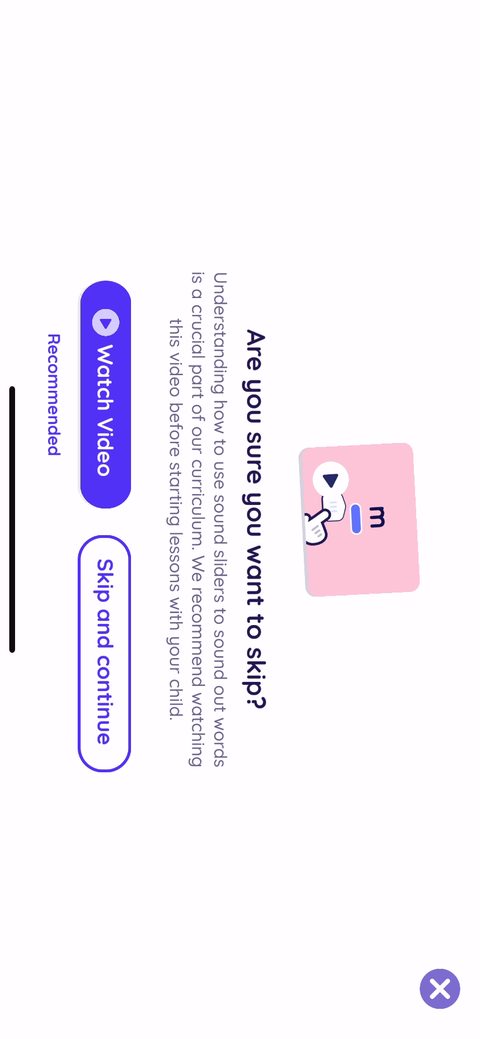 70
70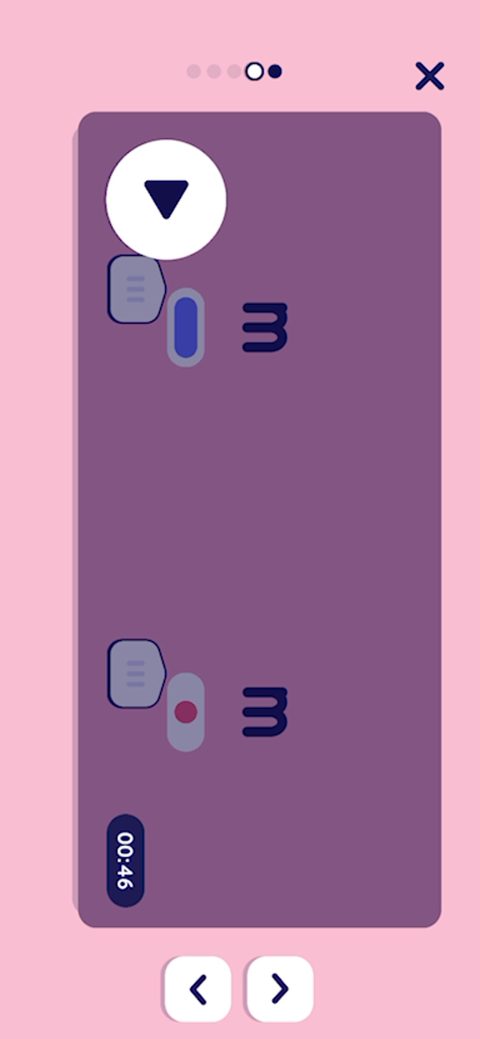 71
71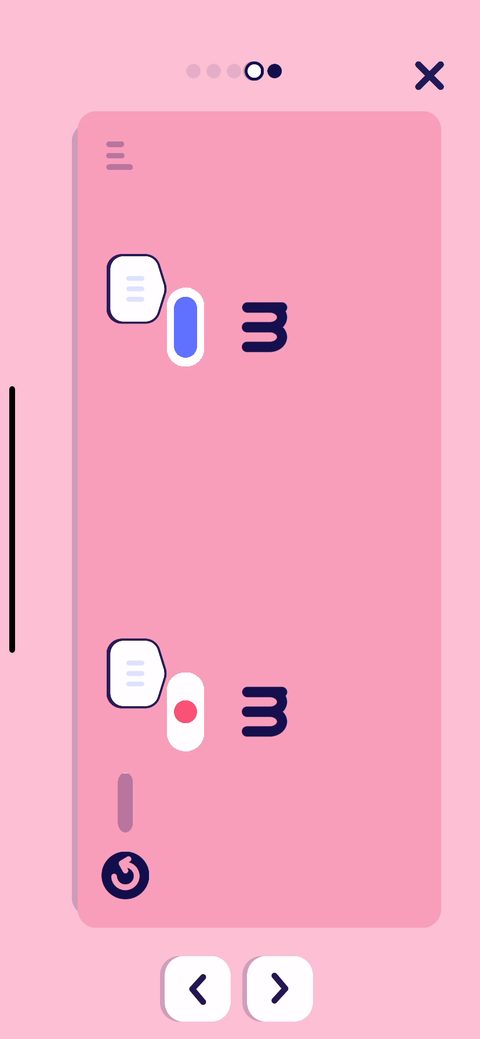 72
72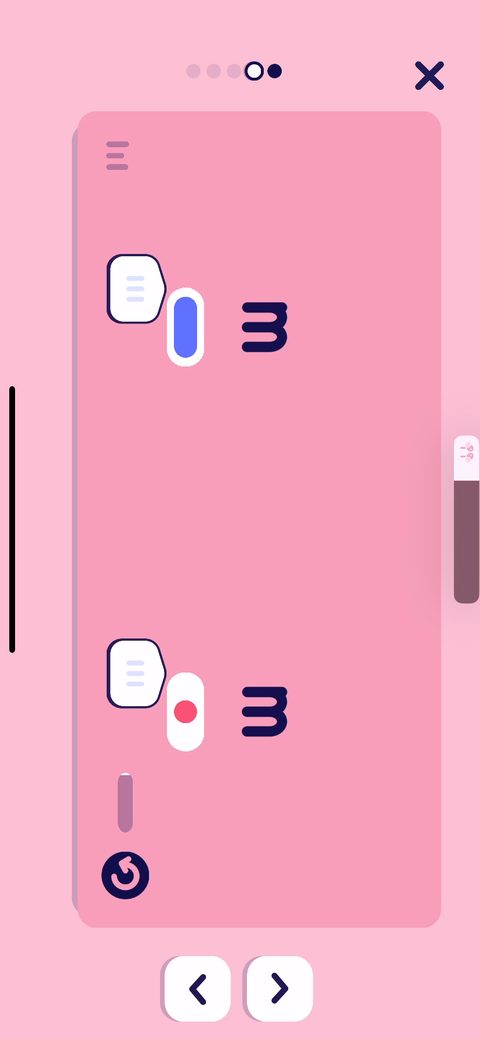 73
73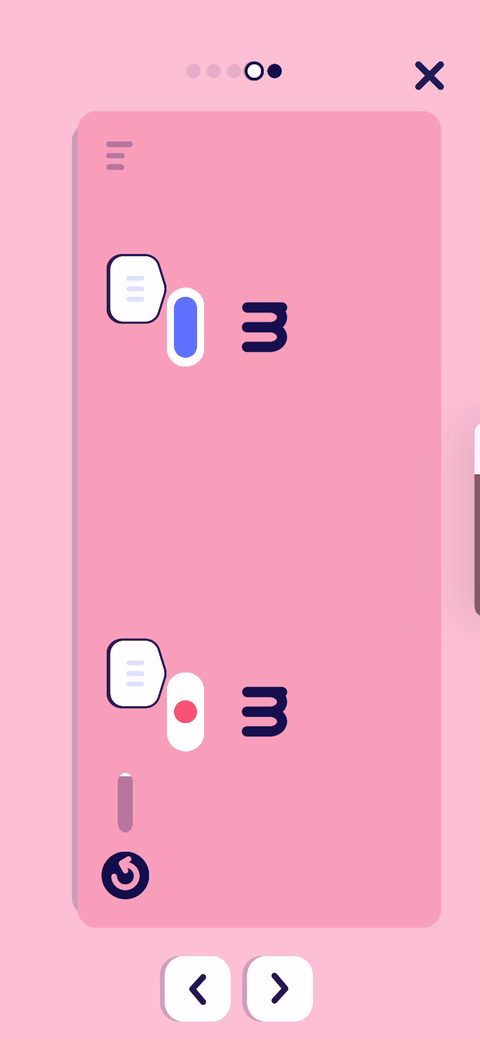 74
74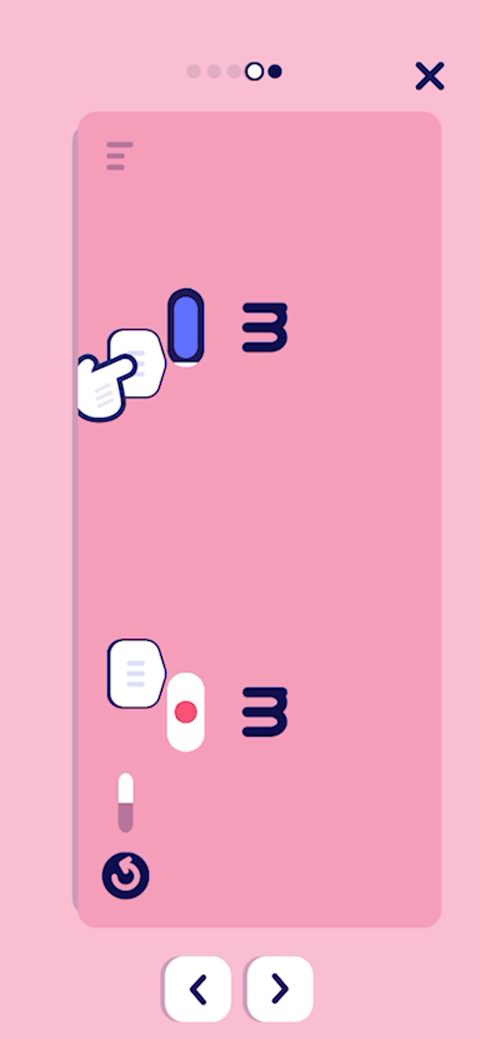 75
75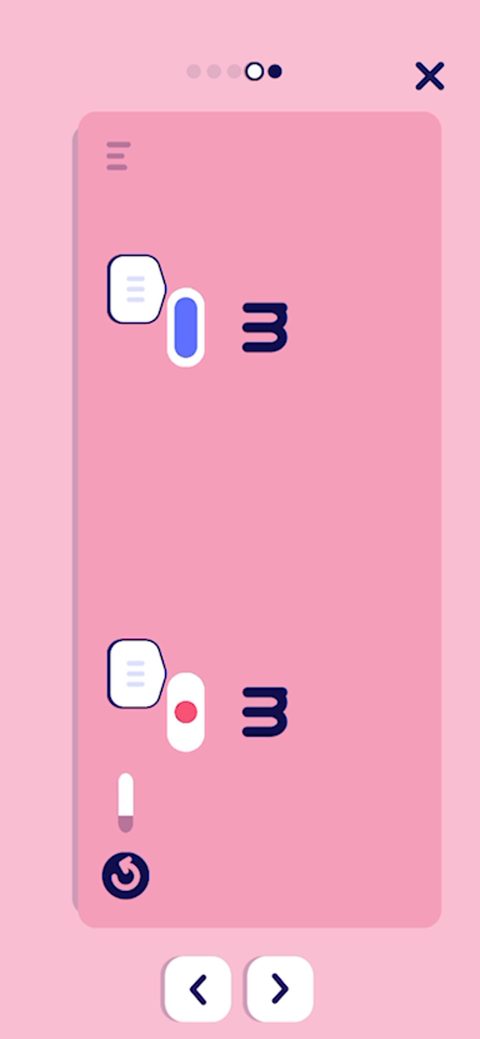 76
76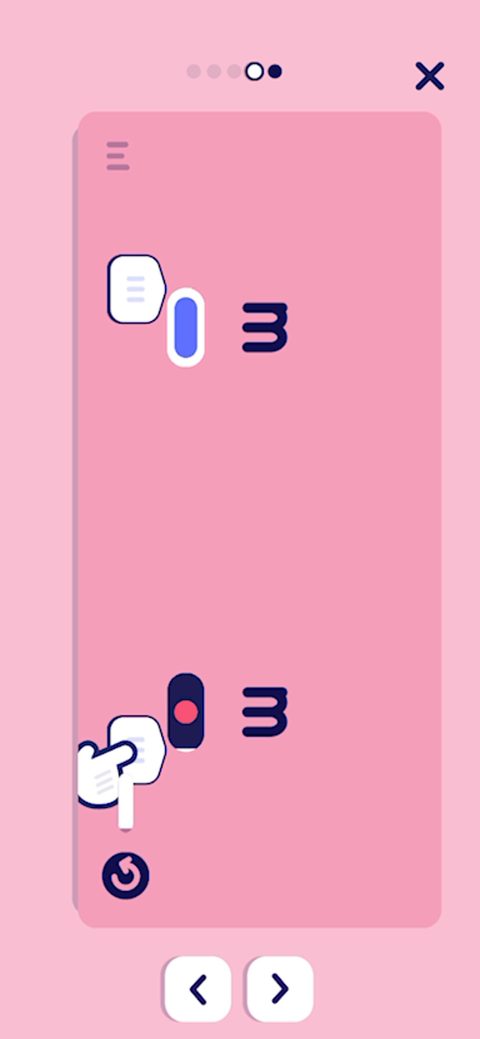 77
77 78
78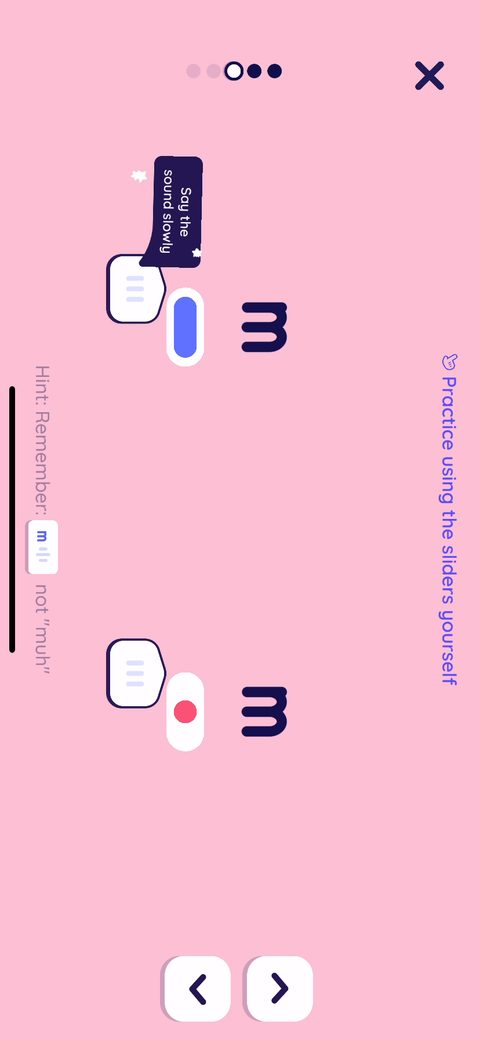 79
79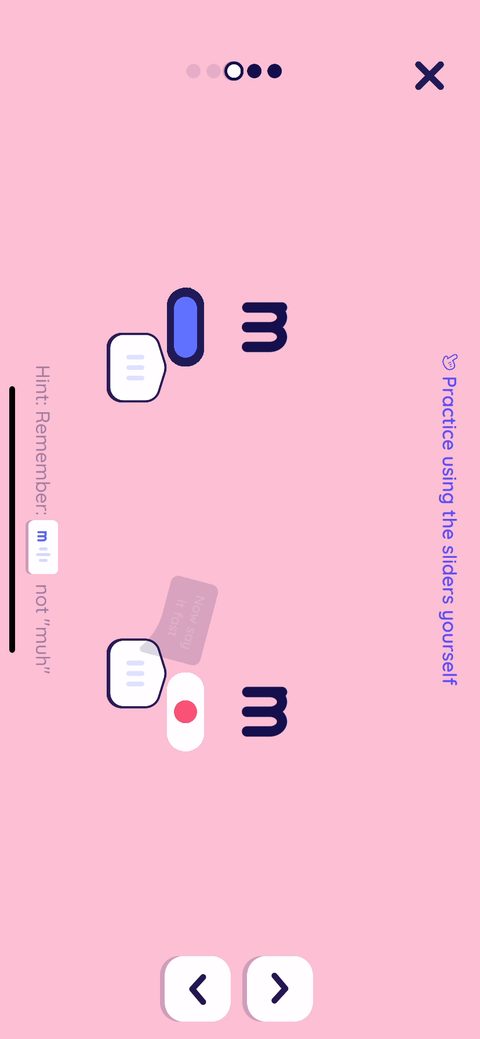 80
80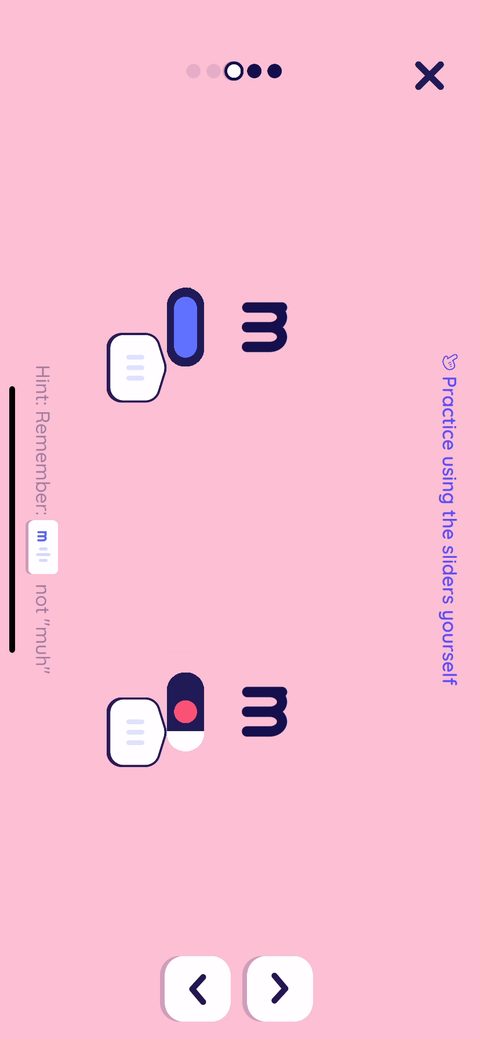 81
81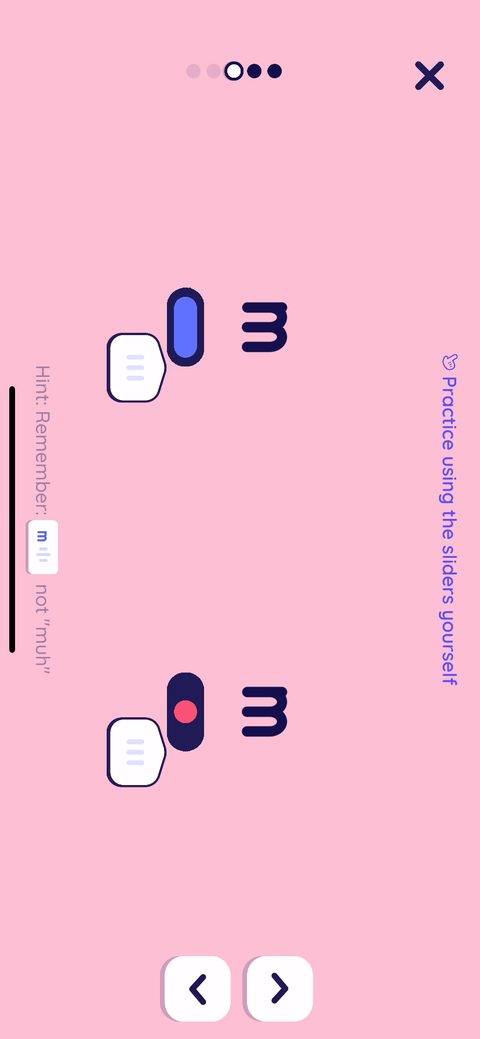 82
82 83
83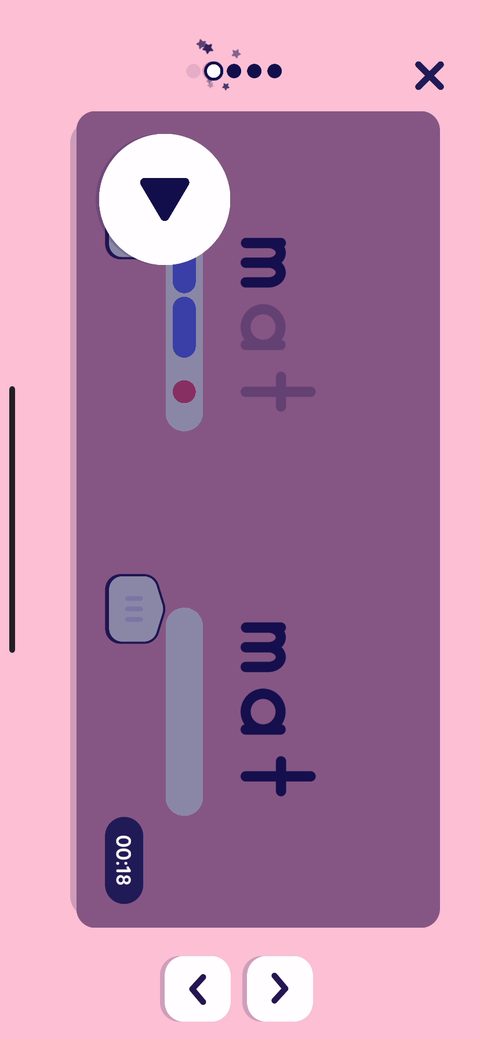 84
84 85
85 86
86 87
87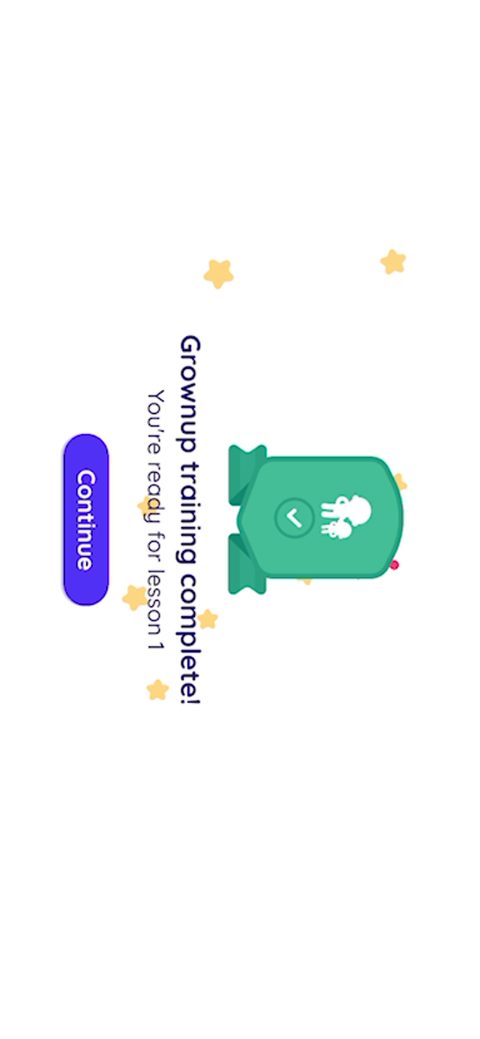 88
88 89
89 90
90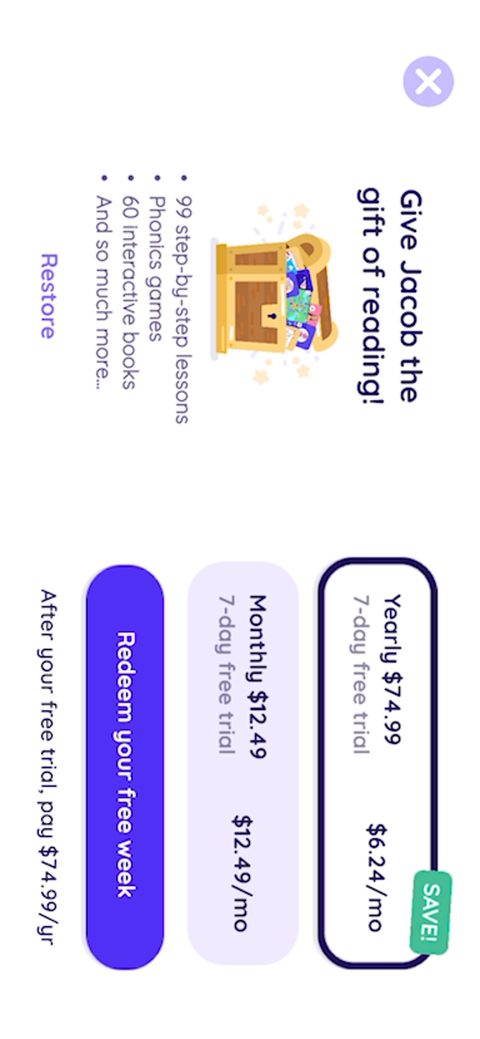 91
91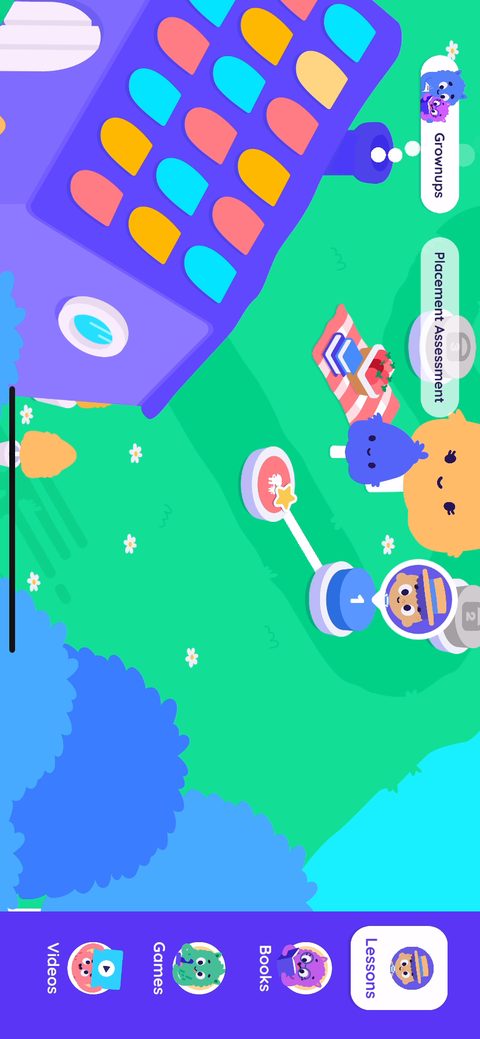 92
92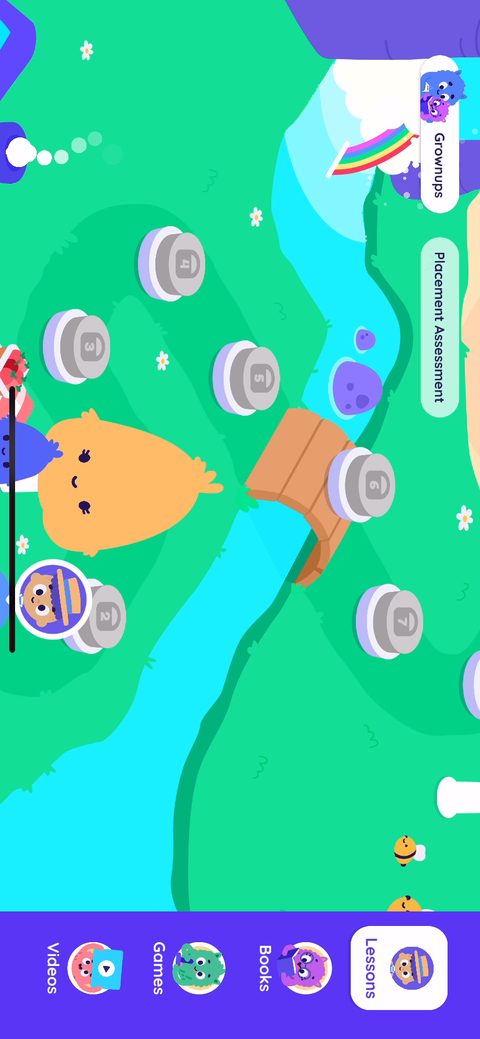 93
93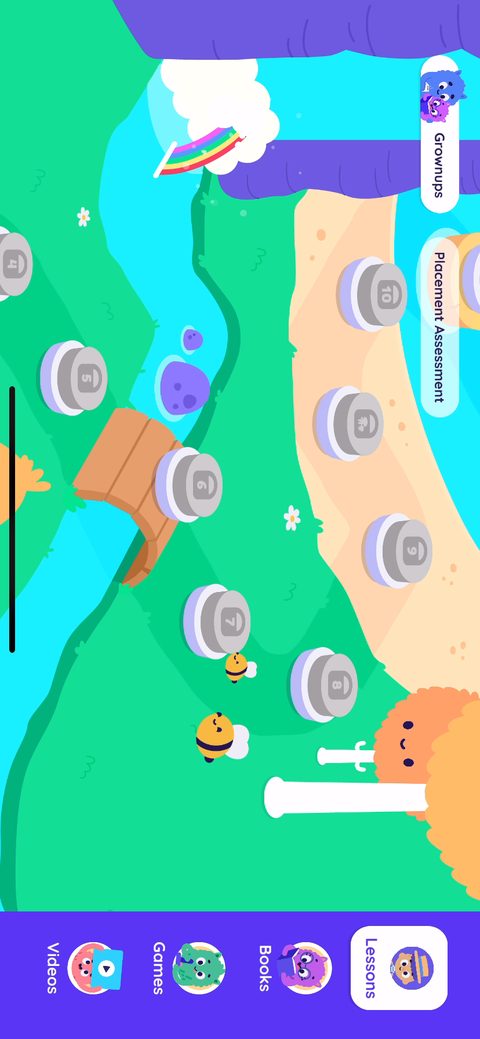 94
94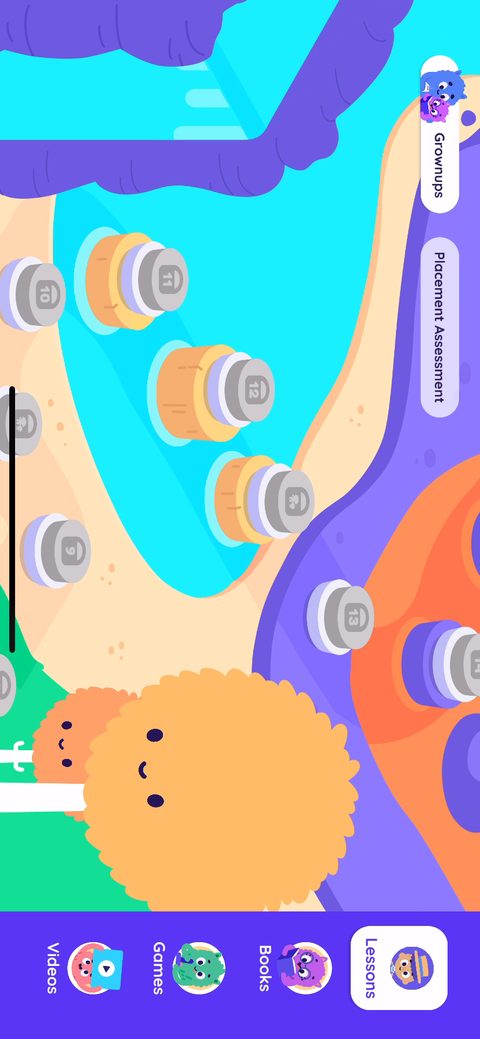 95
95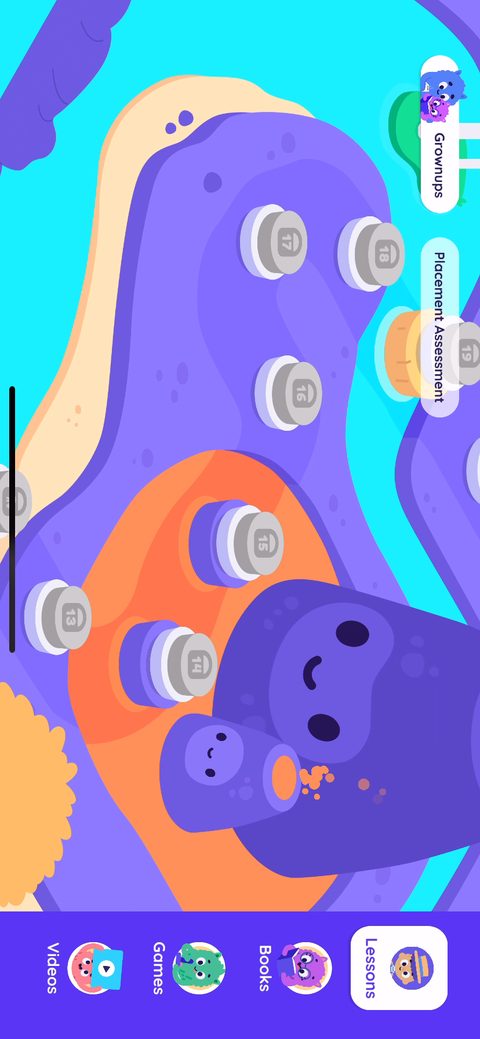 96
96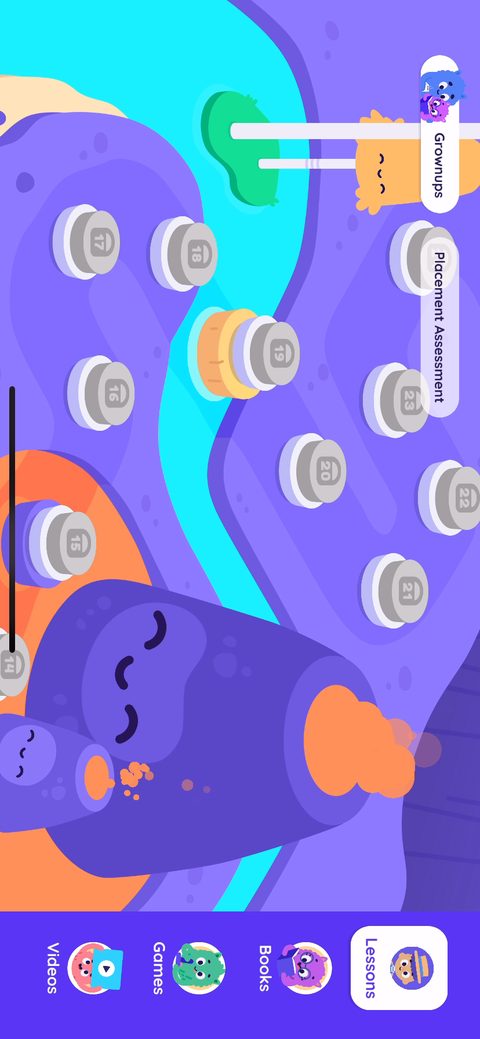 97
97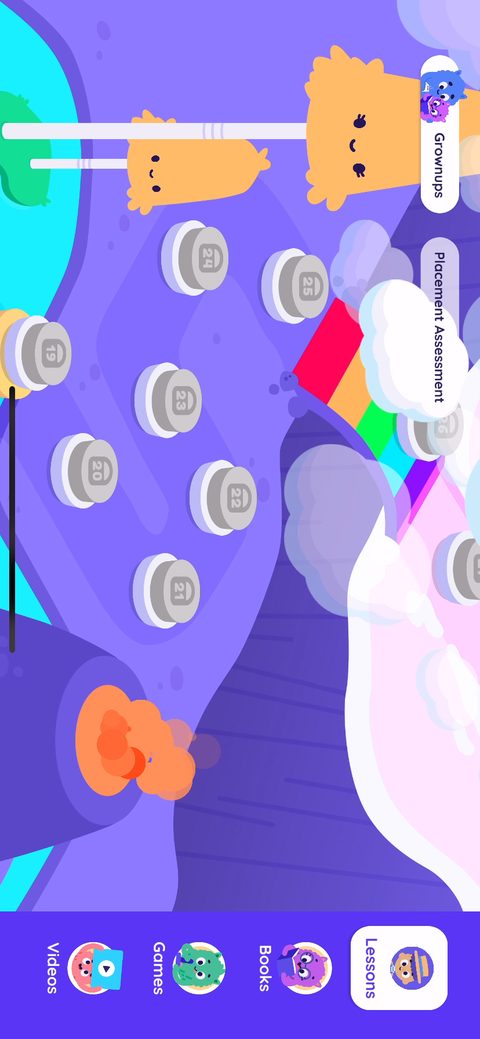 98
98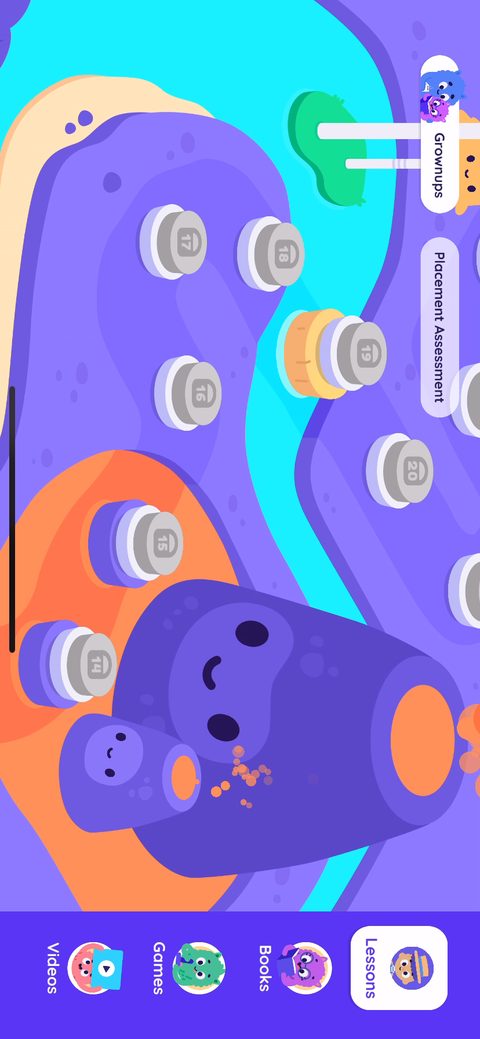 99
99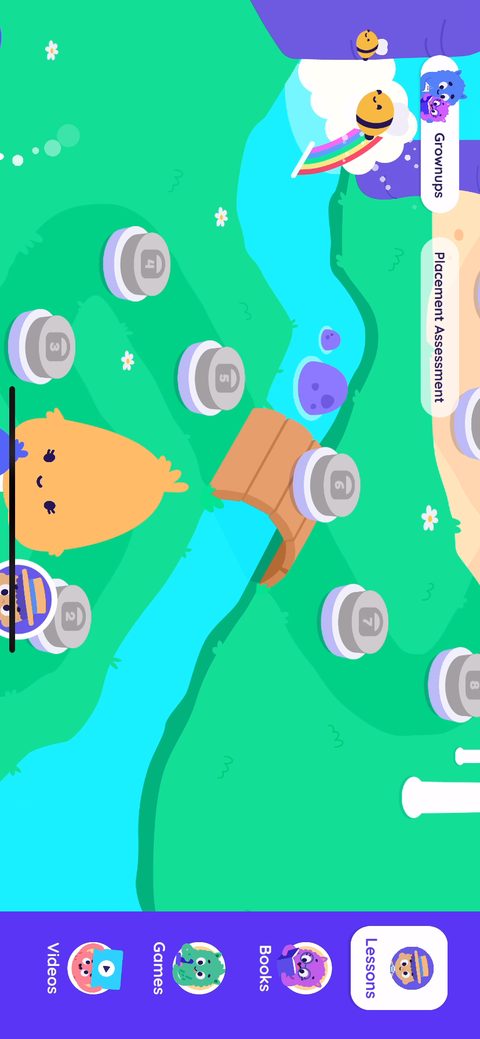 100
100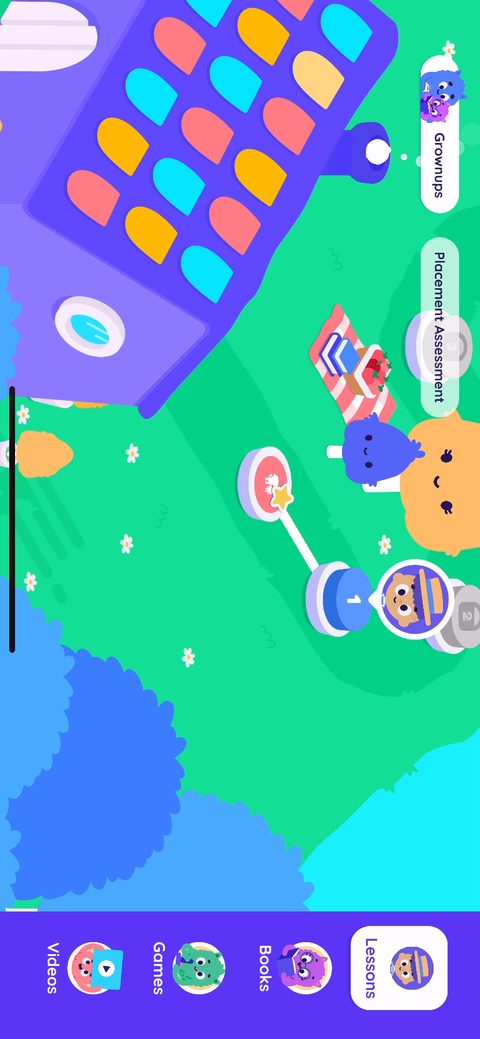 101
101 102
102 103
103 104
104