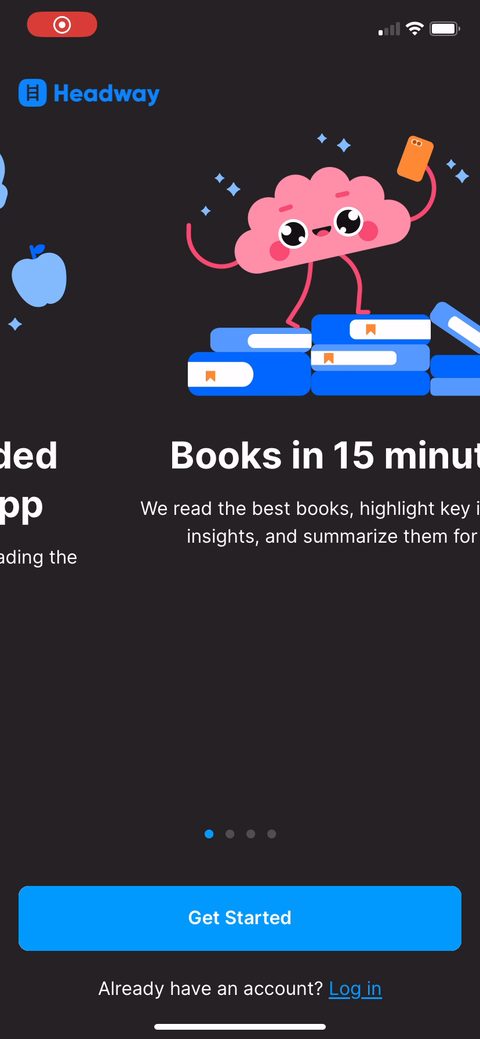
1Opening promise is the whole pitch in one line: "books in 15 minutes." They sell the time saved, not the catalog. For a book-summary app the objection is always "I don't have time to read," so leading with the 15-minute number answers it before you ask anything.234Account creation lands here, before any quiz or value. You're typing name, email, and password on screen 4. High-intent users push through, but asking for a password this early leaks people who'd have happily done the quiz first. I'd test moving signup to after the personalization payoff and see what completion does.678101112131415Gender, then age on the next screen. These feel like real personalization inputs but mostly they're warm-up taps that get you committing to answering. Easy first questions lower the friction for the harder goal questions coming up.1617"Choose up to 3 goals" with a long list (productivity, career, confidence, wealth, relationships). Zero-party data capped at 3 so they can echo your top picks later. The cap also forces a choice, which makes you weigh what you actually want instead of selecting everything.1820212223"Do you know what a book summary is?" with yes / not sure. Smart setup question. If you say not sure, the next screen gets to teach and sell at the same time. They're manufacturing a reason to show the value prop.24Side by side: typical book is 300+ pages, 8-10 hours, read only. Book summary is key ideas, 15 minutes, read and listen. This is the core value equation drawn out visually. The contrast does the selling, no copy gymnastics needed.25"How much time would you like to spend on growth daily?" Framing time as growth, not reading. They're getting you to set the habit size yourself, which feeds the streak commitment two screens later.26Pick a streak target (3 / 7 / 14 / 30 day), defaulted to 7-day "Promising," with a brain mascot saying "You'll be 5x more likely to reach set goals." You set your own commitment and they back it with a stat. Choosing the goal yourself raises buy-in more than the app assigning one.272930Notification ask is framed by benefit before the system dialog: "get reminders to repeat book ideas," "never lose your streak." They sell the why first so the OS prompt on the next screen gets a yes. Tying the permission to the streak you just set is the right move.3132A 5-star testimonial dropped mid-flow: "never have time to read a full book and often feel frustrated." It mirrors the exact objection this app exists to solve. Social proof works best when the quote names your pain, not just praises the app.33"Do you agree: I enjoy reading but usually it's hard for me to finish whole books?" no / yes. These agree/disagree statements get you nodding along to the problem the app solves. Each yes is a small self-persuasion step before the ask.35"How interested are you in this book?" on real titles (Atomic Habits, How to Talk to Anyone) with a not-at-all to very-interested swipe. A micro-commitment that builds a library while you answer. You're investing in the app before it's asked you for money.3637383940"Book summaries you're interested in were saved to the library page." Payoff for the swipes you just did. They turn quiz answers into a stocked library so opening the app later feels like picking up something already yours, not starting from zero.41Another 5-star quote, "stop filling up your time with pointless garbage game apps," sitting above "App Store 150K+ Ratings" laurels. Positions the app against the time-wasters you already feel guilty about. The ratings count under it borrows Apple's credibility.42"We are crafting your learning experience" with a Setting Goals progress bar and "Enjoyed by 20M+ users." Loading screen that performs the personalization work you just fed it. The progress bar plus the 20M number makes the wait feel earned instead of a stall.44They slip yes/no questions ("do you self reflect?") into the loading screen while the bar fills. Clever reuse of dead time: you keep answering and investing instead of staring at a spinner. The quiz never really stops, it just hides inside the loader.4648495051525355Final testimonial before the wall: "wondering how I have not heard about this app sooner." Last sentiment bump right at the peak of intent, one tap before the paywall fires. Good placement.56Paywall opens as a "Free trial guide" timeline: today unlock, day 5 reminder, day 7 charge, "7 days free then $89.99/year." The CTA undersells the friction: "2 taps to start, super easy to cancel." Walking through the trial mechanics and naming the reminder lowers the cancel anxiety that kills trial starts.57"View other plans" opens a three-tier sheet: annual $59.99 (Best Value, Save 64%), 3-month $29.99, monthly $12.99. Note the trial annual was $89.99 but the no-trial annual here is $59.99, so the trial actually costs more. They're pricing the convenience of a trial up and letting decisive buyers self-select the cheaper commit.5859606162Hit the X and you get a last-minute 50% off: $89.99 struck through to $49.99/year. Most people never buy on the first paywall, so the exit-intent discount with a strikethrough anchor catches the ones who bounced. The price you'd have paid sitting next to the new one does the work.6364Post-paywall home drops you into a stocked feed ("categories you're interested in," "popular summaries we picked for you") plus a "Start your streak, 2 min to mark day 1" nudge. They guide you to a first 2-minute win instead of a blank screen. The library you built in the quiz is already sitting here.
Powered byBotsiAI/ML models to show the right paywall to each user to grow revenueLearn more →
 1
1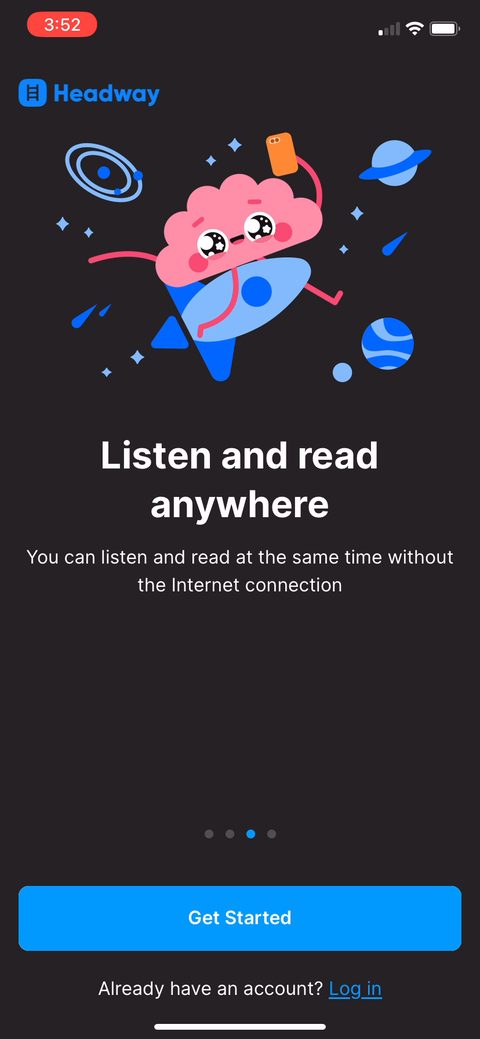 2
2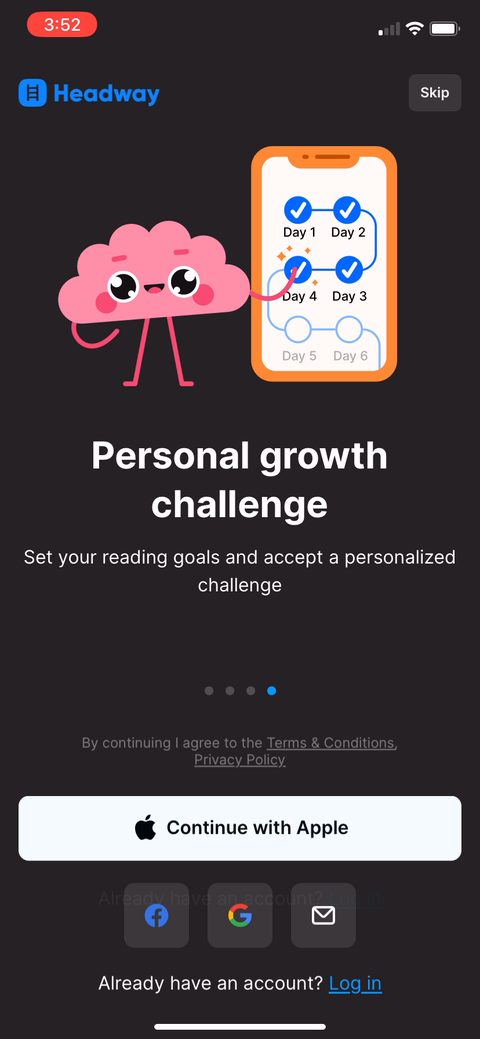 3
3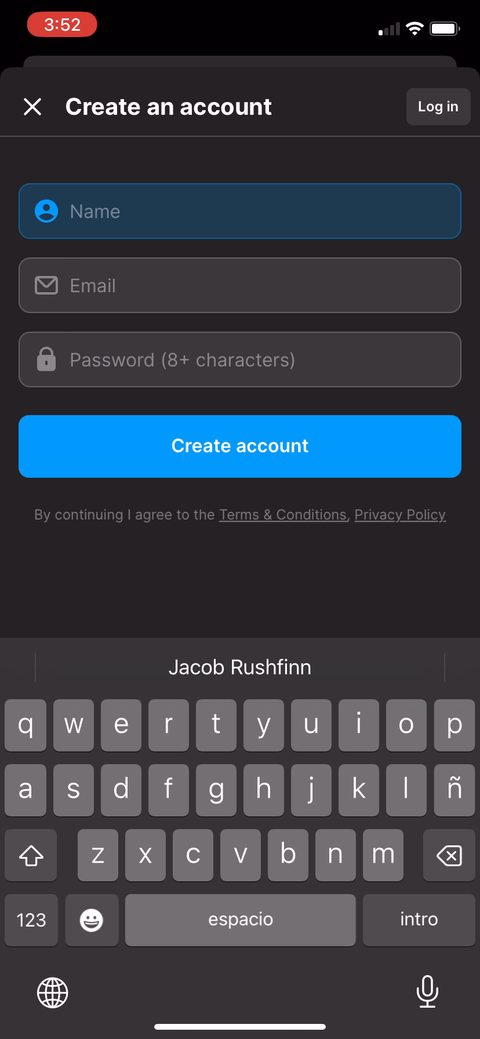 4
4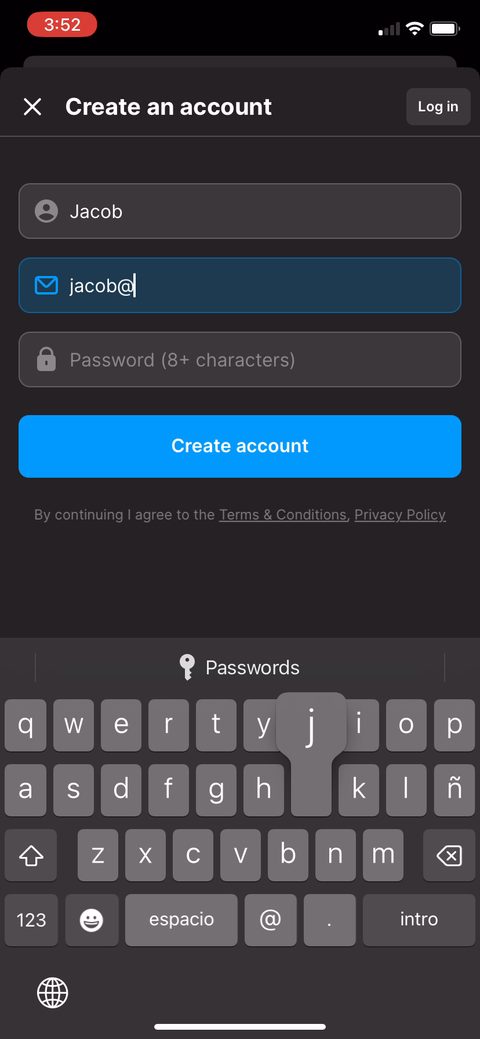 6
6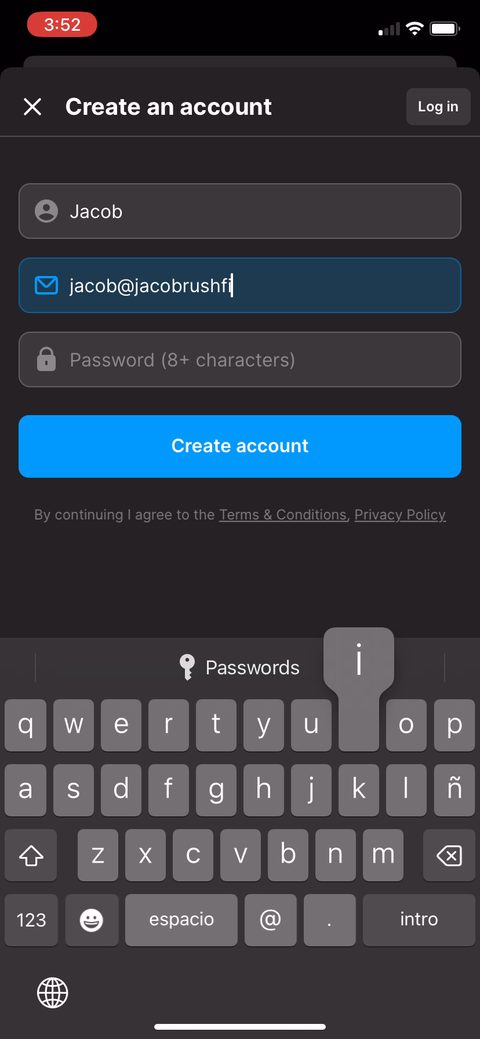 7
7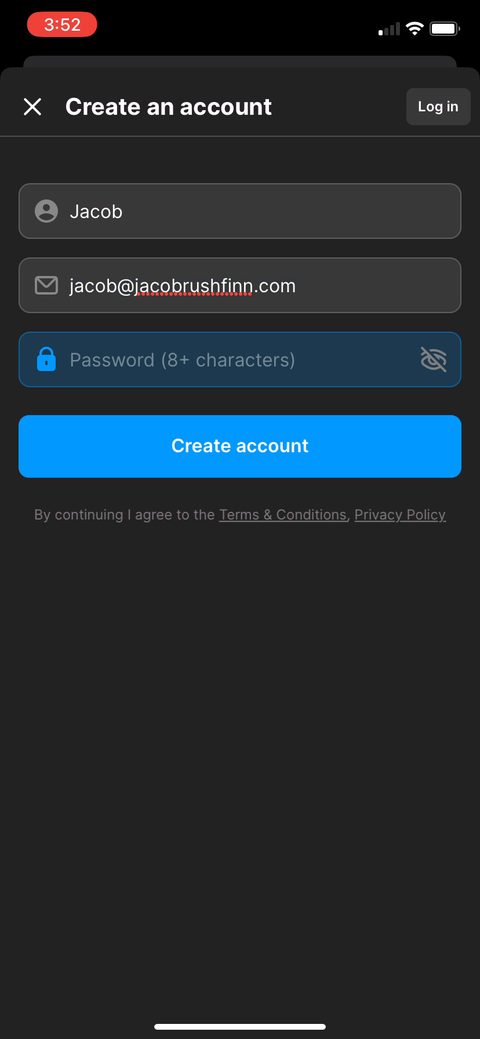 8
8 10
10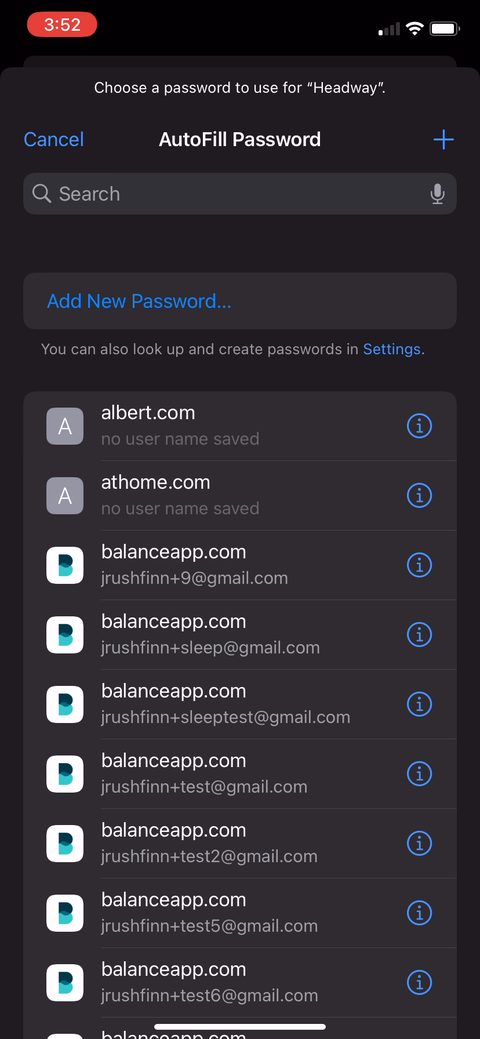 11
11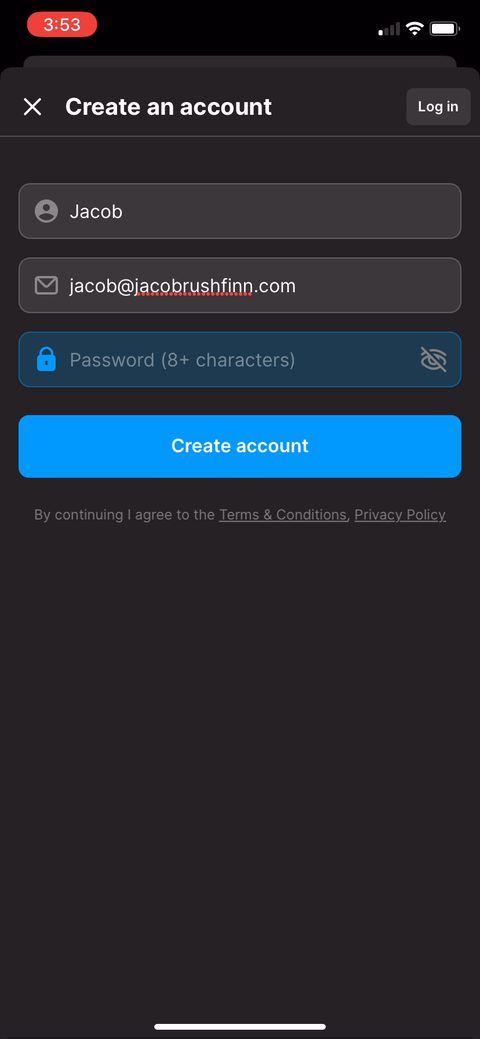 12
12 13
13 14
14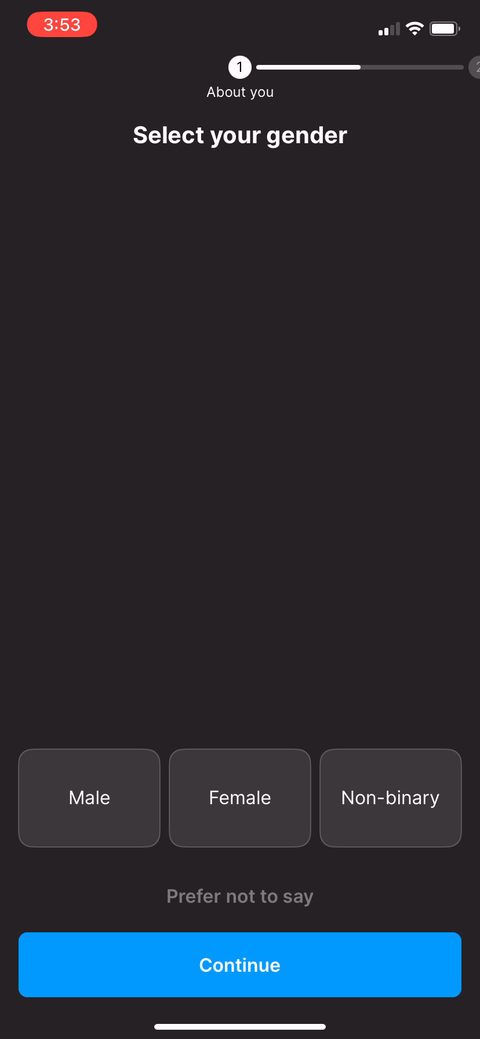 15
15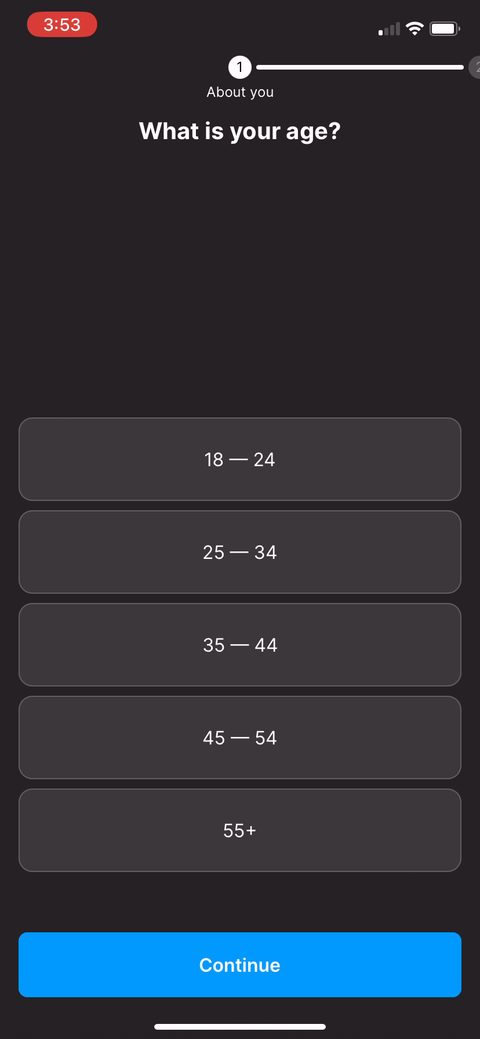 16
16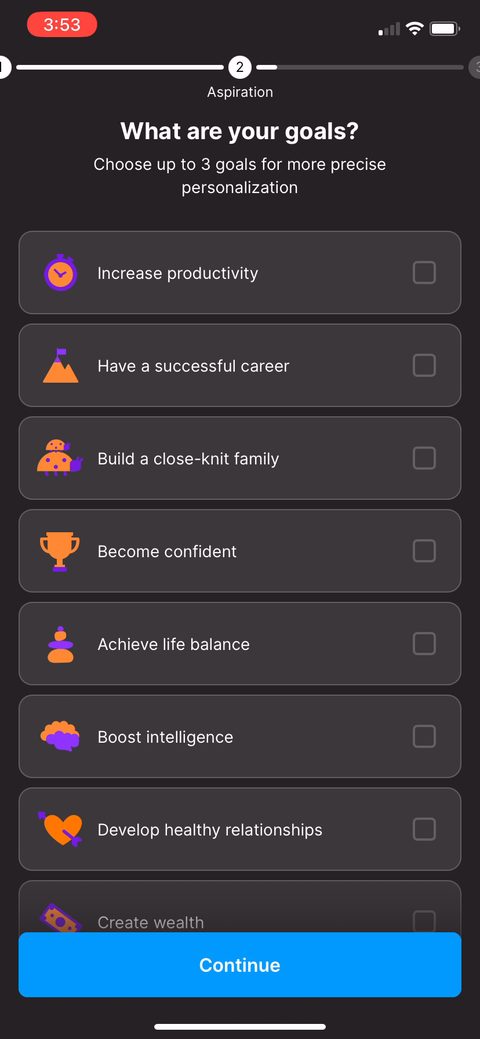 17
17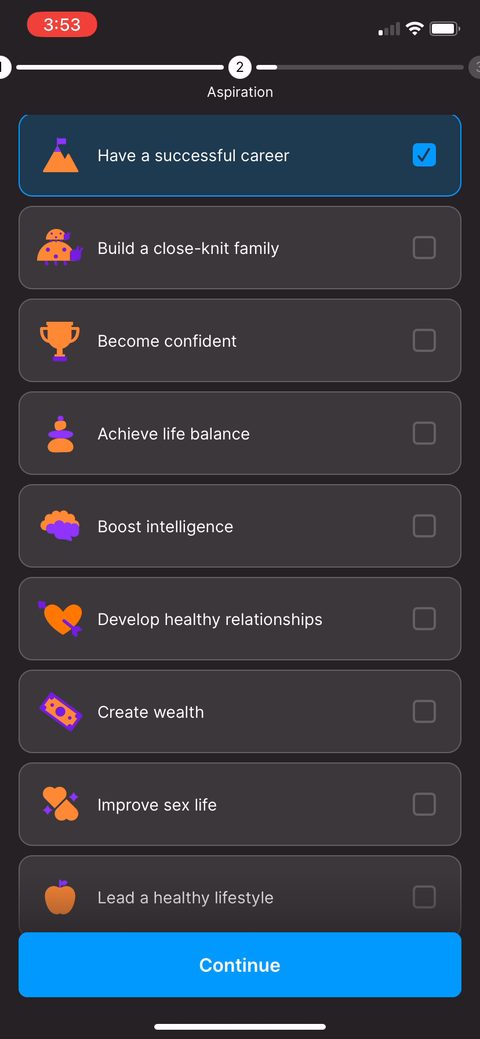 18
18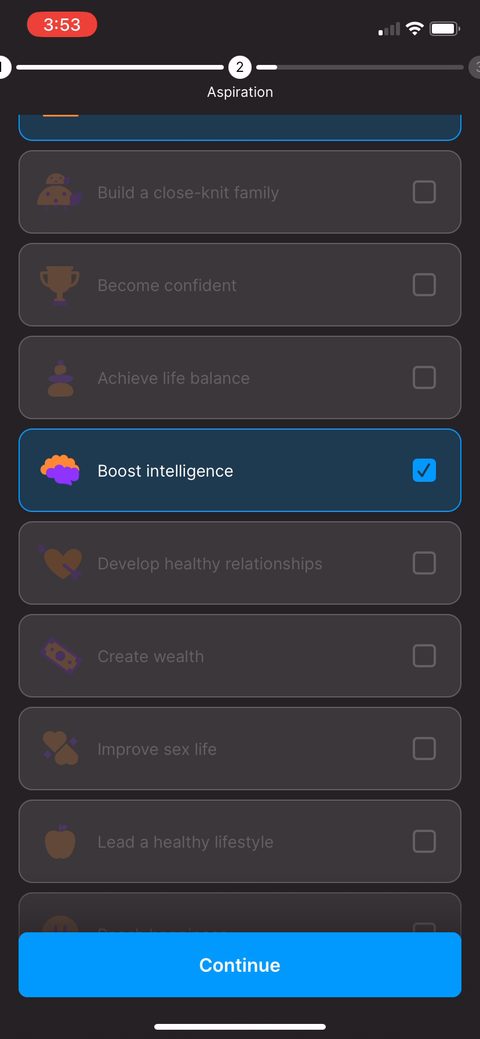 20
20 21
21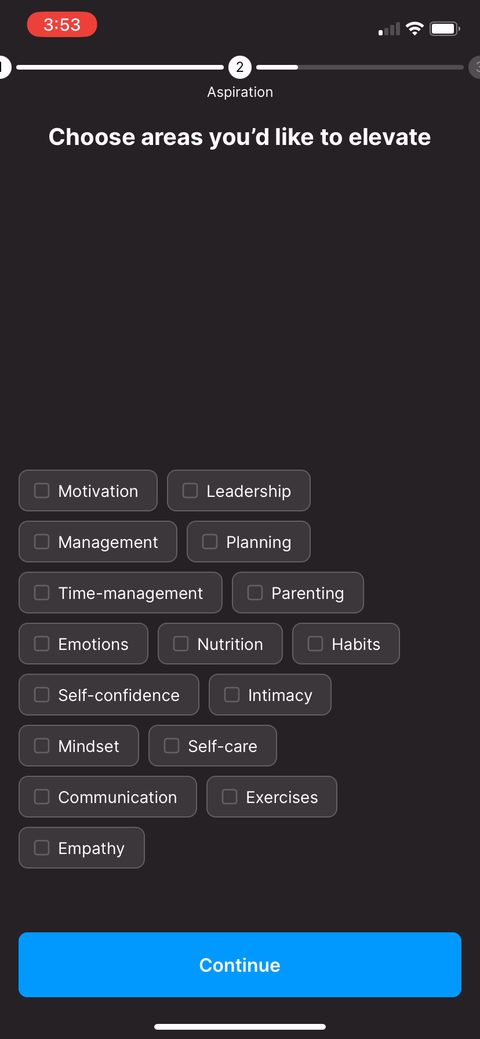 22
22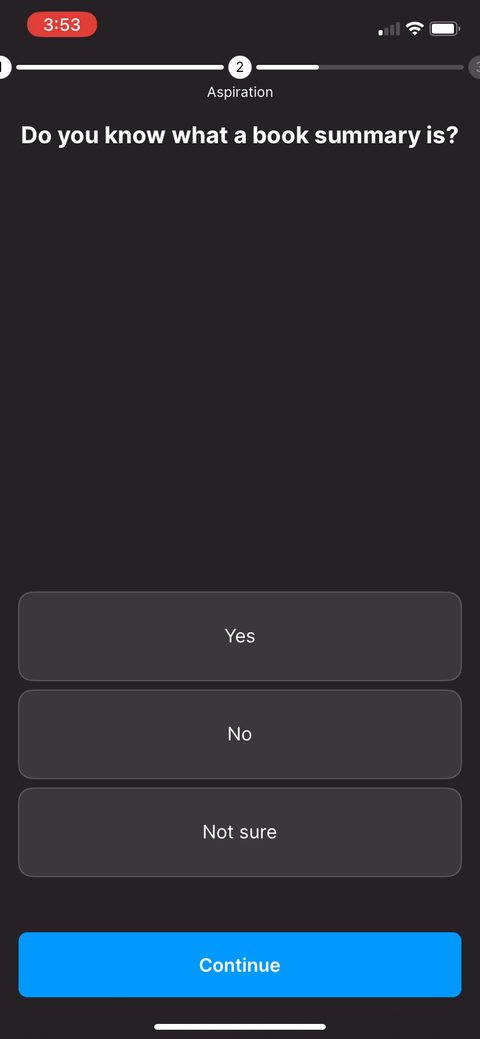 23
23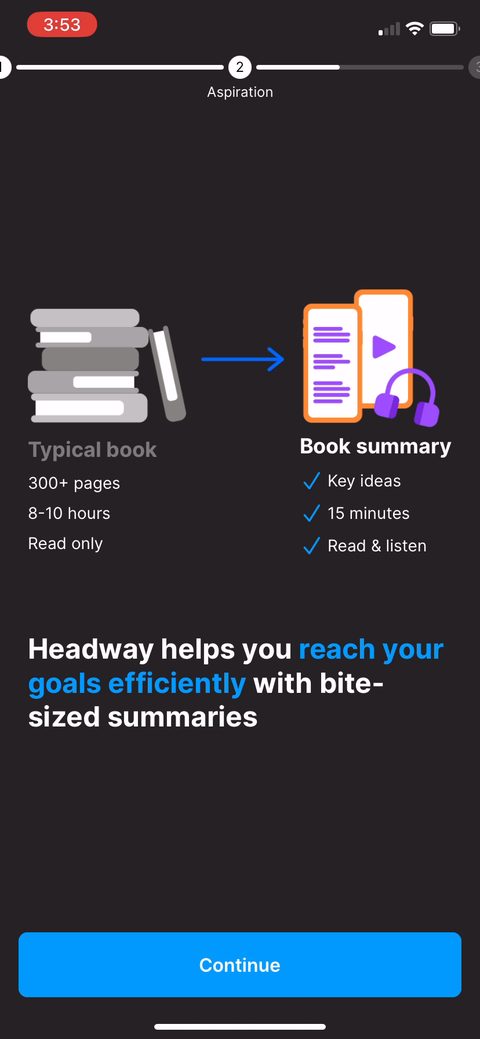 24
24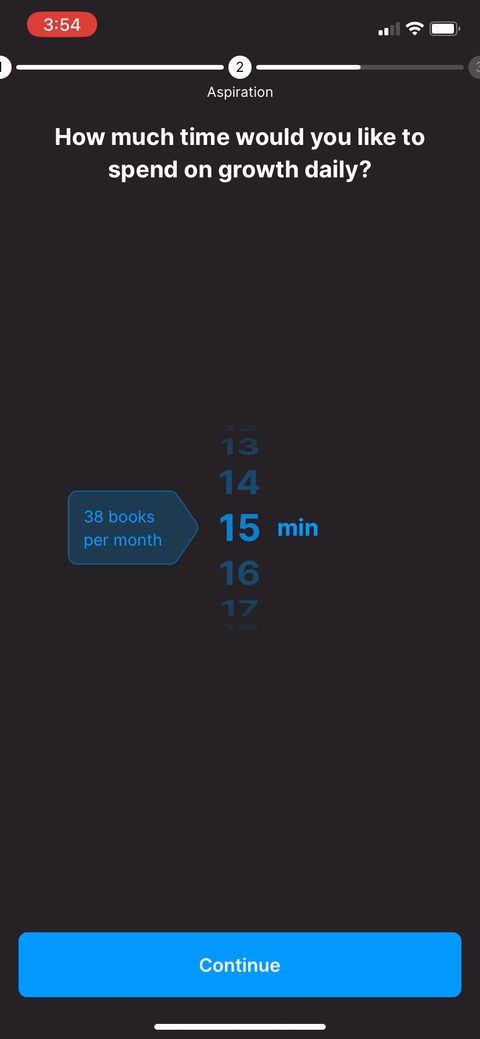 25
25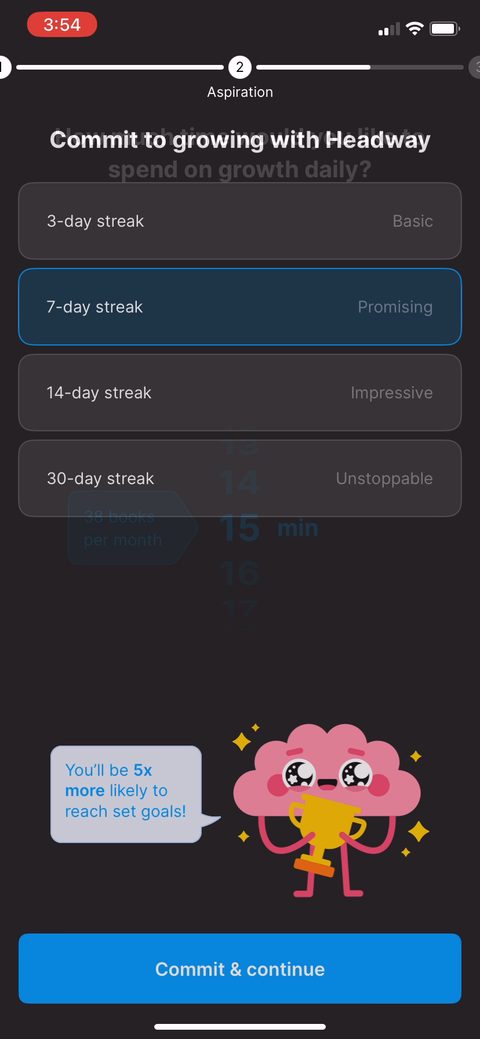 26
26 27
27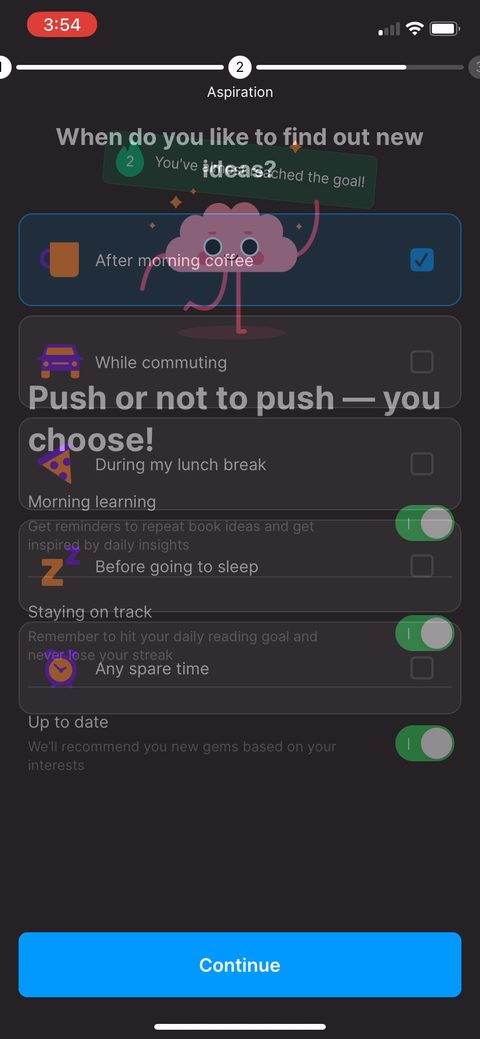 29
29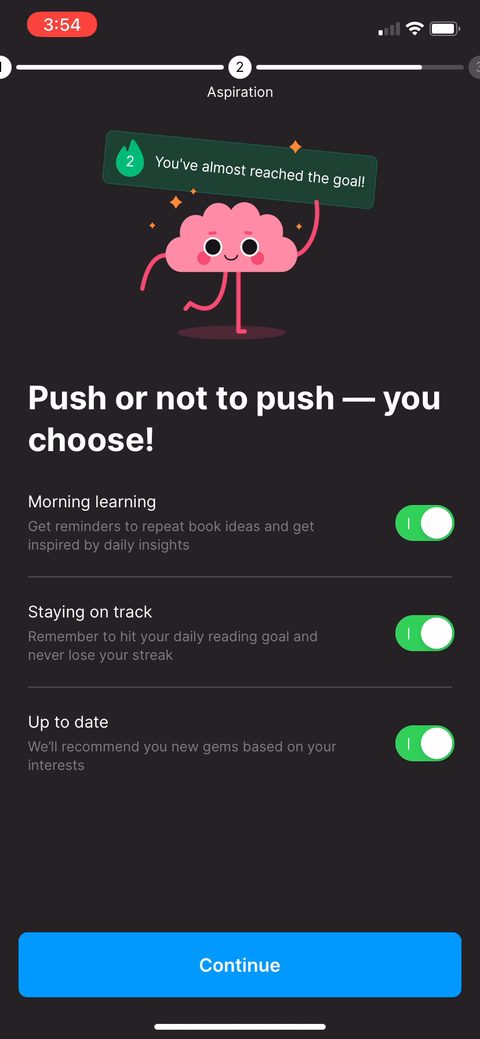 30
30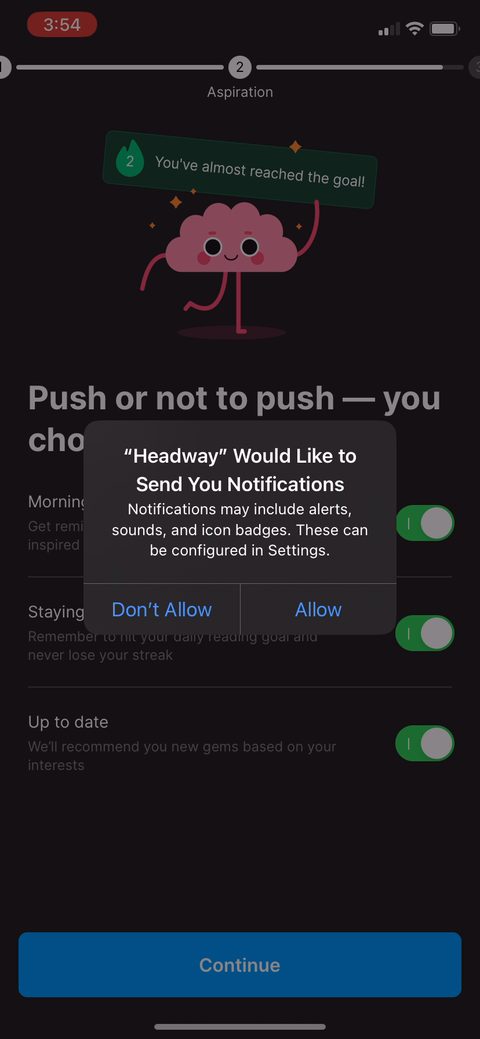 31
31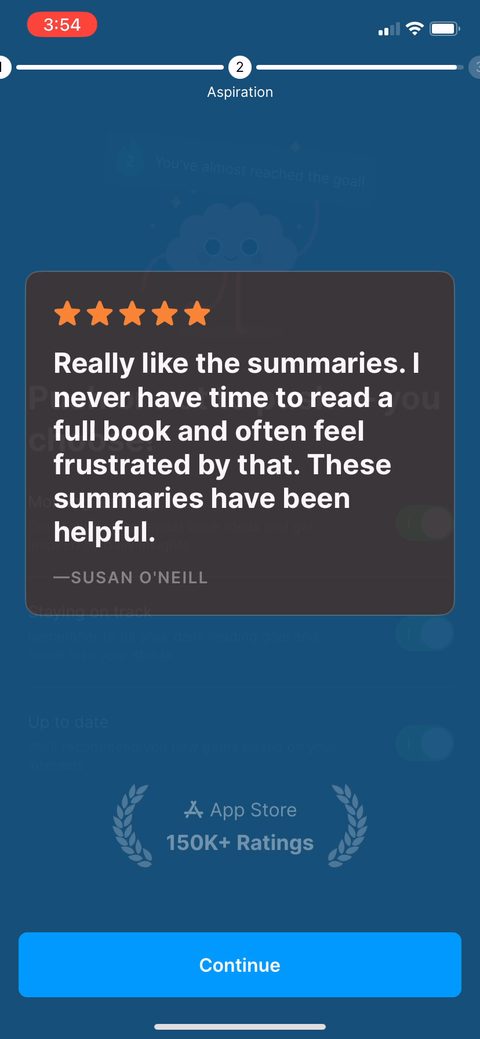 32
32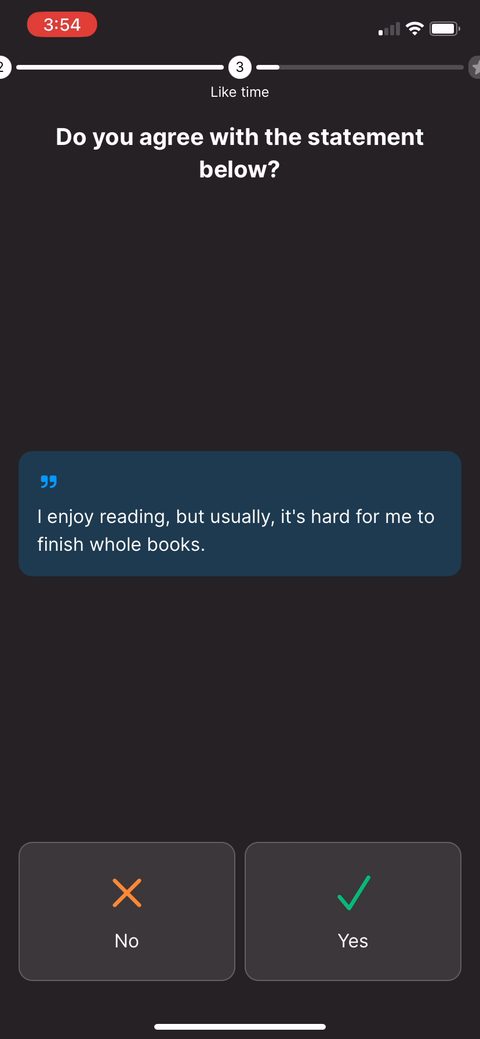 33
33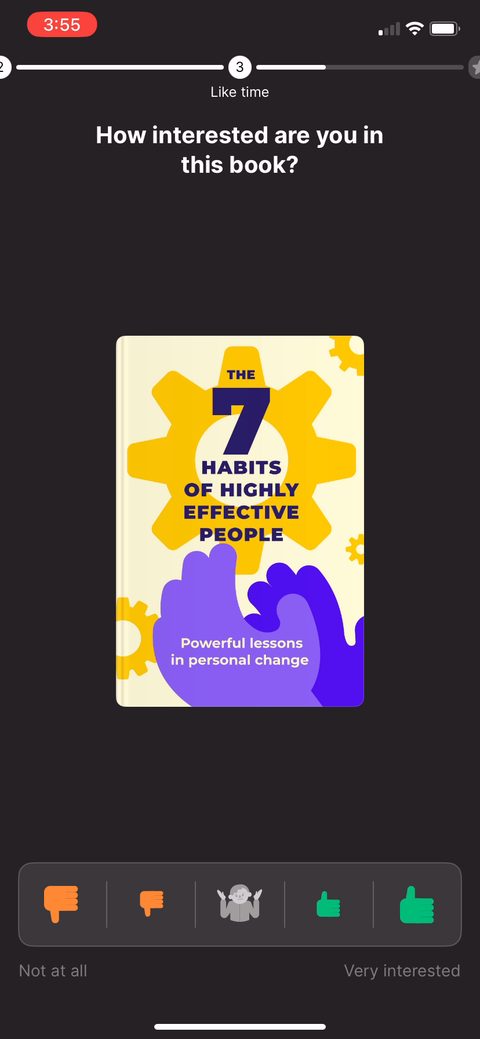 35
35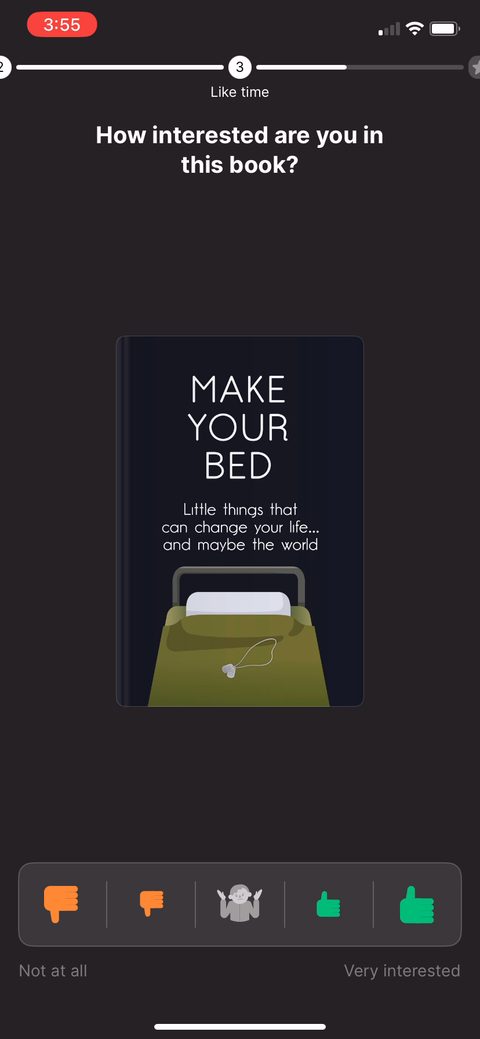 36
36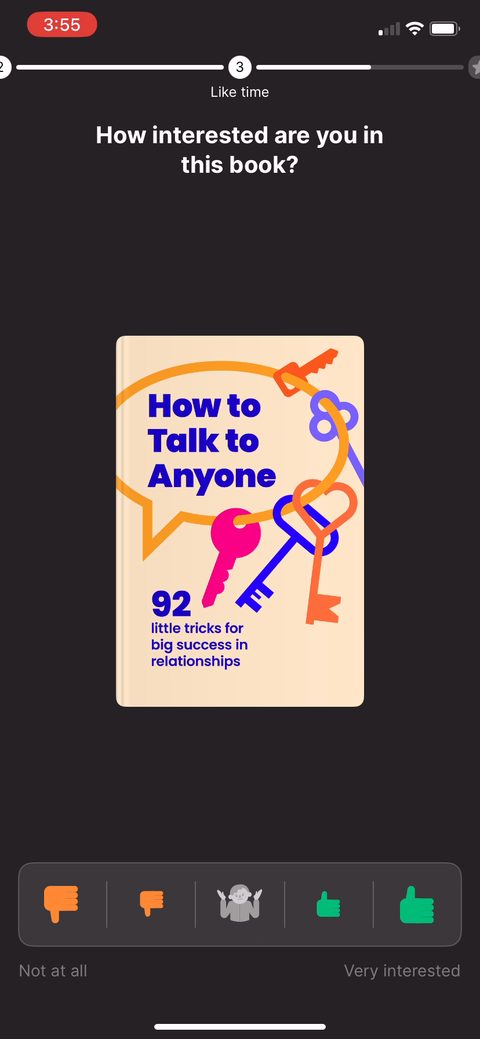 37
37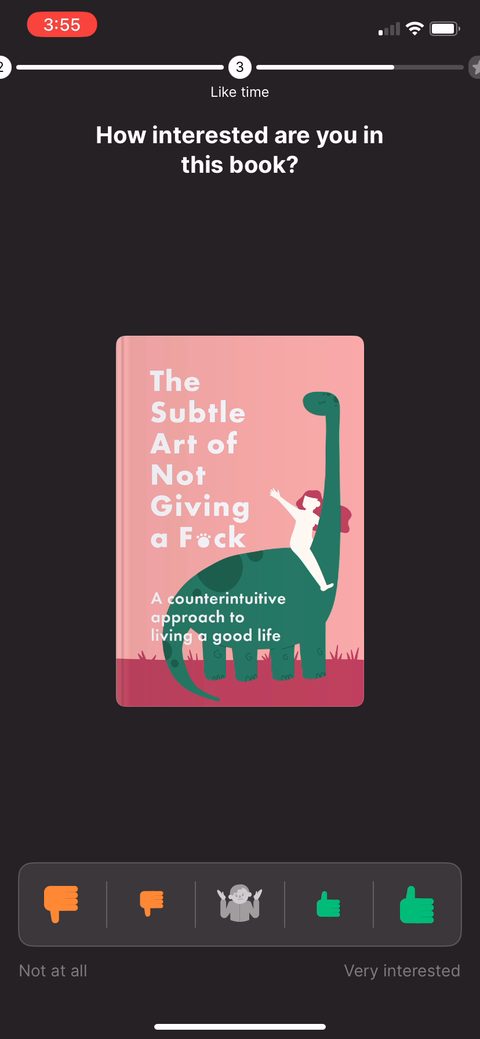 38
38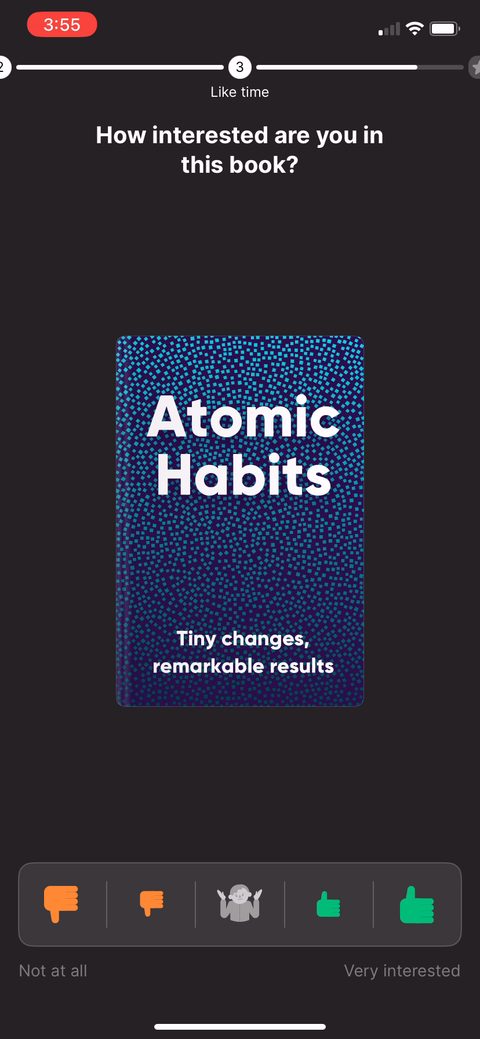 39
39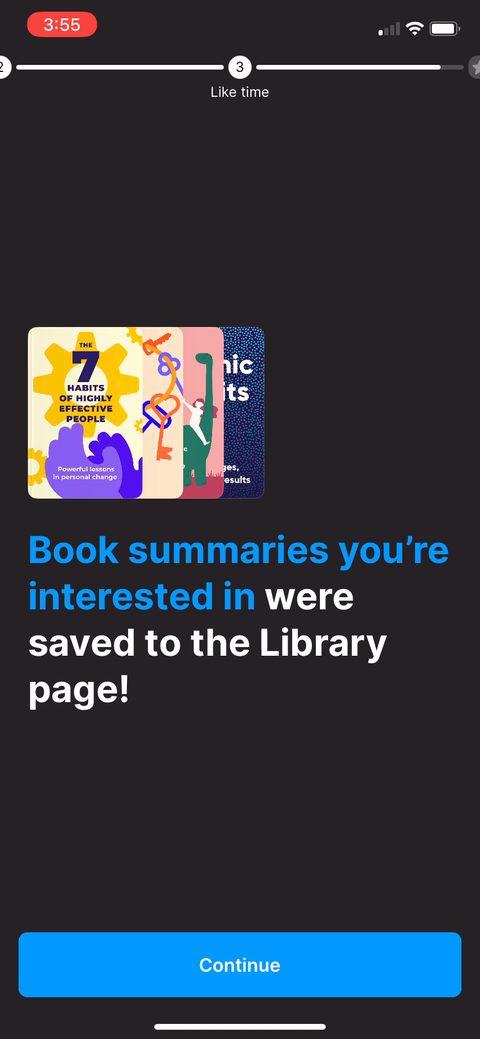 40
40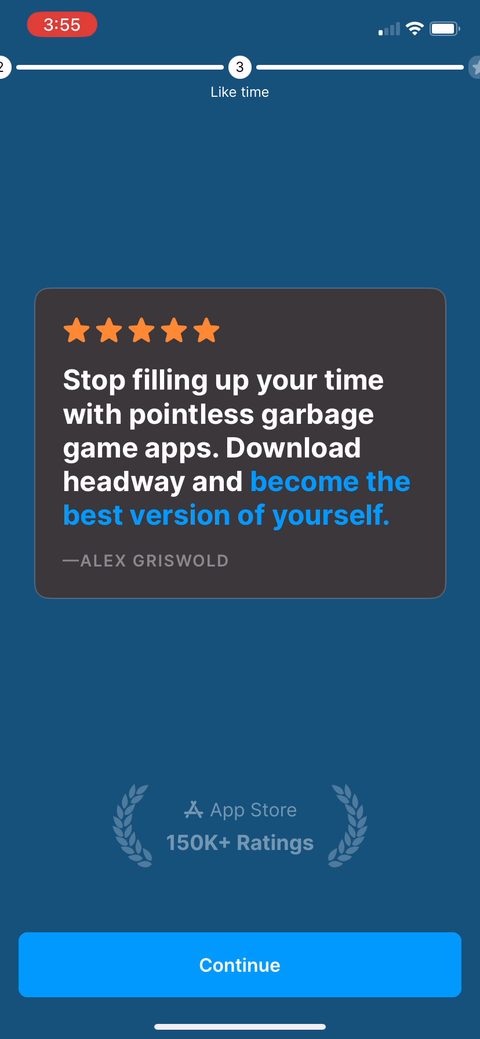 41
41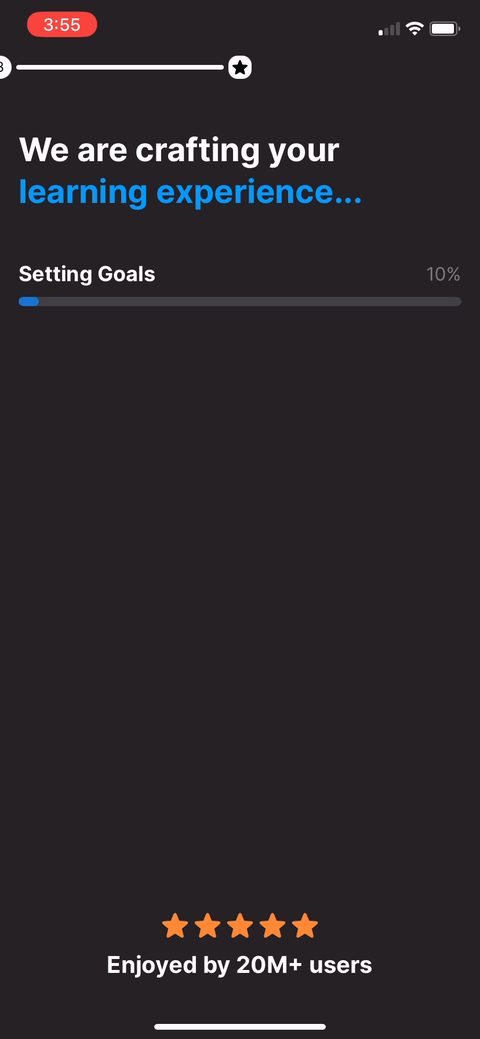 42
42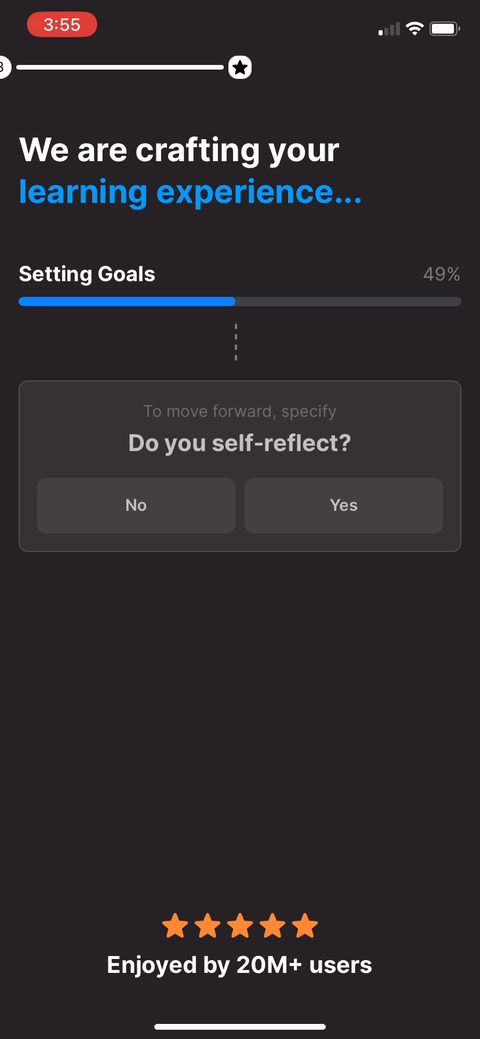 44
44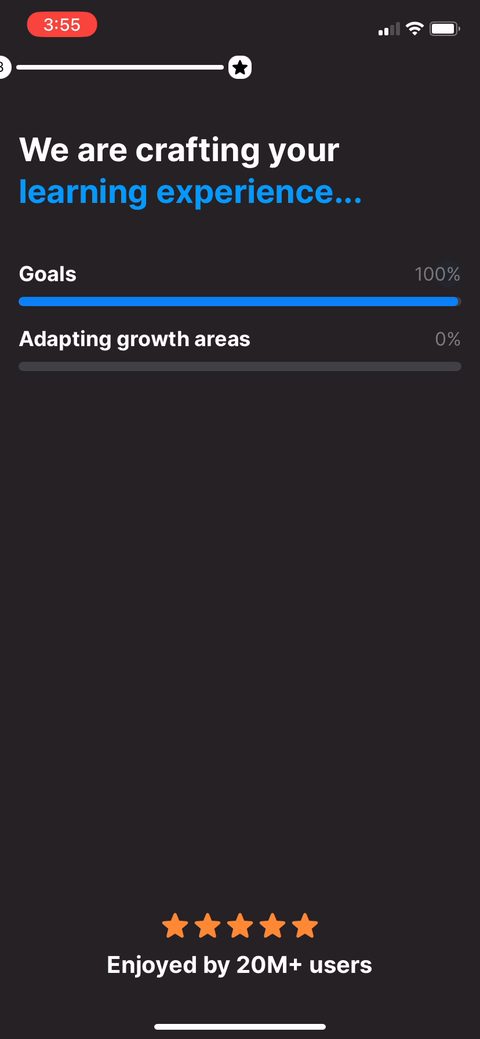 46
46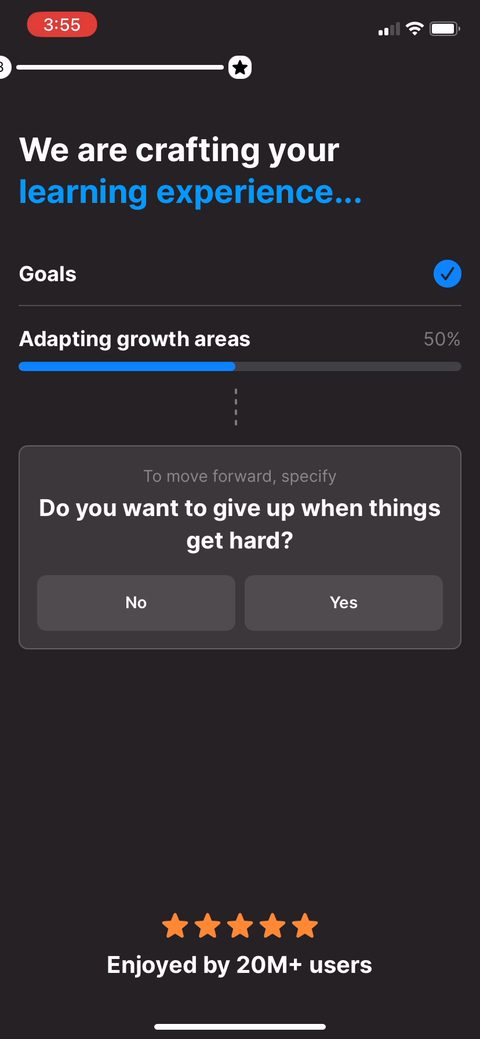 48
48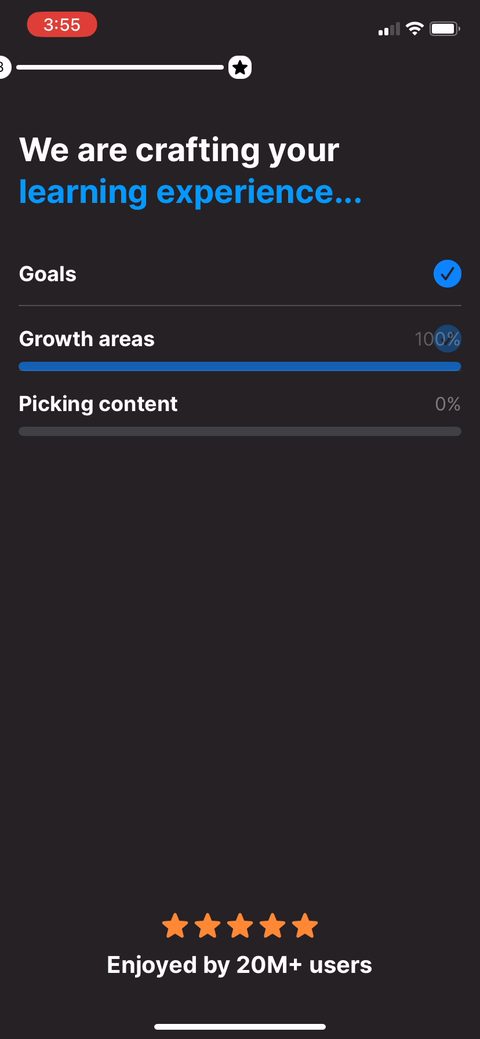 49
49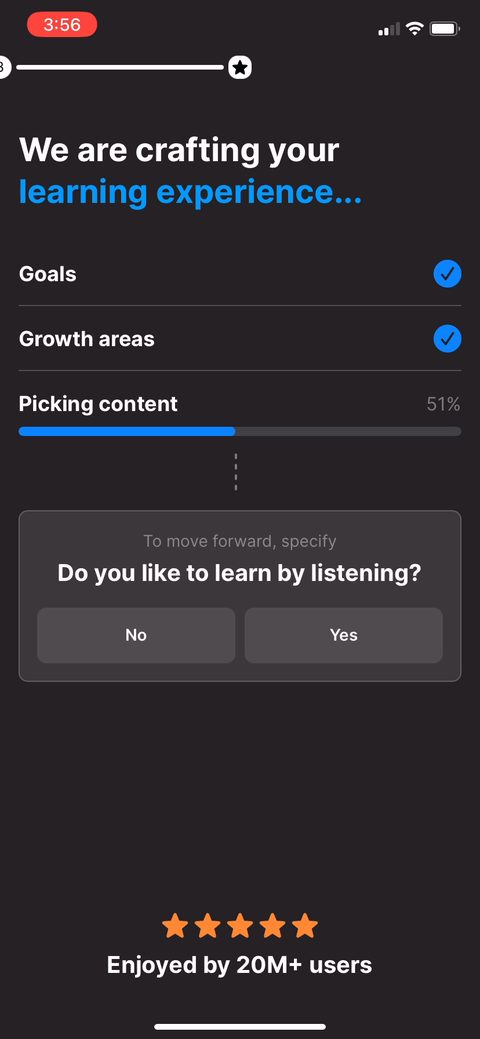 50
50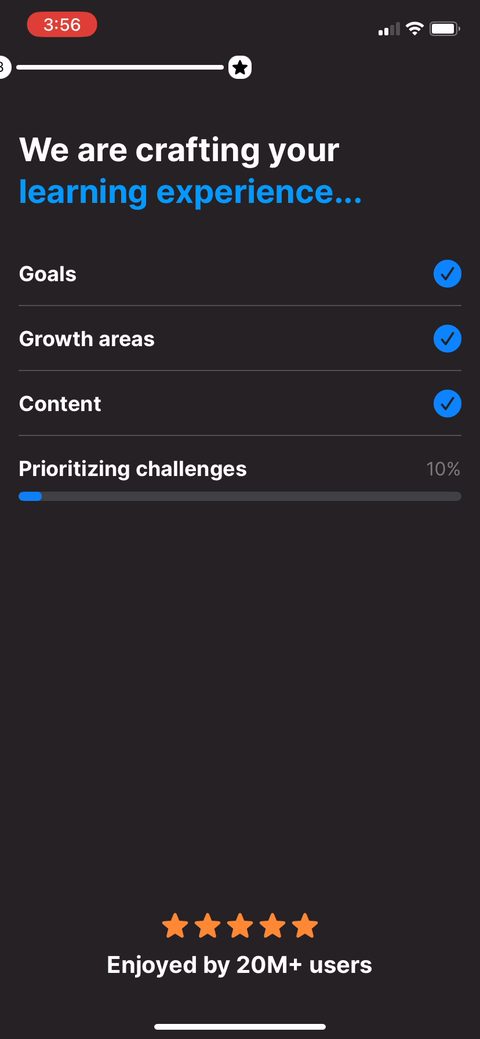 51
51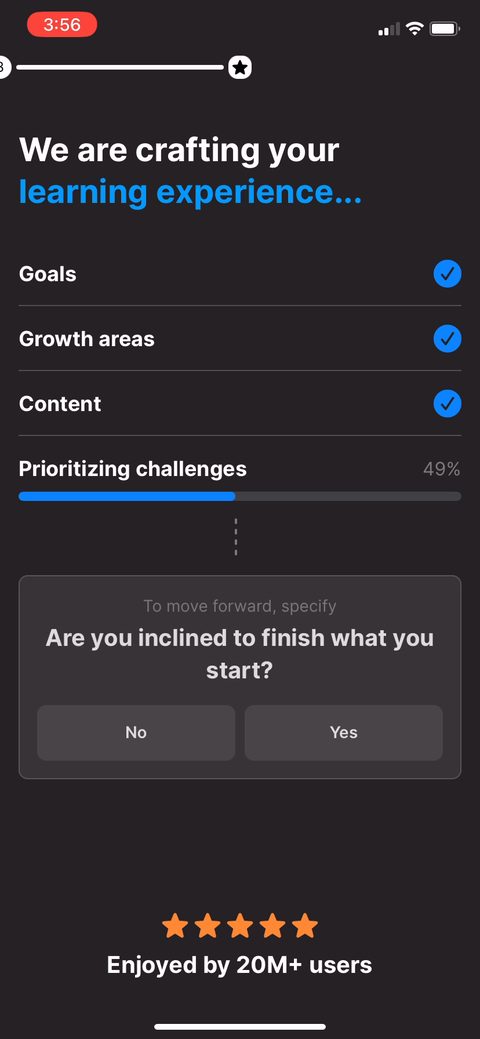 52
52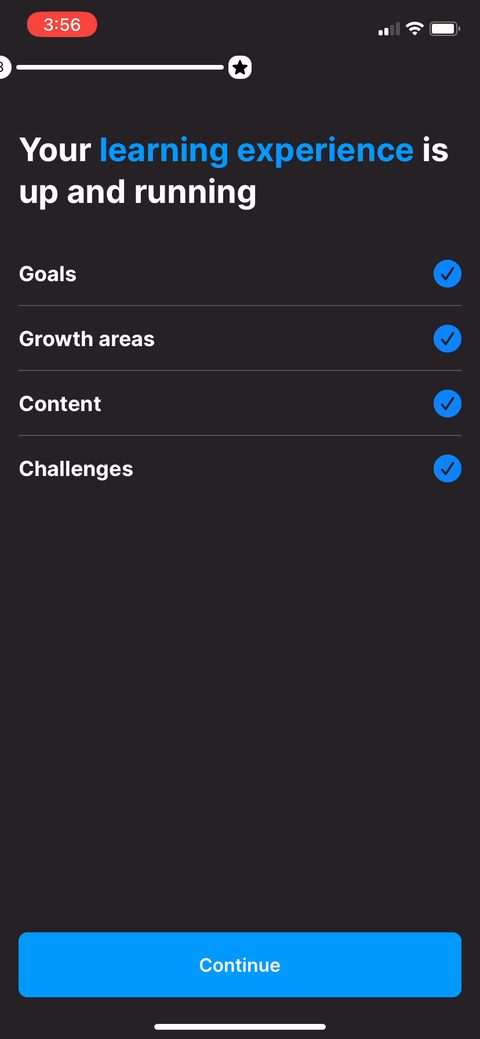 53
53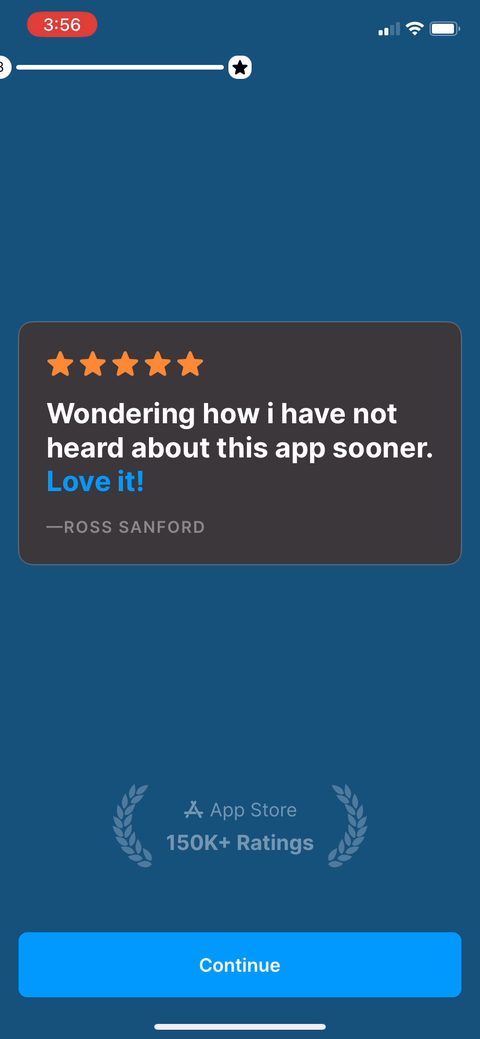 55
55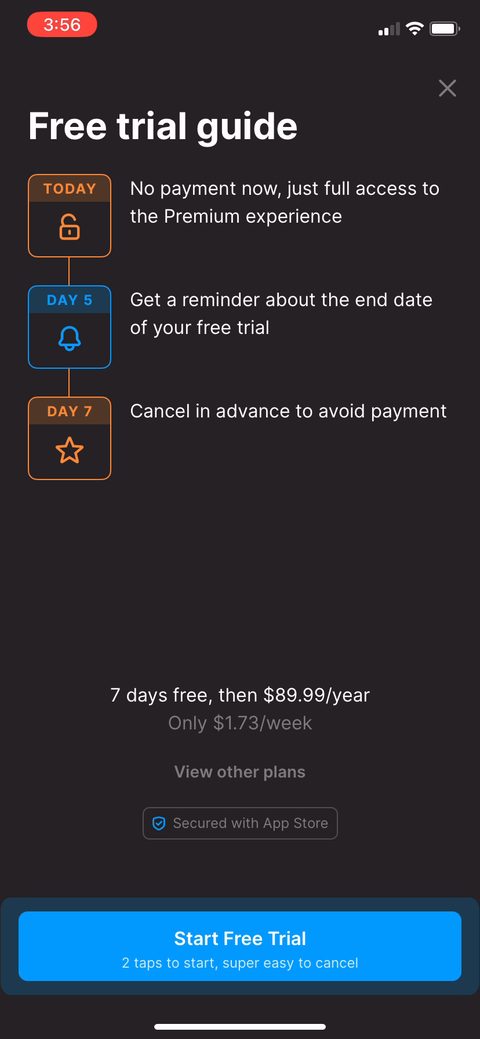 56
56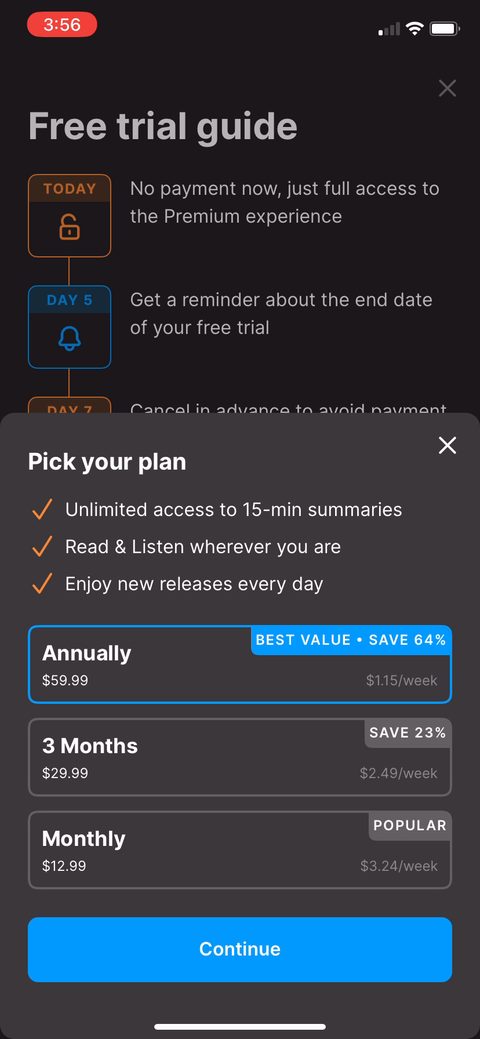 57
57 58
58 59
59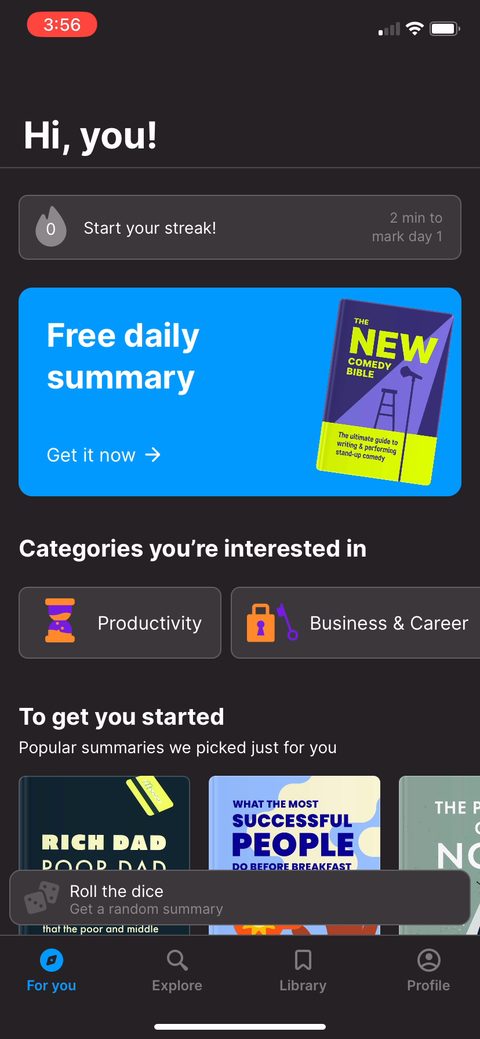 60
60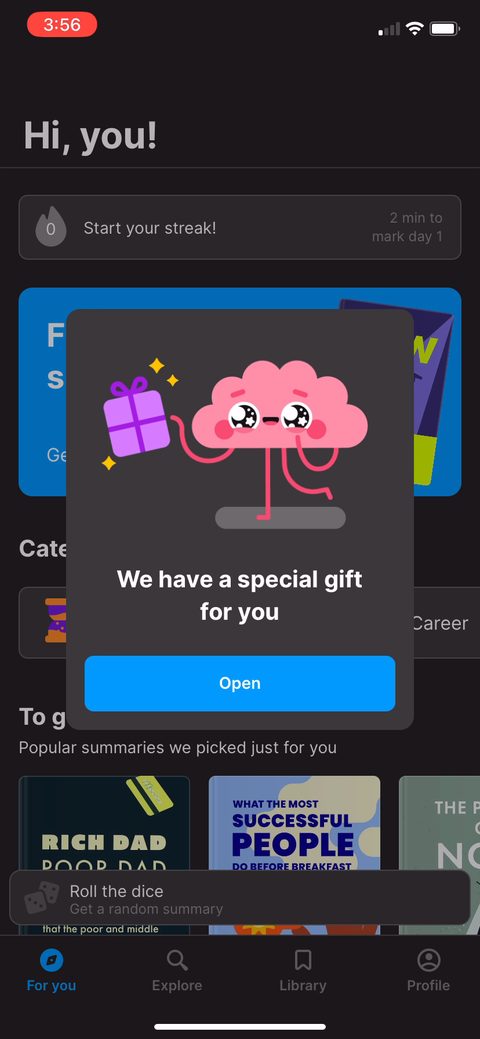 61
61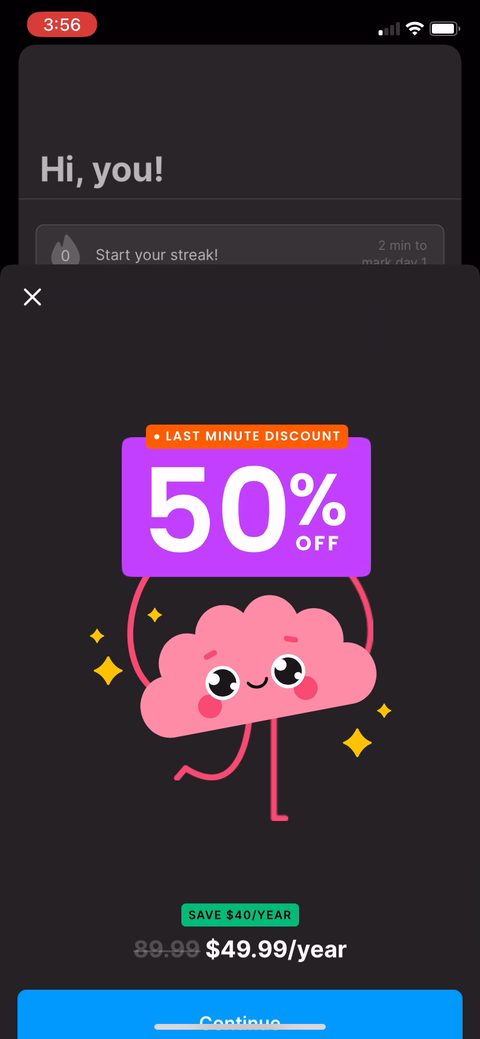 62
62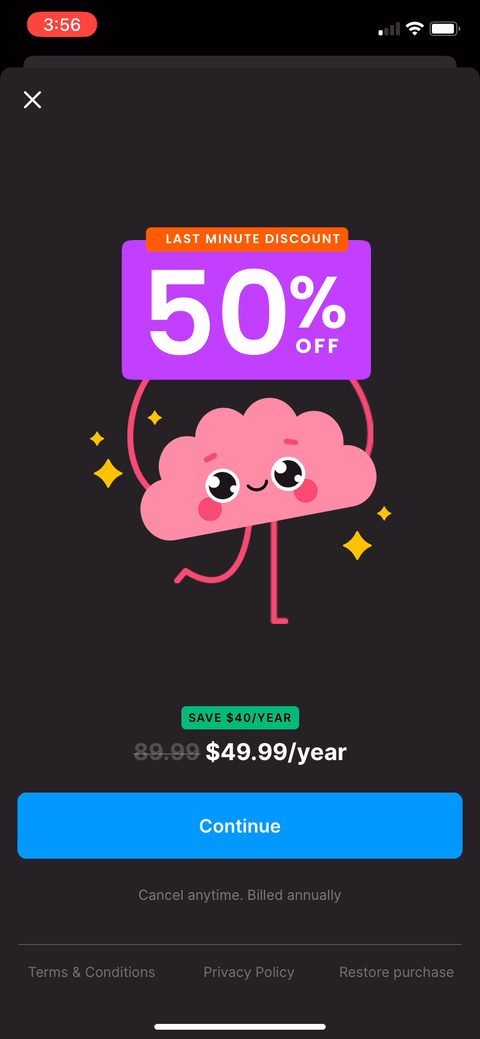 63
63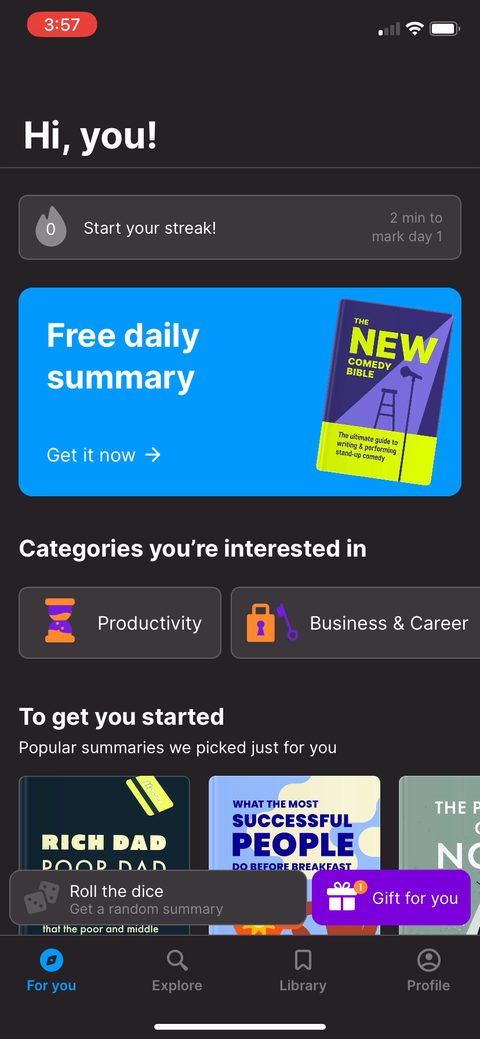 64
64