12Opens with a value-prop carousel, and the first slide is 'multiple reminders.' Habit apps live and die on reminders so leading with it makes sense, but it's telling, not showing. I'd shorten the carousel and get people to creating a habit faster.3'Choose UI style' lets you pick the look before you've done anything. It's cheap personalization and a small choice that gets you a little invested. Fine, though it's still a few taps standing between you and your first habit.56Social accountability slide: 'Build with friends.' Building habits with people who can see your streak is real retention. It's buried as the last carousel slide though, where attention is lowest. I'd test surfacing this after the first habit instead.7Empty home with a coach mark pointing at the + button: 'Tap this add button to create your first habit now.' A guided first action instead of dropping you into a blank screen. Gets you to the core action right away.8Pre-built habit menu (walk, run, stretch, swim, read a book) instead of a blank text field. Lower friction to your first habit, and completing a habit is the aha here, so the faster they get you to one the better.91011The iOS notification prompt fires right after you create your first habit, not on launch. Good timing: you've just set up something you want reminders for, so the ask has context and the yes-rate goes up.12131415Tutorial overlay teaching the swipe-right-to-complete gesture. Completing a habit is the aha moment, so teaching the one gesture that does it is worth it. Watch the stacking though, this is the third coach mark in a row.161718Mid-flow popup: '56% OFF, $3.99 lifetime' with $8.99 struck through. Anchored discount pushing the one-time lifetime over the subscription. There's no real timer behind 'Limited Offer' so the scarcity is soft. I'd test an actual countdown or drop the framing, fake urgency trains people to ignore it.192021The weekly report shows up fully rendered with real-looking data, but stamped 'Example' and gated with 'Demo report, buy premium to unlock.' Showing the locked feature populated beats a feature bullet, you see exactly what you're paying for. Show the value, then gate it.22232425Feature-list paywall: 7-day free trial at $3.49/year as the default, $8.99 lifetime as the one-time option, plus 'Request Scholarship' at the bottom. The long bullet list is dull, but the scholarship link is a nice touch that catches price-sensitive users who'd otherwise churn at the ask. Annual default with a trial also sends clean signals to the stores.262728
Powered byBotsiAI/ML models to show the right paywall to each user to grow revenueLearn more →
 1
1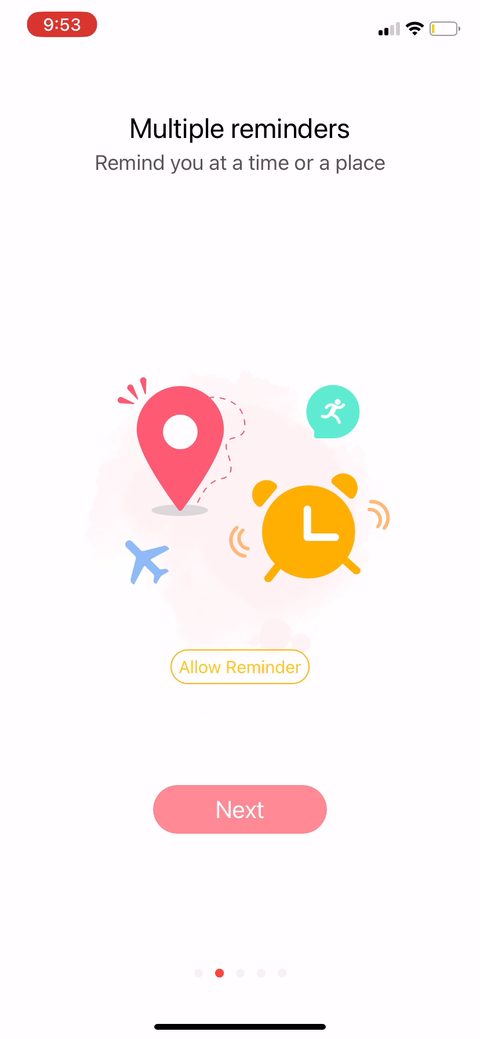 2
2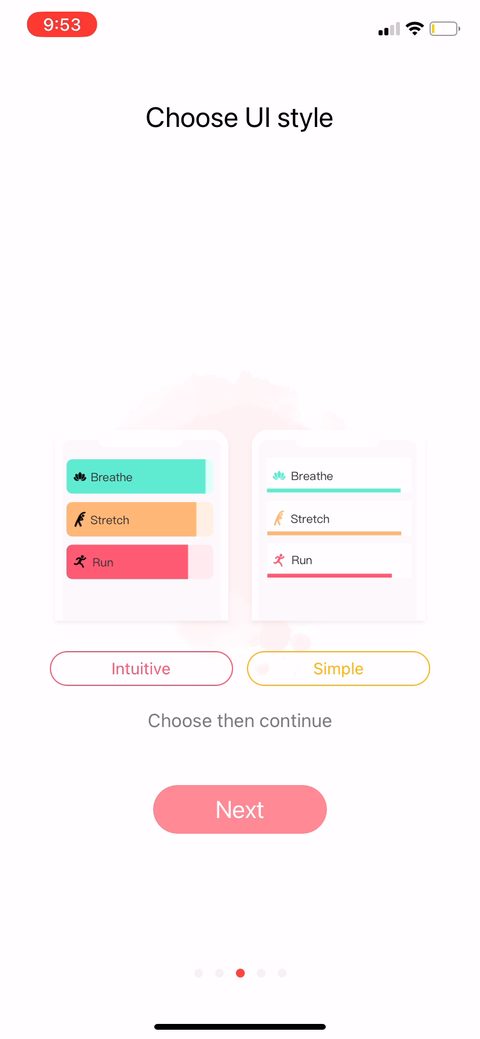 3
3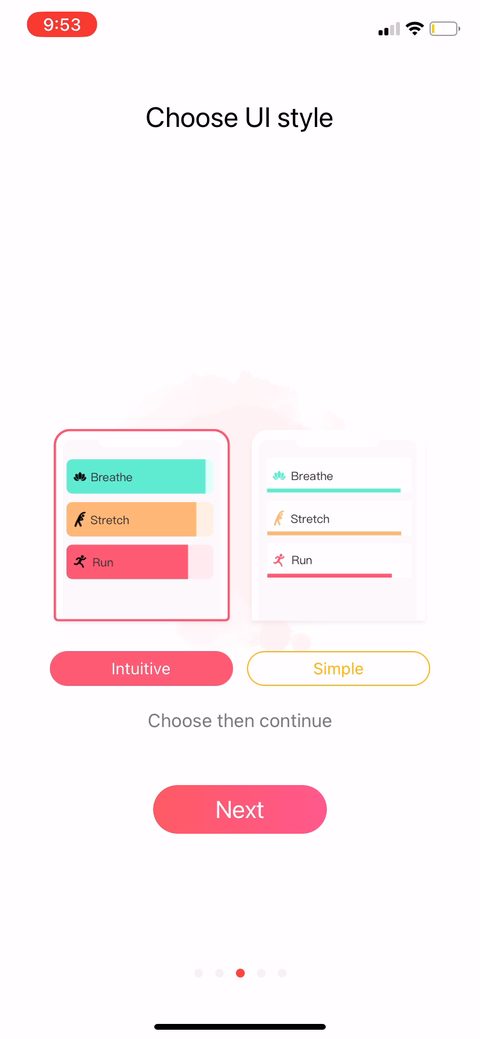 5
5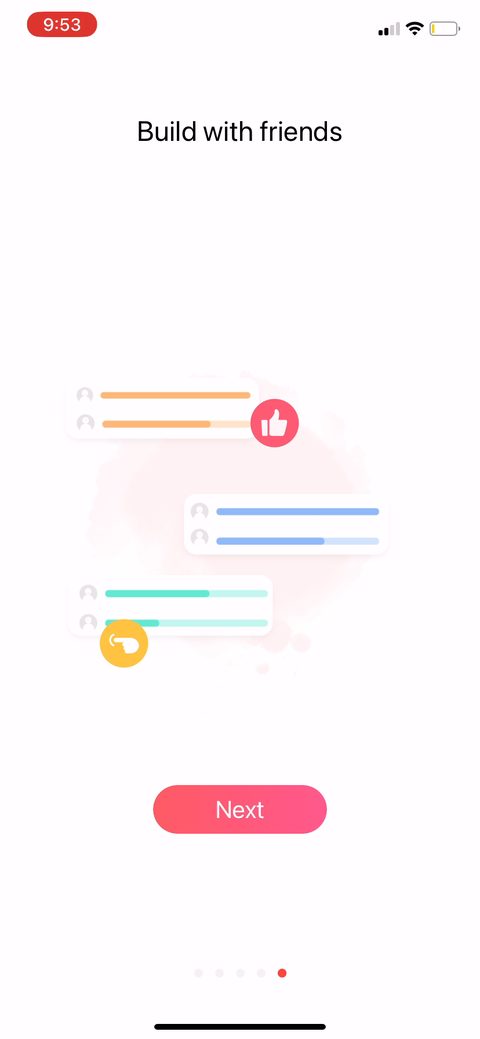 6
6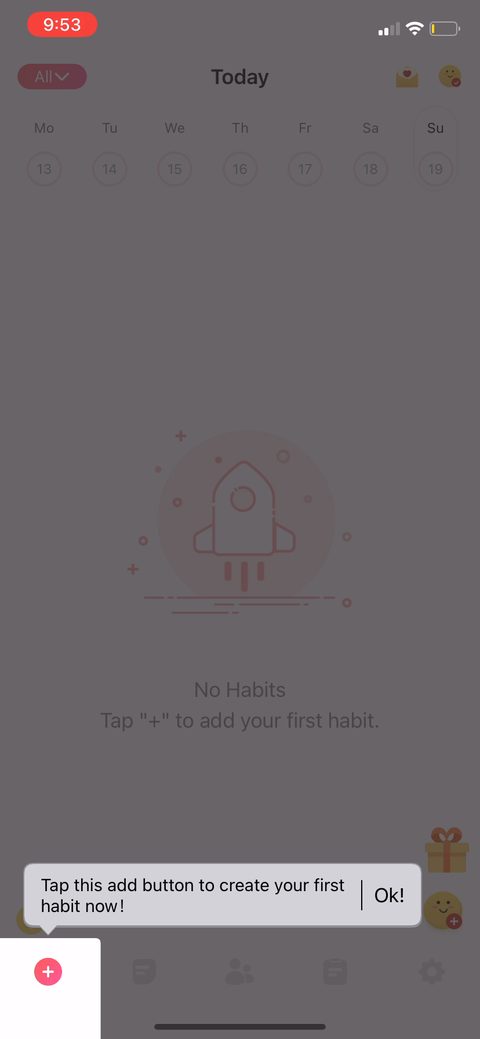 7
7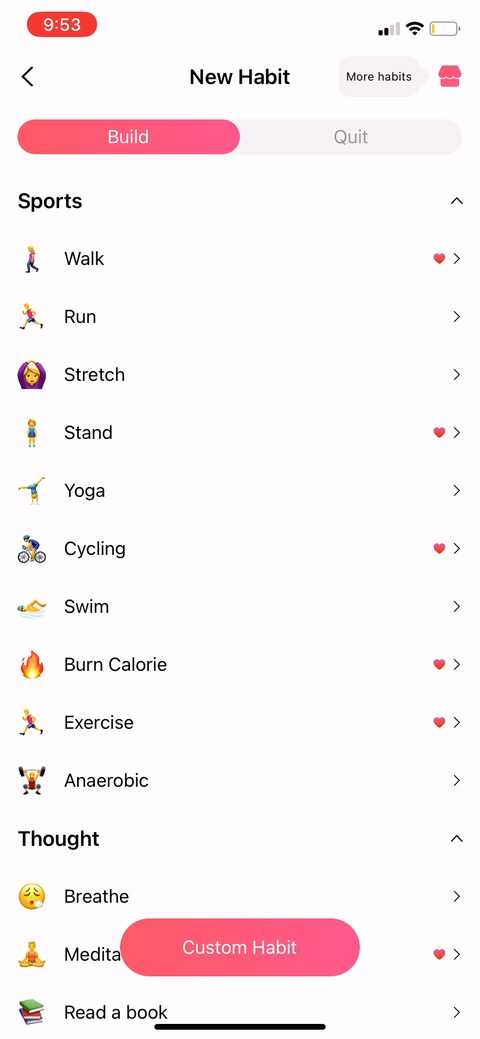 8
8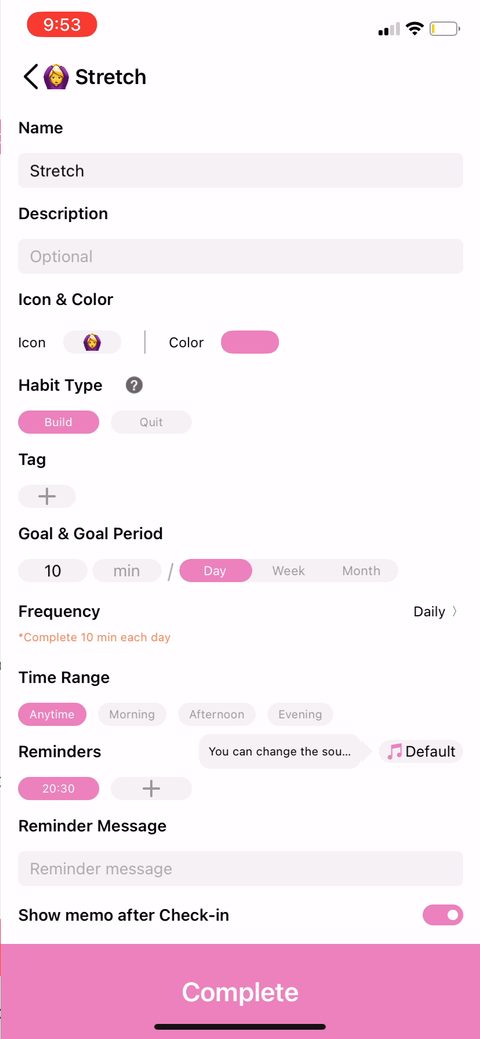 9
9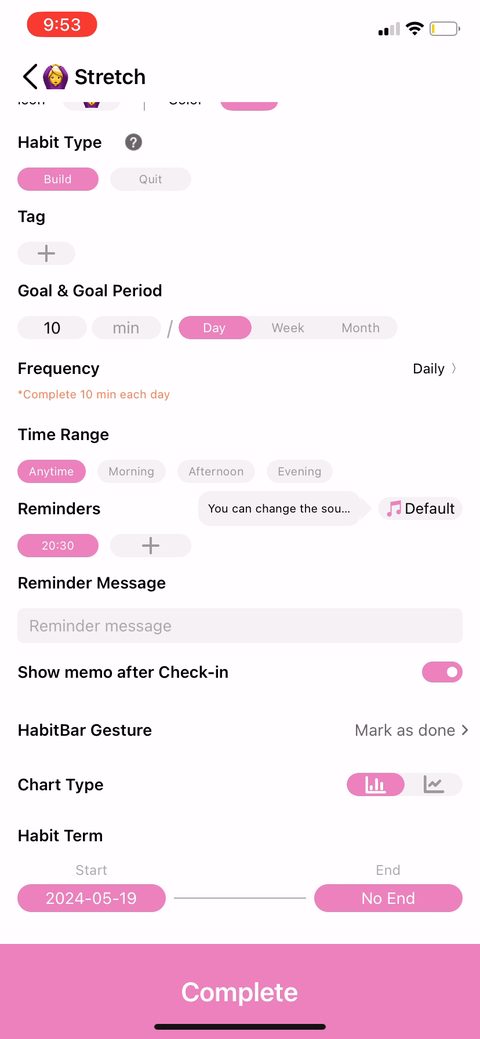 10
10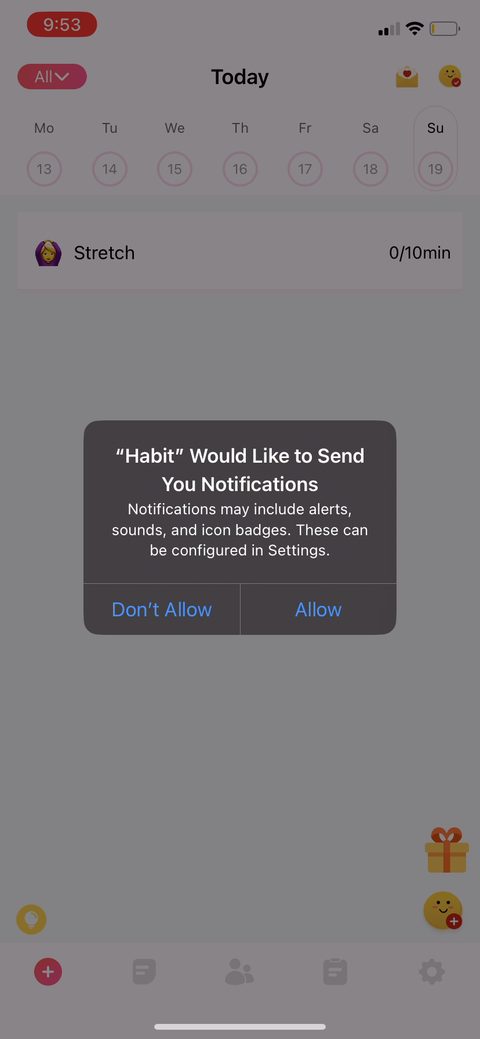 11
11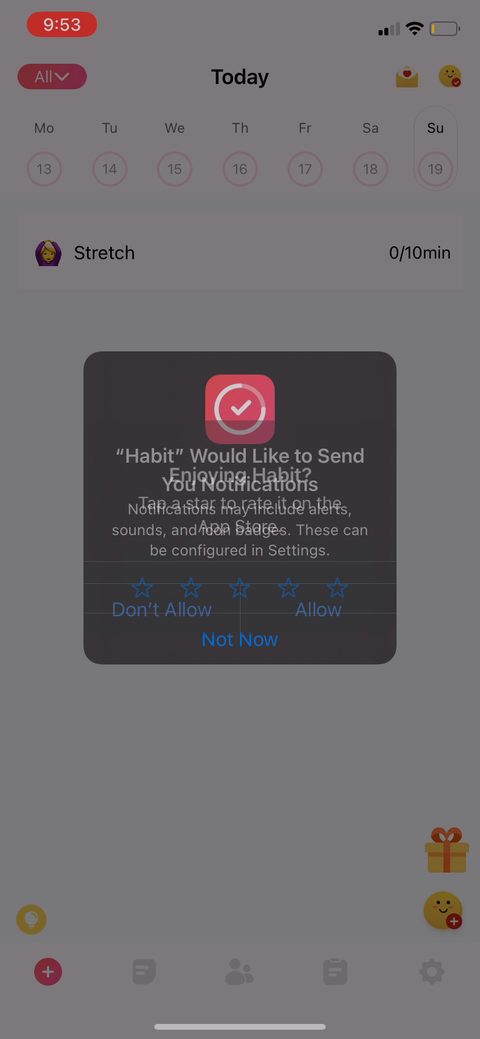 12
12 13
13 14
14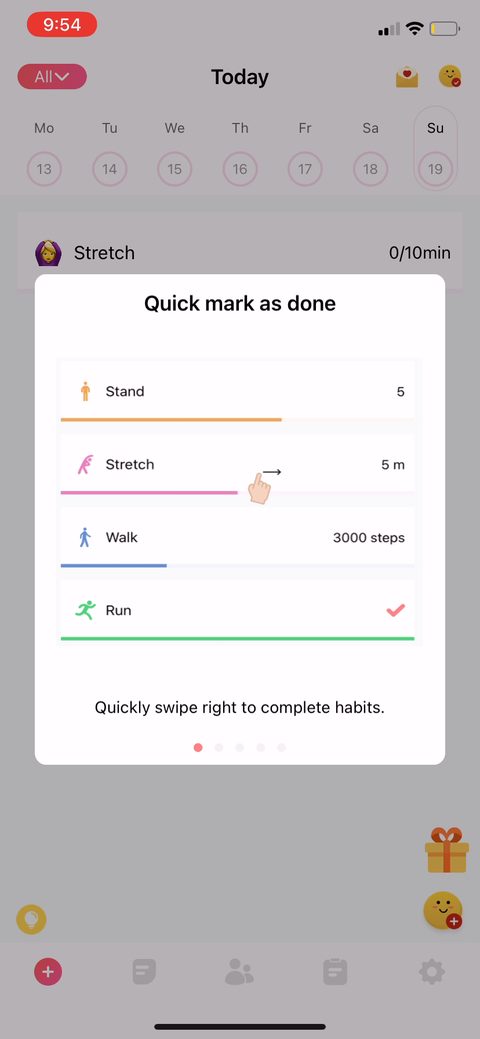 15
15 16
16 17
17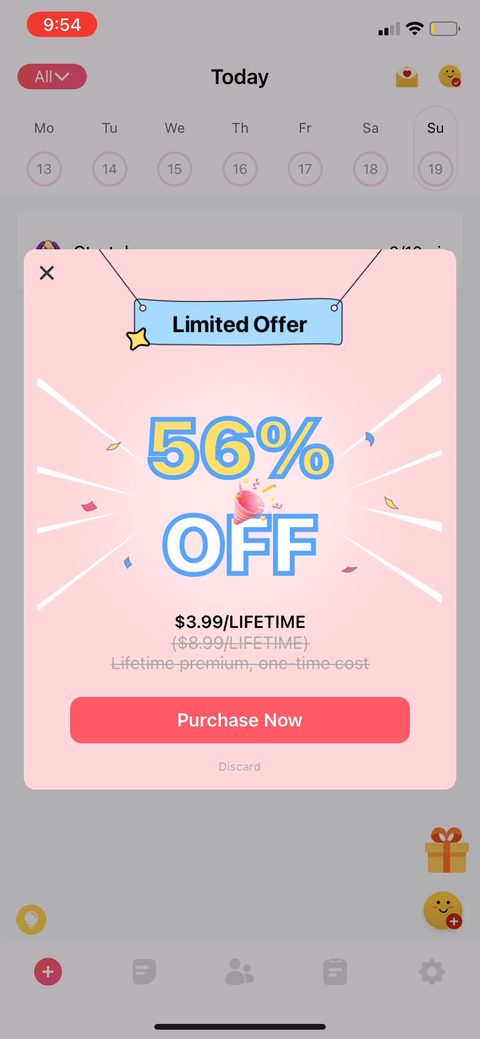 18
18 19
19 20
20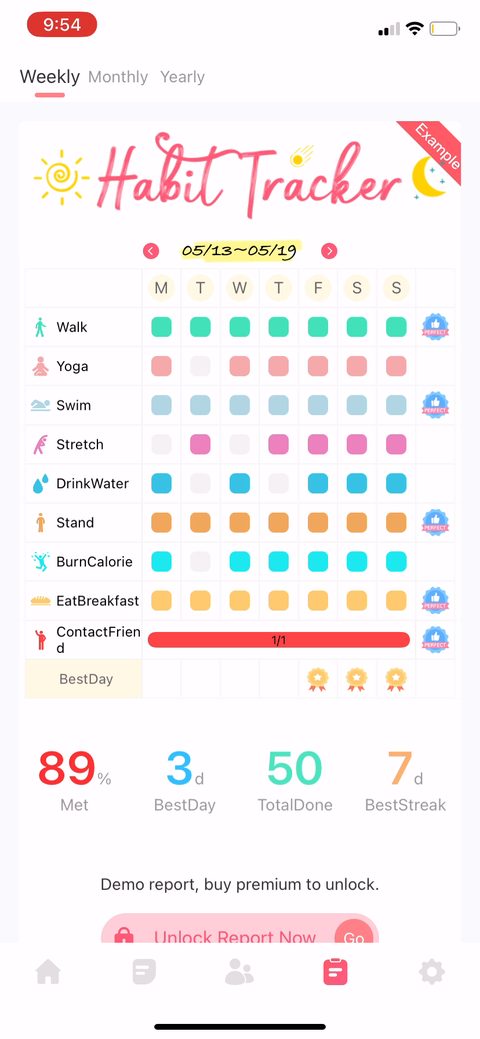 21
21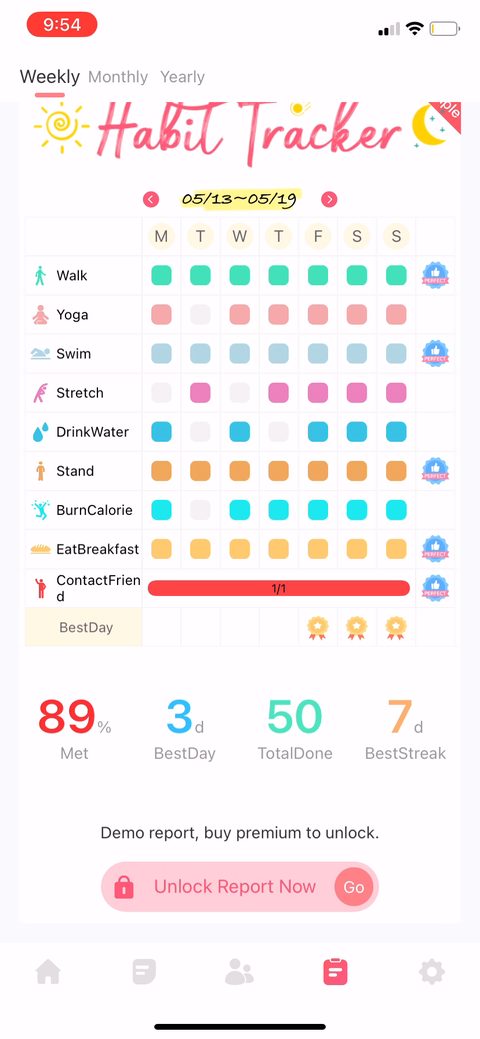 22
22 23
23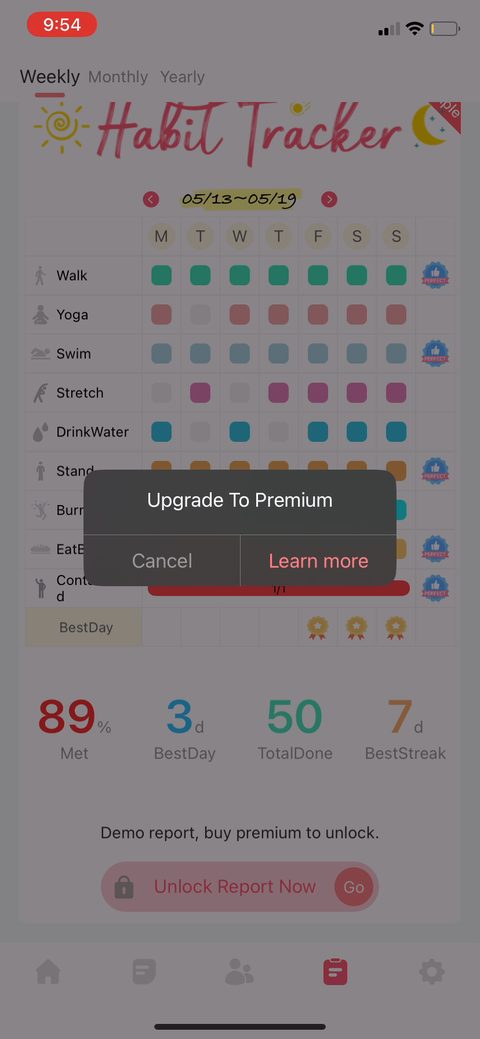 24
24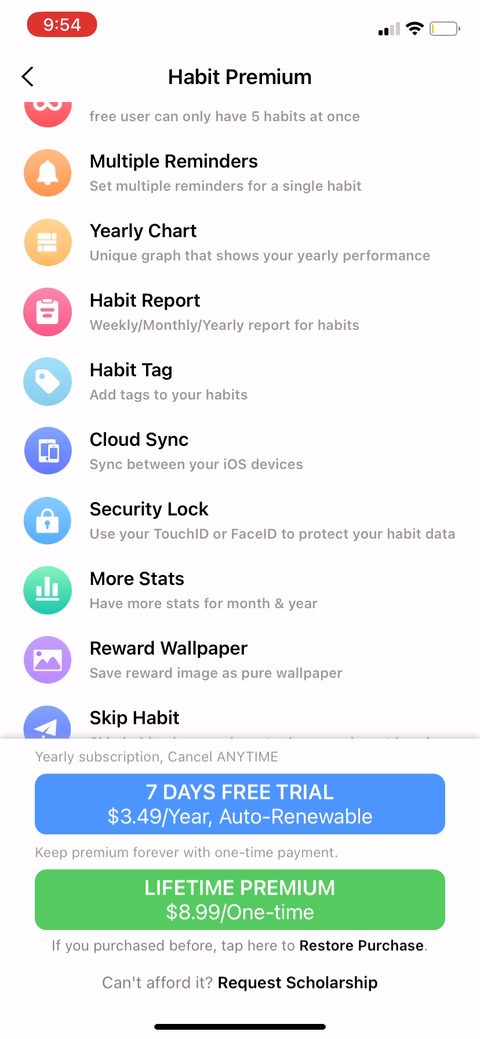 25
25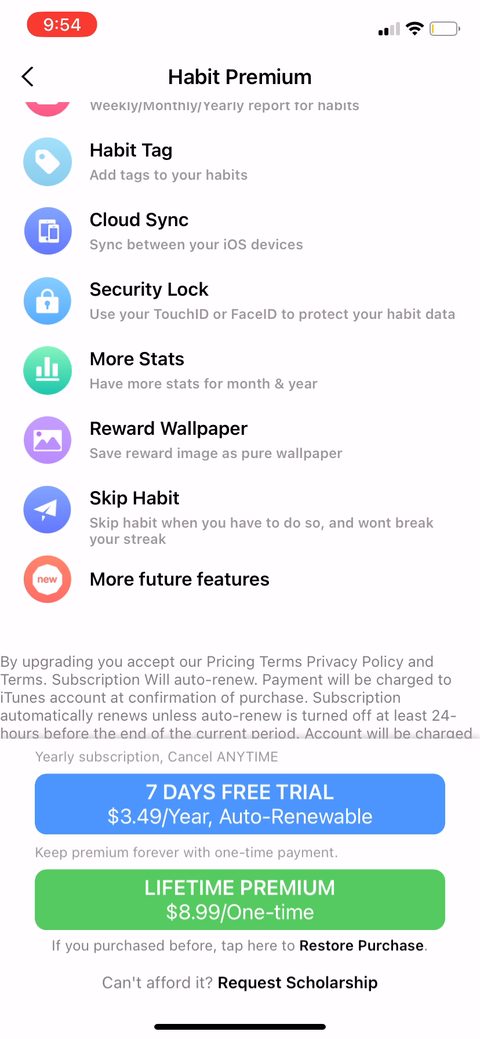 26
26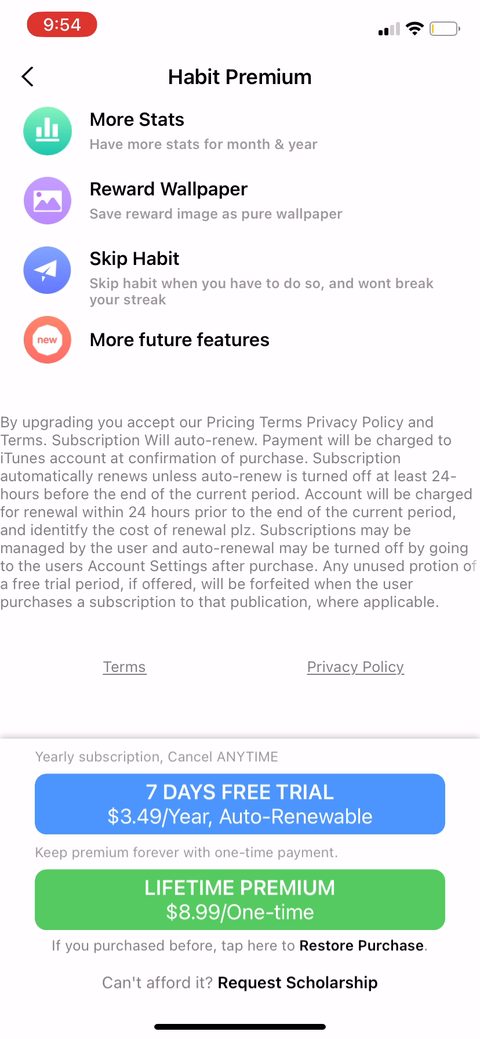 27
27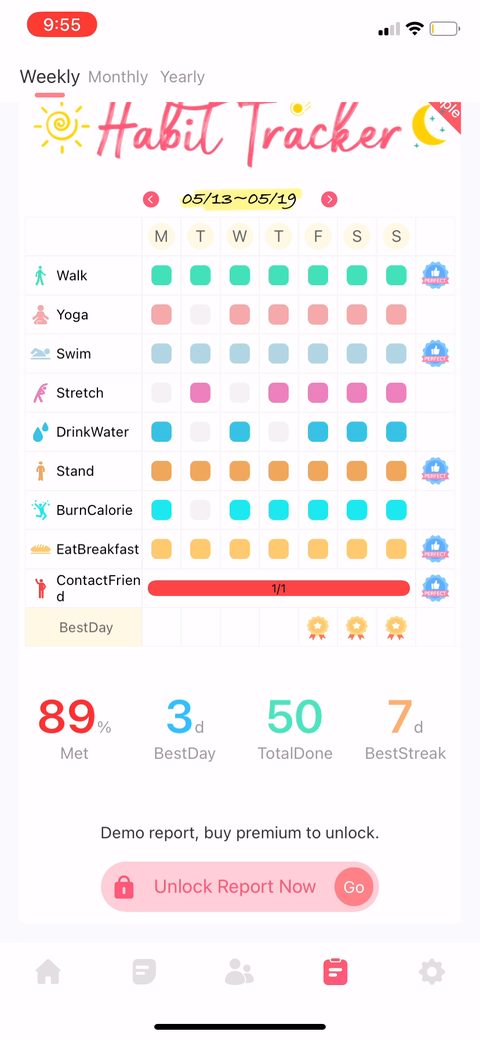 28
28