ProductivitySoft paywall · trial optionalpaywall: post onboarding quizquiz drivengoal settingpermissions firstannual default with trialfeature listlifetime option
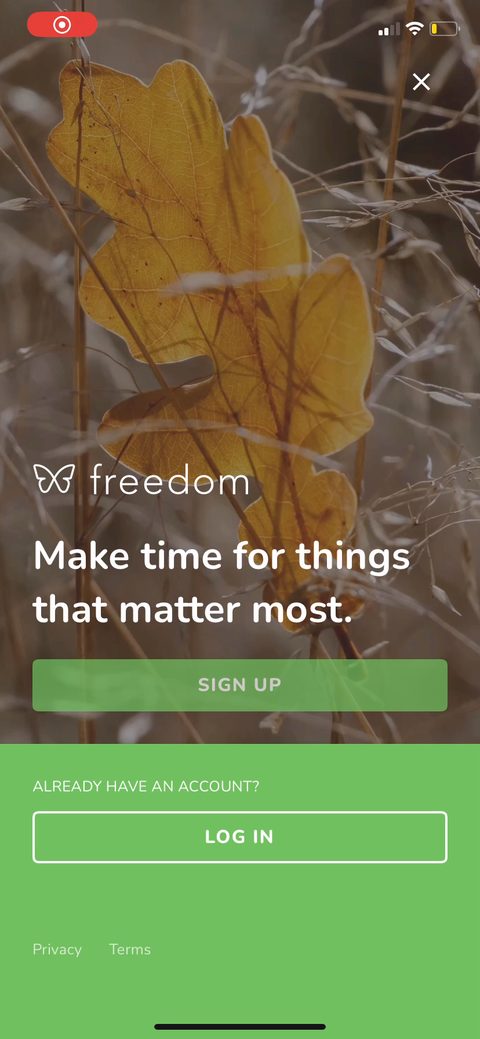
12Account creation is the first thing they show, before any value. Apple plus email, with 'Get Started For Free' to soften it. Signing people up at the open captures more emails, but it also leaks the ones who aren't sold yet. I'd test pushing this after the quiz so they've put in a few taps first.345Goal pick: Be More Productive, Find Tech Balance, or Break Bad Habits. Zero-party data that should drive the rest of the flow. Single-select is fine since each maps to a different reason for being here. The real test is whether the paywall later echoes the one you picked. Right now it doesn't.6'Select the category of apps you find most distracting' but it reads single-select. Most people are distracted by more than one (social plus streaming plus shopping). I'd make this multi-select, both because it's more honest and because each tap is another small investment before the ask.7Which devices will you use Freedom on. This sets up the 'sync across all devices' benefit on the paywall, so it's doing double duty as a personalization question and a value setup.8Loss-aversion screen right before the paywall: '4.5 hours a day on their phone, 11 years over a lifetime.' Then the relief and social proof: 'Freedom users report saving 2.5 hours a day and 96% feel more productive.' Shock stat then payoff is a clean setup for the ask on the next screen.9Paywall fires after three questions. One plan, 7-day trial, $39.99/year, 'no payment due' to lower the risk, 'Maybe later' to skip. Benefits-led list (locked mode, sync, focus music). It's a static paywall, so I'd test tying the value back to the goal they picked on screen 5.10Screen Time permission with the privacy line right on it: 'your blocking data is not tracked or shared and will not leave your device.' Smart to pre-empt the objection, since handing a blocker access to Screen Time feels invasive. The dots at the bottom tell you a stack of permission asks is coming.1112VPN profile install. Real friction here: an iOS system prompt plus a passcode, and a common drop point for blocker apps. They wrap it in a privacy reassurance ('100% private, never leaves your phone') to push people through. Worth watching completion on this step closely.131415Notification permission framed by the specific benefit: notify you 'when your sessions start and finish so you know when it's time to focus.' Tying the ask to the job people came for beats a generic 'enable notifications.' 'Maybe later' keeps it soft.16'You're all set, let's create your first session.' Good activation handoff. They don't drop you on a blank home, they point at the one action that matters. A first session is the aha moment for a blocker, so getting people to start one this session is the metric to chase.17181920212223242526272829303132333435363738394041424344454647The upgrade paywall, reachable later, adds a lifetime option: 'Buy Freedom Forever, $199 once.' The annual trial stays the default and the $199 anchors it so $39.99/year reads cheap. Offering lifetime at all is a bet on the people who hate subscriptions, common in utility and blocker apps.484950515253545556575859606162
Powered byBotsiAI/ML models to show the right paywall to each user to grow revenueLearn more →
 1
1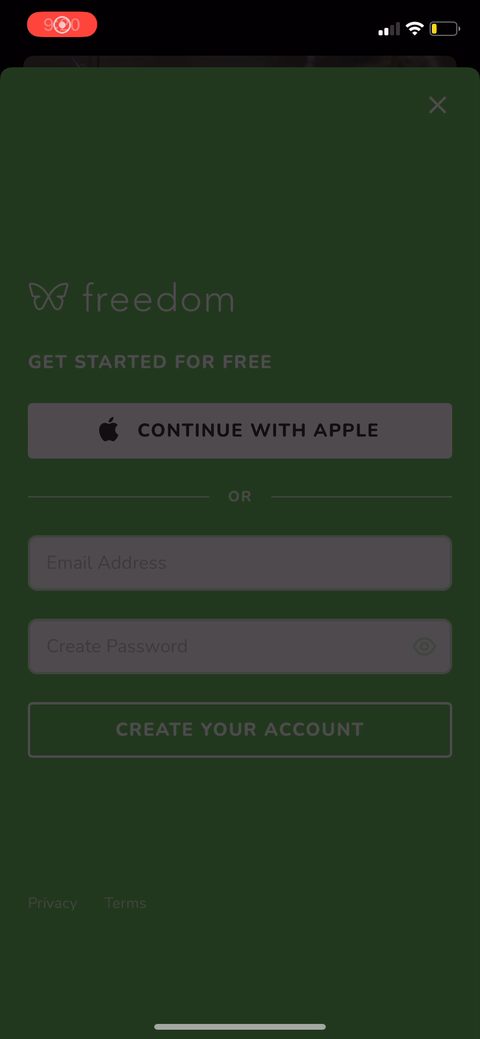 2
2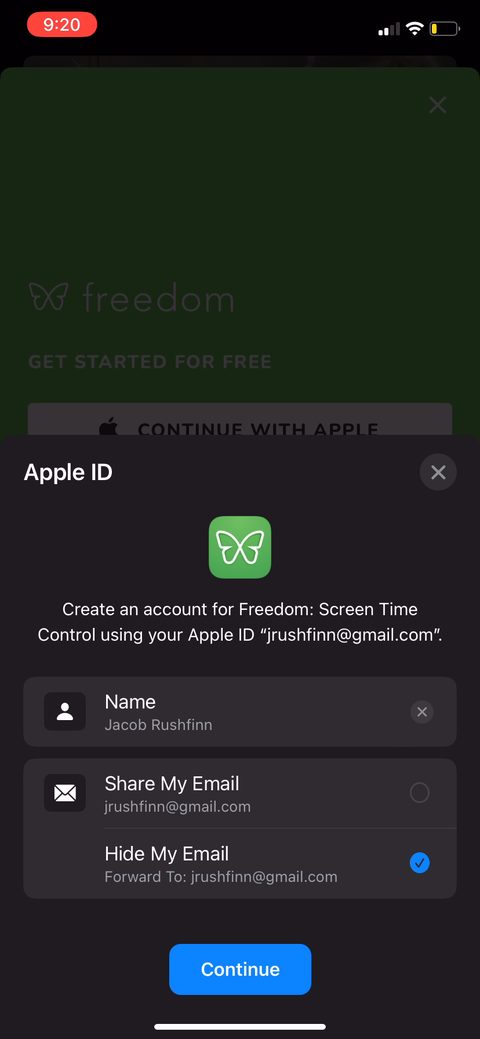 3
3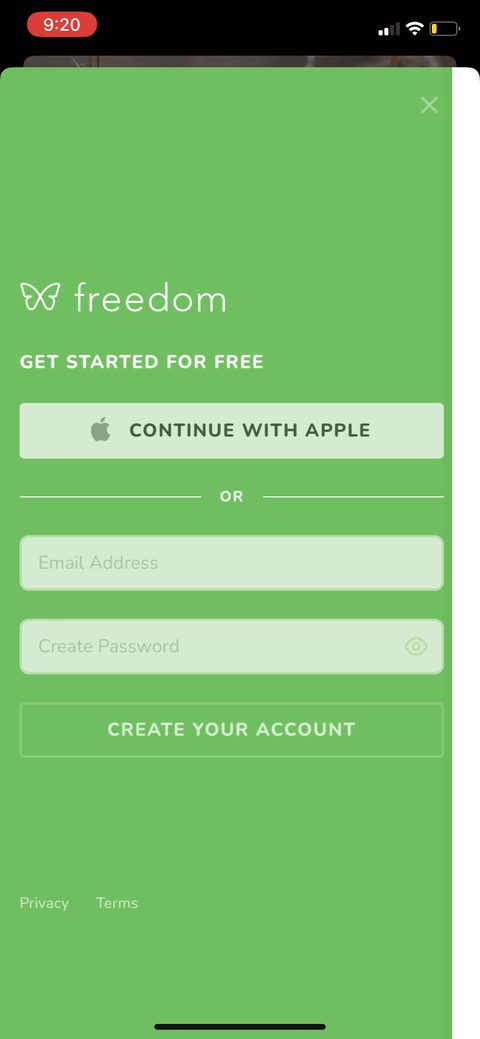 4
4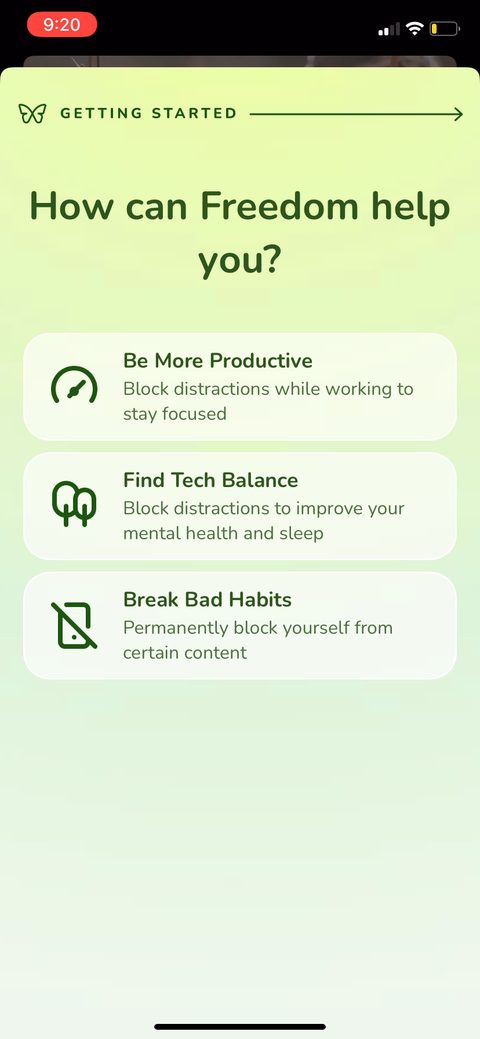 5
5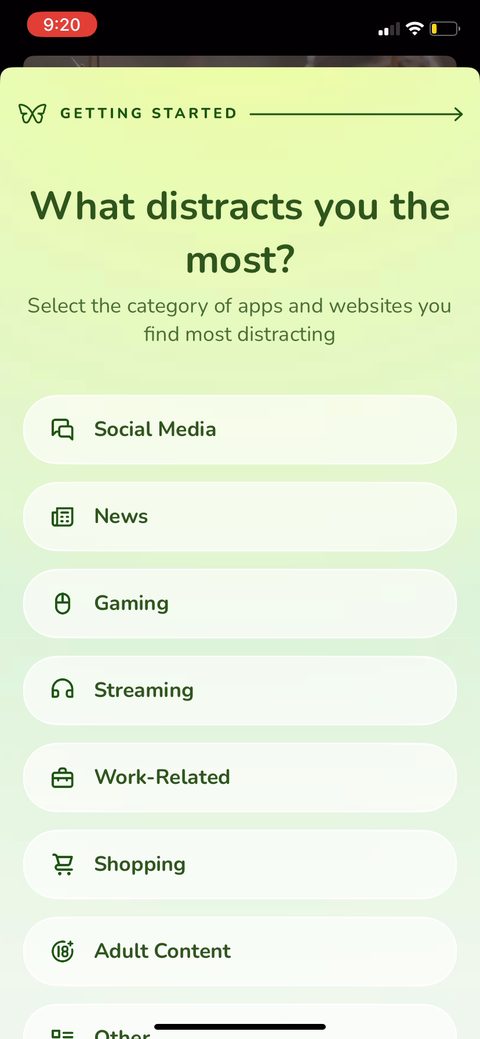 6
6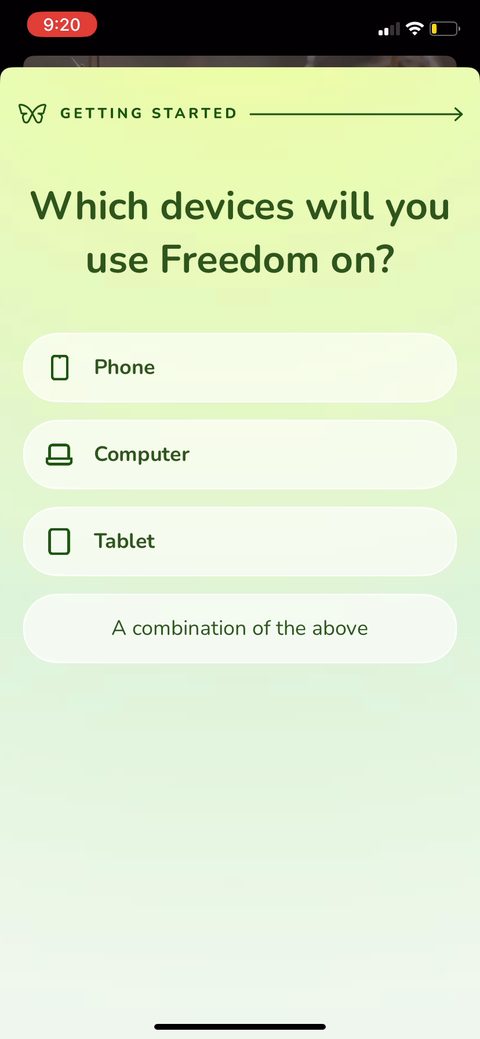 7
7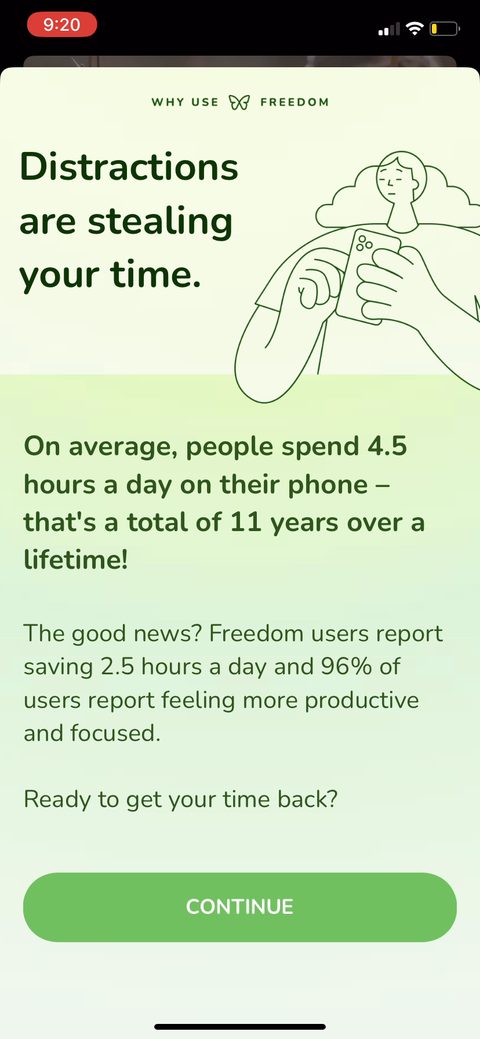 8
8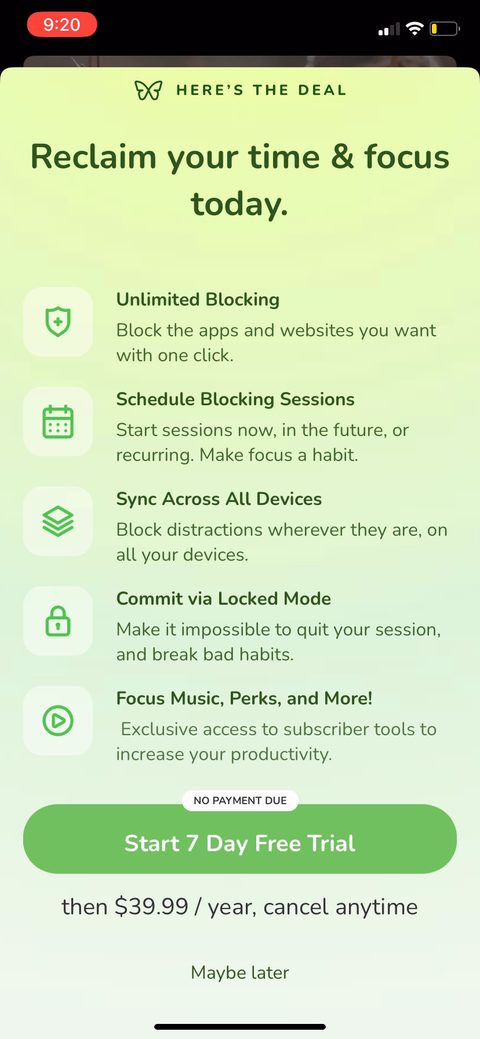 9
9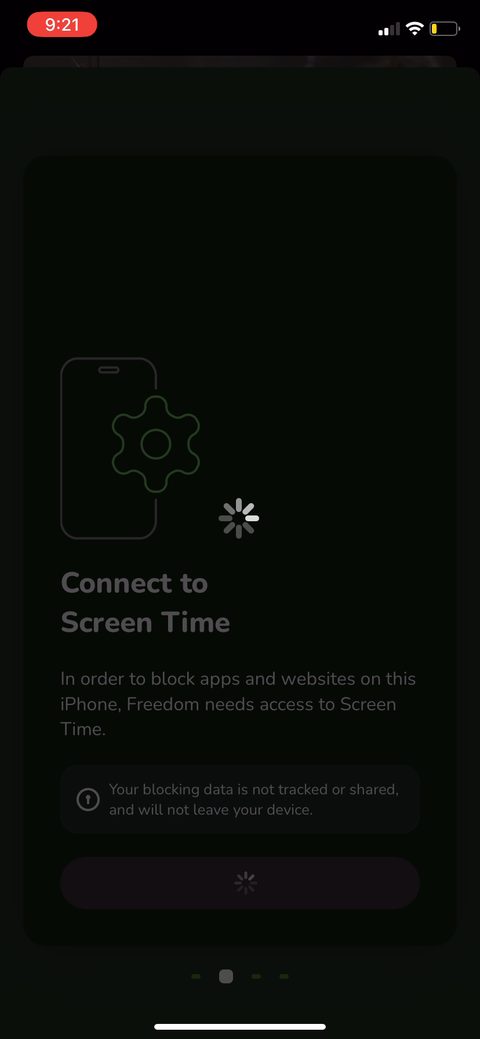 10
10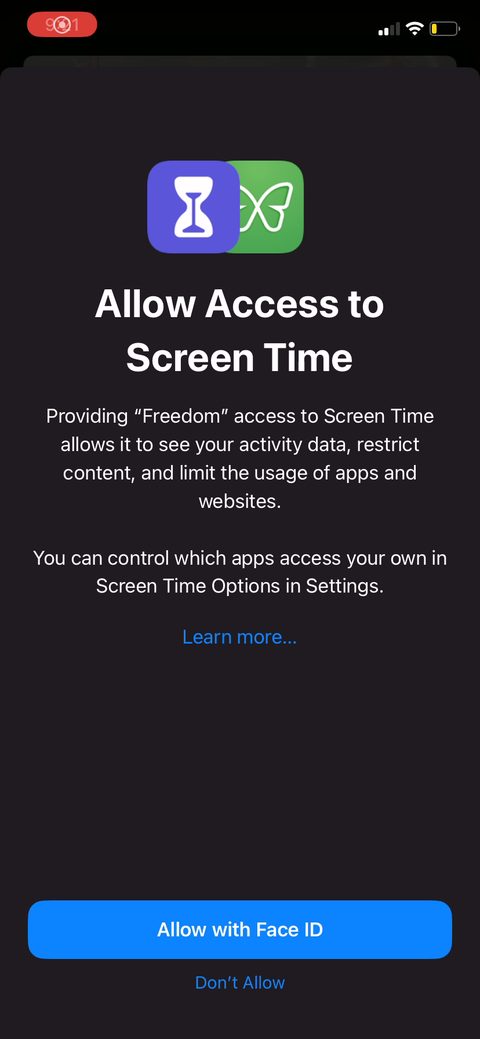 11
11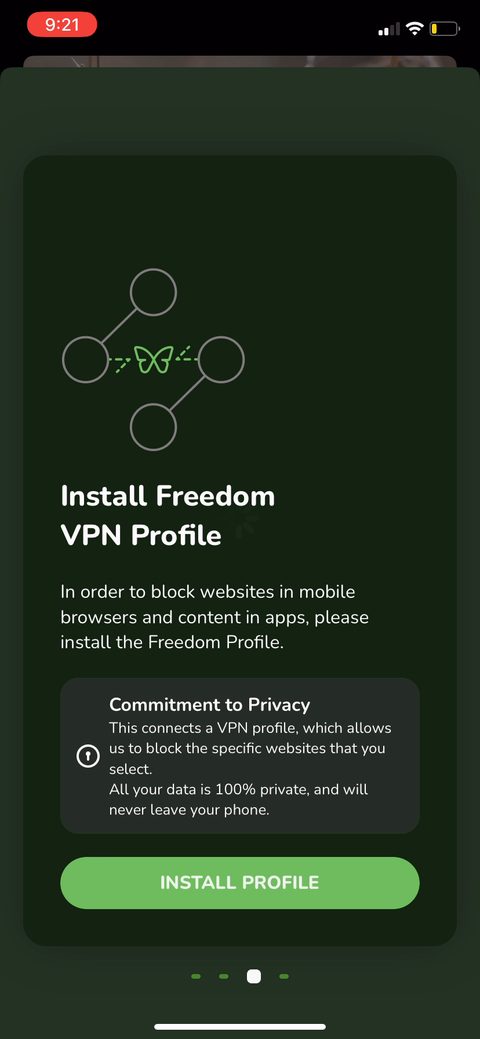 12
12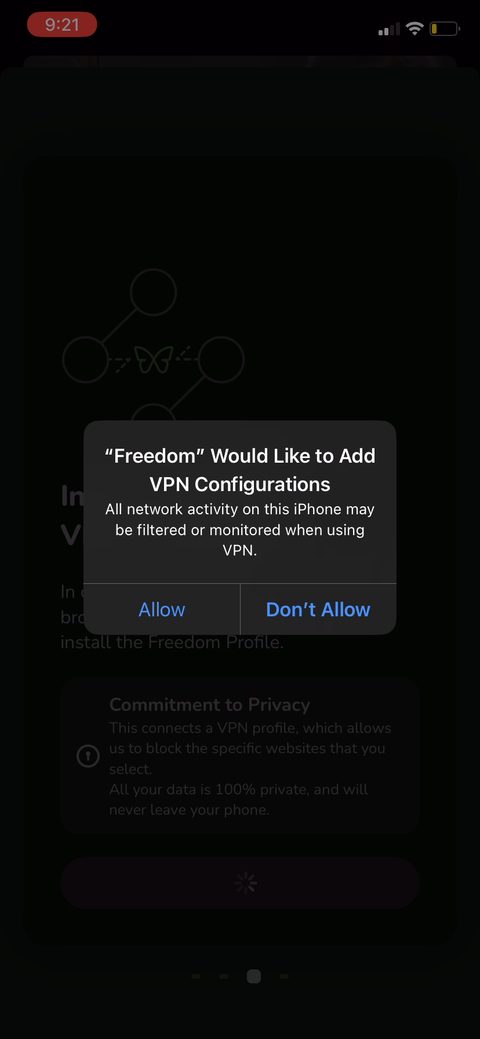 13
13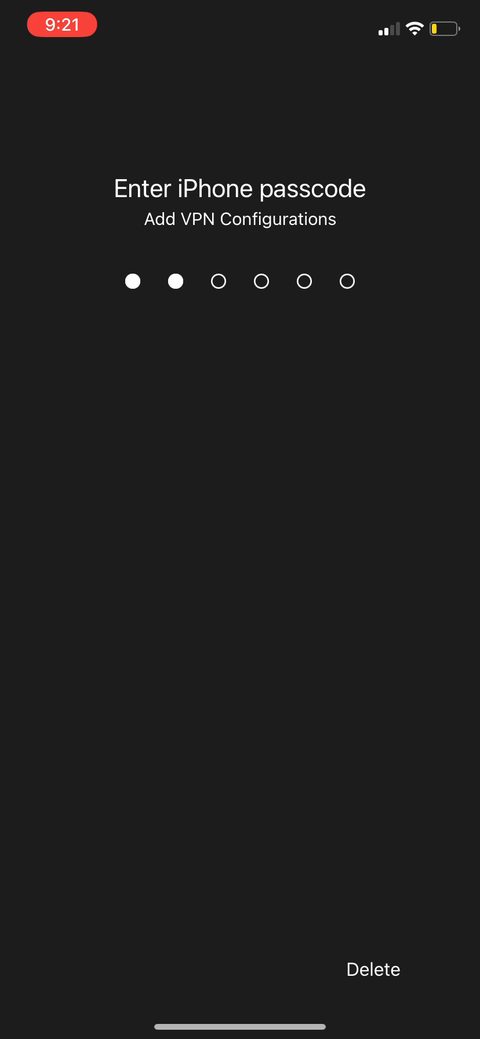 14
14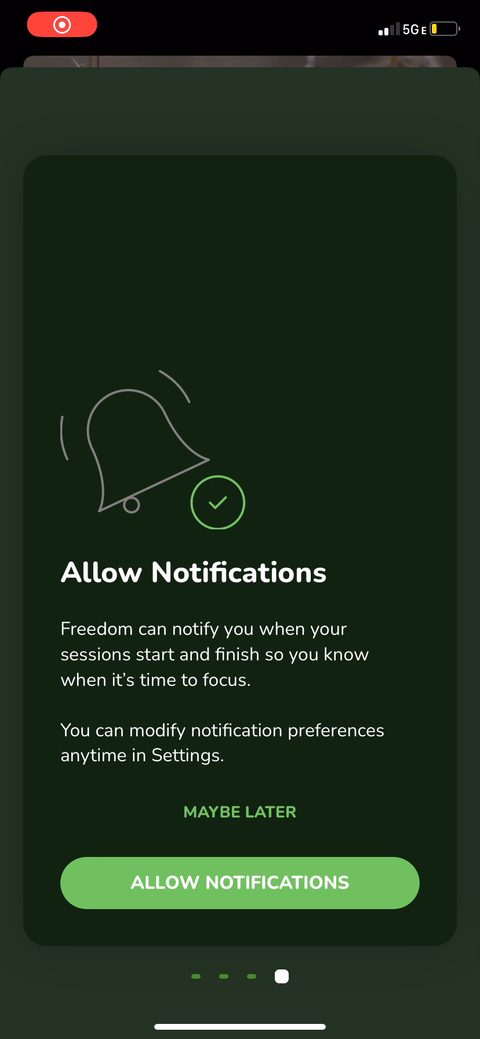 15
15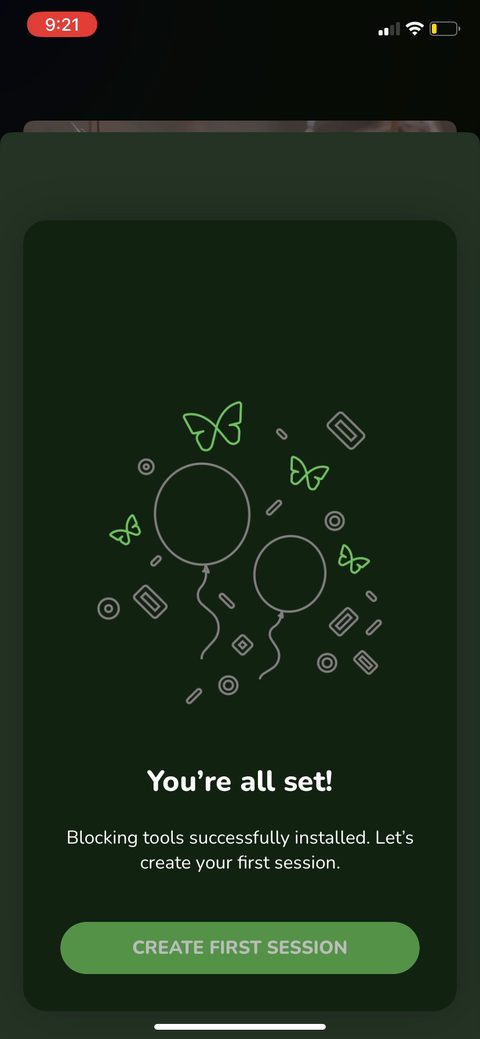 16
16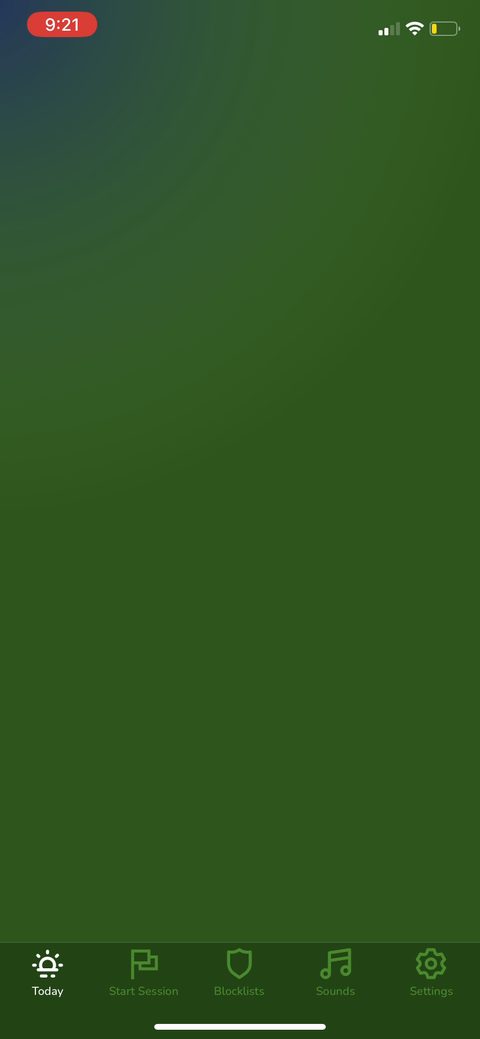 17
17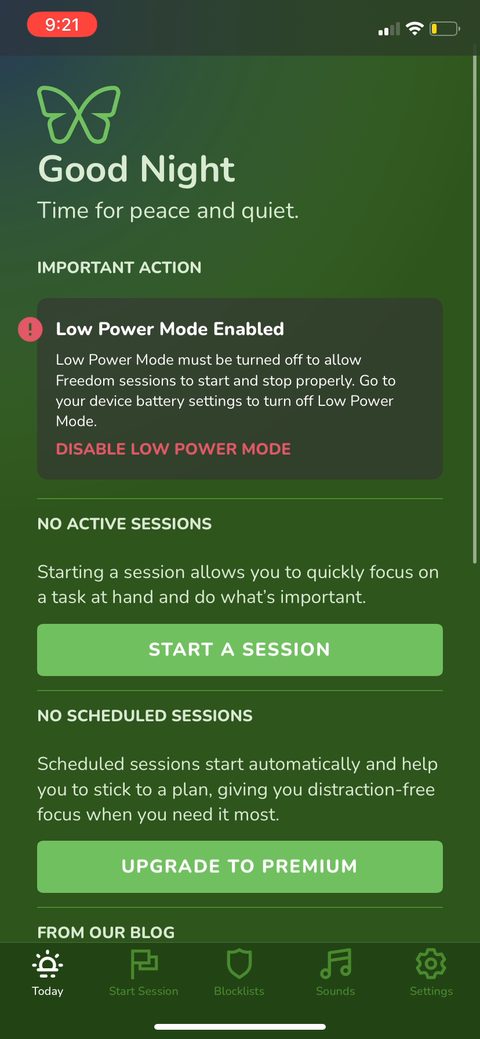 18
18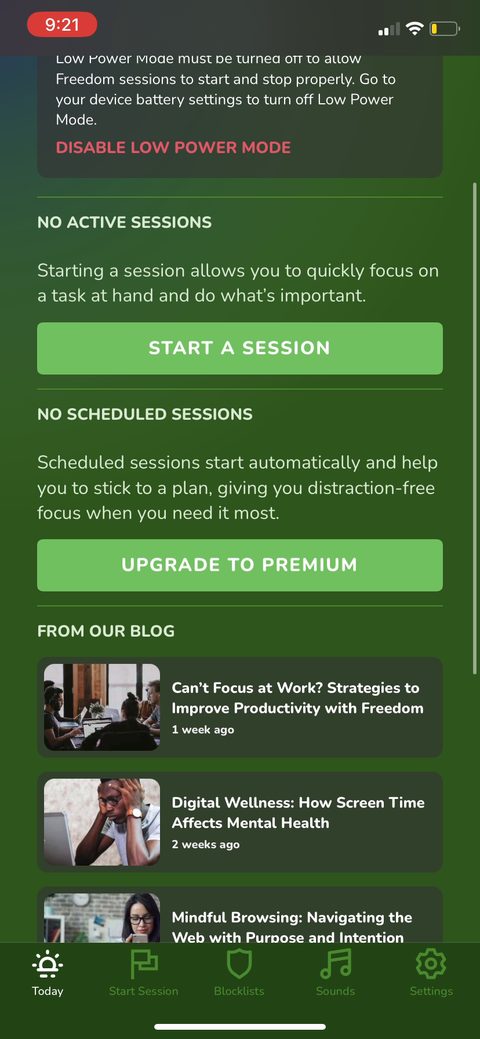 19
19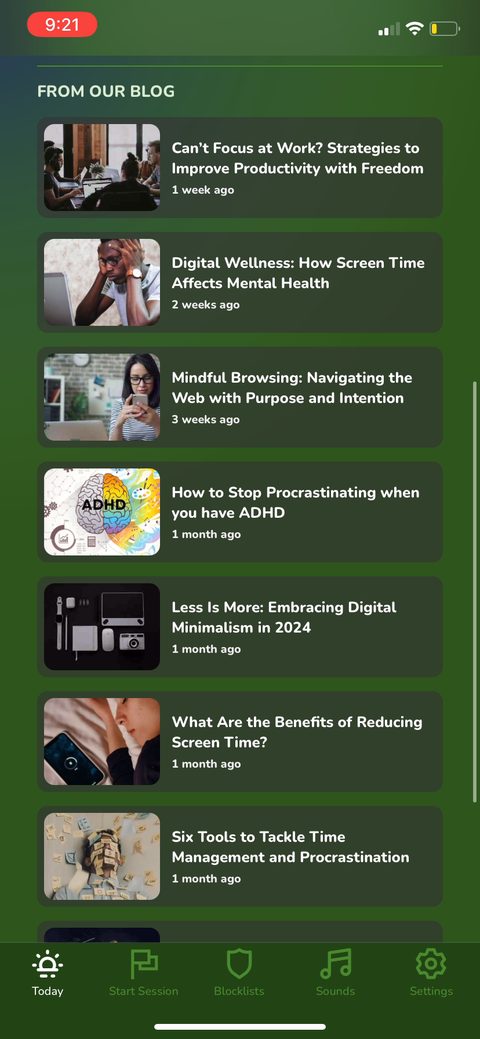 20
20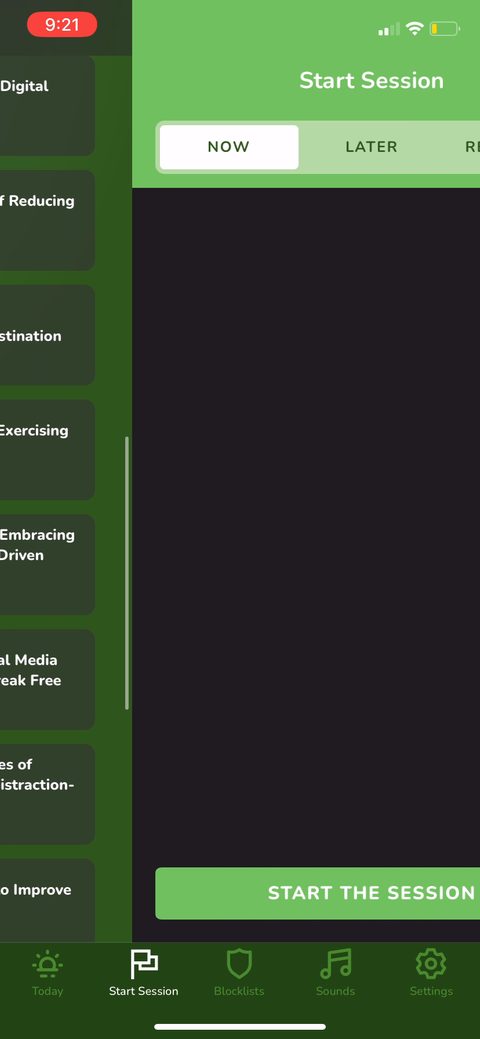 21
21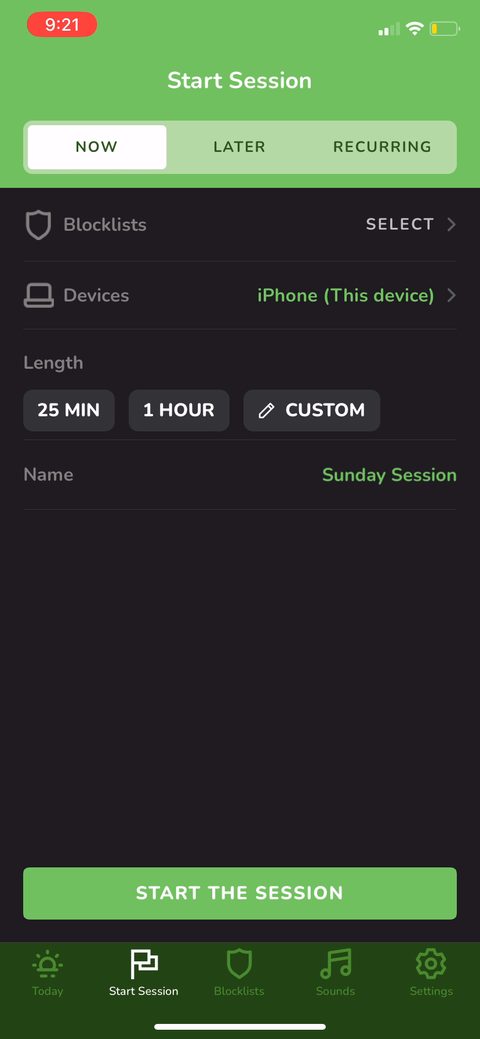 22
22 23
23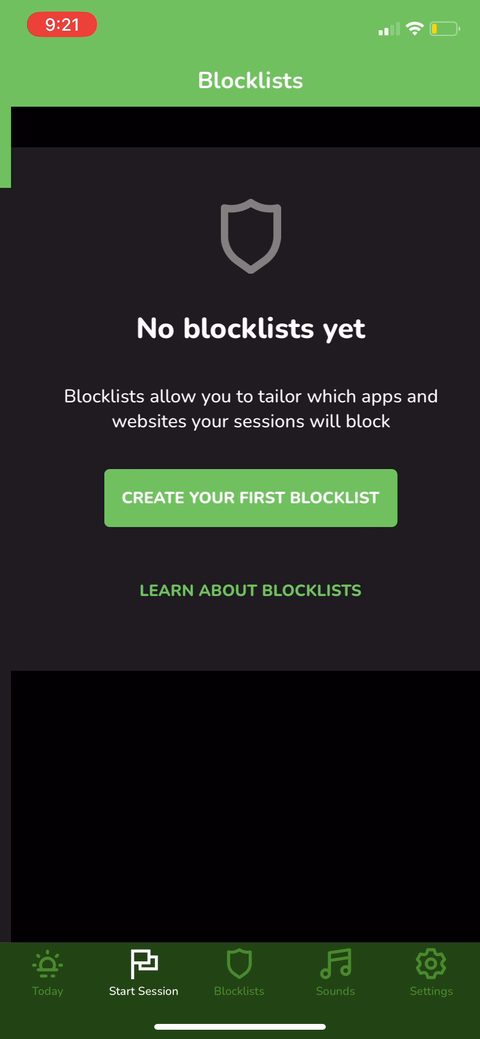 24
24 25
25 26
26 27
27 28
28 29
29 30
30 31
31 32
32 33
33 34
34 35
35 36
36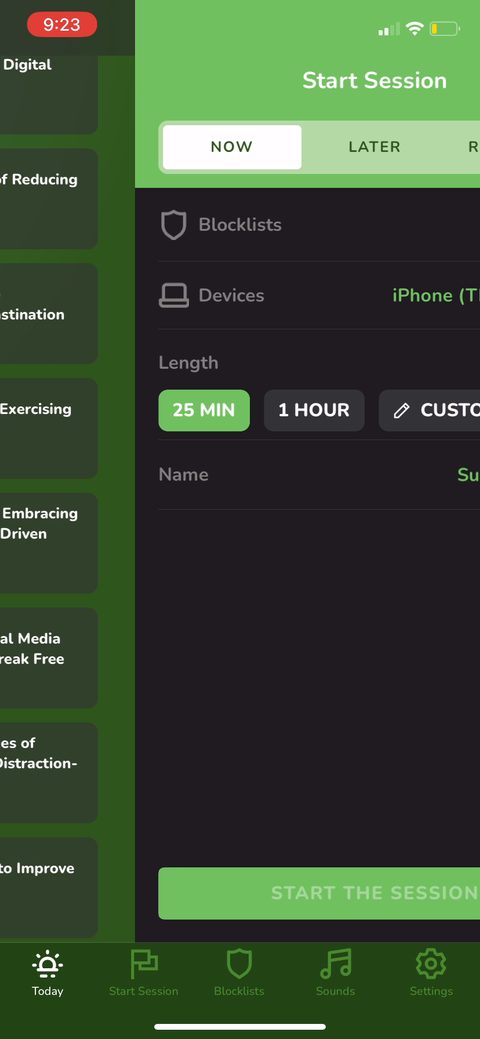 37
37 38
38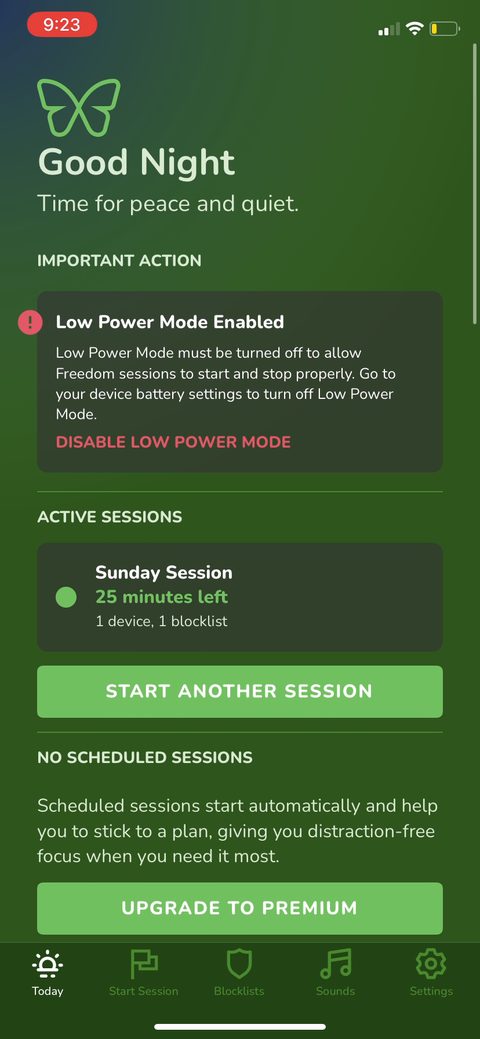 39
39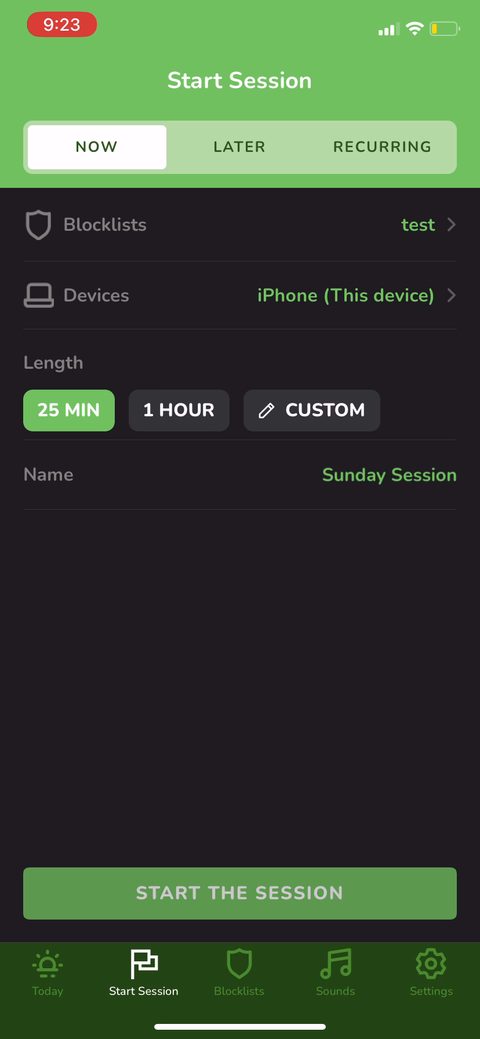 40
40 41
41 42
42 43
43 44
44 45
45 46
46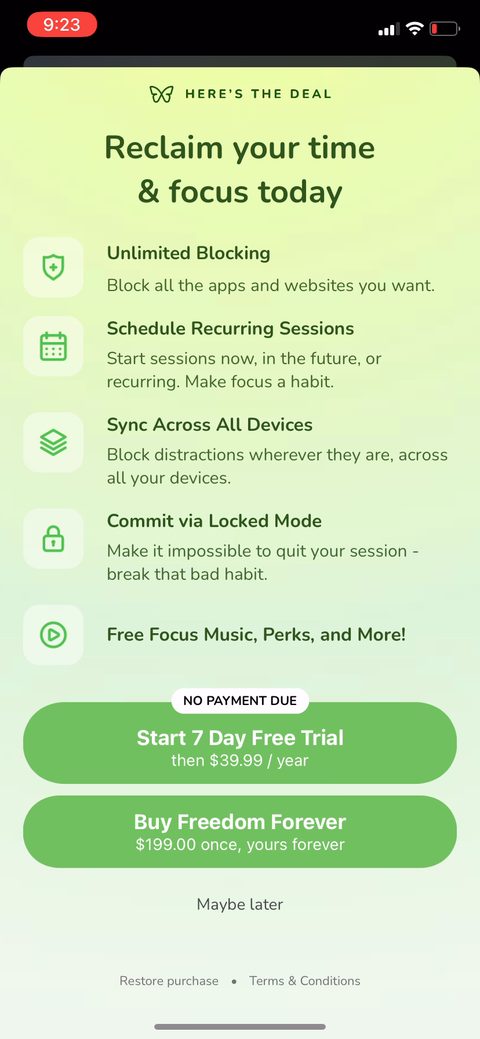 47
47 48
48 49
49 50
50 51
51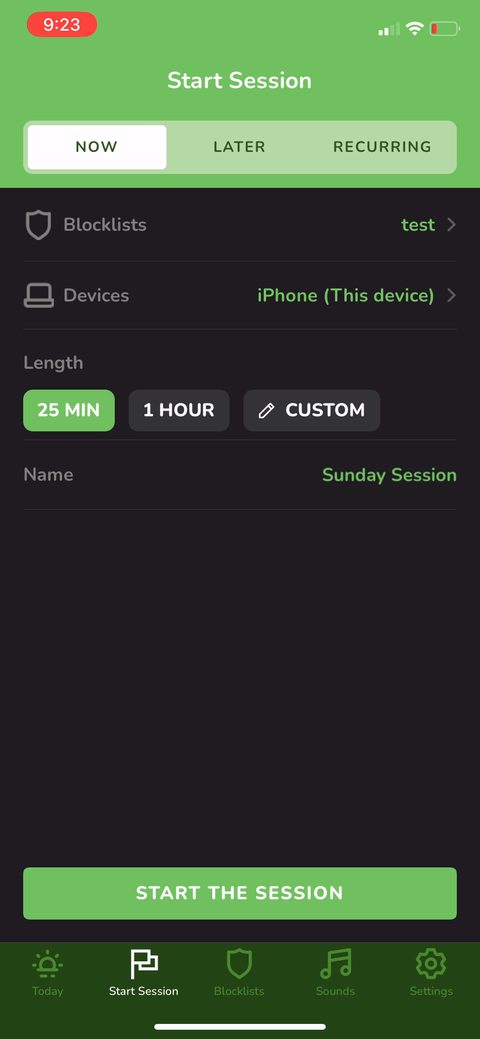 52
52 53
53 54
54 55
55 56
56 57
57 58
58 59
59 60
60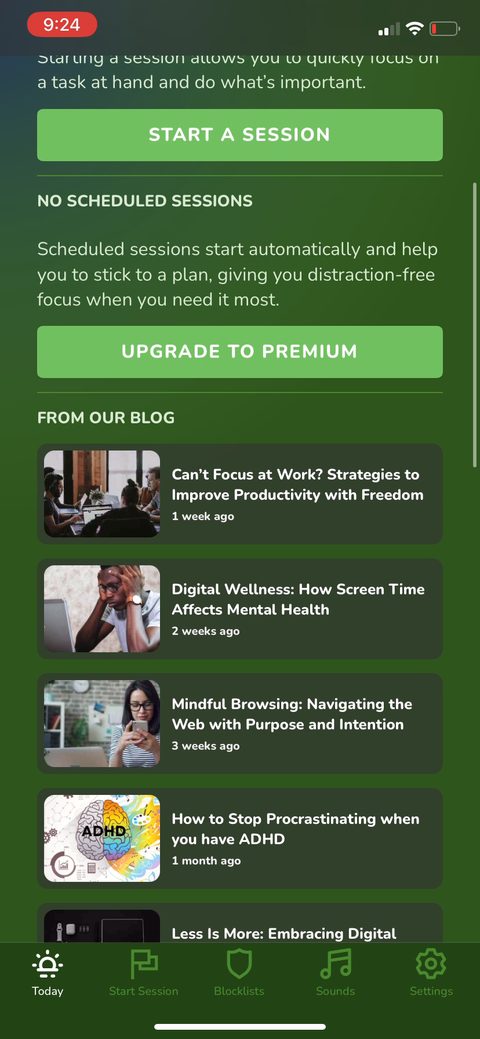 61
61 62
62