Mental HealthSoft paywall · trial optionalpaywall: post onboarding quizquiz drivengoal settingtutorial demoone plan onlyannual default with trialpricing anchor strikethrough
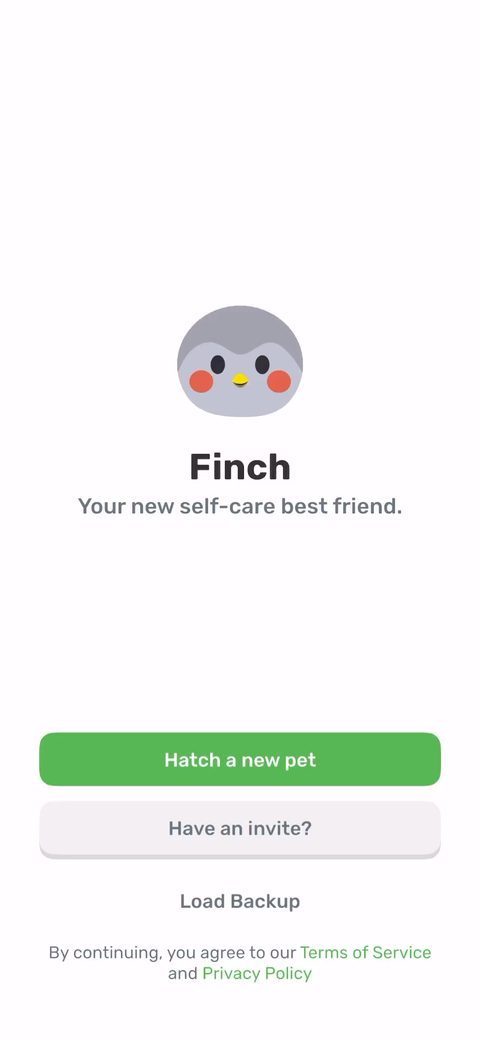
1Three doors on the first screen: hatch a pet, enter an invite, or load a backup. The invite slot is a referral loop sitting on screen one, and there's no signup wall, you just start by hatching. Low friction in, and friends inviting friends lowers CAC.2Choose your egg. The whole app is a virtual pet, so onboarding opens by handing you one to raise. Caring for a bird is an easier thing to commit to than caring for yourself, which is the actual point of the app.345The hatch reveal. You tapped to hatch and you immediately get a payoff before any quiz or paywall. Instant gratification up front buys you patience for the questions later.678You name the bird. Naming creates ownership, now it's your Tiger and not a generic pet. Cheap interaction, real psychological buy-in.910Pick a trait the bird cares about (curiosity, resilience, compassion). A bit more investment, and it makes the pet feel personalized to you in about two taps.111213The bird asks your name instead of a form field. They capture your name through the character, then use it downstream ('J's starter plan'). Same data, friendlier ask, and it keeps you talking to Tiger.1417Explainer on what self-care means. This is a tell-not-show screen. It's fine here because it sets up the core loop, but I'd test cutting straight into the loop and explaining as you go.18'When you take care of yourself you take care of me too.' This is the whole reframe: your habits become the pet's energy. Doing something for a creature you just named is easier than doing it for yourself.1920The energy bar (0/15). Your self-care habits feed Tiger's energy so she can go explore. It turns a habit tracker into feeding a pet, which is the mechanic that holds daily retention.21222324Notification permission, framed as 'get reminders from Tiger' with the pet saying 'remember to drink water.' Benefit-framed through the character beats the generic iOS prompt.252627Email capture framed as 'get an inside look' with sneak peeks and a clear 'skip for now.' It comes after you've bonded with the pet, not before, so it reads as opt-in rather than a gate.2829303334354042434445'Have you used Finch before?' with a 'yes but I'm starting fresh' option. Branching returning users early so you don't walk a first-timer through value props they've already seen.464748505152'How many people can you lean on for support?' with 'just me' as an option. A sensitive read on isolation that should feed the personalization. Single-select is fine since it's a rough bucket.54Mental health challenges (PTSD, bipolar, OCD, depression, ADHD, anxiety) with 'prefer not to answer' and 'don't have.' Heavy question this early, but it's zero-party data that justifies the self-care positioning. The opt-out options are the right call.5557585960616263646566'What areas would you like support with?' multi-select: social skills, low mood, focus, habits, sleep. This is the goal-setting that should drive the starter plan and the paywall copy. Good that it's multi-select, people want help with more than one thing.67686970'What's your biggest obstacle to staying active?' Naming the blocker makes the later plan feel like it's solving your specific problem, not a generic one.7172737475Loading screen, 'generating your self-care goals with Tiger.' Shows the work being done for you and reinforces that the quiz answers turned into something personalized.7677The payoff: 'J's starter plan' with concrete tiny goals (get out of bed, brush teeth, drink water). Personalized with your name, and the goals are deliberately small so the first win feels guaranteed. This is the value moment right before the paywall.78'Finch is free to use, but we'd love for you to try Finch Plus for 7 days free.' Soft lead-in that leans on the app being free first, which lowers defenses before the ask.7980'43% OFF when you start your free trial now, biggest discount ever just for you & Tiger.' Discount framing before they've even shown a price, with the pet personalizing the deal. Sequenced to build it up over a couple of screens.81The trial timeline (today / day 5 reminder / day 7 charge), annual $69.99 struck to $39.99, and 'offer expires when you exit this screen.' One annual plan, trial default, exit-based scarcity. Clean structure. I'd test whether the exit-scarcity line actually lifts conversion or just reads as pushy.828384'How did you hear about Finch?' placed after the paywall. Smart, an attribution survey adds friction so they put it past the ask. You still get the marketing data without taxing conversion.85868788'How many days in a row will you take care of Tiger?' with 14 days preselected. A commitment device plus a high default. You're picking a streak goal before you've done anything, which raises buy-in, and the default is doing a lot of the work.8990Widget add walkthrough. Getting the pet onto your home screen is the activation move, it's a constant reminder that pulls you back in. Good to push it during onboarding while intent is high.9192939495Post-paywall lands on the first adventure with your goals listed, not a blank home. They guide you straight to the first task, which is the activation step most apps skip.9697
Powered byBotsiAI/ML models to show the right paywall to each user to grow revenueLearn more →
 1
1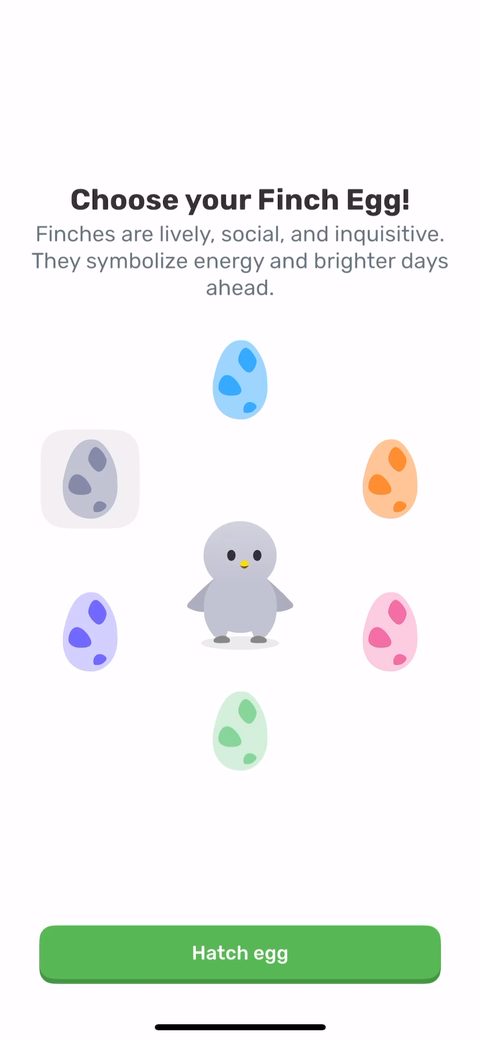 2
2 3
3 4
4 5
5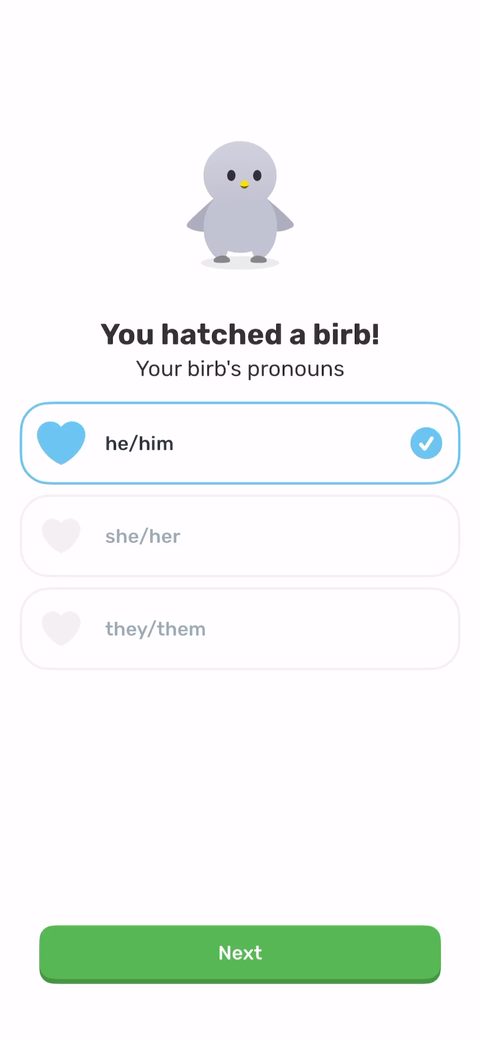 6
6 7
7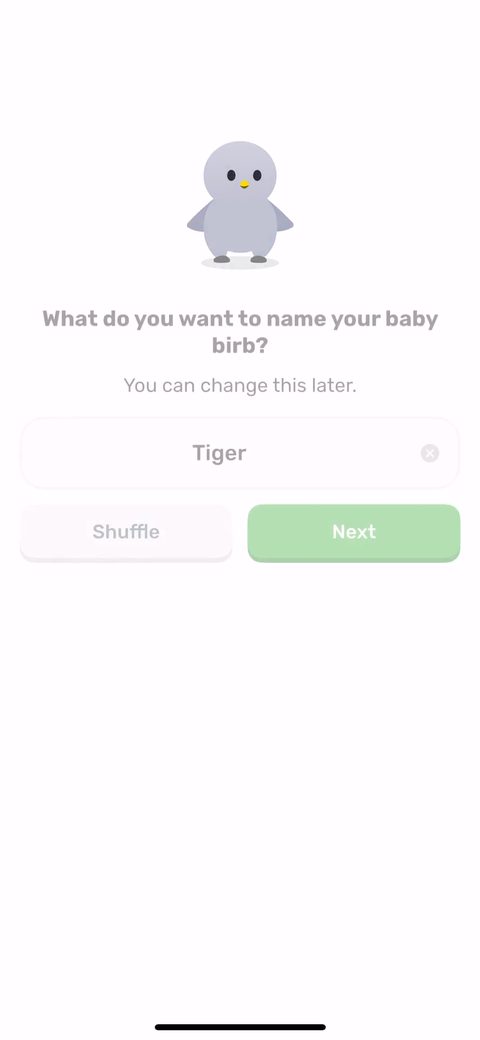 8
8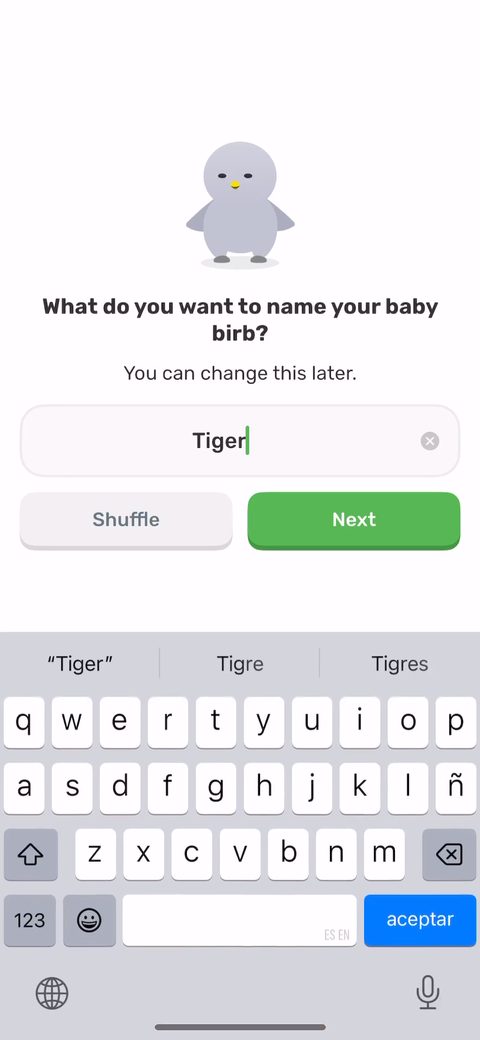 9
9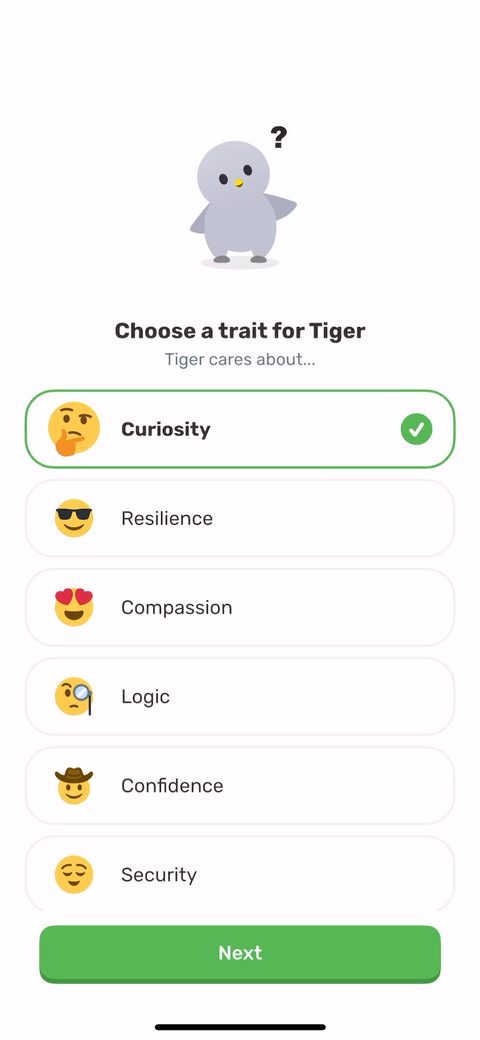 10
10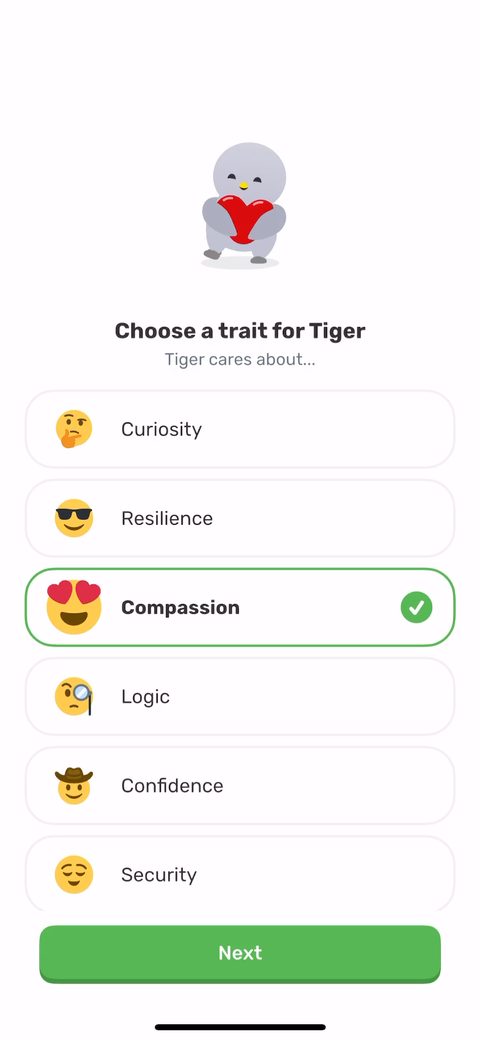 11
11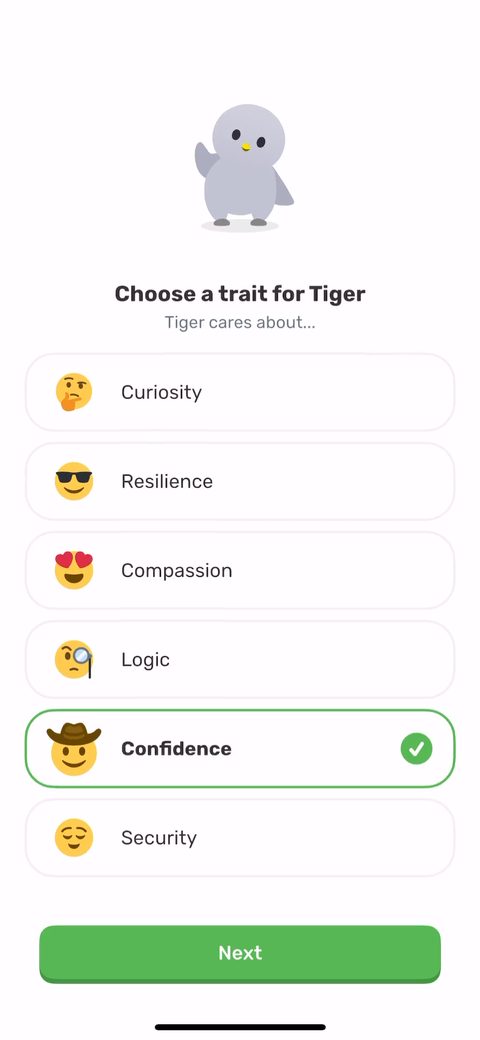 12
12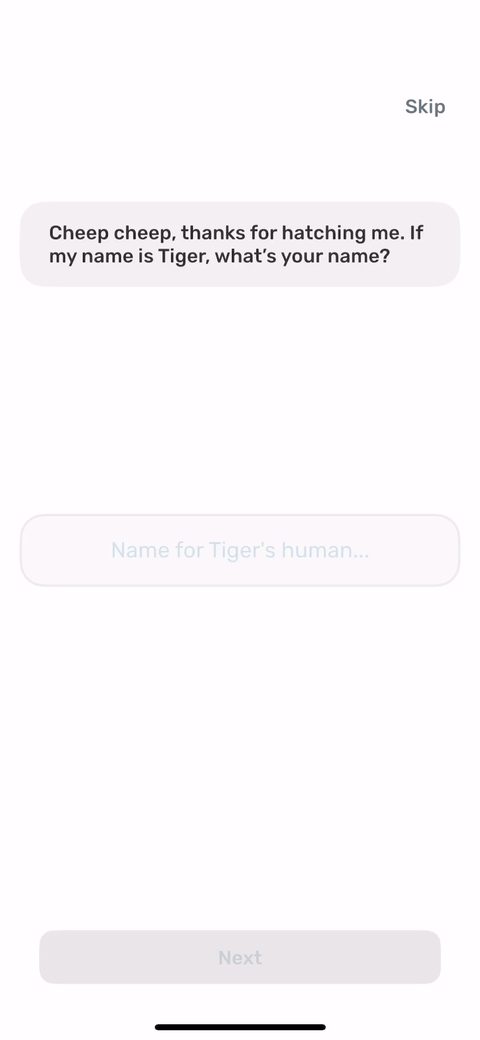 13
13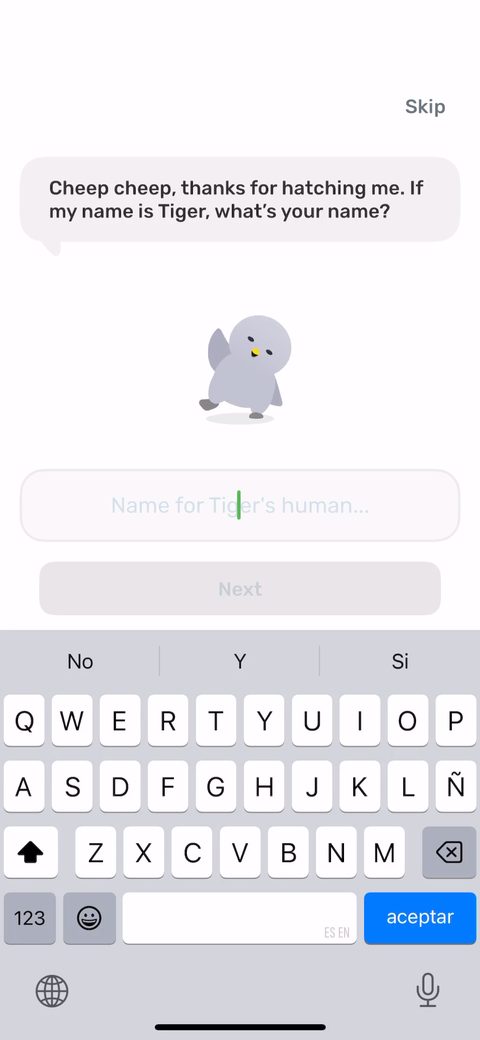 14
14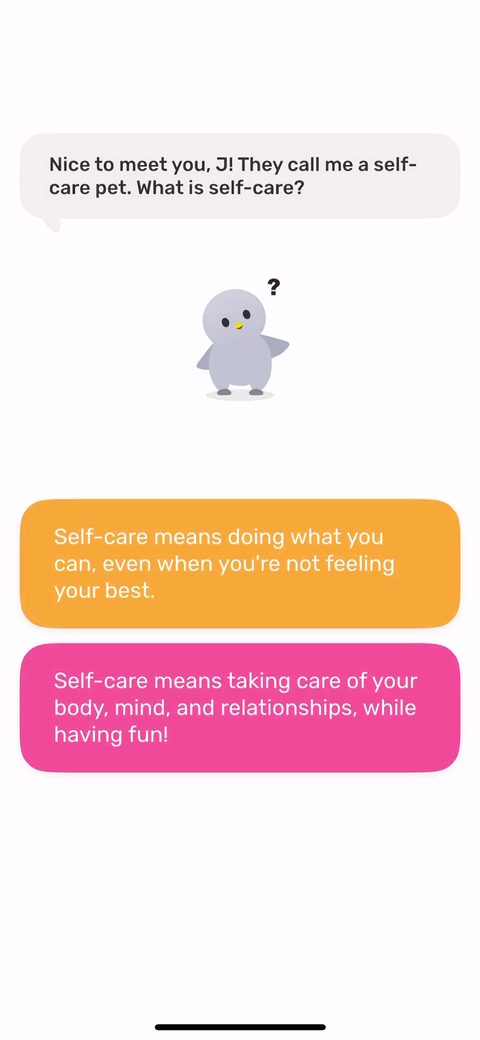 17
17 18
18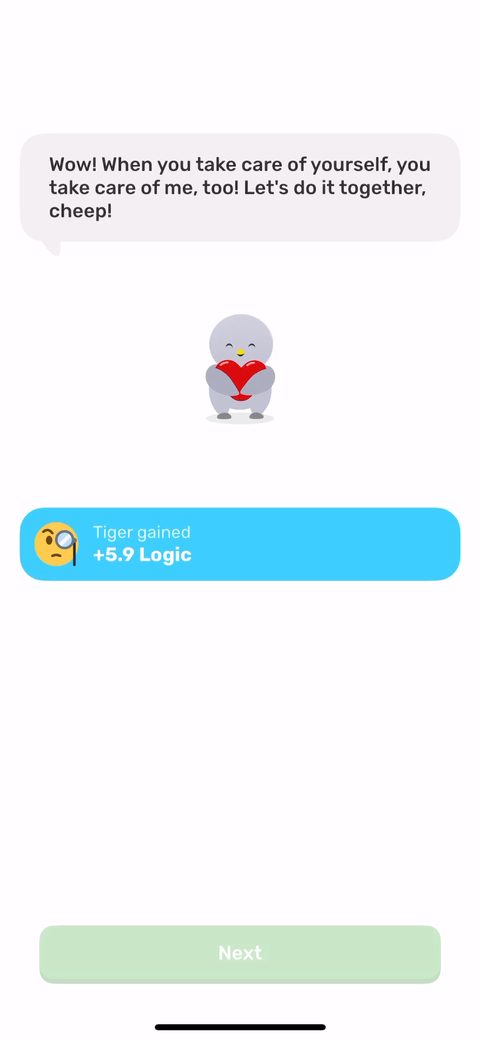 19
19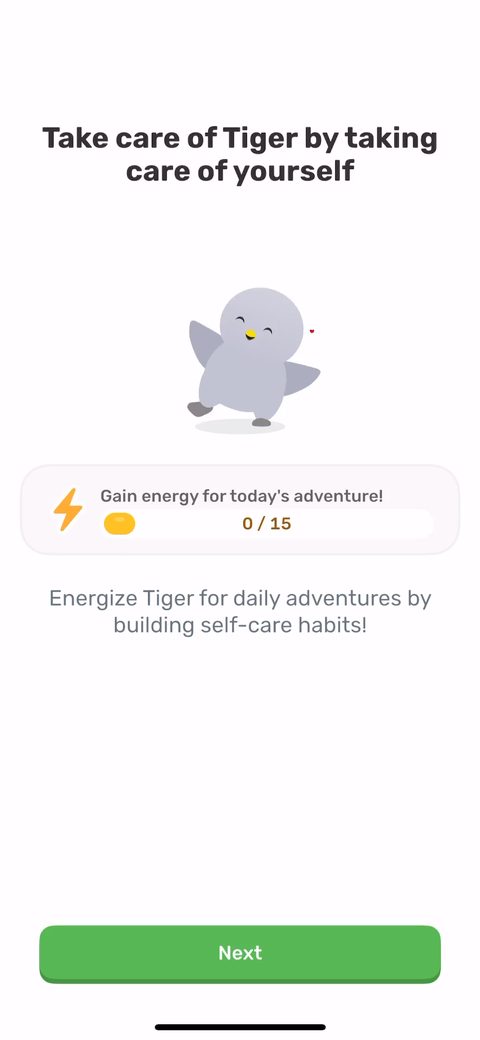 20
20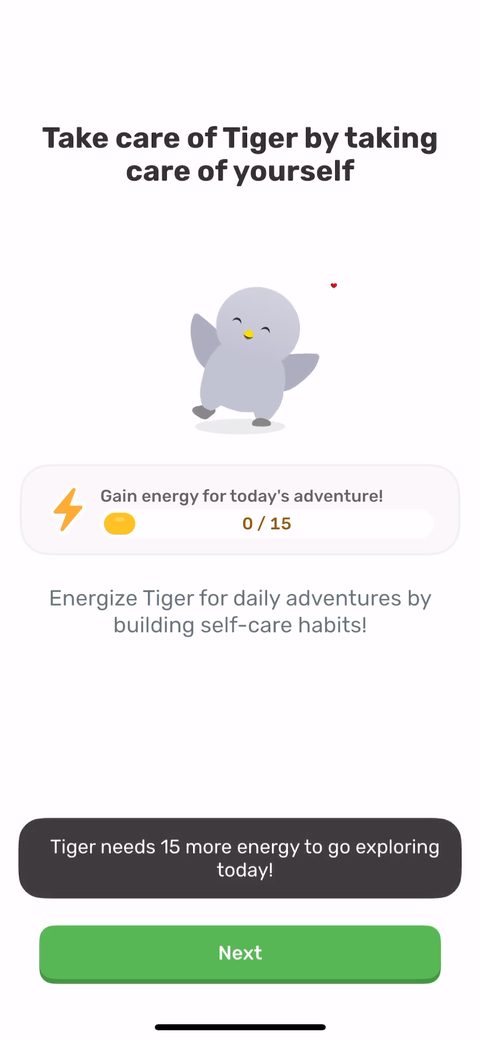 21
21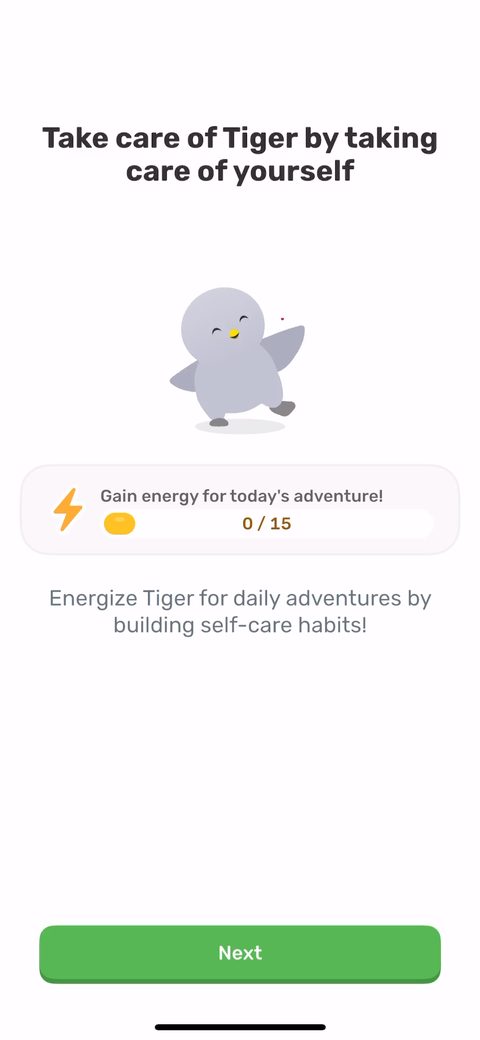 22
22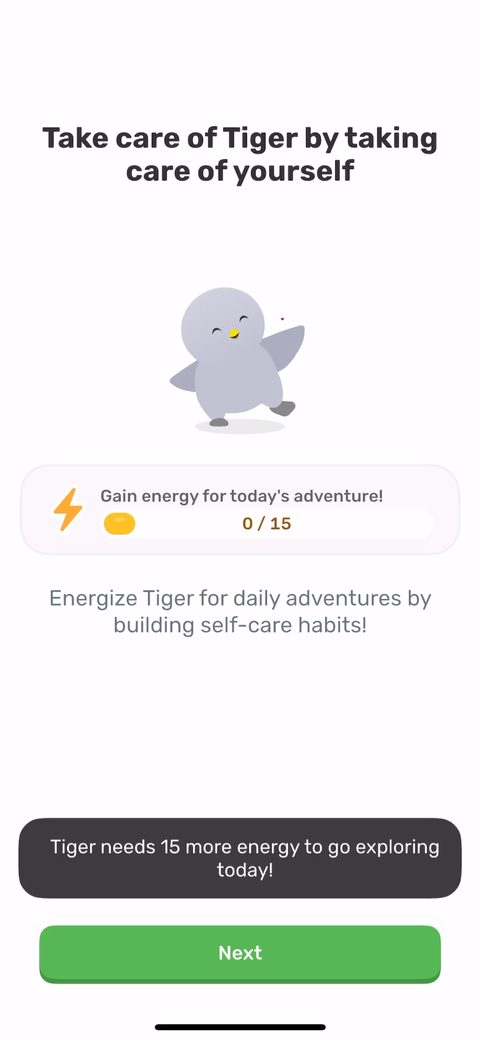 23
23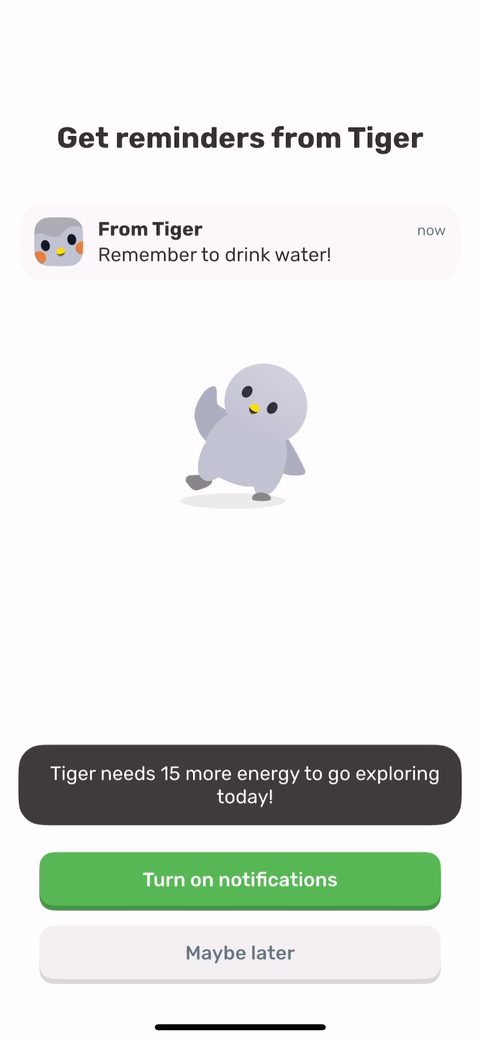 24
24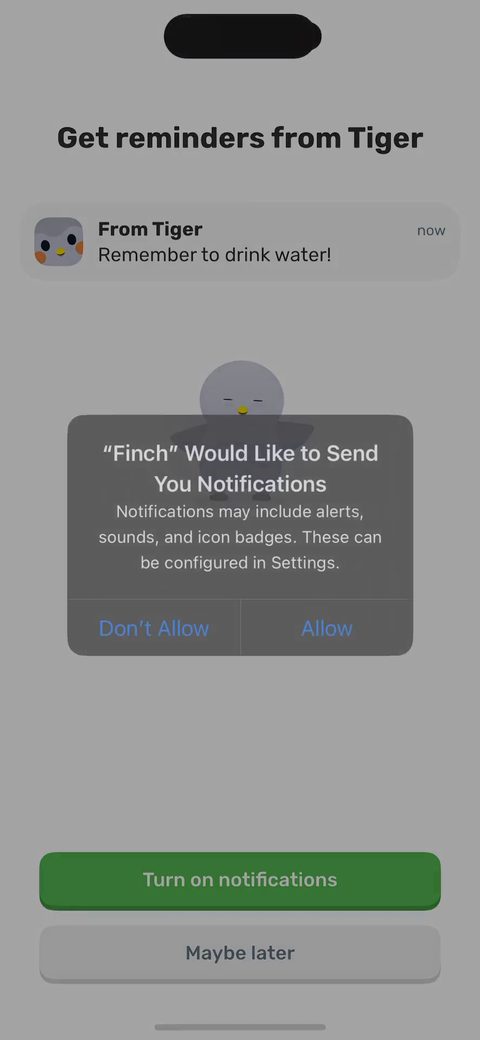 25
25 26
26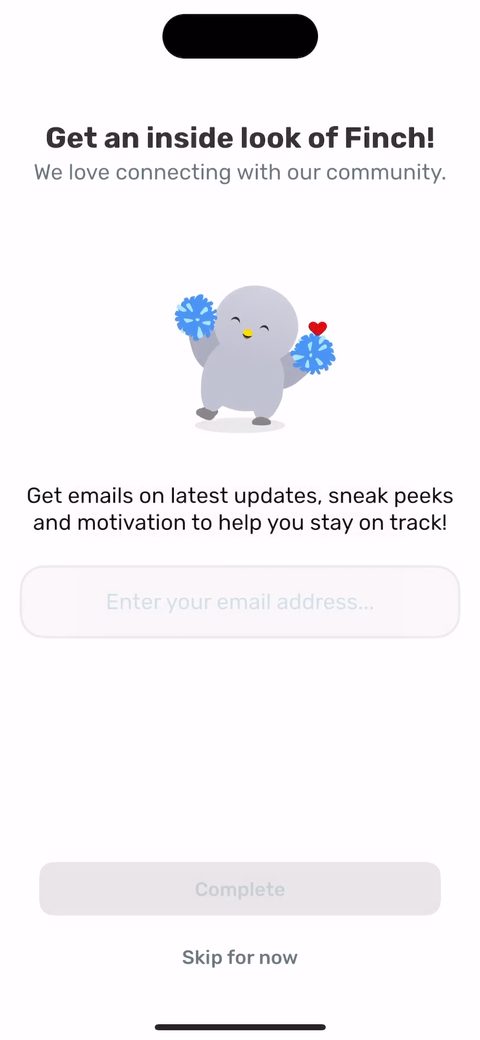 27
27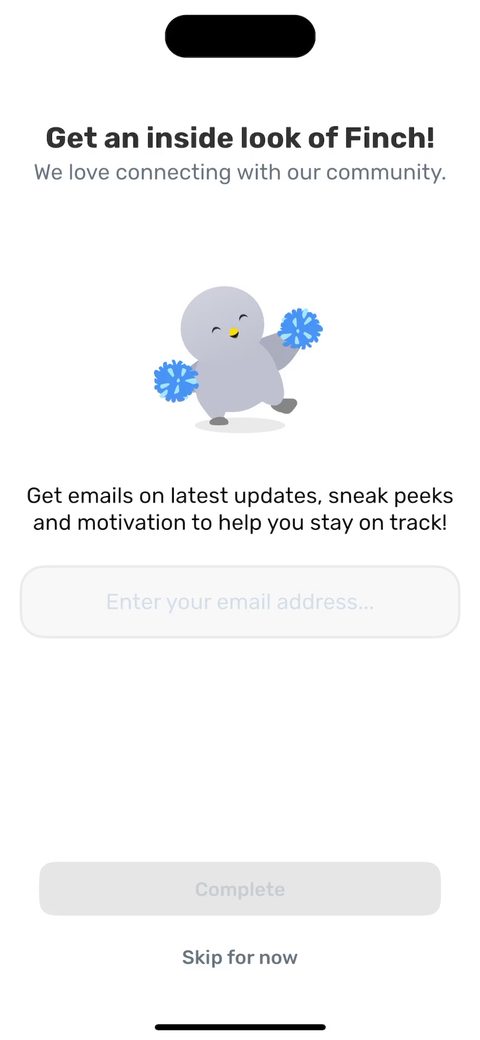 28
28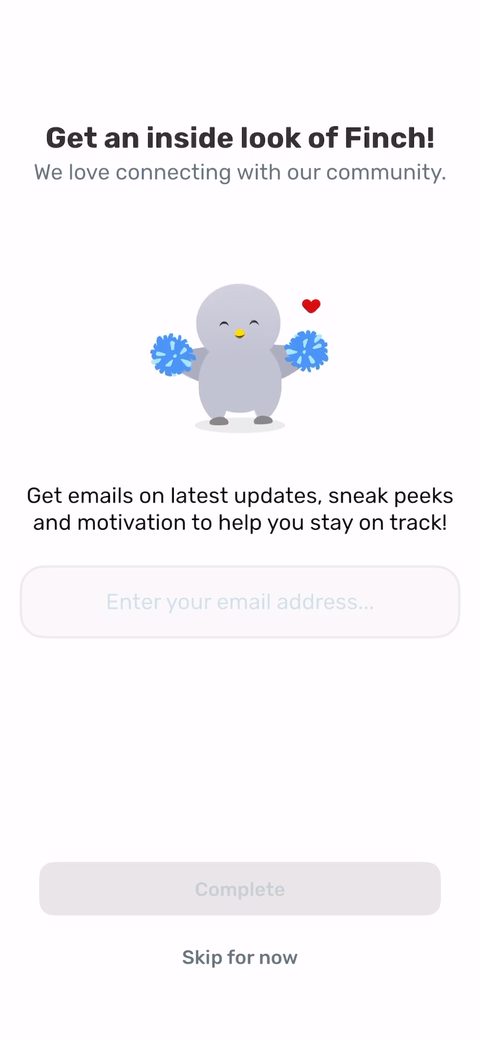 29
29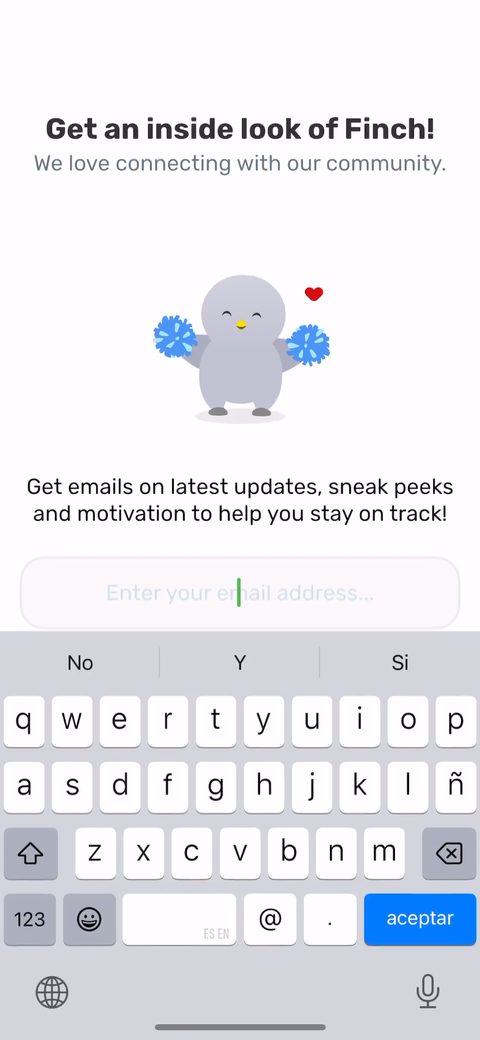 30
30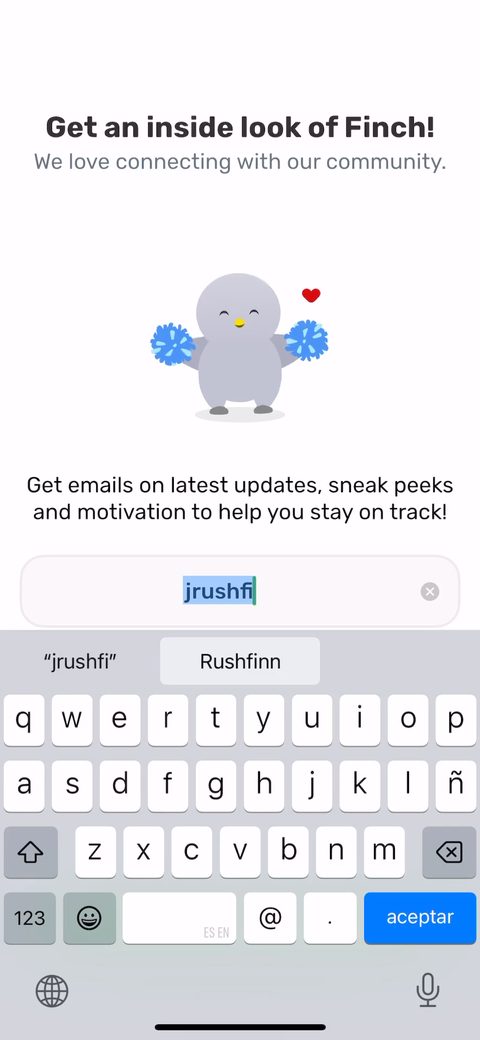 33
33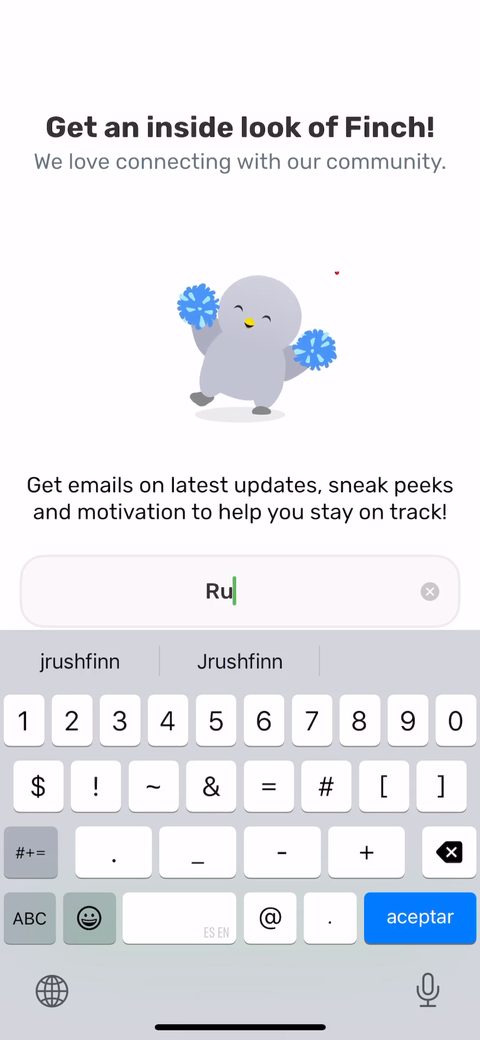 34
34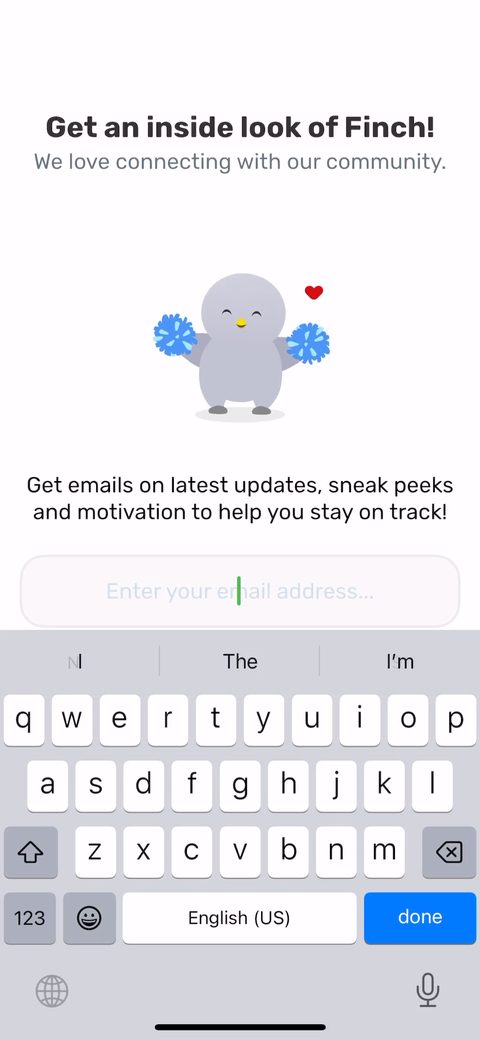 35
35 40
40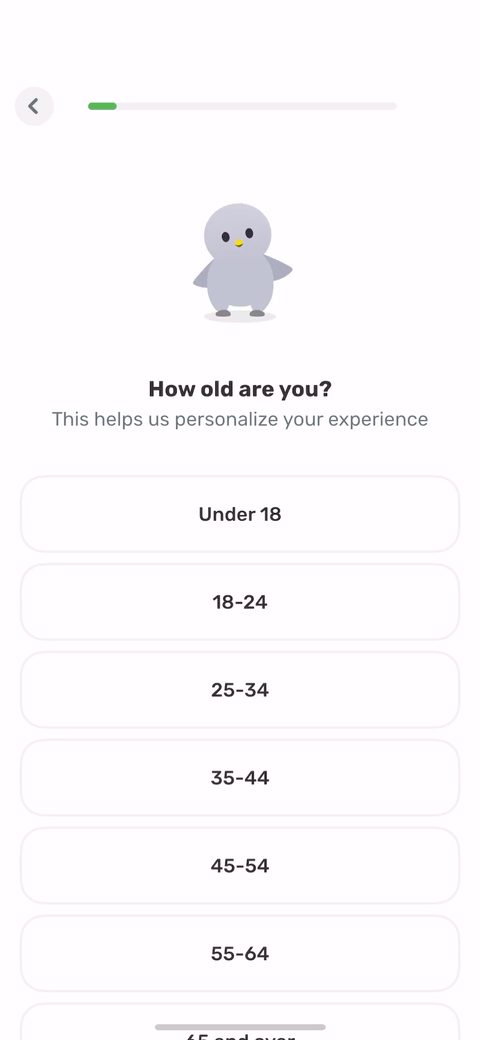 42
42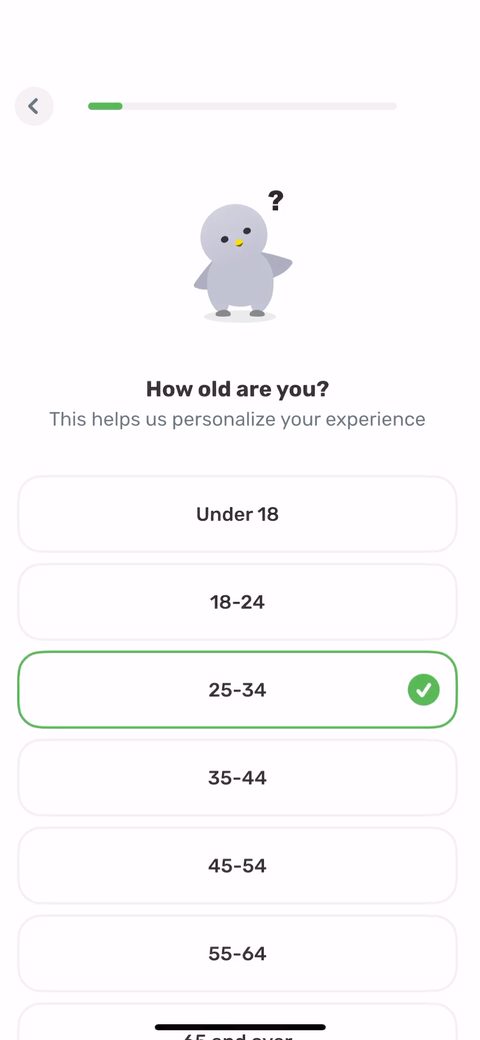 43
43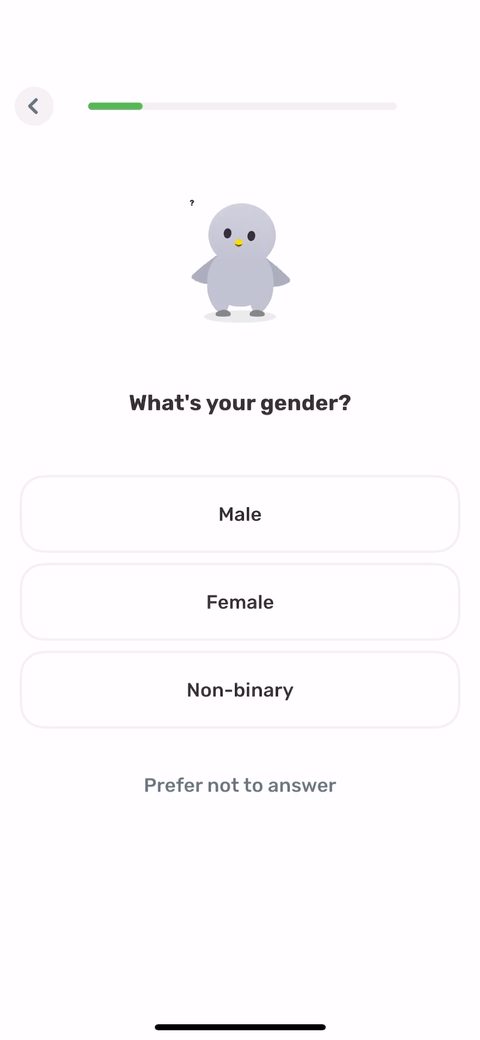 44
44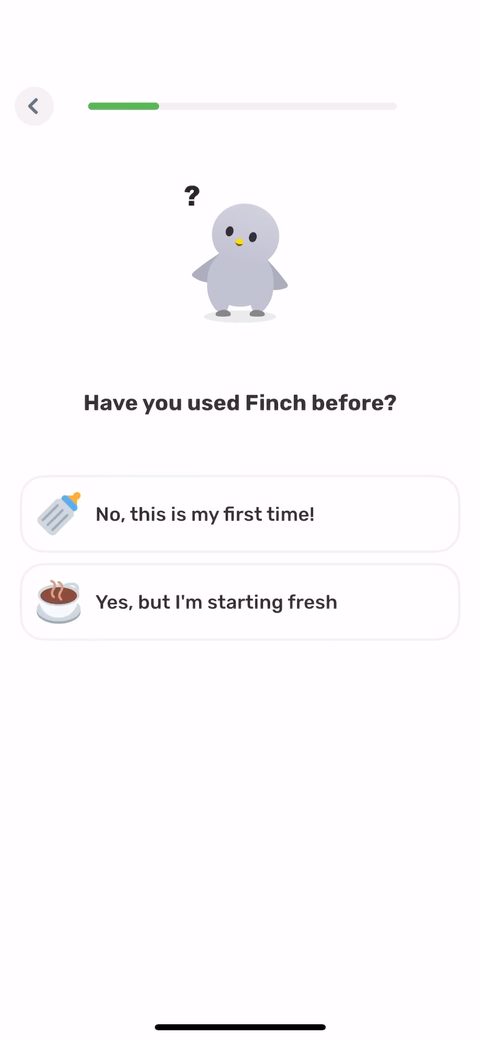 45
45 46
46 47
47 48
48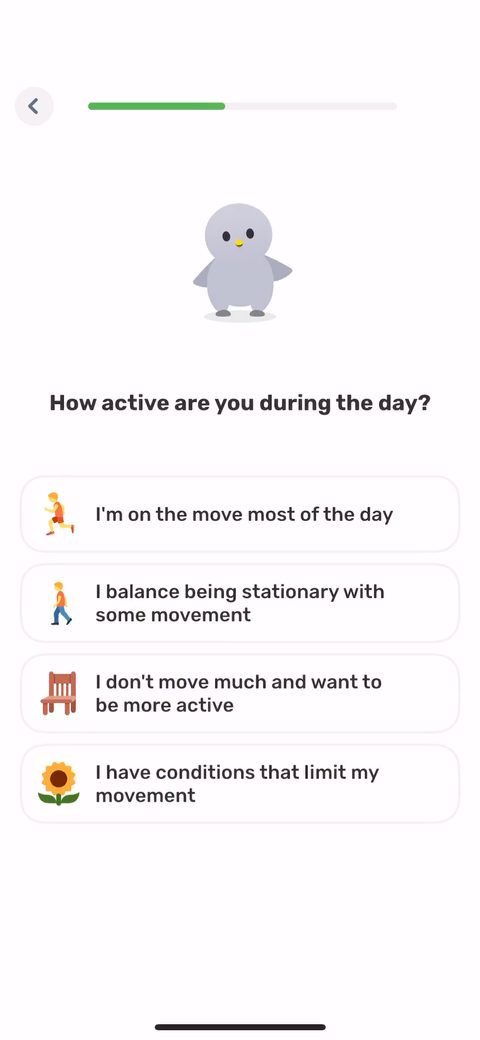 50
50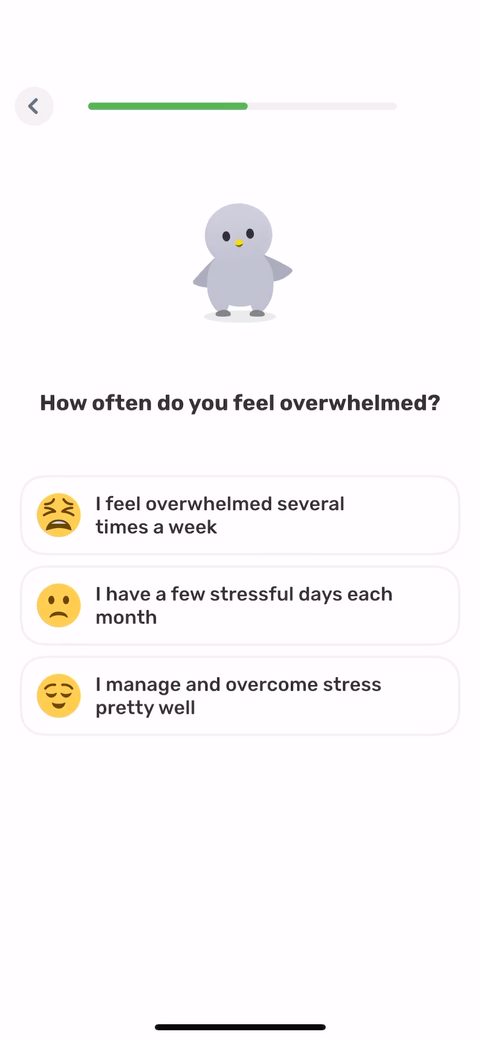 51
51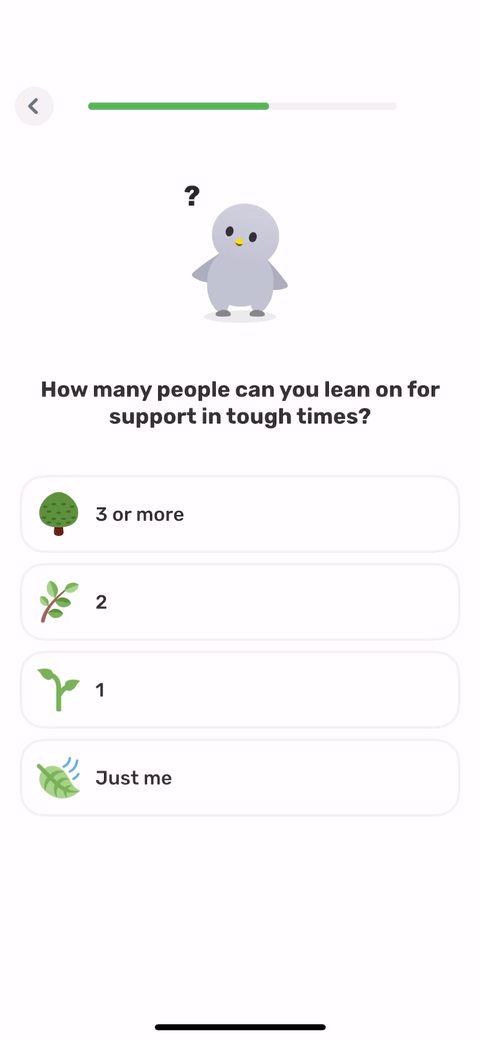 52
52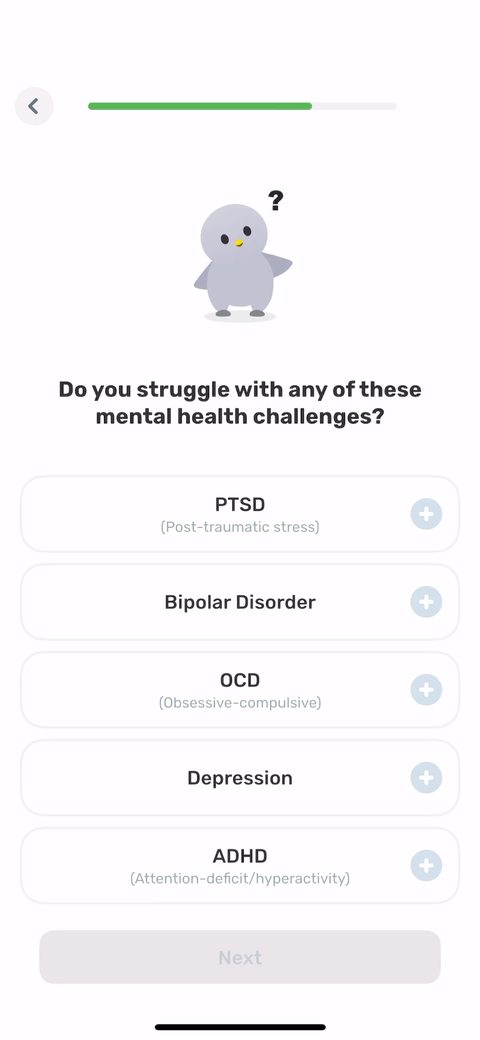 54
54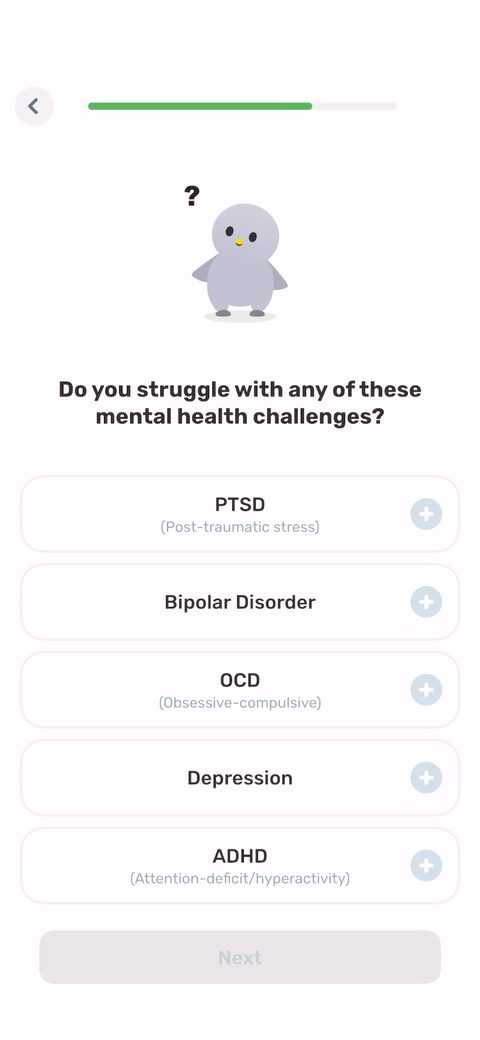 55
55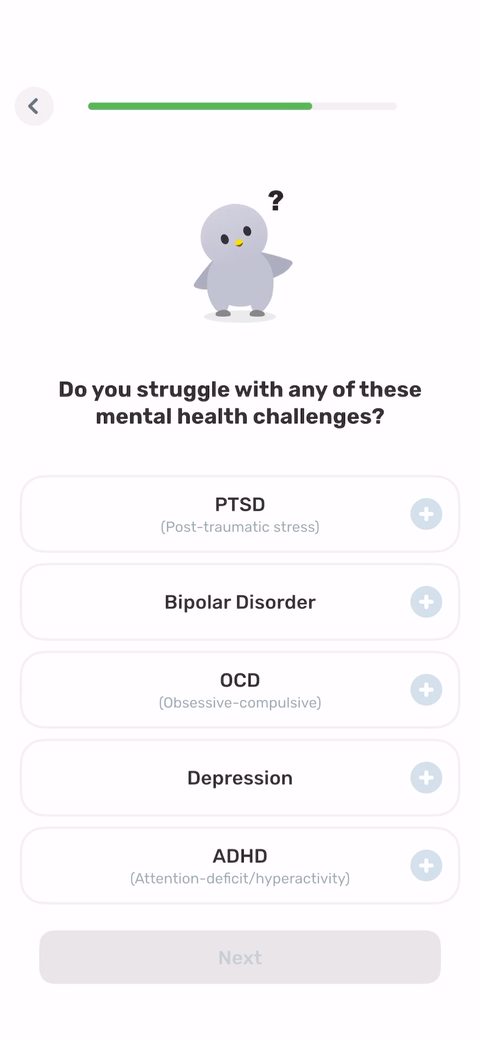 57
57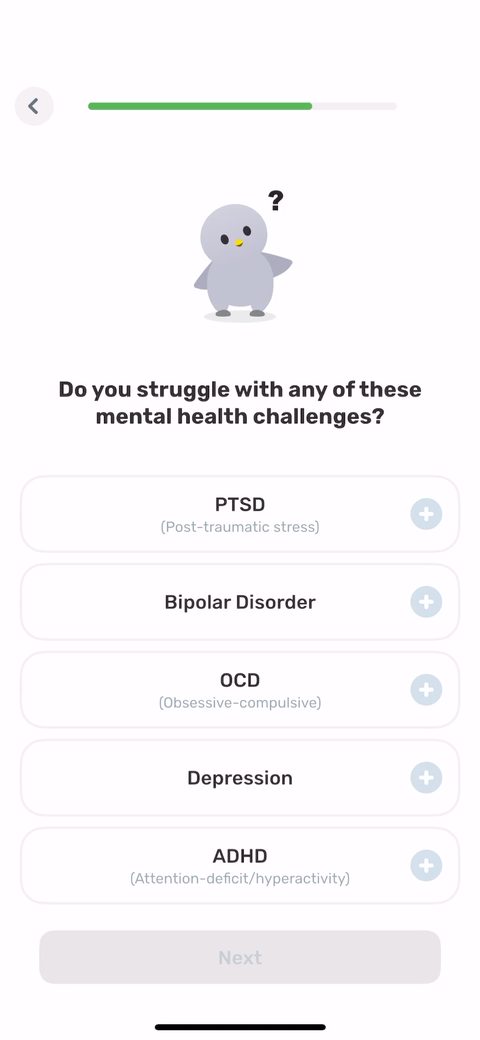 58
58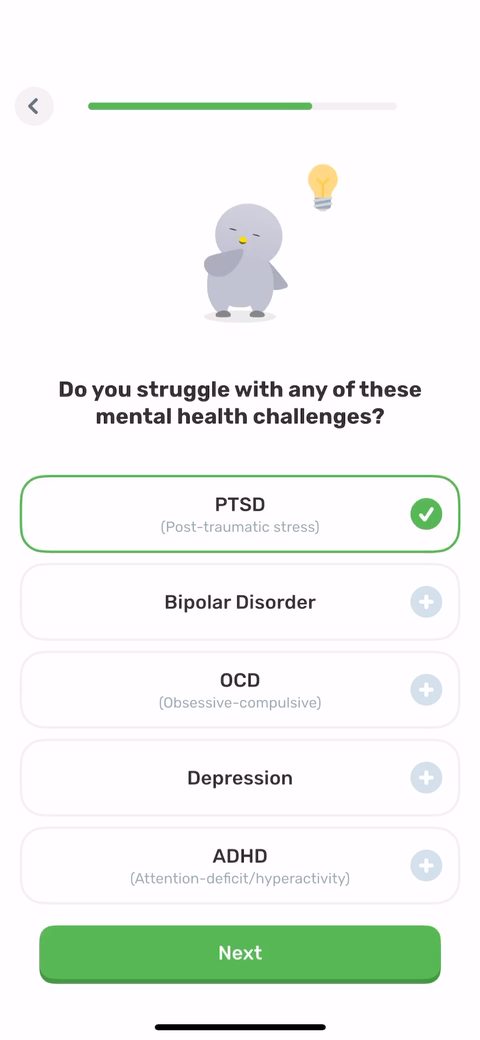 59
59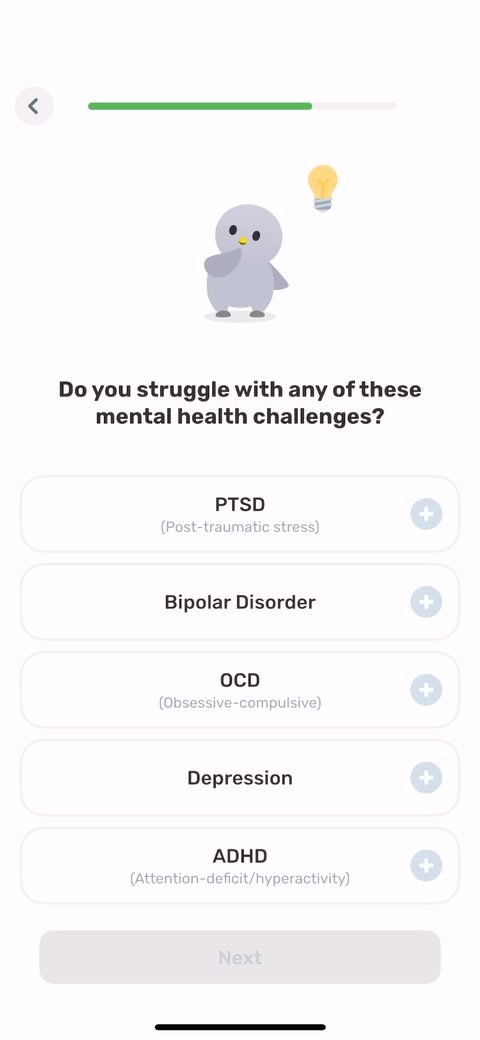 60
60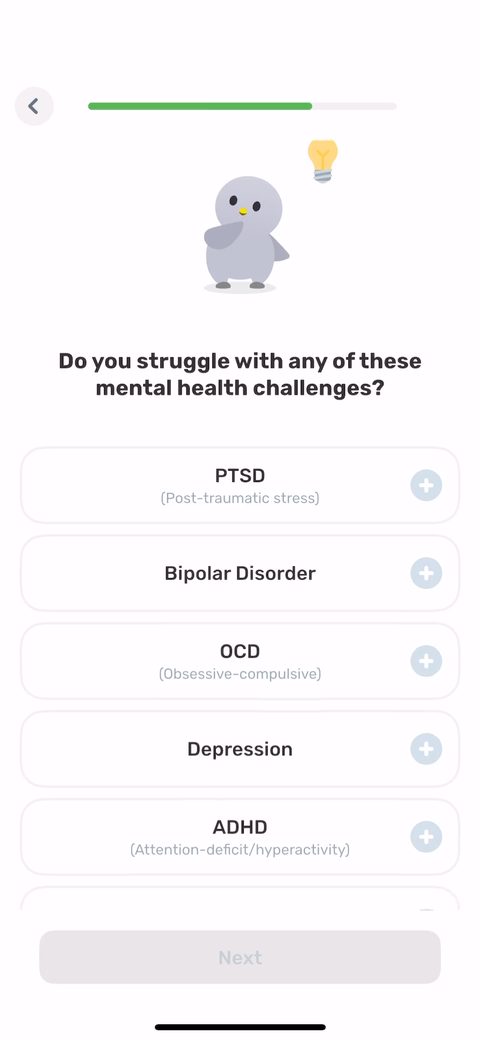 61
61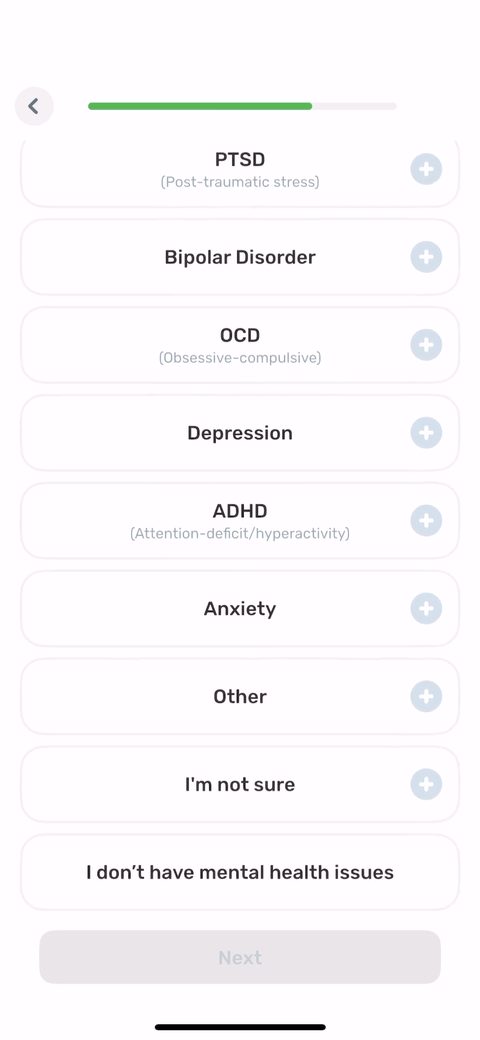 62
62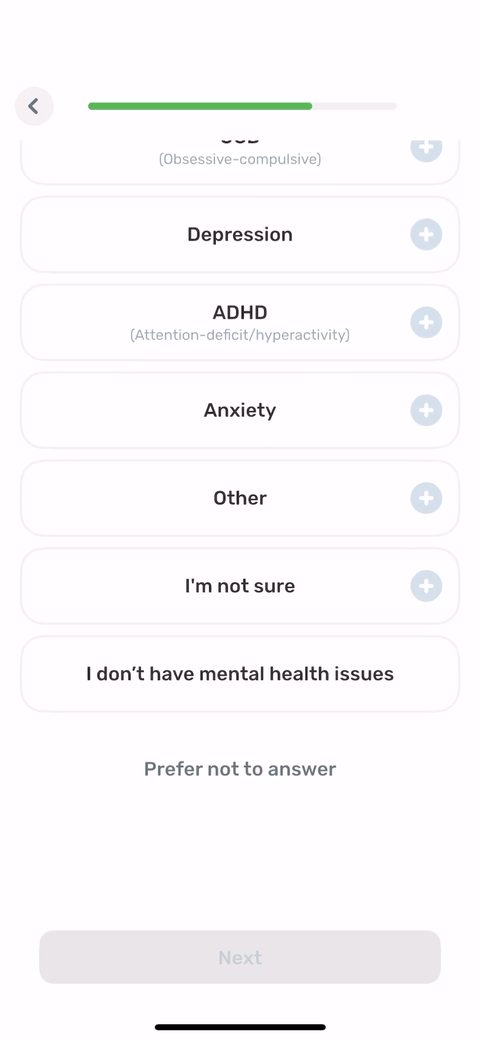 63
63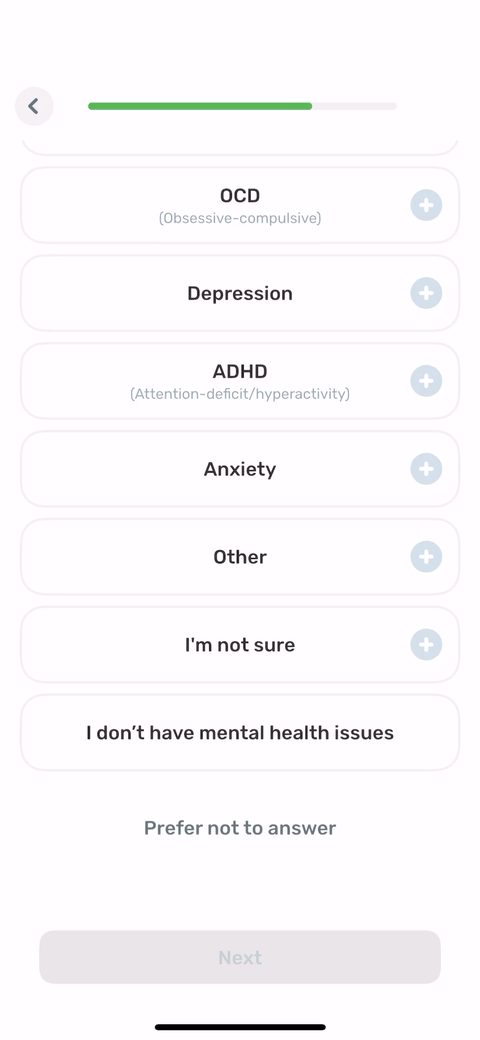 64
64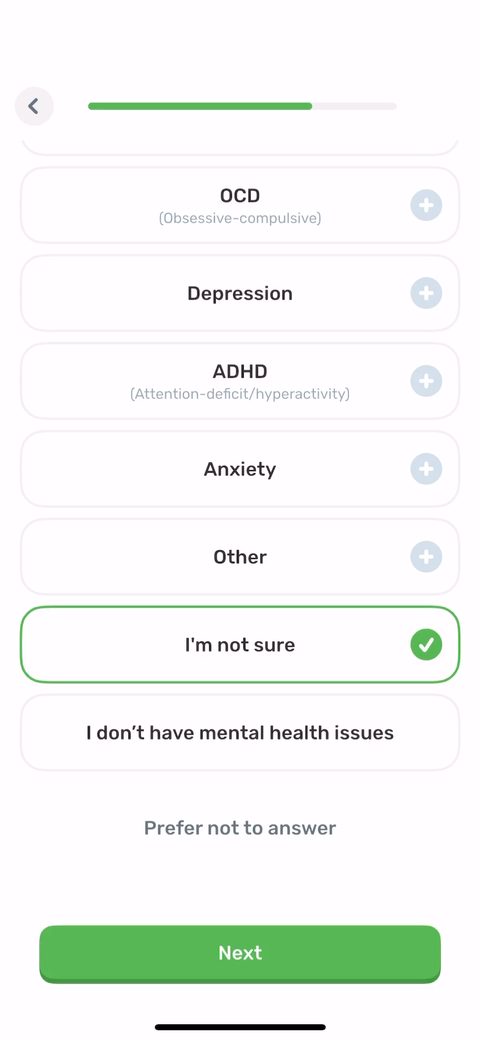 65
65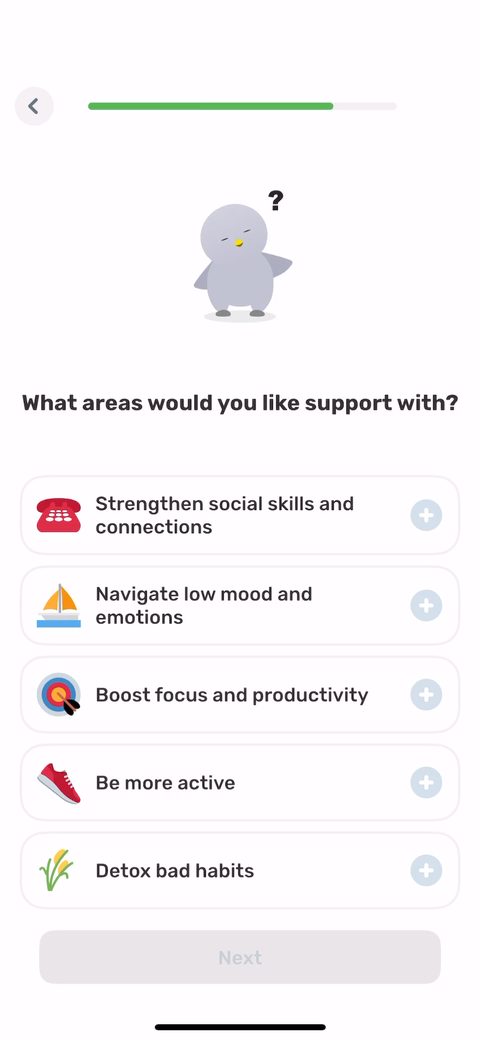 66
66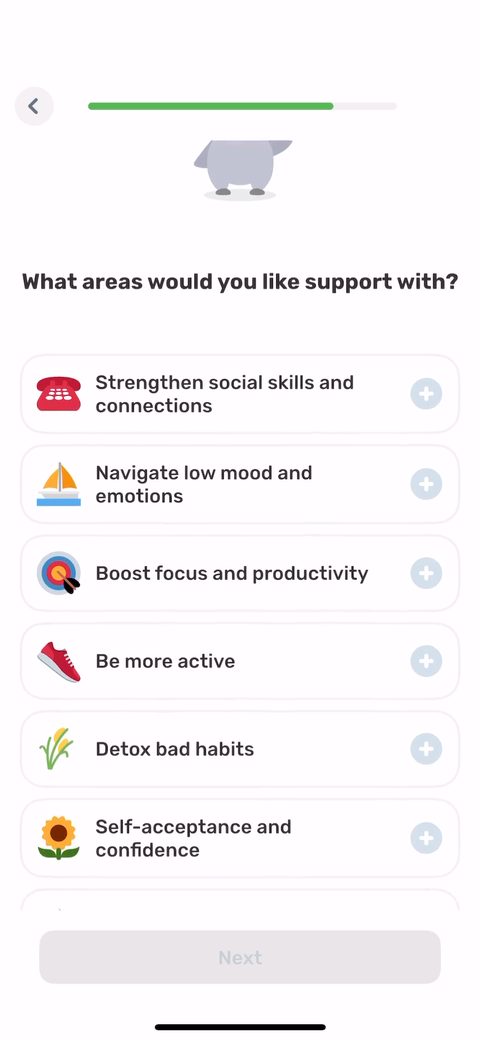 67
67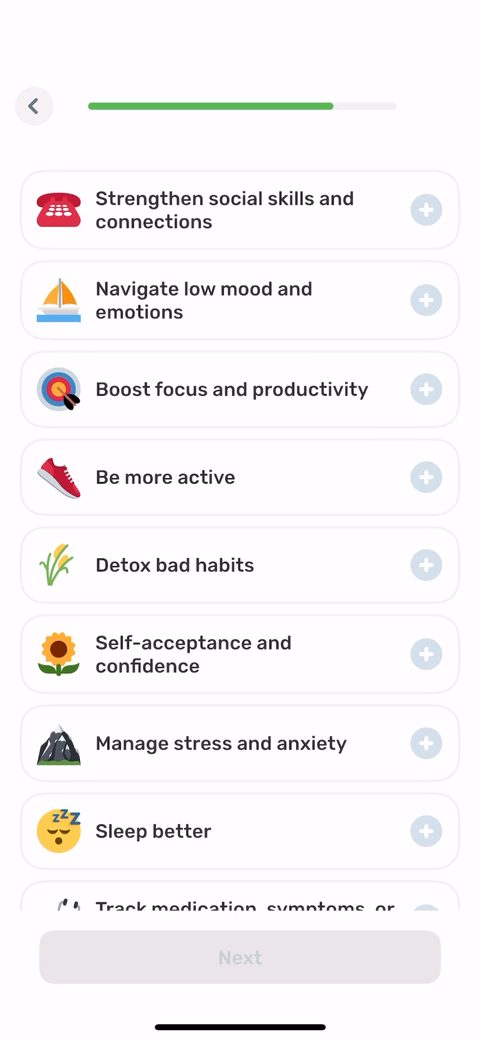 68
68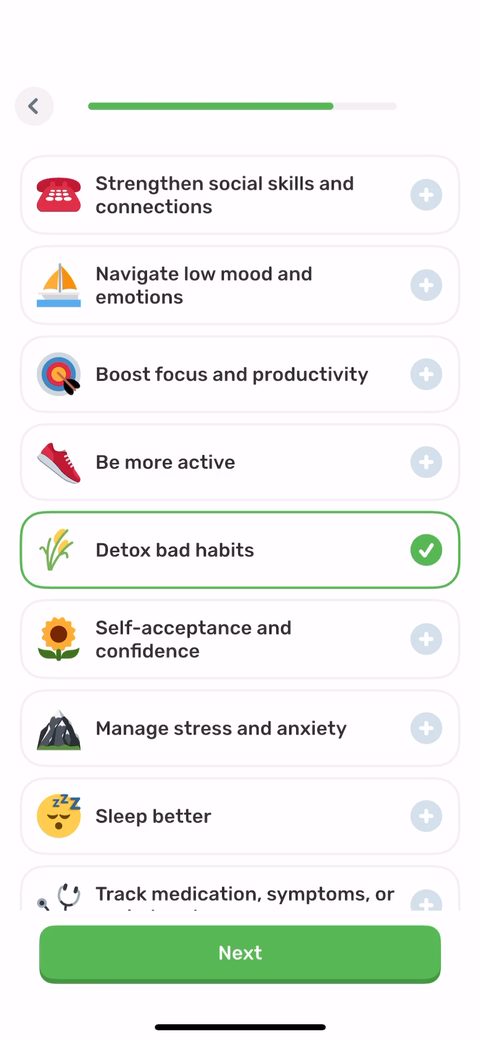 69
69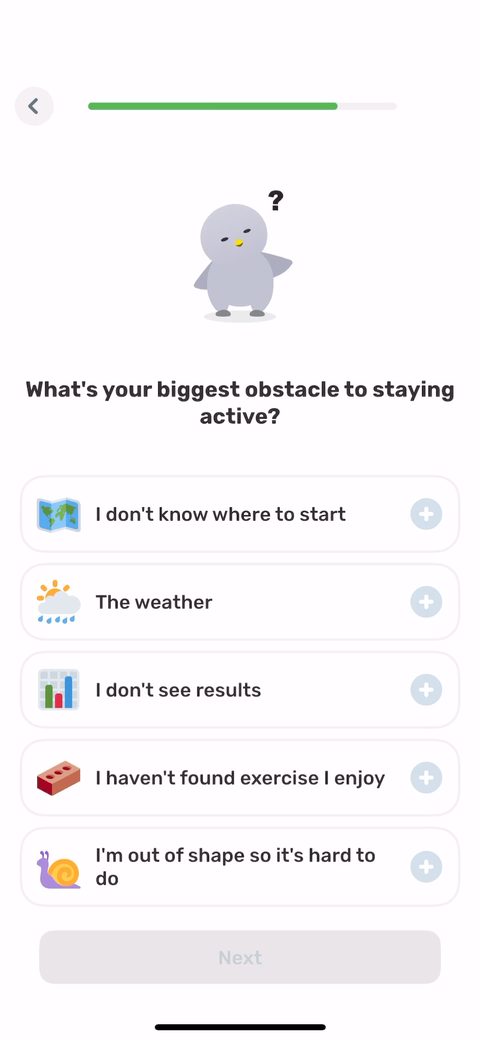 70
70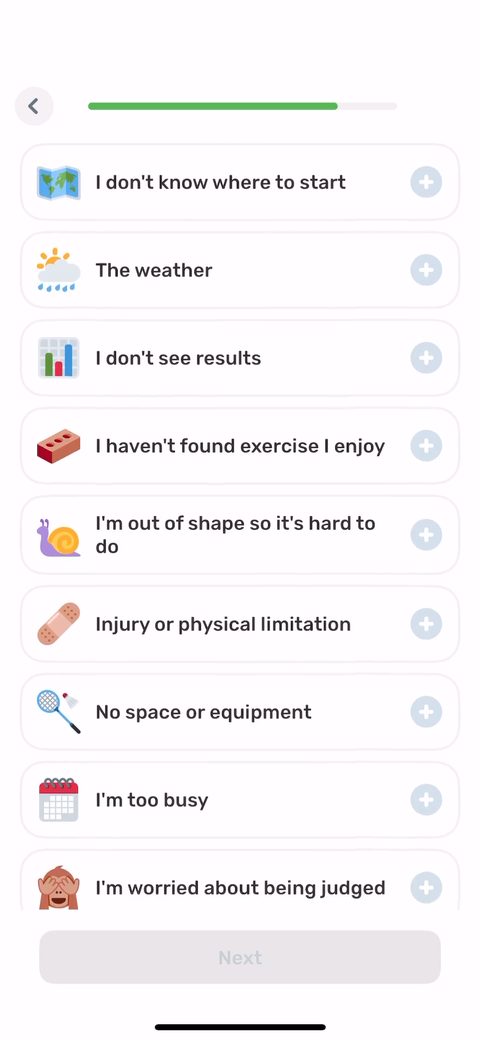 71
71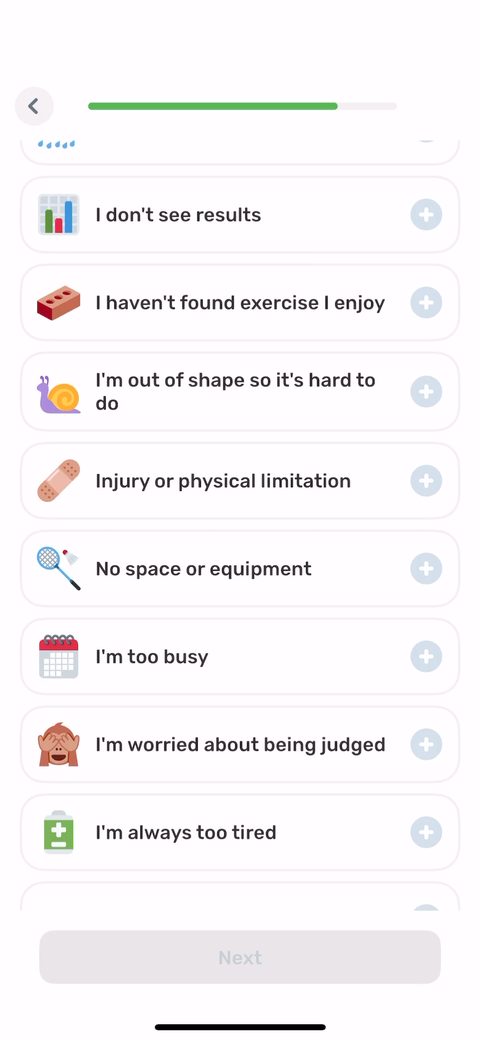 72
72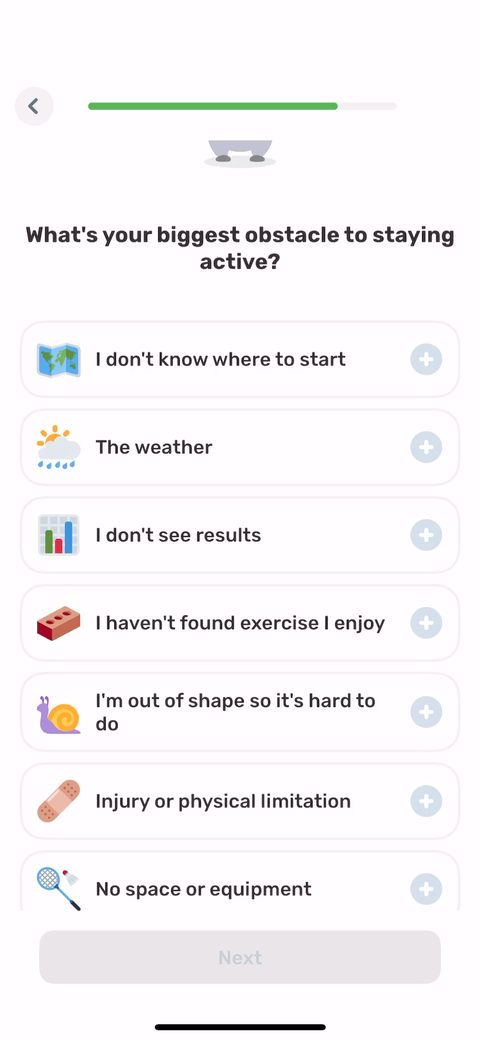 73
73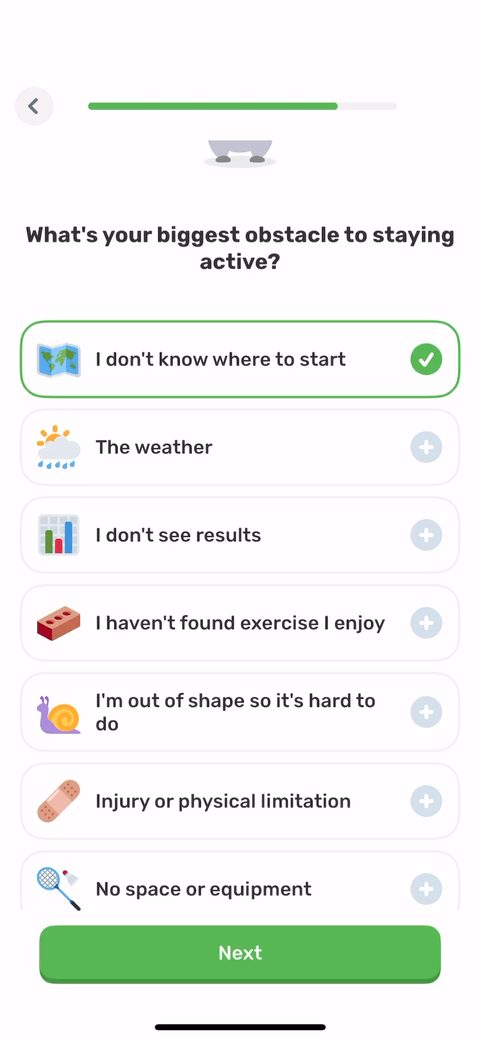 74
74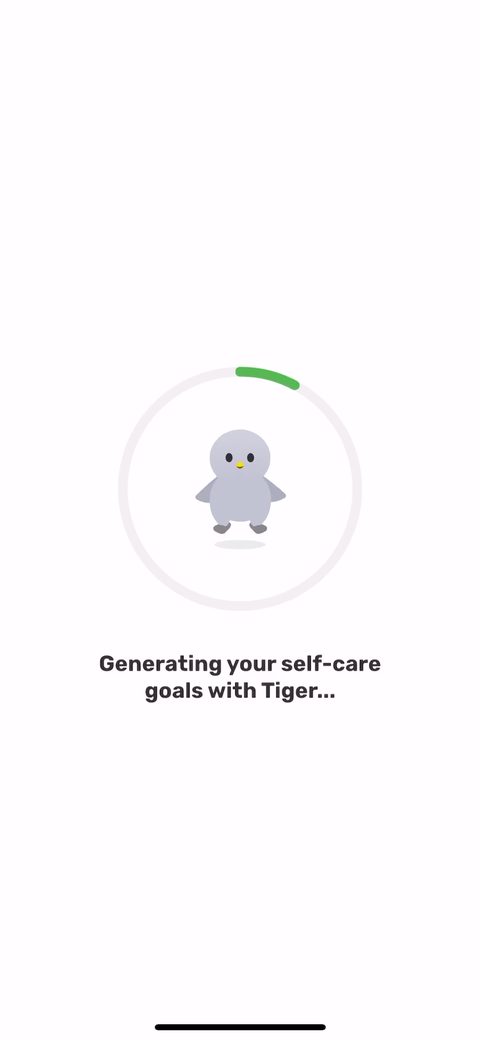 75
75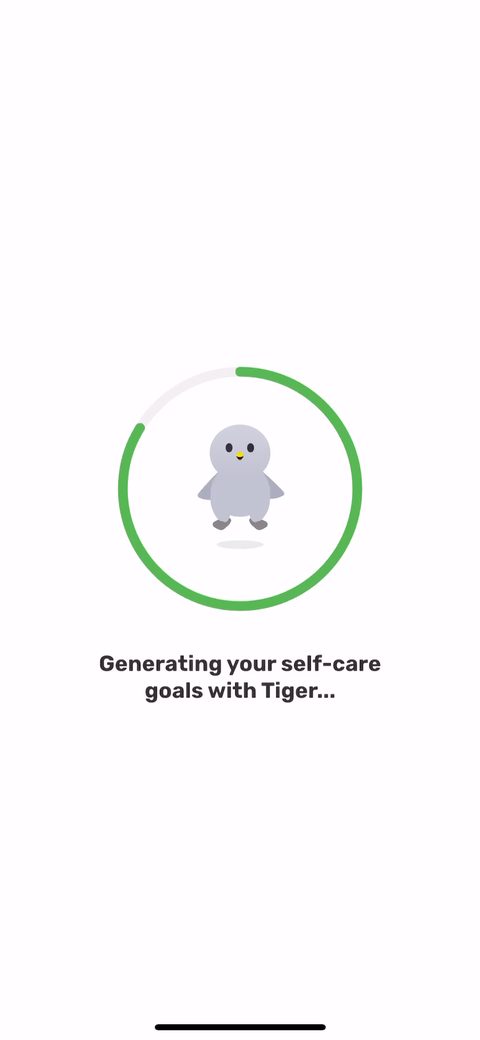 76
76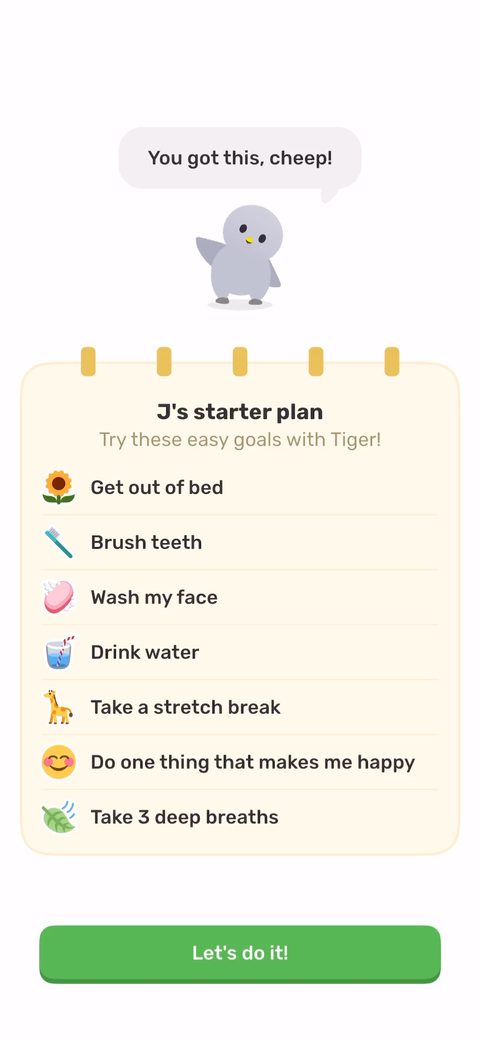 77
77 78
78 79
79 80
80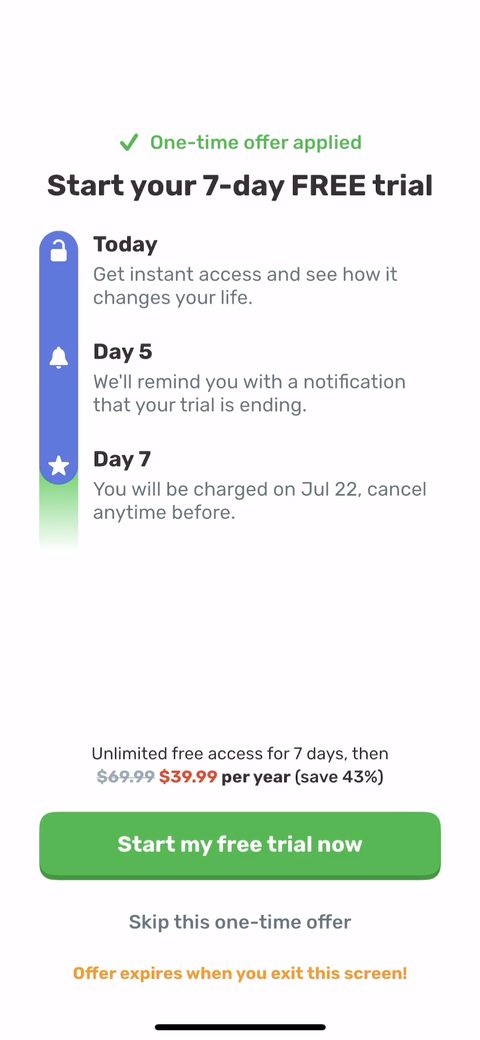 81
81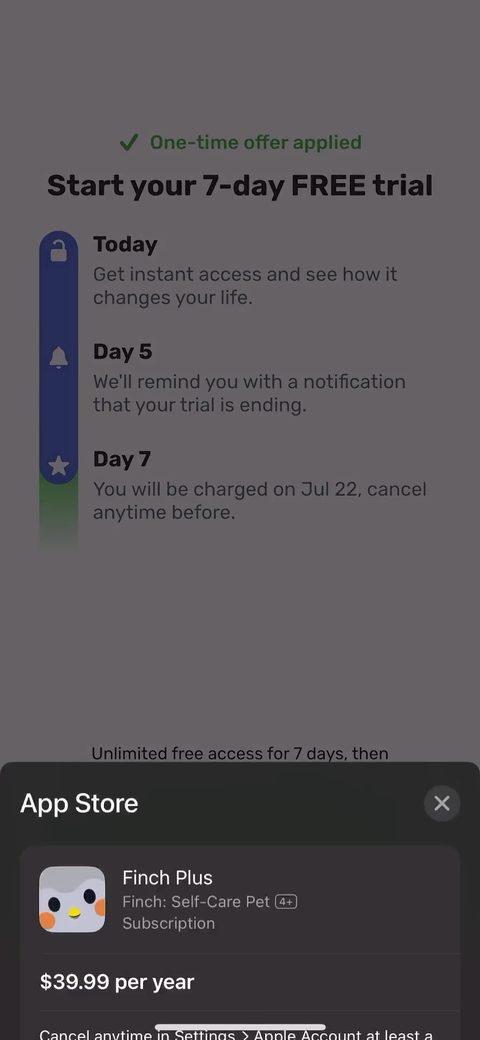 82
82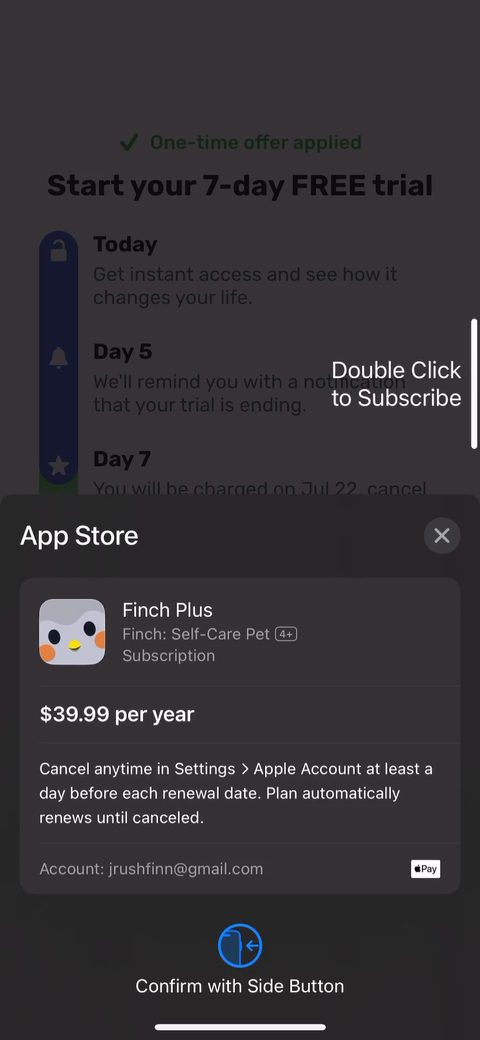 83
83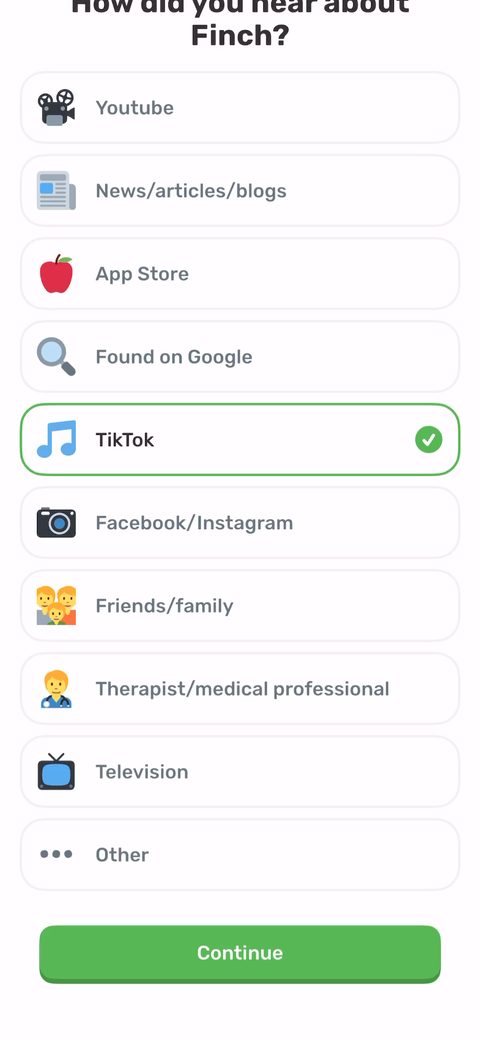 84
84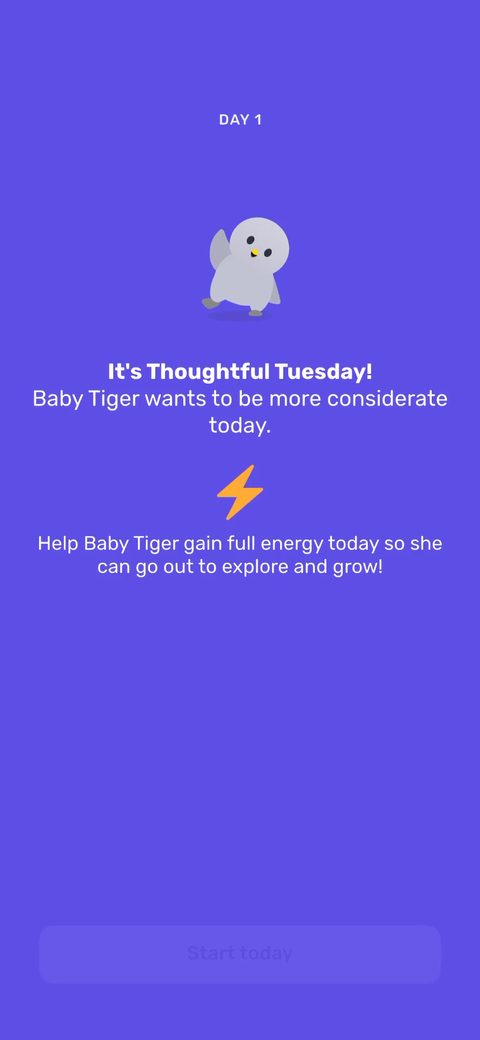 85
85 86
86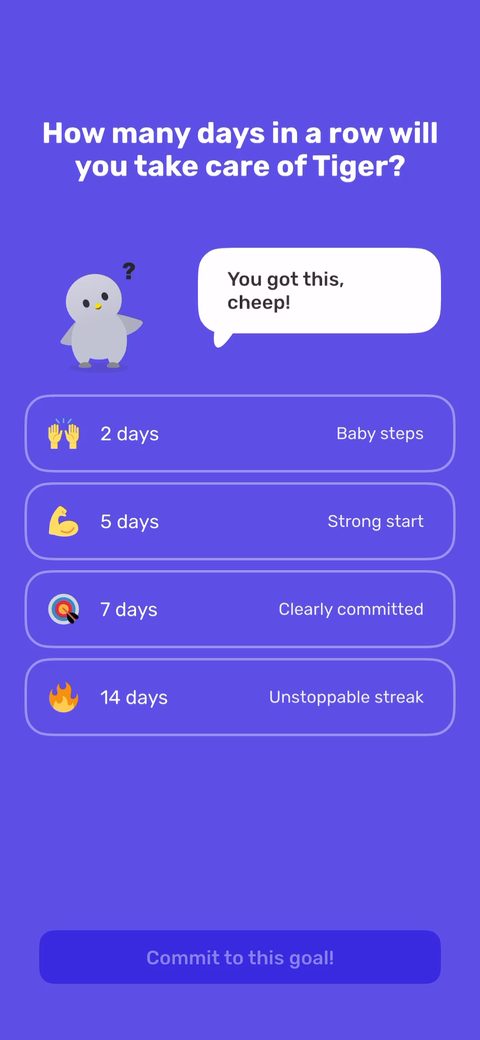 87
87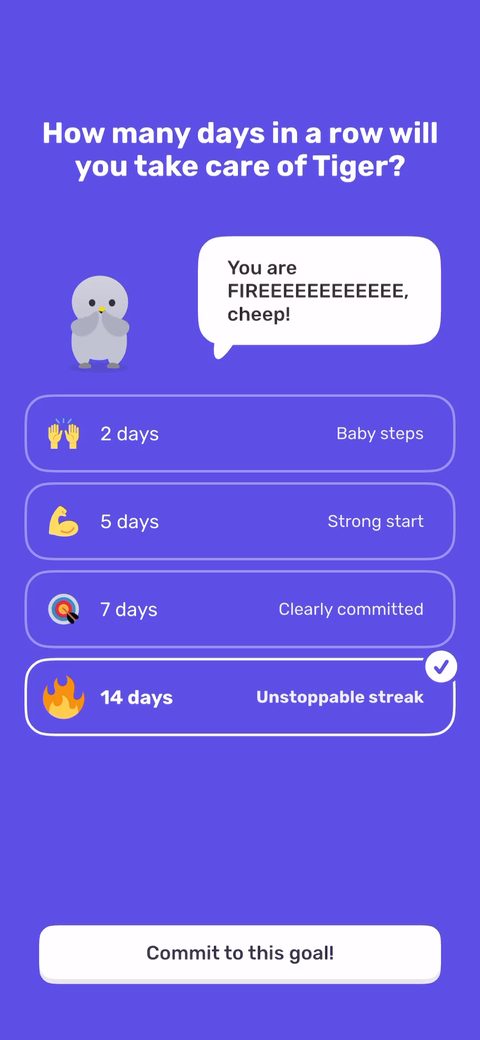 88
88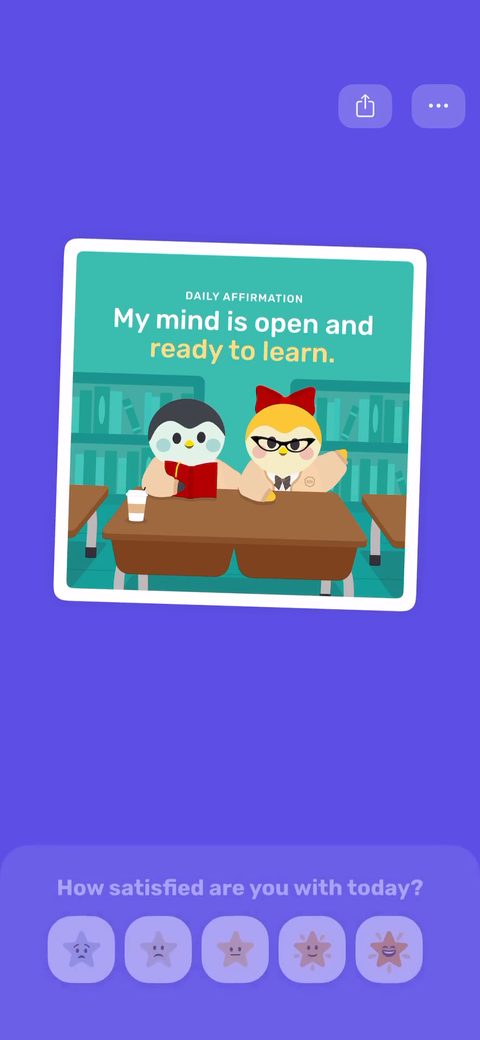 89
89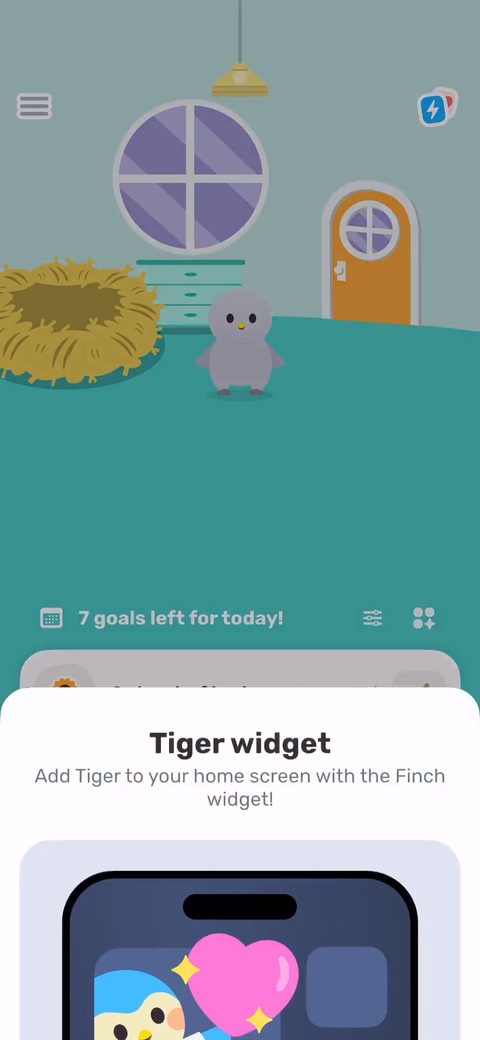 90
90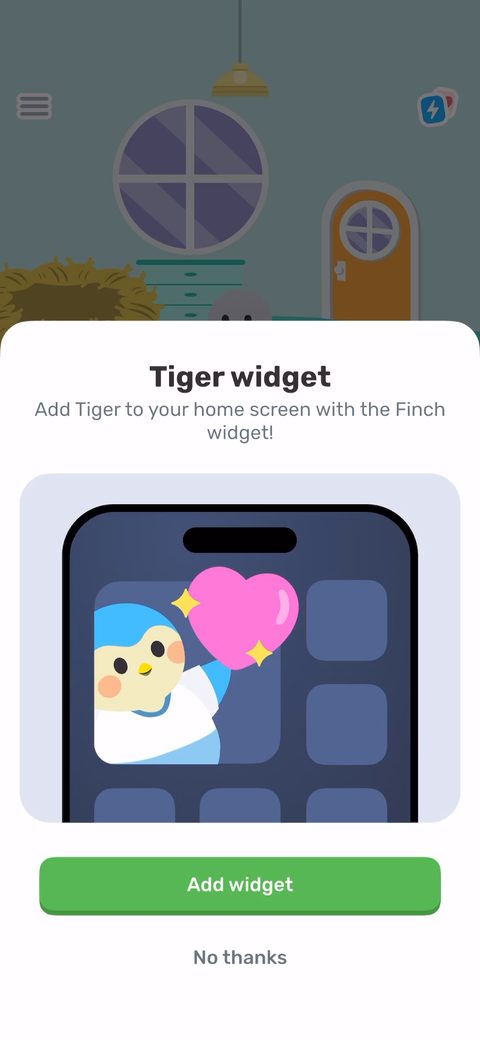 91
91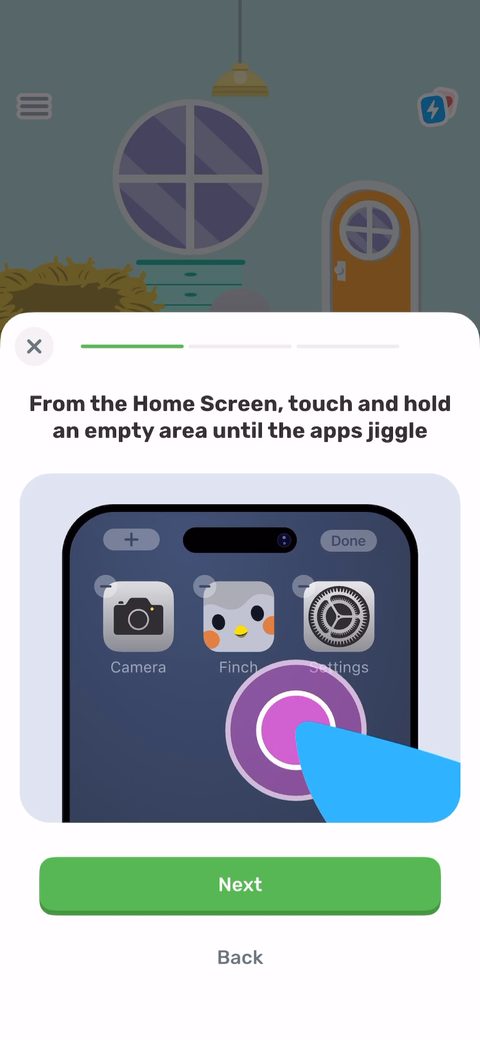 92
92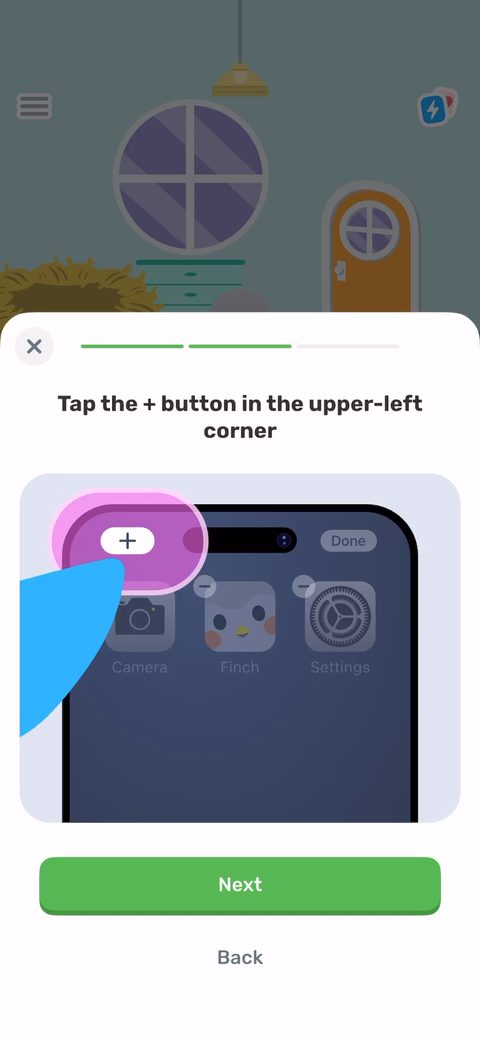 93
93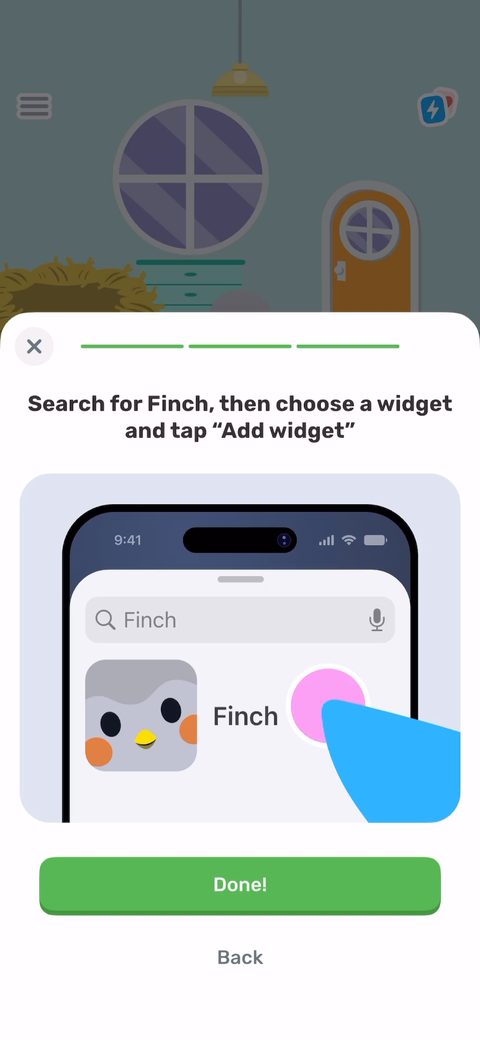 94
94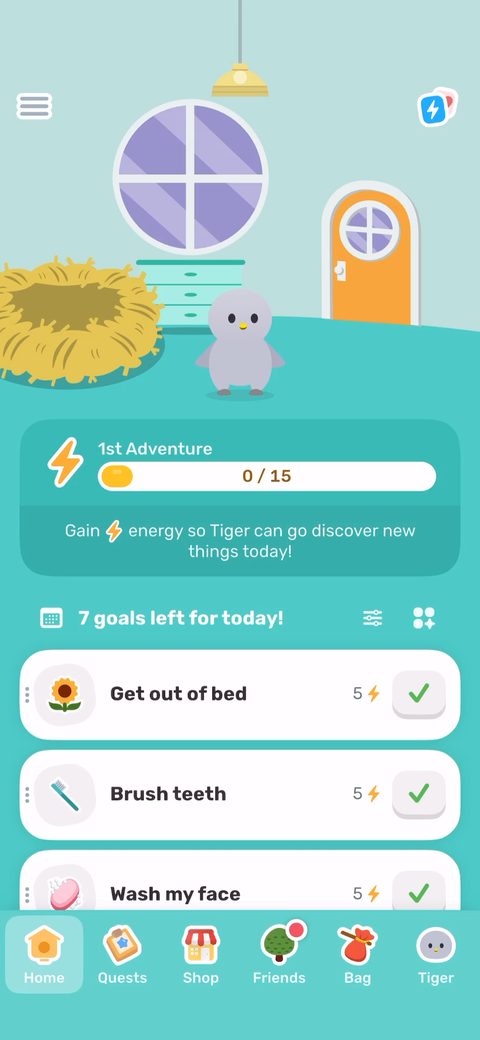 95
95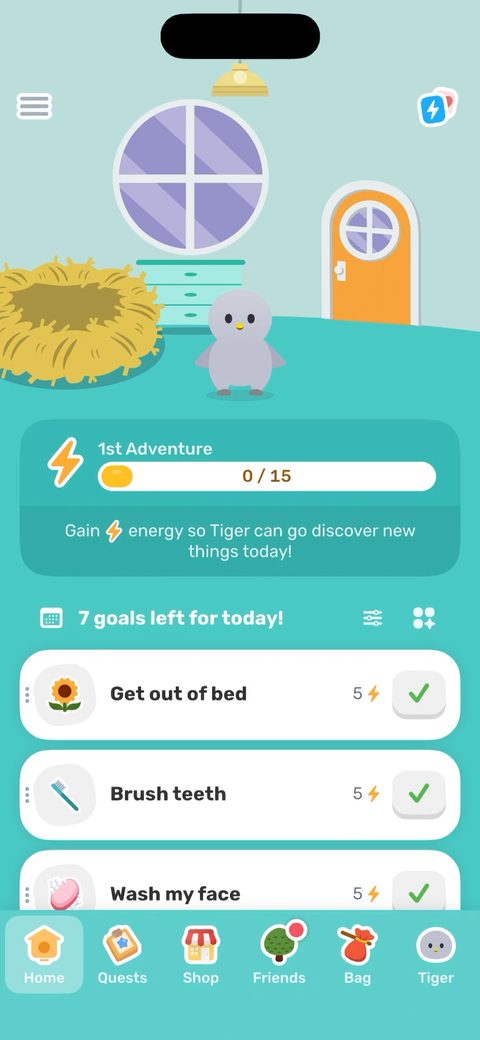 96
96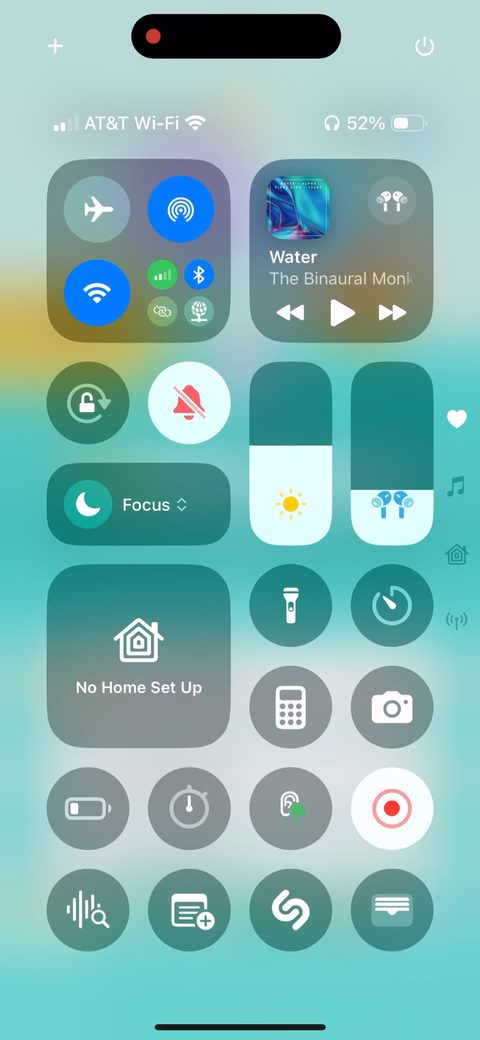 97
97